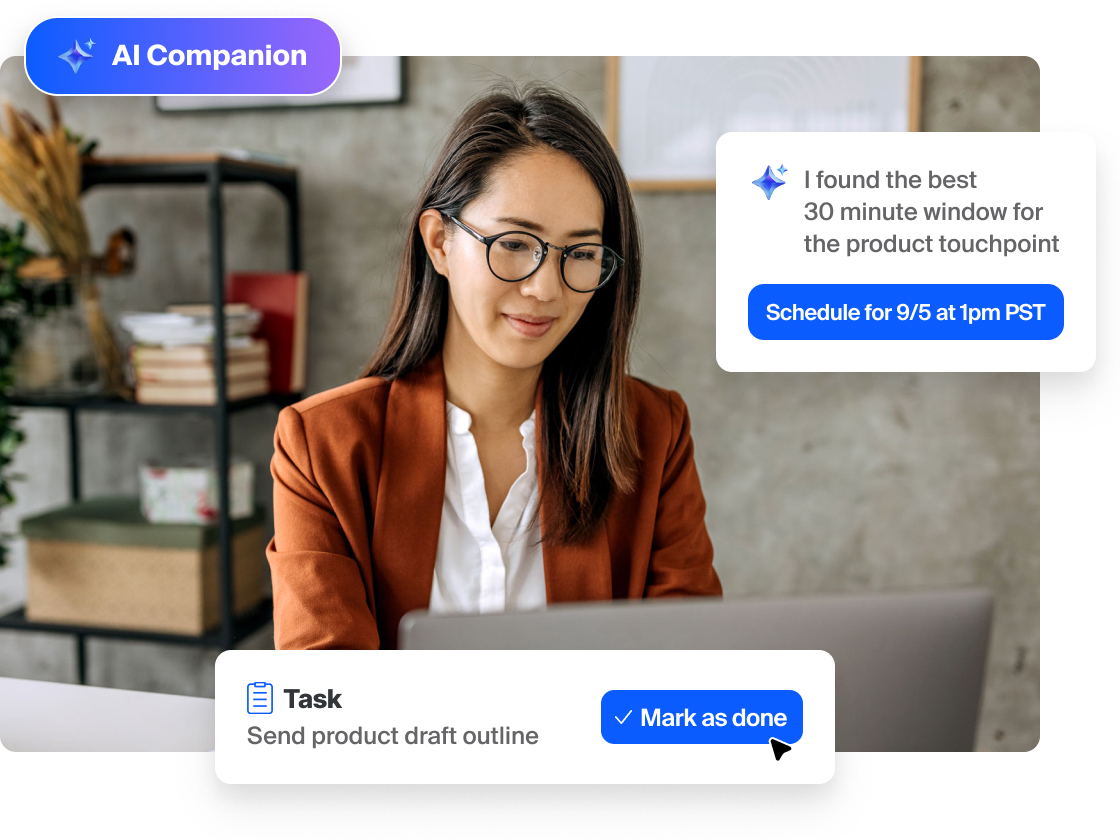
Zoom AI Companion is expanding its reach, becoming a more powerful and personalized assistant that works for you across more platforms and specialized workflows.
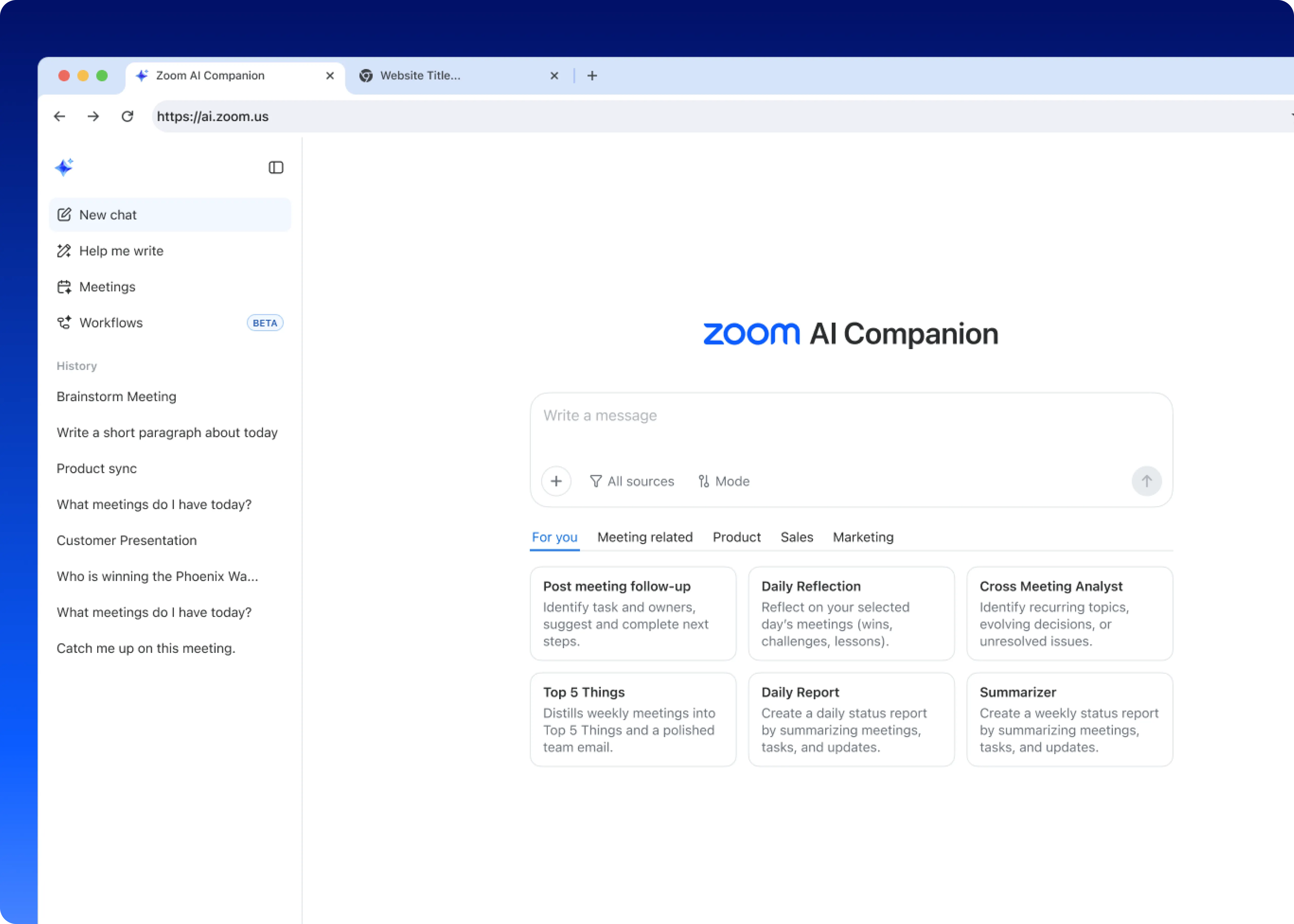
Conversational Work Surface
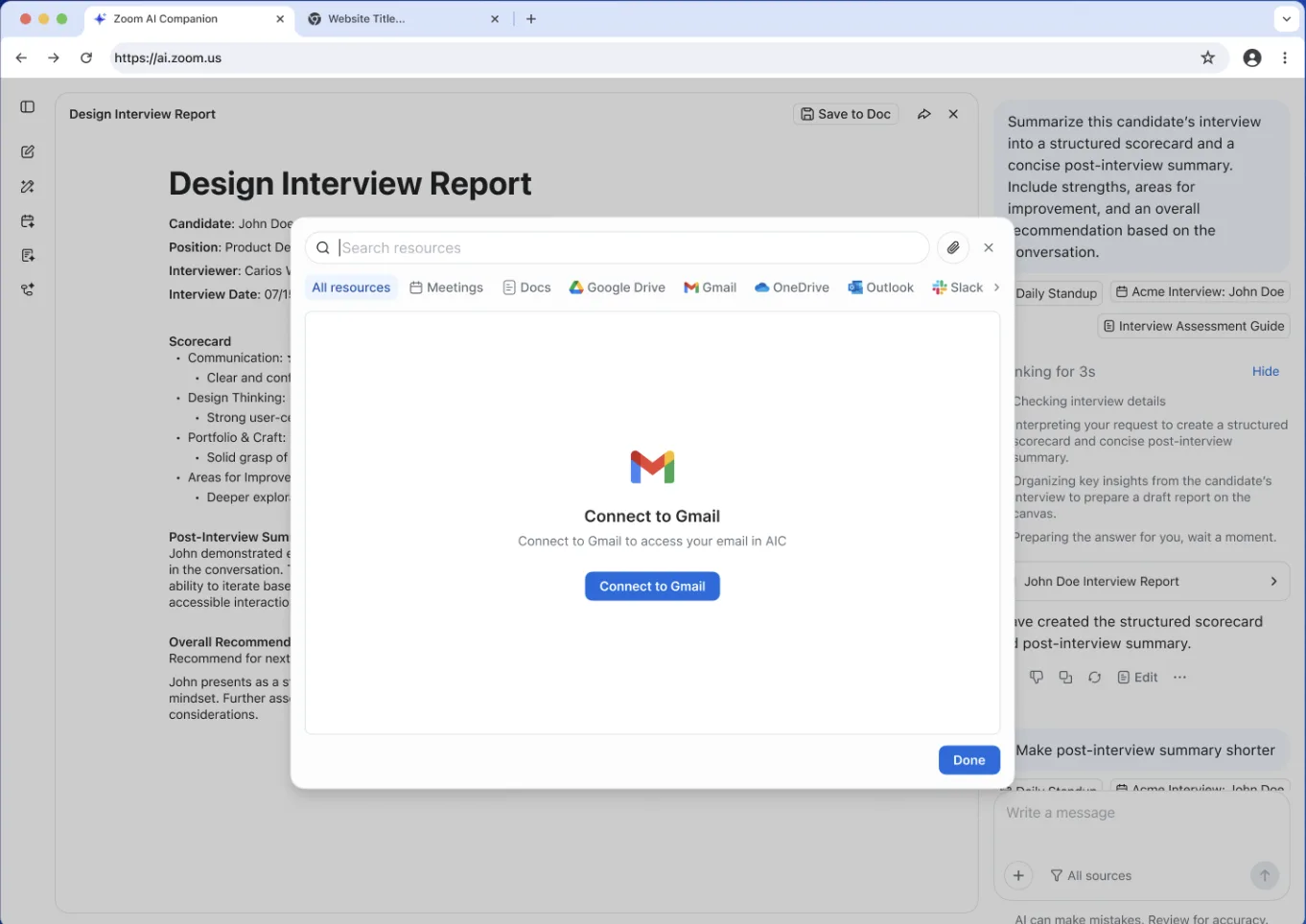
- Interact with a new central hub on the web that integrates Zoom Canvas, meeting insights, and web search into a single workspace.
- This solves complex problems faster by having a dedicated canvas for AI brainstorming and task completion without switching between apps.
Learn more Learn more
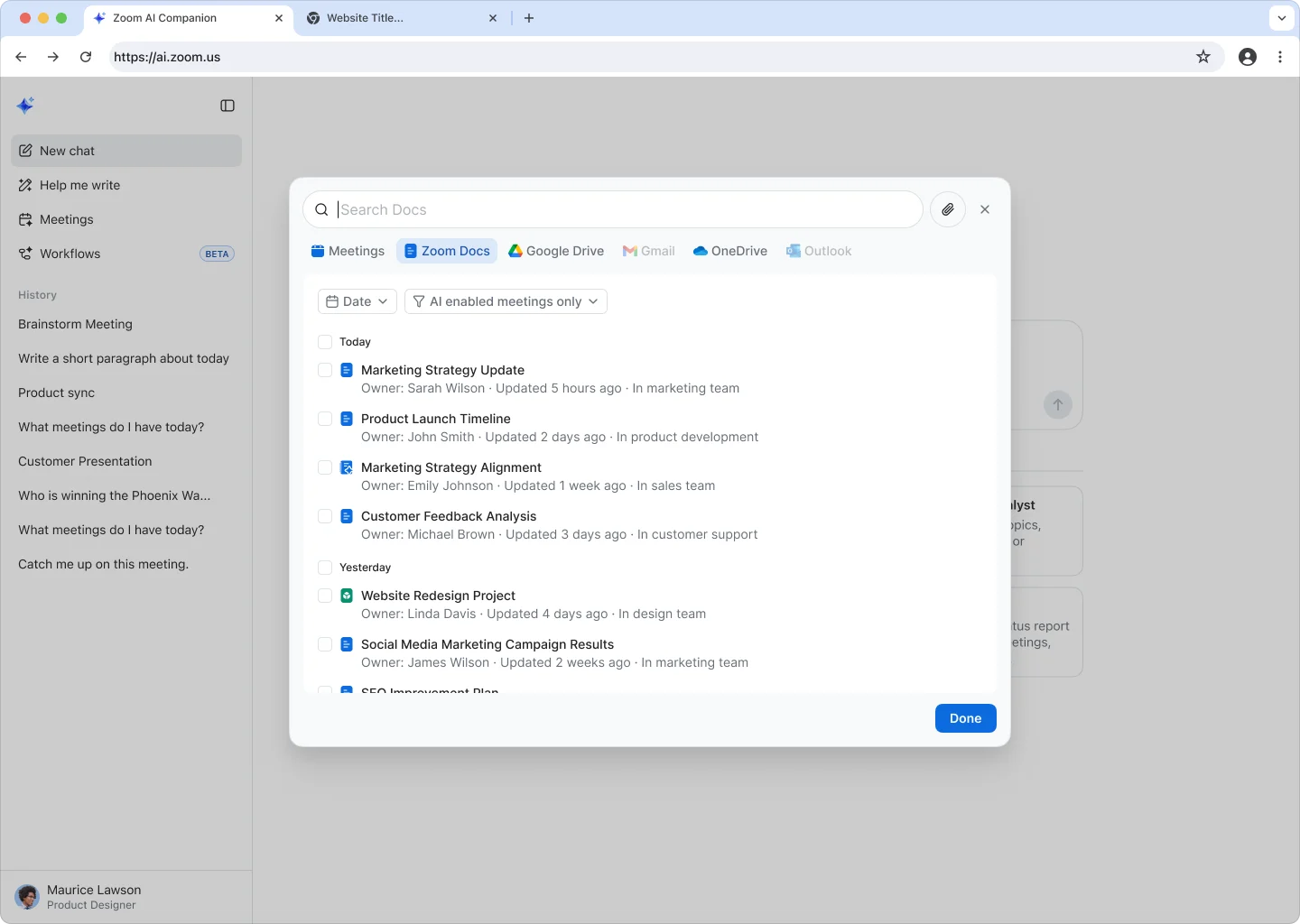
Agentic Retrieval
- Search across Zoom, Google Drive, and Microsoft OneDrive with context-aware intelligence that understands exactly what you need.
- This reduces time spent hunting for files by surfacing the most critical information instantly, regardless of where it lives.
Learn more Learn more
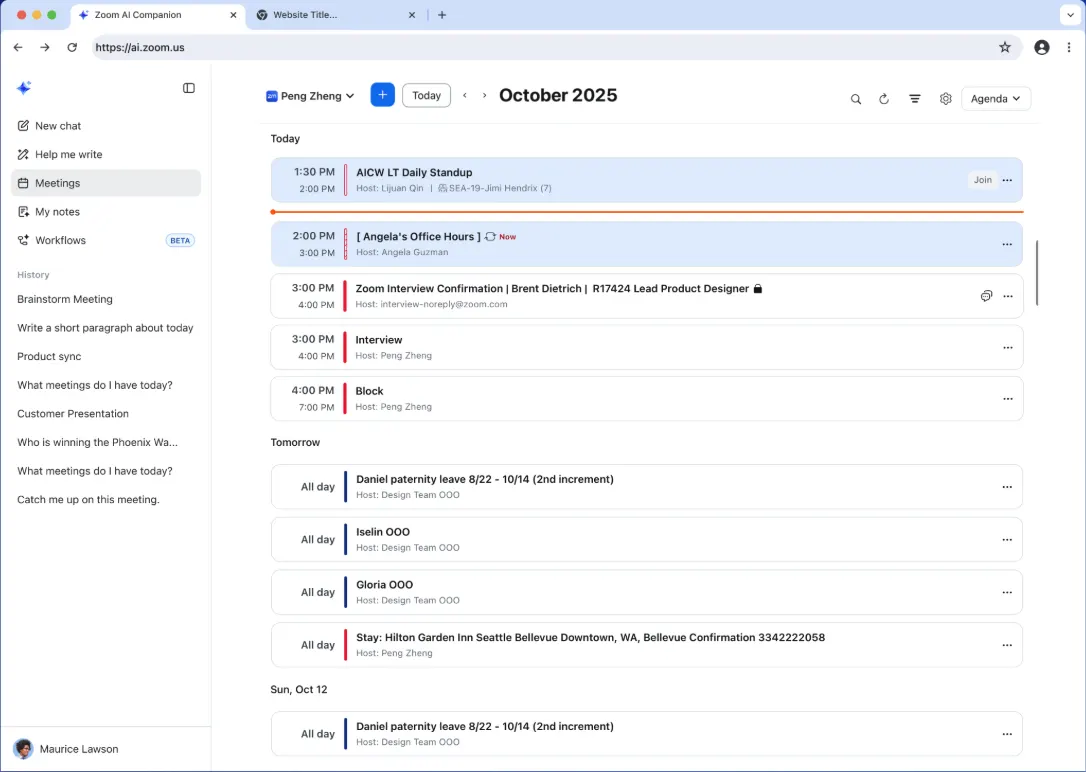
Calendar Integration
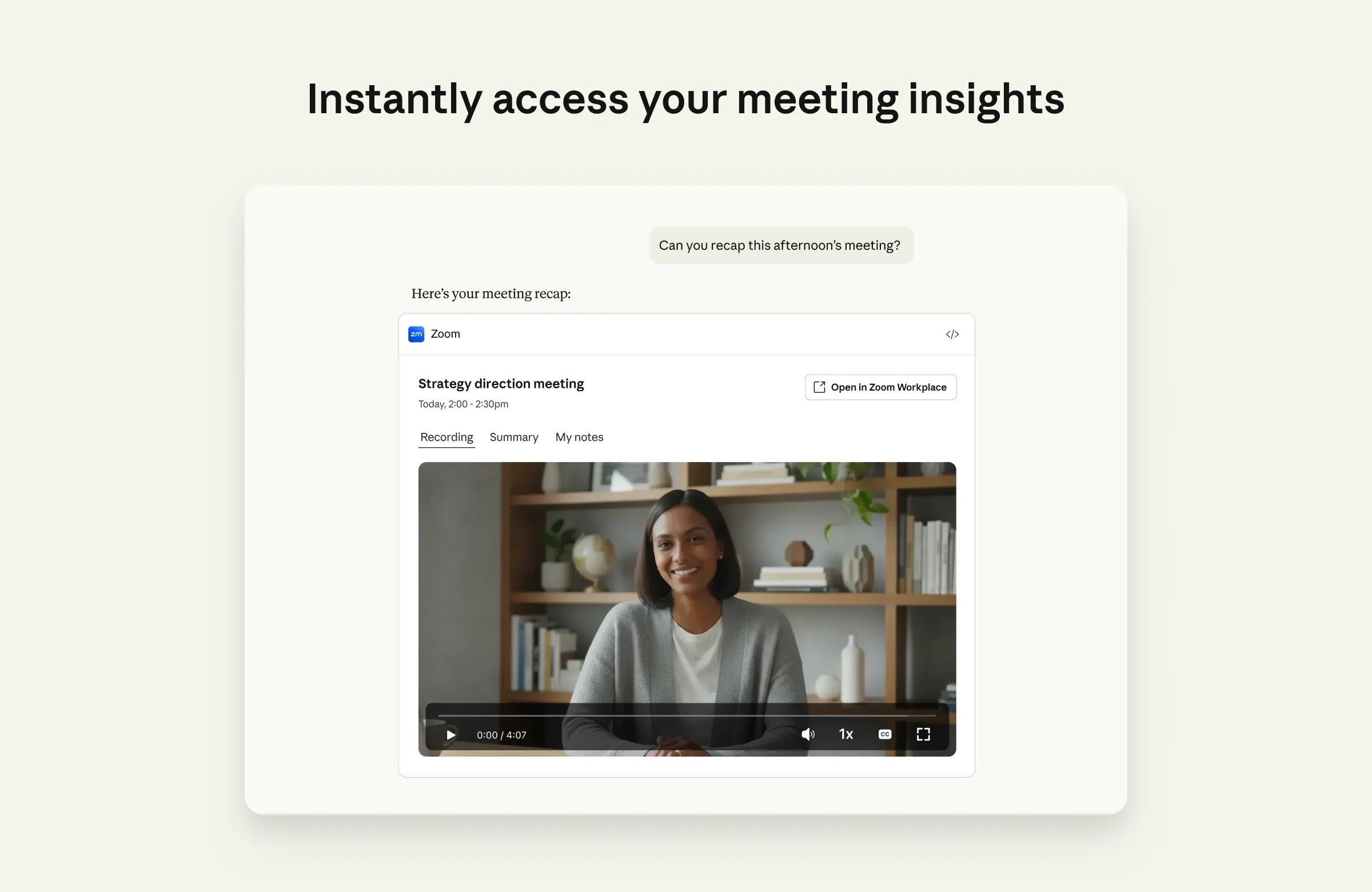
- Join upcoming meetings and access post-meeting assets like summaries and recordings directly from the AI Companion web interface.
- This streamlines your day by centralizing meeting preparation and follow-up in one location, keeping your workflow uninterrupted.
Learn more Learn more
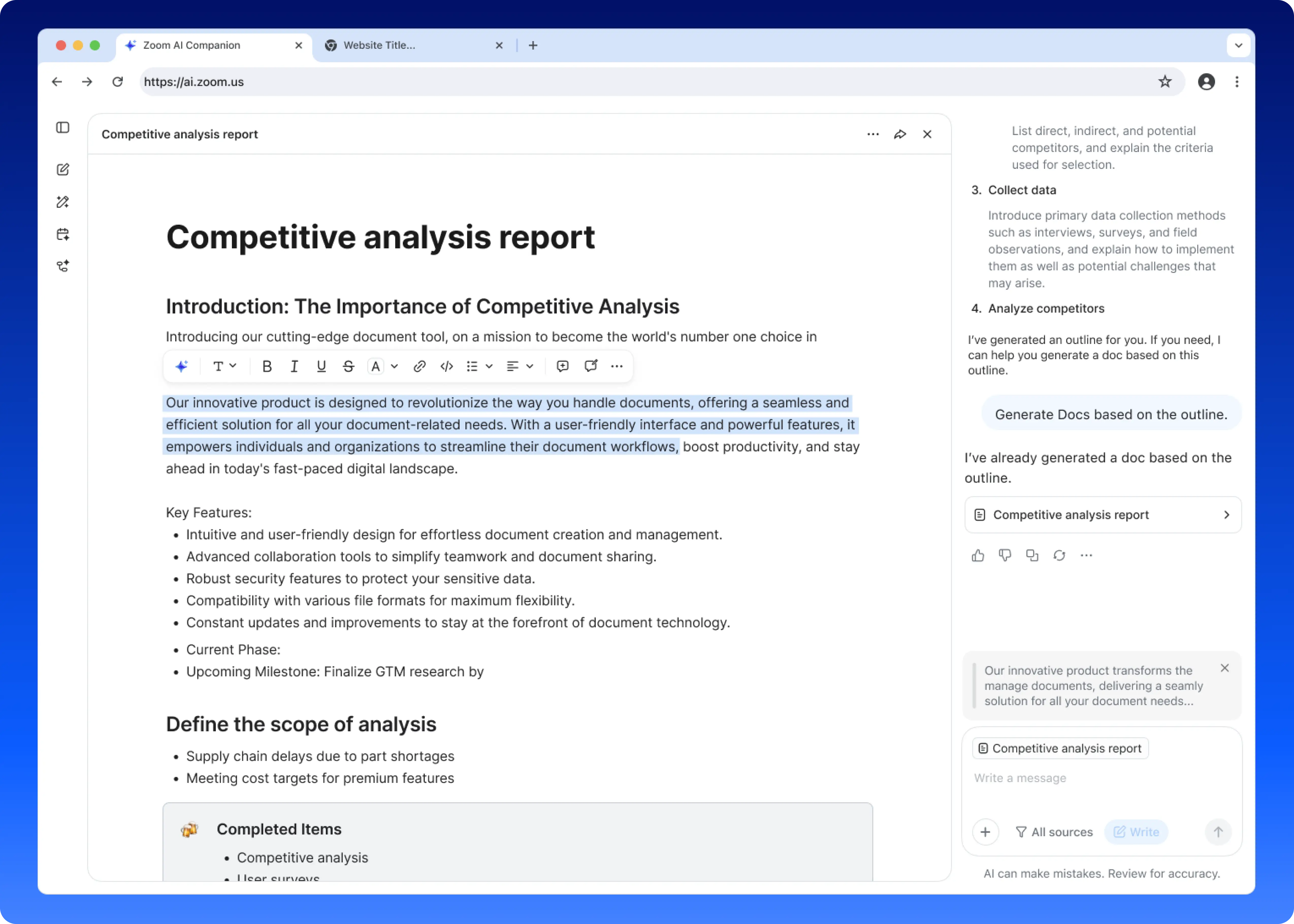
Writing Mode
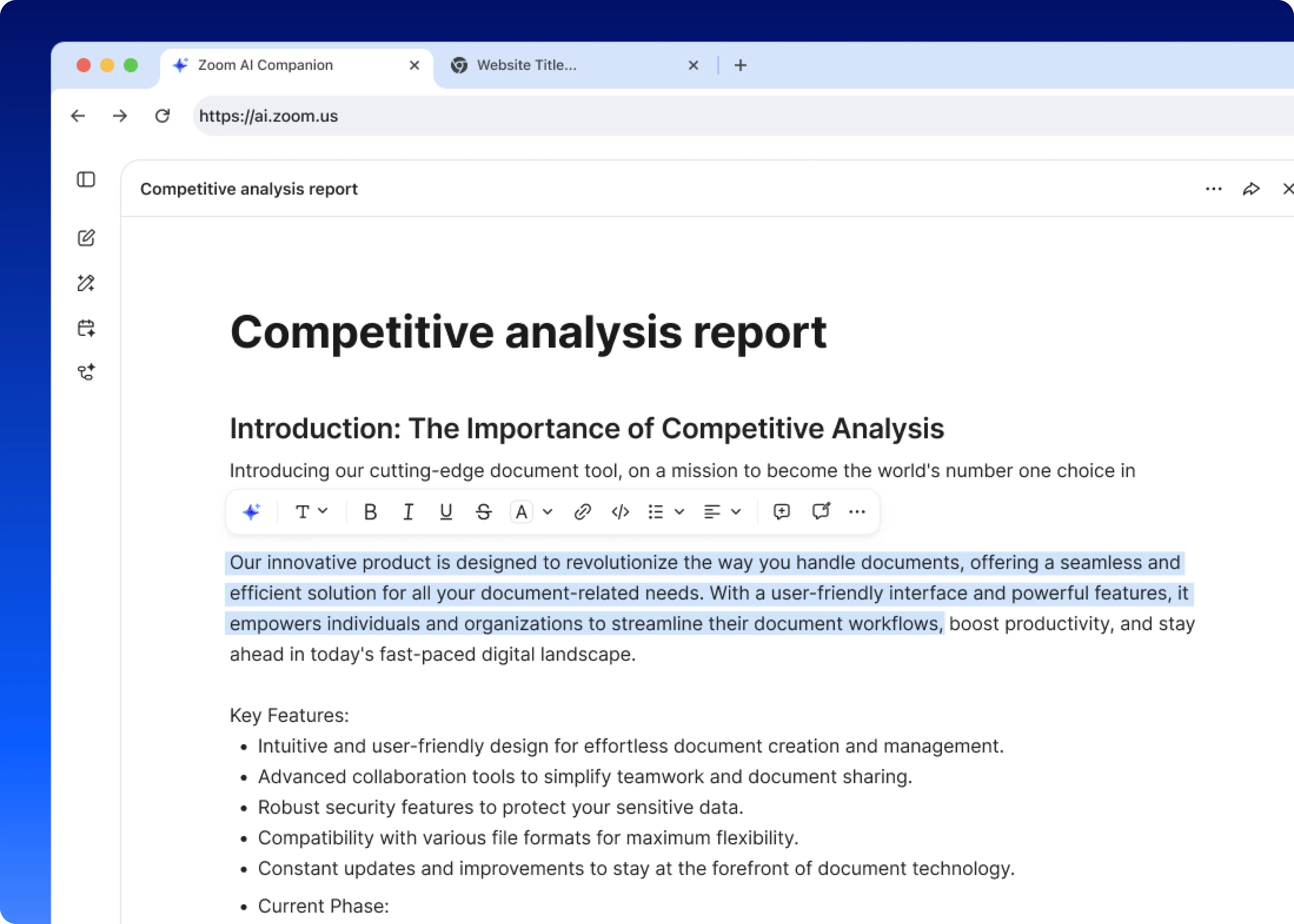
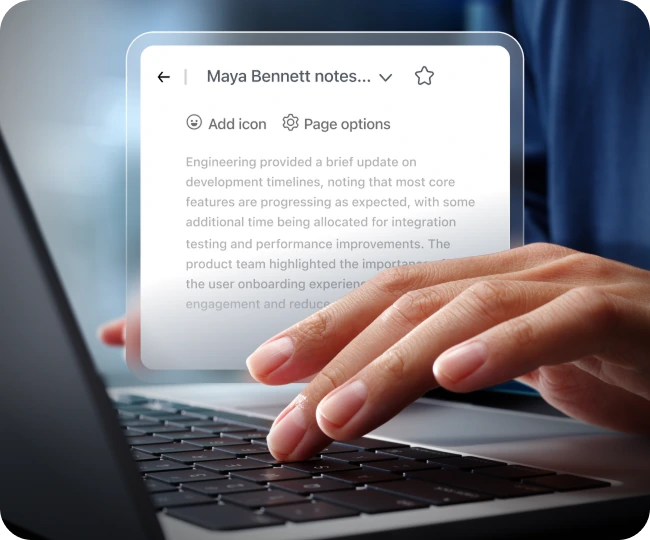
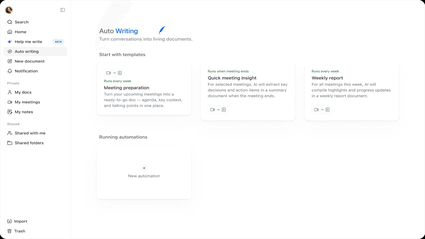
- Draft and refine documents side-by-side with AI, using context from meetings and other docs to generate relevant content.
- This helps you create high-quality deliverables faster by acting as a collaborative partner that helps structure, edit, and polish your work.
Learn more Learn more
Deep Research Mode
- Generate comprehensive reports by analyzing multiple documents, meetings, and web sources to synthesize complex topics. Available only with a Custom AI Companion license.
- This allows you to gain deep insights quickly without manually sifting through mountains of data, perfect for strategic planning and market analysis.
Learn more Learn more
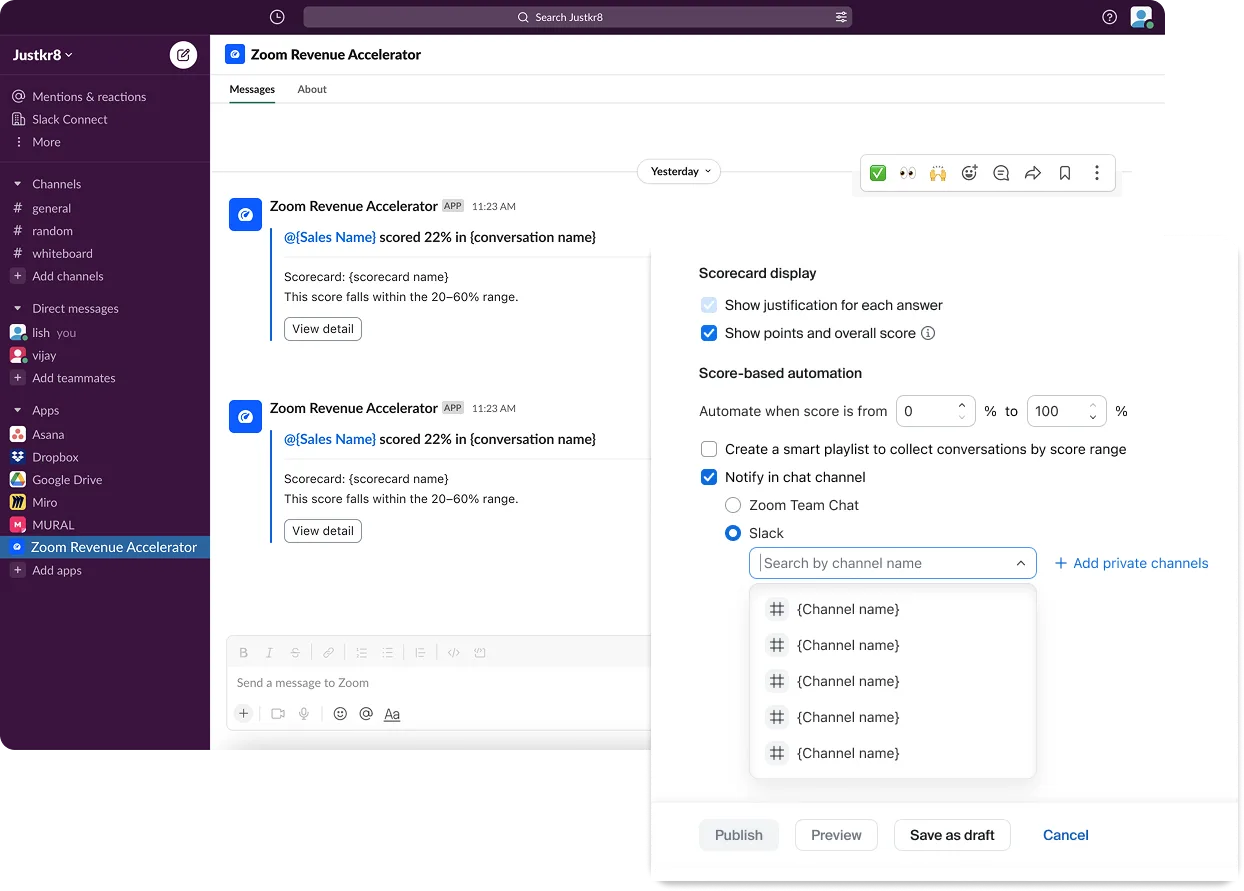
AI Companion in Slack
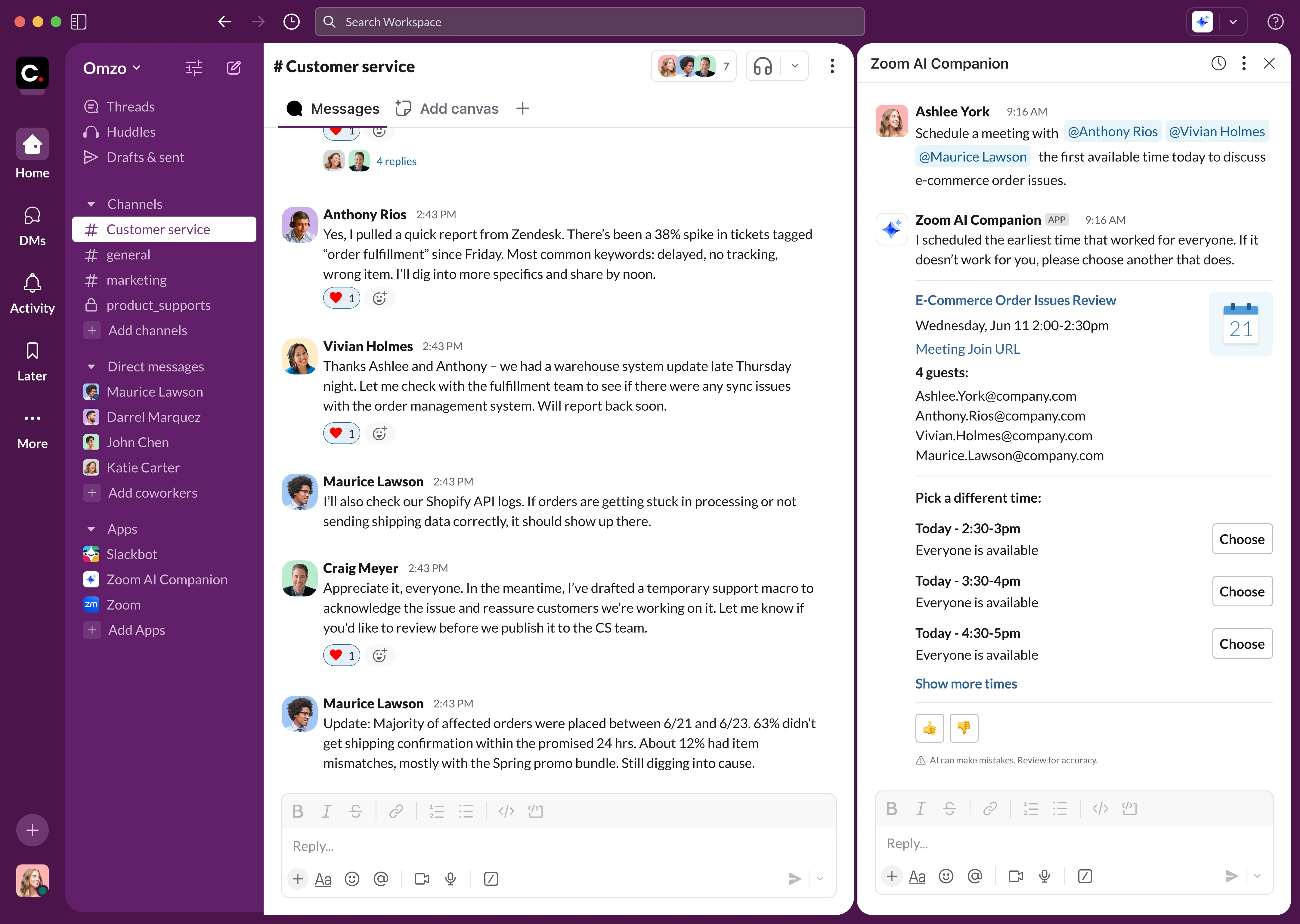
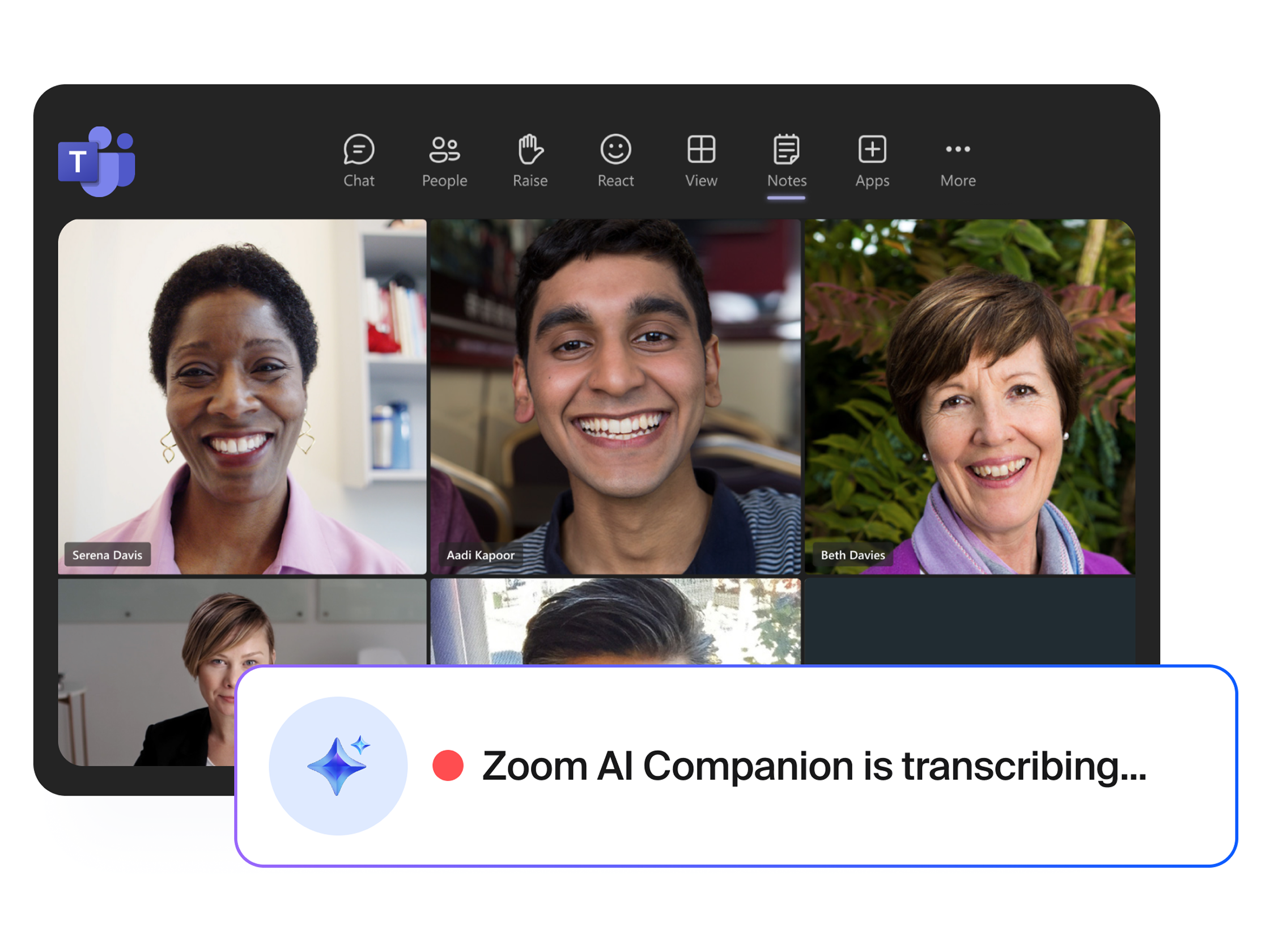
- Bring the power of AI Companion directly into your Slack experience through a convenient side-panel app (requires Custom AI Companion paid add-on).
- Streamline routine workflows and get fast insights from your Zoom Meetings, Zoom Phone calls, Slack messages, and more.
Learn more Learn more
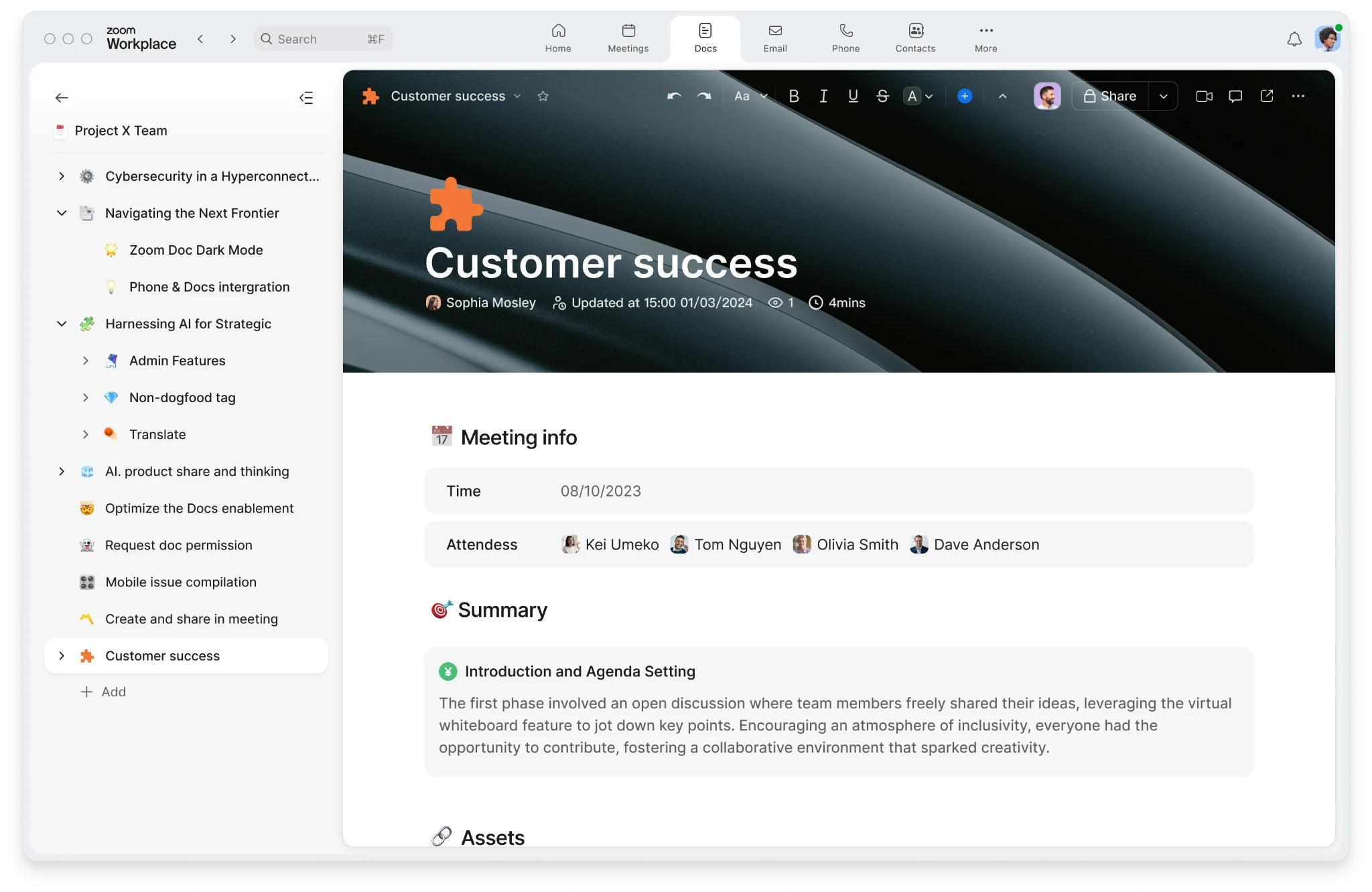
Zoom Workplace
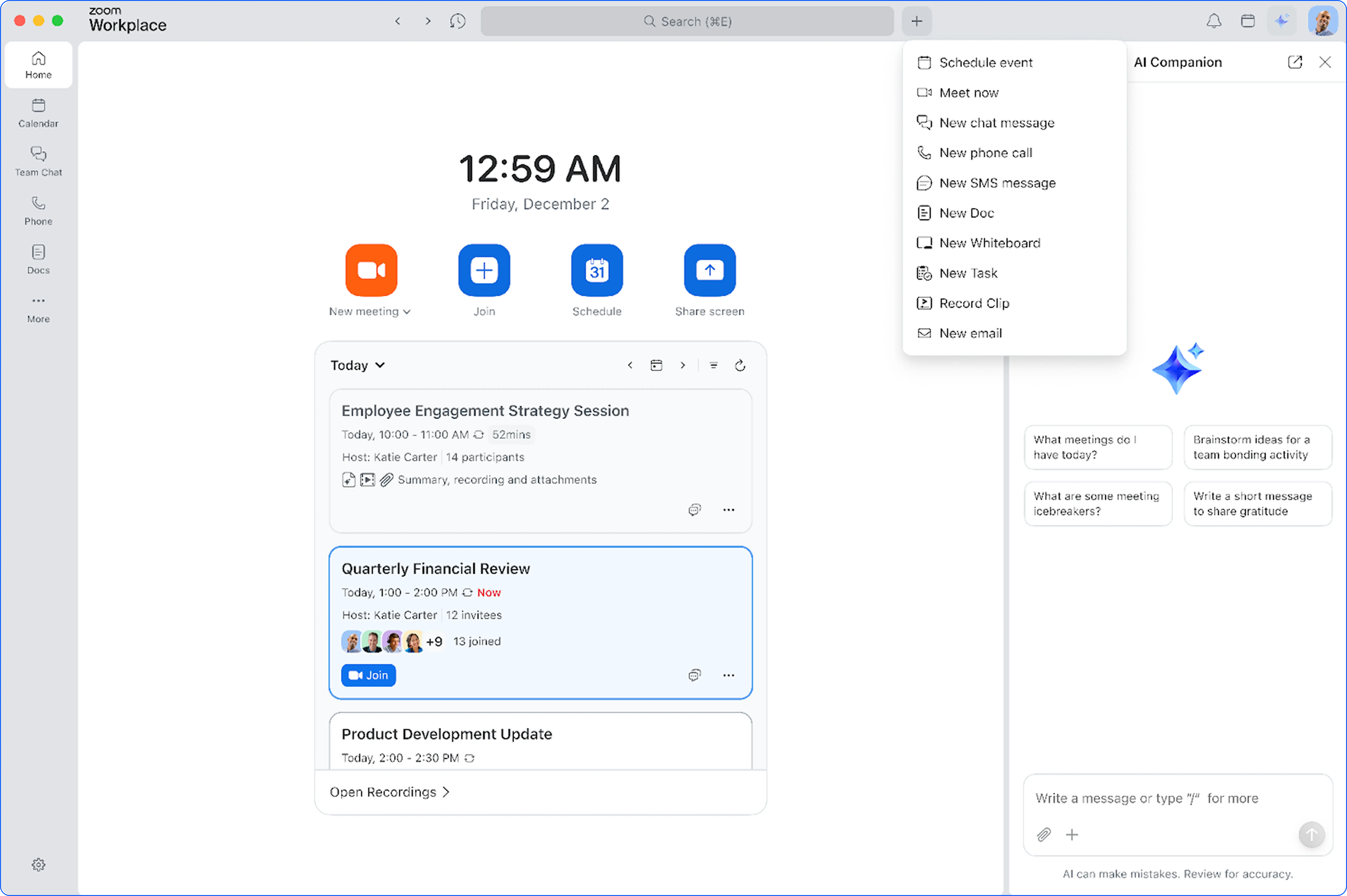
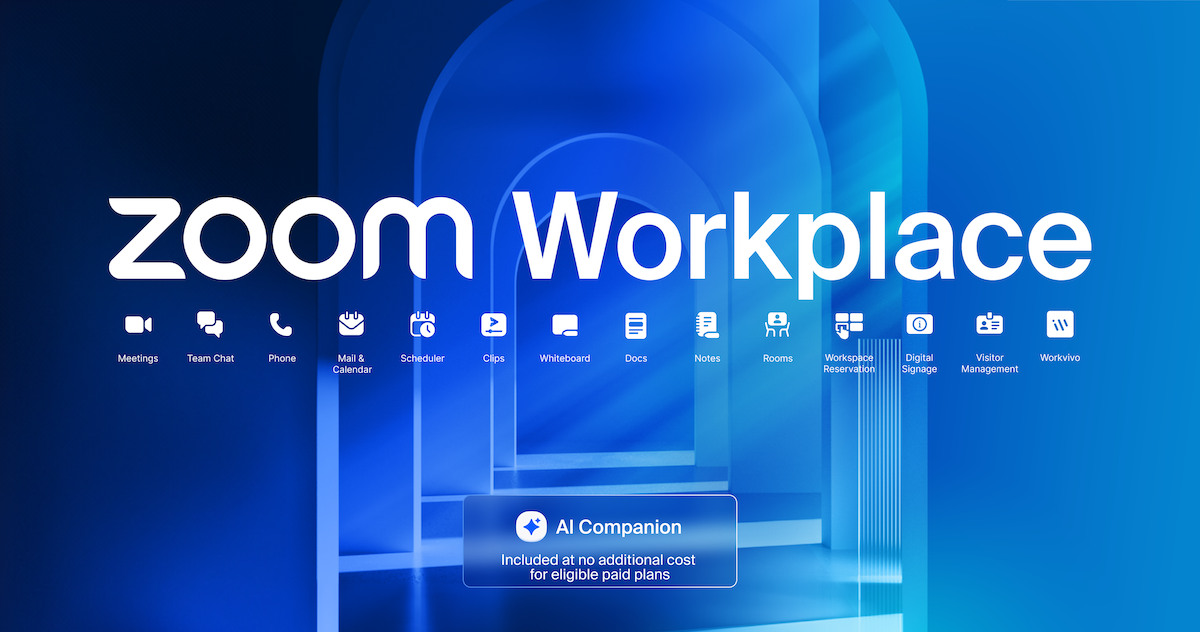
Zoom Workplace is designed to reduce friction and simplify your work day, whether you're in a meeting or catching up later.
Simplified UI for Zoom Workplace
- Zoom Workplace app: A refreshed, simplified look makes it easier to navigate, switch between tabs, and maintain control of the layout.
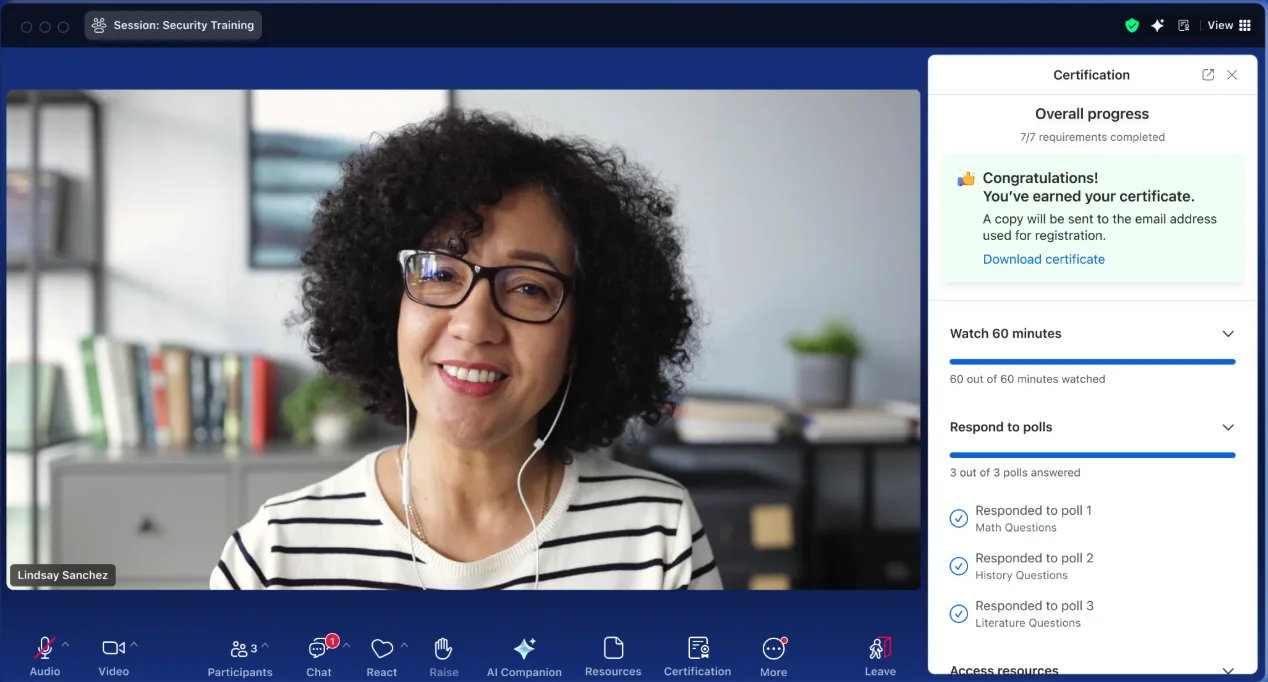
- Zoom Meetings: An enhanced, streamlined in-meeting experience with a simplified toolbar, consolidated user settings, and organized host tools, helps users access and personalize experiences across mobile and desktop.
- Zoom Chat: A refreshed, cleaner design that’s consistent across desktop, mobile, and web, making it easier than ever to stay connected and organized.
Learn more Learn more
Hub Auto-Enabled
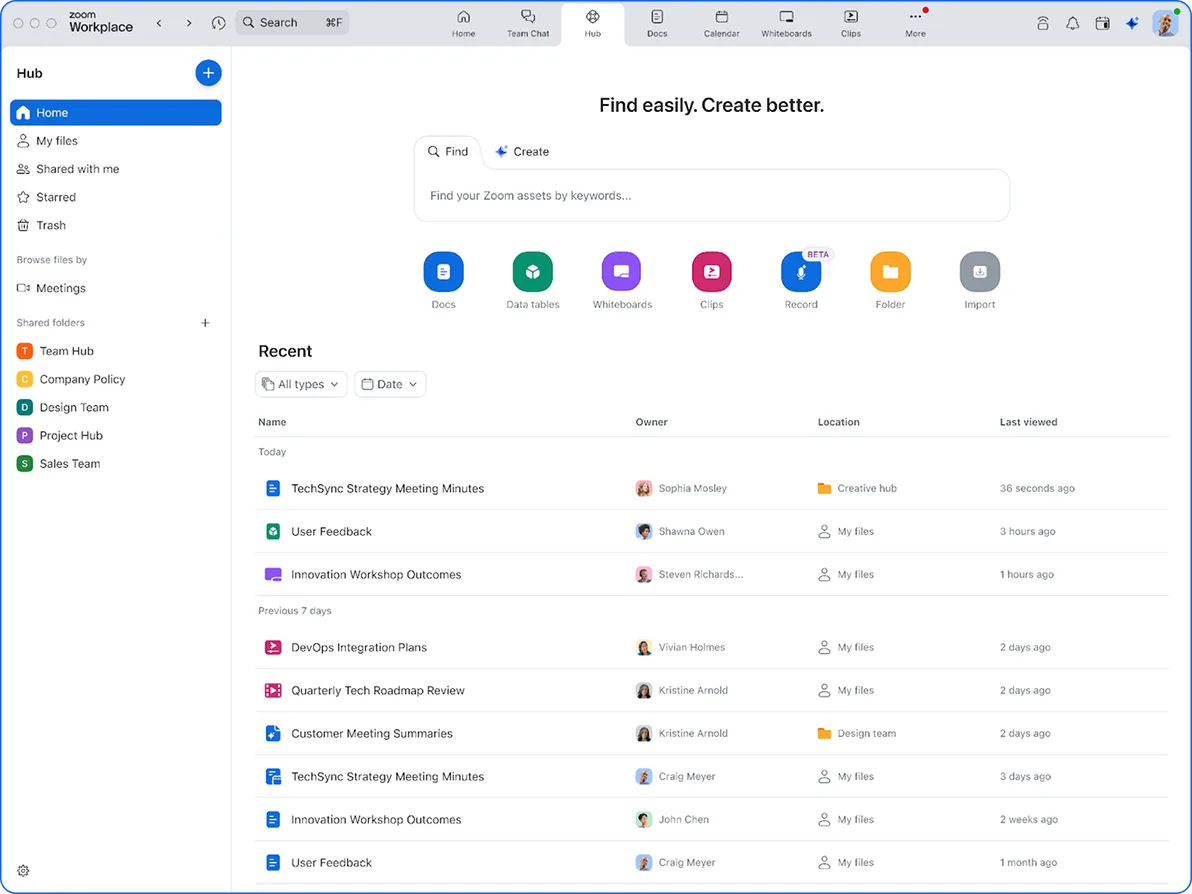
- A single, easy-to-navigate place for accessing and managing content across Zoom Workplace will now be enabled by default for online users (expected to expand to all other users in February 2026) serving as a new home base for work.
- AI Companion capabilities allow users to quickly gather insights, pull information from Zoom files and third parties assets, and generate new content
Learn more Learn more
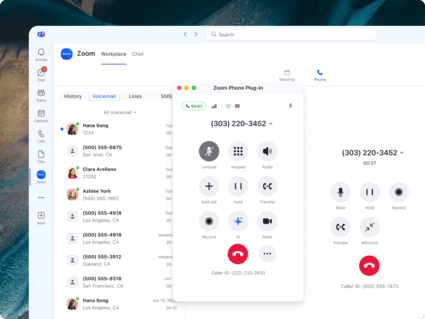
Automatic Task Creation for Zoom Phone
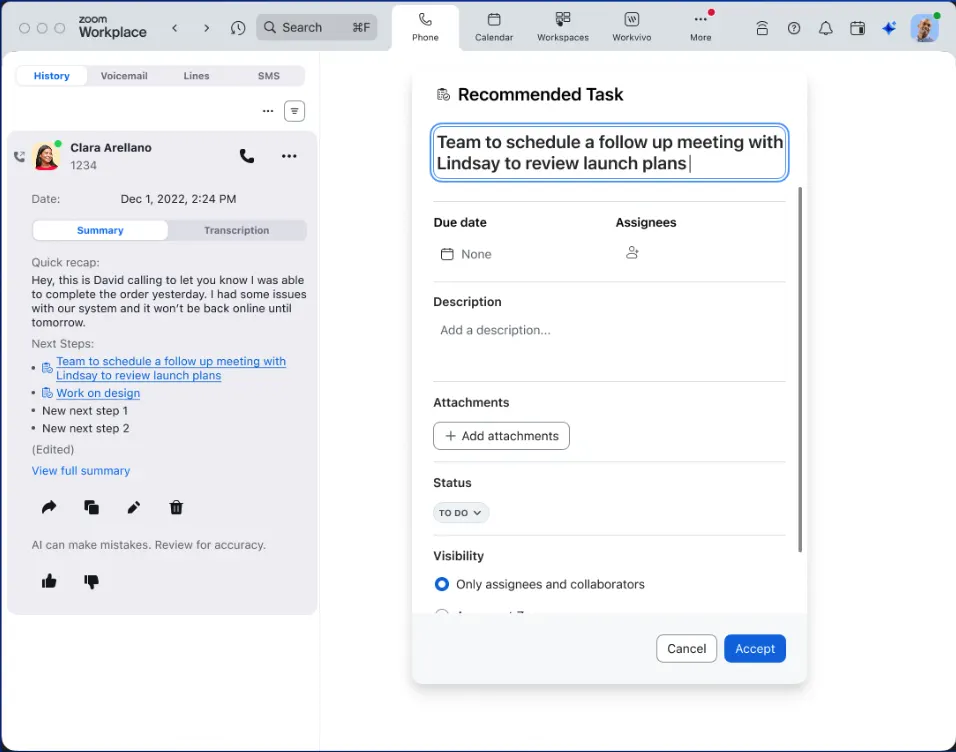
- Automatically convert action items from call summaries and voicemails into Zoom Tasks, assigning owners and deadlines without lifting a finger.
- This ensures critical follow-ups aren't lost in your call history, driving accountability and allowing teams to focus on taking action immediately rather than administrative tracking.
Learn more
Productivity
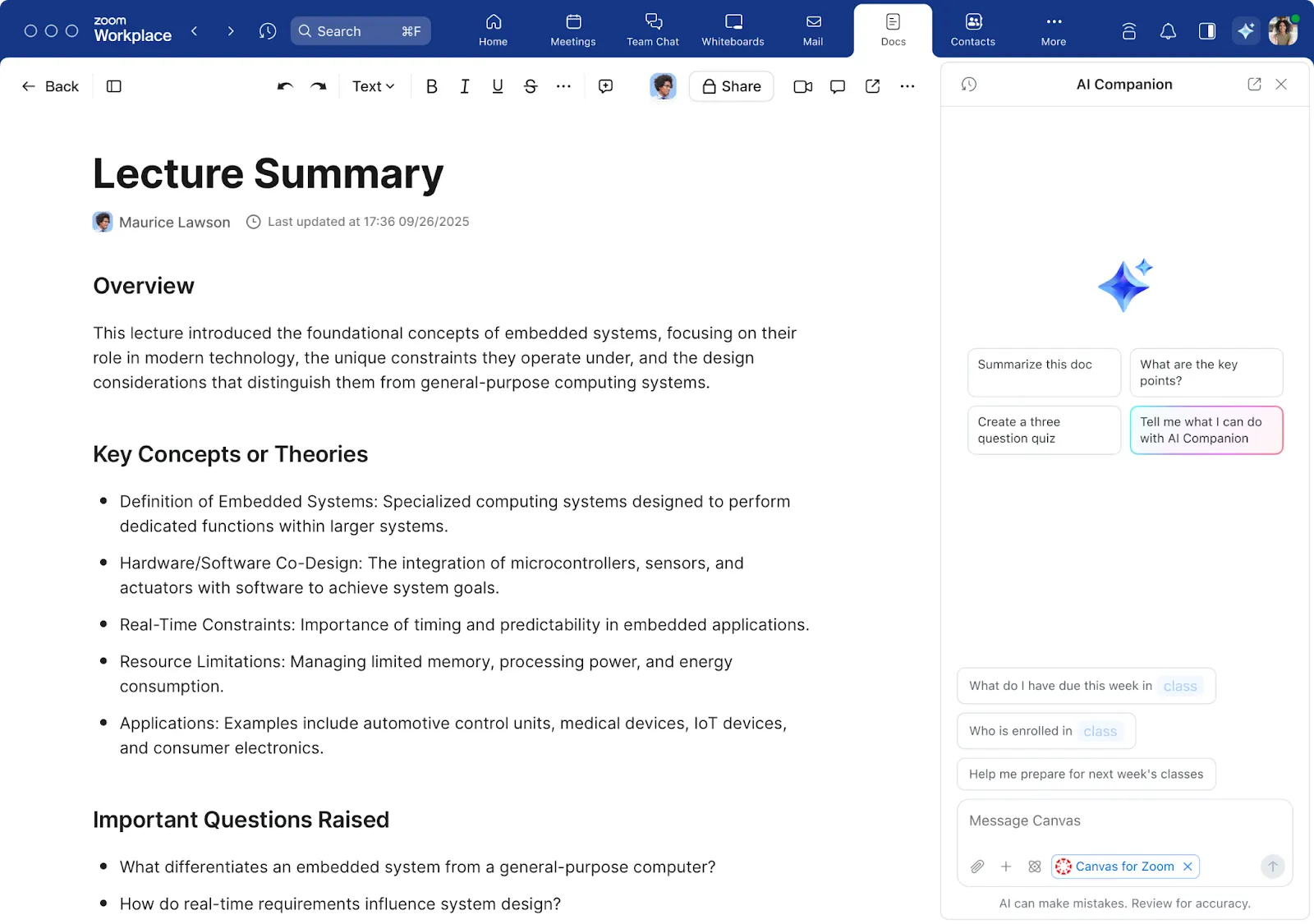
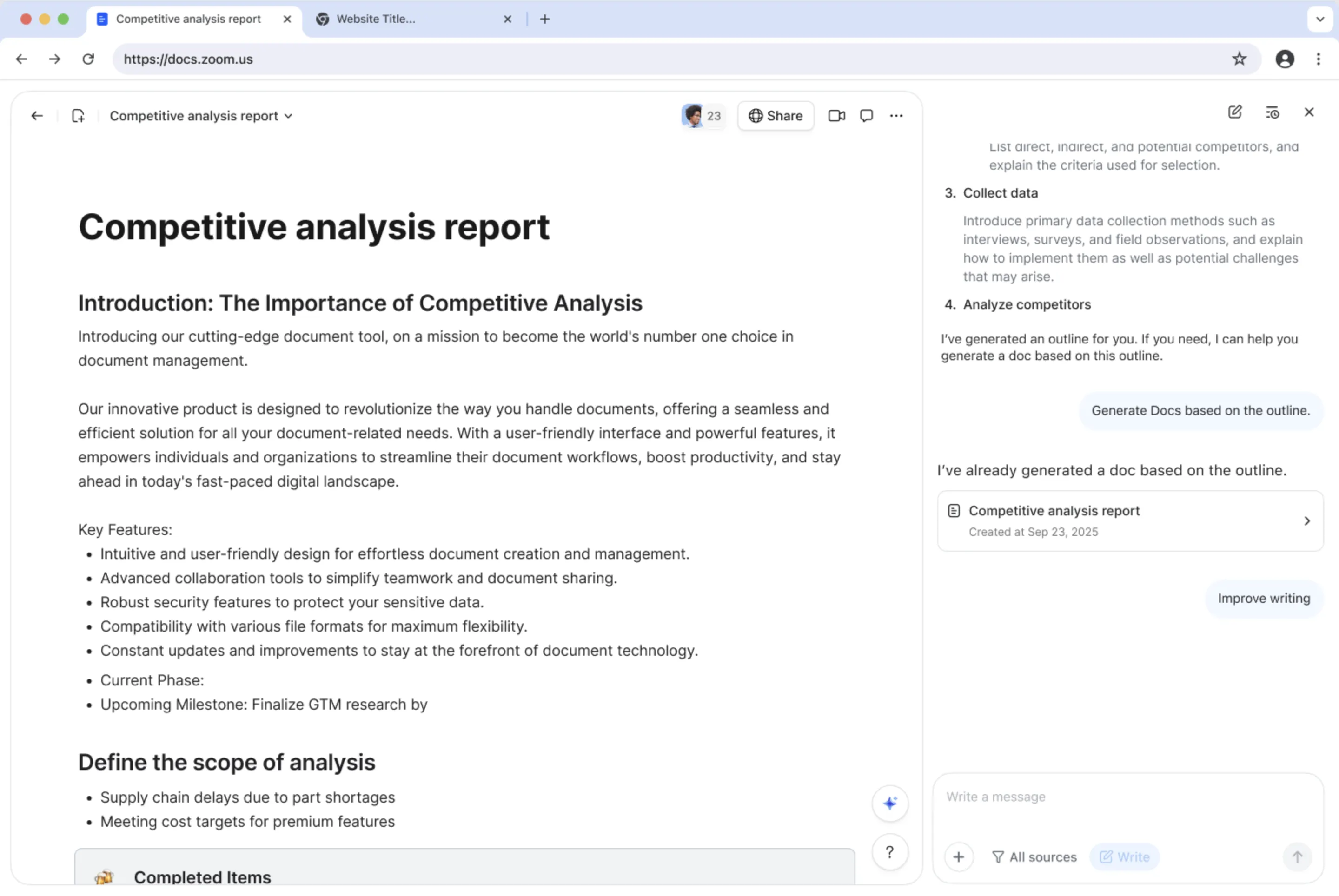
AI Companion 3.0 in Zoom Canvas
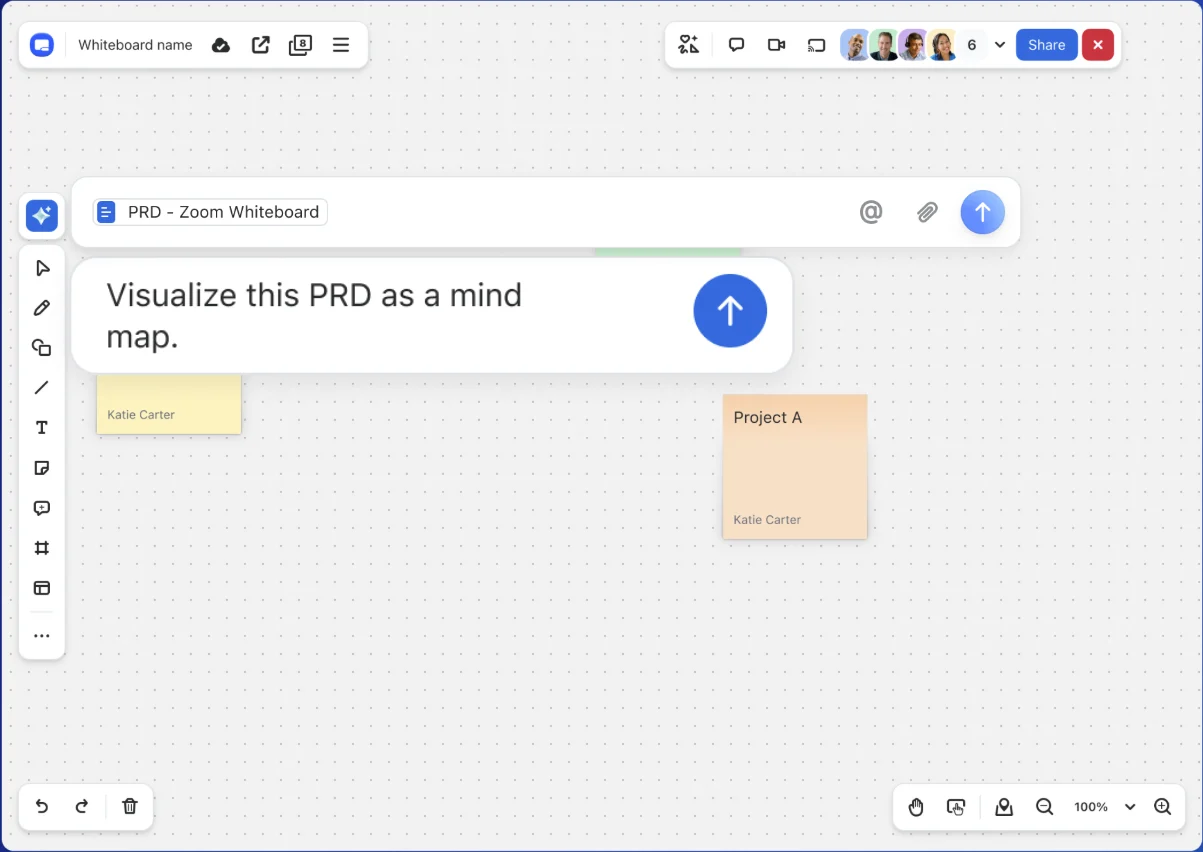
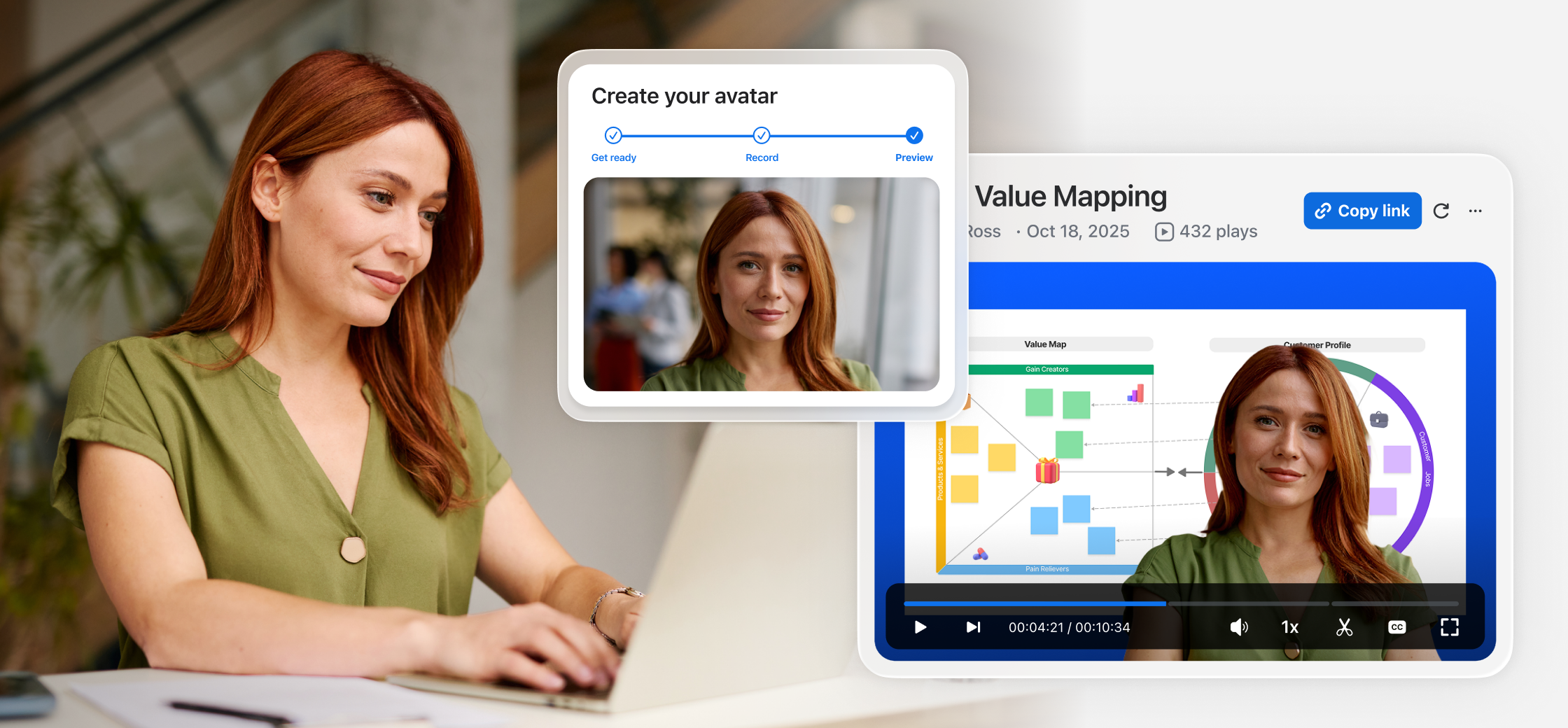
- Jumpstart document creation with the same conversational intelligence found on the web surface, using Writing Mode to co-create content and Deep Research Mode to generate comprehensive reports.
- This saves time on drafting and refining content, allowing you to easily export documents into multiple formats and collaborate with colleagues more efficiently.
Learn more Learn more
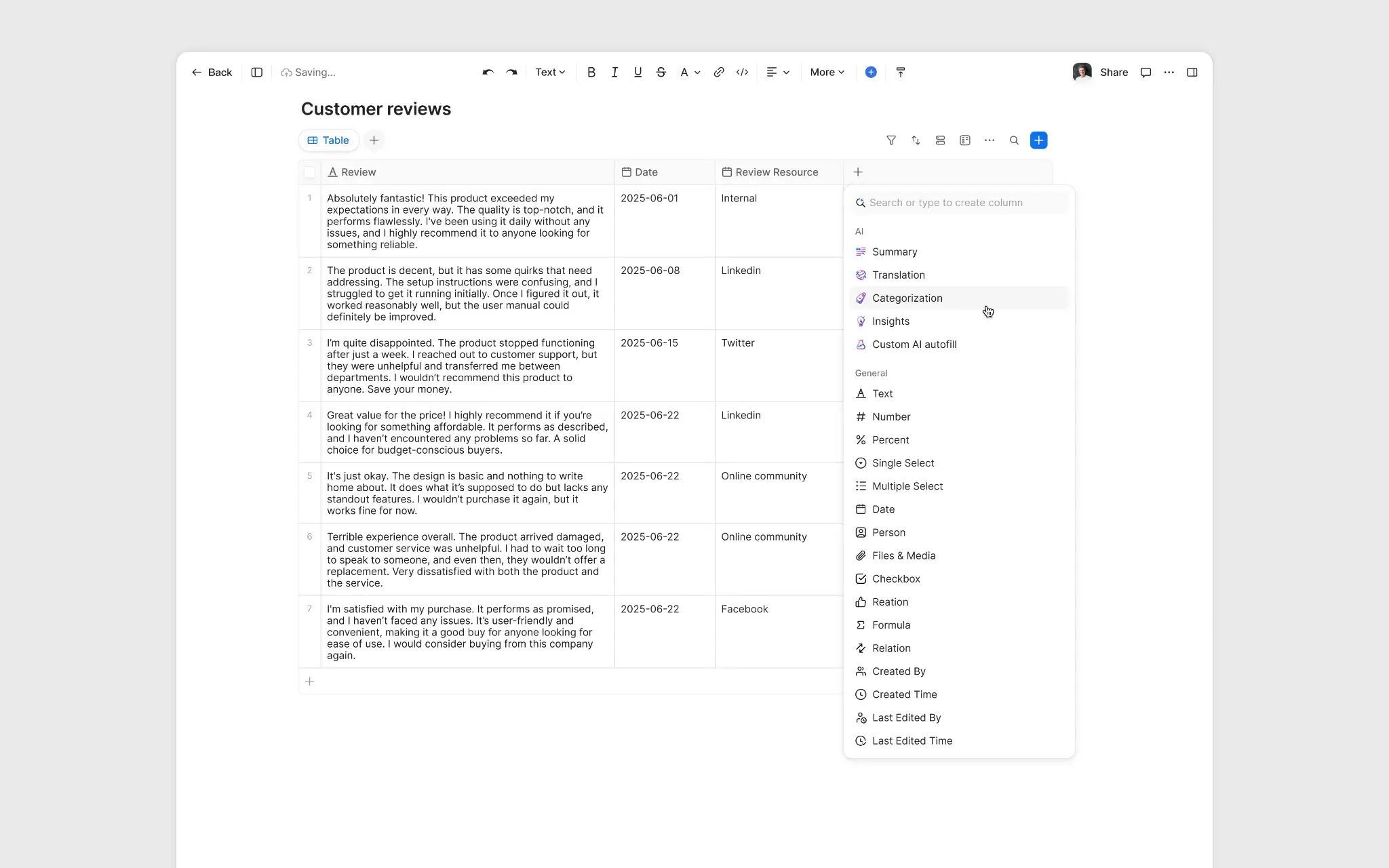
Populate Data Table Columns with AI Companion
- Streamline data entry by having AI Companion automatically populate table columns in Docs based on context from your meetings.
- This reduces manual input errors and ensures consistent, accurate information is captured for feedback reports, meeting materials, and project trackers.
Learn more Learn more
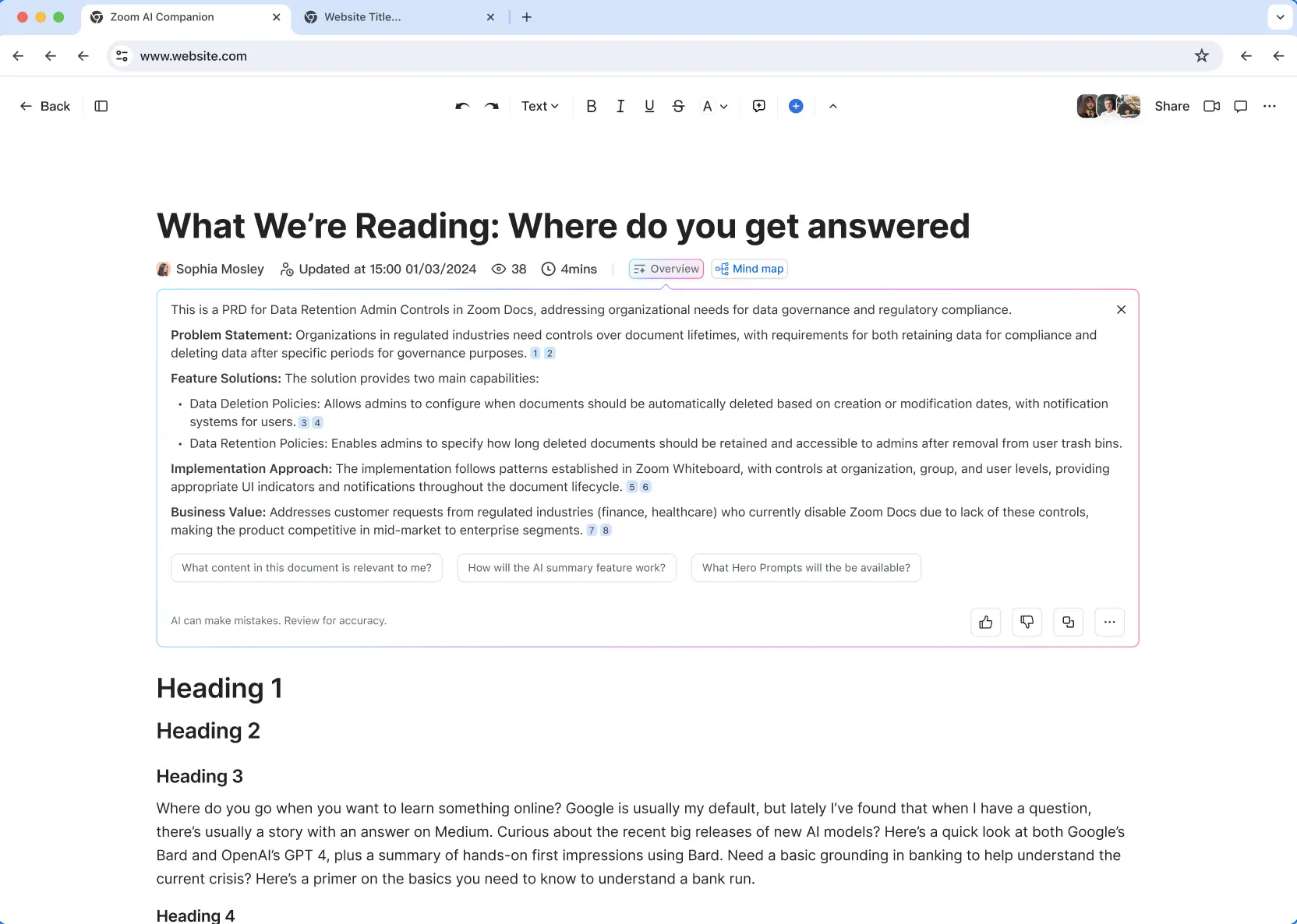
Help Me Read
- Digest long documents quickly with AI-generated overviews and mind maps that highlight core ideas, key arguments, and relevance.
- These insights help you understand complex content in seconds, improving decision-making speed and ensuring you grasp what matters most without reading every word.
Learn more Learn more
Page-Level Sharing
- Grant access to specific pages within a Zoom Doc without sharing the entire file, giving you granular control over who sees what.
- This allows for safer collaboration with stakeholders on relevant sections only, protecting sensitive data located elsewhere in the document.
Learn more Learn more
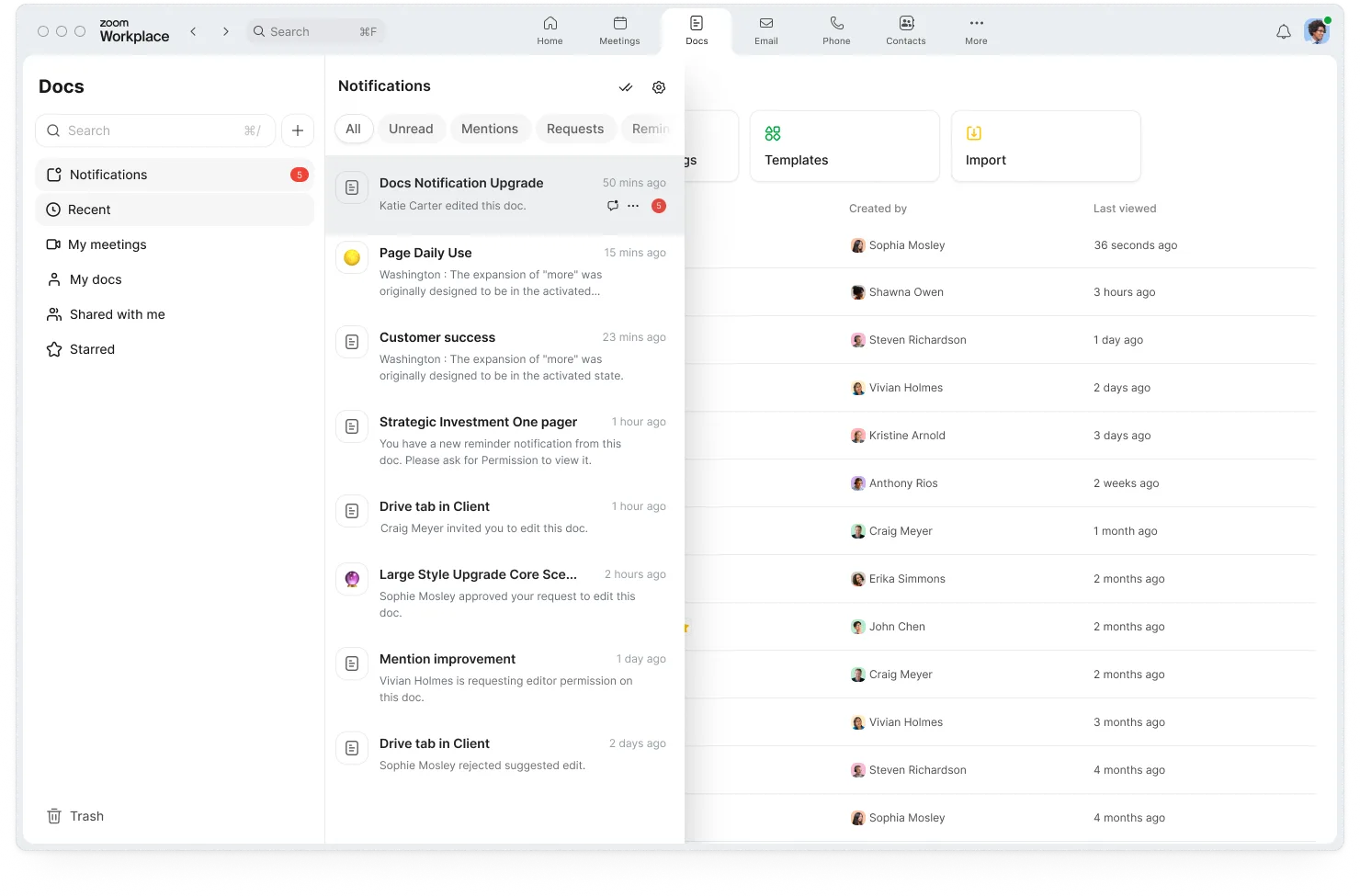
Subscribe to Doc Updates
- Stay informed about changes to critical documents by subscribing to updates, receiving notifications via email or in-app whenever edits are made.
- This keeps everyone looped in automatically, ensuring stakeholders are always aligned on the latest version without manual follow-up.
Learn more Learn more
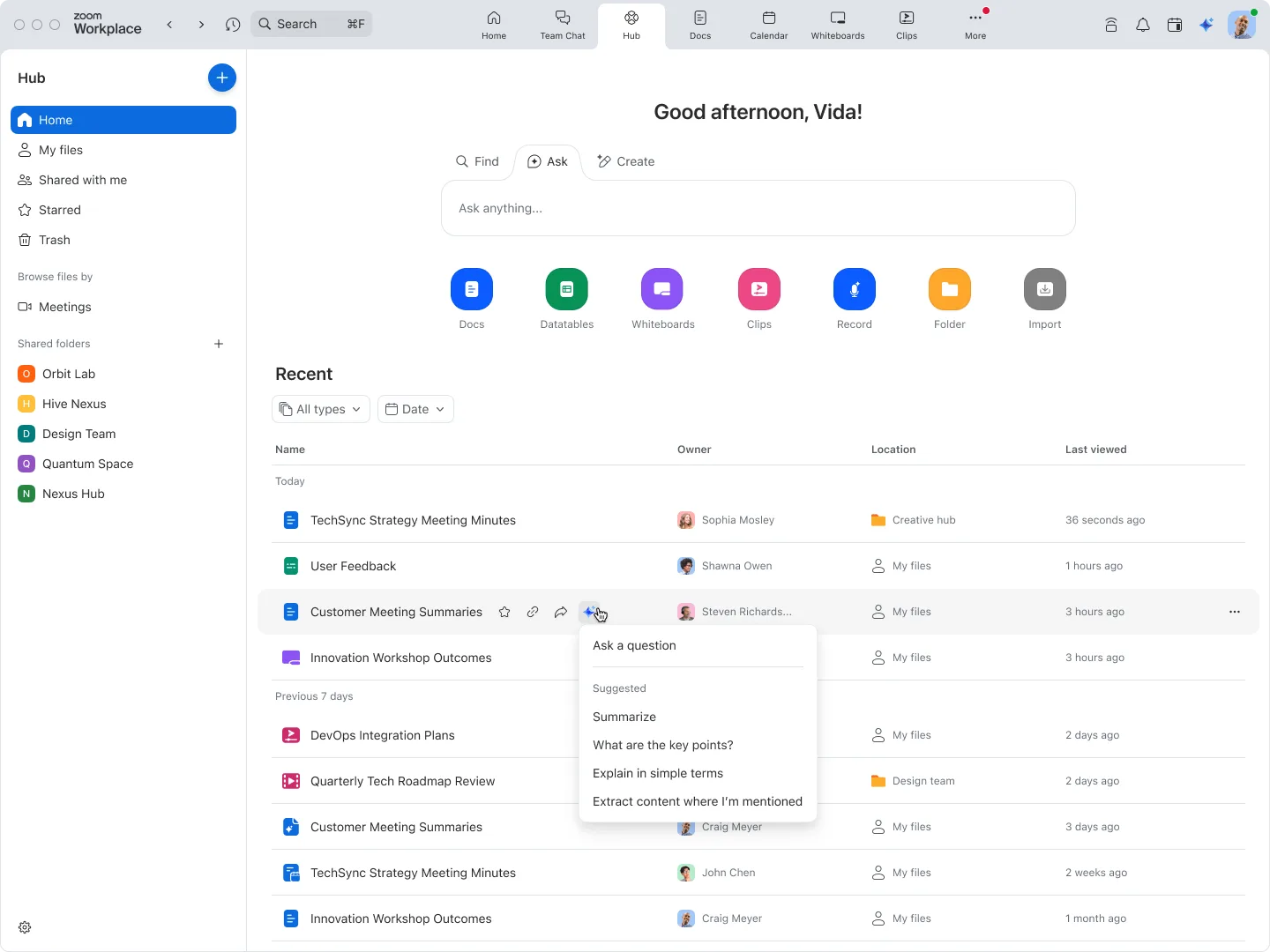
Hub AI
- Leverage AI directly within Zoom Hub to find, summarize, and generate content across all your stored files using simple prompts.
- This transforms your file repository into an intelligent knowledge base, allowing you to instantly retrieve specific information without opening individual files.
Learn more Learn more
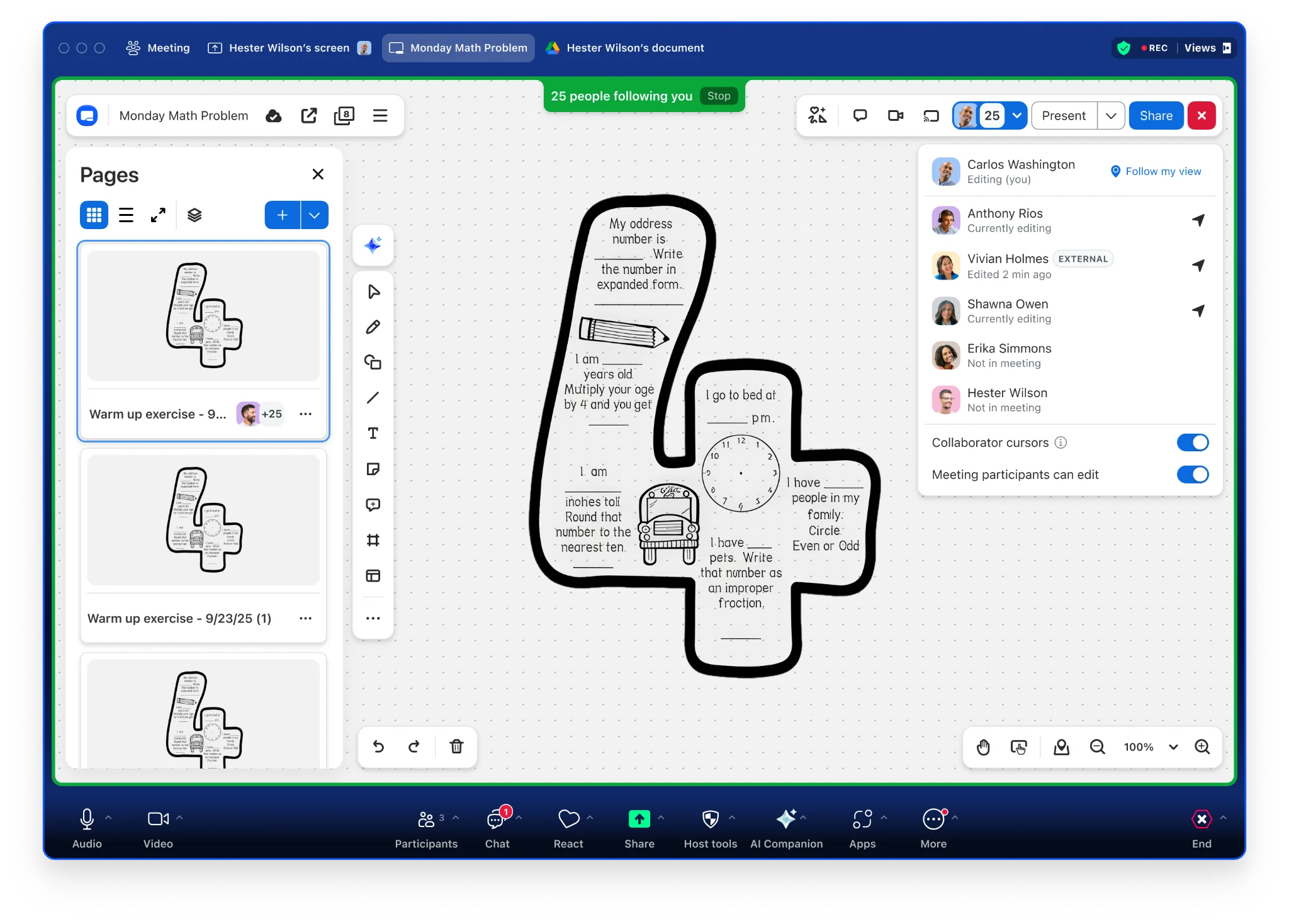
Individual Whiteboard Mode
- Launch a whiteboard session where each participant gets their own private canvas to work on, perfect for focused individual brainstorming or assessments.
- Facilitators can monitor progress in real-time and provide feedback privately, creating a better environment for personalized learning and contribution.
Learn more Learn more
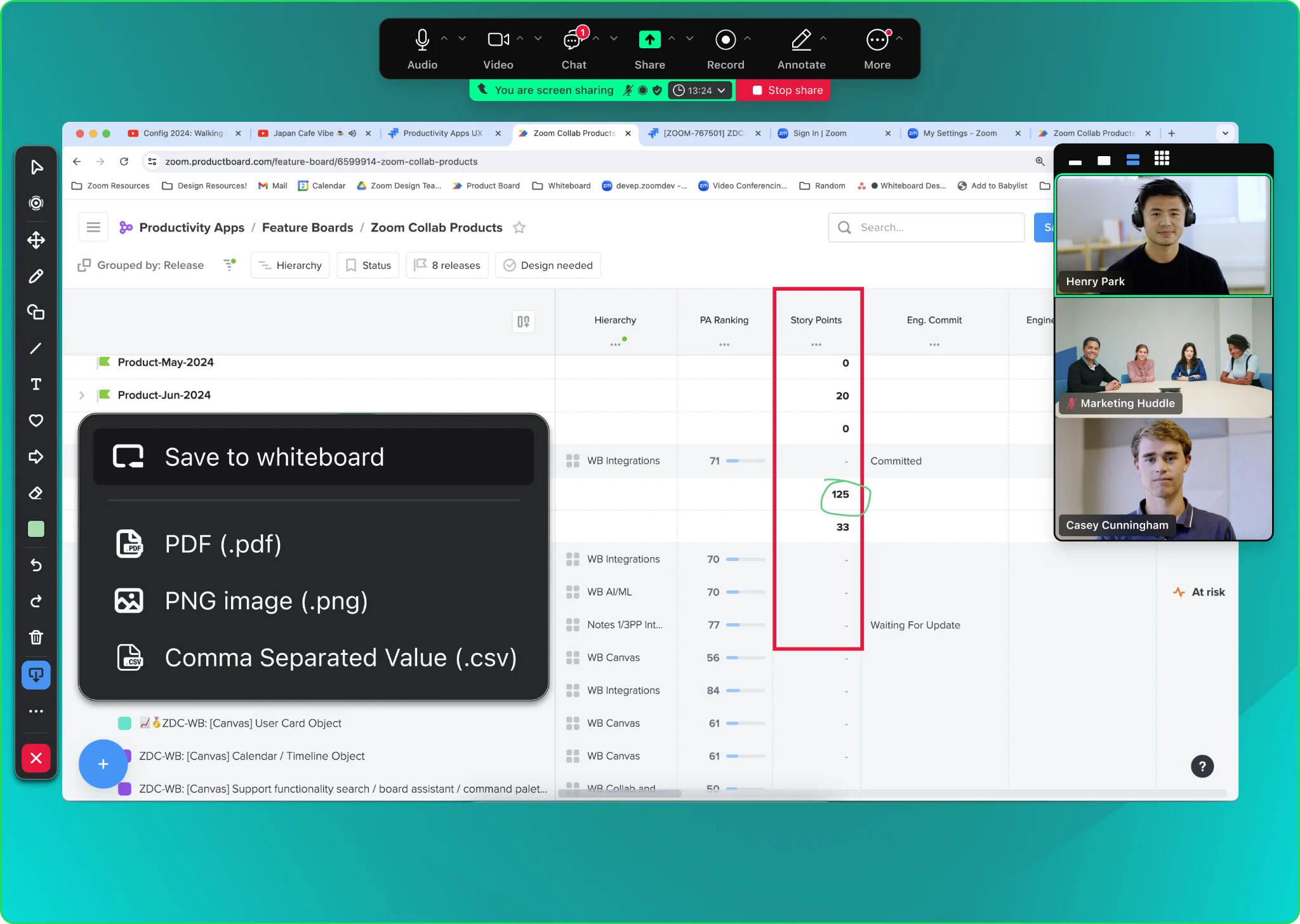
Save Annotations to Whiteboard
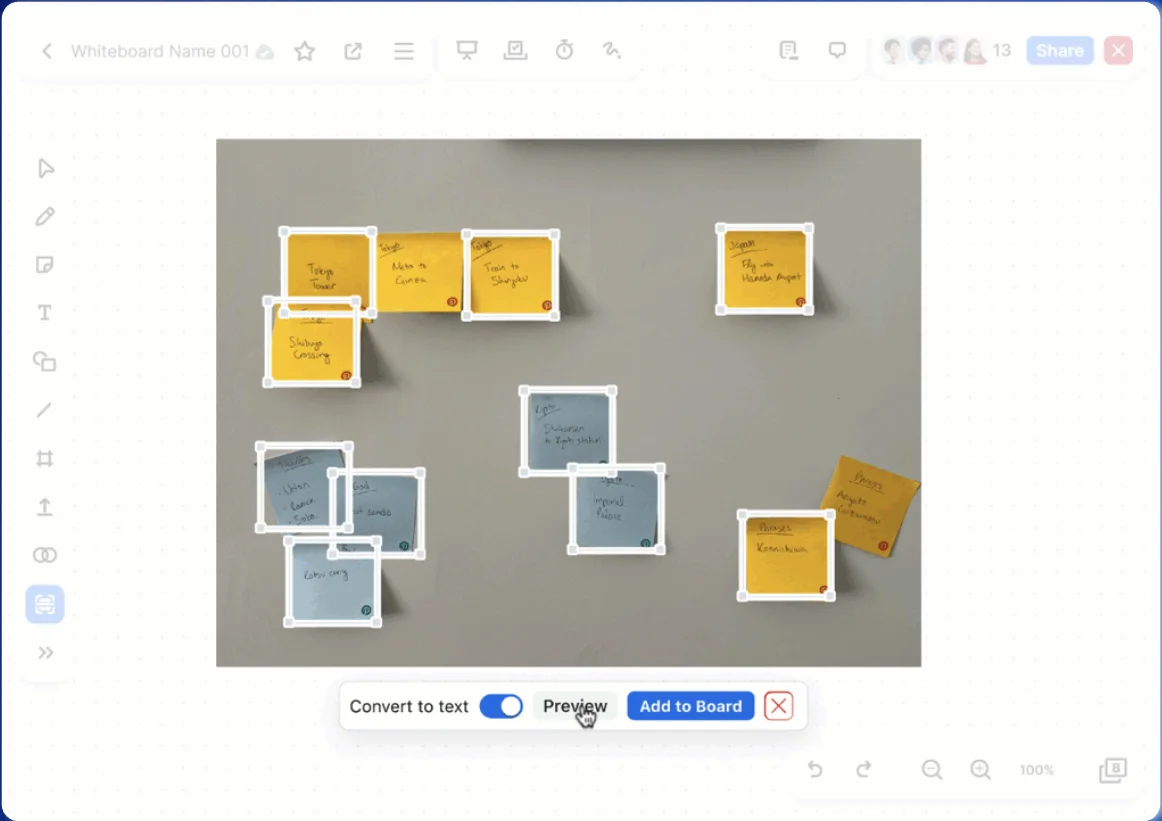
- Instantly convert meeting annotations into a persistent Zoom Whiteboard with a single click, preserving fleeting sketches for future reference.
- This bridges the gap between ad-hoc annotation and structured brainstorming, allowing teams to continue iterating on ideas after the meeting ends.
Learn more Learn more
Zoom Spaces
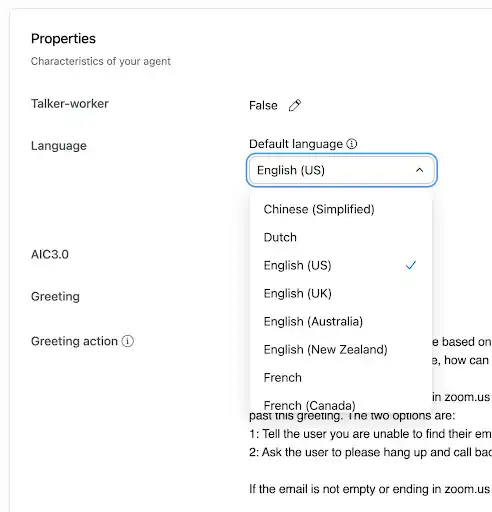
Improved Voice Commands for Zoom Rooms
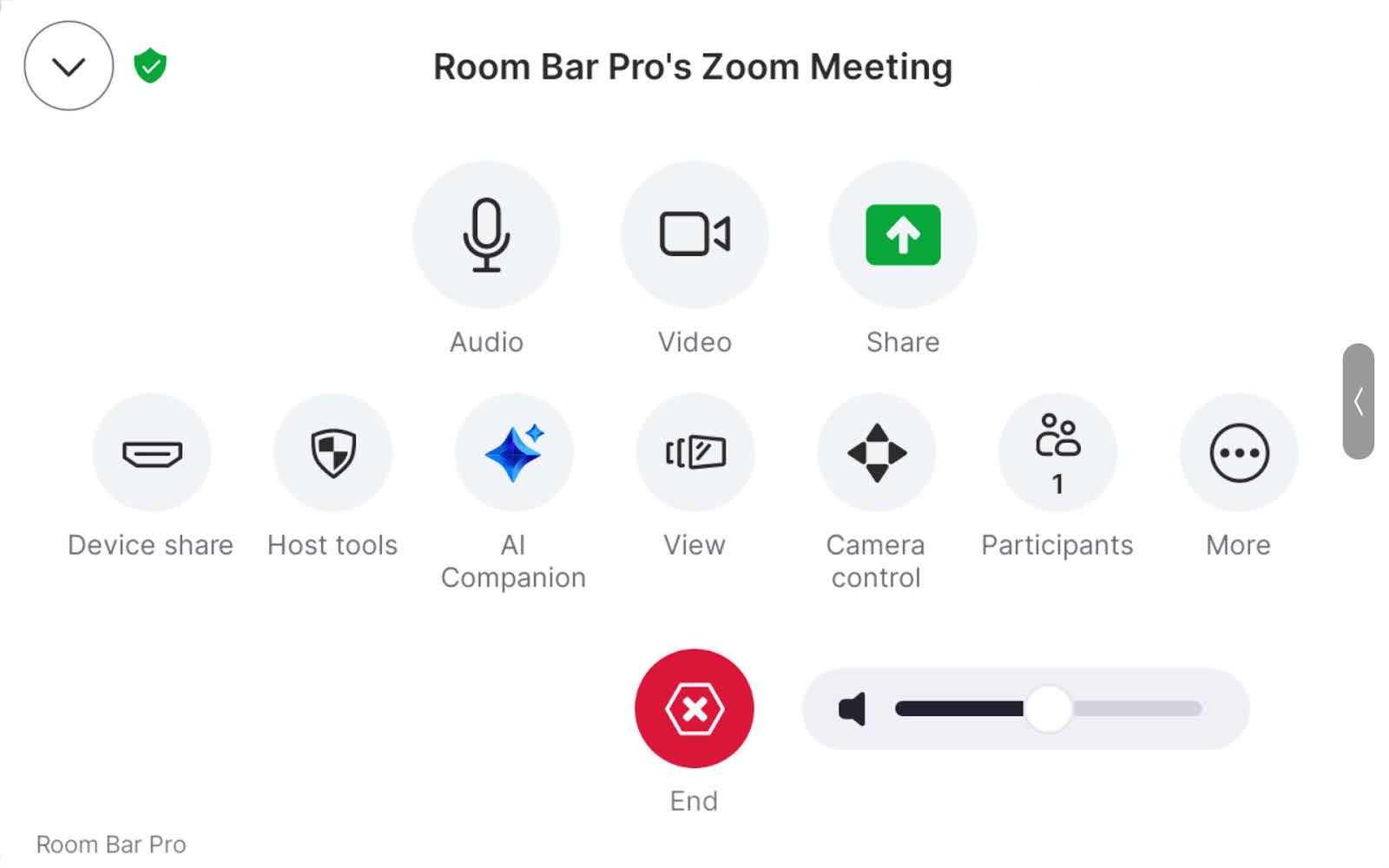
- Control your meeting environment with expanded "Hey Zoomie" voice commands, now including controls for audio volume, camera, and captions.
- This allows users to manage room settings hands-free and ask "how-to" questions for instant support, reducing the need for IT assistance during meetings.
Learn more Learn more
Zoom Video Management
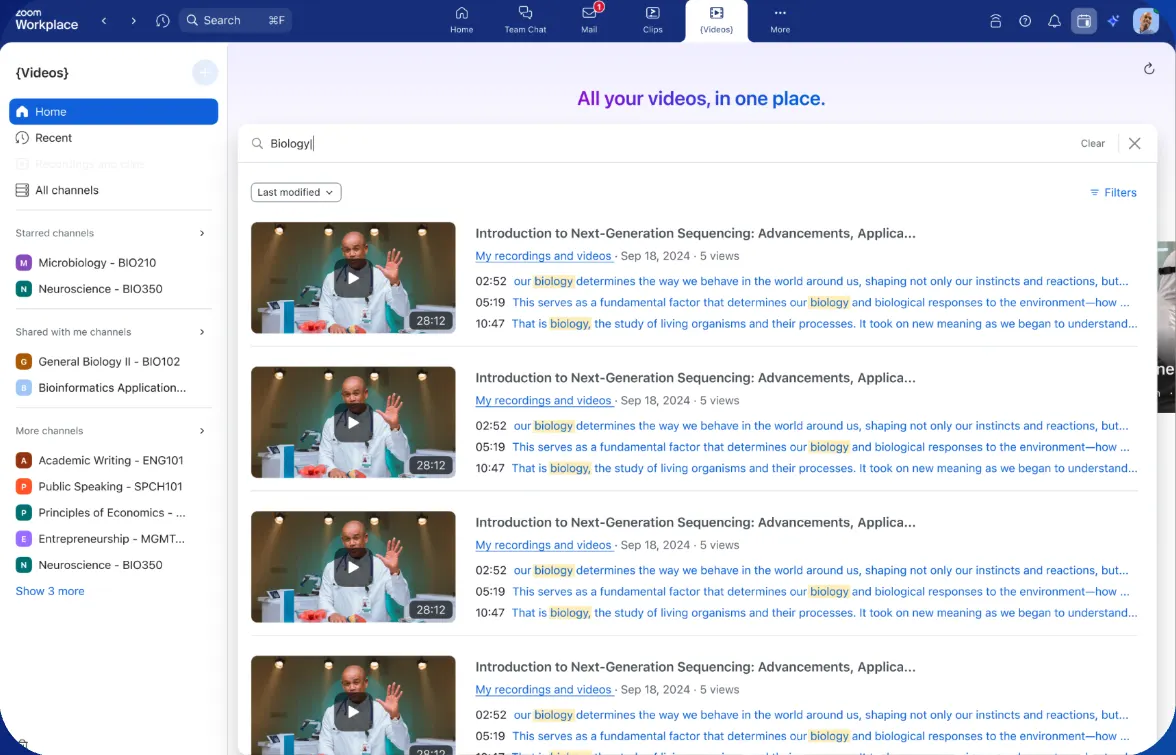
Video Transcript Search
- Search for specific keywords within video transcripts to instantly find the exact moment a topic was discussed in a recording.
- This turns your video library into a searchable knowledge base, saving users time by allowing them to jump directly to relevant timestamps instead of watching the full video.
Learn more Learn more
Business Services
Business Services: Webinars & Events
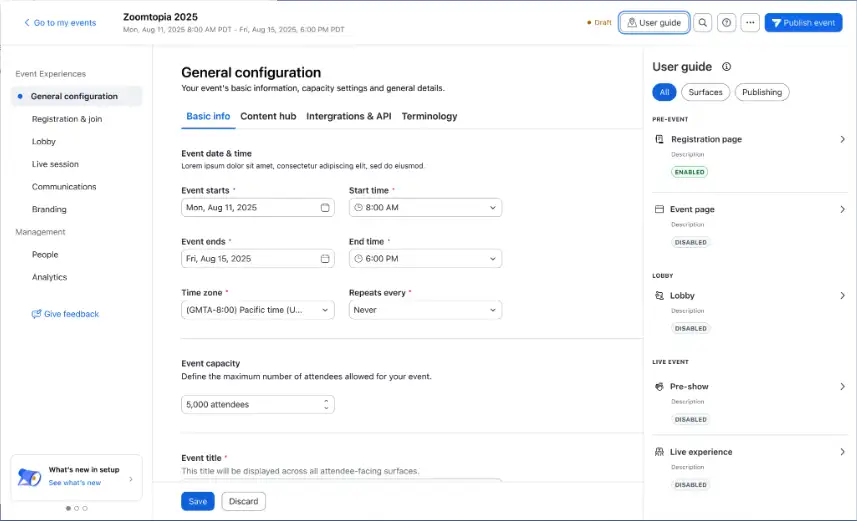
Simplified Webinar Setup
- Launch webinars faster with a redesigned setup flow that mirrors the attendee journey, allowing you to start with essentials and add advanced features only when needed.
- This intuitive workflow reduces the learning curve for new hosts and shortens setup time, making it easier to scale your event program.
Learn more Learn more
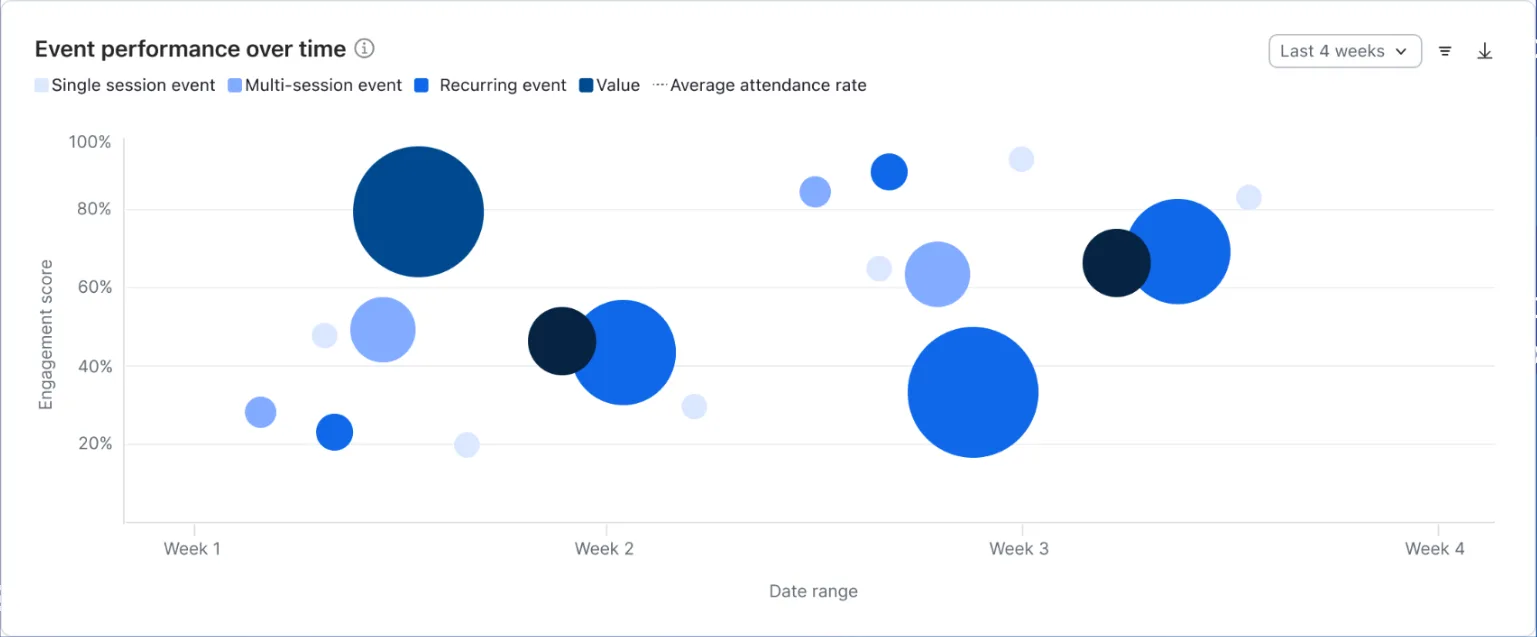
Cross-Event Analytics
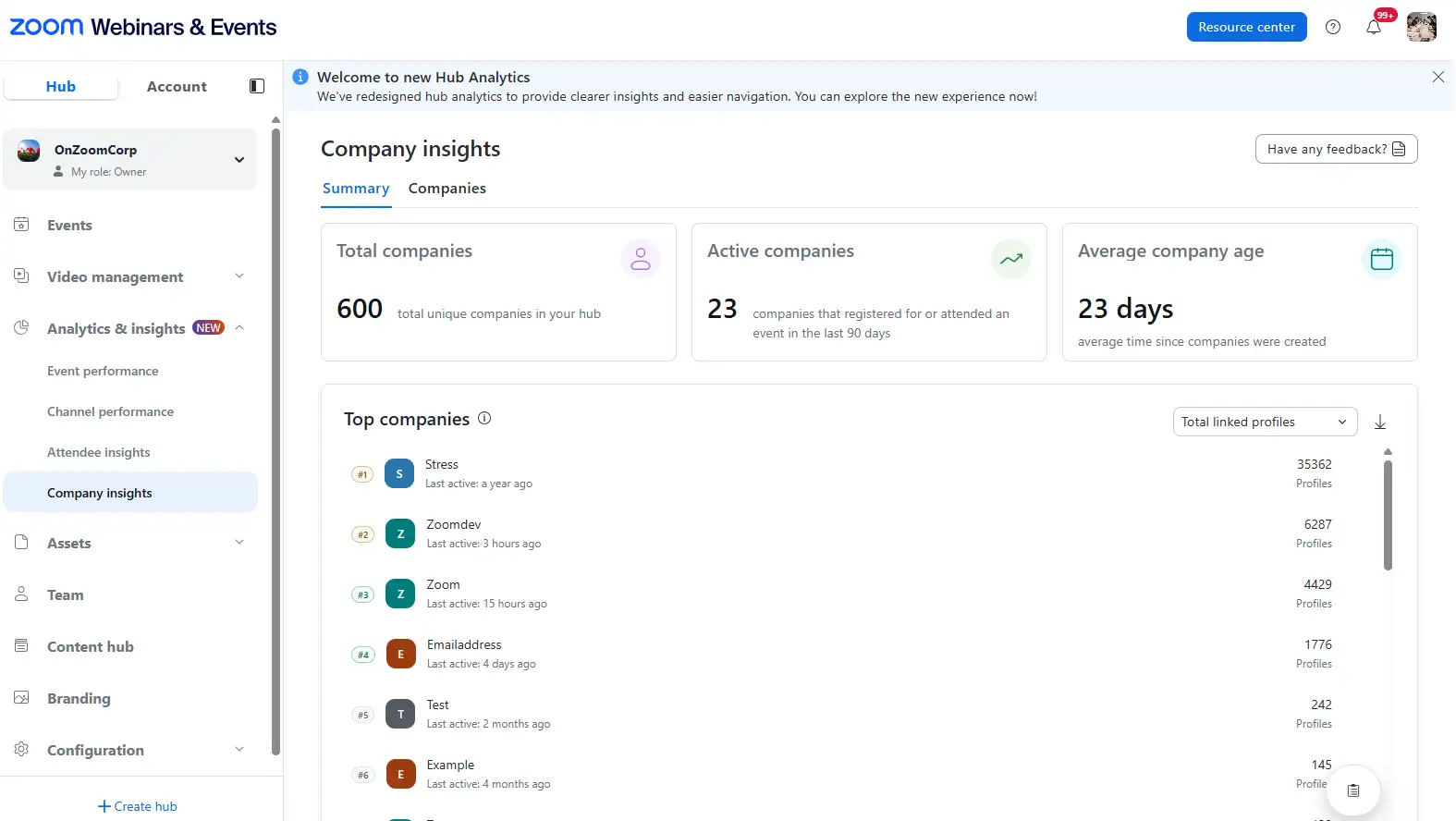
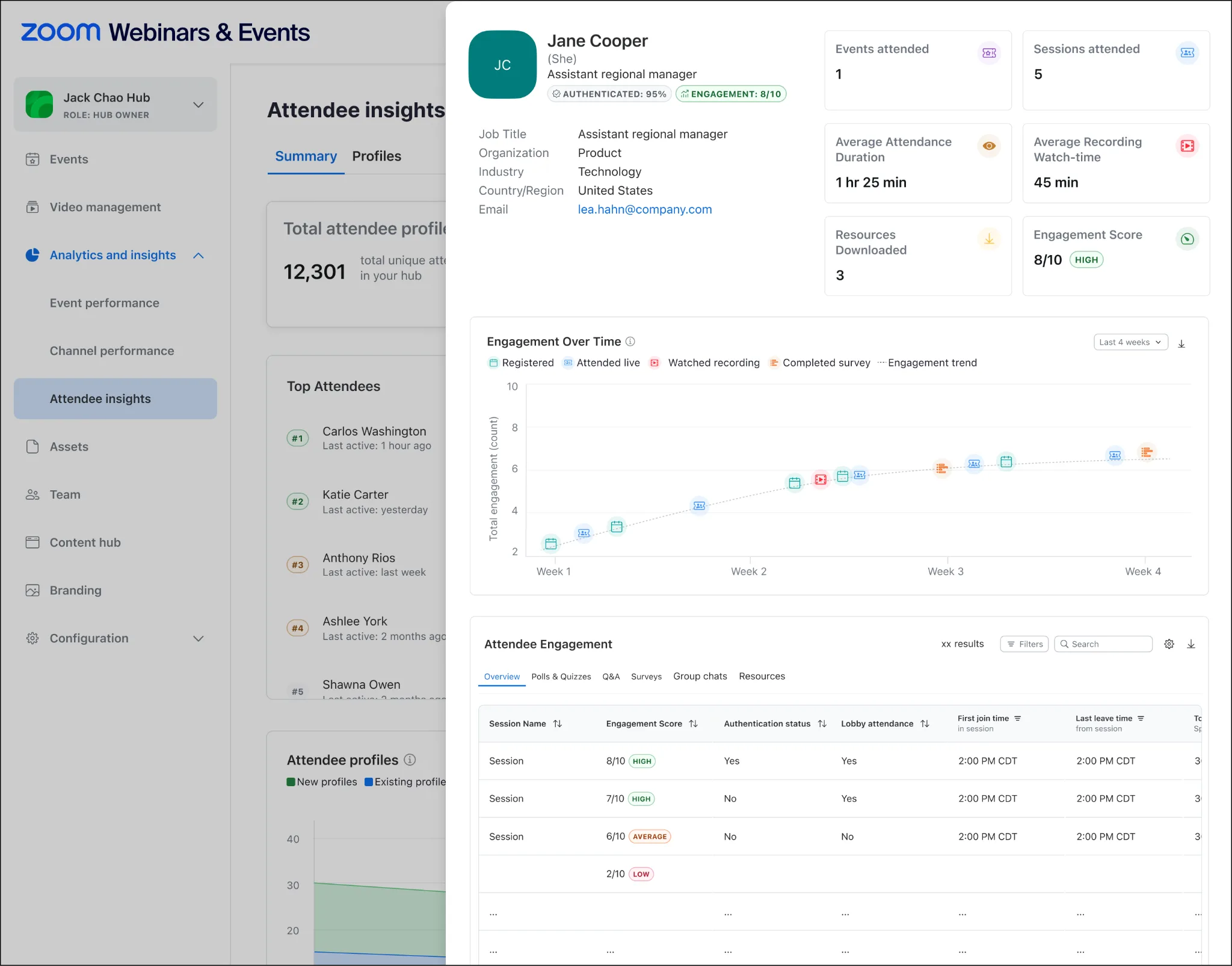
- View performance trends across all your events in a single dashboard, identifying which topics and formats resonate most with your audience.
- This comprehensive view helps marketing teams prove ROI to leadership and pinpoint their most engaged audience members for faster sales follow-up.
Learn more learn more
Business Services
Business Services: Zoom for Sales
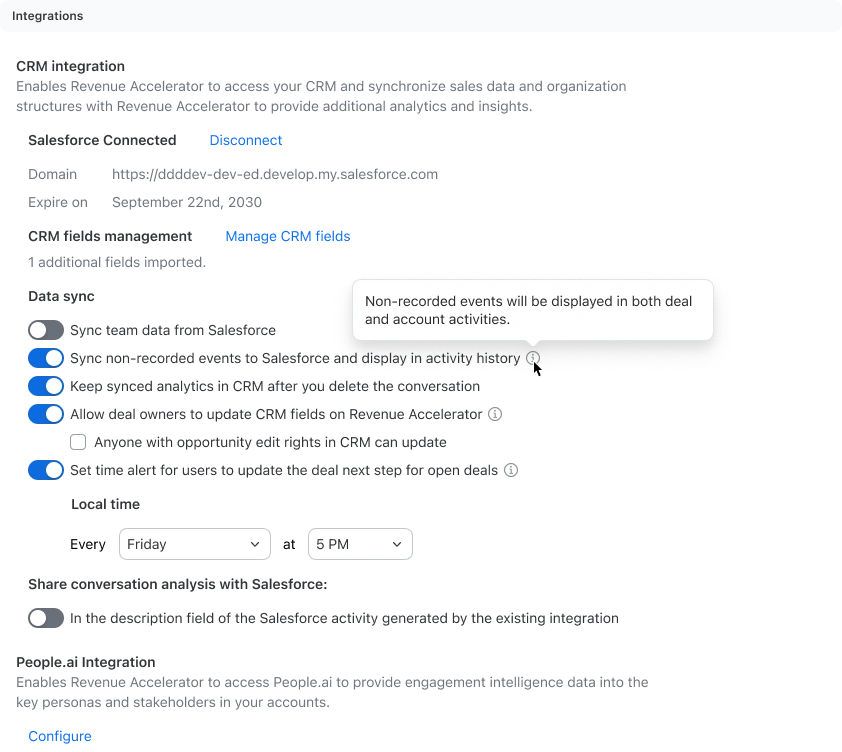
Log Non-Recorded Calendar Events in Salesforce
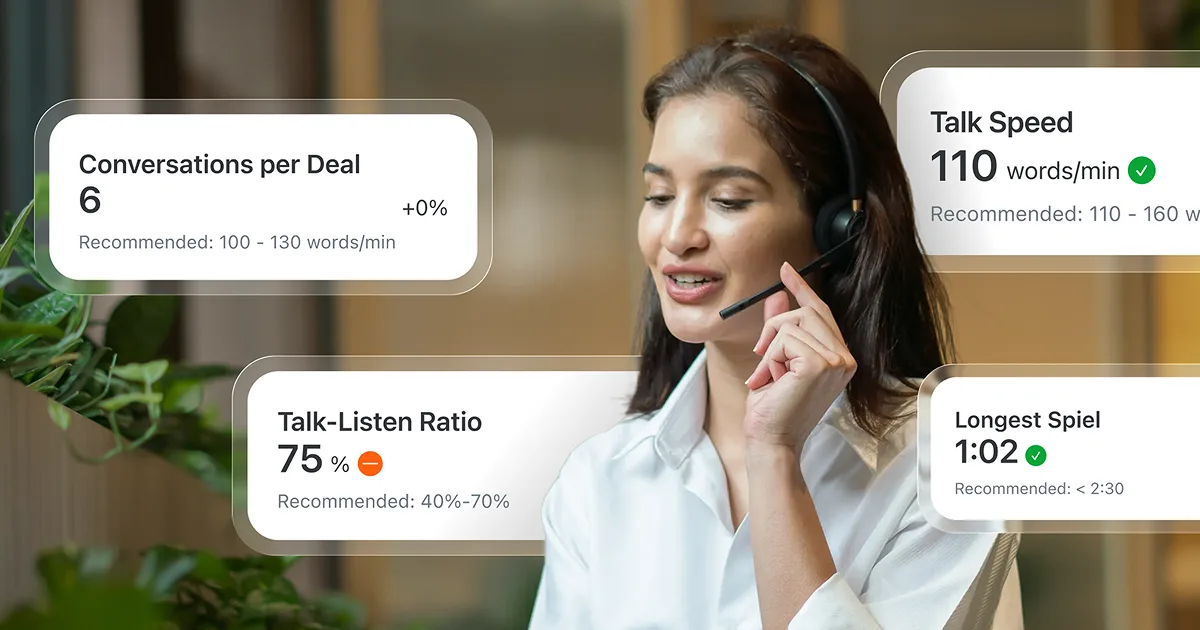
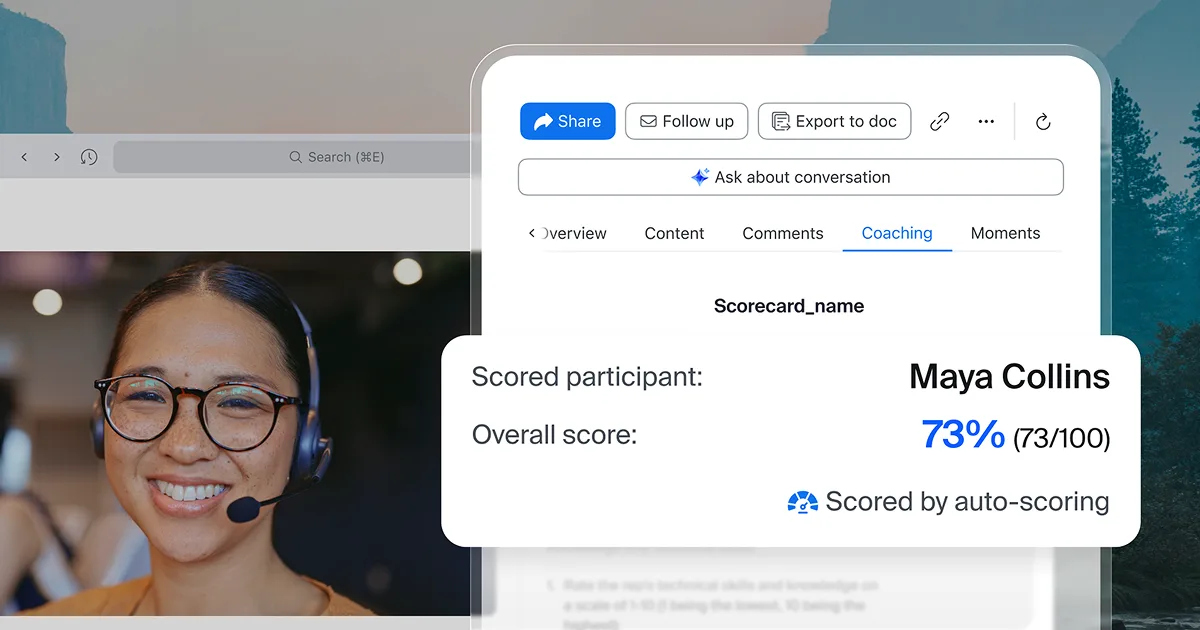
- Keep every customer touchpoint visible, even the ones that aren’t recorded. Now, non‑recorded meetings from your calendar automatically sync to Salesforce, giving you a complete, accurate deal timeline without the manual data entry.
- Sales leaders gain a real‑time view of deal activity for sharper forecasting, while admins can maintain privacy for internal meetings. It’s automated accuracy that keeps your pipeline honest.
Learn more Learn more
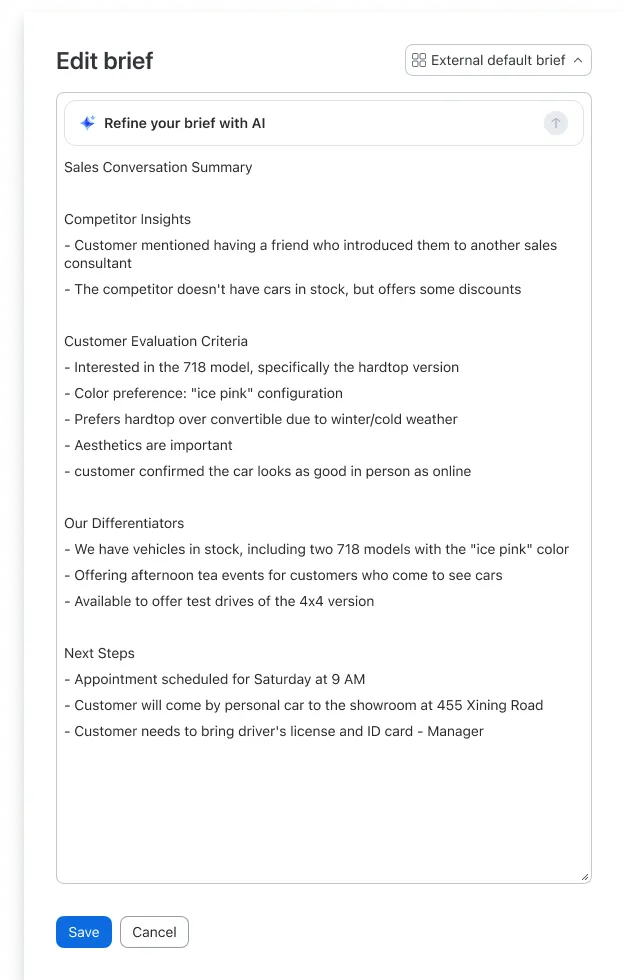
Modifiable Custom Briefs
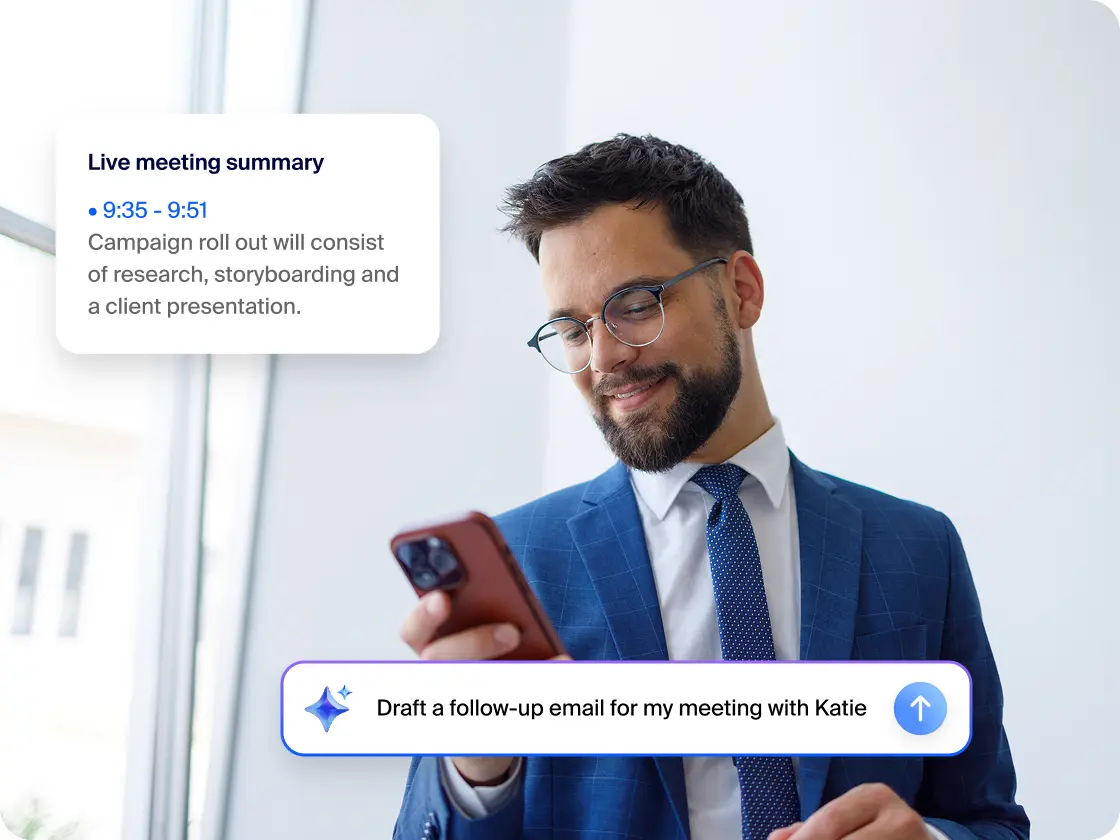
- Make every recap count. With Modifiable Custom Briefs, you can fine‑tune meeting summaries or ask AI Companion to instantly tailor them for your audience, whether it’s a quick internal update or a detailed client follow‑up.
- Reps can personalize tone and focus while staying on‑brand with templates, turning every summary into a polished, actionable brief that moves deals forward.
Learn more learn more
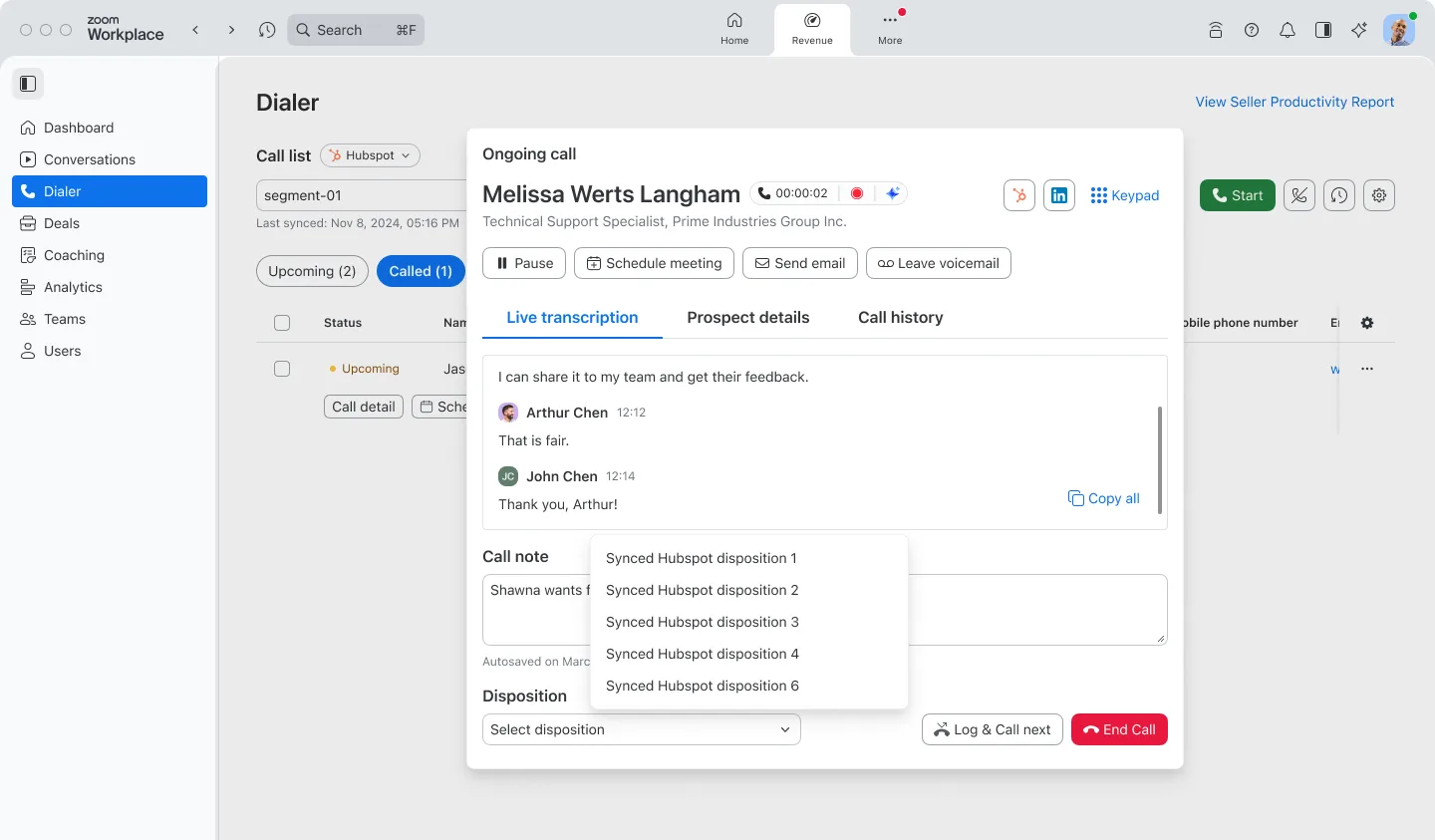
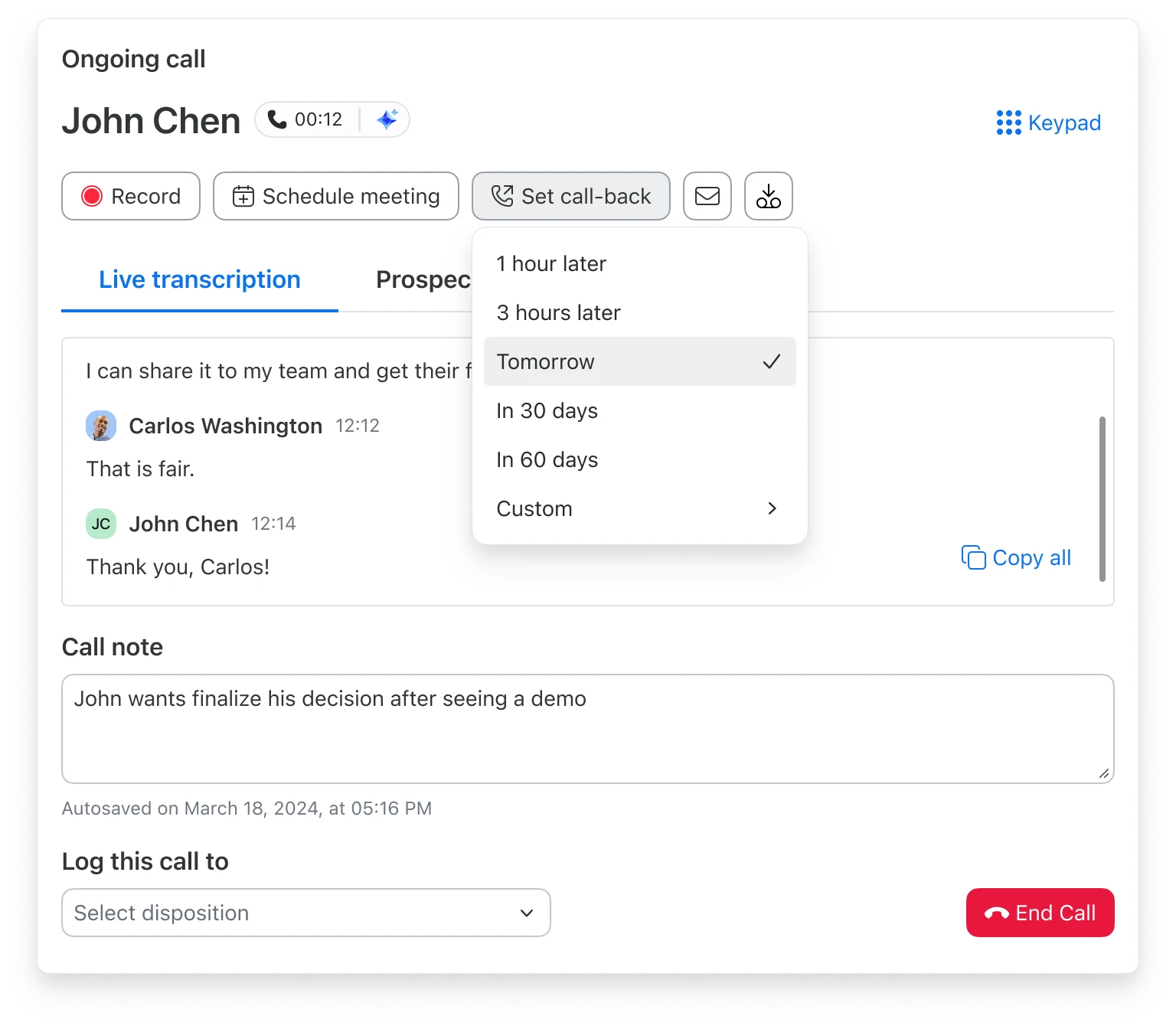
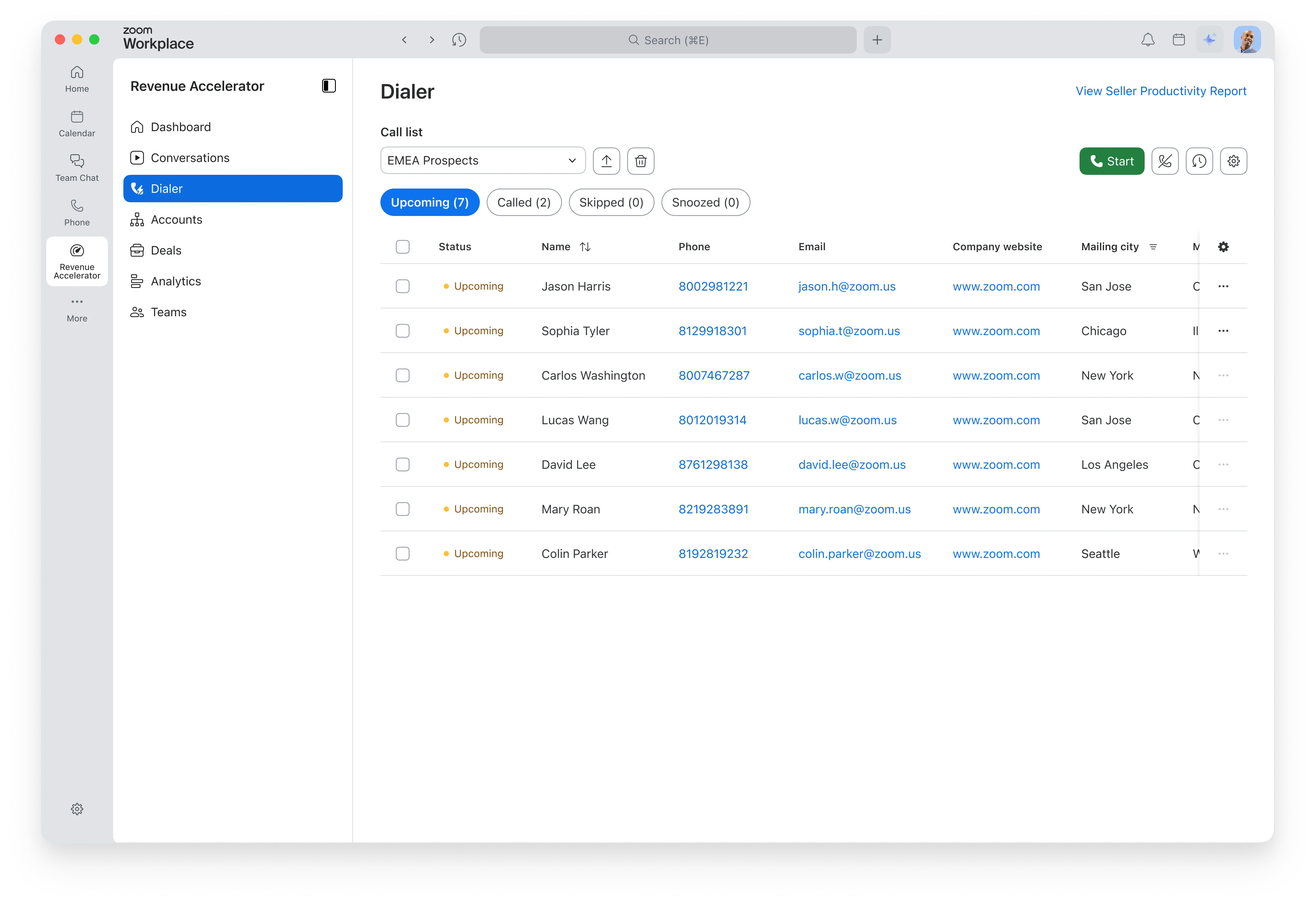
Scheduled Callbacks for Auto Dialer
- Schedule callbacks for a specific date and time with a few clicks, placing the call in a "snooze" state until it's time to reconnect.
- This simplifies follow-up workflows for sellers, ensuring they connect with prospects when they are most likely to answer and never miss a promised callback time.
Learn more Learn more
Auto Dialer: Japan Expansion
- Bring AI-powered sales calling to your teams in Japan, allowing them to reach more local prospects with outbound calls to local phone numbers.
- This expansion strengthens the unified sales platform approach, helping global teams connect faster and accelerate pipeline growth in key markets.
Learn more Learn more
Business Services
Business Services: Zoom CX
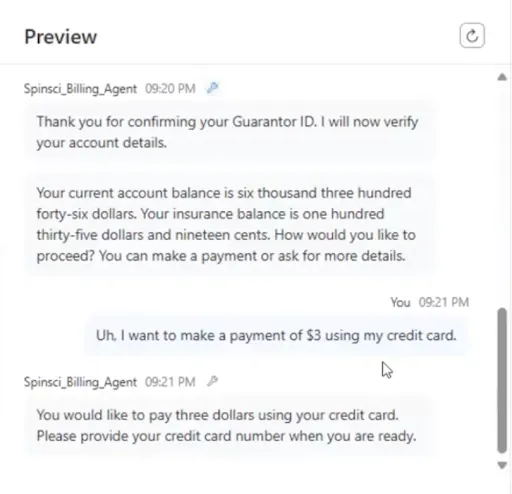
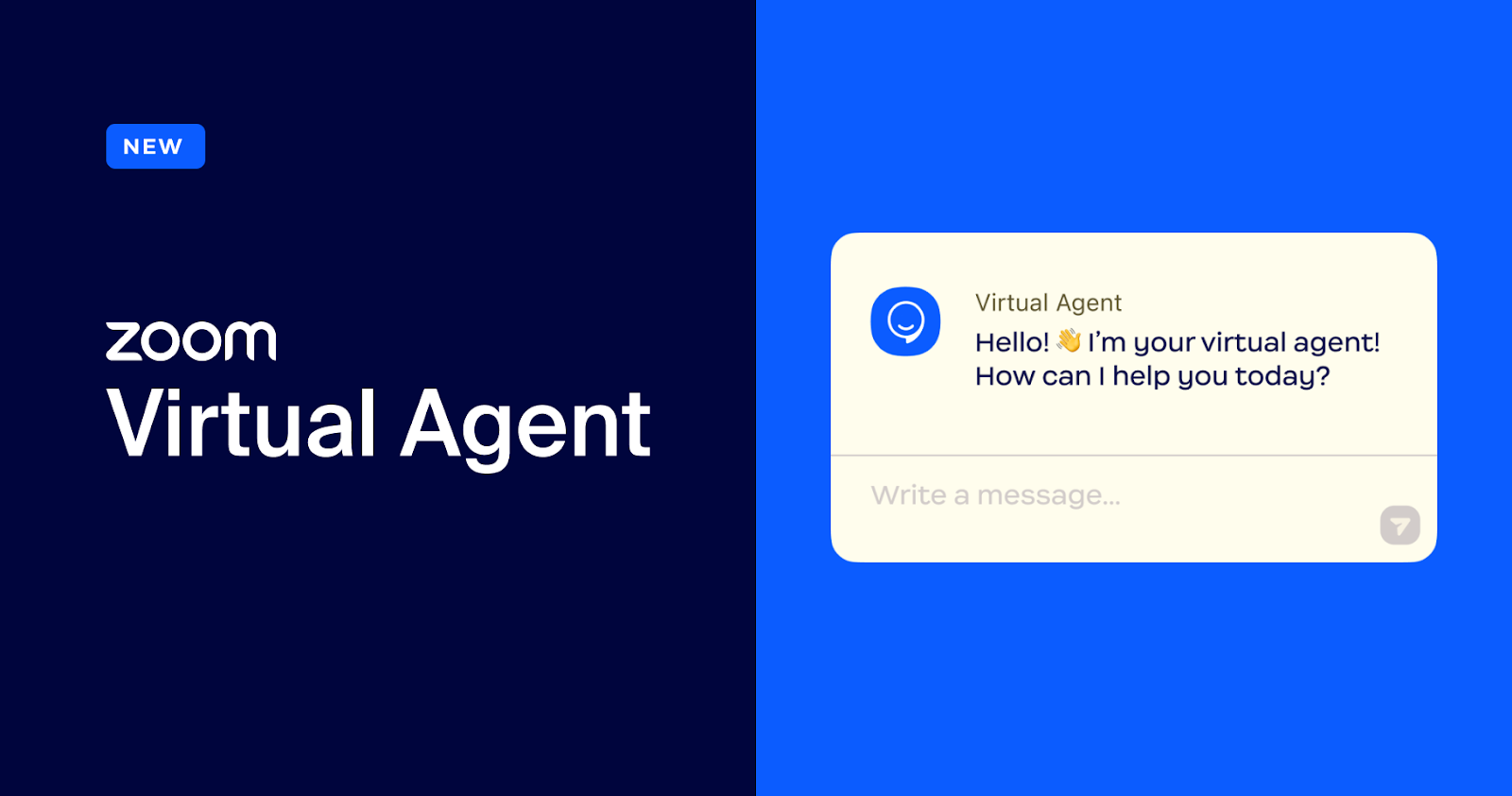
Zoom Virtual Agent: Epic Integration through SpinSci
- Connect Zoom Virtual Agent directly to Electronic Health Record (EHR) systems like Epic to securely automate critical healthcare workflows.
- This reduces the workload on healthcare staff by automating high-volume tasks like appointment scheduling and prescription refills without compromising compliance.
Learn more Learn more
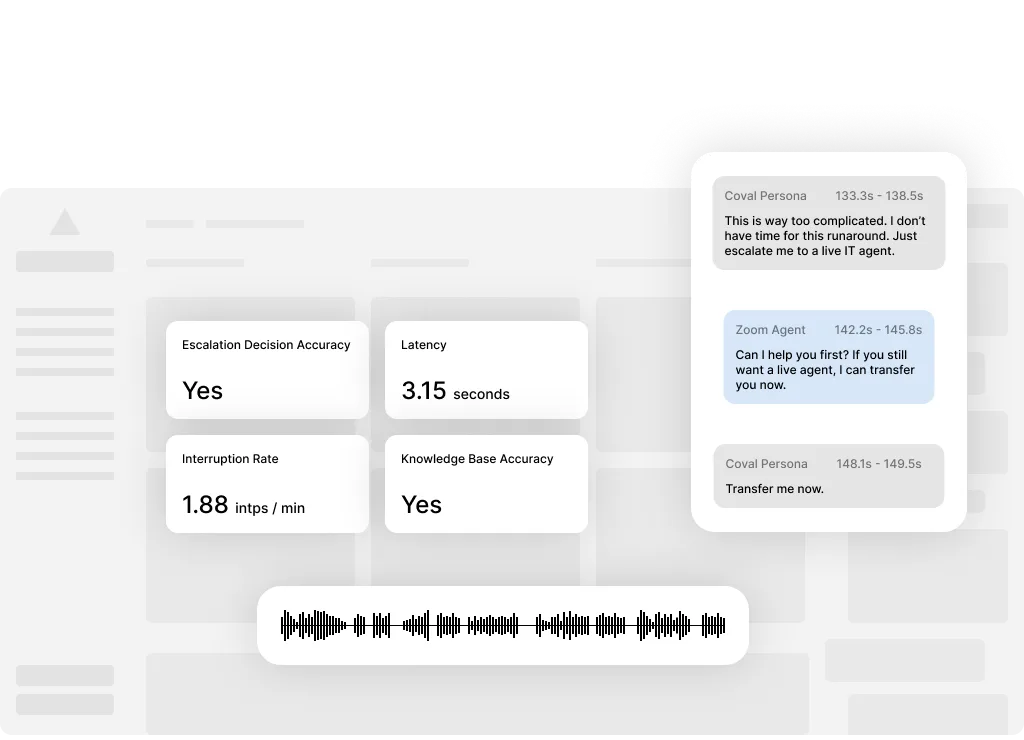
Zoom Virtual Agent: Coval available on ISV Exchange
- Validate, test, and monitor your Zoom Virtual Agent interactions with Coval's AI-powered simulation tool, now available directly through Zoom ISV Exchange.
- Coval helps accelerate deployment cycles through automated quality assurance, ensuring a seamless customer experience from day one.
Learn more learn more
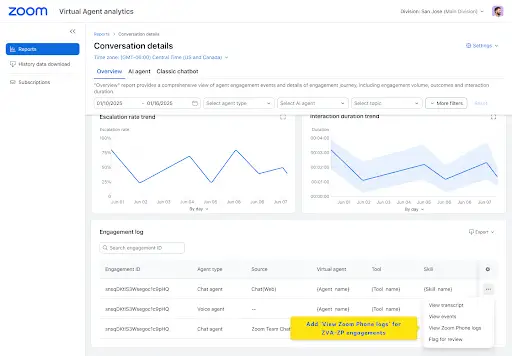
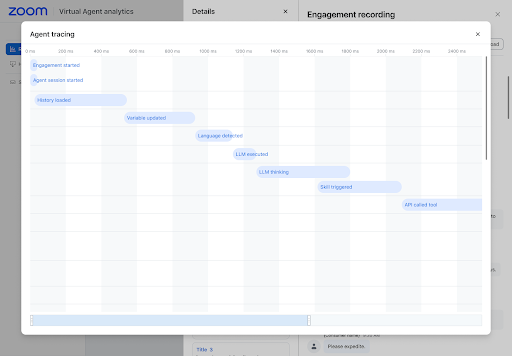
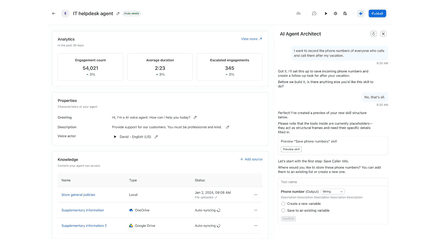
Zoom Virtual Agent: Agent Tracing
- Gain end-to-end visibility into every step of a virtual agent interaction, from query formation to the final response and tool triggering.
- This transparency allows admins to troubleshoot issues faster and optimize flows with confidence, building trust in the AI's decision-making process.
Learn more Learn more
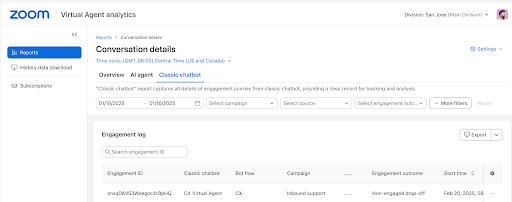
Zoom Virtual Agent: Analytics Enhancements
- New metrics track non-interactive sessions, message volumes, and direct user feedback to give a clearer picture of engagement quality.
- These insights help teams identify early drop-offs and conversational friction points, enabling data-driven improvements that boost resolution rates.
Learn more Learn more
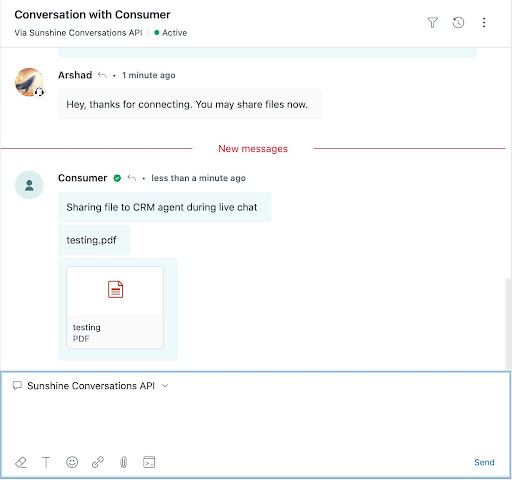
Zoom Virtual Agent: Attachment Support for Chat
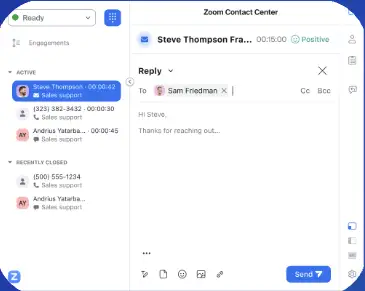
- Enable customers and agents to share files directly within chat interactions on platforms like Zendesk and Intercom, solving problems faster.
- This creates a smoother support experience by allowing users to exchange screenshots or forms without switching channels or tools.
Learn more Learn more
Real-Time Translation for CTI
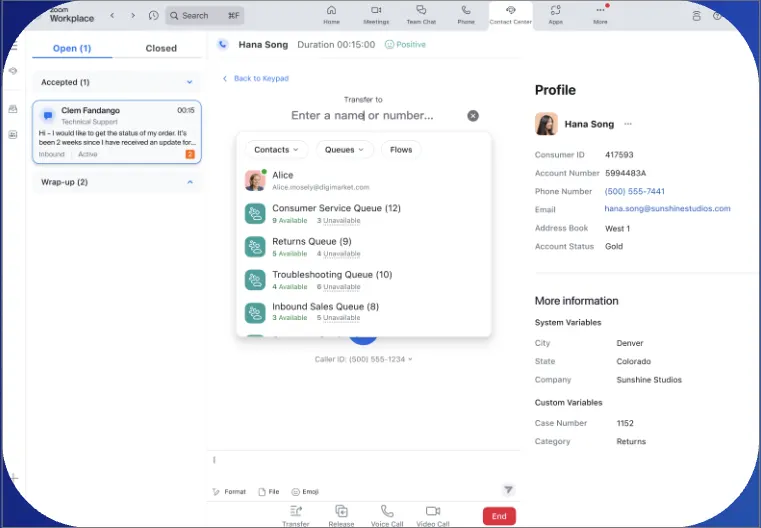
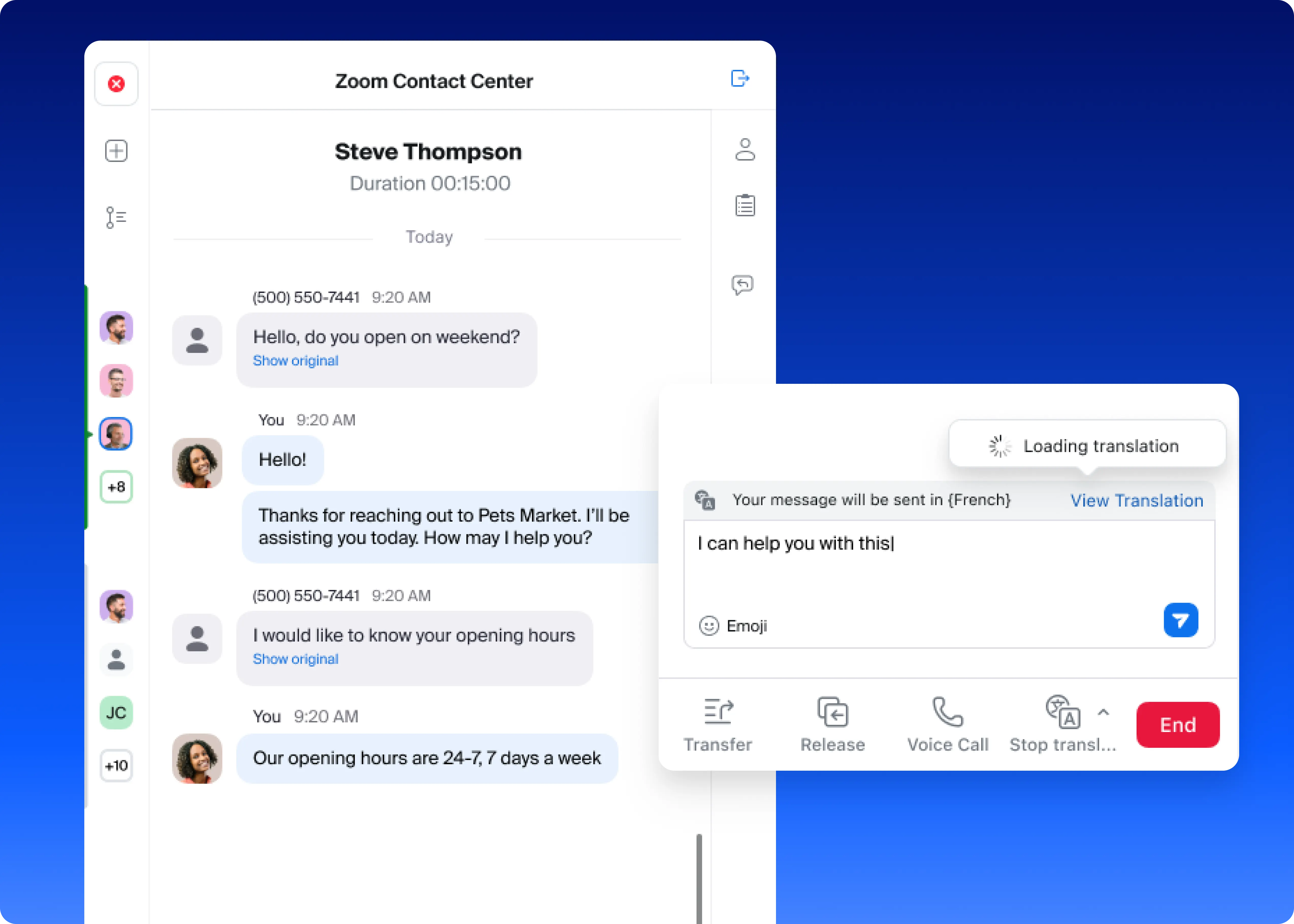
- Translate incoming and outgoing messages in real-time across SMS, web chat, and social channels directly within your CRM interface.
- This empowers agents to support global customers in their native language, removing language barriers and allowing teams to scale their reach effectively.
Learn more Learn more
Video Engagement Support for Mobile App
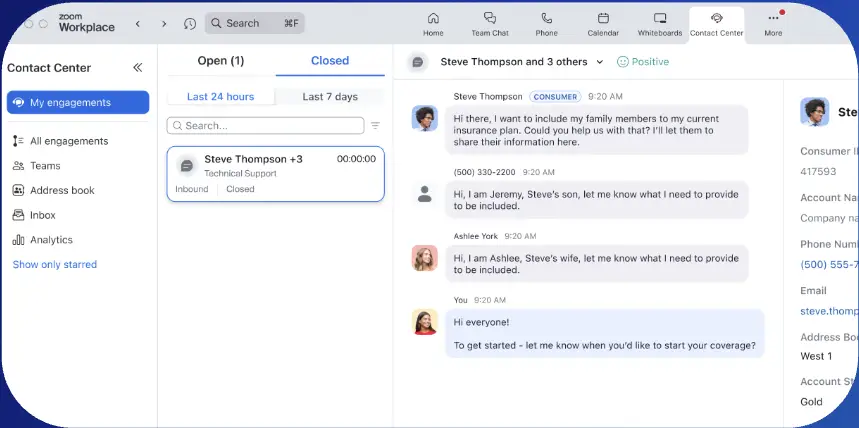
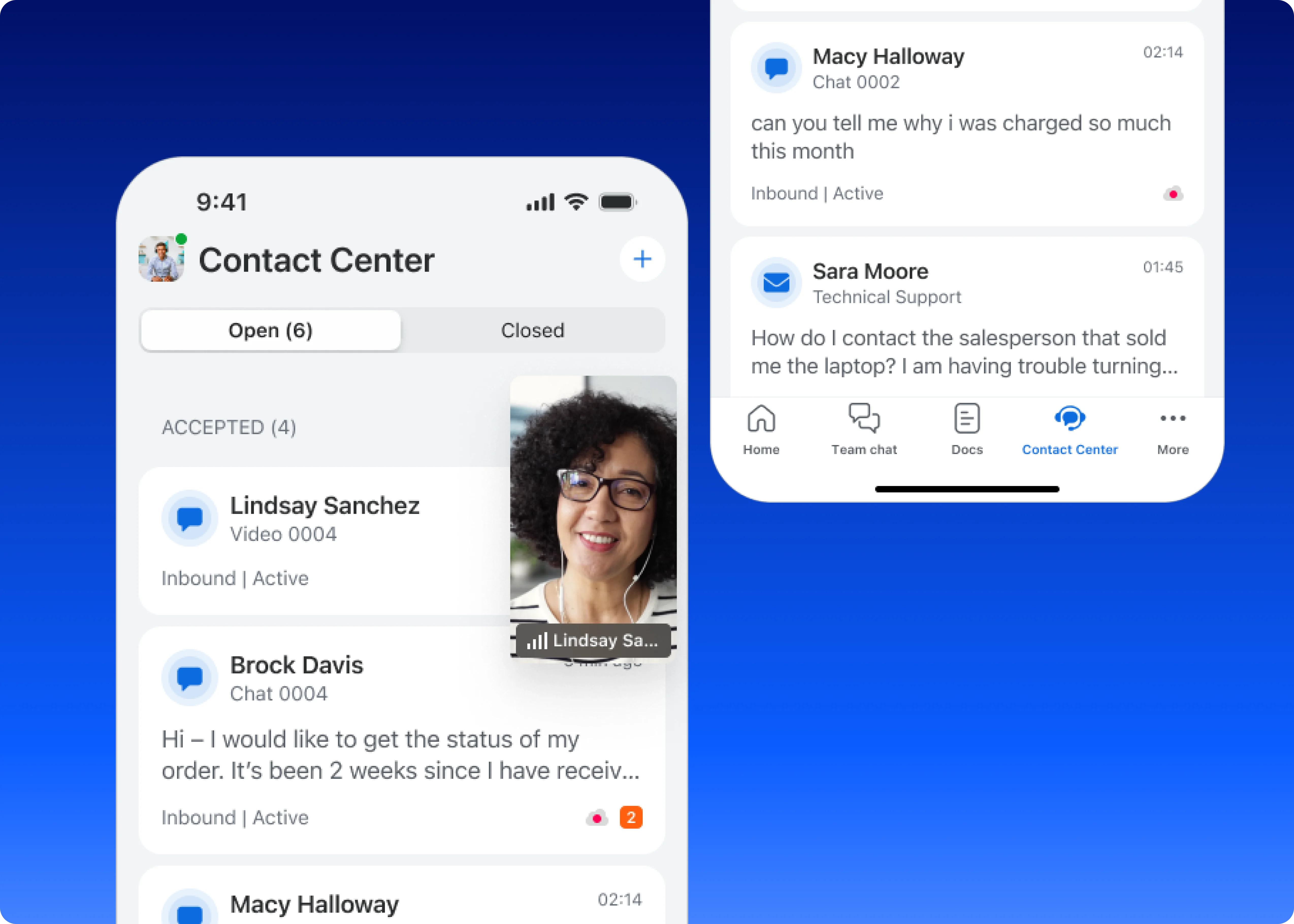
- Agents can now receive and initiate video calls directly from the Zoom Contact Center mobile app, allowing for flexible support while on the go.
- This ensures agents have access to standard engagement controls like camera and audio, enabling faster issue resolution from anywhere.
Learn more Learn more
Telegram Integration for ZCC
- Integrate Telegram direct messages as a new channel in Zoom Contact Center, allowing you to engage with customers on their preferred platform.
- This expands your support reach, enabling agents to send and receive messages and images seamlessly within their existing workflow.
Learn more Learn more
Wrap-Up Duration for Messaging & Email
- Set a specific wrap-up time for agents after messaging or email interactions, preventing new inquiries from routing immediately.
- This gives agents the necessary time to complete administrative tasks and mentally reset, improving well-being and ensuring post-interaction work is accurate.
Learn more Learn more
Cobrowse for Mobile Browsers
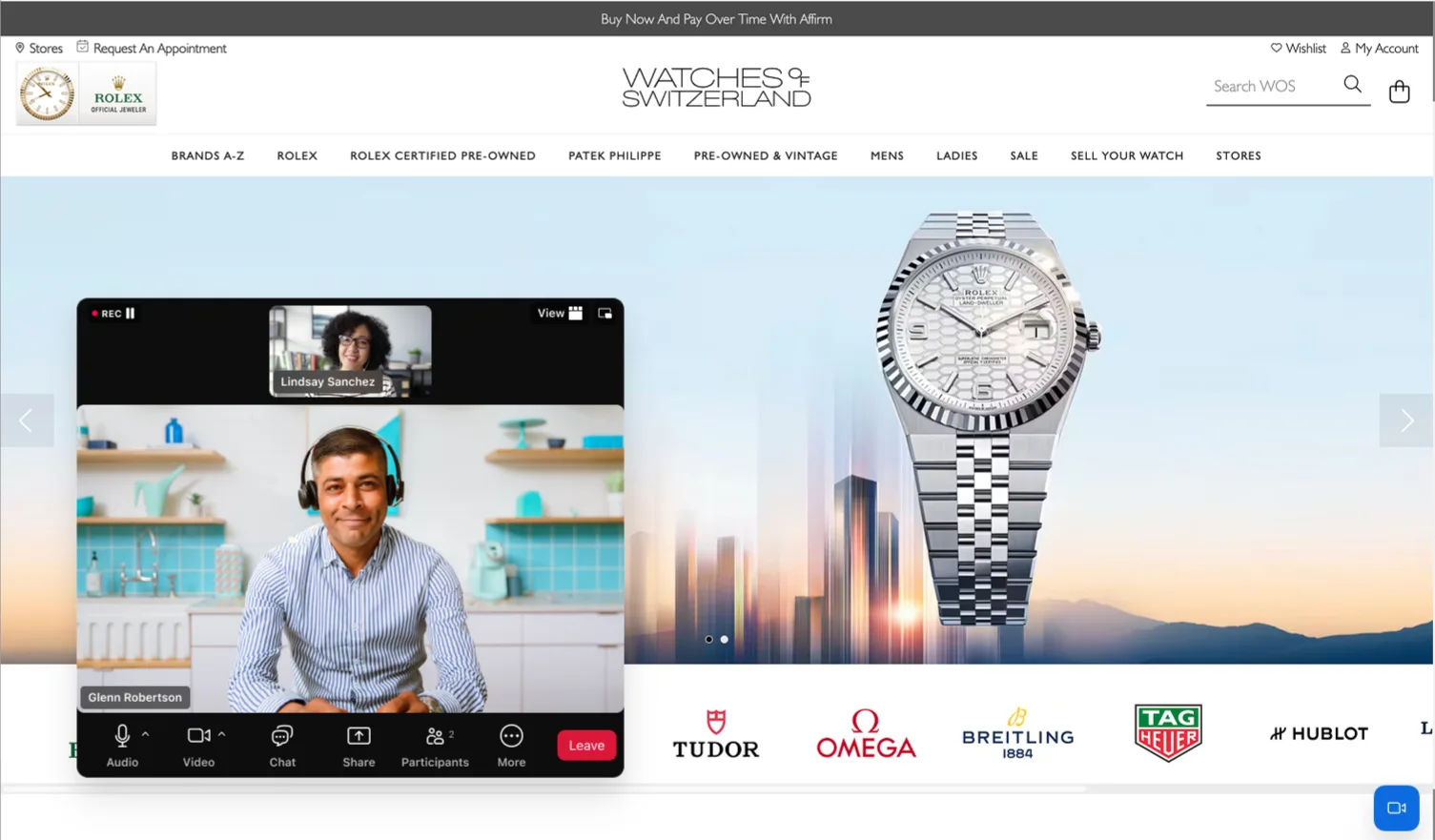
- Extend co-browsing capabilities to mobile devices, allowing agents to see and guide customers through websites on iOS and Android.
- This provides a seamless support experience for customers on mobile, helping them complete applications and forms with real-time assistance.
Learn more Learn more
Industry Solutions
Zoom for Defense
- A specialized, IL-4 authorized extension of Zoom for Government, purpose-built to meet the Department of Defense's rigorous security requirements.
- This allows defense agencies to leverage modern collaboration tools like meetings and chat within a secure environment that adheres to strict NIPRNet standards.
Learn more Learn more
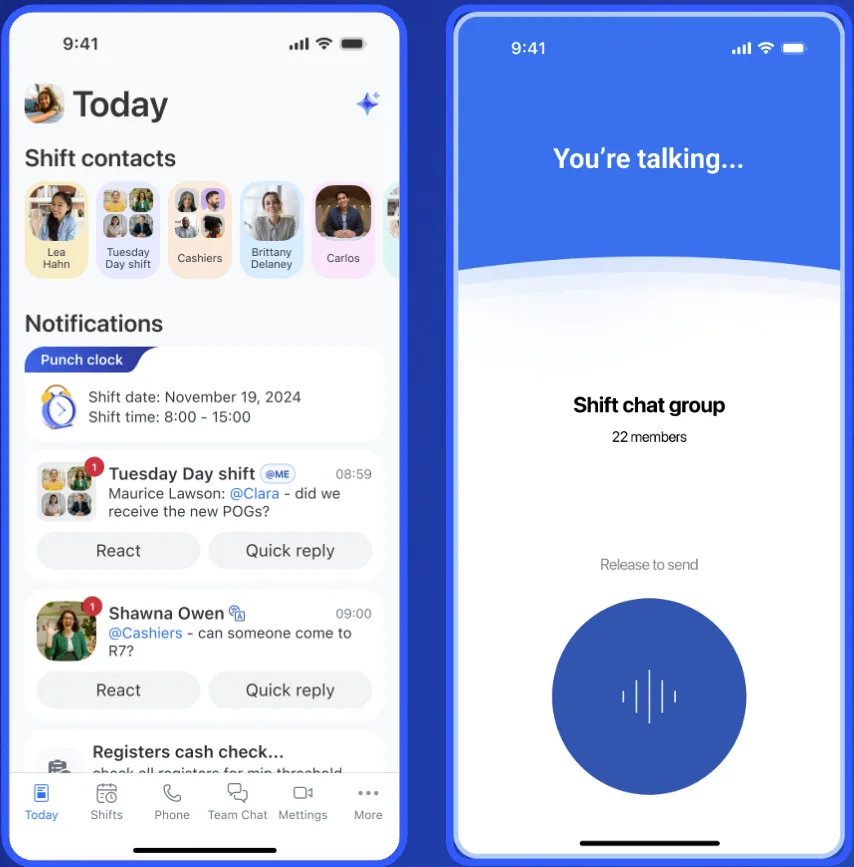
Zoom Workplace for Frontline Enhancements
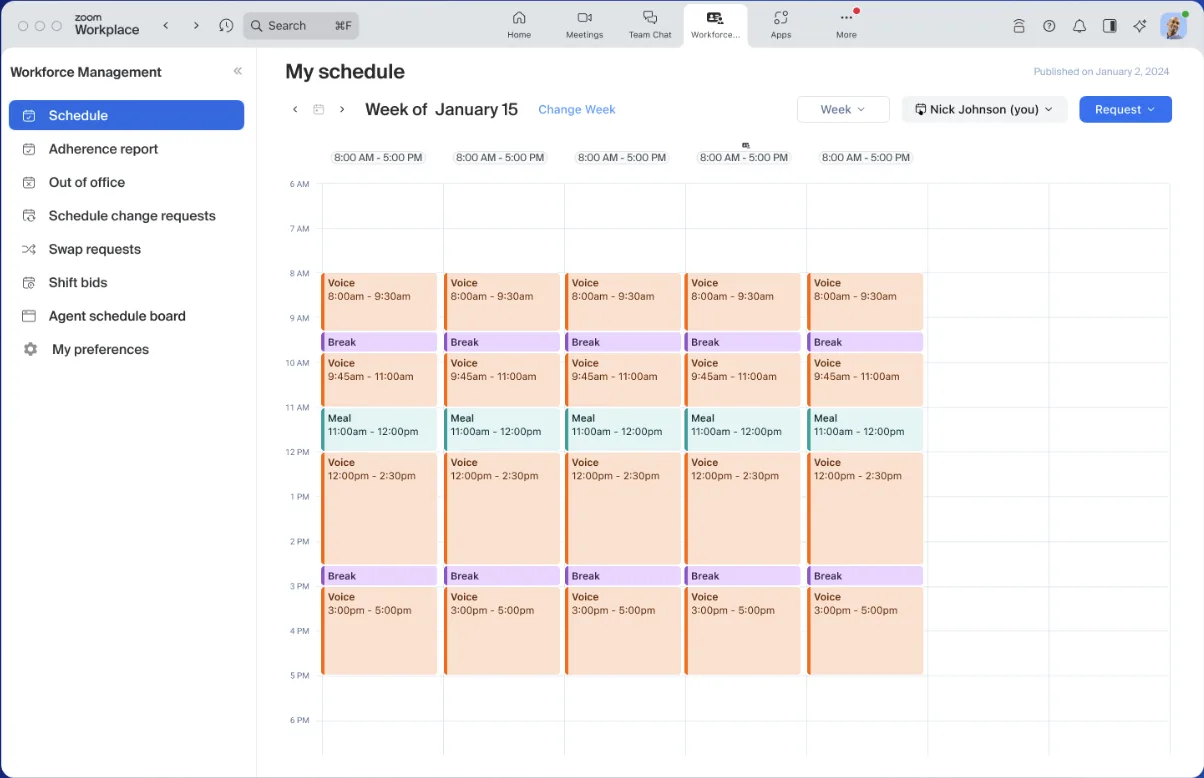
- New features including CSV uploads for shift management and a floating push-to-talk experience designed to boost frontline productivity.
- These updates streamline shift scheduling for managers and ensure instant communication is always accessible for workers without blocking other tasks.
Learn more Learn more
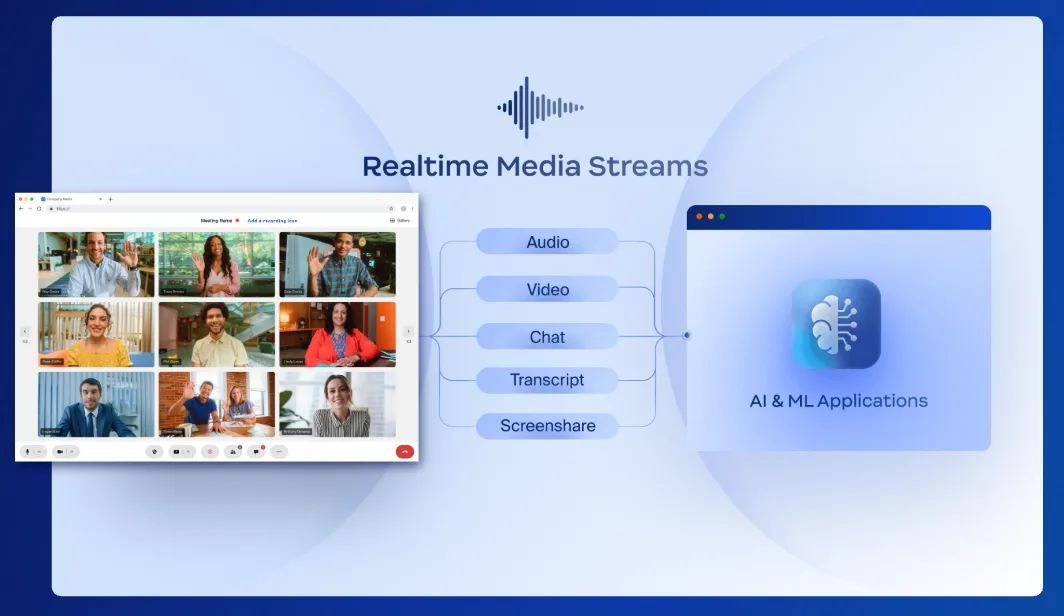
Real-Time Media Streams (RTMS) for Video SDK
- Developers can now build custom video experiences that tap into live audio, video, and transcription streams directly via the Video SDK.
- This opens up new possibilities for building advanced AI applications, such as real-time tutoring assistants or healthcare bots, without complex integrations.
Learn more Learn more