



Zoom Webinars

Measuring what matters to make every call, app, and AI interaction dependable
Read how dependable performance turns everyday communication into effortless connection.
 3 min read
Published on January 31, 2024
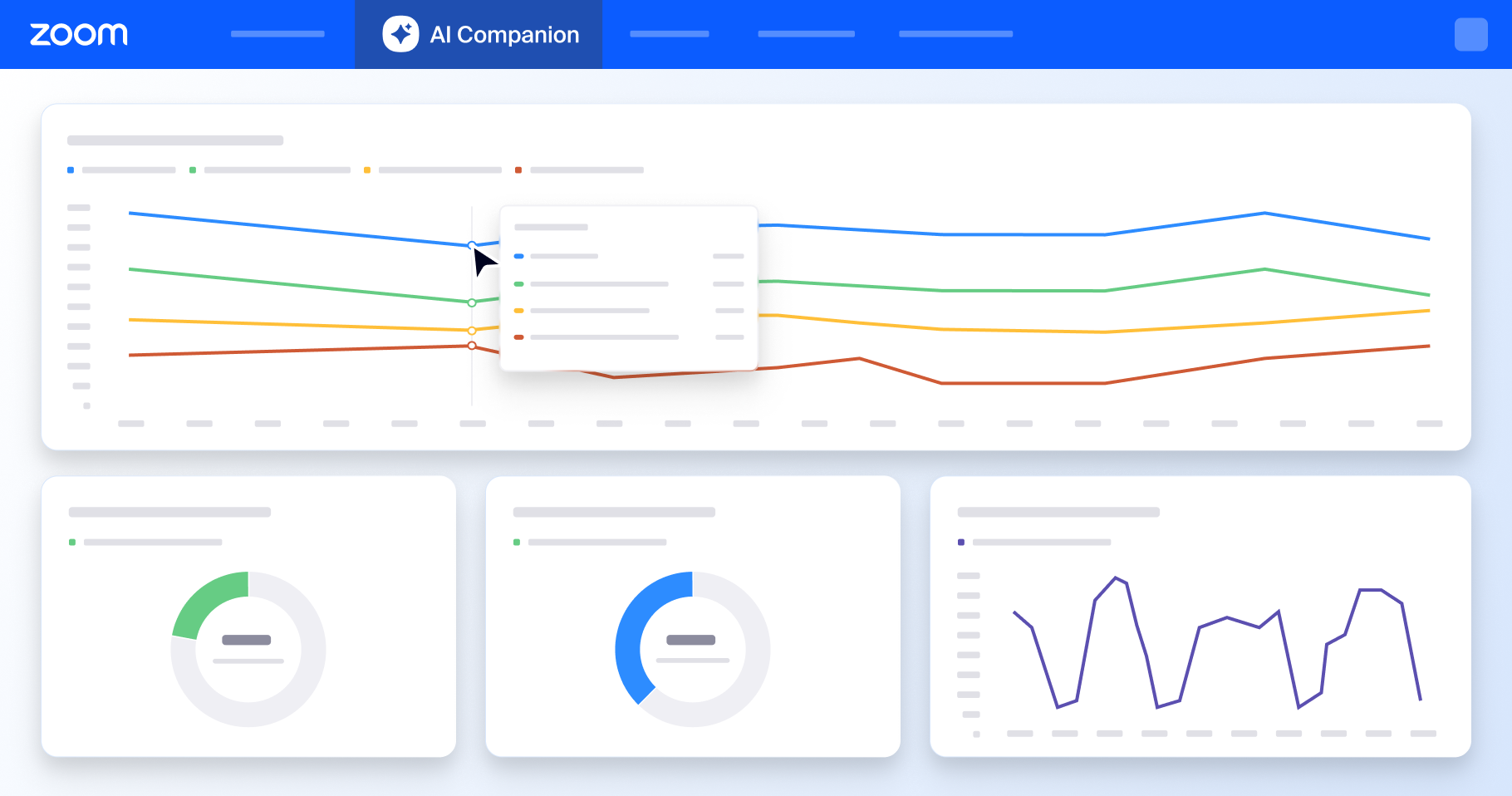



We're all trying to find ways to work better — to be more efficient, collaborate more easily with teammates, and spend our precious time on more impactful tasks. Organizations are leaning on AI to help with that, and teams who use generative AI technology are seeing the benefits.
In a 2023 Zoom-Morning Consult report on AI in the workplace, 74% of team leaders and 46% of employees who use AI at work say it saves them one or more hours a day. Among those who don't use AI at work, 55% of employees and 50% of leaders said they didn't know how much time they could be saving, uncovering a huge opportunity cost.
If you've introduced built-in AI in Zoom Workplace to your workforce and want to understand how employees are using it or make it easier for them to adopt, our new analytics dashboard can help.
Our new analytics dashboard for built-in AI in Zoom Workplace gives Zoom admins visibility into metrics like how many meeting summaries were generated over a period of time, or how many employees are using chat compose or message, doc, and thread summary features.
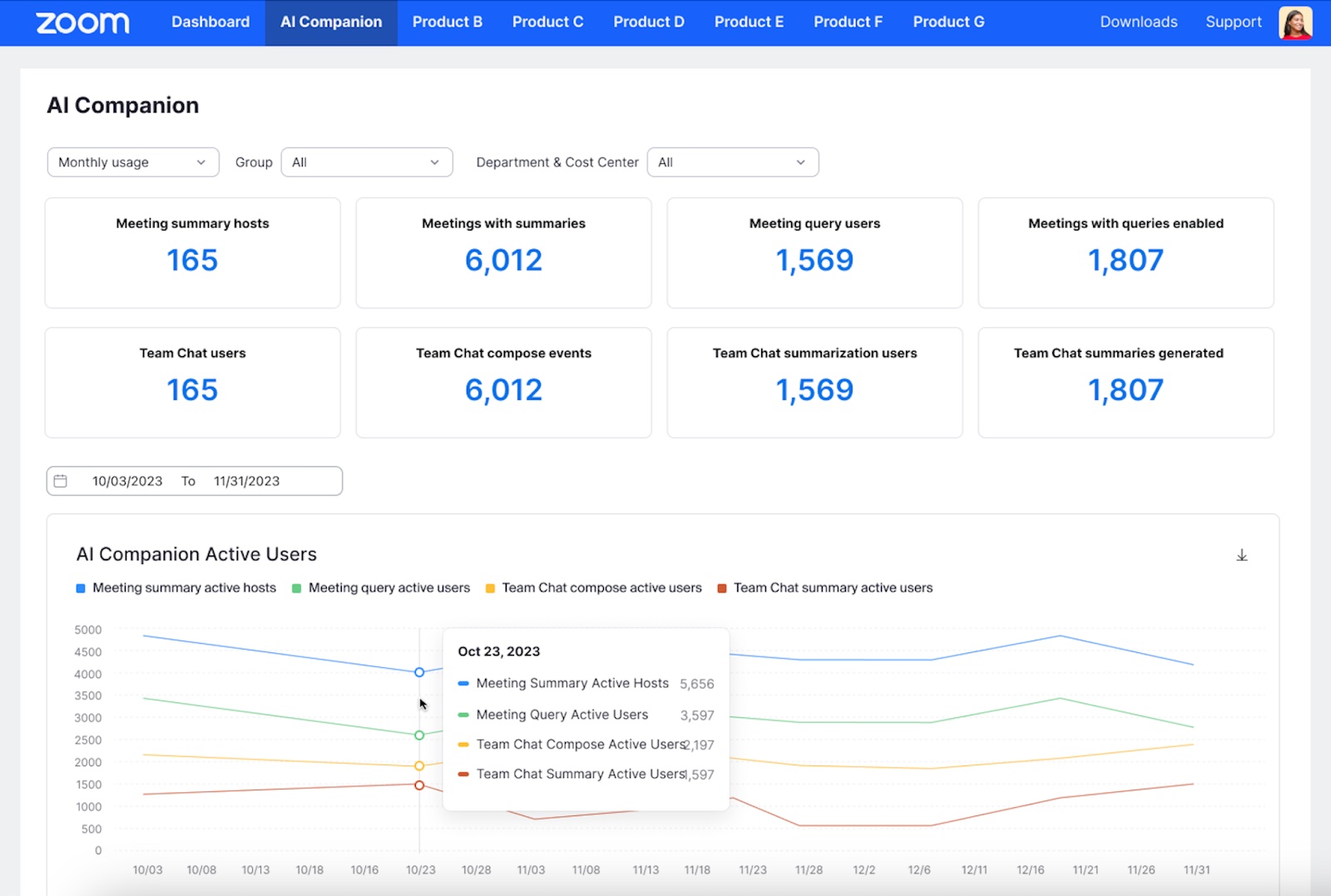
Data like this can help you track trends of how people are adopting new technology within your organization and make decisions about where to focus resources. If you see, for example, that many employees are using meeting summaries but aren't using AI features in Zoom Chat, you might want to share resources that show how they can use AI to summarize chat threads or get help composing chat messages.
Plus, we've got even more new AI Companion capabilities across the Zoom platform to help you in your workday:
Learn more about AI features' latest capabilities here.
AI features are included with eligible paid Zoom Workplace plans. Zoom Workplace Basic users can sign up for an eligible paid plan here.*
*Note: AI features are included with eligible paid Zoom Workplace plans and may not be available for all regions or industry verticals.
Read how dependable performance turns everyday communication into effortless connection.
 5 min read

The real impact of AI on legal work









