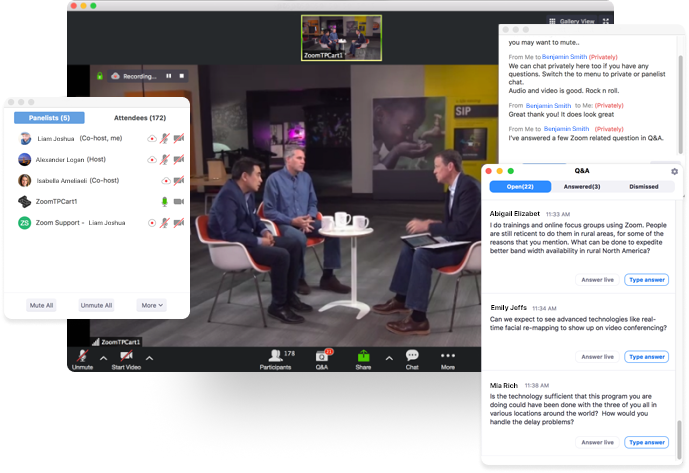
The event host sets the tone for the event. Practice and preparation beforehand will ensure your audience has the very best experience. Here are a couple of pro tips to ensure you have a successful digital event:
- Hardwire your internet connection: This will help you avoid any issues with an unstable wifi connection, which can affect your audio quality and the overall attendee experience.
- Test the audio before your webinar begins: This will ensure your speakers and mic are working properly before the live event begins. Here’s how to test your device audio.
- Minimize background noise: Try to host your webinar in a quiet place. If you must be in a loud environment, using a headset with a mic often reduces background noise compared with your computer’s built-in microphone. In fact, a headset is a general best practice for higher-quality audio than other built-in options.
- Dress to impress: You’ll be on video, so be sure to wear business attire. We recommend solid colors as opposed to garments with patterns. Be mindful of any accessories or jewelry if you are expressive with your hands as the noise and movement can be quite distracting.
- Set proper expectations: Create a clear webinar title and description for the content that will be delivered. Make sure you deliver on the content that was promised in the promotions leading up to the digital event.
- Start on time: We recommend you start your event 5 minutes early to allow your attendees to join before the content kicks off. The host should let attendees know when the event will begin and if the content will be recorded and shared afterward.
For additional webinar best practices on designing content and creating impact, check out these webinar hosting tips from Let’s Do Video founder David Maldow.







 10 min read