Product ZoomMate AI

Your guide to getting started with ZoomMate

Everything you need to start using ZoomMate: notes, search, workflows, and AI tools — all inside Zoom Workplace.
5 min read

Published on June 1, 2026

Image Placeholder
Robin Bunevich
Robin Bunevich
Product Marketing Manager, Zoom AI

Robin Bunevich is a Product Marketing Manager at Zoom. She oversees product marketing and strategy for Zoom AI. After three years of leading marketing for Zoom’s Event Solution products, and launching one of the fastest growing products at Zoom, Zoom Events, she is now focused on helping organizations seamlessly adopt AI into their workflows. Prior to Zoom, she ran marketing for live events at The New York Times, and was instrumental in helping the organization transition to a fully virtual events program in March of 2020. At Zoom, Robin uses her 15 plus years of marketing and advertising experience to drive awareness and adoption for Zoom’s AI solutions.
Most meetings don't end when the call does.
 
There's usually a follow-up email to send, action items to organize, a document to update, or a presentation that still needs to get built before the next check-in. Even when teams already have the right information, a surprising amount of time still goes into tracking down context and manually moving work from one system to another.
 
ZoomMate is an AI workspace built into Zoom Workplace that helps teams turn meetings, conversations, and project context into actionable work. It combines notes, search, workflows, and AI-generated content in one connected experience so teams can spend less time managing administrative work and more time moving projects forward.
 
If you're just getting started, the easiest approach is to begin with the tools that fit naturally into the way your team already works.

See how ZoomMate fits into your workflow.

Start with a recurring meeting

For many teams, the easiest place to begin is with a recurring meeting that already generates a steady stream of decisions, follow-ups, and updates.
 
Enable My Notes for a team sync, customer review, project standup, or leadership meeting — either per-meeting or across a recurring series. From there, My Notes can automatically generate transcripts, create summaries, identify action items, and builds a searchable history of your conversations over time.
 
That becomes especially useful as meetings accumulate. Before the next meeting starts, you can quickly revisit previous discussions, unresolved action items, and open questions without searching through recordings or scattered chat threads.
 
A sales team preparing for a customer call might review previous meeting summaries and product feedback tied to that account. A project manager heading into a weekly status review can revisit planning decisions without asking the team to recap everything again.
 
Instead of piecing information together manually, the context is already connected.

Organize projects into shared workspaces

As conversations, documents, and updates start to accumulate, project workspaces help keep related work organized in one place.
 
A workspace can include meeting notes, chats, presentations, spreadsheets, generated documents, and workflow outputs tied to a specific customer, initiative, or team. That shared context helps ZoomMate generate more relevant answers and outputs because the surrounding project history stays connected.
 
For example, a kickoff meeting can later inform project updates, presentation drafts, recurring workflows, and meeting prep tied to the same initiative. Over time, the workspace becomes a running operational history instead of another collection of disconnected files.
 
For teams managing long-running workstreams, this can reduce the amount of time spent re-explaining decisions or searching for the latest version of information.

Use search to find answers across systems

One of the most practical ways to use ZoomMate day to day is as a search layer across meetings, chats, documents, and connected business systems.
 
Instead of searching by file name or trying to remember where something was mentioned, teams can ask questions naturally:
 
  • "What blockers came up during last week's rollout meeting?"
  • "What feedback has this customer repeated across recent calls?"
  • "What decisions were made about the launch timeline?"
  • "What incidents need attention today?"
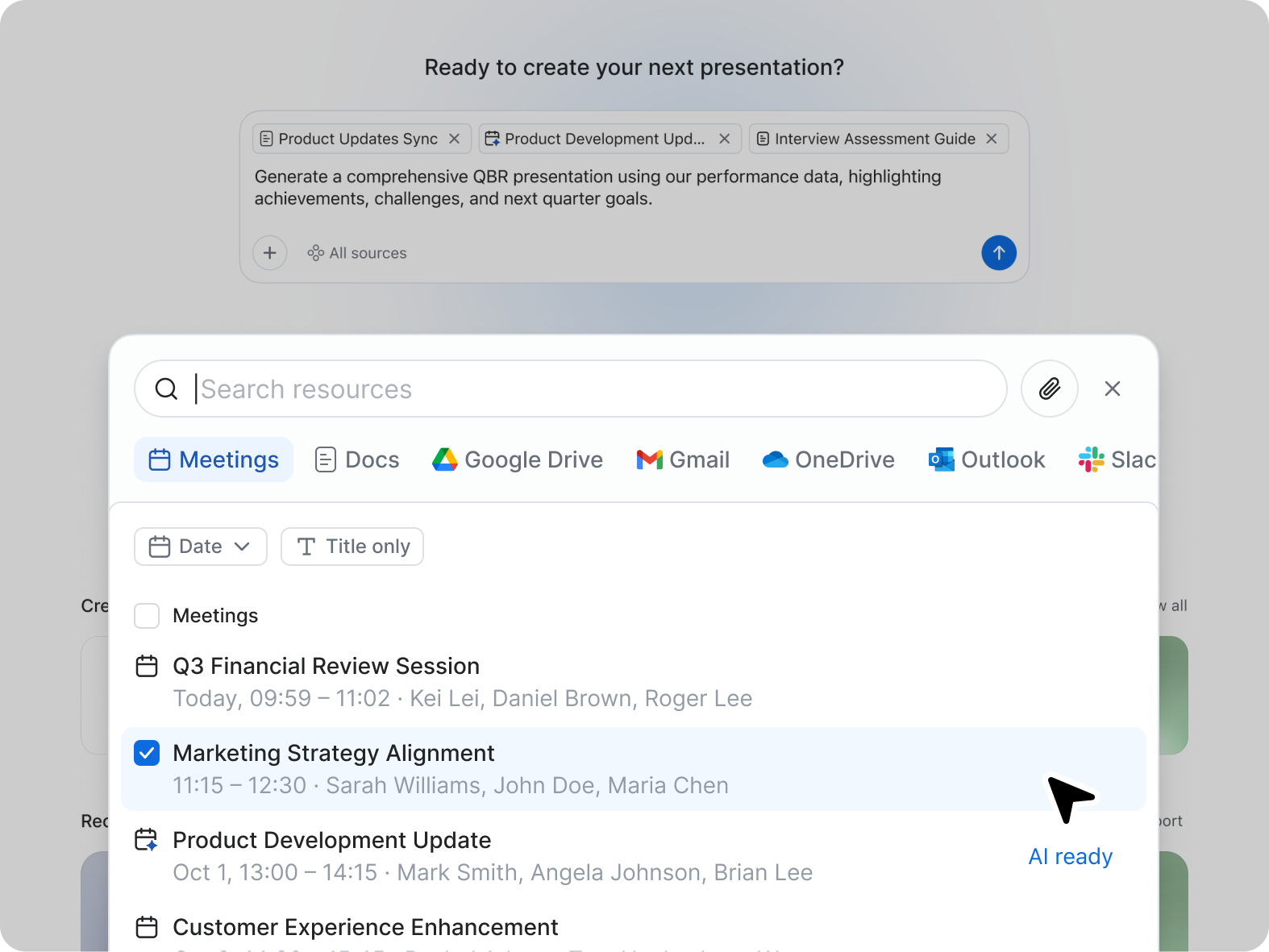
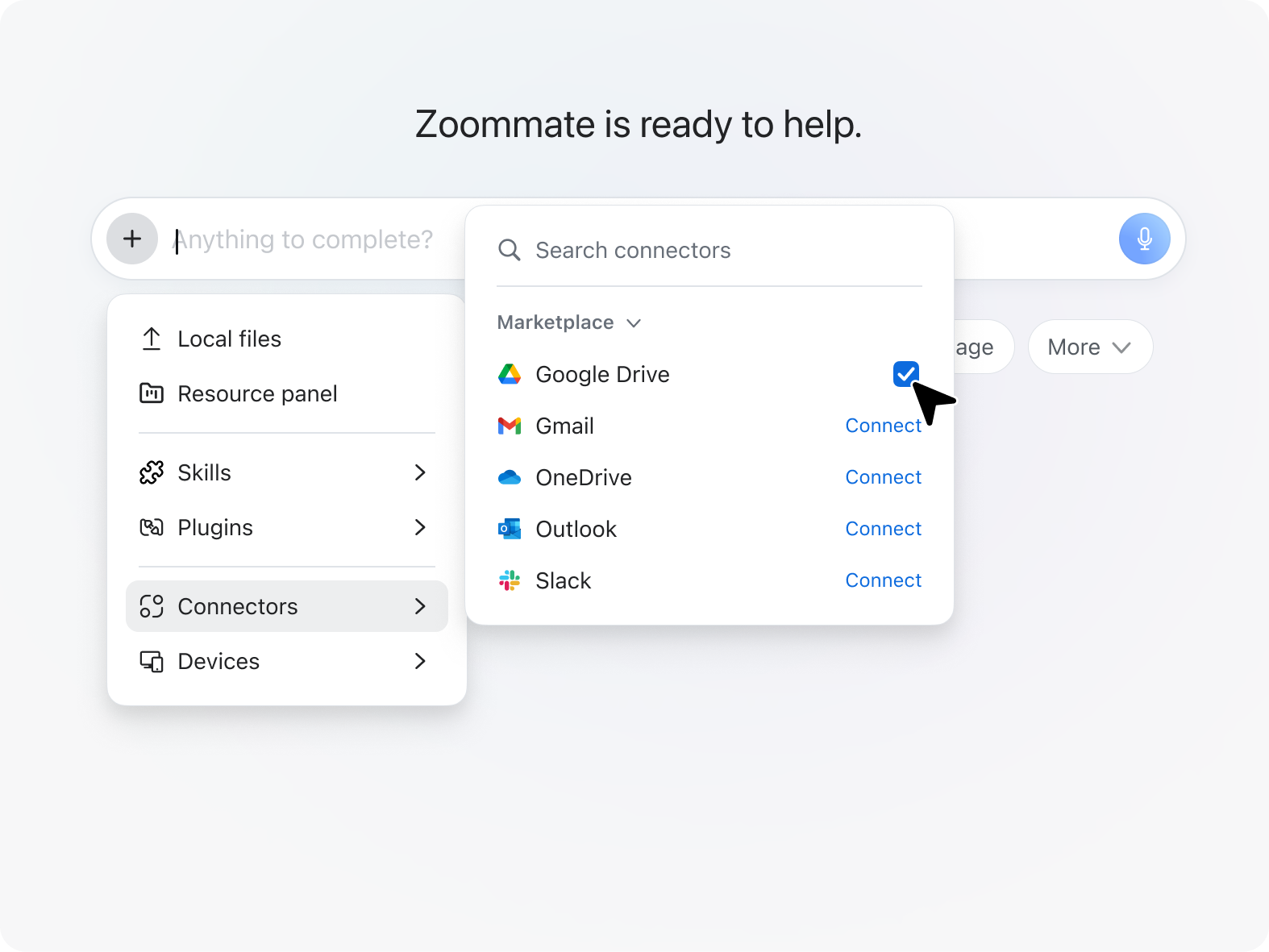
Depending on how your organization configures integrations, ZoomMate can pull information from Zoom content as well as connected systems like Google Drive, Salesforce, ServiceNow, Confluence, and OneDrive.
 
That's especially useful before meetings and status reviews, when teams often spend unnecessary time gathering updates from multiple tools before the real discussion can begin.


Add workflows to repetitive tasks

After teams are comfortable using notes and search, workflows are usually the next step.
 
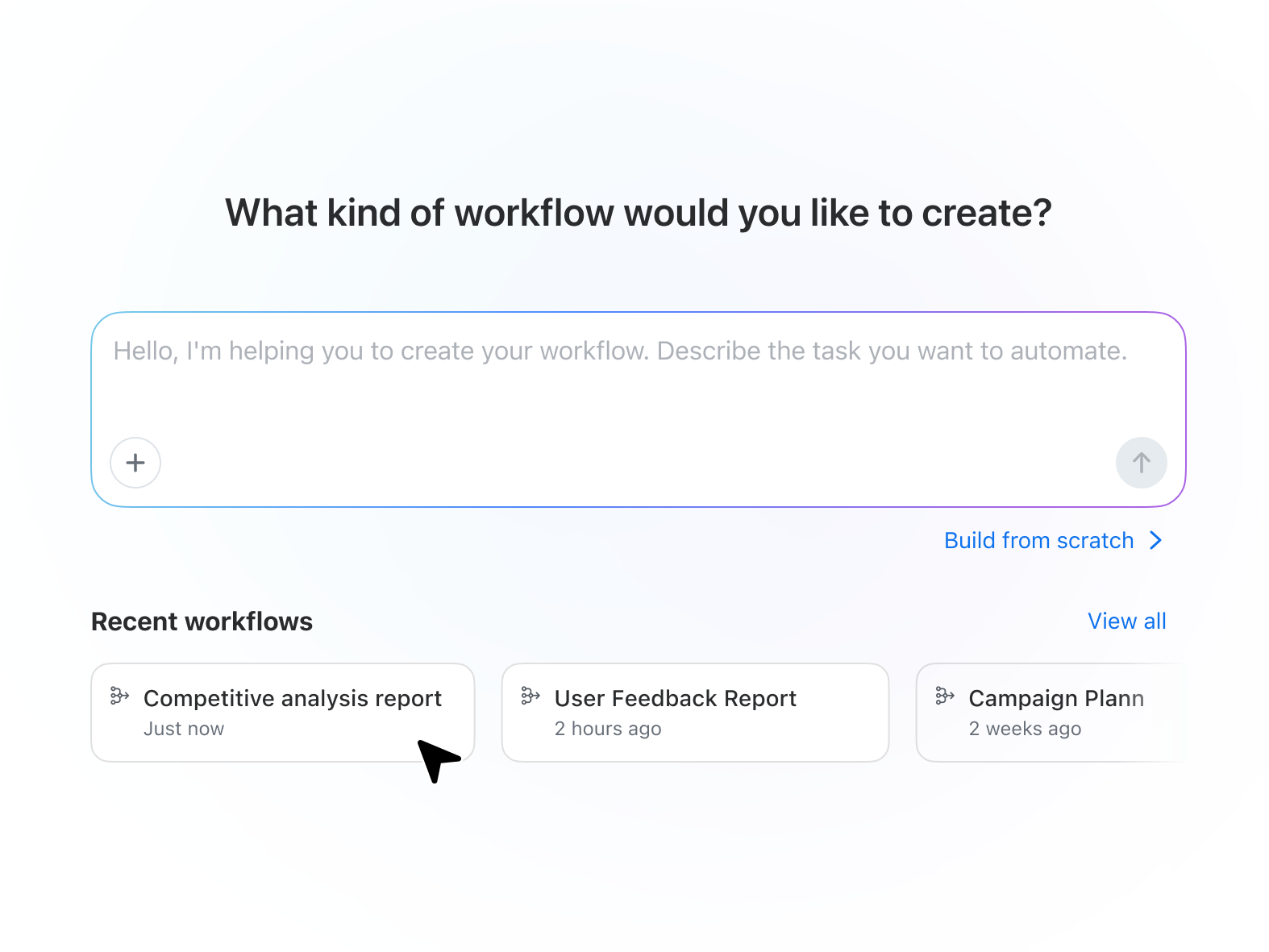
Workflows help automate recurring tasks that happen after meetings or at regular intervals. Teams can start with templates or create workflows using conversational prompts and a visual builder.
 
Some teams use workflows to send post-meeting summaries and assign follow-up tasks. Others use them to update systems like Salesforce, route approvals, generate weekly reports, or prepare recurring meeting briefings.
 

Workflows can also be attached directly to meetings. That means a recurring customer sync or project review can automatically trigger next steps once the meeting ends.
 
After a customer meeting, ZoomMate might summarize the discussion, draft a follow-up email, update CRM records, and prepare a first-pass presentation for the next review. A project team might automatically generate status updates and assign tasks based on decisions made during a planning meeting.
 
The goal isn't to automate every part of the workday. It's to reduce the repetitive coordination work that tends to consume time between conversations.

Ready to automate your meeting follow-ups?

Turn conversations into working drafts

ZoomMate also includes AI productivity tools like Slides, Sheets, Paper, and Canvas that help teams turn meeting context into working deliverables.
Instead of starting with a blank page, teams can generate presentation outlines, spreadsheets, project plans, summaries, and research briefs based on meeting discussions and project context.
 
A sales team might create a first-pass customer presentation after a discovery call. A marketing team could turn brainstorming sessions into campaign outlines and trackers. A project lead might generate a draft status deck before a leadership review.
 
These outputs are usually most useful as a starting point. Teams can refine and collaborate on the material rather than rebuilding everything manually from scratch.


Common ways teams get started

Most teams don't adopt every capability at once. They usually begin with one workflow that removes friction from the workday and expand from there.
 
Some of the most common starting points include:
 
  • Meeting notes and summaries for recurring team meetings
  • Cross-project search across meetings, chats, and documents
  • Automated follow-up tasks after customer or project meetings
  • AI-generated first drafts for presentations, reports, and planning documents
  • Recurring workflows for status updates and meeting preparation
The most effective rollout is usually the simplest one. Start with a process your team already repeats every week and build from there.

Build habits gradually

The most successful implementations usually start small.
 
For some teams, that means enabling My Notes in every recurring meeting. Others begin by attaching workflows to project reviews or using search to gather context before customer calls.
 
Over time, those small workflow changes can reduce a surprising amount of administrative work, especially for teams that spend large portions of the week in meetings, reviews, and cross-functional coordination.

A more connected way to work

Meetings generate context. Chats create decisions. Projects evolve through documents, updates, and follow-ups. ZoomMate is designed to help connect those pieces so information stays easier to find and work continues moving after conversations end.
 
To get started, begin with a recurring meeting or active project your team already manages in Zoom Workplace. From there, ZoomMate can start organizing context, automating follow-through, and helping teams turn conversations into action.
 

From meeting to done — start with one workflow.

Try ZoomMate and let it handle the follow-through while you focus on the work that matters.

ZoomMate is now available for purchase with included AI Credits for metered AI actions. Please note that availability may vary by customer type, region, and industry vertical at launch, with broader rollout expected throughout the year.

Our customers love us

Okta
Nasdaq
Rakuten
Logitech
Western Union
Autodesk
Dropbox
Okta
Nasdaq
Rakuten
Logitech
Western Union
Autodesk
Dropbox

Zoom - One Platform to Connect