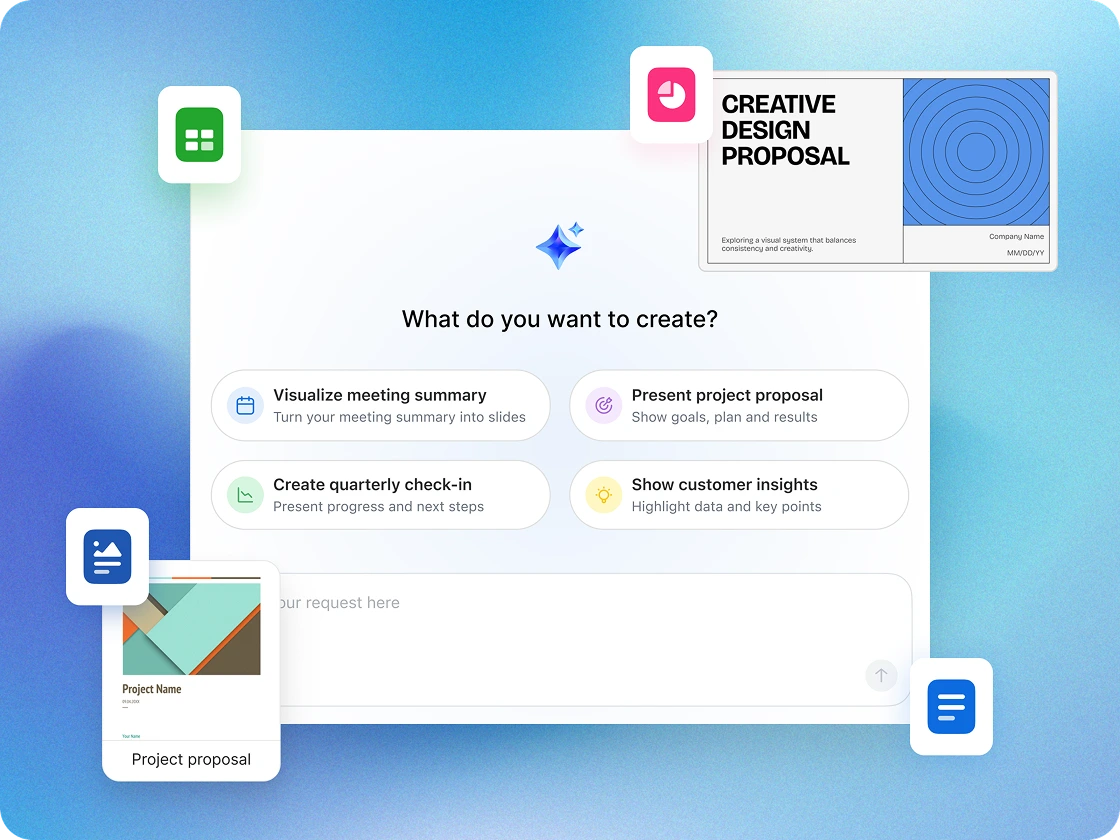
Disconnected tools slow you down. With Zoom’s AI‑first platform, everything works together — helping you work smarter, manage costs, and win more customers.
Work happy when you cut the clutter and reduce costs. Our AI-first, all-in-one platform doesn't just help businesses like you accomplish more--it wraps the tools you need into a easy experience that users love.
Video
AI
AI
AI
Team Chat
Team Chat
Team Chat
Phone
Phone
External Scheduling
Workspace Solutions
Whiteboard
Whiteboard
Async video
Collaborative Docs
Collaborative Docs
Survey/Polls
Tasks
*Estimated cost savings is based on cancelling the selected third-party plans for US and Canada customers. Pricing is based on publicly available USD list pricing as of March 2025 for new customers. Organizational results are based on the inputs you have provided. Note that these results are an estimation and not guaranteed savings by Zoom and should only be used for informational purposes..
Small business owners rely on collaboration software to keep communication, organization, and productivity in one place. These platforms combine essential tools — like chat, video conferencing, and file sharing — with integrated scheduling, document creation, and task management to keep teams aligned and efficient as they grow.
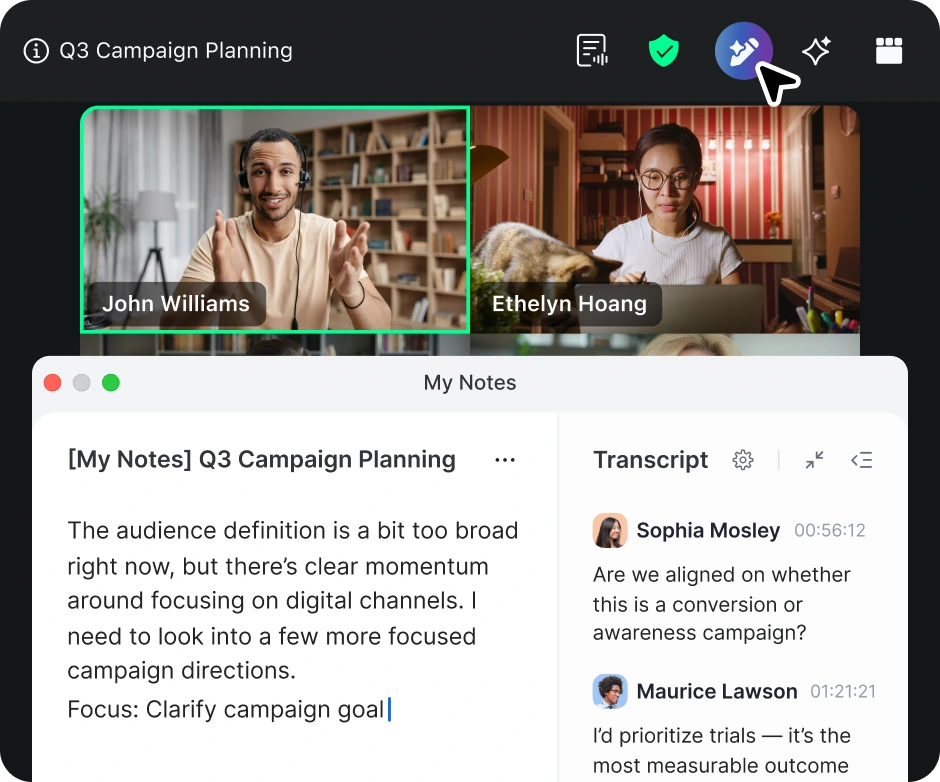
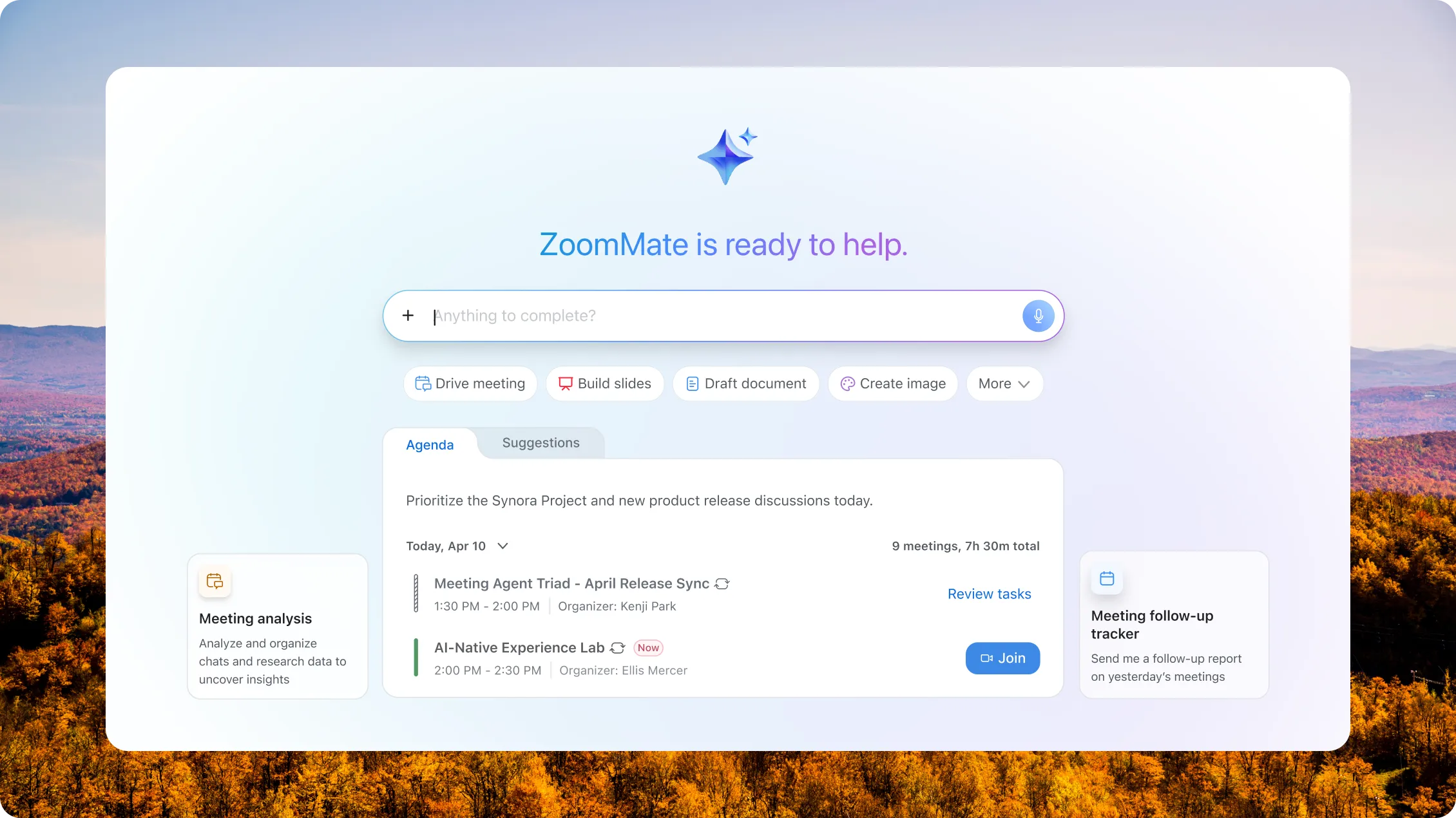
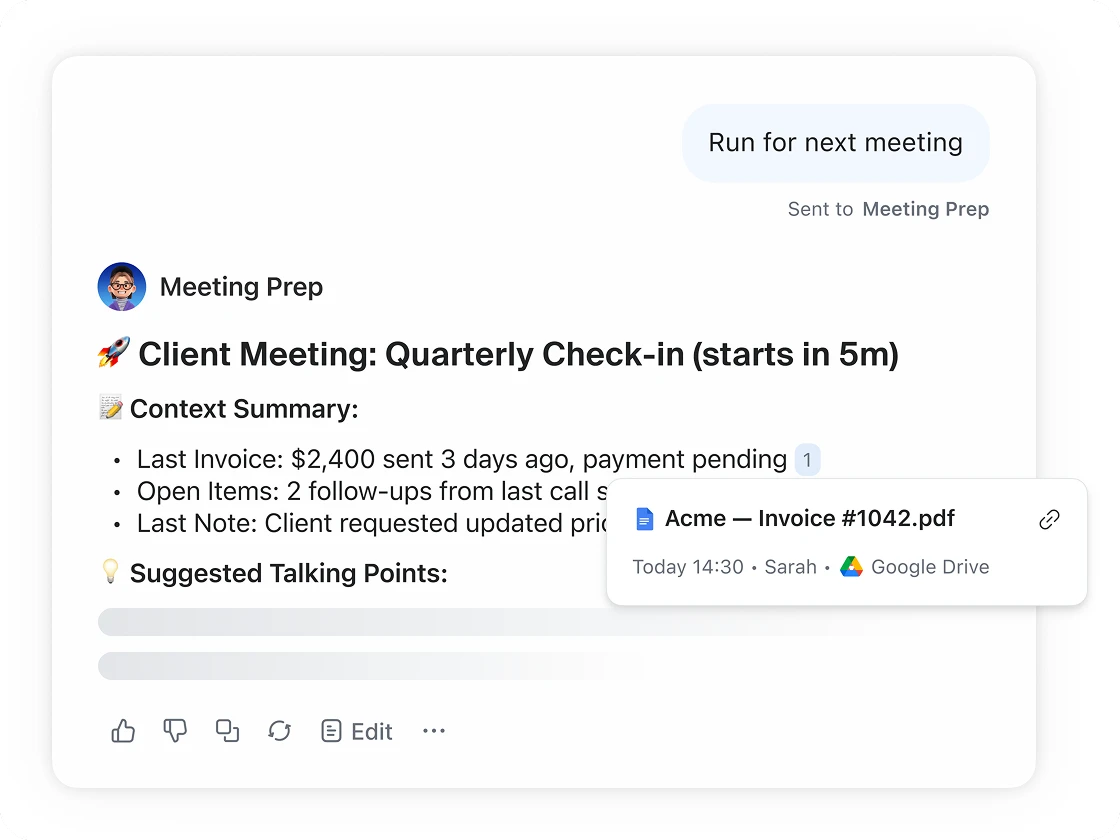
With solutions like Zoom Workplace, small businesses can host meetings, message in real time, share files securely, and manage projects without having to hop between multiple apps. Plus, built‑in AI features like Custom AI Agents (coming soon) and the AI Productivity Suite can automate notes, follow‑ups, and workflows (with ZoomMate SKU*), while tools like Scheduler, Whiteboard, and Canvas make it easy to plan, brainstorm, and collaborate. Together, these tools create a single workspace that helps small teams work smarter, serve customers faster, and scale with confidence.

While used by companies of all sizes, these specific tools are tailored for:
Email was built for messaging, not for project management. Collaboration software reduces "app fatigue" by organizing conversations into specific channels or topics. This helps ensure that a crucial file or decision doesn't get buried under a mountain of unrelated newsletters or client inquiries.
Many effective platforms include a mix of:
The lines are blurry, but generally:
Collaboration software focuses on the how — the communication and real-time interaction.
Project management software focuses on the what and when — deadlines, resource allocation, and long-term roadmaps.
Many modern tools now combine both into a single interface.
Many reputable providers offer enterprise-grade security features, including end-to-end encryption and multi-factor authentication (MFA). If you handle sensitive client data, look for tools that offer customizable permissions, too, so you can control who sees what.
Zoom helps safeguard small business communications with enterprise‑grade security features, helping to protect sensitive data across meetings, chat, and files. The platform is designed with security and privacy in mind, enabling teams to collaborate with confidence.

Many platforms allow for "Guest Access," which is perfect for collaborating with contractors, vendors, or clients without giving them access to your internal company-wide discussions.
You can also adjust sharing permissions for specific Zoom tools — like Sheets, Whiteboards, and Clips — so external collaborators can view, comment on, or edit files as needed, helping support secure and seamless teamwork across organizations.
Many modern collaboration platforms are designed to work with others. You can typically integrate your existing calendar, cloud storage (like Google Drive or Dropbox), and even your CRM so data flows smoothly between them. Zoom Workplace for SMBs can integrate with Google, HubSpot, Asana, QuickBooks, Stripe, Jira, MailChimp, Zoho, Bonsai, and more.

If you find yourself asking "Where is that file?" more than once a day, or if your weekly meetings are spent just trying to figure out the status of a project, it may be time to consider a dedicated solution. Zoom Workplace can help reduce costs through improved efficiency and tool consolidation.

Many providers offer a free-tier model. You can start with a free version that covers basic needs and then move to a paid tier (usually priced per user, per month) as your team grows or as you require more advanced cloud storage features. Zoom Workplace offers a free Basic plan to get started.
*Features and capabilities are subject to applicable usage limits, availability, and AI credit balances. Certain functions may require additional subscriptions or credits. Actual performance may vary depending on prompt, system conditions, and available data.
**Core AI features included with paid Zoom Workplace plans
***AI Productivity Suite is available as a standalone SKU or with the purchase of the ZoomMate SKU