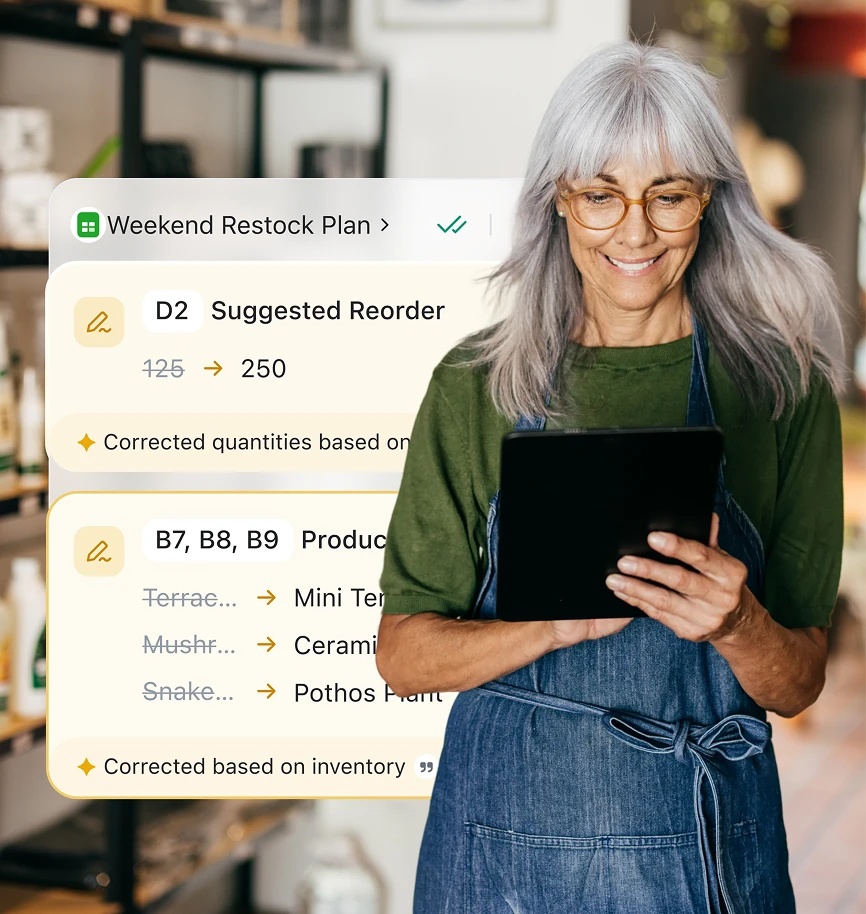
ツール同士が接続されていなければ、作業効率は低下します。ZoomのAIファーストプラットフォームではあらゆるツールが連携しているため、よりスマートな作業、コスト管理、さらなる顧客の獲得につながります。
言語を選択してください

ツール同士が接続されていなければ、作業効率は低下します。ZoomのAIファーストプラットフォームではあらゆるツールが連携しているため、よりスマートな作業、コスト管理、さらなる顧客の獲得につながります。










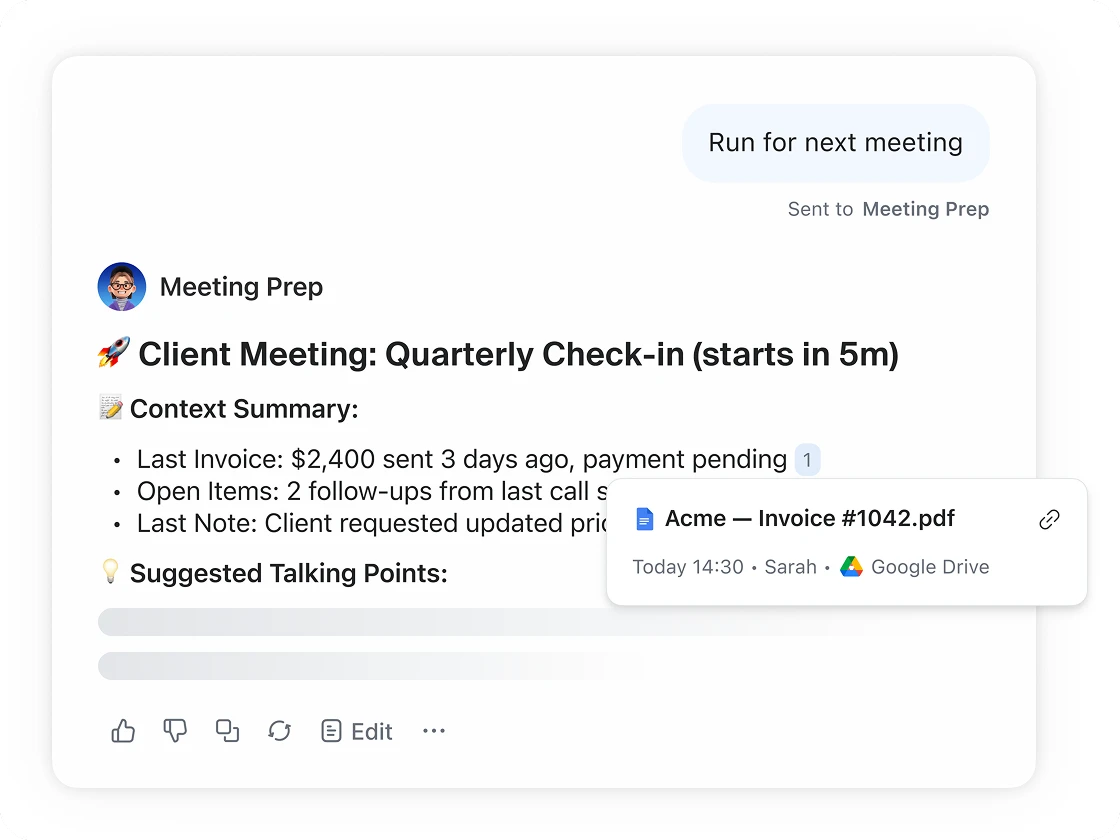
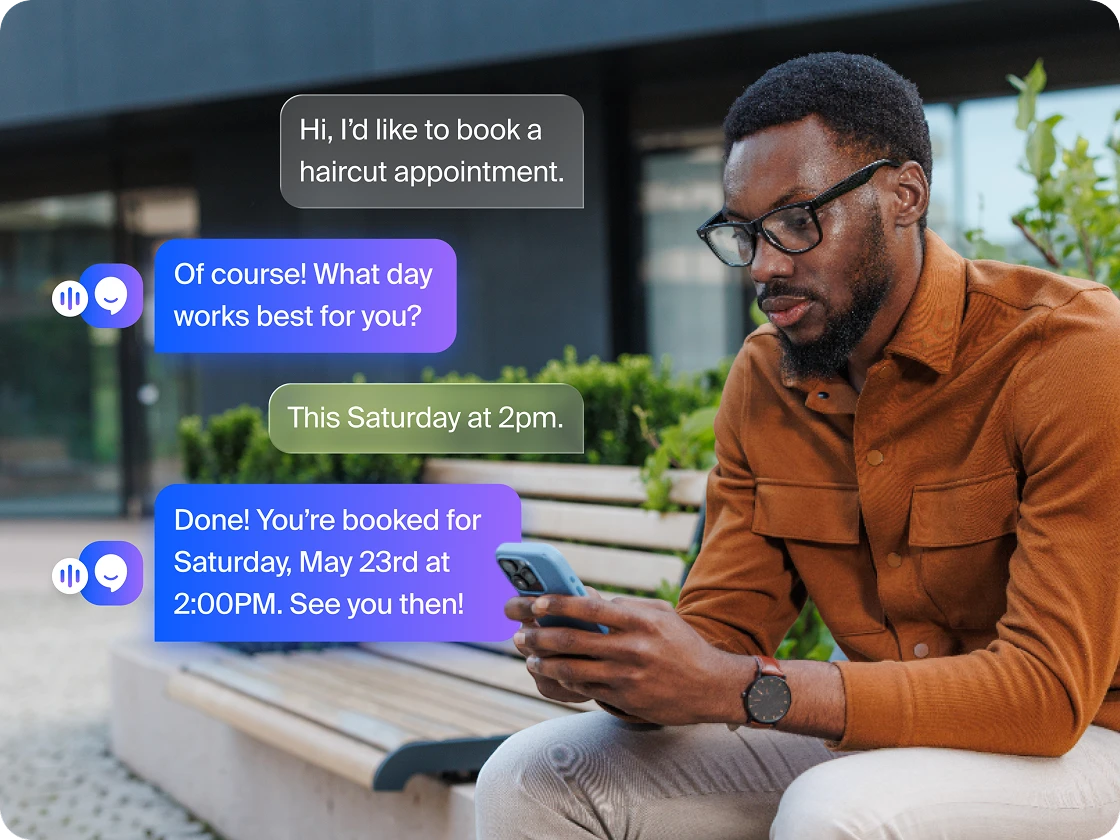
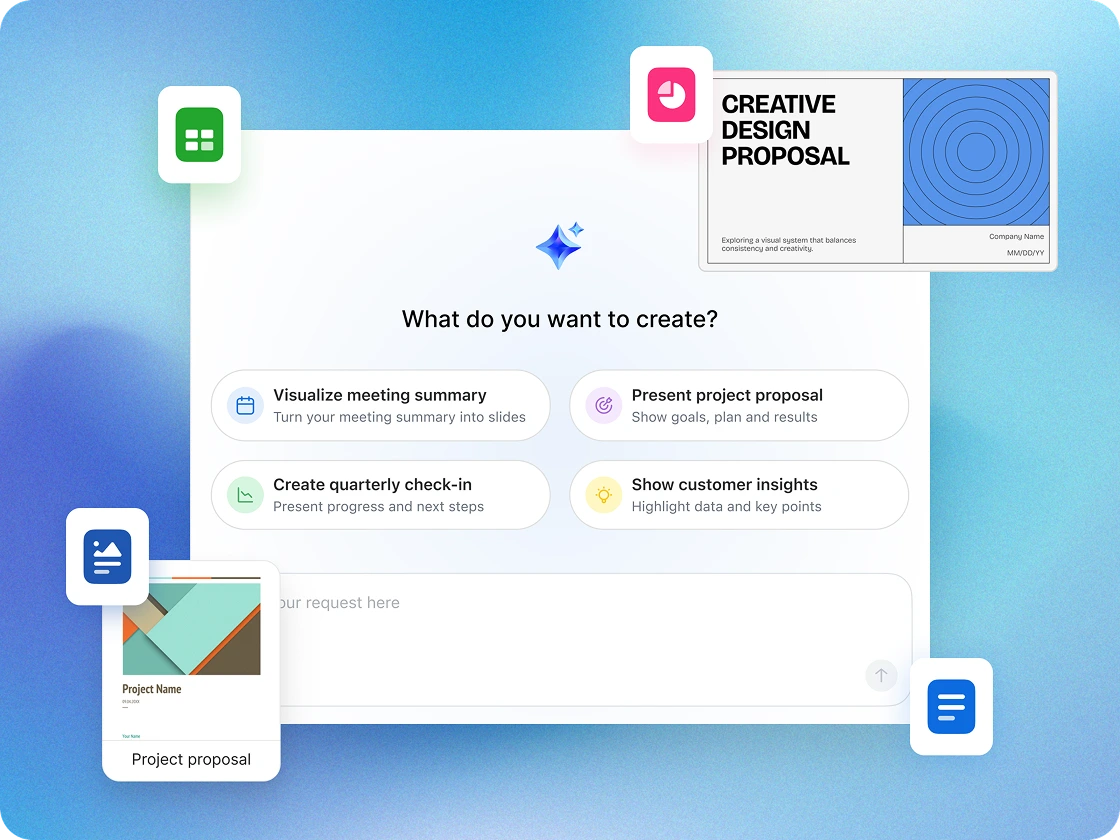









Zoomの提供するAIファーストのオールインワンプラットフォームは、単にビジネスの成果を高めるだけではありません。必要なツールを、ユーザーに愛されるシンプルな体験を導く形で提供します。

ビデオ

AI

AI

AI

Team Chat

Team Chat

Team Chat

Phone

Phone

外部スケジュール作成

ワークスペースソリューション

Whiteboard

Whiteboard

非同期ビデオ

共同編集可能なドキュメント

共同編集可能なドキュメント

アンケート / 投票

Tasks

Zoom Workplaceを使用するとこれだけのアプリを置き換えることができます
これは、お使いのソフトウェアの非エンタープライズ価格と比較した場合に、あなたの会社の規模でユーザーごとに毎月節約できる金額です
次の規模の企業における推定コスト削減額です: 人
*推定コスト削減額は情報提供のみを目的としており、少なくとも4つのサードパーティプランをキャンセルしたケースに基づいて計算されています。
料金は、Zoom Workplaceビジネスプラスを新規購入するお客様向けに2025年3月に公開された表示価格(米ドル)に基づいています。
スモールビジネスのオーナーは、コミュニケーション、組織運営、生産性を一元管理するために,コラボレーションソフトウェアを活用しています。これらのプラットフォームは、チャット、ビデオカンファレンス、ファイル共有といった必須ツールに、スケジュール作成、ドキュメント作成、タスク管理機能を組み合わせることで、チームが拡大しても連携を保ち、効率的に業務を遂行することを可能にします。
Zoom Workplaceのようなソリューションを利用すれば、スモールビジネスは複数のアプリを切り替えることなく、ミーティングの主催、リアルタイムでのメッセージ送信、ファイルの安全な共有、プロジェクト管理を行うことができます。さらに、Zoom AIエージェントやAI Productivity Suiteなどの組み込みAI機能ではノート作成、フォローアップ、ワークフローの自動化(ZoomMate SKUを使用した場合*)ができるほか、Scheduler、Whiteboard、Canvasなどのツールを使うことで計画策定、ブレインストーミング、コラボレーションが容易になります。これらのツールを組み合わせることで、小規模チームがより効率的に作業し、顧客への対応を迅速化し、自信を持って事業を拡大するのに役立つ、一元化されたワークスペースを構築できます。
これらのツールはあらゆる規模の企業で使用されていますが、次の用途に合わせて調整されています。
メールは、プロジェクト管理のためではなく、メッセージによるやり取りのために設計されています。コラボレーションソフトウェアでは、会話を特定のチャネルやトピックに整理することで「アプリ疲労」を軽減します。これにより、重要なファイルや決定が無関係なニュースレターやクライアントからの問い合わせの山に埋もれないようにすることができます。
多くの効果的なプラットフォームには、以下の要素が組み合わされています。
境界線は曖昧ですが、通常、
コラボレーションソフトウェアはコミュニケーションとリアルタイムのやり取りの方法に焦点を当てたものです。
プロジェクト管理ソフトウェアは、締め切り、リソース配分、長期的なロードマップなど、何をどのタイミングで行うかに焦点が当てられています。
現在、多くの最新ツールでは、この両方が1つのインターフェースに統合されています。
評判の良いプロバイダーの多くは、エンドツーエンドの暗号化や多要素認証(MFA)など、エンタープライズグレードのセキュリティ機能を提供しています。機密性の高い顧客データを扱う場合は、どの情報に誰がアクセスできるかを制御するため、権限をカスタマイズする機能が搭載されたツールをお探しください。
Zoomは、エンタープライズグレードのセキュリティ機能でスモールビジネスのコミュニケーションを保護し、ミーティング、チャット、ファイルなどの機密データを守ります。このプラットフォームはセキュリティとプライバシーに配慮して設計されているため、チームは安心してコラボレーションすることができます。
多くのプラットフォームは「外部参加者アクセス」機能を搭載しており、社内全体のディスカッションへのアクセスを付与せずに請負業者やベンダー、クライアントと協働するのに最適です。
特定のZoomツール(Sheets、Whiteboards、Clipsなど)の共有権限を調整して、外部コラボレーターが必要に応じてファイルを閲覧、コメント、または編集できるように設定できます。これにより、複数の組織間における安全かつシームレスなチームワークの実現につながります。
最新のコラボレーションプラットフォームの多くは、他者との協働を前提に設計されています。通常は、プラットフォーム間でデータがスムーズに流れるように、既存のカレンダー、クラウドストレージ(Google DriveやDropboxなど)、そしてCRMを統合できます。中小企業向けのZoom Workplaceは、Google、HubSpot、Asana、QuickBooks、Stripe、Jira、MailChimp、Zoho、Bonsaiなどと連携します。
もし一日に一度以上「そのファイルはどこにあるの?」と誰かに尋ねていたり、週次のミーティングがプロジェクトの進捗状況を把握するだけで終わったりしている場合は、専用のソリューションを検討する時期かもしれません。Zoom Workplaceを使えば、効率性の向上とツールの統合を通じたコスト削減につながります。
多くのプロバイダーが無料プランを提供しています。基本的なニーズを満たす無料バージョンから始め、チームの規模が大きくなったり、より高度なクラウドストレージ機能が必要になったりした場合には、有料版(通常はユーザー1人当たりの月額料金)に移行することができます。Zoom Workplaceでは、まずは無料のベーシックプランをご利用ください。
*機能と性能は、適用される利用制限、提供状況、およびAIクレジット残高により影響を受ける場合があります。一部の機能では、使用するのに追加のサブスクリプションまたはクレジットが必要となる場合があります。実際の性能は、プロンプト、システム条件、および利用可能なデータによって異なる場合があります。
**Zoom Workplaceの有料プランに含まれる主要なAI機能
***AI Productivity Suiteは、スタンドアロンSKUとして購入できるほか、ZoomMate SKUを購入した場合にもご利用いただけます。