Zoom for small business

Collaboration software designed for small business

Disconnected tools slow you down. With Zoom’s AI‑first platform, everything works together — helping you work smarter, manage costs, and win more customers.

Zoom for small business

Trusted by small businesses worldwide

TrustRadius Buyer's Choice 2026 Award Gartner Digital Markets 2025 Recognition SMB Best Results Award SMB Leader Award
Good American
MRED
Lake Flato
Cinamaker
19 Labs
Caleb & Brown
Couch Cork
Good American
MRED
Lake Flato
Cinamaker
19 Labs
Caleb & Brown
Couch Cork

Why small businesses love Zoom

Save time every week

Save time every week

AI can assist with notes, follow-ups, and admin work automatically.

Stay connected with customers

Stay connected with customers

Answer calls, messages, and inquiries — even after hours.

Control costs

Control costs

Consolidate tools into one platform with built-in AI.

Industry solutions
Industry solutions

Zoom is built to power your business

Demos
Demos

See how smarter work gets done

Get more done in less time

Get more done in less time

Before, during, and after every meeting

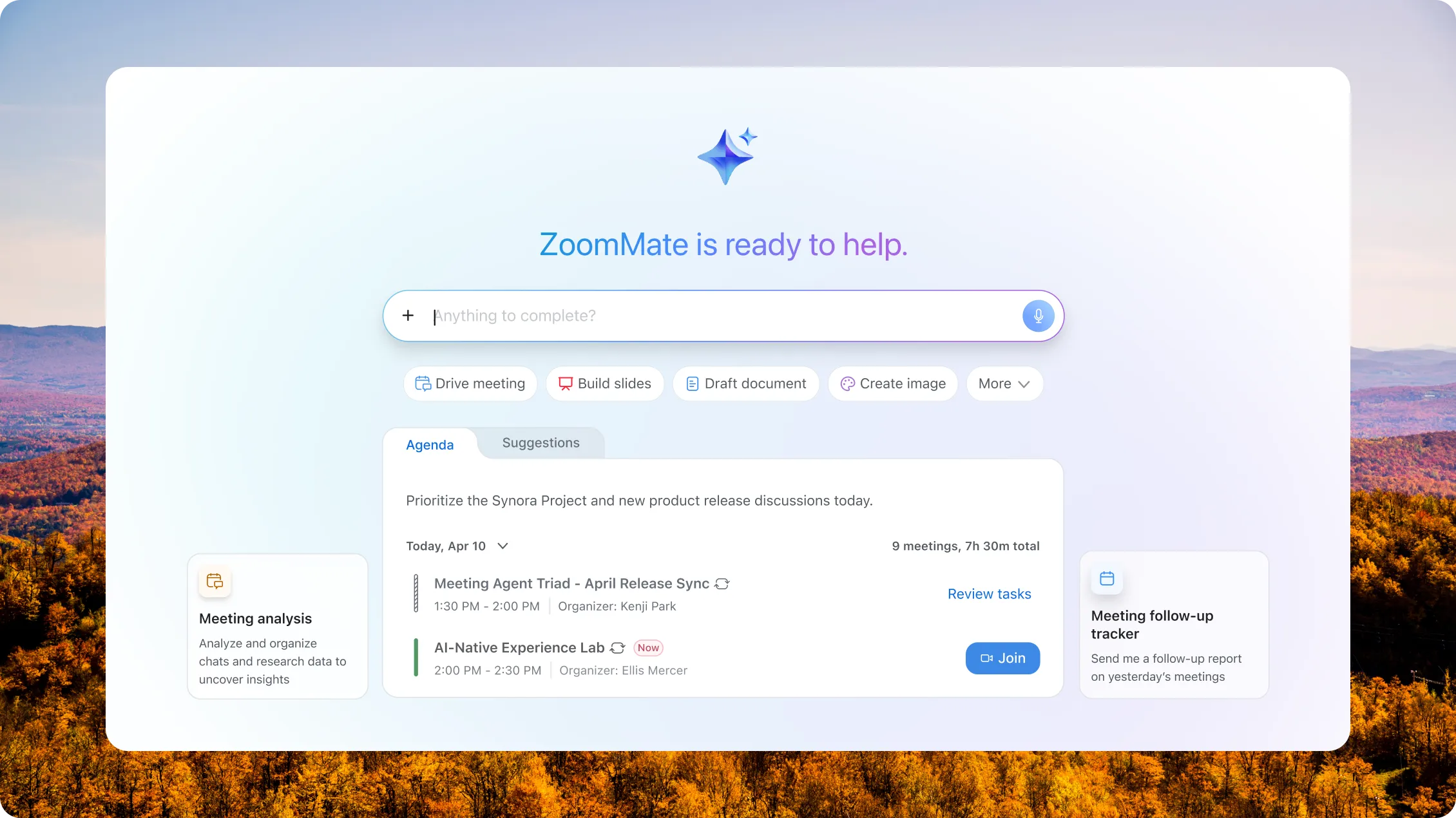
  • Let clients book meetings instantly with Scheduler, generate ideas in Whiteboard, and have priorities automatically outlined by a Zoom Custom AI Agent (coming soon).*
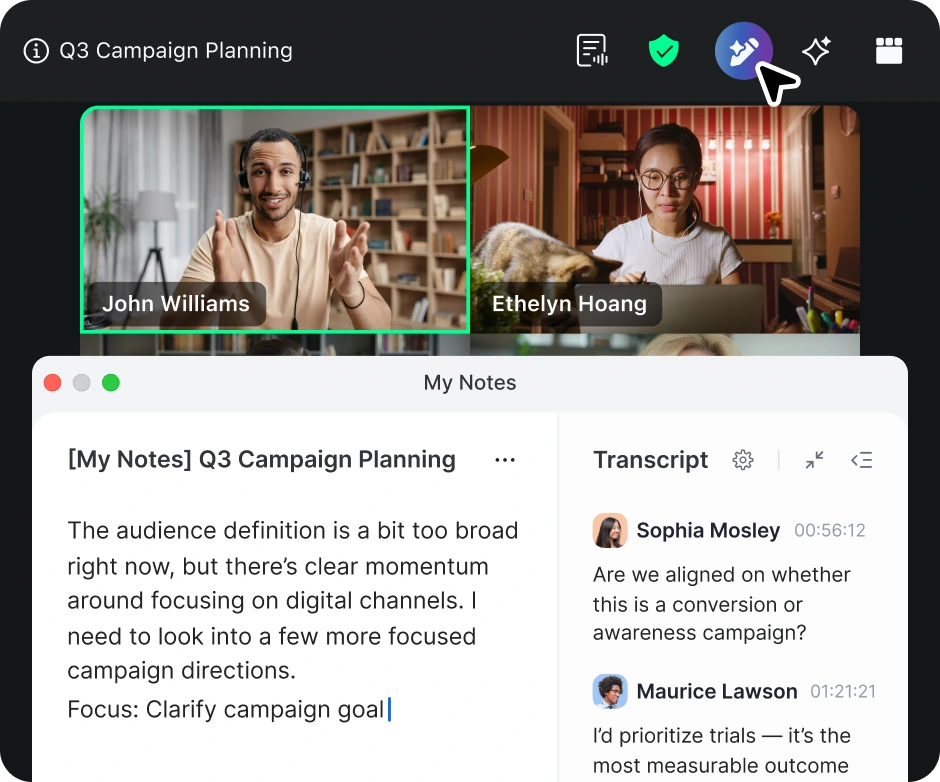
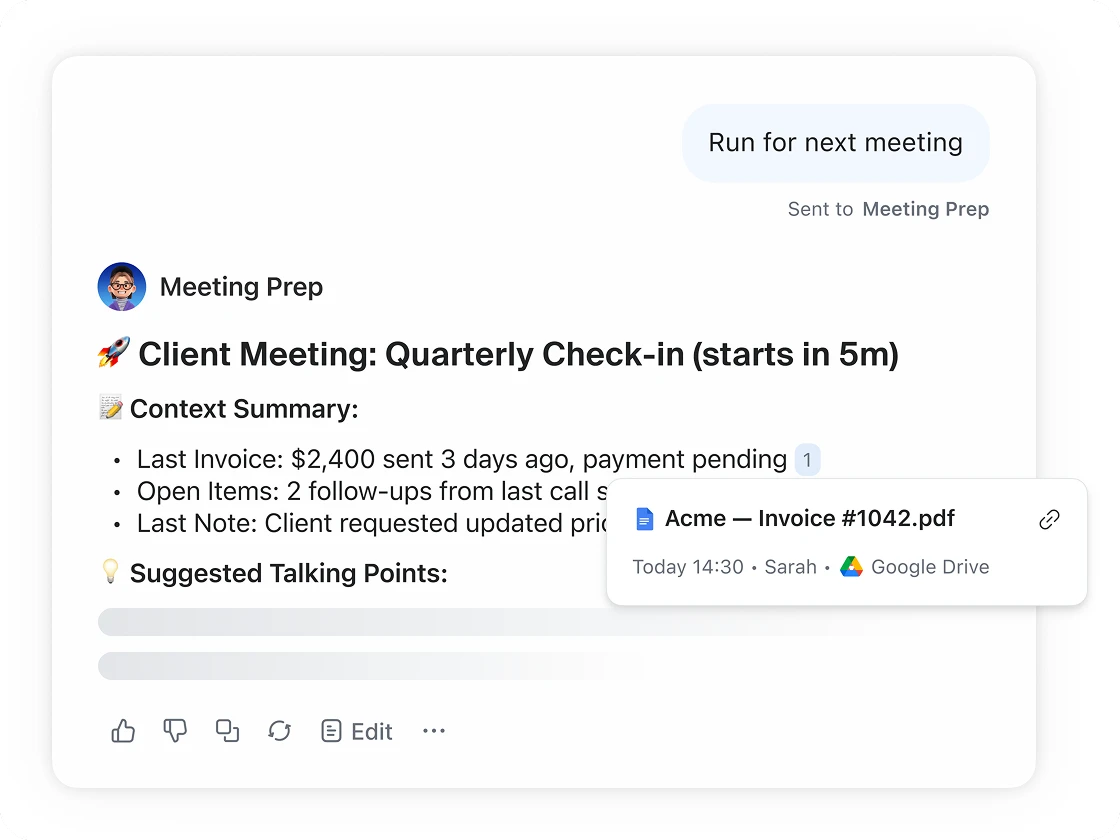
  • Use My Notes to capture decisions during meetings, while AI automatically transcribes and then expands on and organizes your key takeaways.**
  • Automate follow-ups with AI workflows, summarize chats instantly, and create content with the  AI Productivity Suite*** in minutes — not hours.

Win more customers

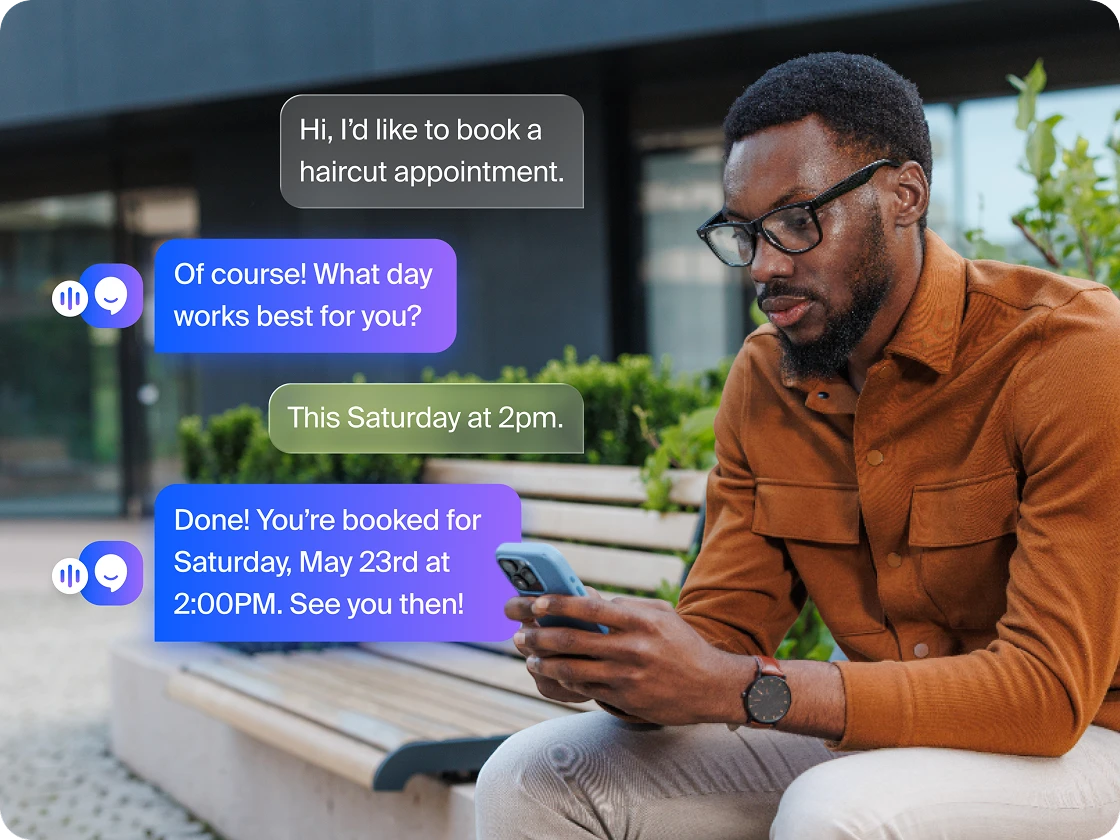
  • Answer calls 24/7, book appointments, and route inquiries with Zoom Virtual Agent Receptionist.
  • Stay on top of opportunities. Zoom Phone and Customer Engagement Pack enables reliable, professional business calling with contextual call, text, and queue management.
  • Bridge communications and operations by syncing Zoom meetings, recordings, and AI summaries directly to your Bonsai CRM.
Win more customers
Manage costs without compromise

Manage costs
without compromise

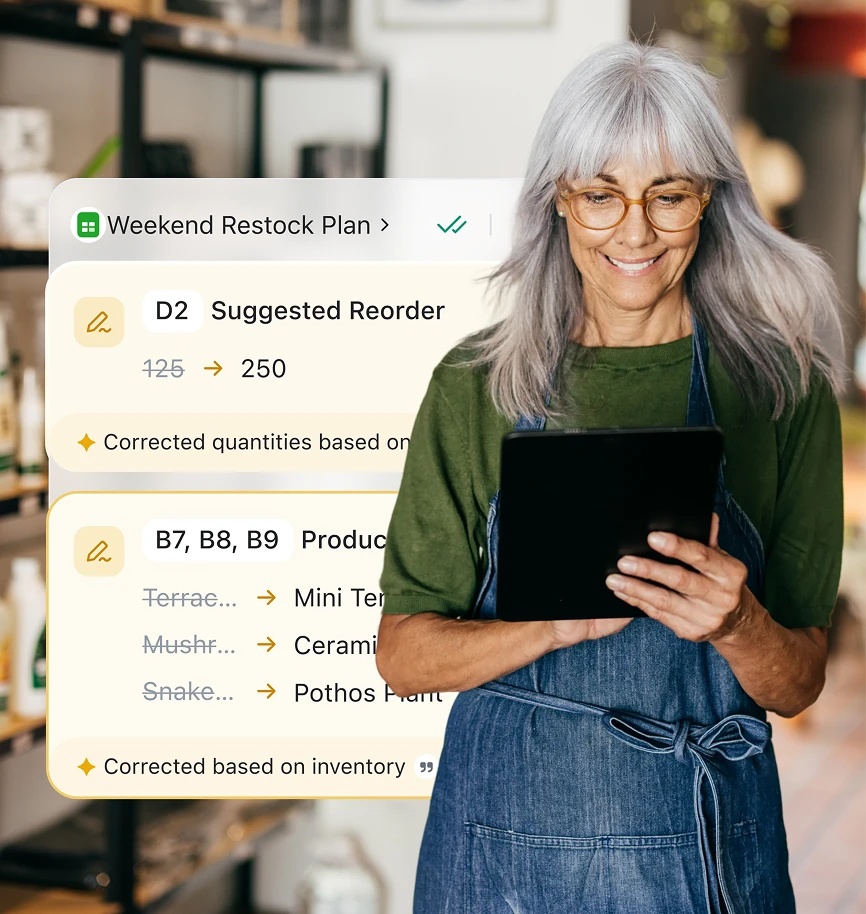
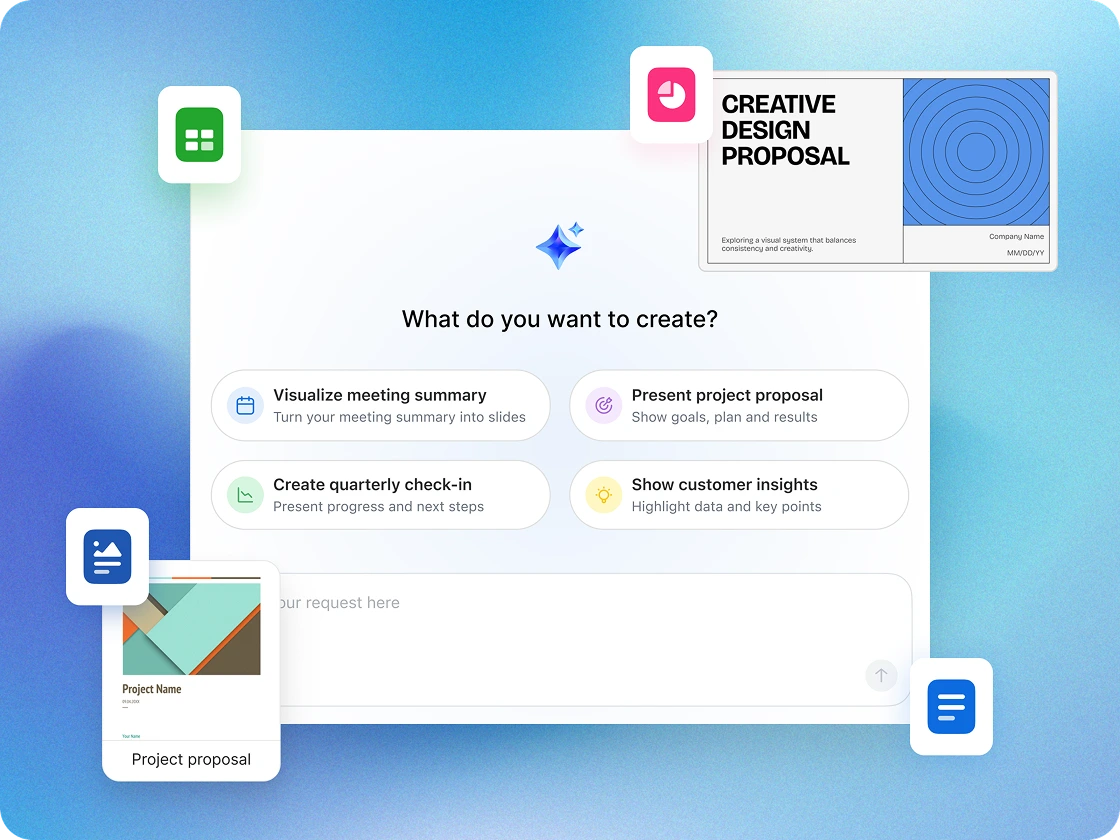
  • Built‑in AI that does the work. Auto‑generate notes, project timelines, and presentations.
  • One platform, less sprawl. Meetings, chat, and docs — all in one place, connected.
  • Save time and manage costs. Fewer tools, fewer admin hours, more productivity.

Works with the tools you already use

Bonsai
Google
Hubspot
Asana
Intuit Quickbooks
Stripe
Jira
Intuit Mailchimp
Zoho
Bonsai
Google
Hubspot
Asana
Intuit Quickbooks
Stripe
Jira
Intuit Mailchimp
Zoho

Spend less, smile more

Work happy when you cut the clutter and reduce costs. Our AI-first, all-in-one platform doesn't just help businesses like you accomplish more--it wraps the tools you need into a easy experience that users love.

Step 1: What software do you use today?

Video

GoTo

AI

CoPilot 365

AI

Otter.ai

AI

xChatGPT AI-enabled UCaaS

Team Chat

Slack

Team Chat

Teams

Team Chat

Discord

Phone

Webex (Phone)

Phone

RingCentral

External Scheduling

Calendly

Workspace Solutions

Envoy

Whiteboard

Miro

Whiteboard

Mural

Async video

Loom

Collaborative Docs

Notion

Collaborative Docs

Evernote

Survey/Polls

SurveyMonkey

Tasks

Monday

Step 2: How many people are in your organization?

50
1 5000+
people
Zoom logo

Simplify and save

Explore Workspace Business Plan to replace the software you've selected

apps

You could replace this many apps with Zoom Workplace

per user, per month

This is how much a company of your size could save per user, per month compared to the non-enterprise price of your selected software

per month total saving

This is the estimated total savings for a company of people

View plans Contact sales

*Estimated cost savings is based on cancelling the selected third-party plans for US and Canada customers. Pricing is based on publicly available USD list pricing as of March 2025 for new customers. Organizational results are based on the inputs you have provided. Note that these results are an estimation and not guaranteed savings by Zoom and should only be used for informational purposes..

Security and compliance

Protect sensitive data

Encrypted in transit & at rest

Feature-rich platform with encryption technology to support user privacy and security.

Trusted AI

Zoom does not use customer audio, video, chat, files, or transcripts to train its AI models.

Granular AI controls

Admins can enable or disable AI features at the account, group, or user level.

Data residency and retention options

Choose storage regions and retention settings aligned to your organization's compliance needs.

Certifications and audits

Zoom’s platform maintains compliance certifications like ISO, SOC 2, and HIPAA-ready controls to help you meet regulatory standards

Customer stories
Customer stories

Trusted by teams of all sizes

Learn more Learn more Referral Staffing Solutions

Referral Staffing Solutions experiences 25% higher call volume with Zoom platform

"I am not only the IT department, I’m also the billing department. Being able to pay one invoice versus multiple invoices has saved me a huge amount of time."


-  Shobi Zietlow, Owner

Referral Staffing Solutions
Visla
KD Jones
Referral Staffing Solutions experiences 25% higher call volume with Zoom platform
Learn more Learn more

"I am not only the IT department, I’m also the billing department. Being able to pay one invoice versus multiple invoices has saved me a huge amount of time."


-  Shobi Zietlow, Owner

Resources for small businesses

How you can collaborate smarter in 2026

How you can collaborate smarter in 2026

Redefining hard work in the AI era

Redefining hard work in the AI era

Why an AI assistant is your new best friend

Why an AI assistant is your new best friend

AI for small business

AI for small business: Turning curiosity into capability

How AI is helping businesses unlock their full potential

How AI is helping businesses unlock their full potential

The State of Solopreneurship in 2026

The State of Solopreneurship in 2026

Try Zoom's small business collaboration software now

FAQs
FAQs

Got questions? We’ve got answers.

Small business owners rely on collaboration software to keep communication, organization, and productivity in one place. These platforms combine essential tools — like chat, video conferencing, and file sharing — with integrated scheduling, document creation, and task management to keep teams aligned and efficient as they grow.

With solutions like Zoom Workplace, small businesses can host meetings, message in real time, share files securely, and manage projects without having to hop between multiple apps. Plus, built‑in AI features like Custom AI Agents (coming soon) and the AI Productivity Suite can automate notes, follow‑ups, and workflows (with ZoomMate SKU*), while tools like Scheduler, Whiteboard, and Canvas make it easy to plan, brainstorm, and collaborate. Together, these tools create a single workspace that helps small teams work smarter, serve customers faster, and scale with confidence.


While used by companies of all sizes, these specific tools are tailored for:

  • Startups needing to move fast with limited resources.
  • Boutique agencies managing multiple client projects.
  • Hybrid or remote teams that can’t rely on in-person, "water cooler" chats to stay aligned.
  • Freelancers who need to collaborate professionally with external partners.
  • Healthcare and wellness practices such as chiropractors, therapists, dietitians, and fitness studios that require secure, reliable communication.

Email was built for messaging, not for project management. Collaboration software reduces "app fatigue" by organizing conversations into specific channels or topics. This helps ensure that a crucial file or decision doesn't get buried under a mountain of unrelated newsletters or client inquiries.

Many effective platforms include a mix of:

  • Instant Messaging: For quick, informal syncs.
  • File Sharing: Centralized storage with version control.
  • Task Management: Checklists or boards to track who is doing what.
  • Video Integration: For face-to-face meetings when text isn't enough.

The lines are blurry, but generally:

Collaboration software focuses on the how — the communication and real-time interaction.

Project management software focuses on the what and when — deadlines, resource allocation, and long-term roadmaps.

Many modern tools now combine both into a single interface.

 Many reputable providers offer enterprise-grade security features, including end-to-end encryption and multi-factor authentication (MFA). If you handle sensitive client data, look for tools that offer customizable permissions, too, so you can control who sees what.

Zoom helps safeguard small business communications with enterprise‑grade security features, helping to protect sensitive data across meetings, chat, and files. The platform is designed with security and privacy in mind, enabling teams to collaborate with confidence.

Many platforms allow for "Guest Access," which is perfect for collaborating with contractors, vendors, or clients without giving them access to your internal company-wide discussions.

You can also adjust sharing permissions for specific Zoom tools — like Sheets, Whiteboards, and Clips — so external collaborators can view, comment on, or edit files as needed, helping support secure and seamless teamwork across organizations.

Many modern collaboration platforms are designed to work with others. You can typically integrate your existing calendar, cloud storage (like Google Drive or Dropbox), and even your CRM so data flows smoothly between them. Zoom Workplace for SMBs can integrate with Google, HubSpot, Asana, QuickBooks, Stripe, Jira, MailChimp, Zoho, Bonsai, and more.

If you find yourself asking "Where is that file?" more than once a day, or if your weekly meetings are spent just trying to figure out the status of a project, it may be time to consider a dedicated solution. Zoom Workplace can help reduce costs through improved efficiency and tool consolidation.

Many providers offer a free-tier model. You can start with a free version that covers basic needs and then move to a paid tier (usually priced per user, per month) as your team grows or as you require more advanced cloud storage features. Zoom Workplace offers a free Basic plan to get started.

*Features and capabilities are subject to applicable usage limits, availability, and AI credit balances. Certain functions may require additional subscriptions or credits. Actual performance may vary depending on prompt, system conditions, and available data.
**Core AI features included with paid Zoom Workplace plans
***AI Productivity Suite is available as a standalone SKU or with the purchase of the ZoomMate SKU