Zoom Video Management lets you record, edit, and publish professional-quality
clips — no studio or messy link-sharing necessary.

Video creation
Record, edit, and publish. No
extra tools needed


Connect with us
Contact our sales team
Talk with one of our experts to come up with a plan that’s right for you.
FAQs
Got questions? We’ve got answers.
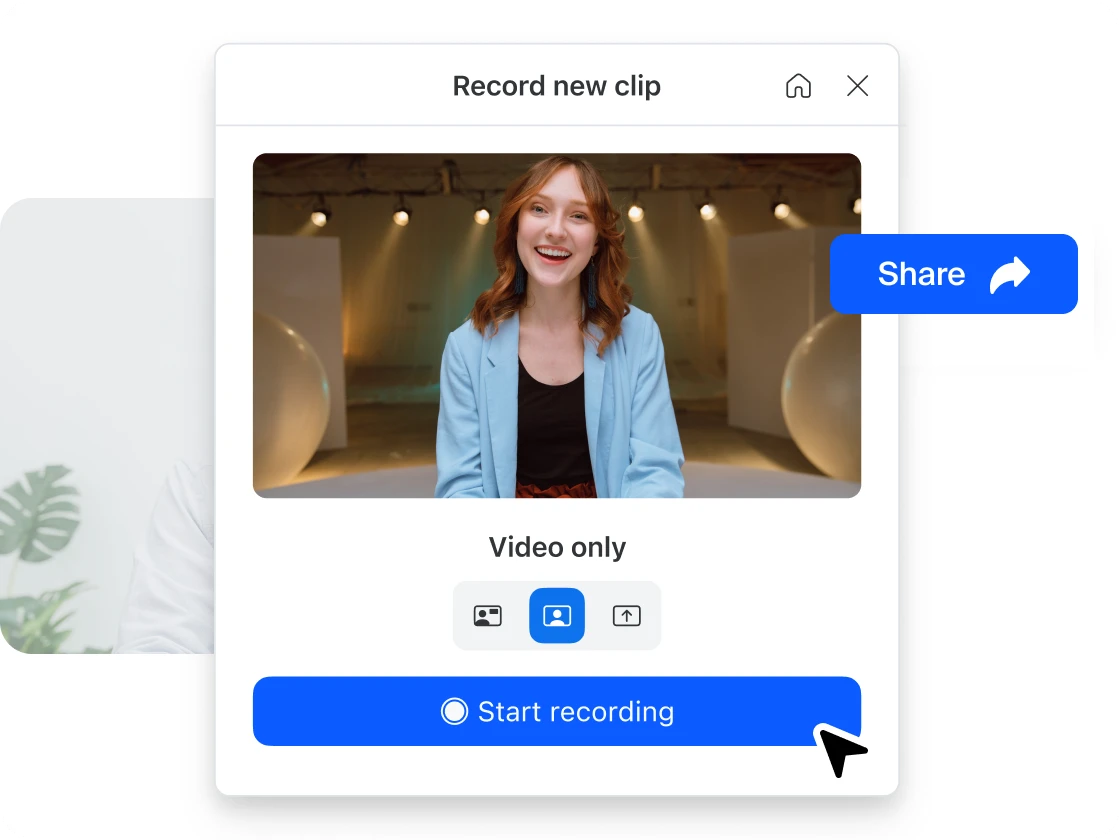
You can record your screen or camera right within Zoom to create professional-looking video clips in seconds. This feature requires a Zoom Clips license. If you’re using the free version, you can create up to five two‑minute videos. To unlock longer recordings, advanced editing, and AI avatar creation, you’ll need a Zoom Clips Plus plan.
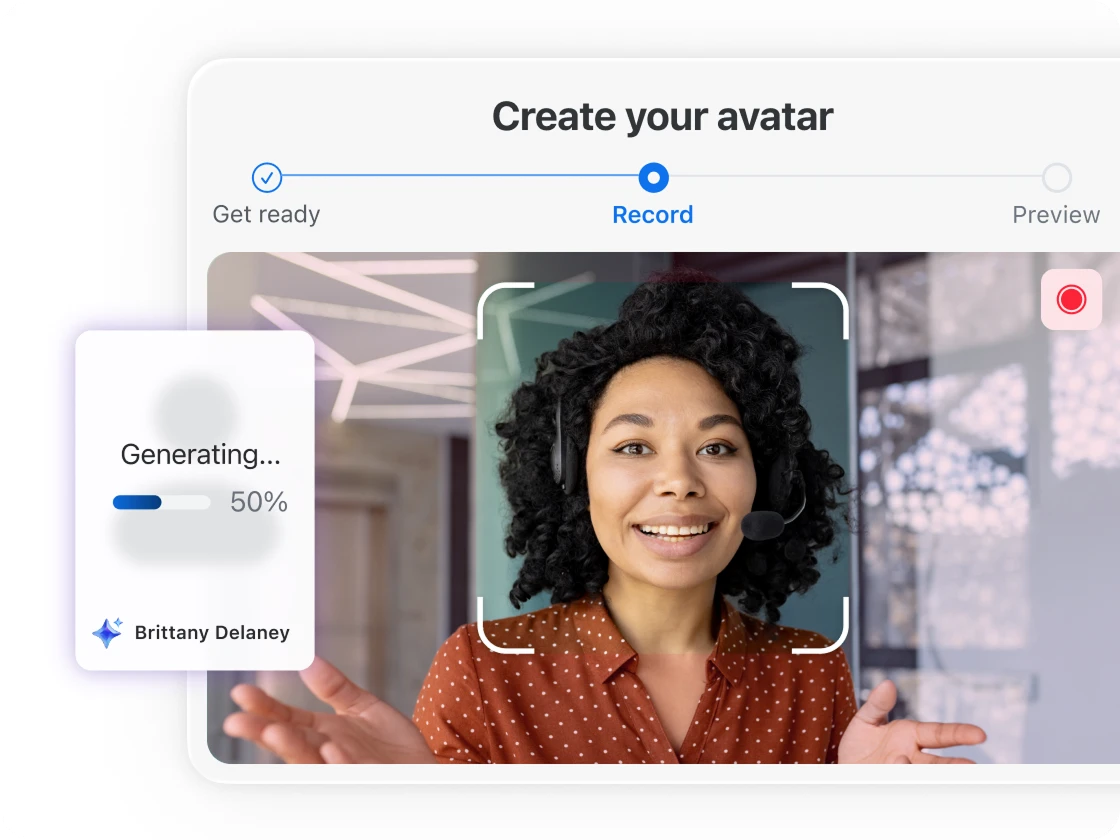
Recording with your own voice captures your live presentation or screen share, while using an AI avatar allows you to upload a script and have a realistic digital presenter — either a stock avatar or a custom version of yourself — deliver the message on your behalf.
No. The built-in tools let you trim clips, edit transcripts, and adjust titles or descriptions before publishing. The process is designed for anyone to create polished videos quickly without advanced editing experience.
This capability is ideal for quick how‑to videos, internal updates, training content, or personalized outreach. It’s also useful for scaling consistent messaging across teams or audiences without needing to re‑record each time.
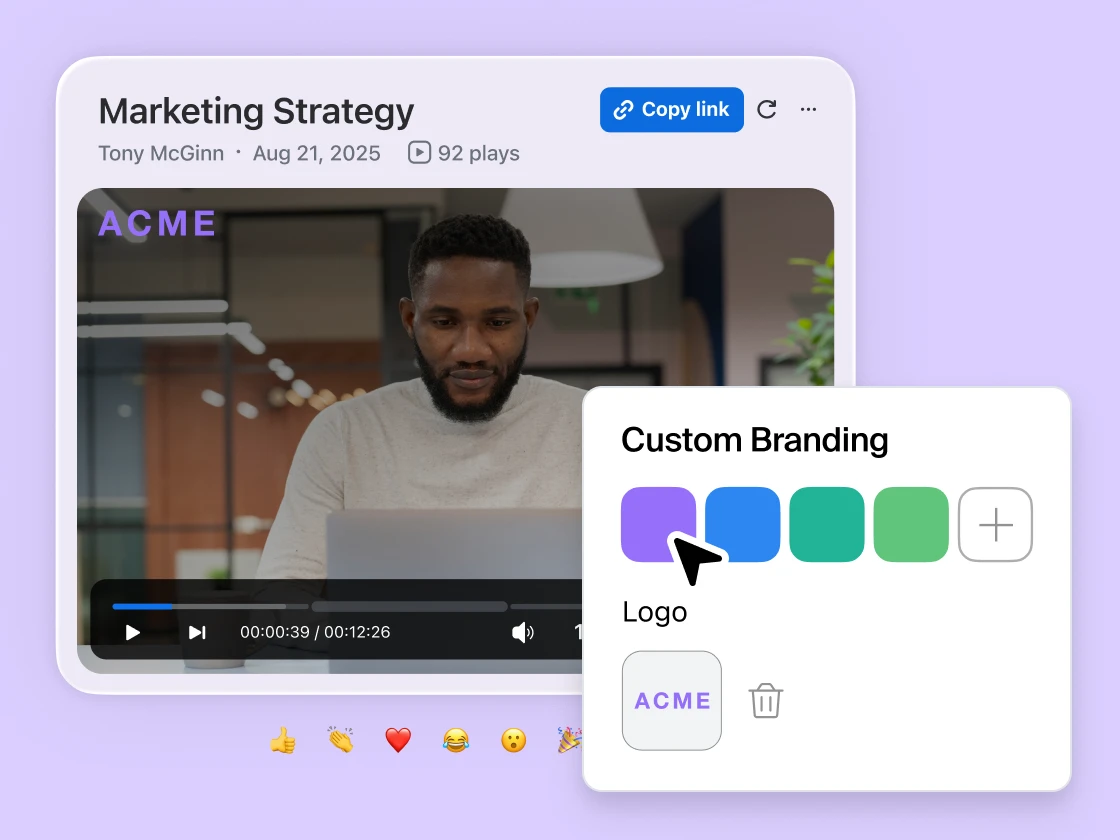
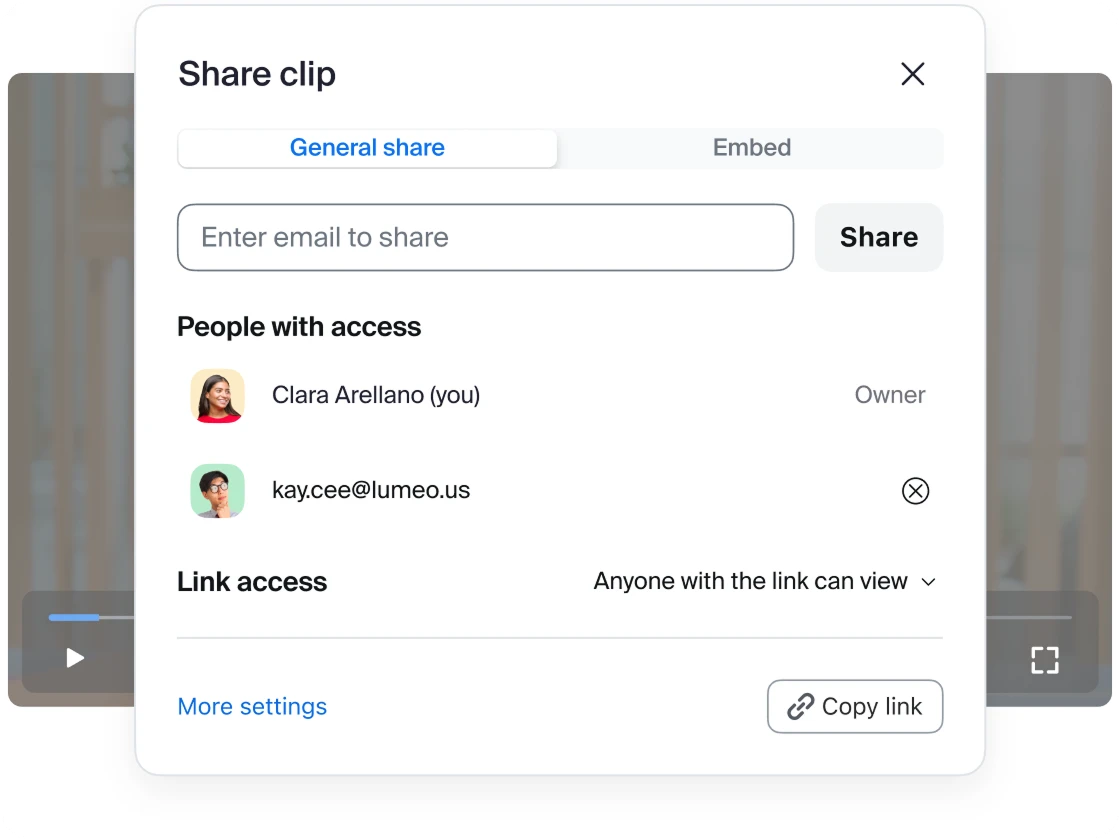
All videos — whether recorded manually or generated with AI — are stored securely within Zoom Video Management. From there, you can organize them into channels, share with specific audiences, and track engagement analytics.
Your best content is already on Zoom. Unlock it.
Zoom AI Companion is available with eligible paid Zoom Workplace plans. May not be available for all regions or industry verticals. Learn more.