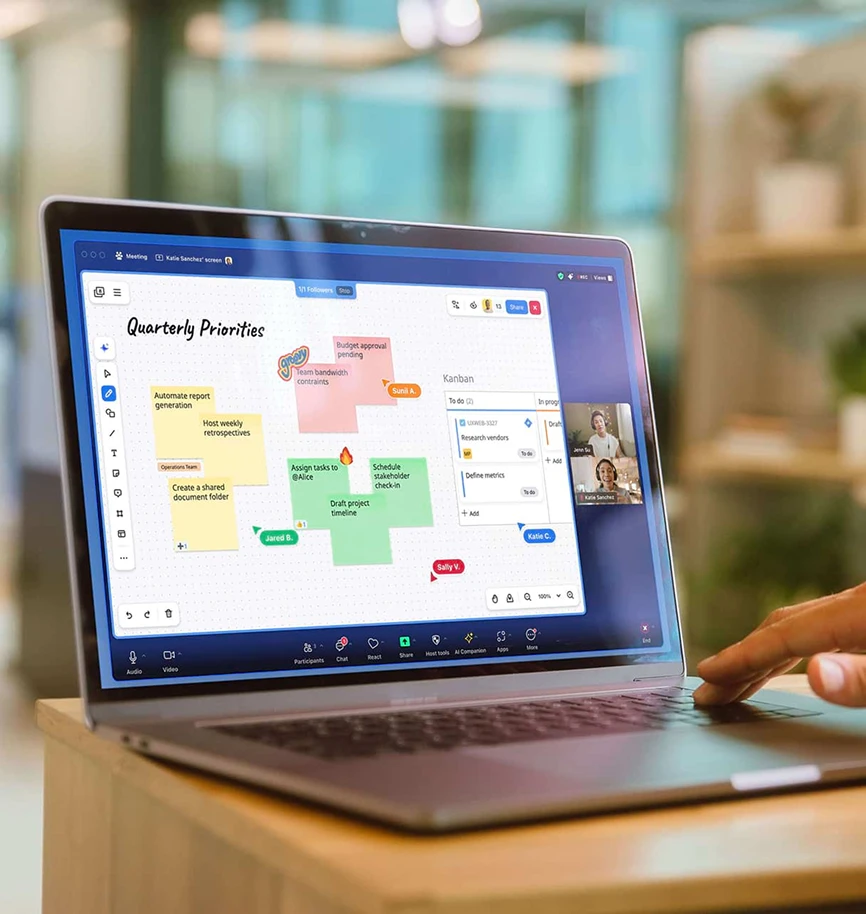
The online whiteboard that keeps ideas, people, and work connected

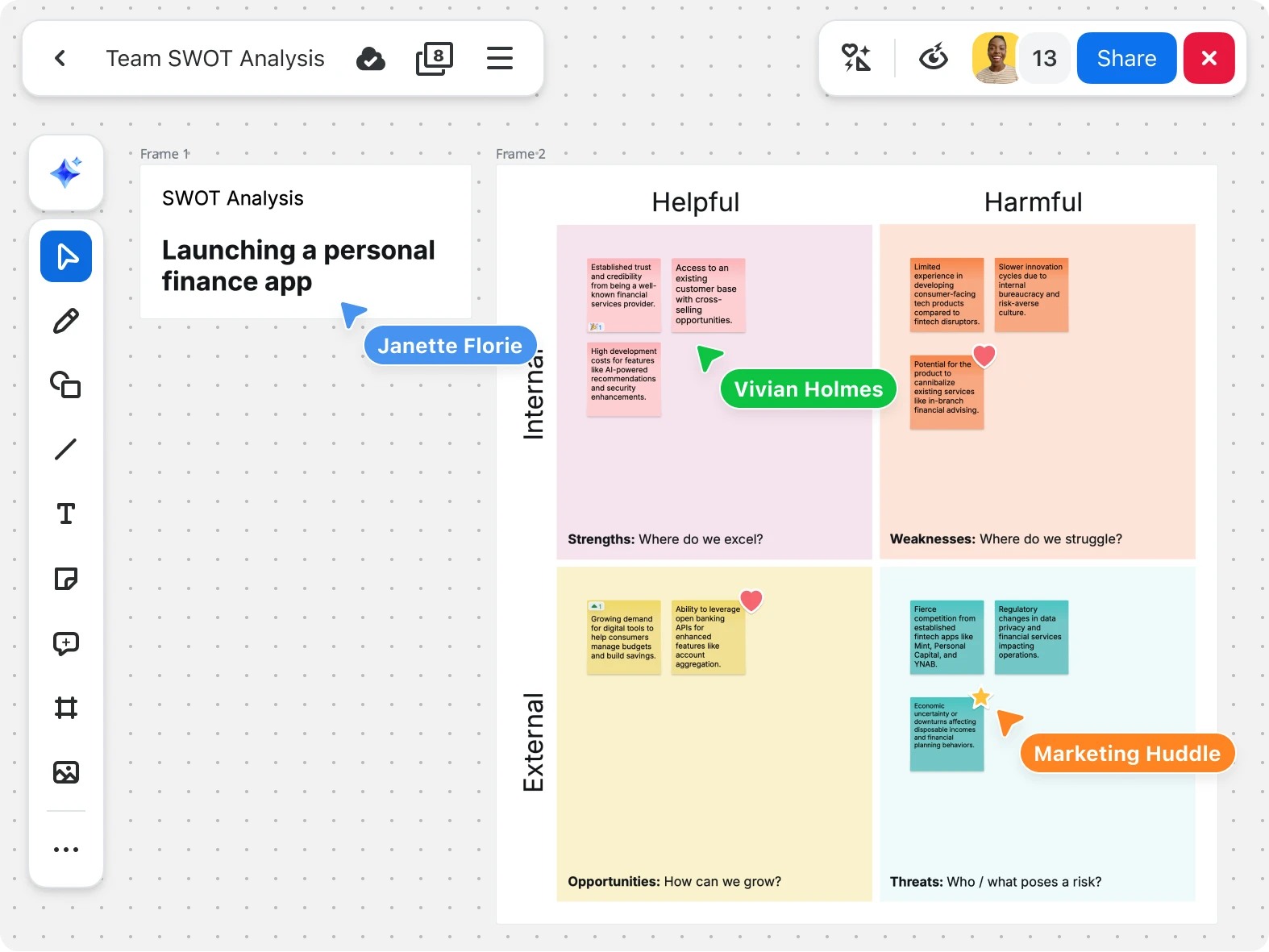
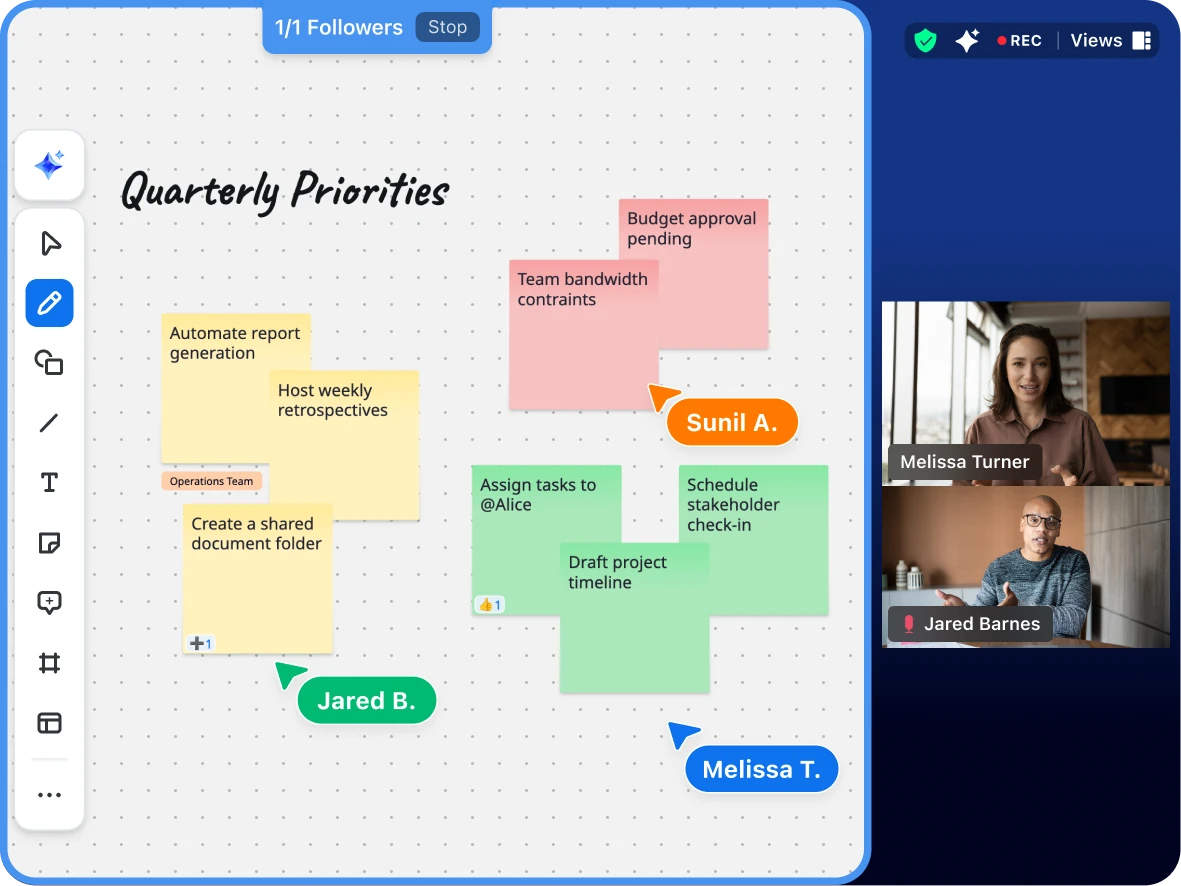
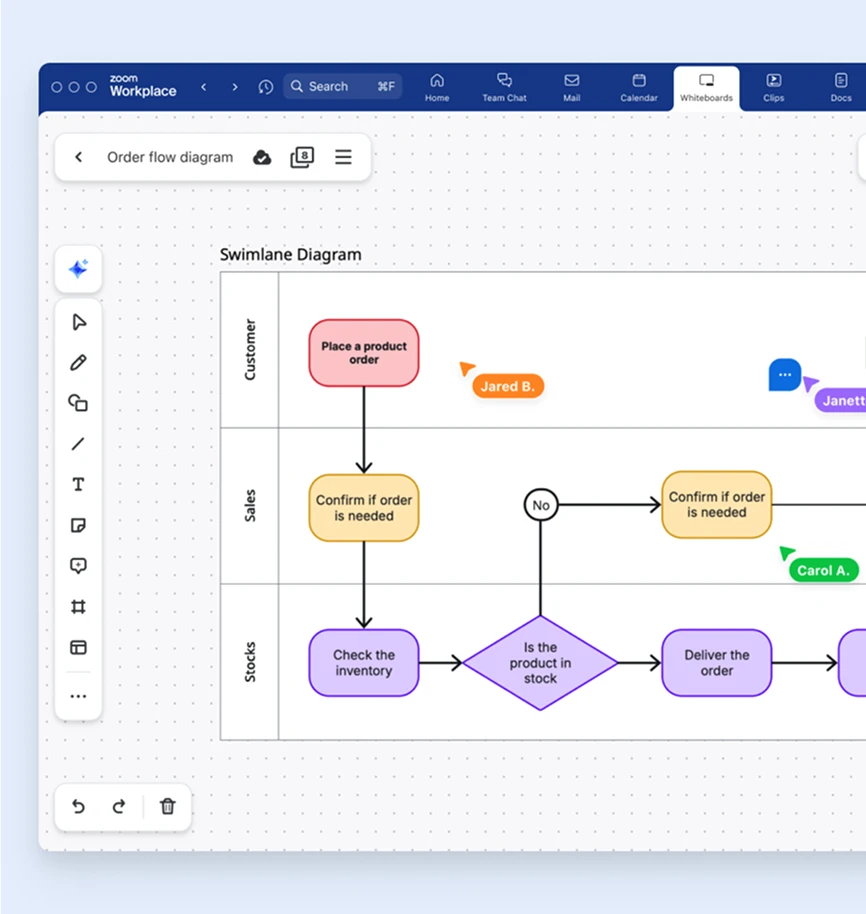
Turn complex ideas into action with Zoom Whiteboard’s infinite digital canvas. Brainstorm, diagram, and work together seamlessly in real-time or async — with Zoom AI Companion assistance, collaboration tools, and integrations.
Key features
Key features

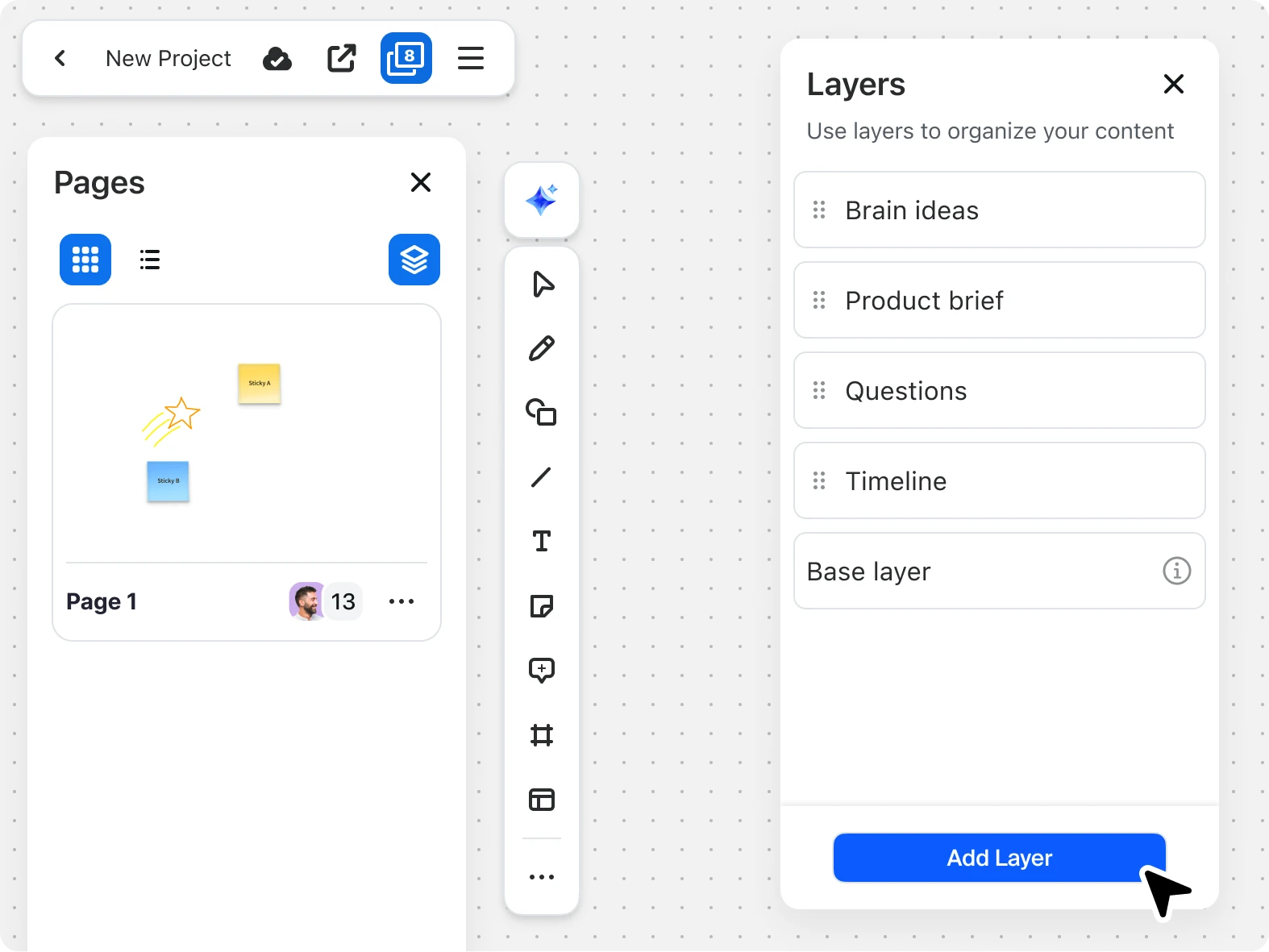
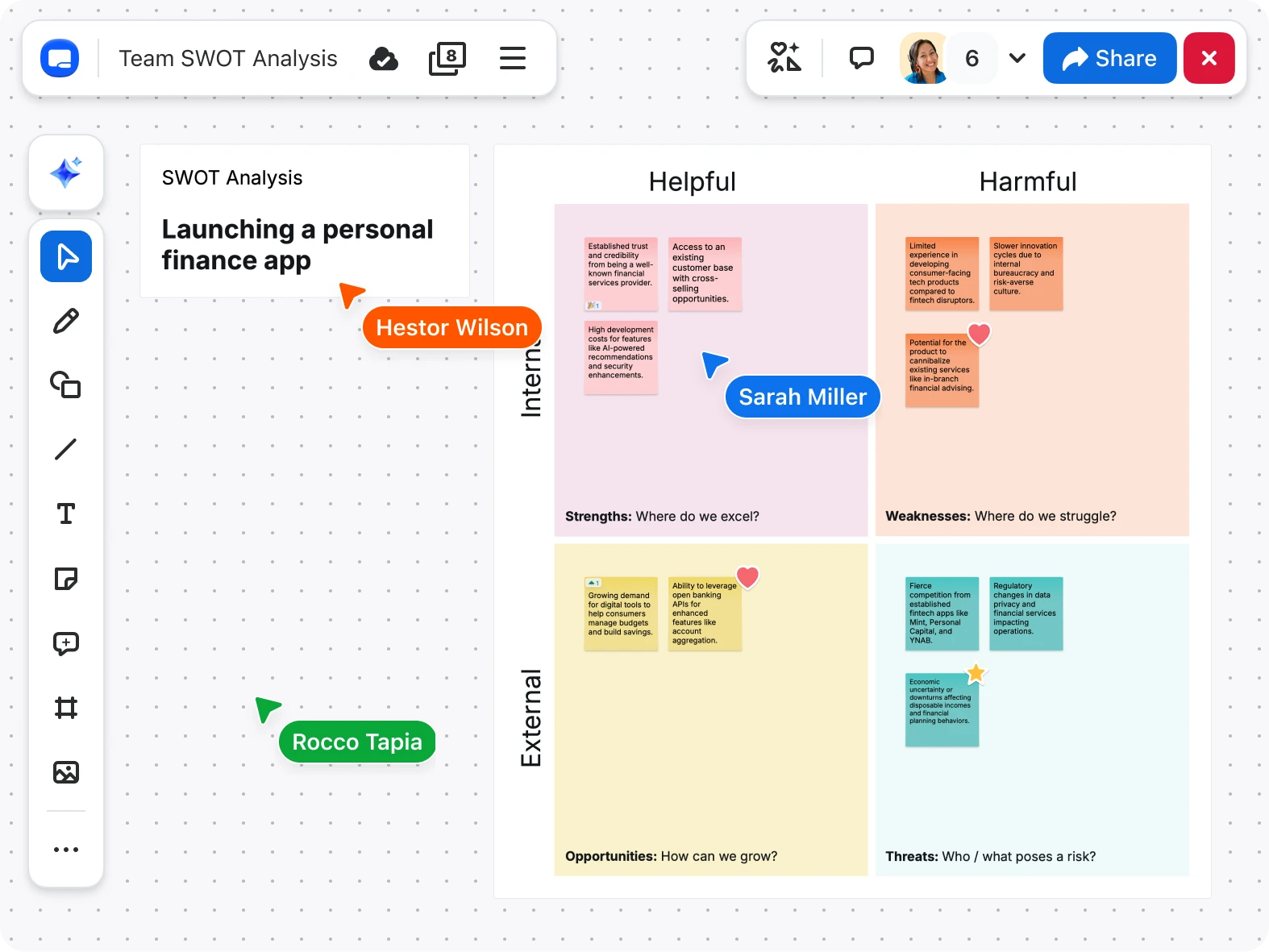
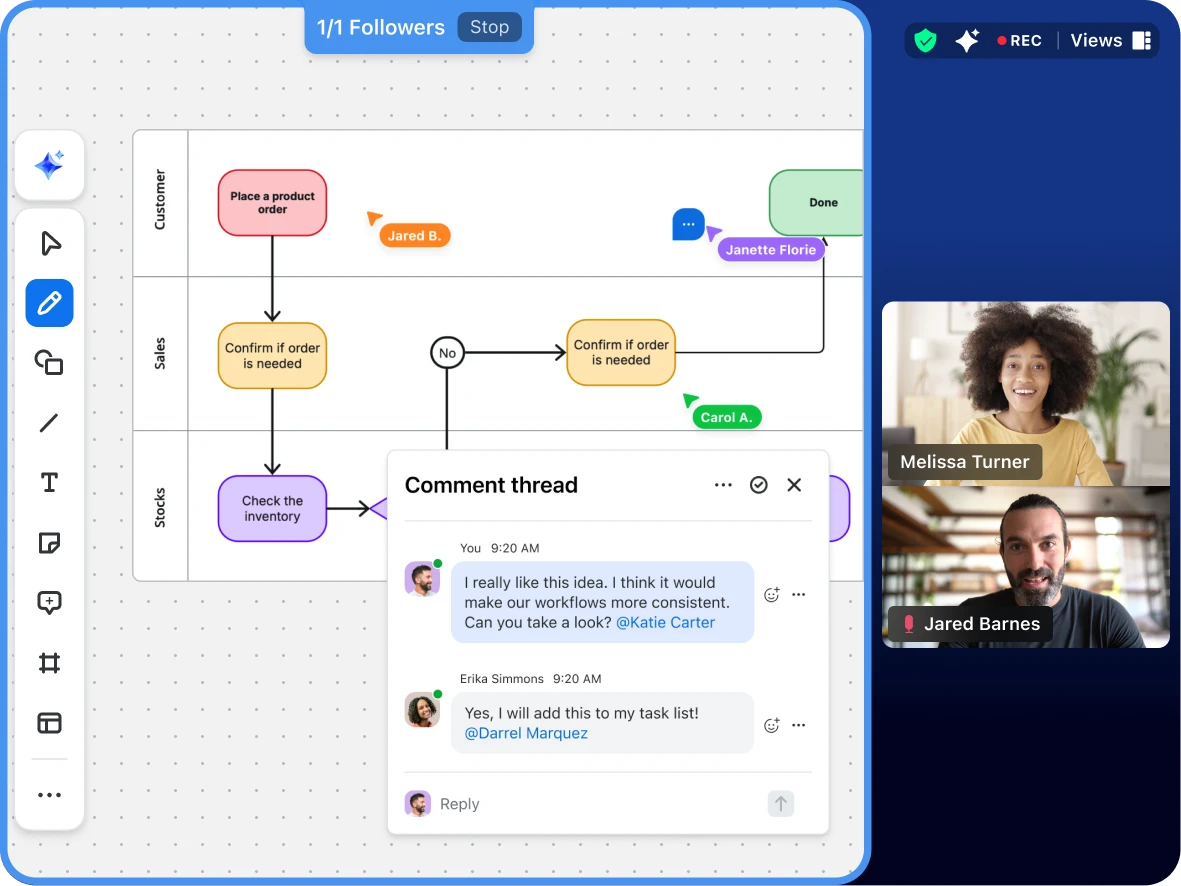
An online whiteboard built for continuous collaboration

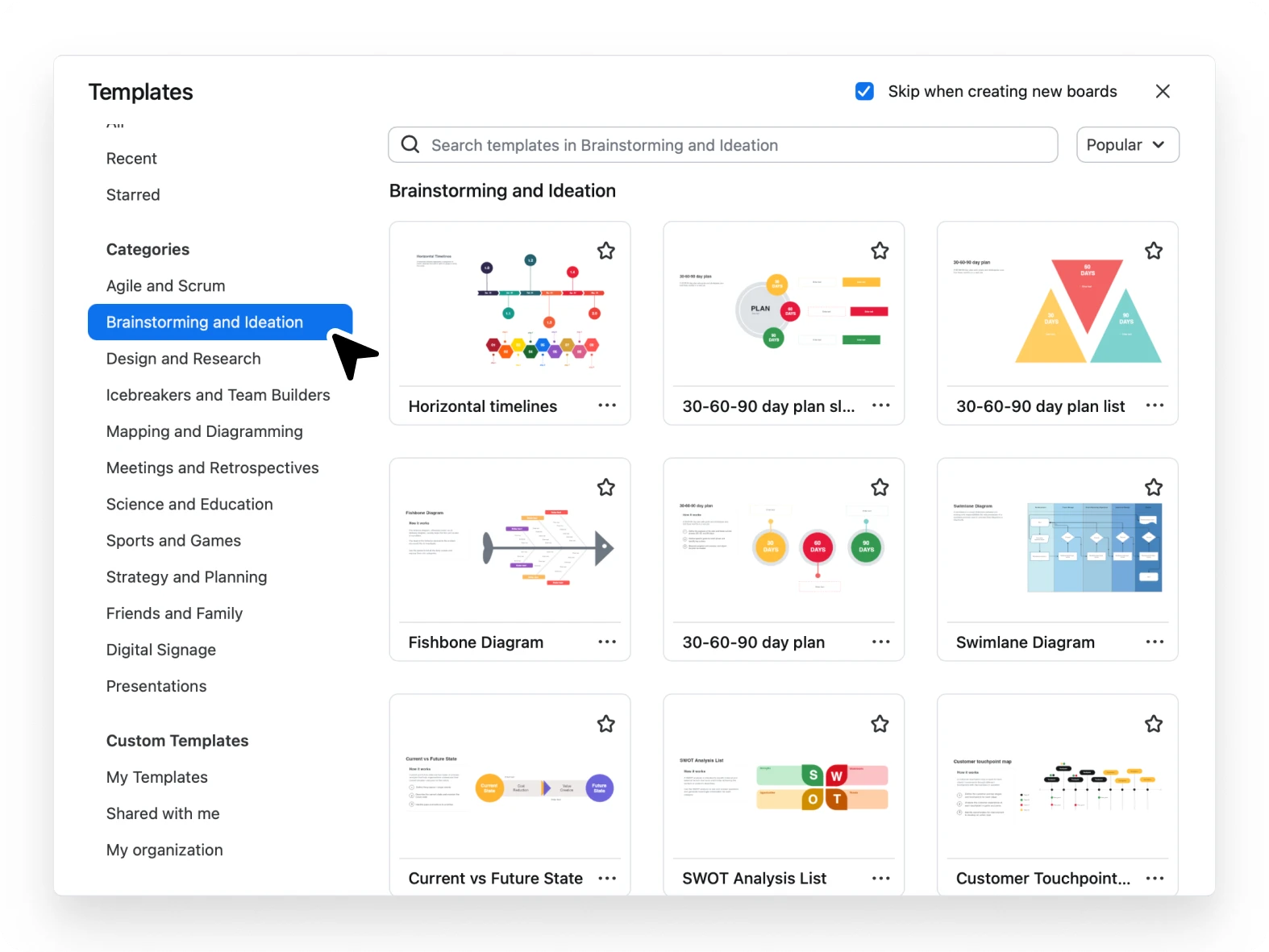
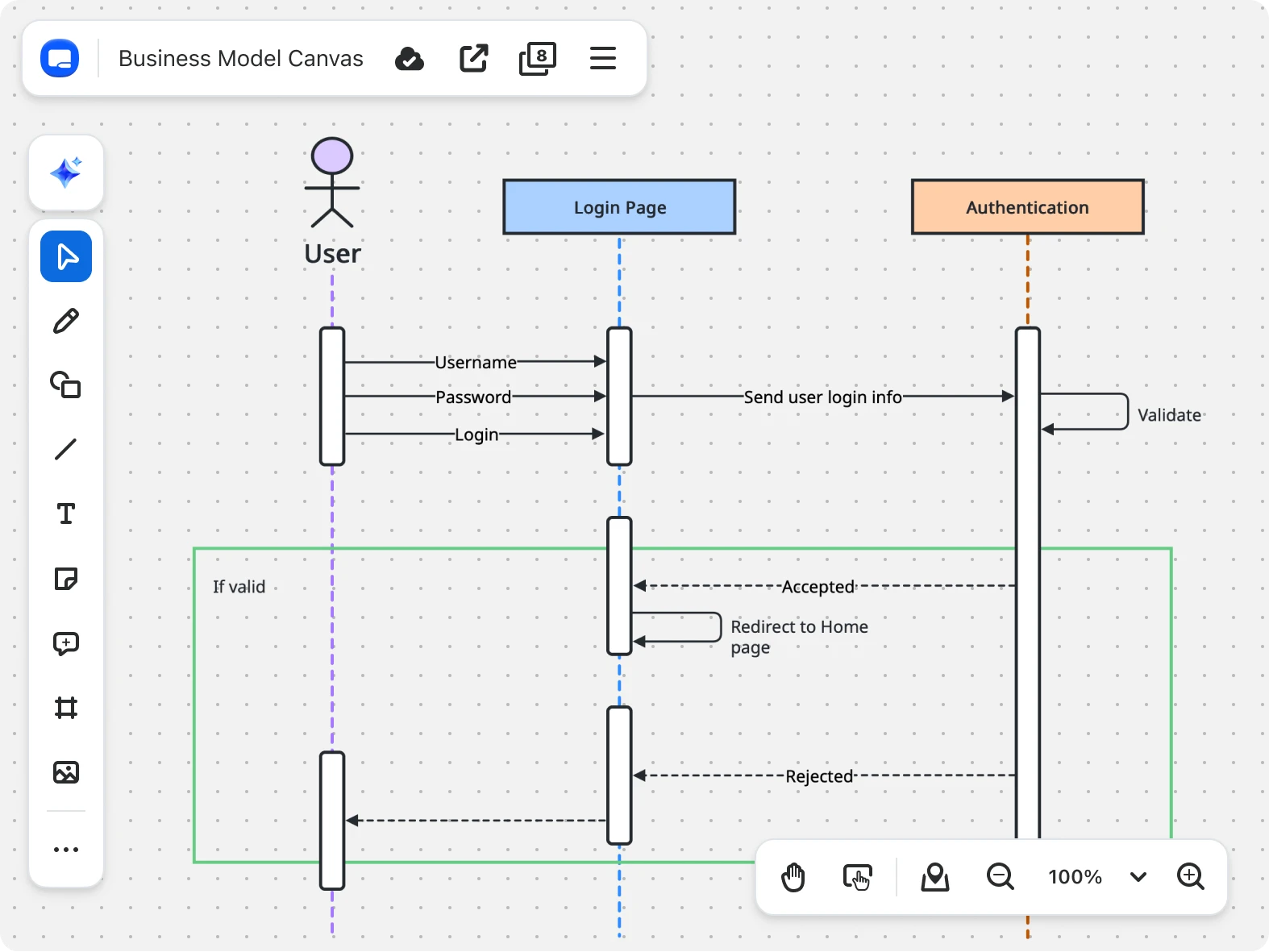
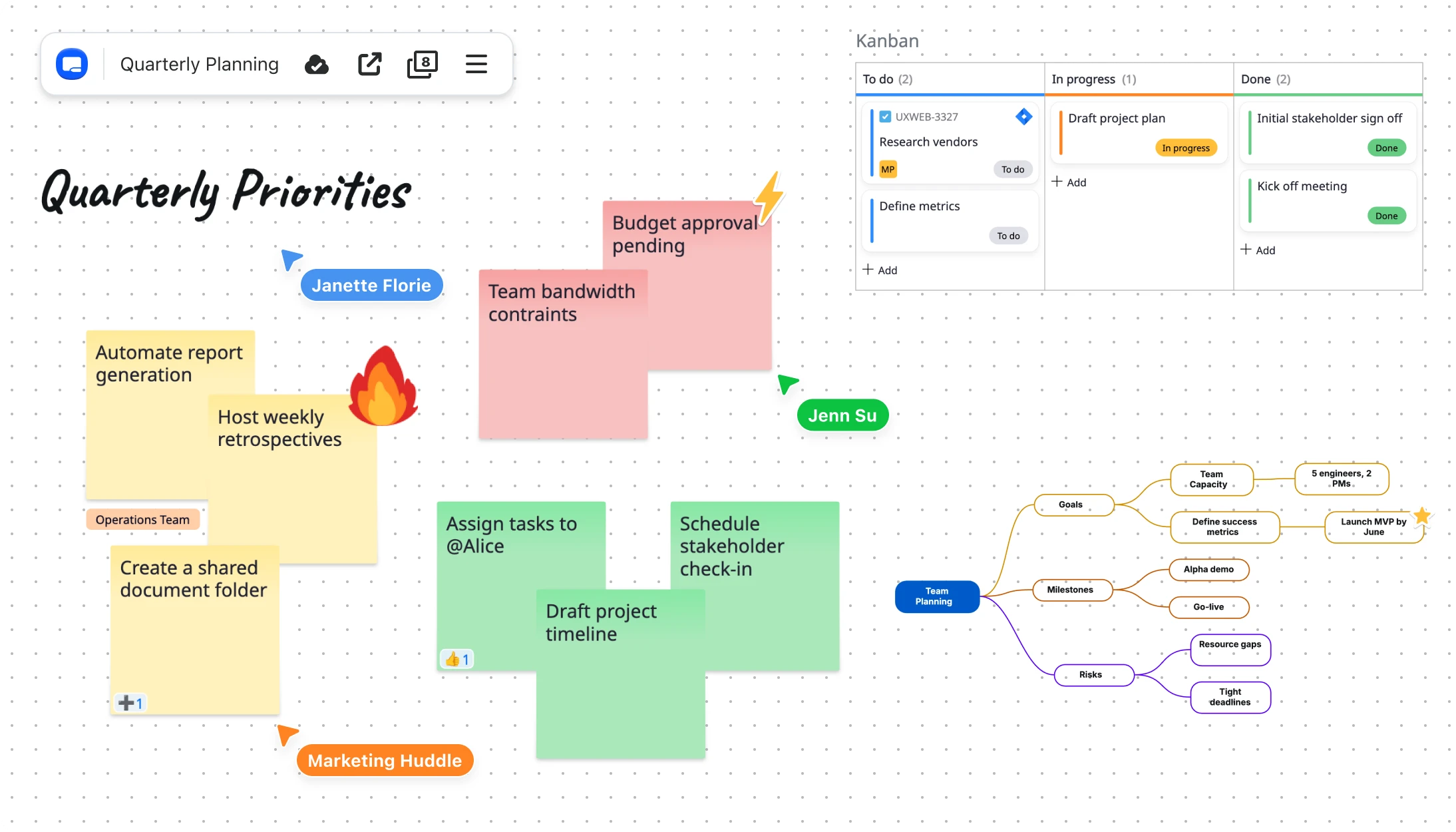
Access over 250 ready-made templates

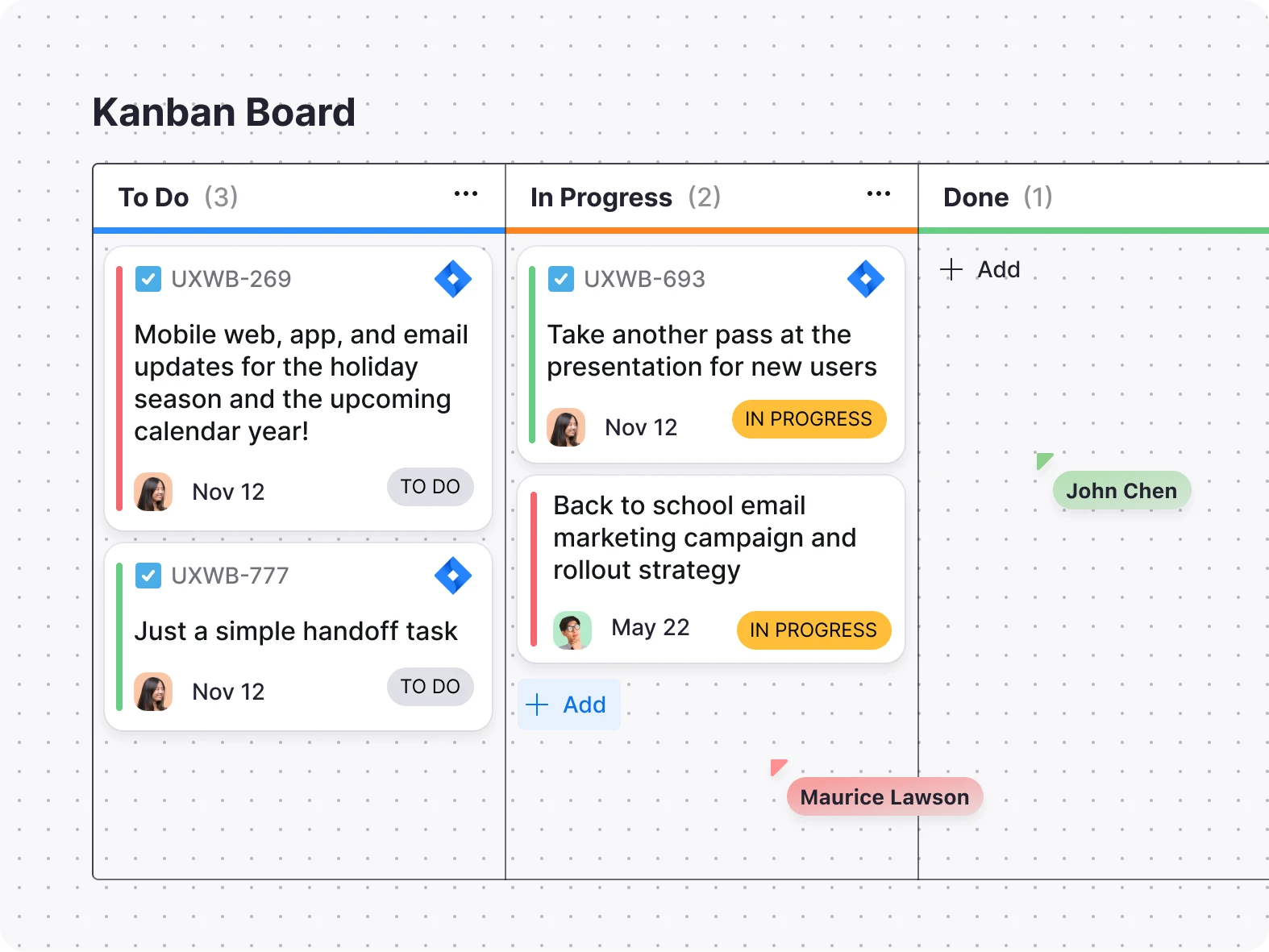
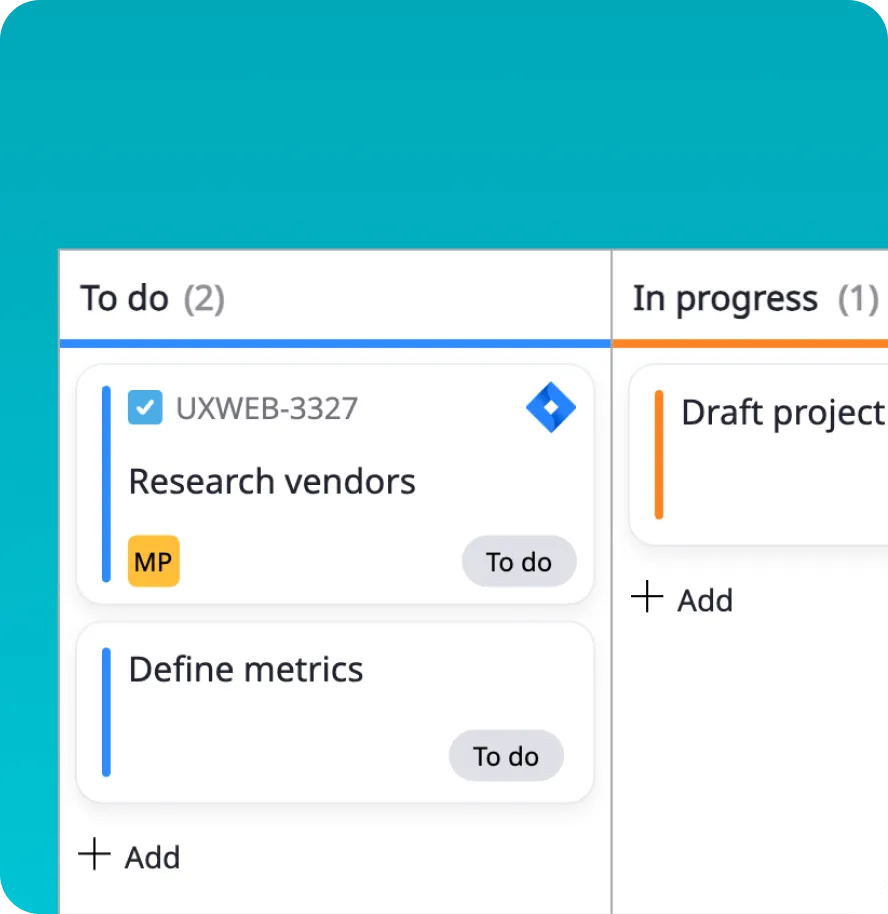
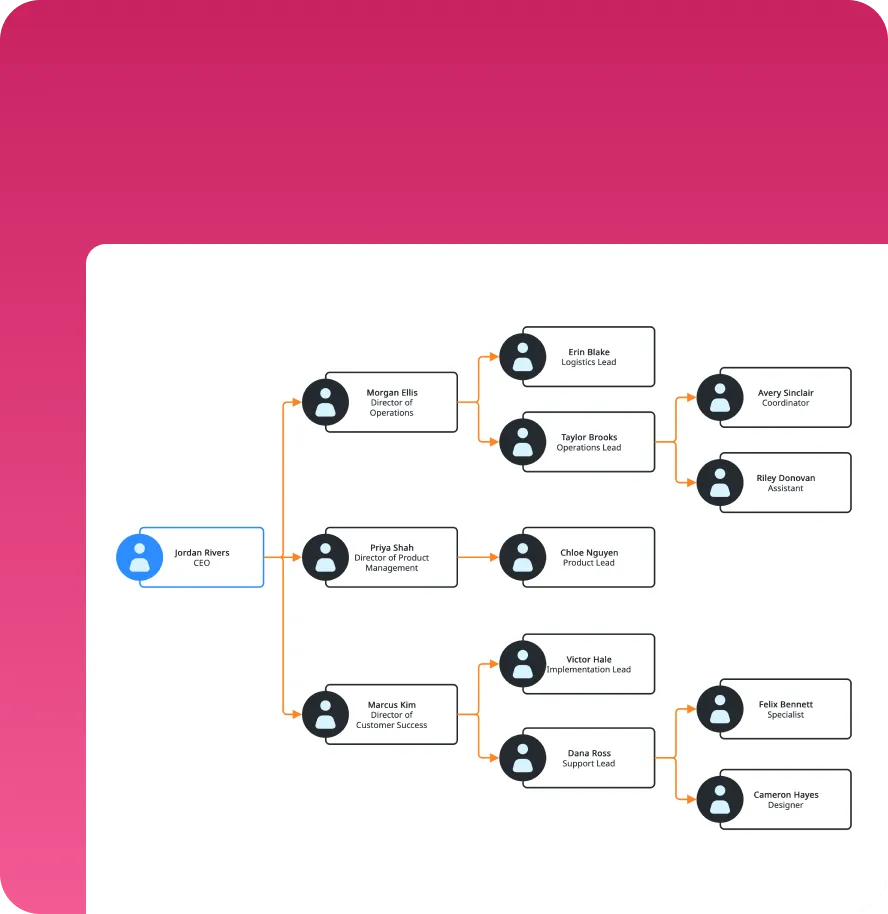
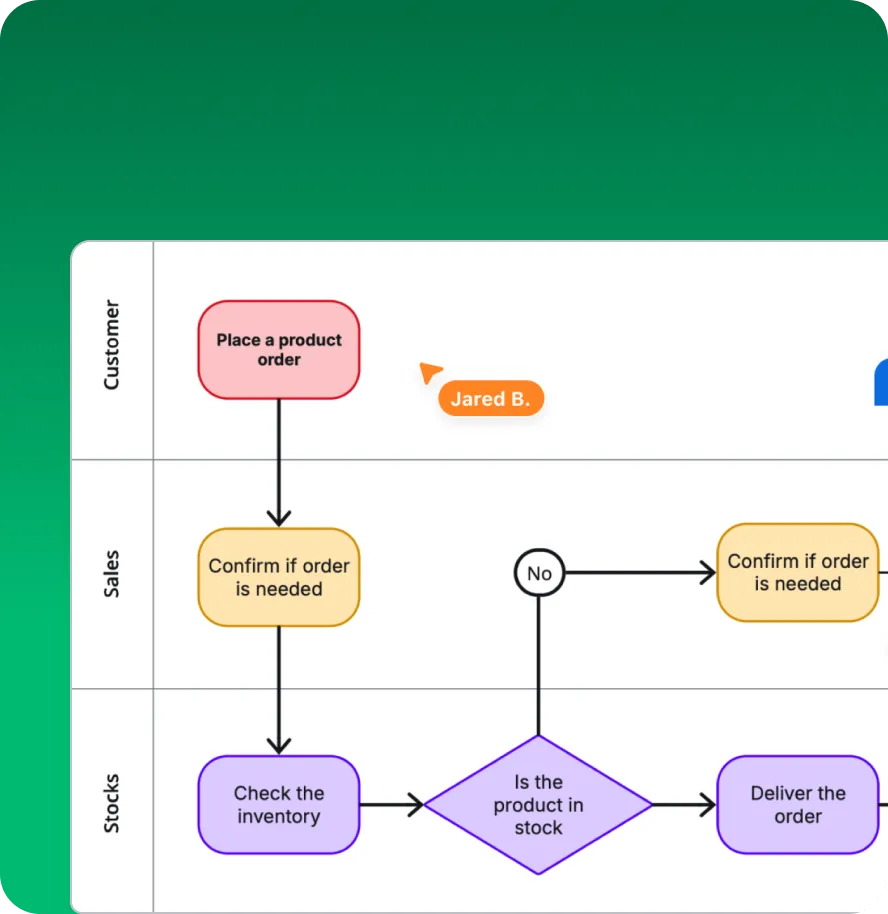
Jumpstart whiteboard creation and save time with templates for mind mapping, Kanban boards, project planning, flowcharts, and more.

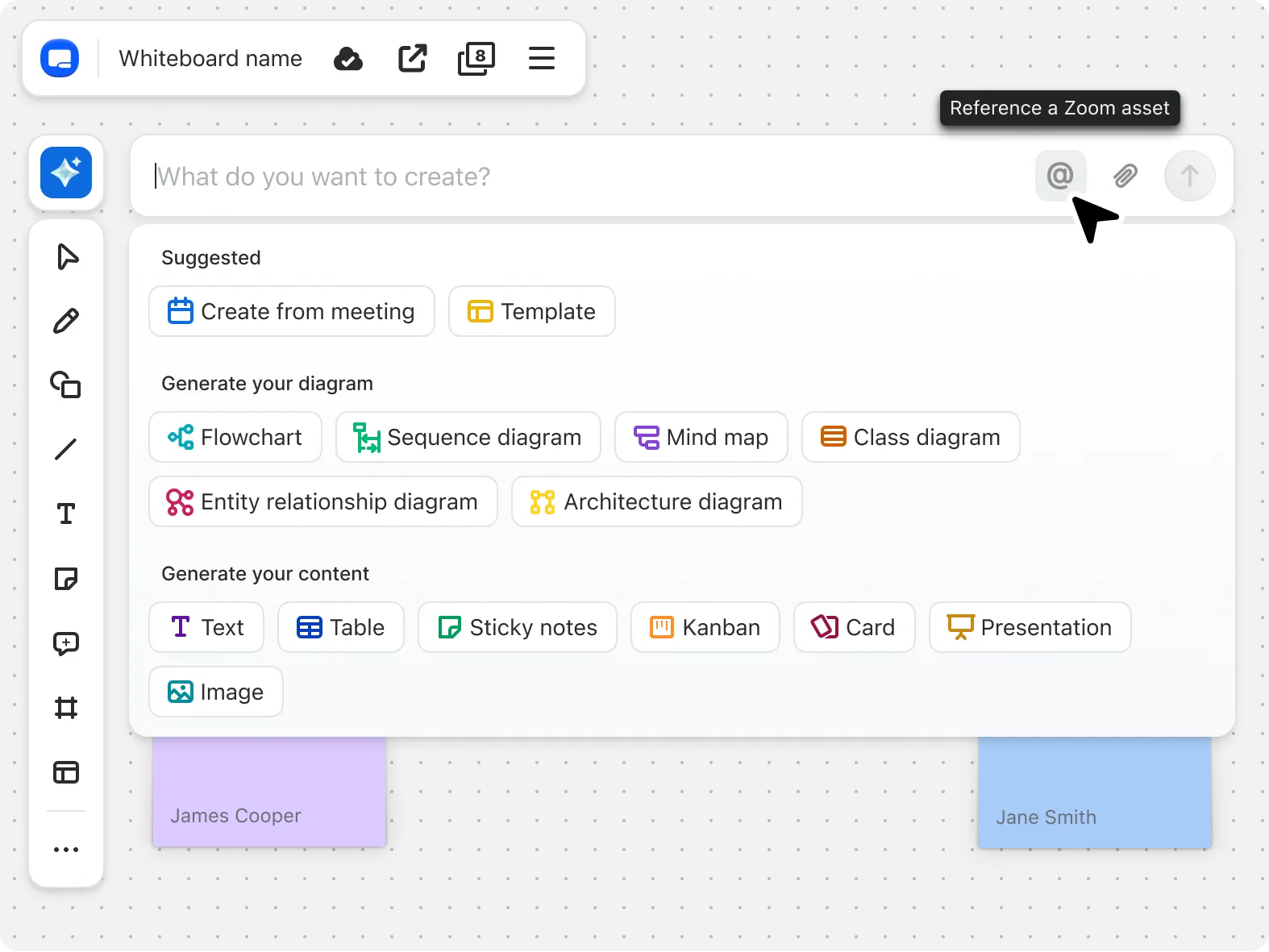
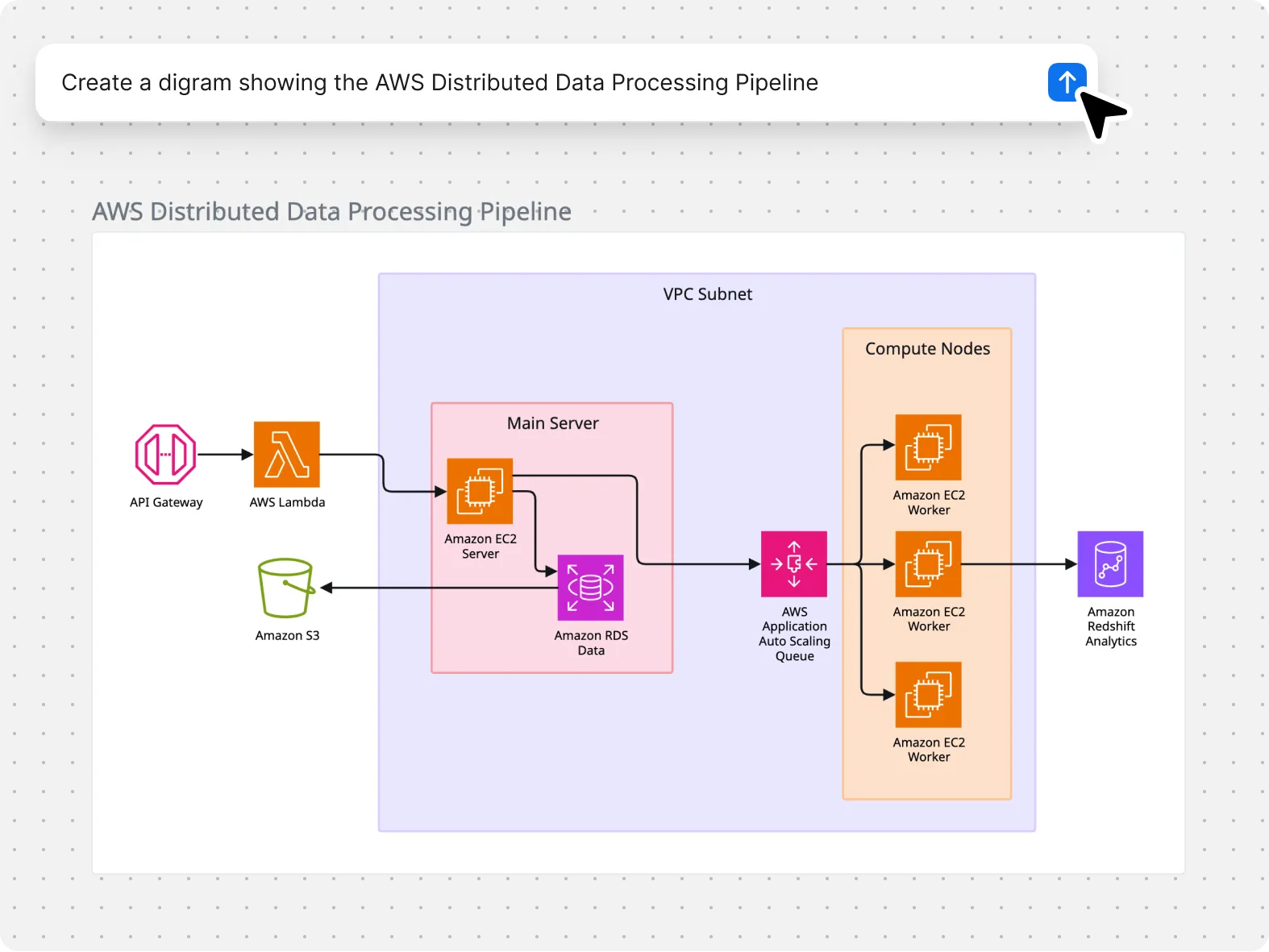
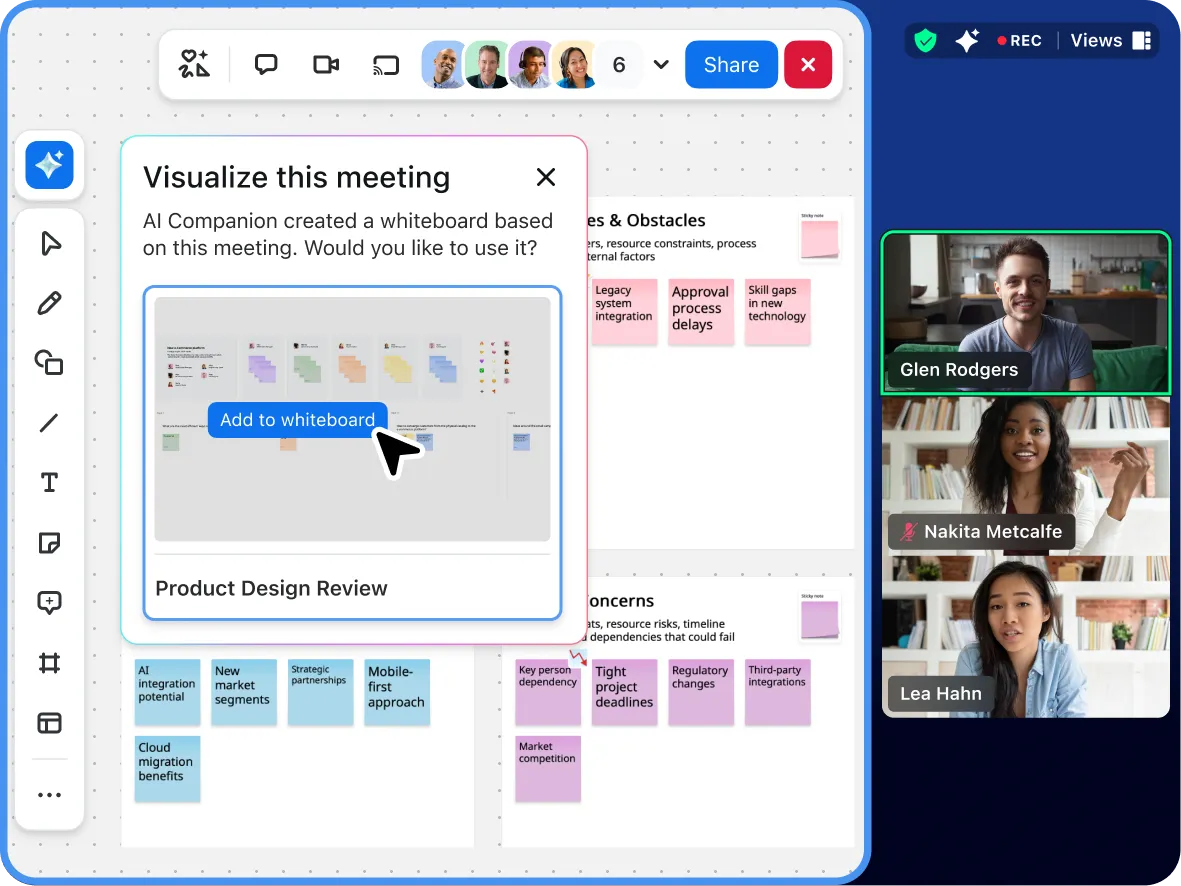
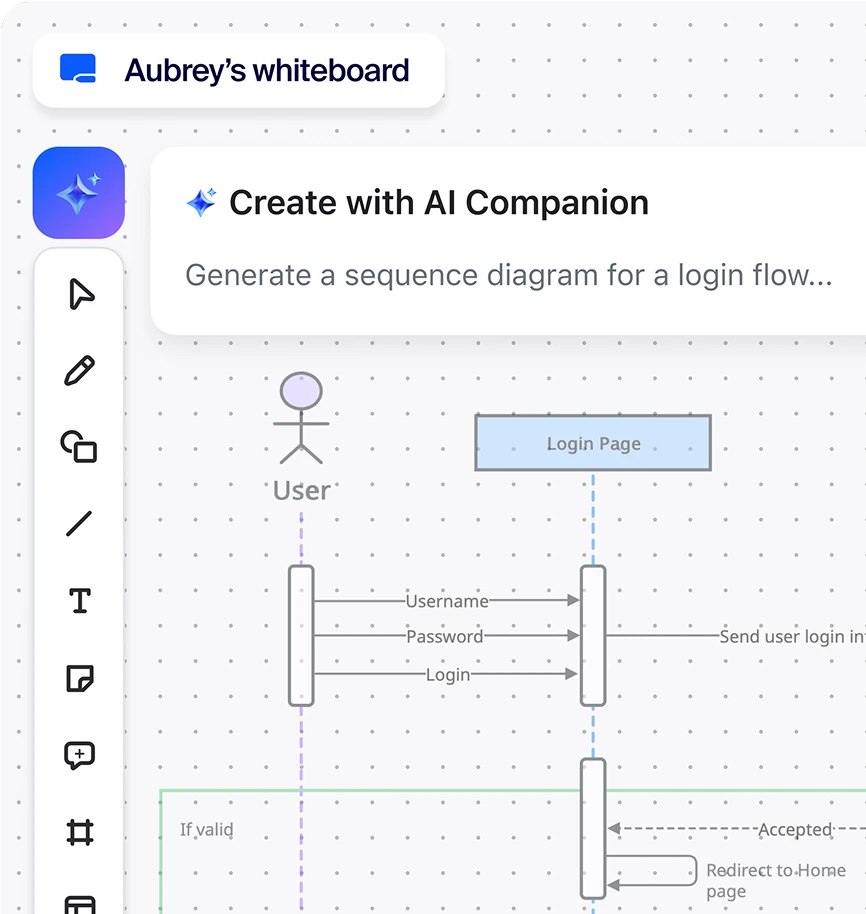
Generate your board instantly with AI

Skip the setup work. Use AI to generate a multi-frame board from a meeting or from a simple prompt, then edit everything on the canvas as usual.

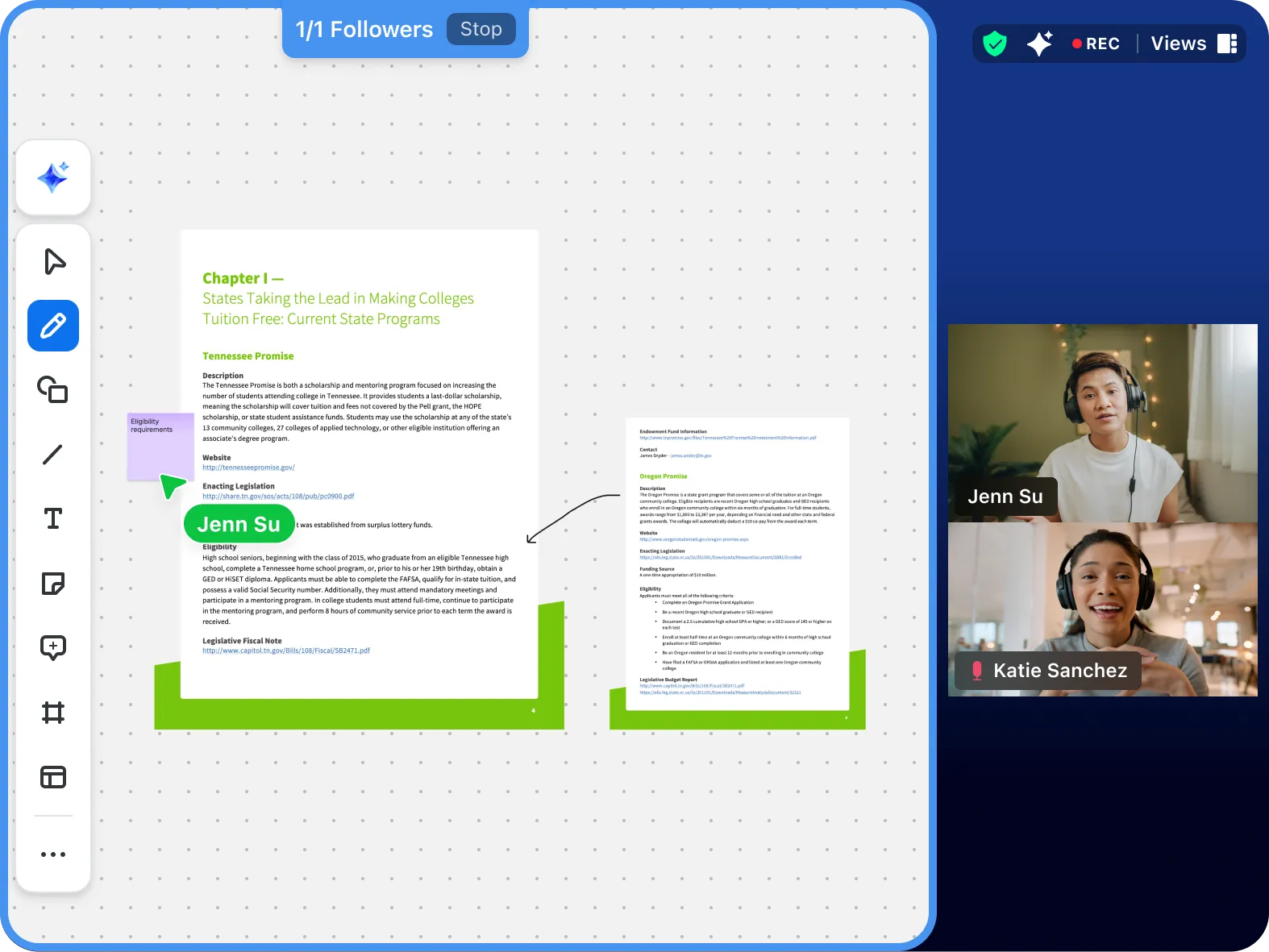
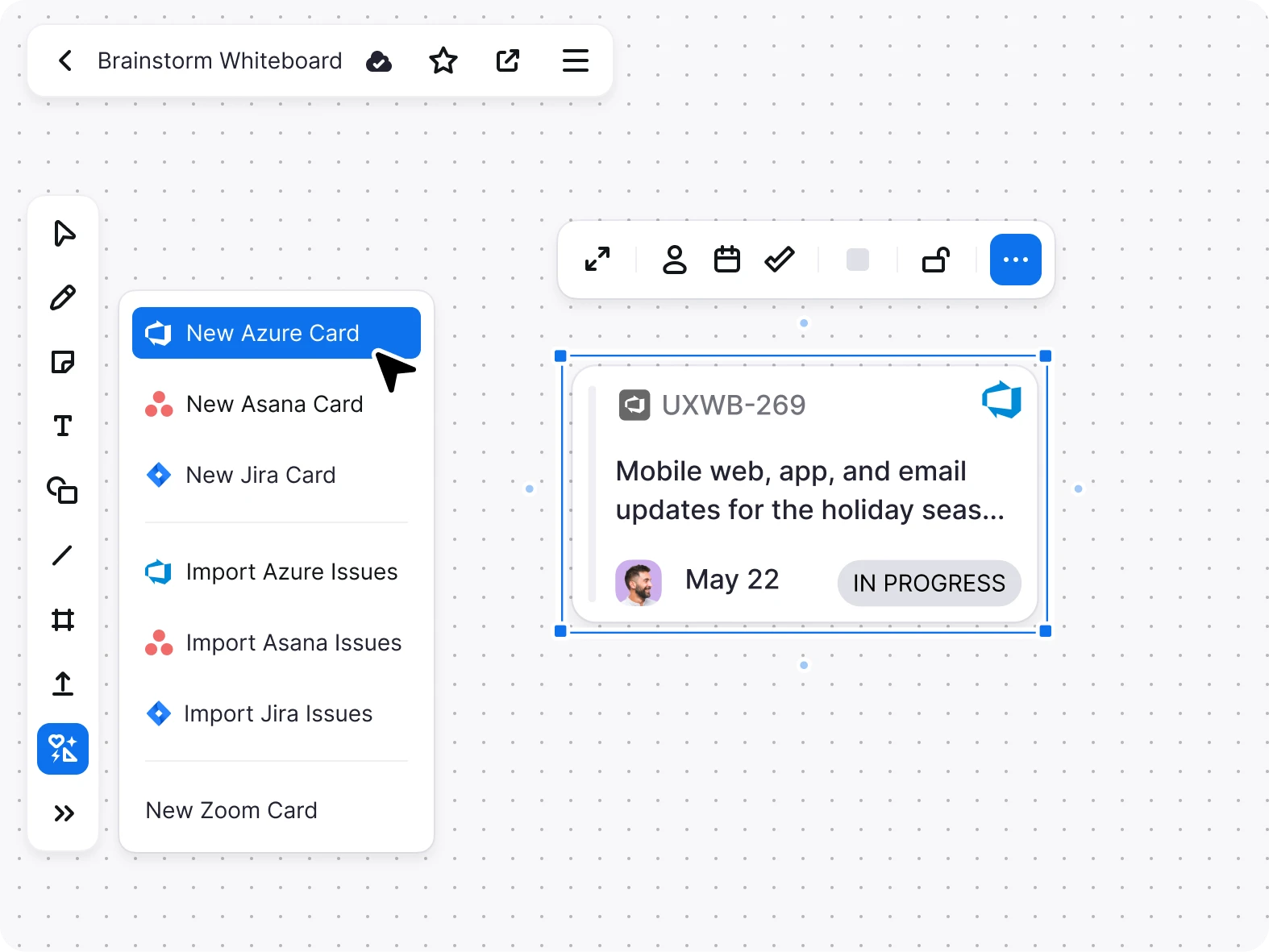
Bring other digital assets into a whiteboard

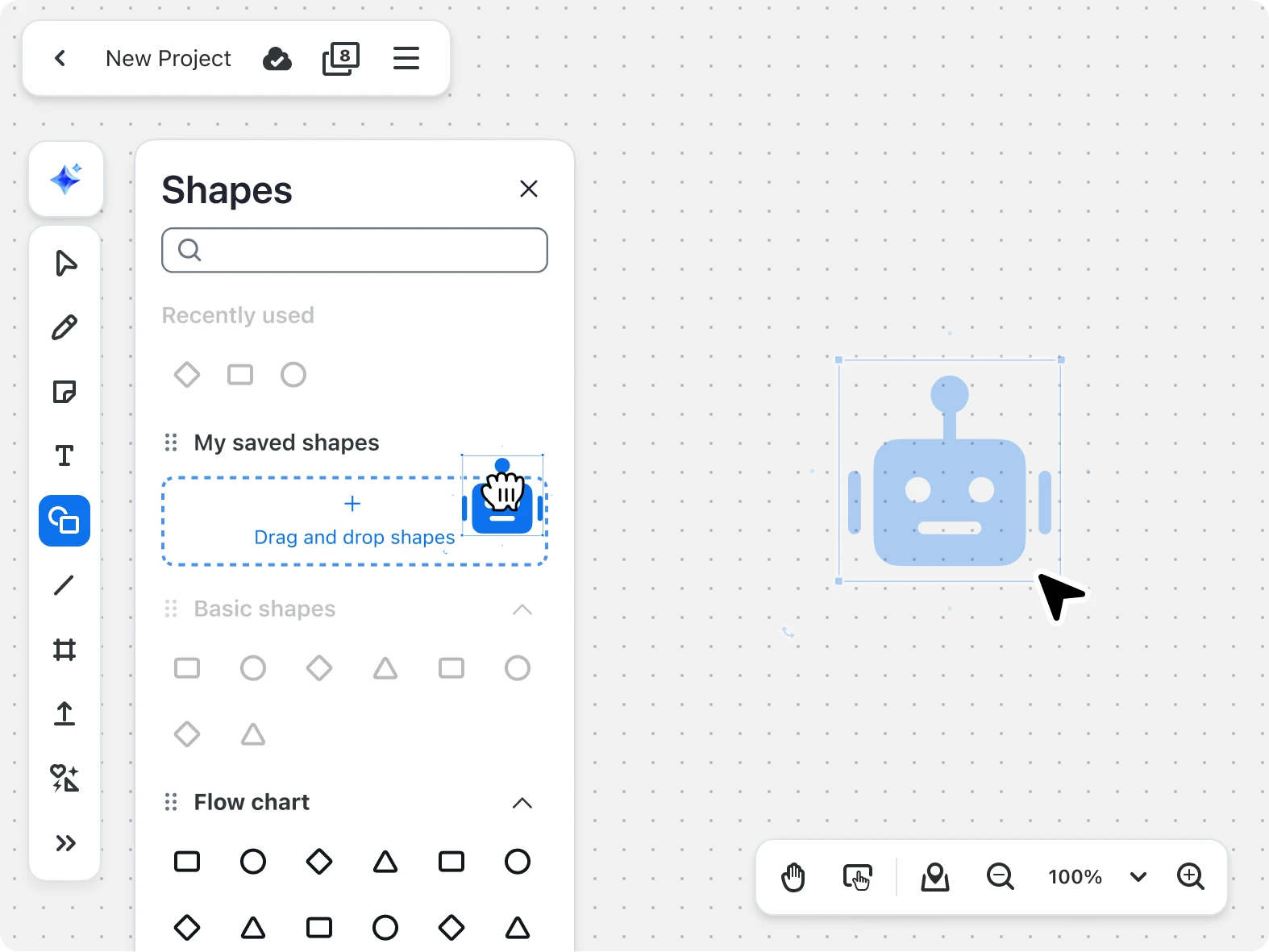
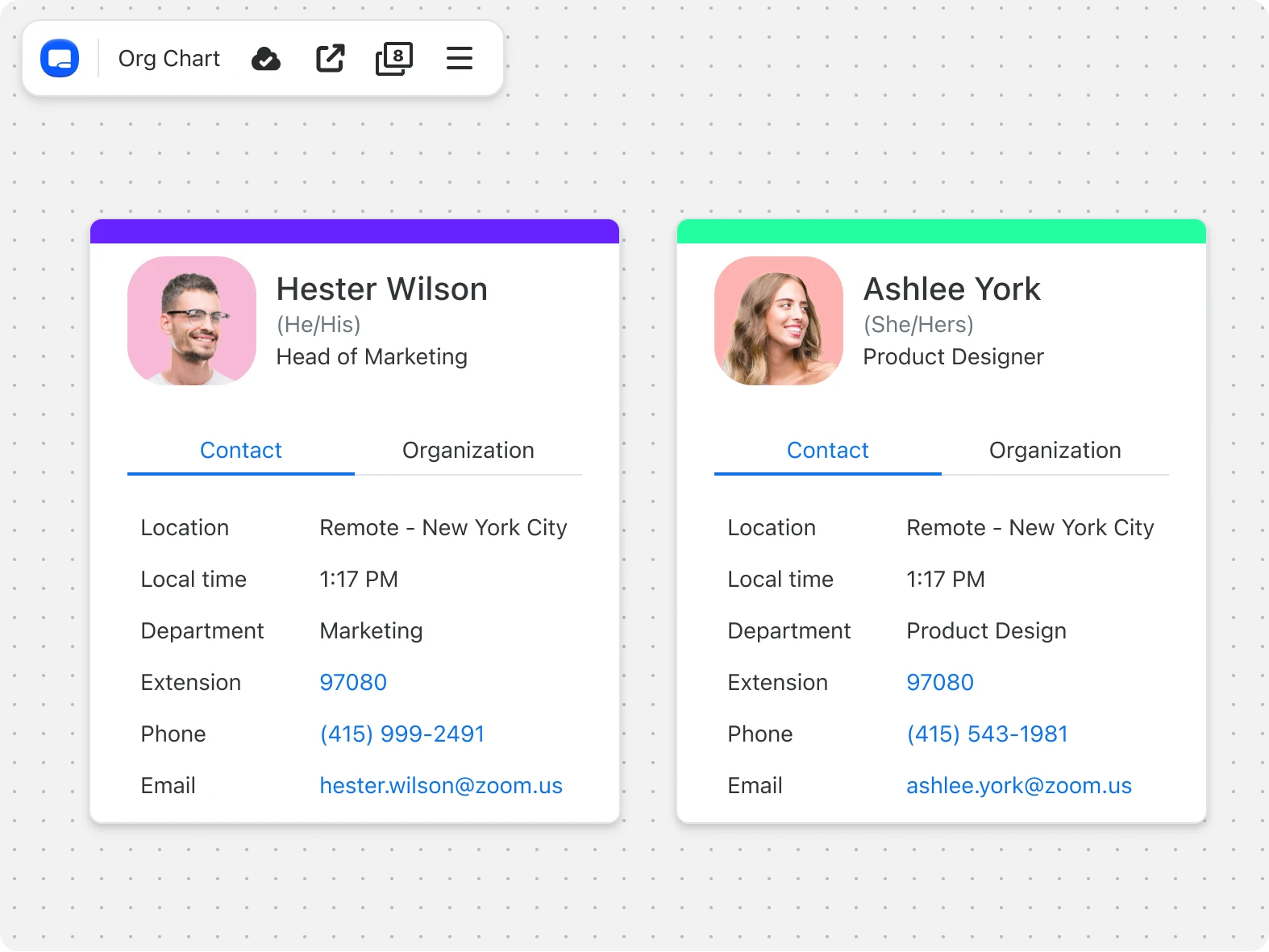
Upload files, images, media, and embed for context, creating a comprehensive workspace that keeps your project resources in one place.

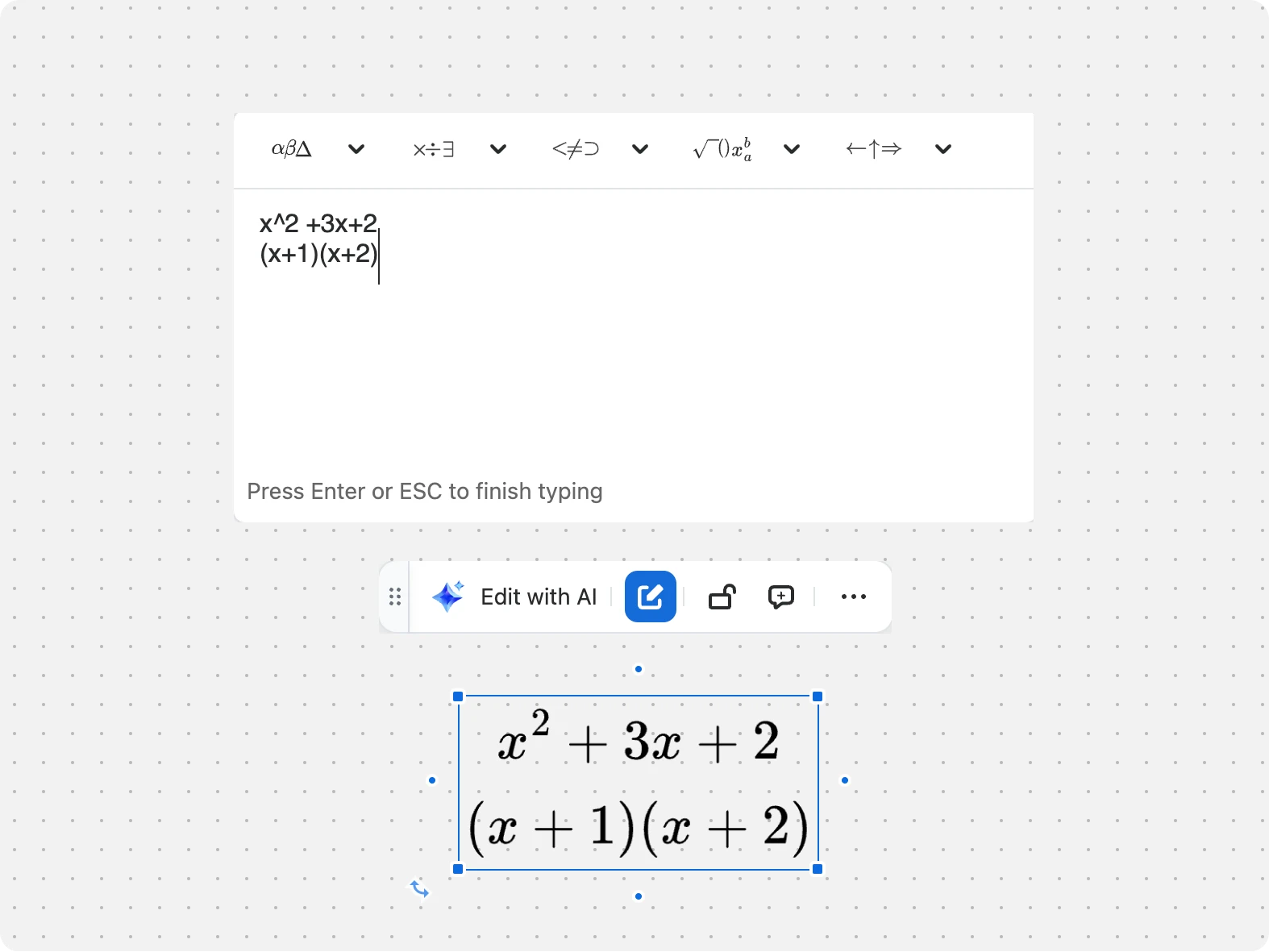
Kickstart creativity with easy-to-use tools

*Available with Whiteboard Plus.

Zoom AI Companion
Zoom AI Companion

Built-in, AI-first productivity

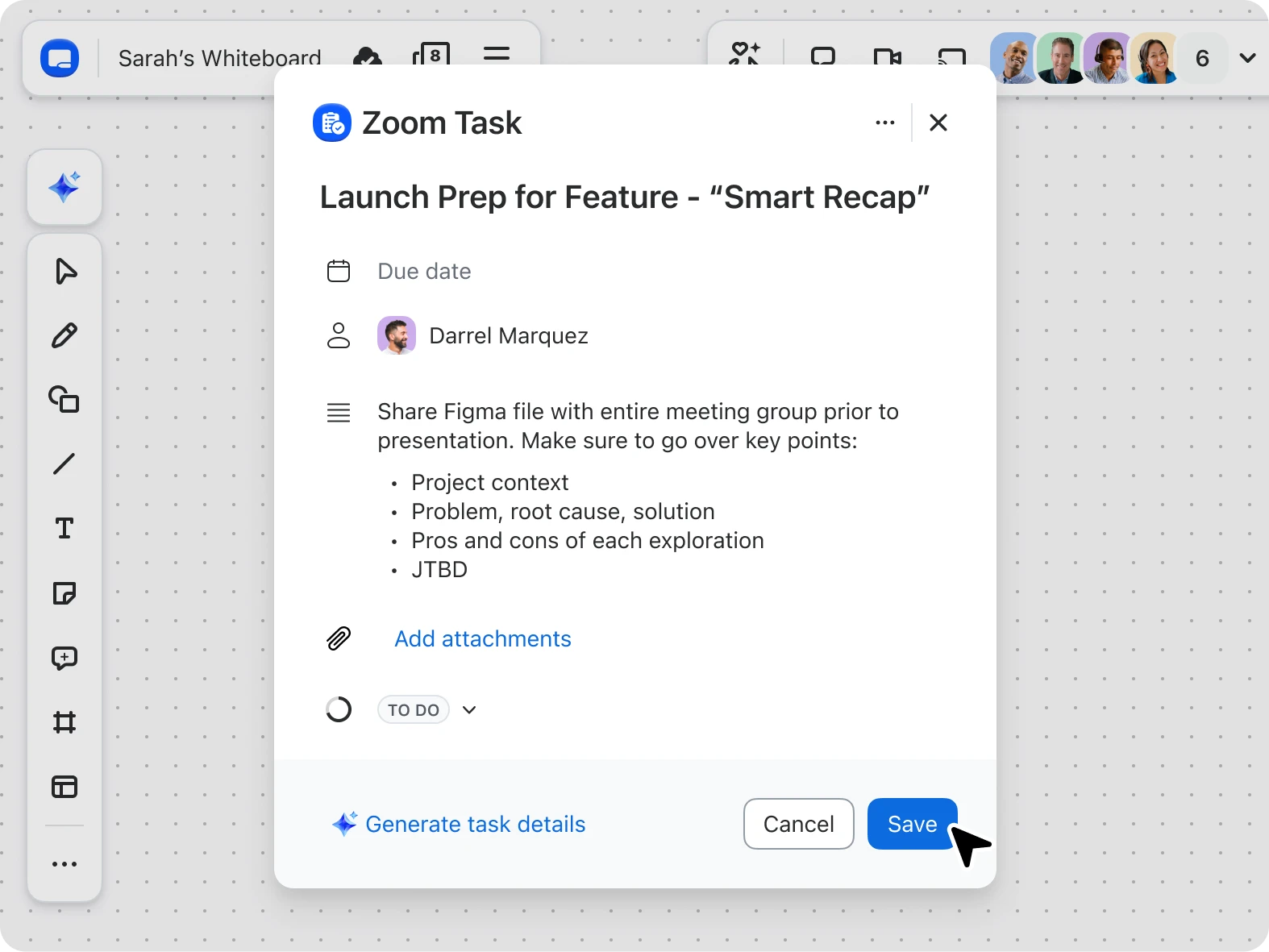
Zoom Whiteboard with AI Companion* keeps your work moving — connecting ideas across Meetings, Team Chat, and Docs.

Built-in, AI-first productivity
Zoom vs. the competition

See how Zoom Whiteboard
stacks up

Find out how Zoom Whiteboard compares to Miro, Mural, and Lucid.

Learn more Learn more ?? "";

Zoom Whiteboard
Miro
Pricing

Add-on Whiteboard Unlimited to any Zoom Workplace plan starting at $2.07/month/user

Whiteboard Basic is included in Zoom Workplace Basic (free) and Pro plans

Whiteboard Unlimited is included with Zoom Workplace Business, Business Plus, and Enterprise Essentials

Whiteboard Plus, our most comprehensive plan, is included in Enterprise Plus or as a separate add-on

$8-$16/month/seat

Edit permissions

Zoom Workplace free and paid plans allow invited users to edit boards they are granted access to

Enterprise free users are restricted to view and comment

Whiteboarding and creation tools

Digital whiteboard tools like annotations, text, notes, shapes, lines, and images


*Feature comparisons based on publicly available information as of April 2025.

Pricing
Pricing

Plans and pricing for Zoom Whiteboard

Explore plans Explore plans ?? "";
Annually
Whiteboard Basic
Free


Highlights:
  • Whiteboard
    • 3 concurrently editable whiteboards
    • Unlimited collaboration - share publicly with anyone, no sign-in required
    • Core features such as templates, annotations, diagramming, frames, and embedding documents
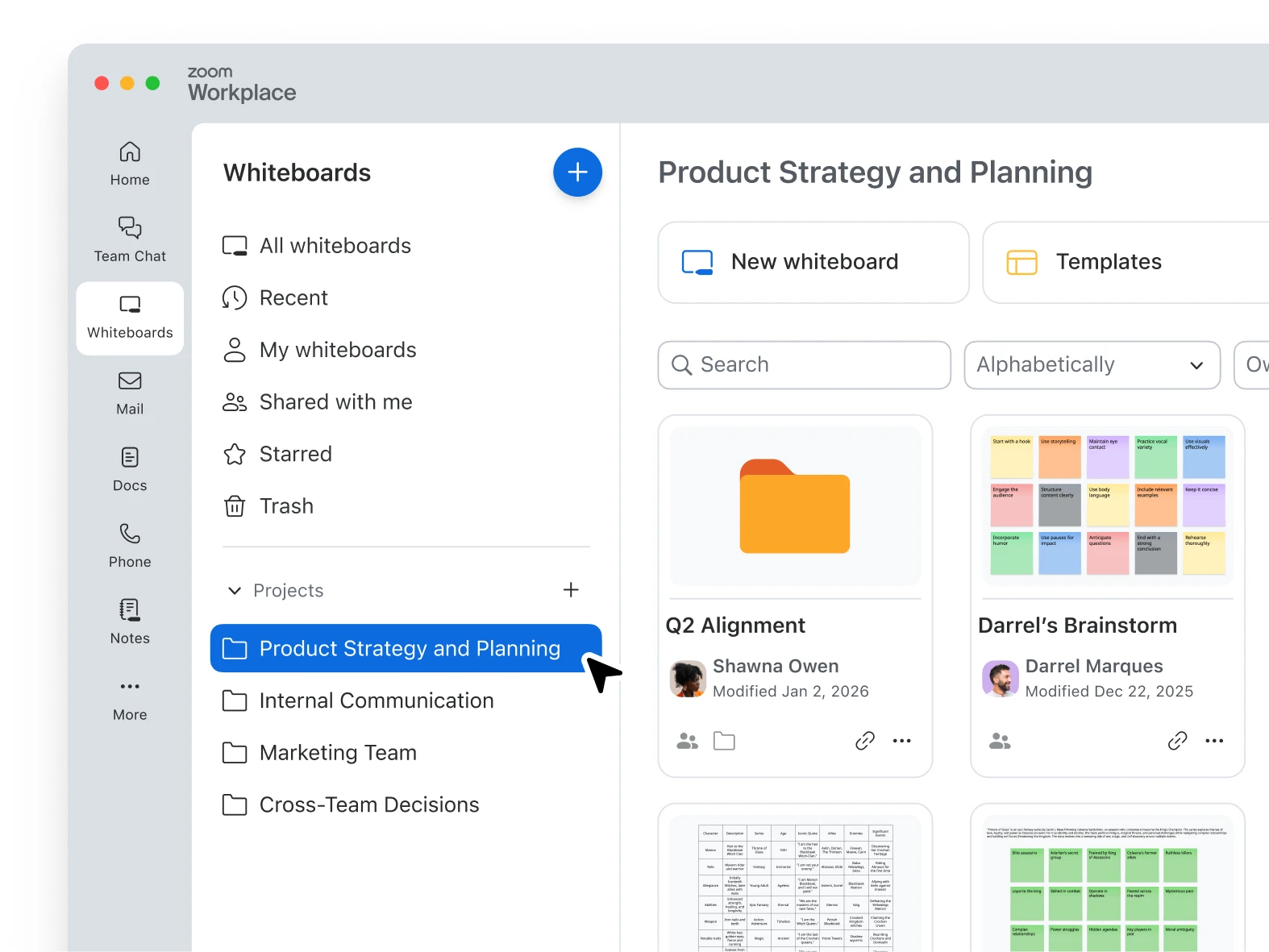
    • Organize with project folders
    • Export whiteboards into high-resolution images and PDFs
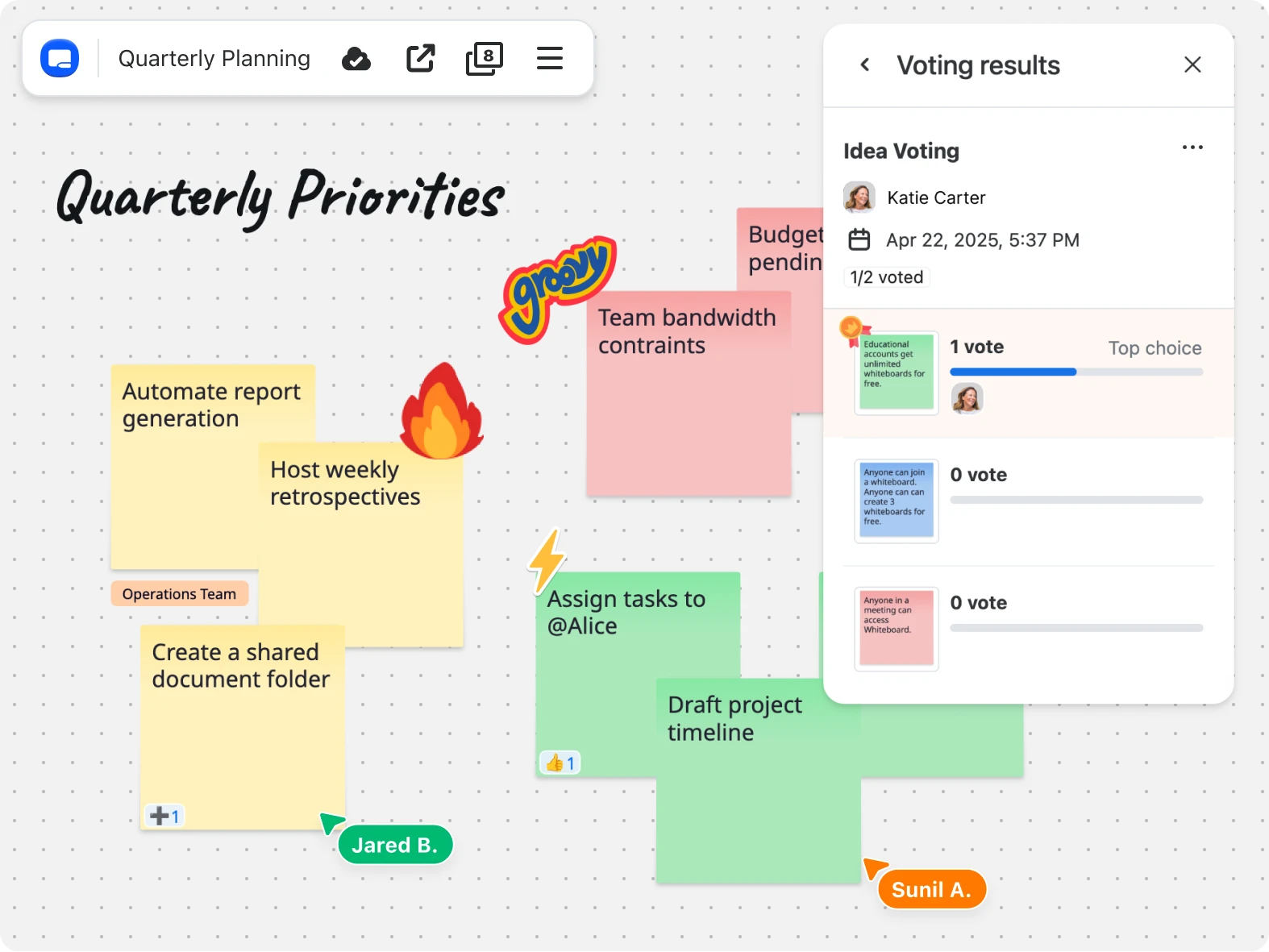
    • Collaboration tools like timer, presentation mode, voting, and quick actions
    • Miro, MURAL, Visio importer
Whiteboard Plus
Use cases
Use cases

Discover how teams use Zoom Whiteboard

IT

IT

Give IT admins an easy win: an online whiteboard built into the Zoom platform that users are already familiar with — no new deployment, no added support burden.

Sales

Help sales teams move faster with visual deal planning, real-time collaboration, and AI-generated recaps that cut the back-and-forth and keep every stakeholder aligned.

Sales

Start creating, collaborating, and visualizing with Zoom Whiteboard

*Zoom AI Companion is available with eligible paid Zoom Workplace plans. May not be available for all regions or industry verticals. Learn more.

FAQs
FAQs

Got questions? We’ve got answers.

Digital whiteboards provide a shared virtual canvas where teams can collaborate in real time across remote, hybrid, and in-office environments by sketching ideas, creating flowcharts and diagrams, and organizing projects using templates, drawing tools, and sticky notes. In educational settings, students and teachers can use digital whiteboards to participate in interactive lessons, work on group assignments, and create visual study materials through features like annotation tools, diagrams, and mind maps, making learning more engaging whether in physical classrooms or virtual environments.

Yes, you can create a whiteboard online using digital whiteboard tools that provide a shared virtual canvas for collaboration — it’s similar to using a physical whiteboard but is more accessible to all participants. Zoom's online whiteboards offer an easy way to get started by providing access to more than 250 ready-made templates for activities like mind mapping, project planning, and flowcharts. You can begin using templates right away by opening a whiteboard in Zoom and selecting from the template library, then sharing it with team members who have Zoom accounts or with a visitor link so you can work together in real time, or asynchronously on your own time.

Digital whiteboards offer several benefits for team collaboration: They offer a shared virtual workspace for real-time brainstorming and decision-making, support learning opportunities and communication, and allow teams to work together regardless of their physical location. The collaborative nature of online whiteboards helps boost engagement and creativity while keeping everyone aligned on projects through visual aids like journey maps, flowcharts, and diagrams that make complex ideas easier to understand.

With Zoom's suite of productivity tools, teams can easily switch between whiteboarding sessions, group chat conversations, and video meetings without leaving the platform, making collaboration more efficient and reducing context switching.

When choosing a whiteboarding tool, look for one that combines robust core capabilities like drawing tools and templates, collaboration features that enable real-time teamwork, and security controls to protect your content and manage access.

Core capabilities

  • Drawing tools and annotations
  • Shape library
  • Template library
  • Infinite canvas


Collaboration

  • Presentation tools
  • Real-time editing
  • Multi-user support
  • Interactive tools
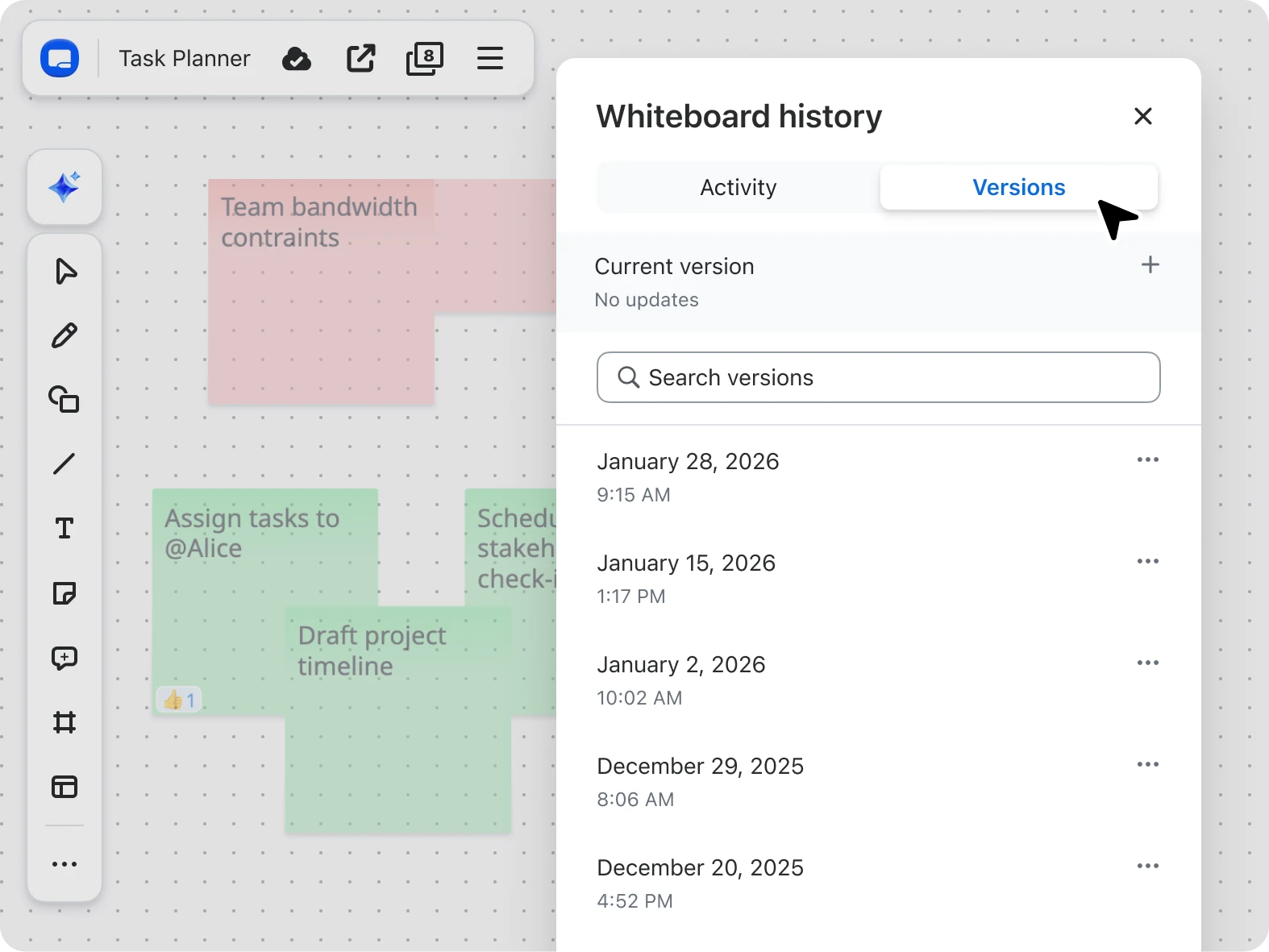
  • Version control


Security

  • Access controls
  • Permission settings
  • Activity logging

Digital online whiteboards are accessible through several free options that provide essential whiteboard capabilities, but they may not offer the seamless collaboration features available with Zoom. The Zoom Workplace Basic (free) plan includes Zoom Whiteboard Basic. With this option, you get core whiteboard functionality, including annotation tools, text, shapes, and the ability to share boards with other Zoom account holders at no cost.

The plan gives you three concurrently editable whiteboards, which means you can create and actively work on up to three different whiteboard documents at the same time. For individuals and teams looking to try a free whiteboard tool, Zoom Whiteboard Basic is a great option, providing a virtual canvas where multiple users can draw, add sticky notes, and work together in real time. Explore Zoom Workplace plans.

You can share a whiteboard online by using digital whiteboard tools that allow you to invite collaborators through links, email invitations, or direct platform sharing. Zoom Whiteboard makes sharing simple with multiple options depending on your workflow.

Ways to share a Zoom Whiteboard:

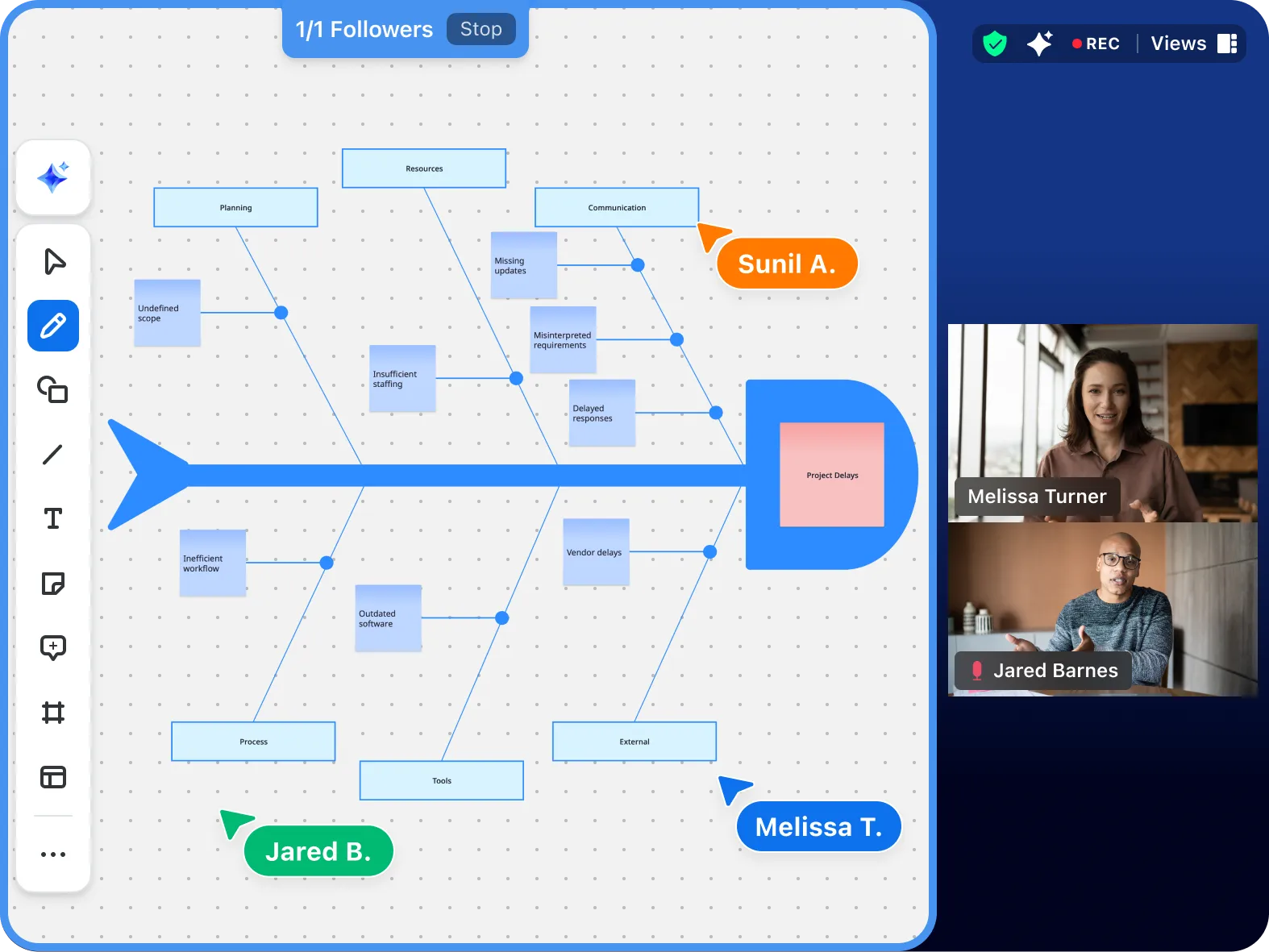
  • Share during a Zoom Meeting with one click to collaborate in real-time
  • Send a visitor link to external partners or guests who don't have Zoom accounts
  • Share directly in Zoom Team Chat for asynchronous collaboration
  • Embed whiteboards in Zoom Docs to keep project resources connected
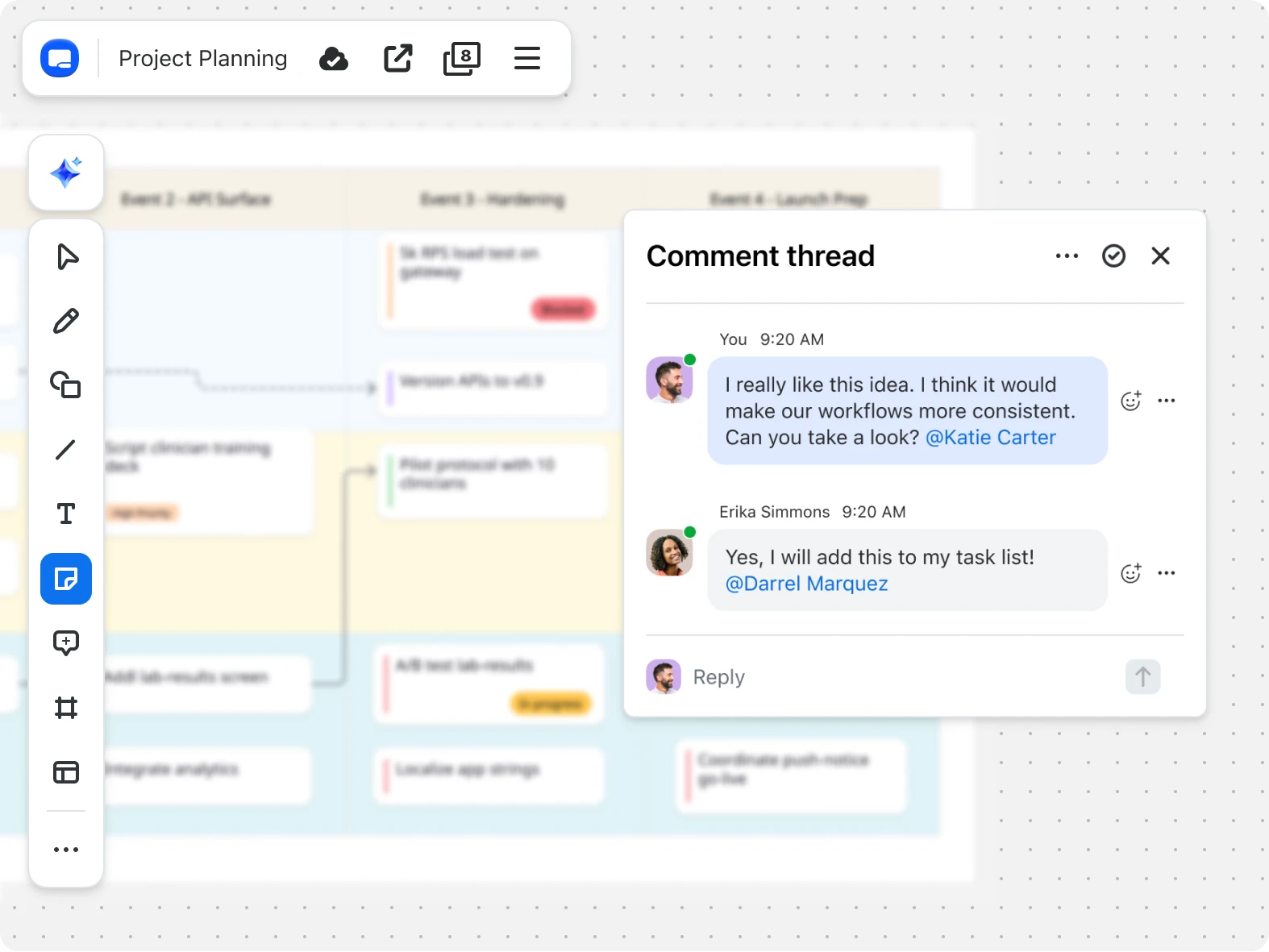
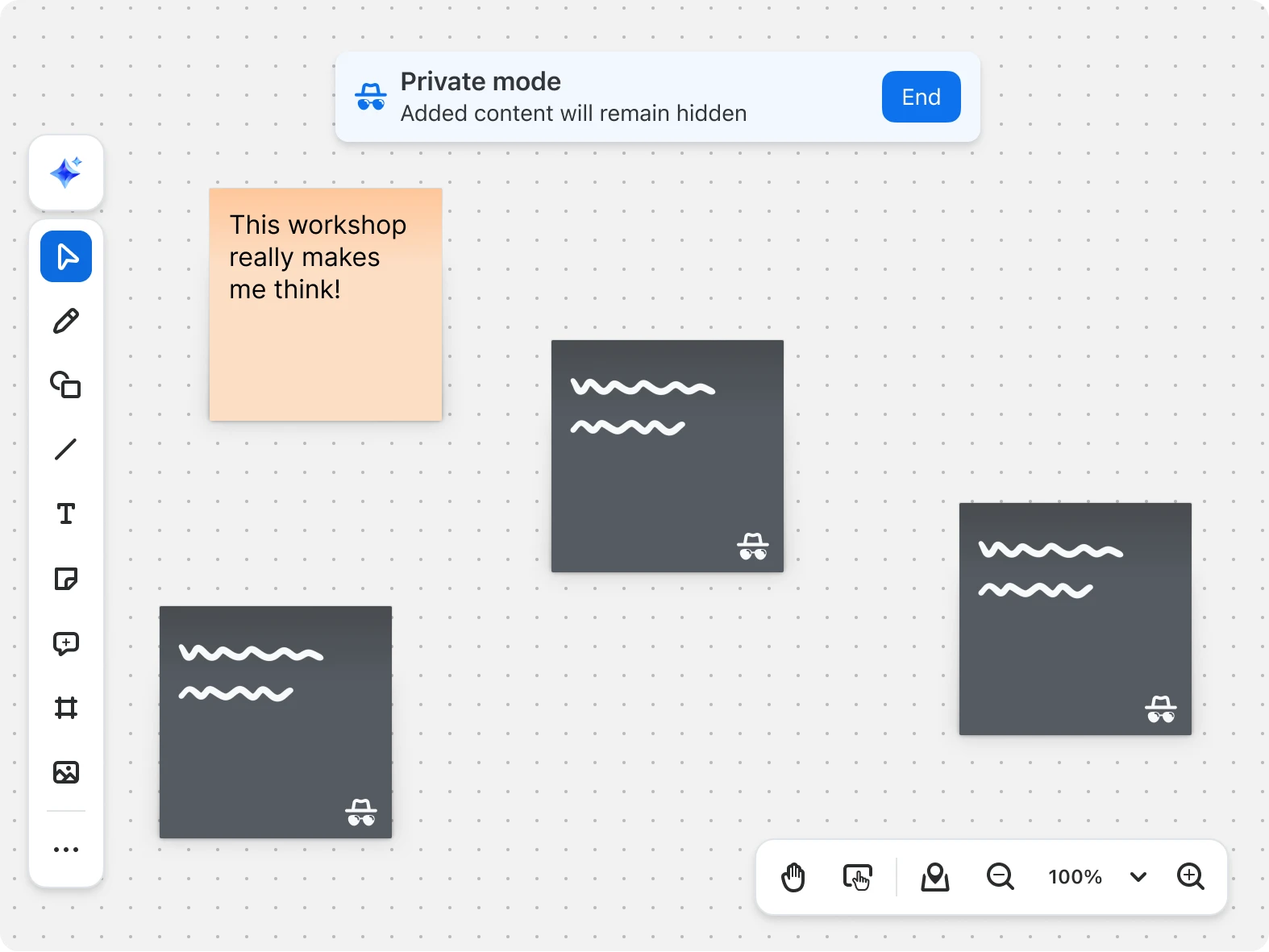
  • Set custom permissions to control who can view, edit, or comment
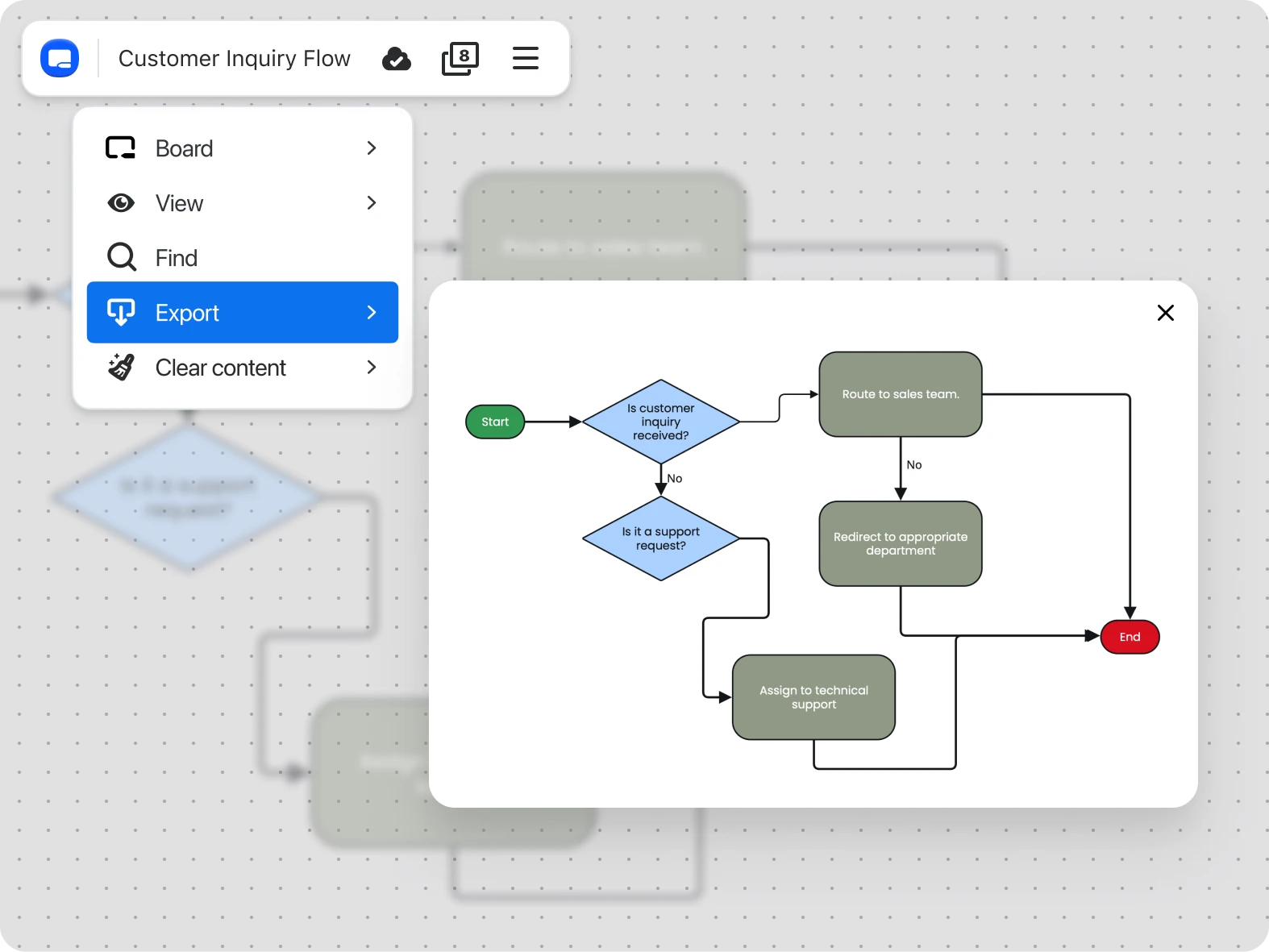
  • Export as a PDF, image, or PowerPoint to share outside the Zoom platform


Learn more about sharing a whiteboard.

Yes, Zoom Whiteboard is a virtual whiteboard that lets teams brainstorm, diagram, and collaborate in real time or on their own schedule. It works seamlessly across Zoom Meetings, Team Chat, and other Zoom tools, making it easy for teams to brainstorm, diagram, and work together in real time or asynchronously.