Work is complicated. Your collaboration tools shouldn't be. Zoom Workplace unites
meetings, docs, chat, and more with Zoom AI Companion built in to help teams
focus and work together flawlessly.
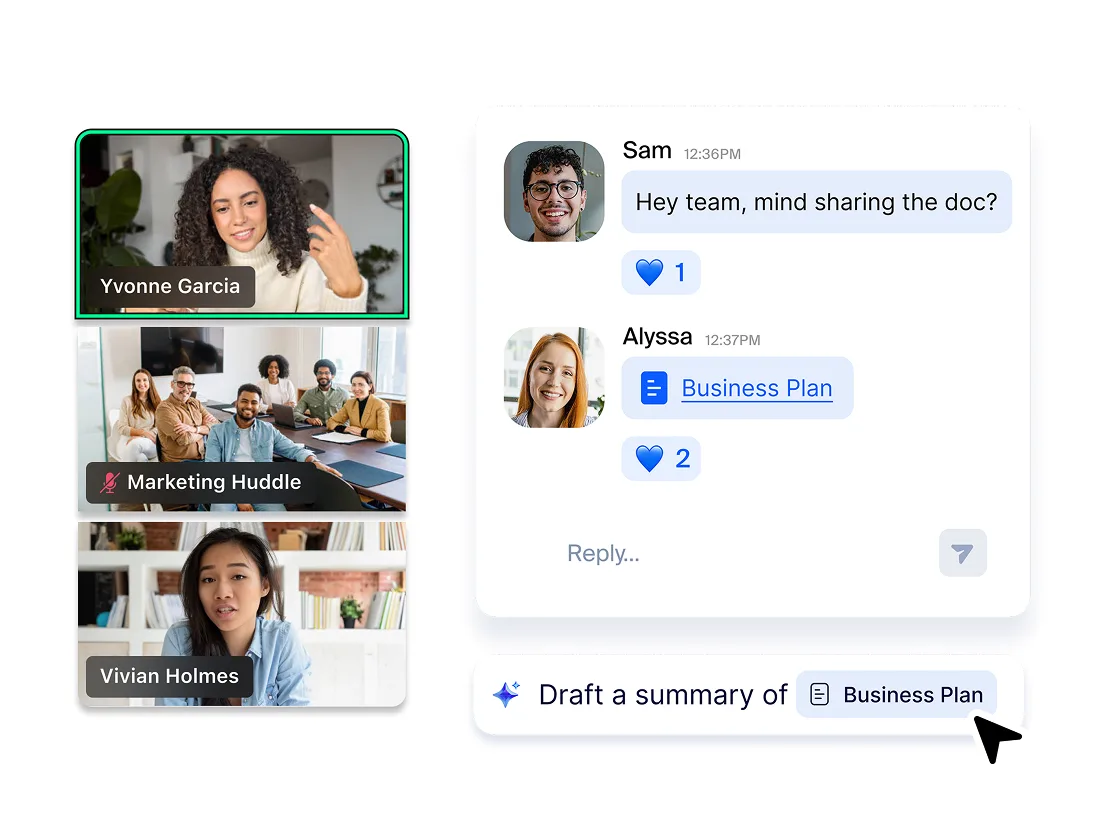
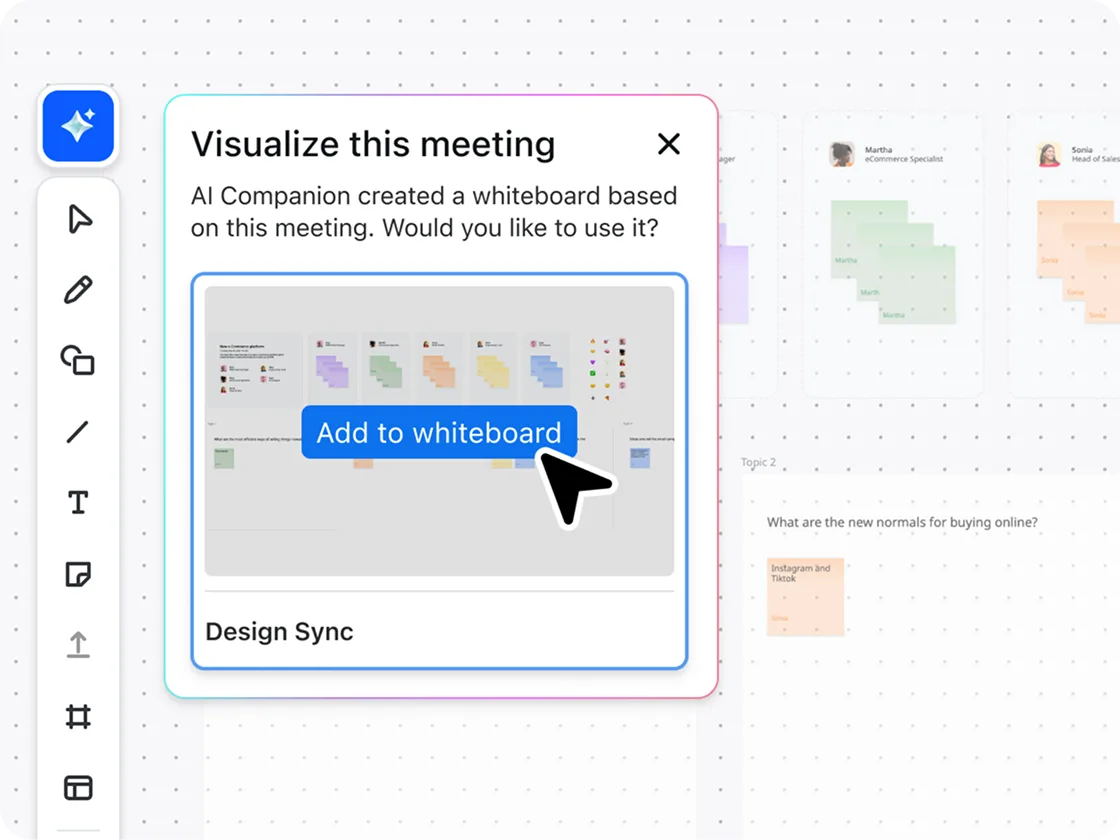
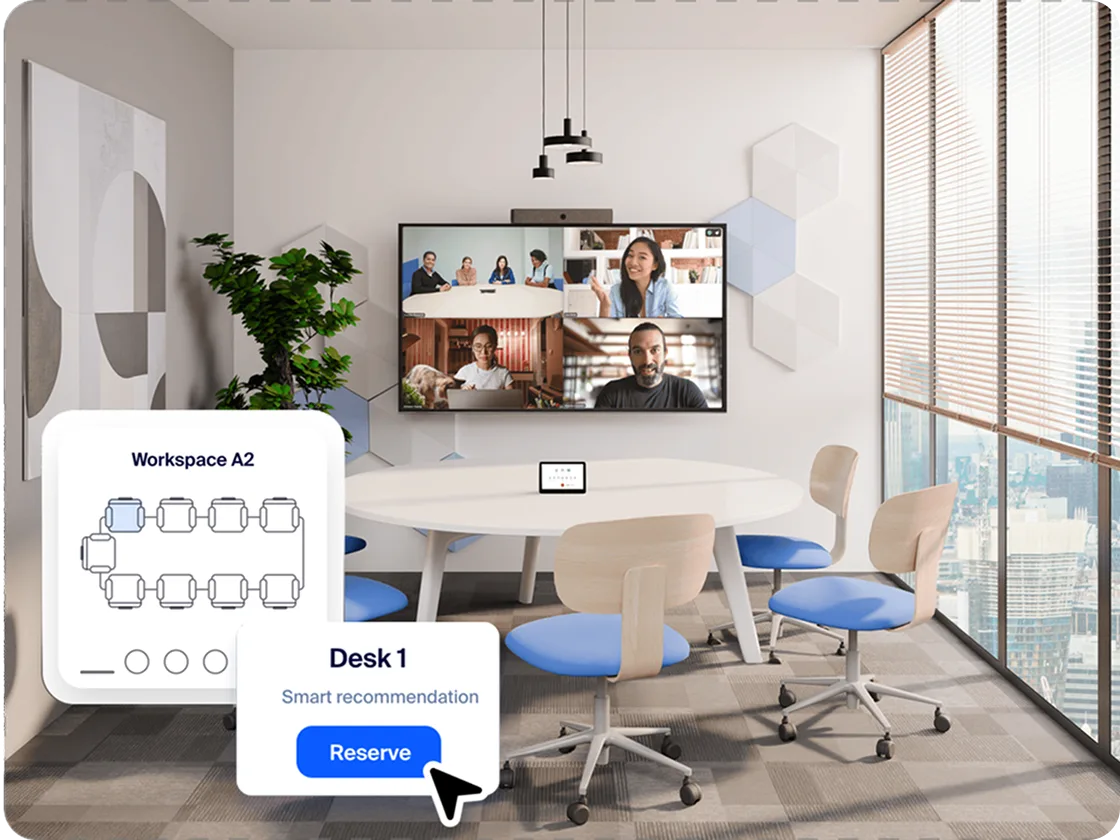

Video
Work is complicated. Your collaboration tools shouldn't be. Zoom Workplace unites
meetings, docs, chat, and more with Zoom AI Companion built in to help teams
focus and work together flawlessly.

Improve ROI with a lower total cost of ownership.

Connect with the apps and workflows you already use.

Stay ahead with tools that evolve as fast as you do.

Simplify the way you work with intuitive tools built for everyone.

Deliver your best work, every time.

Work with confidence knowing data is protected.
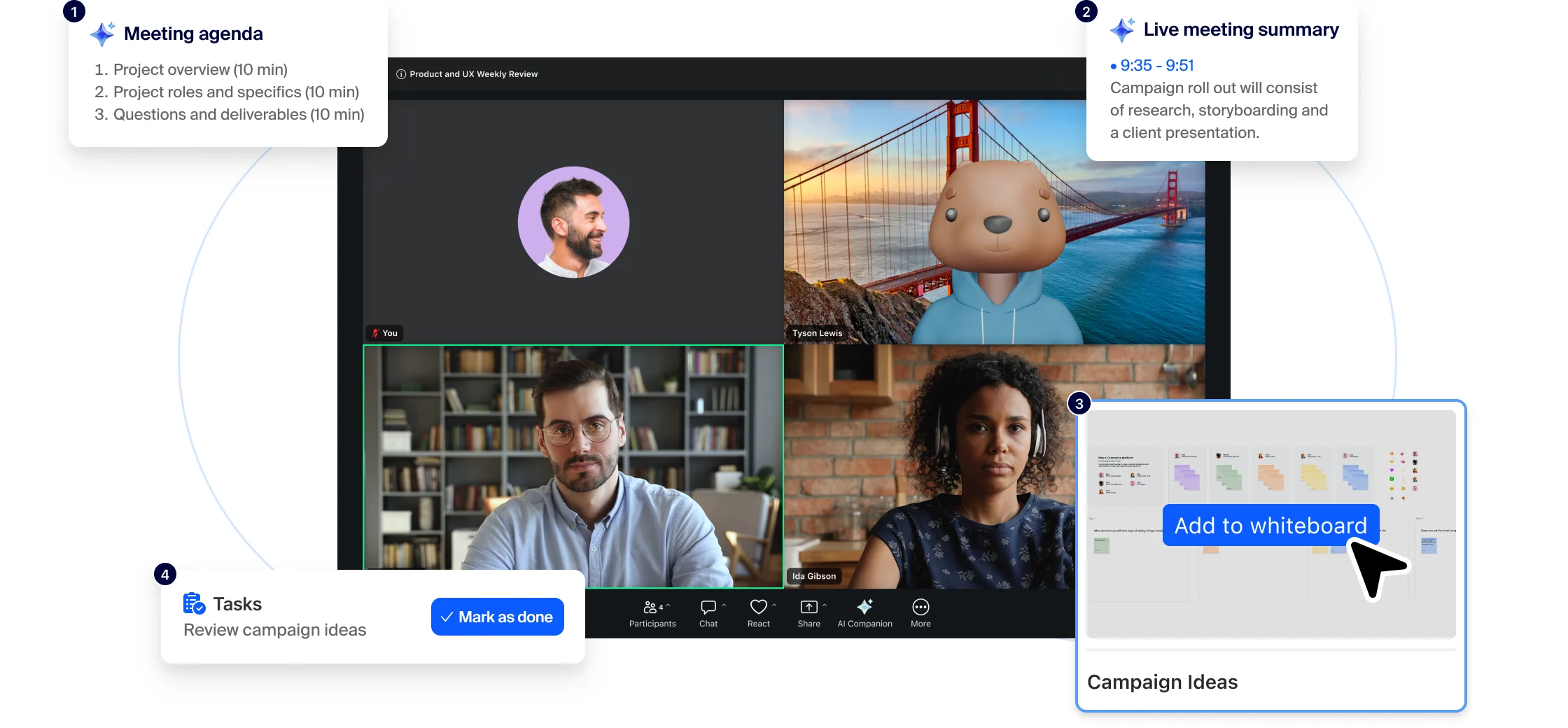


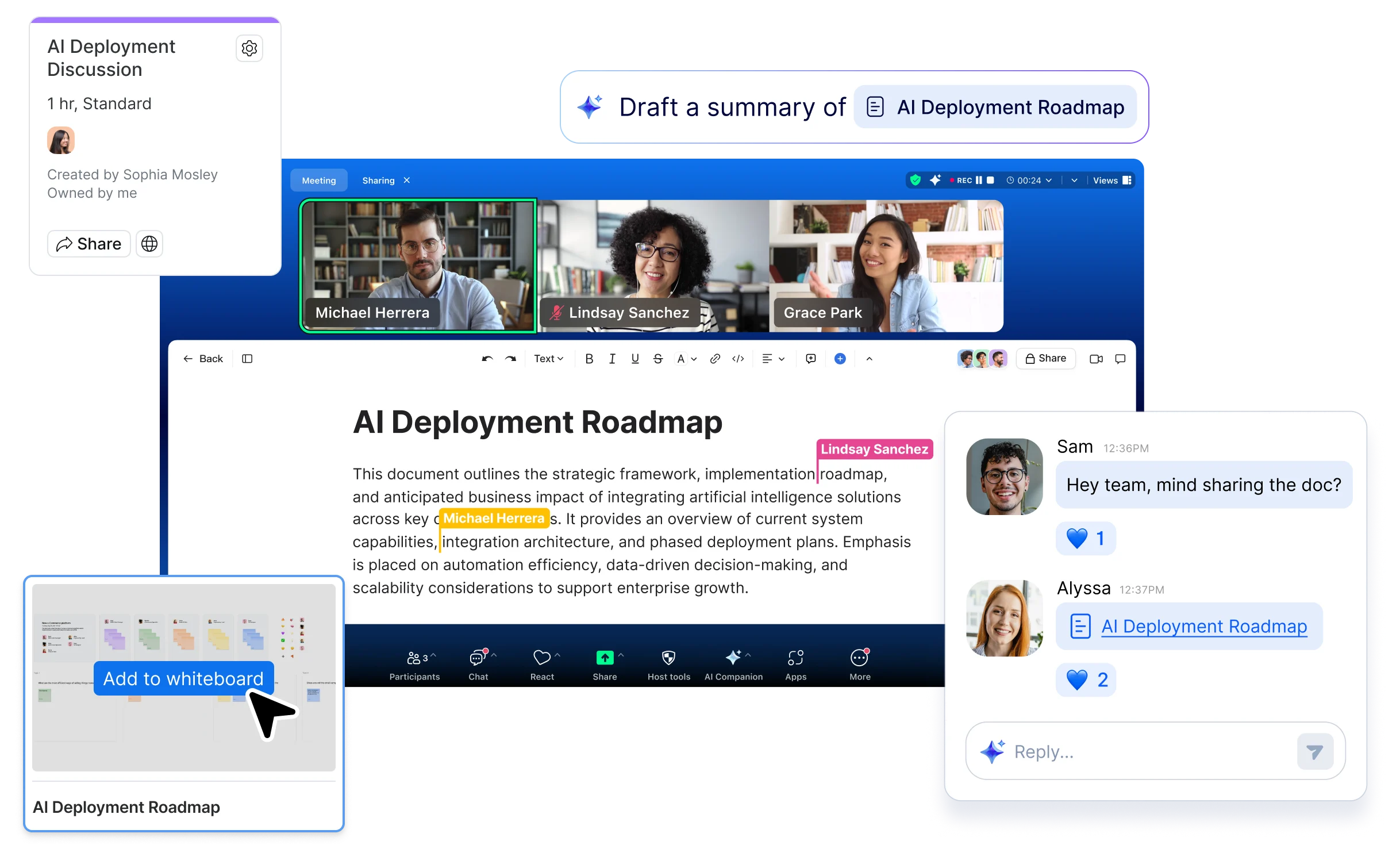
AI Companion does more than save you time. Built into Zoom Workplace, it captures context, uncovers insights, and helps you deliver better work — from stronger customer conversations to faster, more-informed decisions.
Zoom's AI-first platform doesn't just boost business results — it delivers essential collaboration tools in a delightful experience your team will actually love.

Video

AI

AI

AI

Team Chat

Team Chat

Team Chat

Phone

Phone

External Scheduling

Workspace Solutions

Whiteboard

Whiteboard

Async video

Collaborative Docs

Collaborative Docs

Survey/Polls

Tasks

You could replace this many apps with Zoom Workplace
This is how much a company of your size could save per user, per month compared to the non-enterprise price of your selected software
This is the estimated total savings for a company of people
*Estimated cost savings is provided only for informational purposes and based on cancelling at least four third-party plans. Pricing is based on publicly available USD list pricing as of March 2025 for new customers purchasing Zoom Workplace Business Plus.


Zoom's open ecosystem supercharges your workflow — thousands of integrations create one unified workspace where teams communicate, collaborate, and conquer projects without disruption, maximizing productivity everywhere.
Zoom Workplace brings best‑in‑class collaboration to your Microsoft environment with seamless workflows and AI that helps you collaborate reliably, make smarter decisions, and simplify IT.

Report: How leaders can close the gap between collaboration platform investment and value.
When AI is woven into how you work every day, it has the potential to become transformational.
Boost team collaboration with our step-by-step guide to improving the meeting lifecycle.
Discover how teams can collaborate more effectively, stay engaged, and do their best work.
Ineffective collaboration is costly. Learn key findings and actionable takeaways from our report.
Find out how to get more when you bundle with Zoom Workplace.
Zoom AI Companion is available with eligible paid Zoom Workplace plans. May not be available for all regions or industry verticals. Learn more
Collaboration tools are software applications designed to help people work together, talk to each other, and get things done as a team, no matter where they’re located. With so many people working digitally across distributed teams and workplaces, collaboration tools are especially useful for streamlining communication and workflows.
There are various types of collaboration tools for different purposes. Communication tools, such as video conferencing, VoIP phone systems, and instant messaging platforms, allow team members to connect in real time, breaking down geographical barriers. Productivity tools offer functionalities for idea generation and visual collaboration, content creation, and project management, helping to keep everyone on the same page. Additionally, hybrid workplace technology connects in-person and remote workers more effectively, further streamlining collaboration and allowing teams to get the most out of their digital ecosystem.
Zoom offers an extensive suite of collaboration tools designed to help teams get their work done quickly and more efficiently in an all-in-one AI-first platform.
Zoom Workplace collaboration tools to facilitate real-time communication include:
Zoom Workplace collaboration tools to improve work productivity include:
Zoom Workplace collaboration tools to support in-office and remote work together include:
Finally, Zoom’s collaboration tool designed to increase employee engagement and enhance internal communication is Workvivo.
Ready to try Zoom Workplace? Sign up for a free Zoom Workplace Basic plan to get started, or explore plans and pricing.
You and your team can use various collaboration tools throughout your daily workflows to streamline communication and keep everyone informed. For example, you might start the day with a Zoom Meeting for a virtual stand-up meeting with your team, then switch to Team Chat instant messaging for quick questions and real-time discussions throughout the day. Team members might open a productivity tool like Docs to view a shared project tracker, adjust the status of tasks they’re working on, and @mention stakeholders in the doc about important updates. At the end of the day, you might use Zoom Clips to send a video message to team members with an update on progress made on an important project. This asynchronous form of communication keeps everyone informed without requiring everyone to be together in a meeting.
These different collaboration tools support the way teams communicate and work together across distributed workplaces and geographical locations. With Zoom Workplace, teamwork is easier and more effective because all of your collaboration tools work together seamlessly in one platform.
Ready to try Zoom Workplace? Sign up for a free Zoom Workplace Basic plan to get started, or explore plans and pricing.