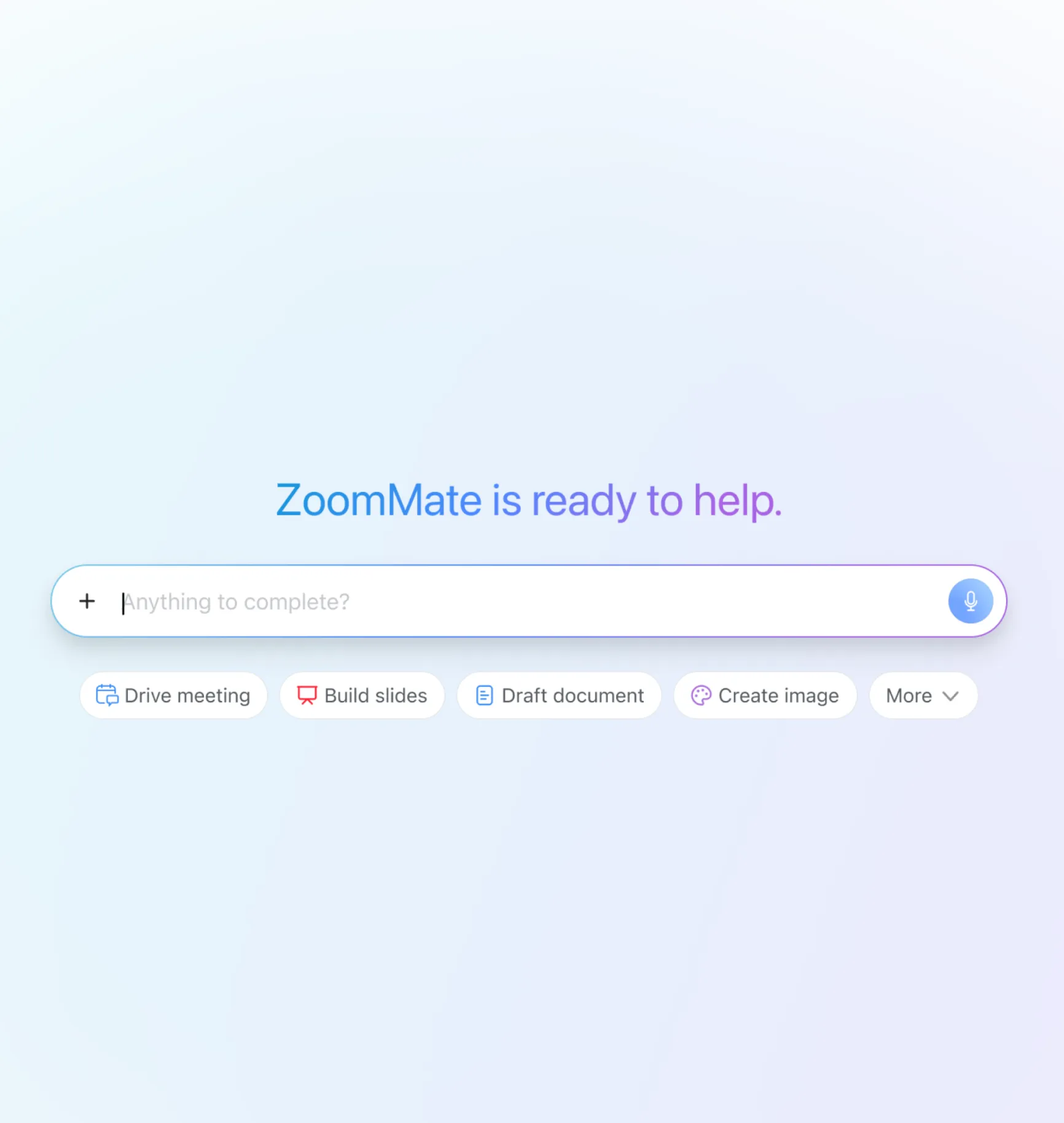
Meet ZoomMate,
your AI teammate

ZoomMate analyzes, learns, and acts on your conversations to complete your work.

Find what you need

Find what you need

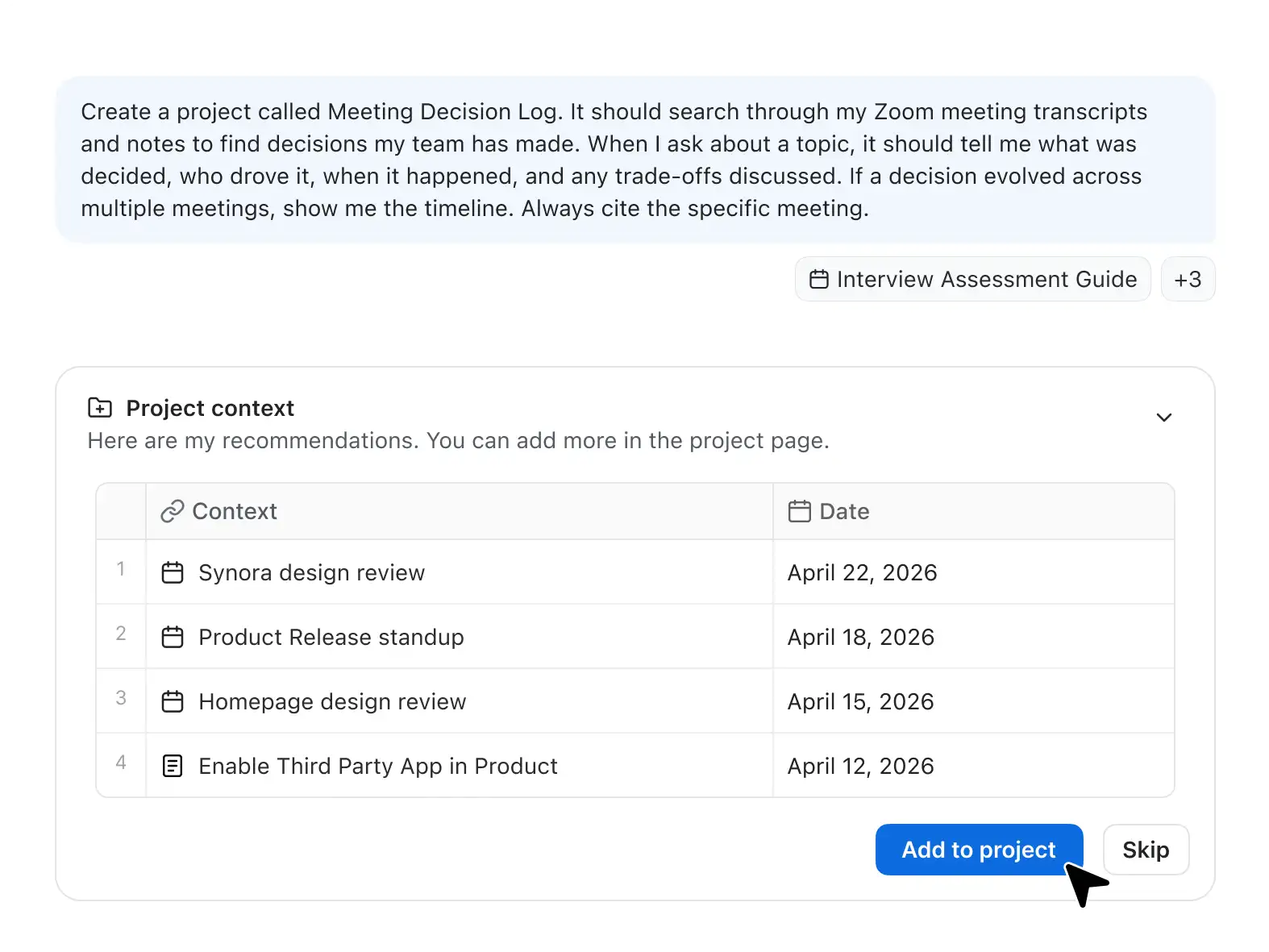
Finds decisions and details buried in your conversations and apps.

Move work forward

Move work forward

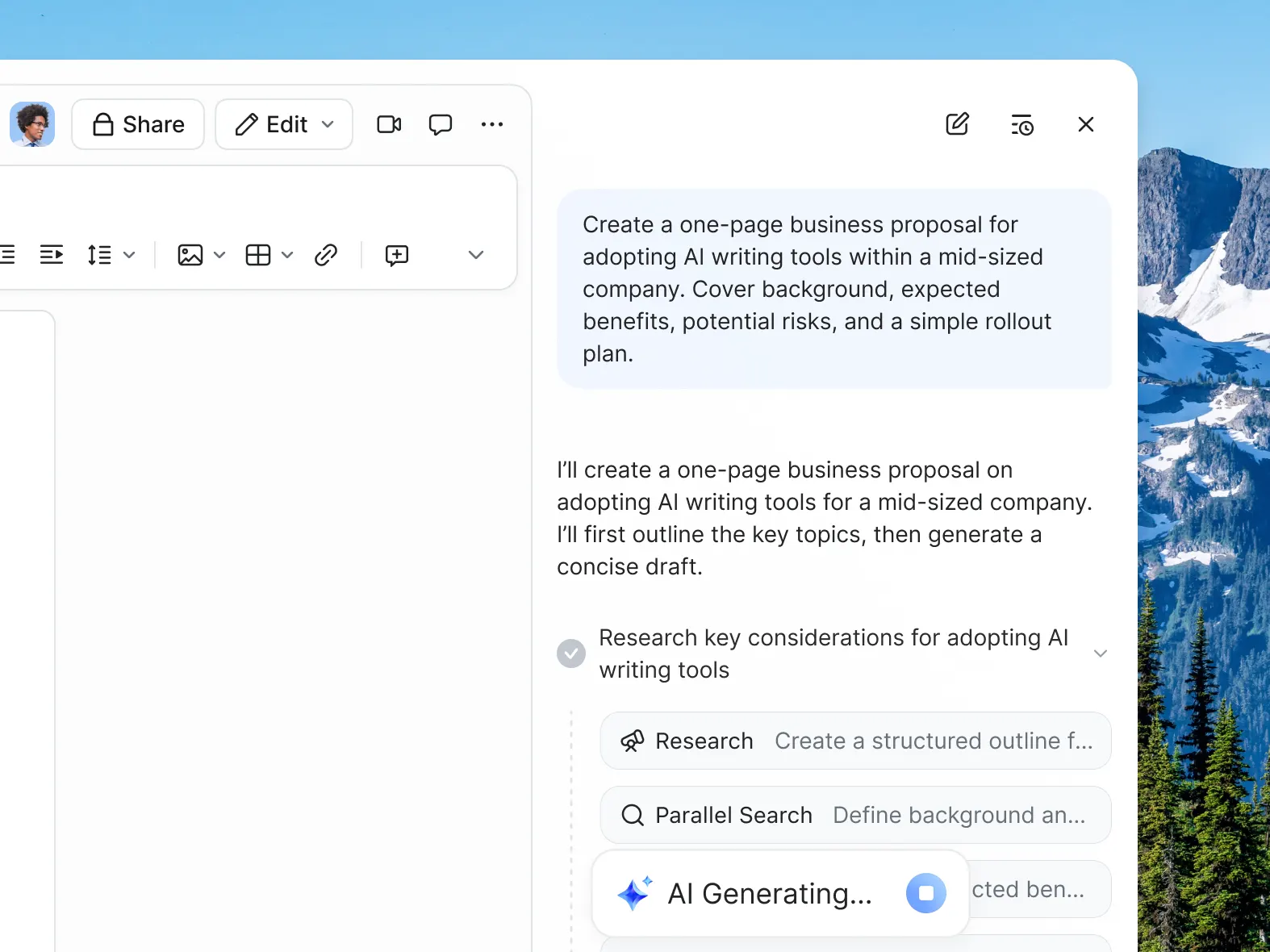
Hand off tasks and workflow execution to AI.

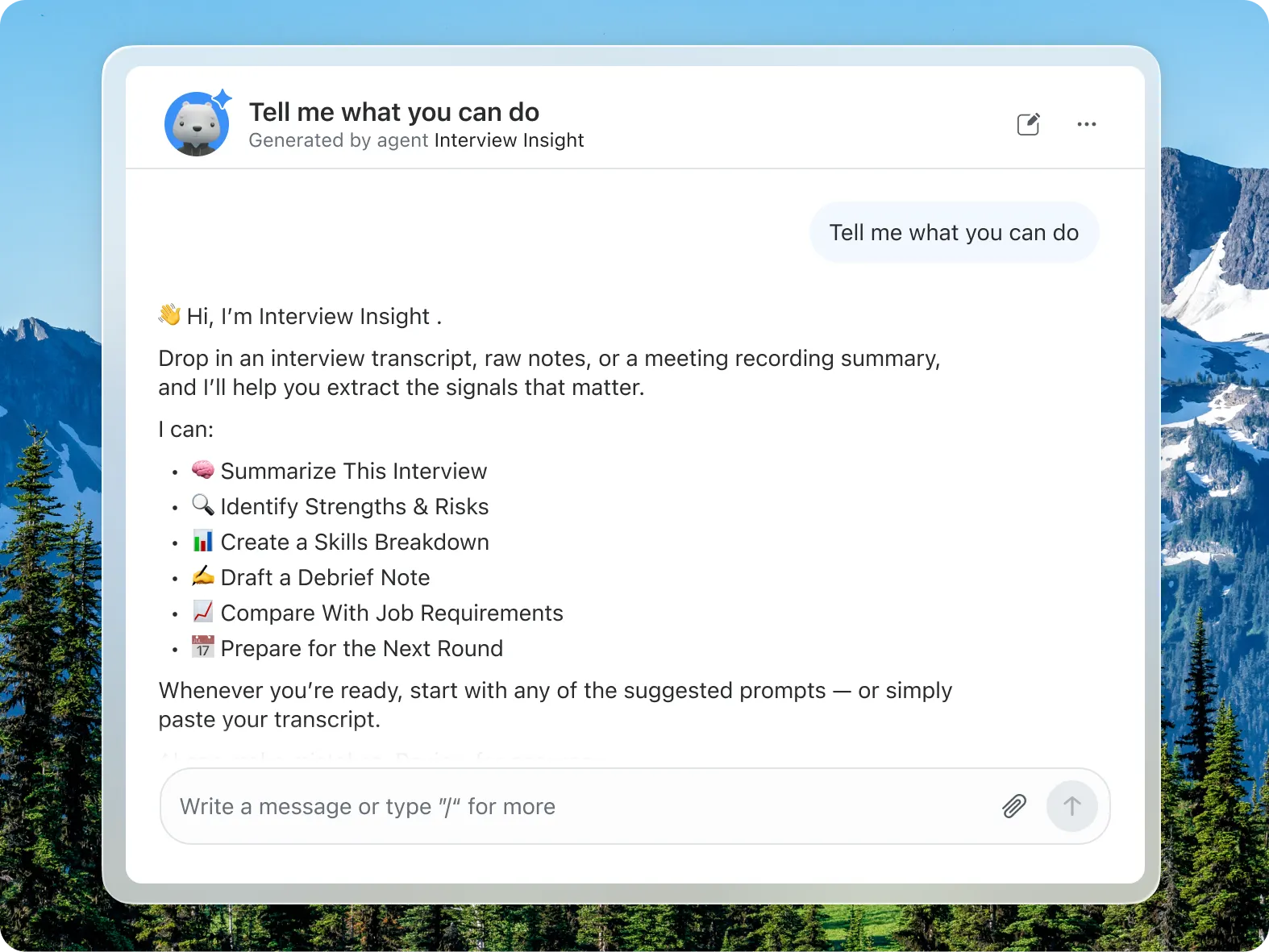
Uplevel your output

Uplevel your output

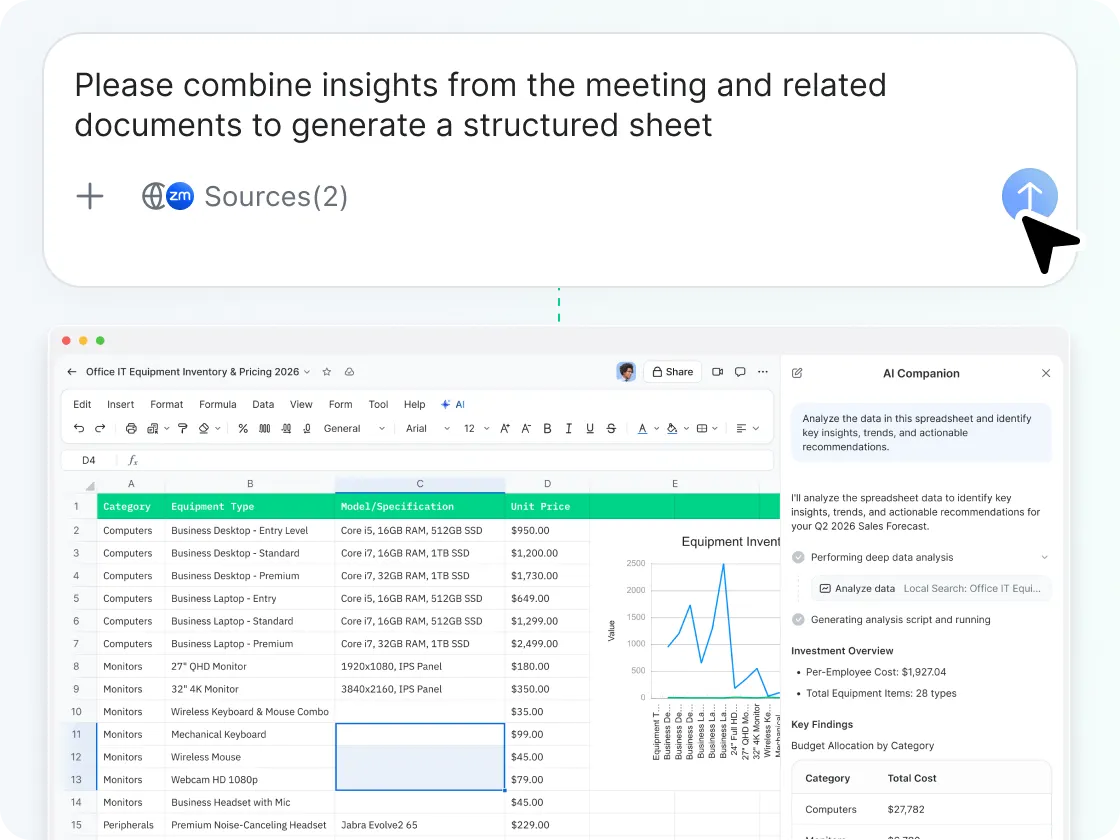
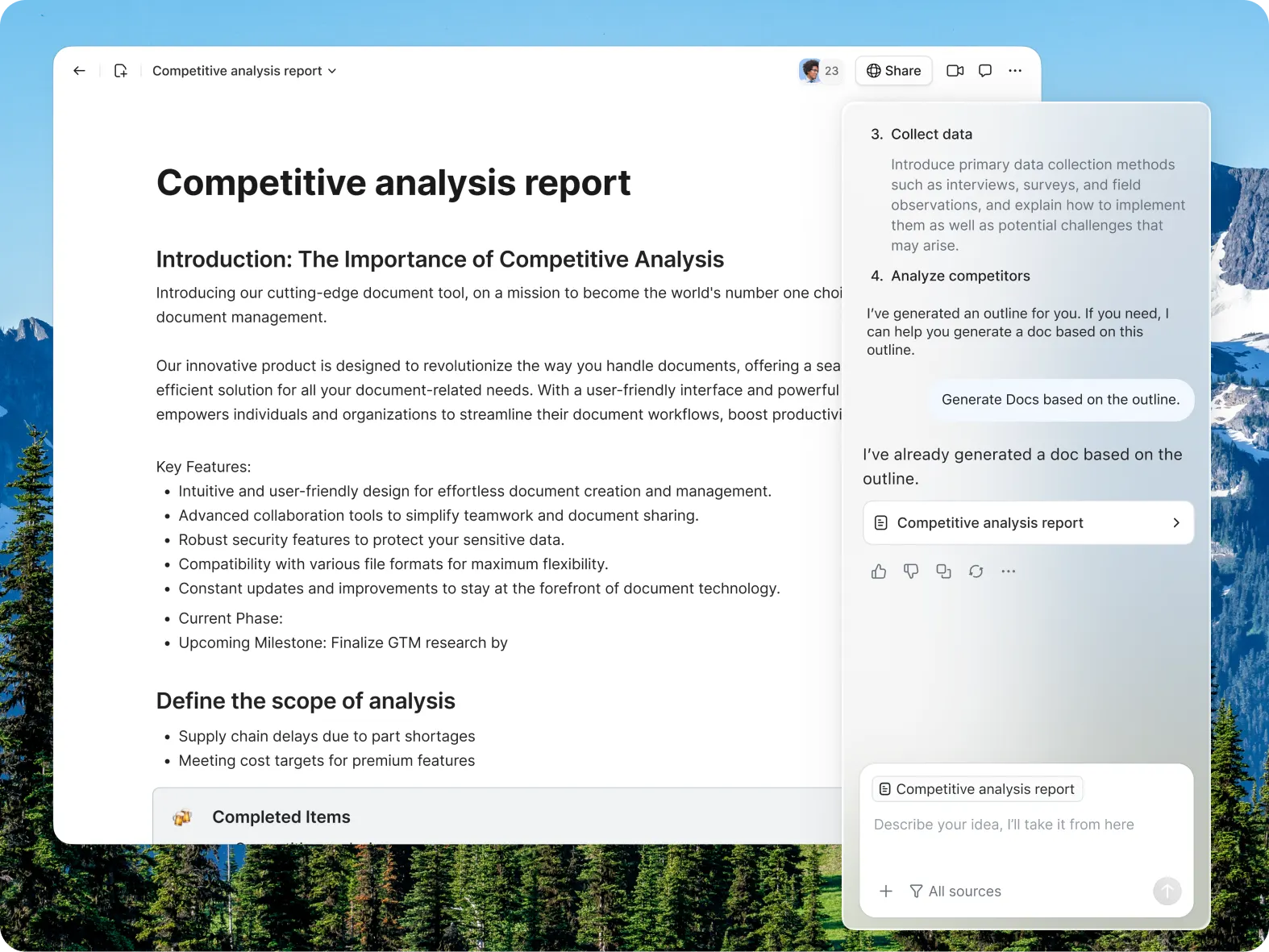
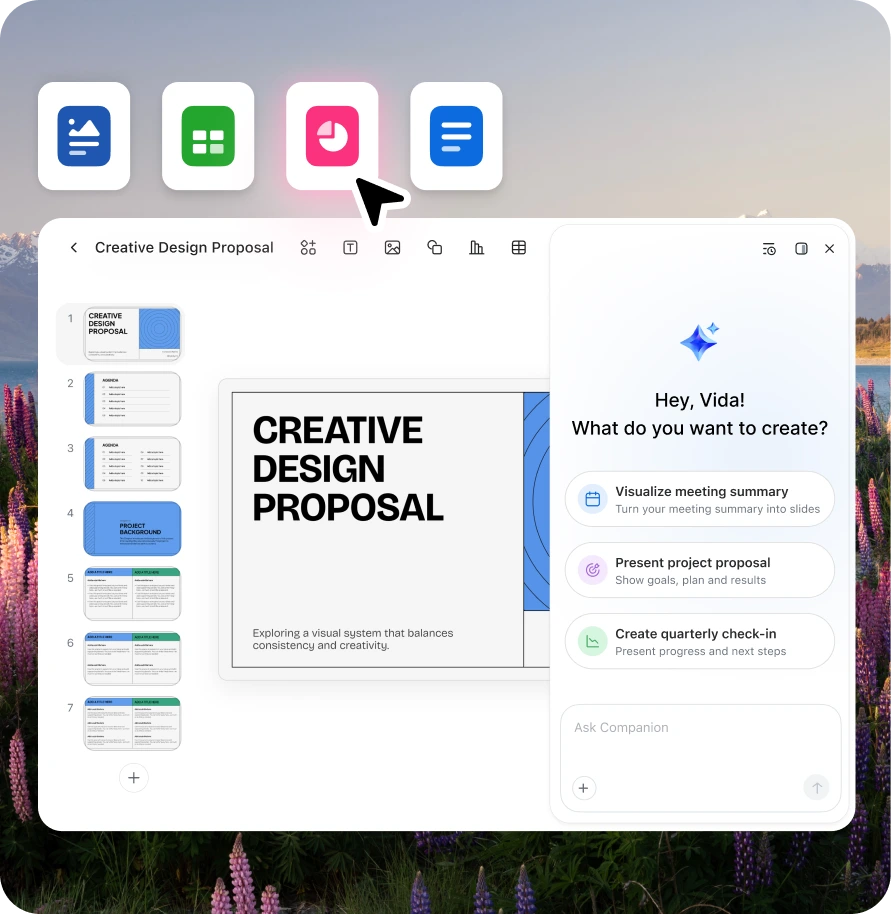
Your conversations become completed deliverables.

Key features
Key features

Capabilities that move work forward

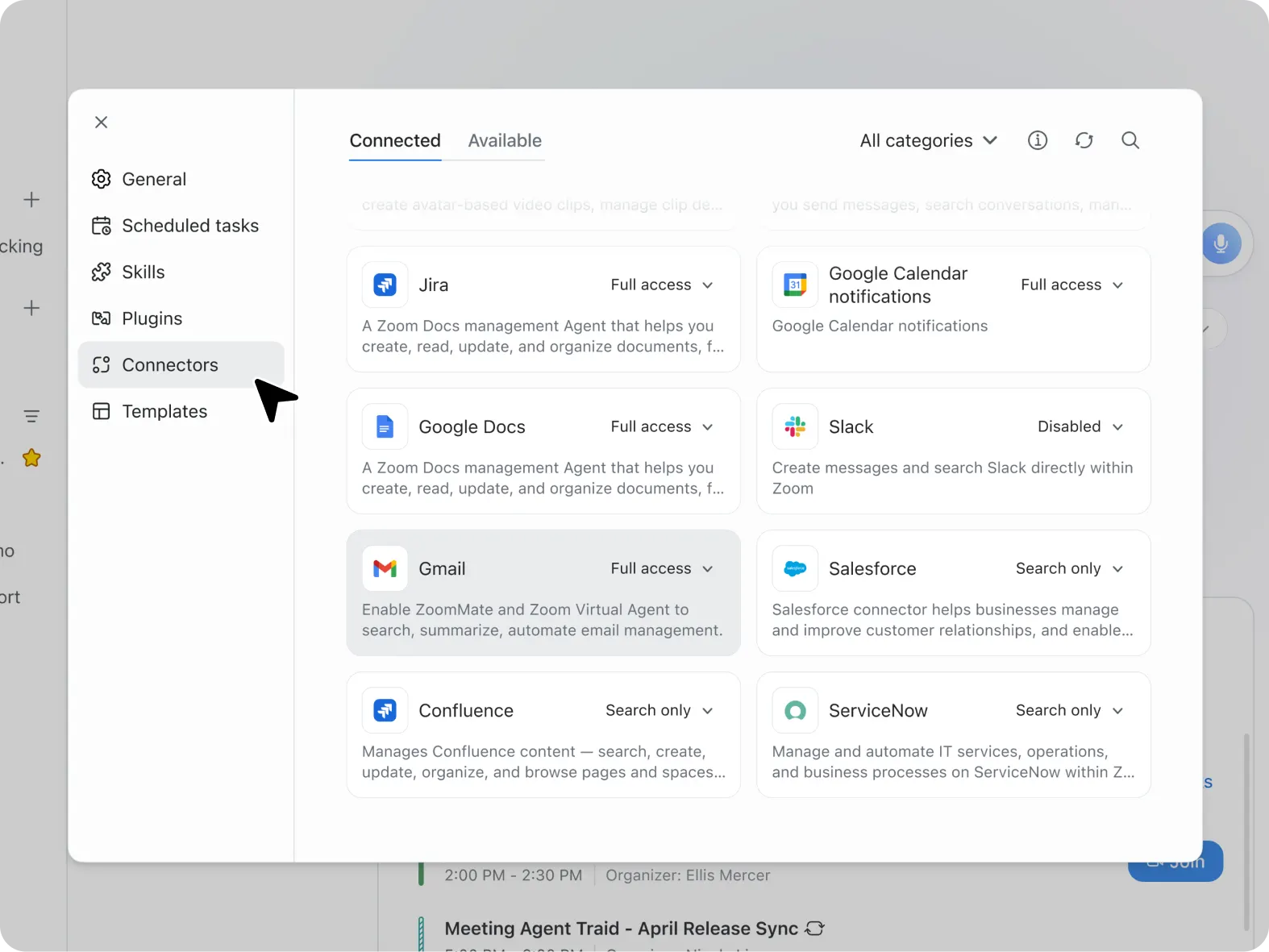
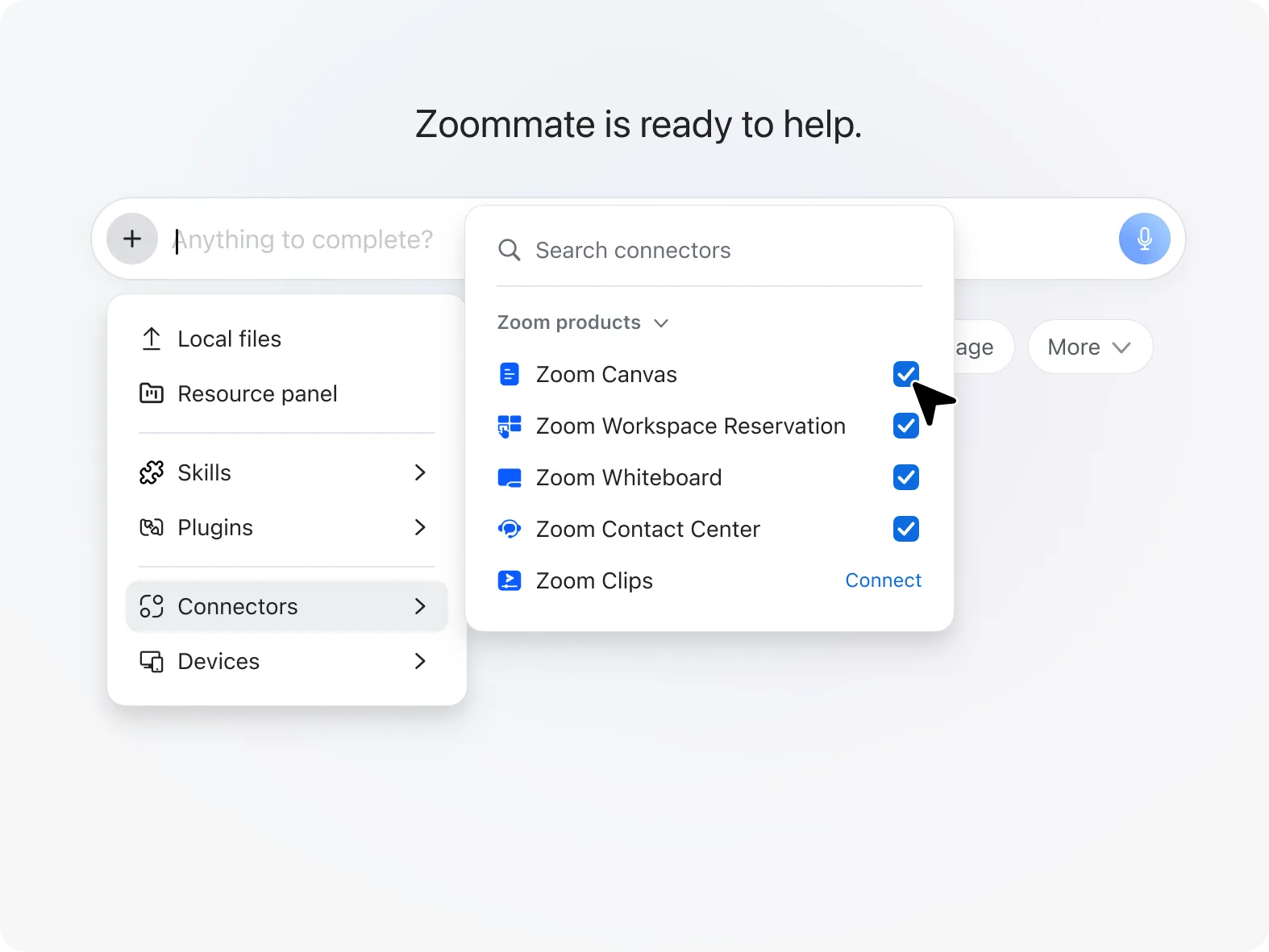
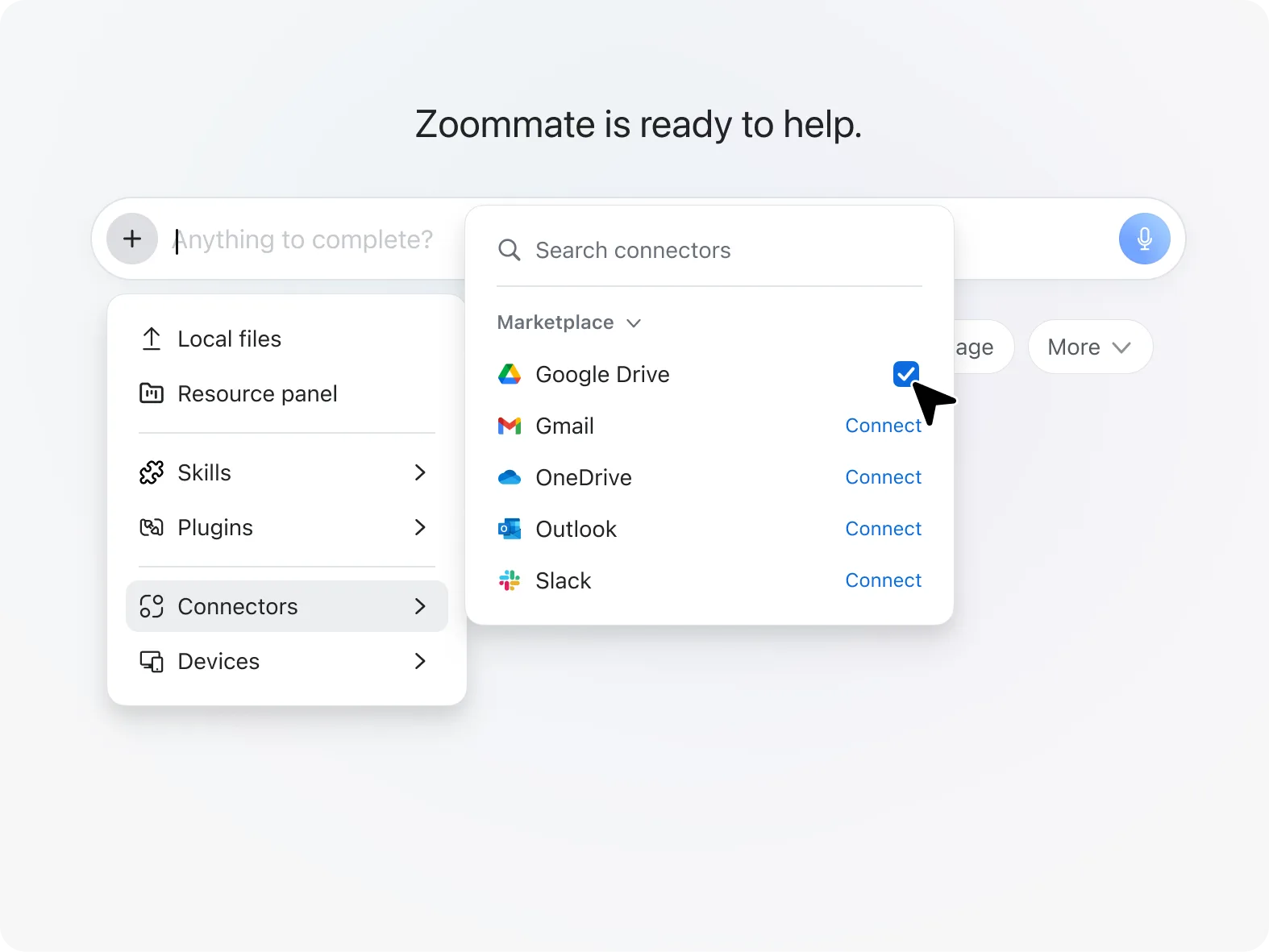
Connect the tools you already use

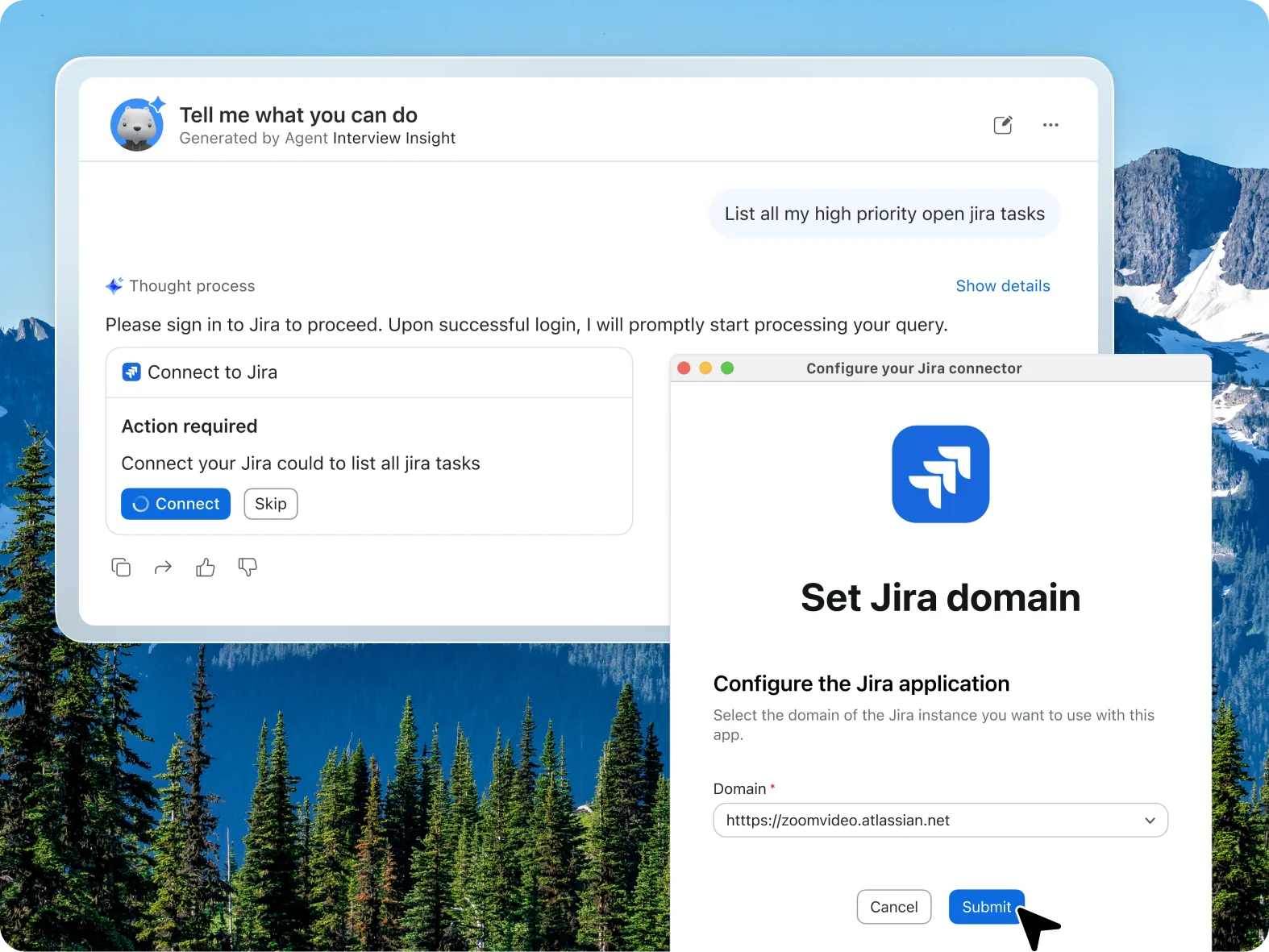
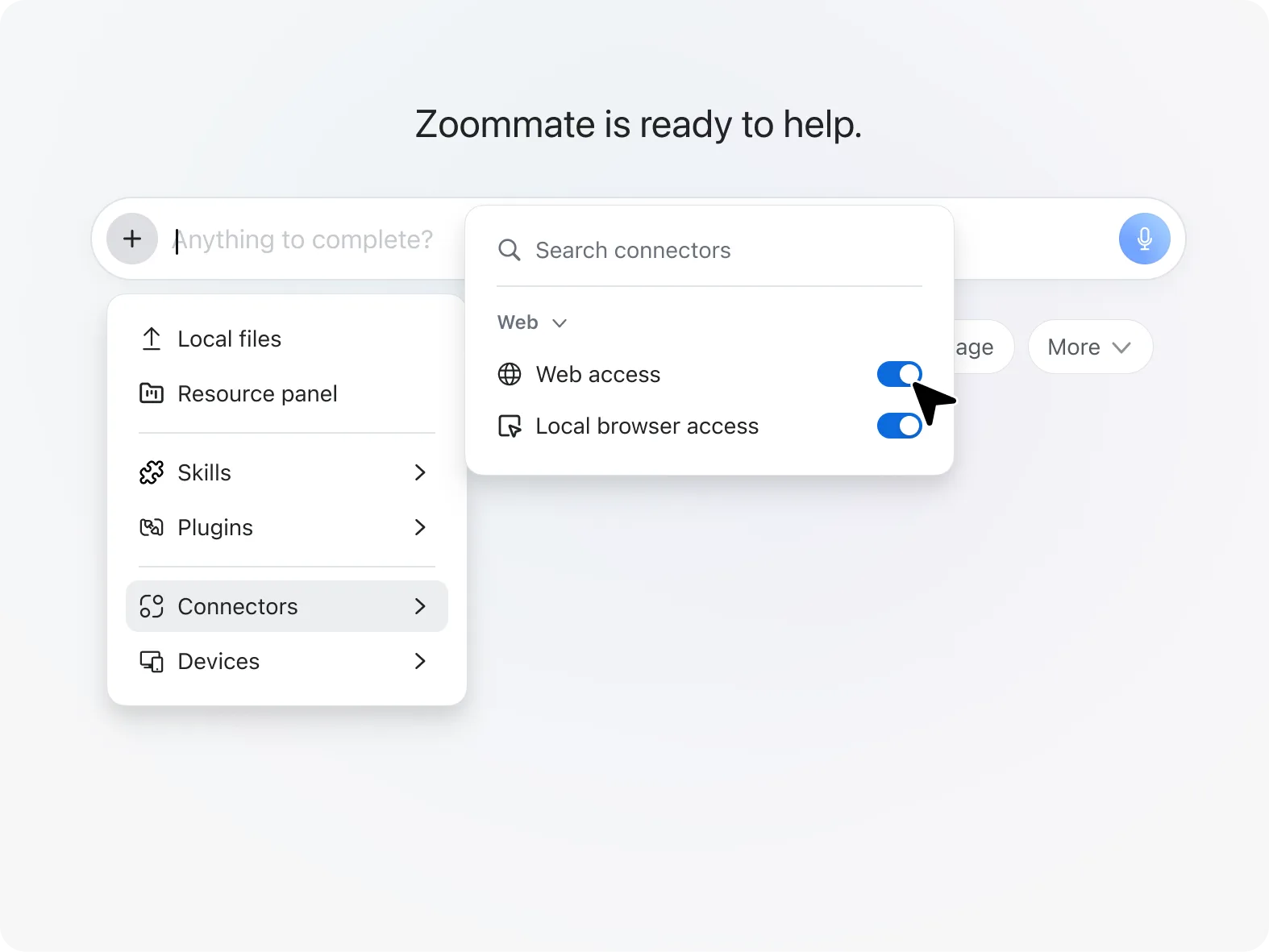
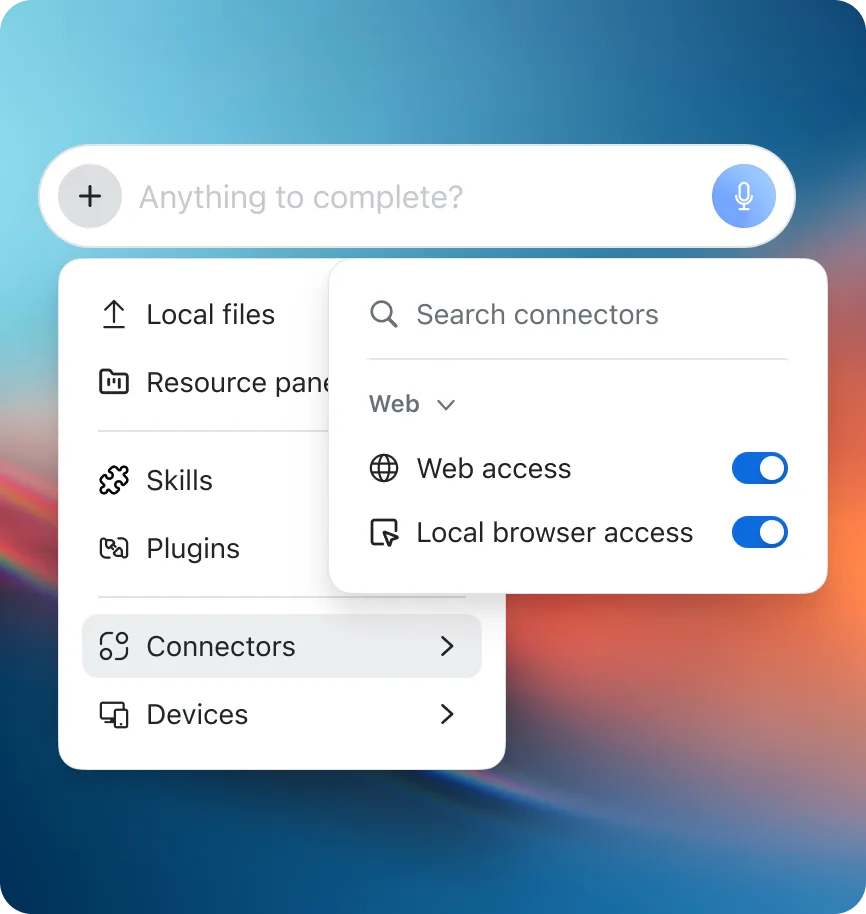
Connect third-party integrations like Salesforce, Jira, Google Drive, and OneDrive to help ZoomMate act on your work's context.

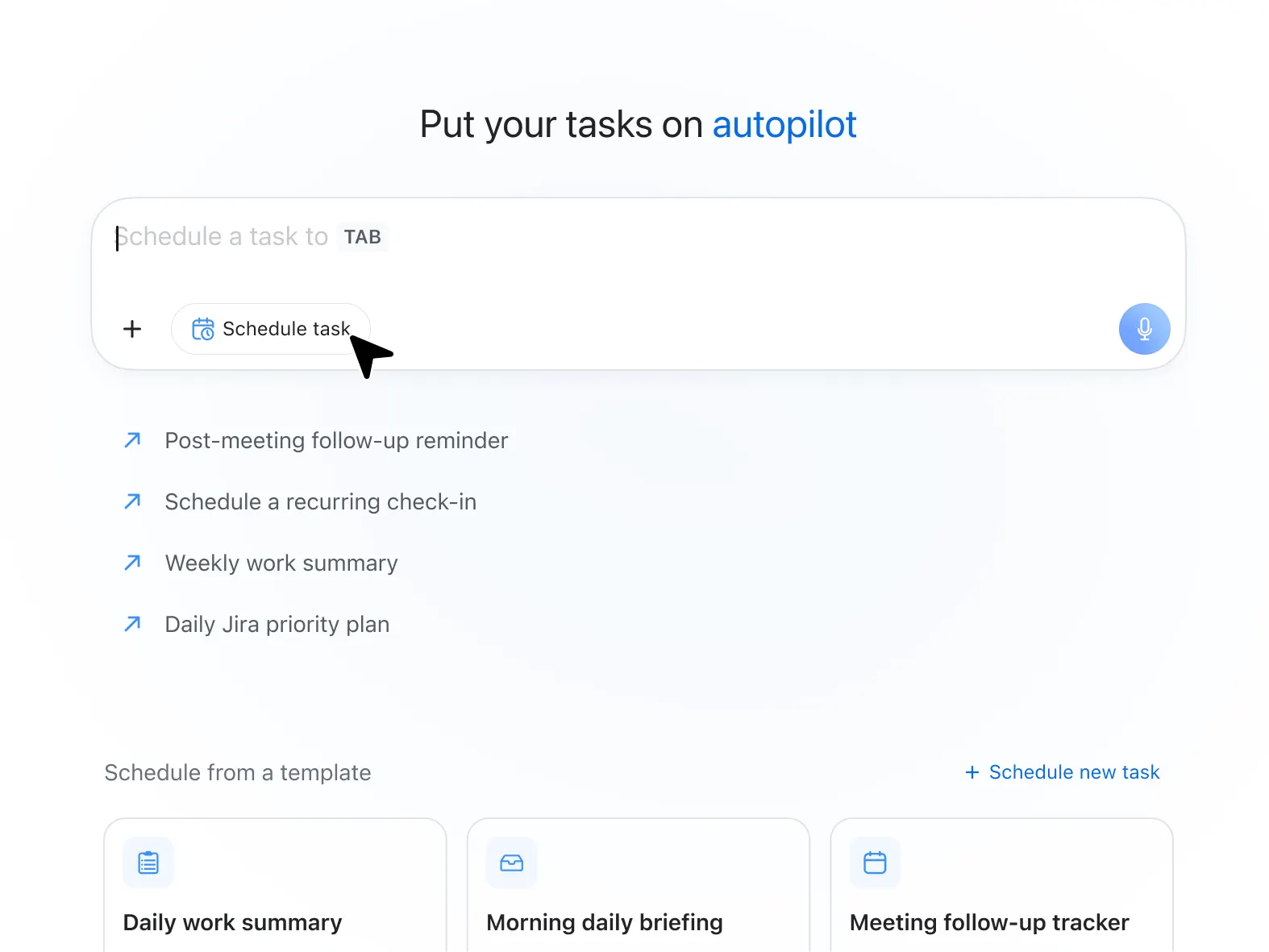
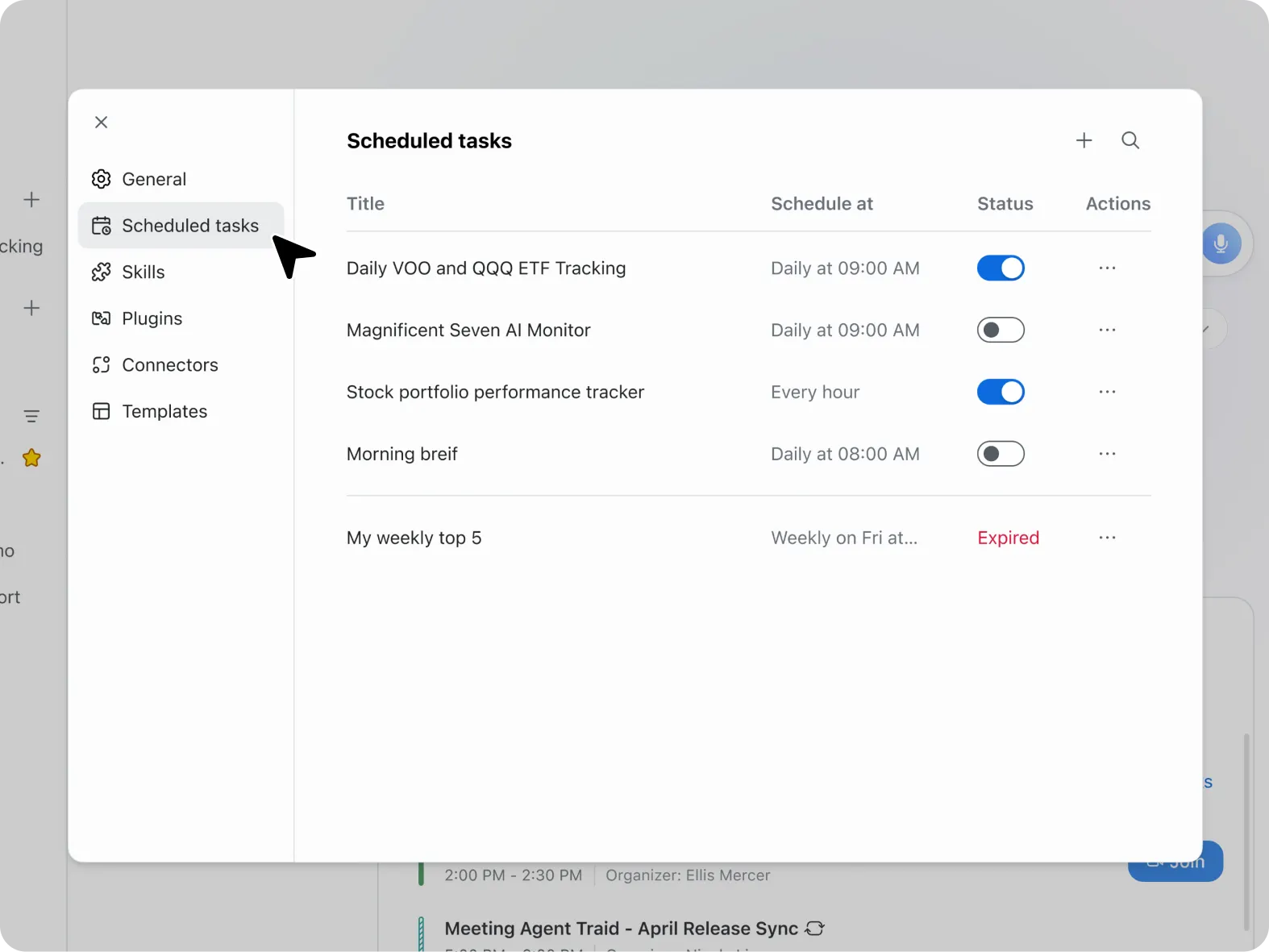
Create a routine

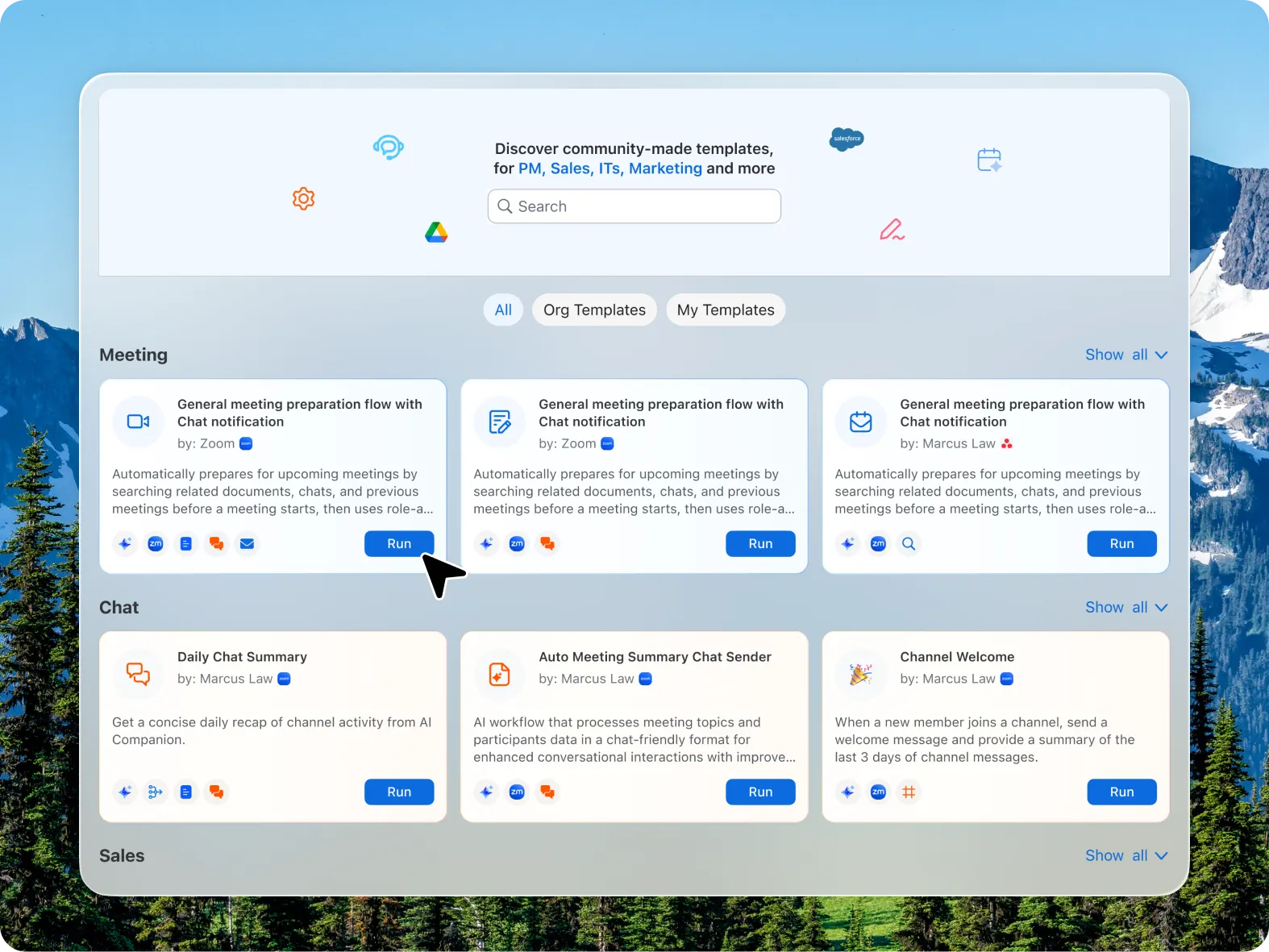
Schedule recurring automations like daily briefings, weekly action items, or meeting prep summaries.

Sharpen responses over time

ZoomMate follows your work with a memory layer designed to make its responses relevant every time, without extensive prompting.

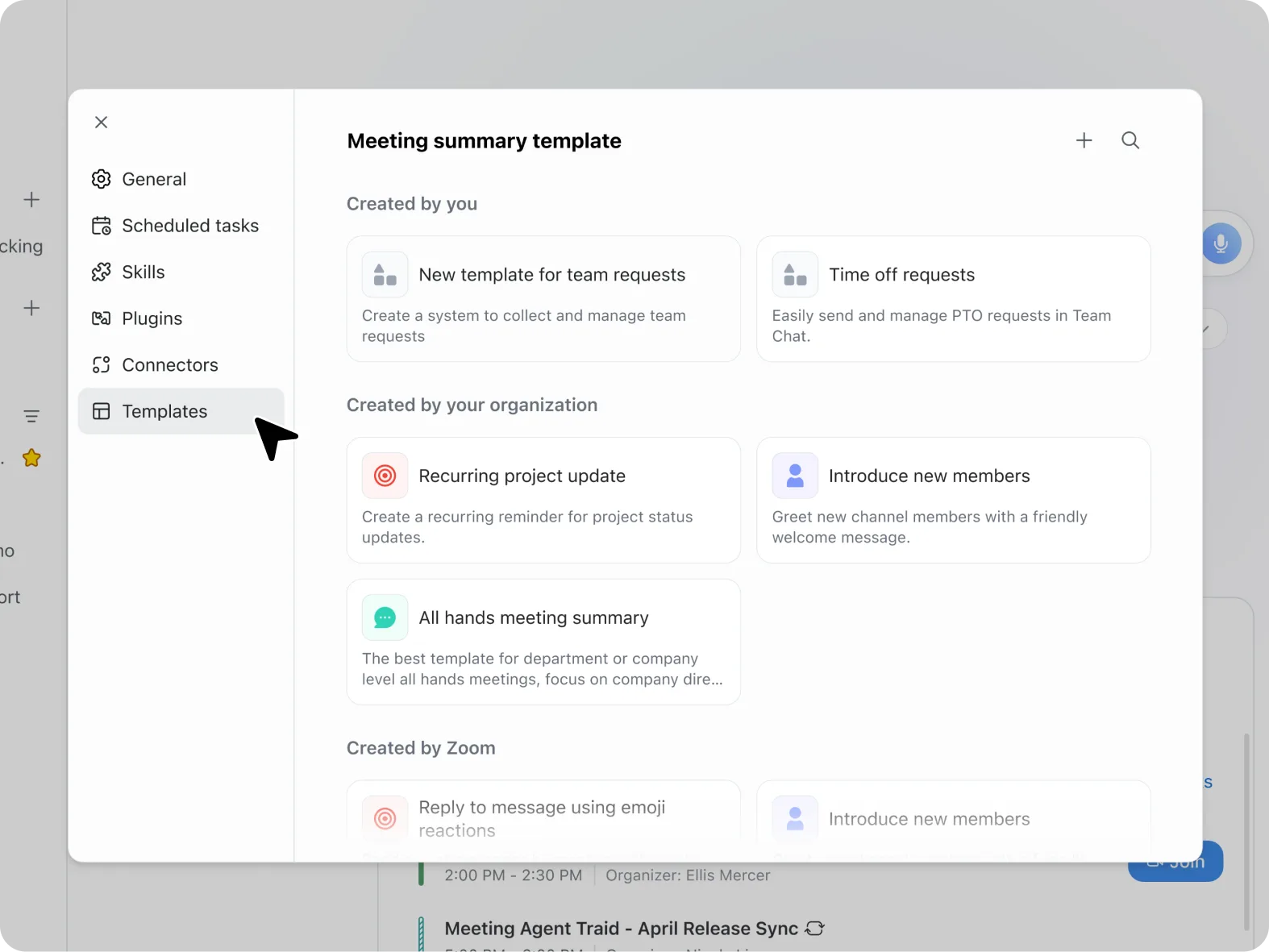
Customize your meeting notes

Need a specific structure or level of detail for meeting summaries? Create your own formats, and ZoomMate will follow for recaps.

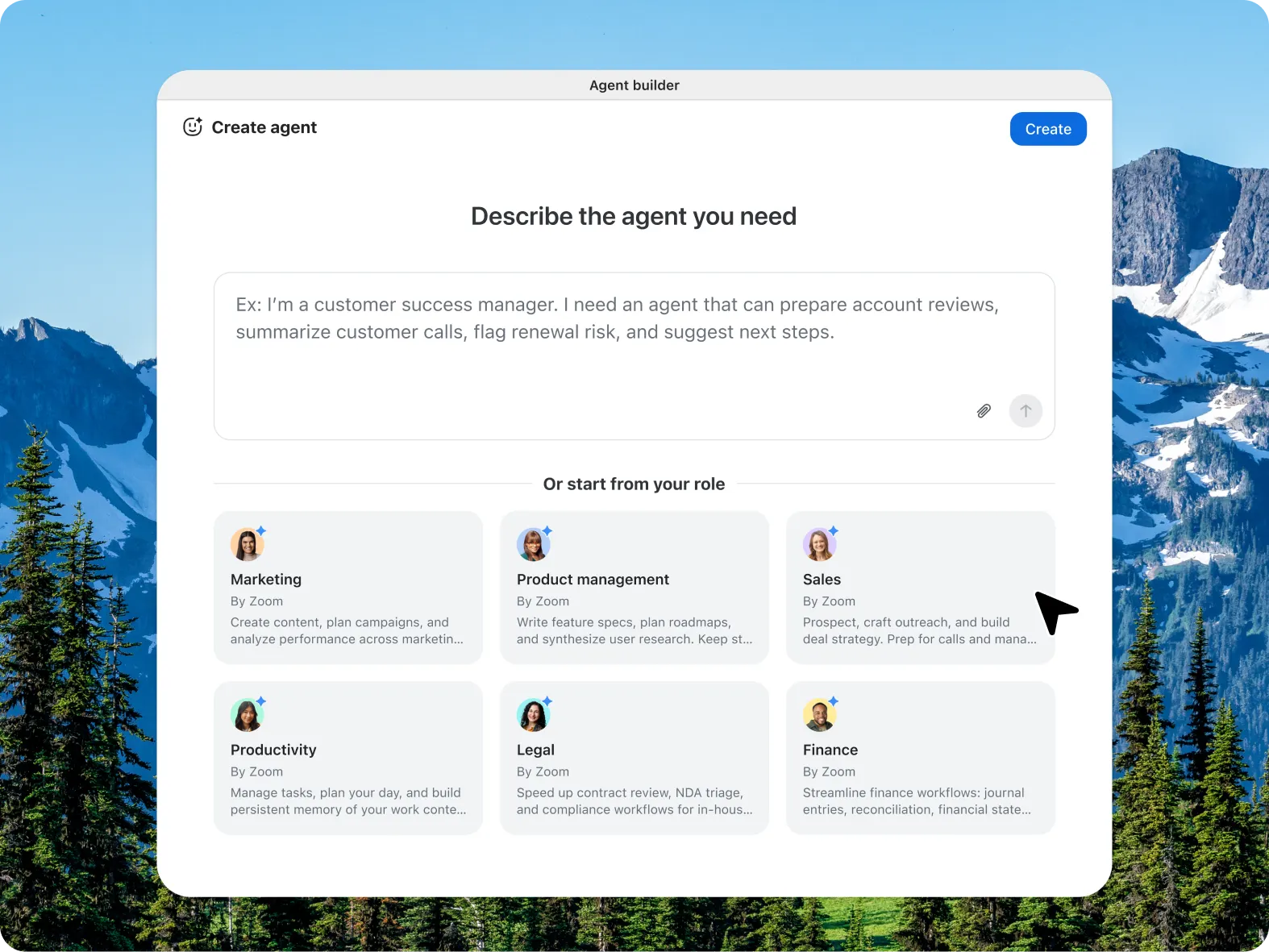
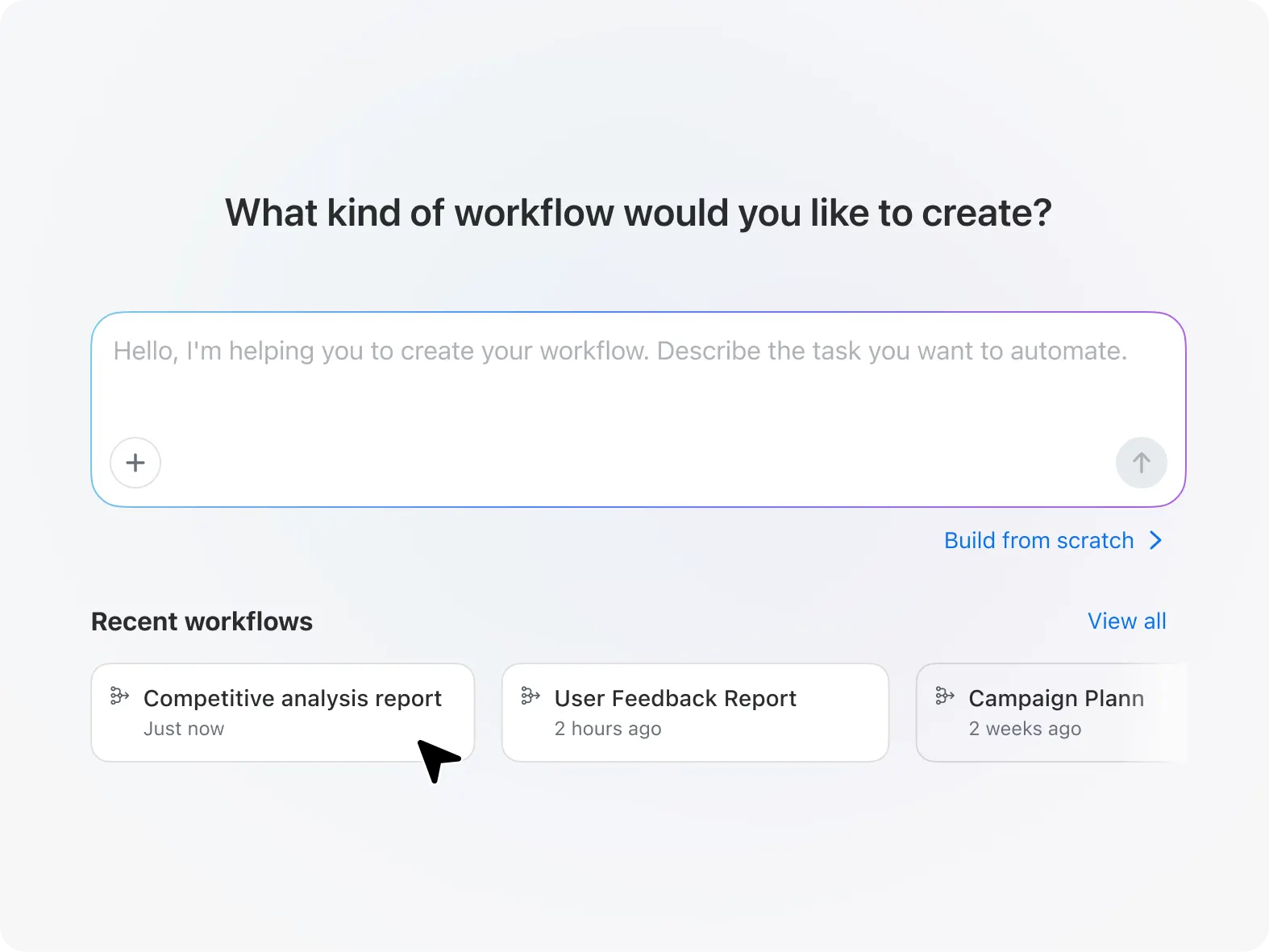
Delegate tasks
Use cases
Use cases

Execute with an AI that evolves alongside you

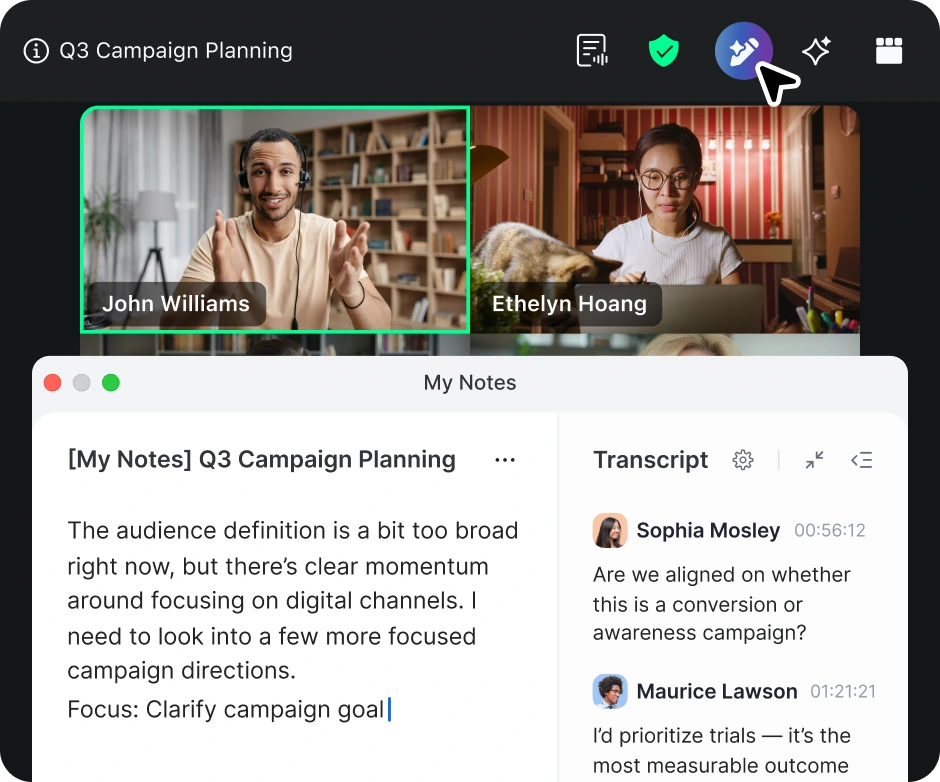
Capture meeting momentum

Capture meeting momentum

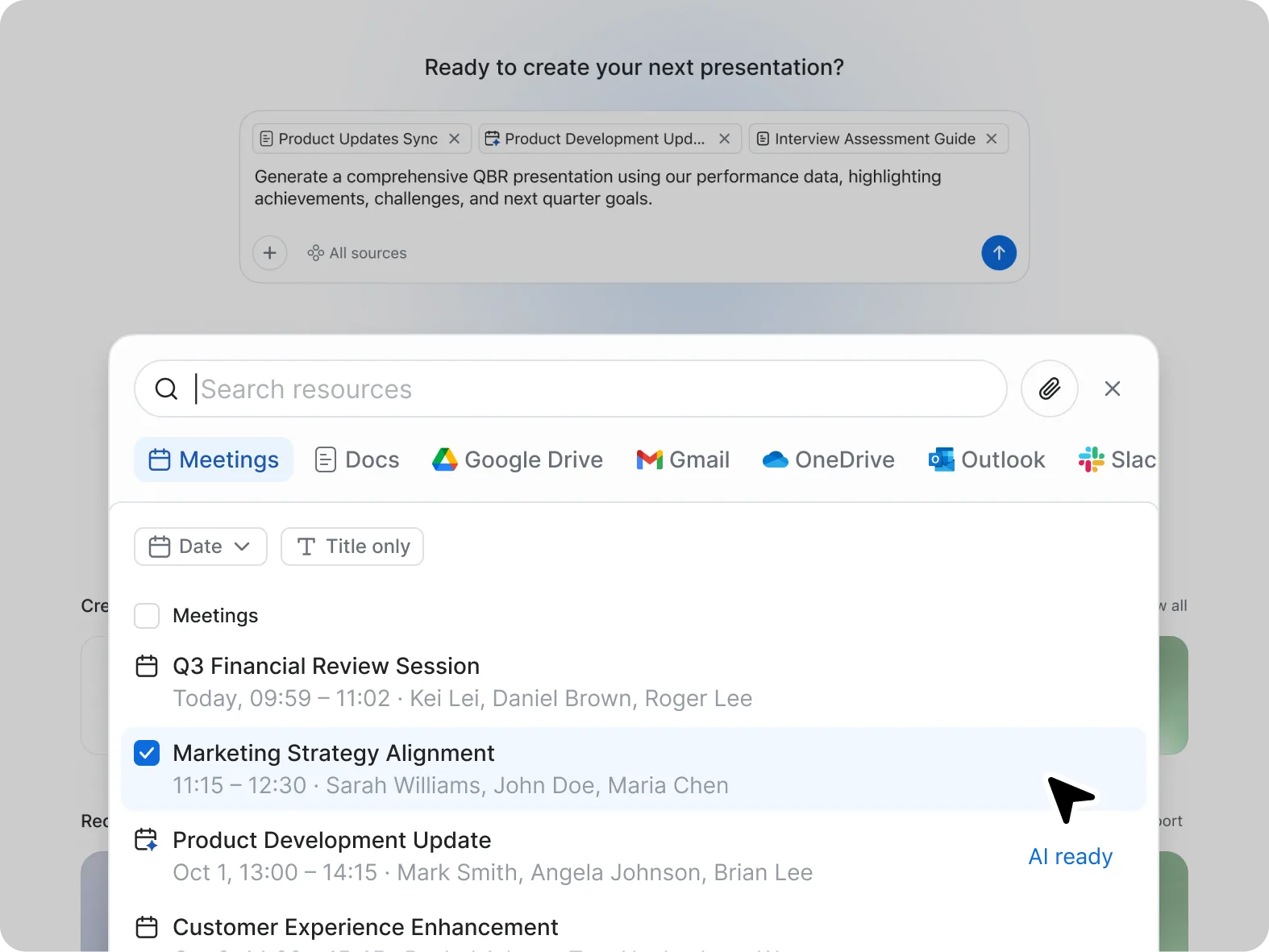
  • Before the meeting: ZoomMate creates agendas and gathers prep materials from past interactions.
  • During the meeting: My Notes captures meeting content and context automatically.
  • After the meeting: ZoomMate automates meeting tasks like Salesforce updates, follow-up emails, and drafting decks.
Pricing
Pricing

Explore ZoomMate plans and pricing

Explore plans Explore plans ?? "";
Annually
ZoomMate Basic Limited ZoomMate features included with Workplace Basic.
Highlights:
  • AI features
    • Meeting summaries (for 3 hosted meetings per month)
    • In meeting questions (for 3 hosted meetings per month)
    • AI note-taking (My Notes) for Zoom and third-party meeting platforms (3 uses per month)
    • AI queries (20 per month)
    • Agentic retrieval (10 total files and 3 meetings)
    • Workflows running in Zoom applications only (10 runs per month)

    AI Productivity Suite

    • Limited AI capabilities
     
  • Meetings
    • 40 minutes per meeting
    • 100 participants per meeting
  • Chat
    • Instant messaging
  • Phone
    • VoIP calling
  • Scheduler
    • 1 personal booking page
  • Whiteboard
    • 3 editable whiteboards
  • Clips
    • 5 two-minute clips
  • Mail
    • Connect Gmail/Outlook in Zoom
  • Calendar
    • Sync Google/Microsoft calendars
  • Tasks
    • Surface, manage, and complete tasks
  • Hub
    • One place for your Zoom files
Connect with us
Connect with us

See how ZoomMate fits into your organization


By submitting the form, I agree to the Privacy Policy

FAQs
FAQs

Got questions? We’ve got answers.

  • First, it means reasoning — the ability to analyze situations, make decisions, and figure out the best way forward. For example, when prepping for a meeting, it can pull information from across your connected data and identify the most relevant topics to focus on.

  • Second, it has memory — using your past interactions to determine what matters most to you and who you’re working with, helping to surface the right context when you need it.

  • Third, it takes task actions — not just identifying what needs to be done, but actually carrying out the work, like drafting content or sending messages with the right context.

  • And finally, it provides orchestration — coordinating across different skills, tools, and even other AI agents to manage complex workflows end-to-end.


In short, this is AI that doesn’t just lighten the load — it drives real outcomes, helping us get more done, with less effort, in less time.

  • ZoomMate goes beyond traditional AI assistants in several key ways:

    • Context awareness: Unlike regular AI assistants that respond to isolated prompts, ZoomMate can understand your work context by connecting to your meetings, documents, chats, and integrated apps like Salesforce, Google Drive, and Jira.

    • Proactive execution: Rather than just answering questions, ZoomMate can actively execute tasks and workflows — from generating complete documents and slide decks to updating CRM records and routing approvals.

    • Memory and learning: ZoomMate remembers your preferences, team dynamics, and project history over time, allowing it to provide increasingly personalized and relevant assistance.

    • Agentic capabilities: It features reasoning (analyzing situations to determine the best approach), memory (learning from past interactions), task actions (carrying out work autonomously), and orchestration (coordinating across multiple tools and AI agents).

    • Custom agents and workflows: You can create specialized AI agents (coming soon) for specific roles (sales, IT, marketing) and build custom workflows that automate multi-step processes across your tech stack.

    • Unified workspace: ZoomMate provides a centralized work surface where your content, meetings, and projects live together, giving it the context to turn conversations into finished deliverables.


In essence, ZoomMate isn't just a chatbot. It's your chief of staff  — it lightens the load, yes, but it also helps drive real outcomes by understanding your work, anticipating needs, and completing tasks end-to-end.


  • Get a ZoomMate license: You’ll need an active ZoomMate license to unlock access to advanced AI capabilities within ZoomMate.

  • Understand credit usage: ZoomMate operates on a credit-based system, allowing your organization to manage and allocate AI activity based on usage needs. Learn more about how credits work here.

  • Use ZoomMate's included capabilities: Some ZoomMate features are available without using credits, so you can start benefiting from AI assistance right away.

  • Explore plans: Visit the ZoomMate pricing page to review plan options and purchase a license. https://zoom.us/pricing/aic

Get started with ZoomMate