Give your audience friction-free access. With powerful search and flexible sharing, Zoom Video Management surfaces the content viewers want — without all the digging.



Connect with us
Contact our sales team
Talk with one of our experts to come up with a plan that’s right for you.
FAQs
Got questions? We’ve got answers.
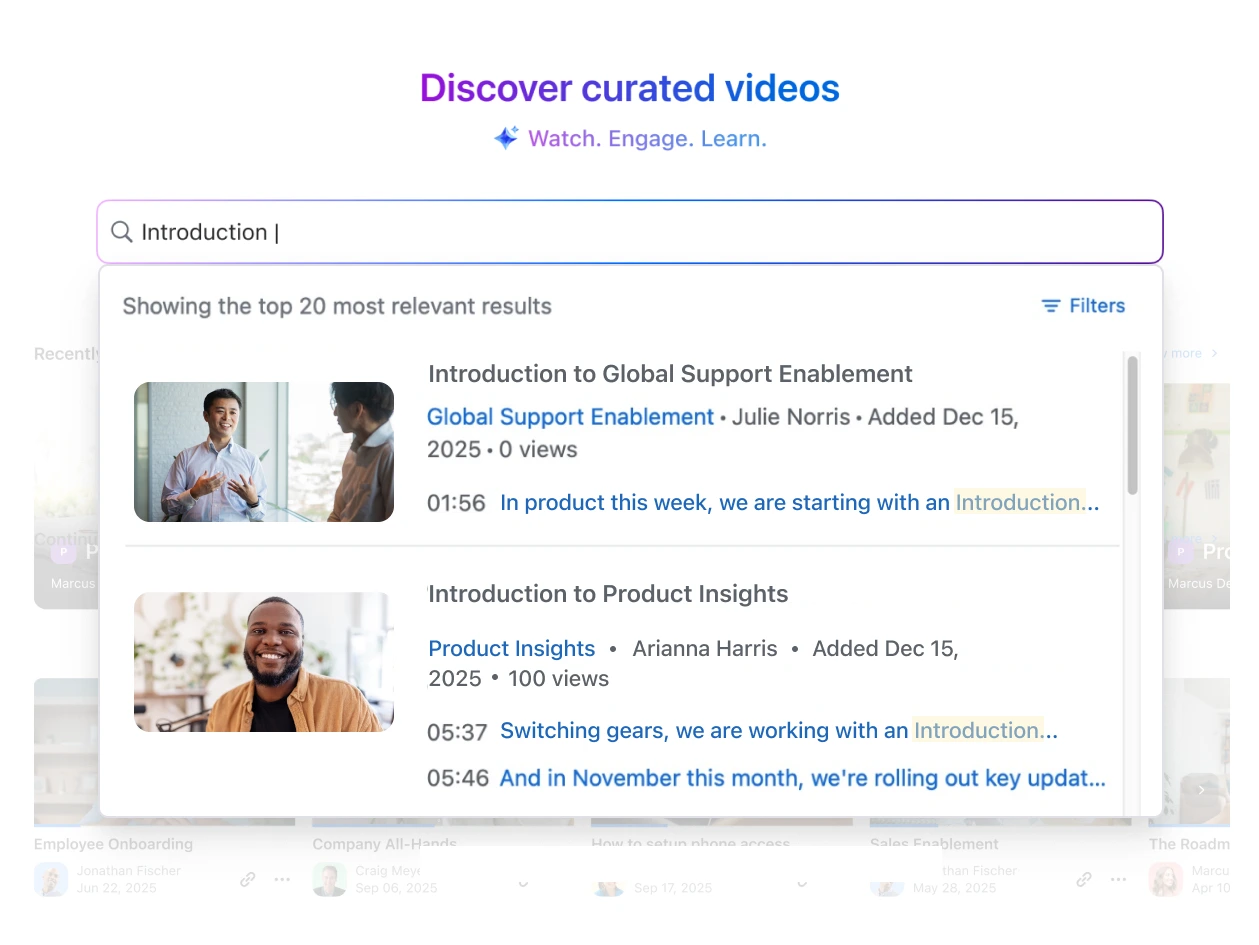
Zoom Video Management brings all your Zoom Meetings, Webinars, Events, and Clips into one searchable library. You can quickly locate videos by title, creator, or even transcript text — so you spend less time hunting through folders and more time watching what matters.
Yes. You can search across full video transcripts to find specific moments or topics mentioned in any video. This makes it easy to jump directly to the section you need without watching the entire recording.
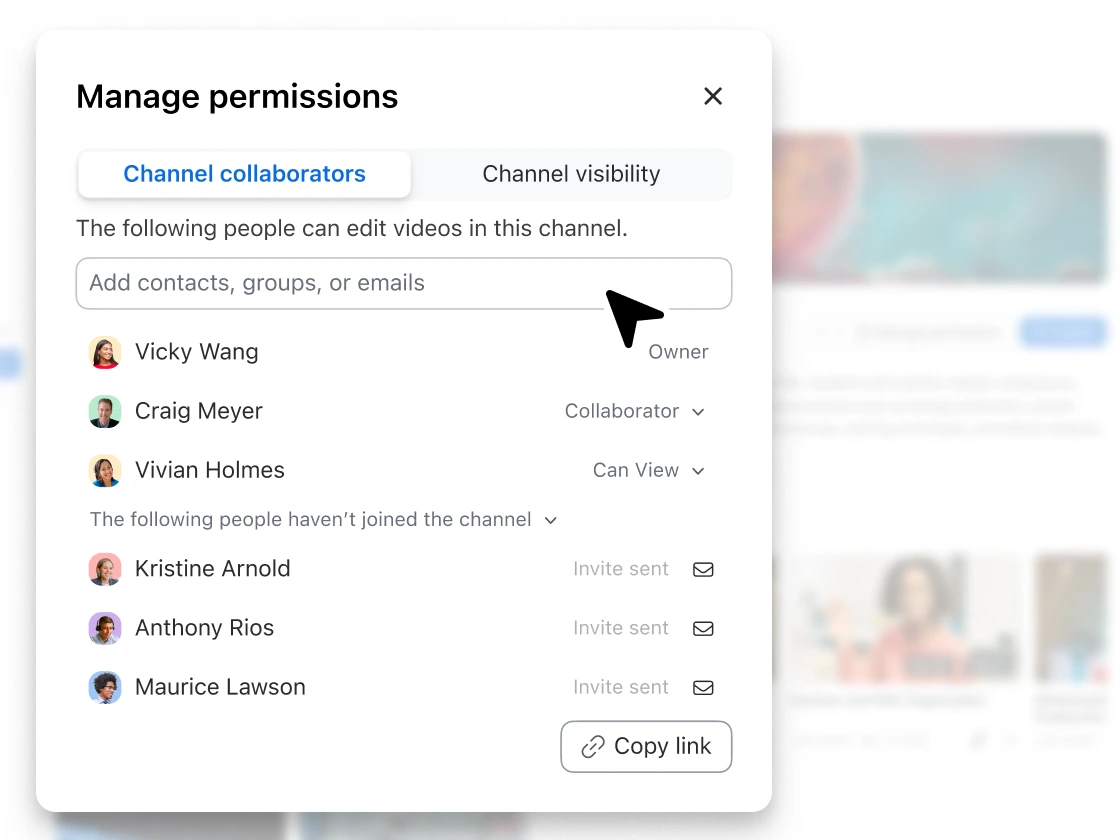
You can share videos or entire channels directly from Zoom Video Management. Choose whether to share with specific users, your entire organization, or make content public using a shareable link. Admins can also set account-level permissions to control how content is shared.
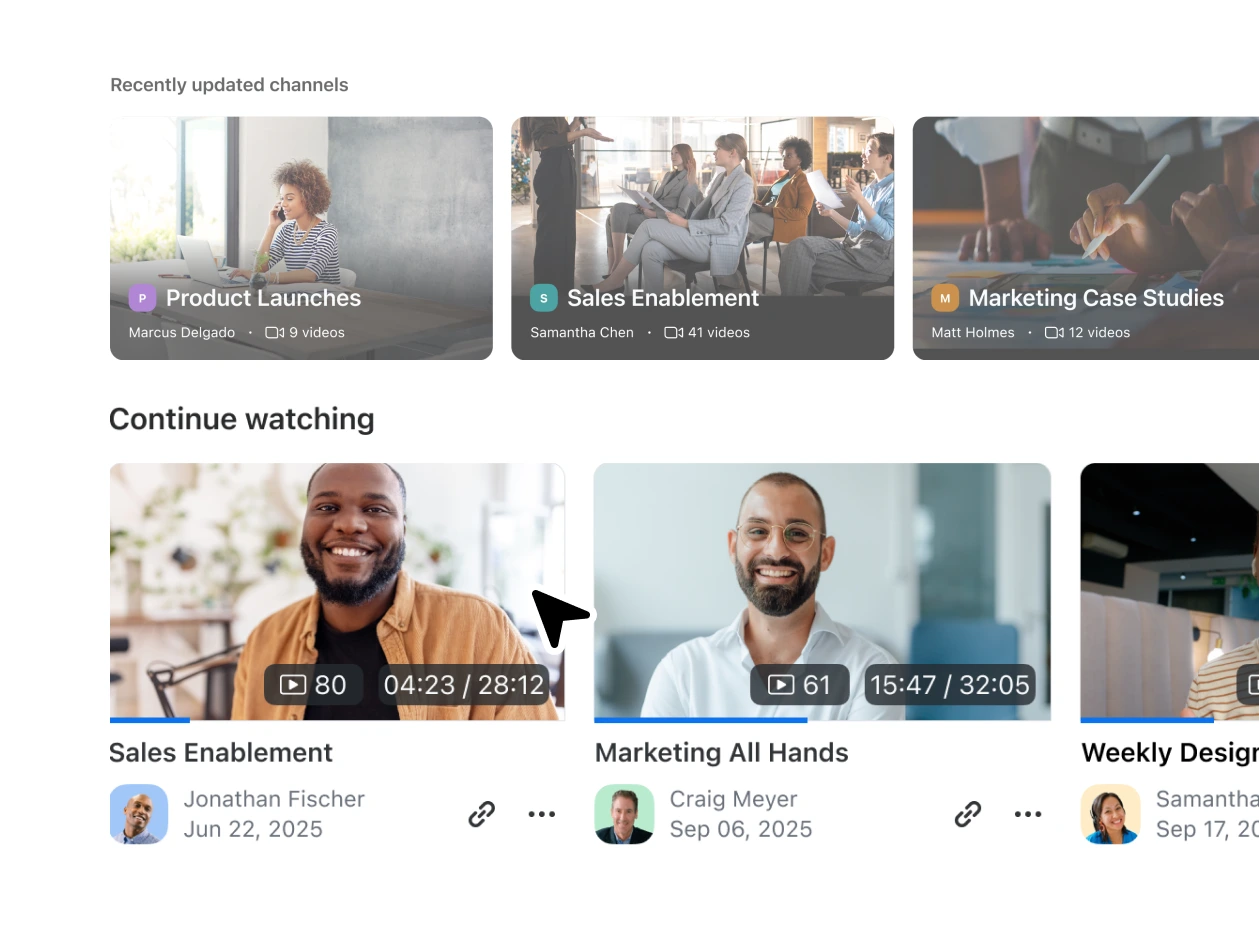
Videos can be grouped into channels and playlists by topic, team, or project. This organization helps viewers browse related content and find what’s most relevant to them — similar to how you’d navigate a streaming library.
Yes. Depending on your permissions, you can make channels or videos public using a shareable link. This is ideal for sharing externally with partners, customers, or broader audiences while maintaining control over access.
Yes. You can pick up right where you left off in any video, and your “Recent” section shows the videos you’ve recently watched or updated, making it easy to continue viewing or revisit important content.
Your best content is already on Zoom. Unlock it.
Zoom AI Companion is available with eligible paid Zoom Workplace plans. May not be available for all regions or industry verticals. Learn more.