With Zoom Video Management, you can organize your webinars, events, clips, and meeting recordings into video channels your audience will actually watch. AI makes them instantly searchable, and analytics tell you which videos are working.
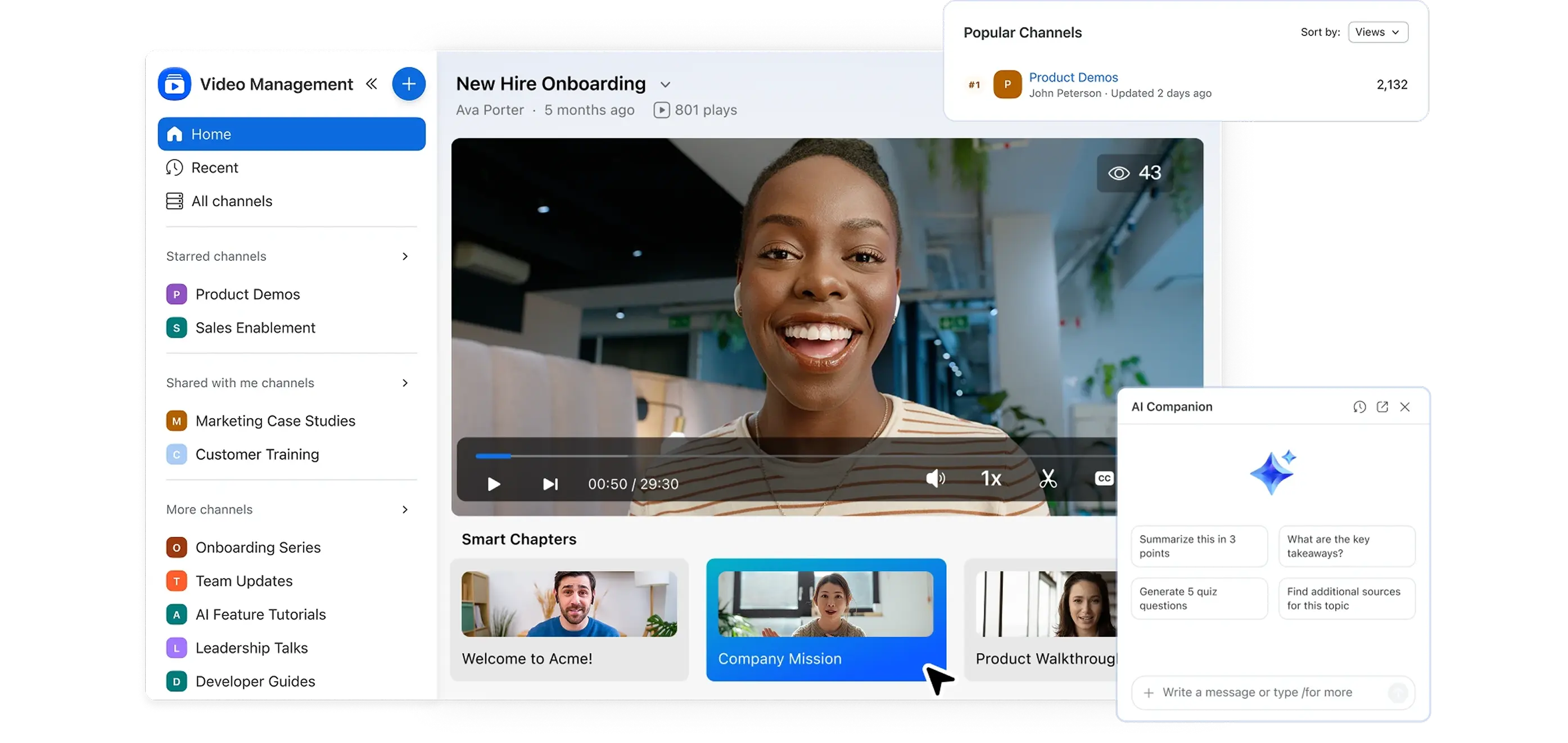

Use cases
Unlock your team's potential with powerful video content management
-
Academic faculty
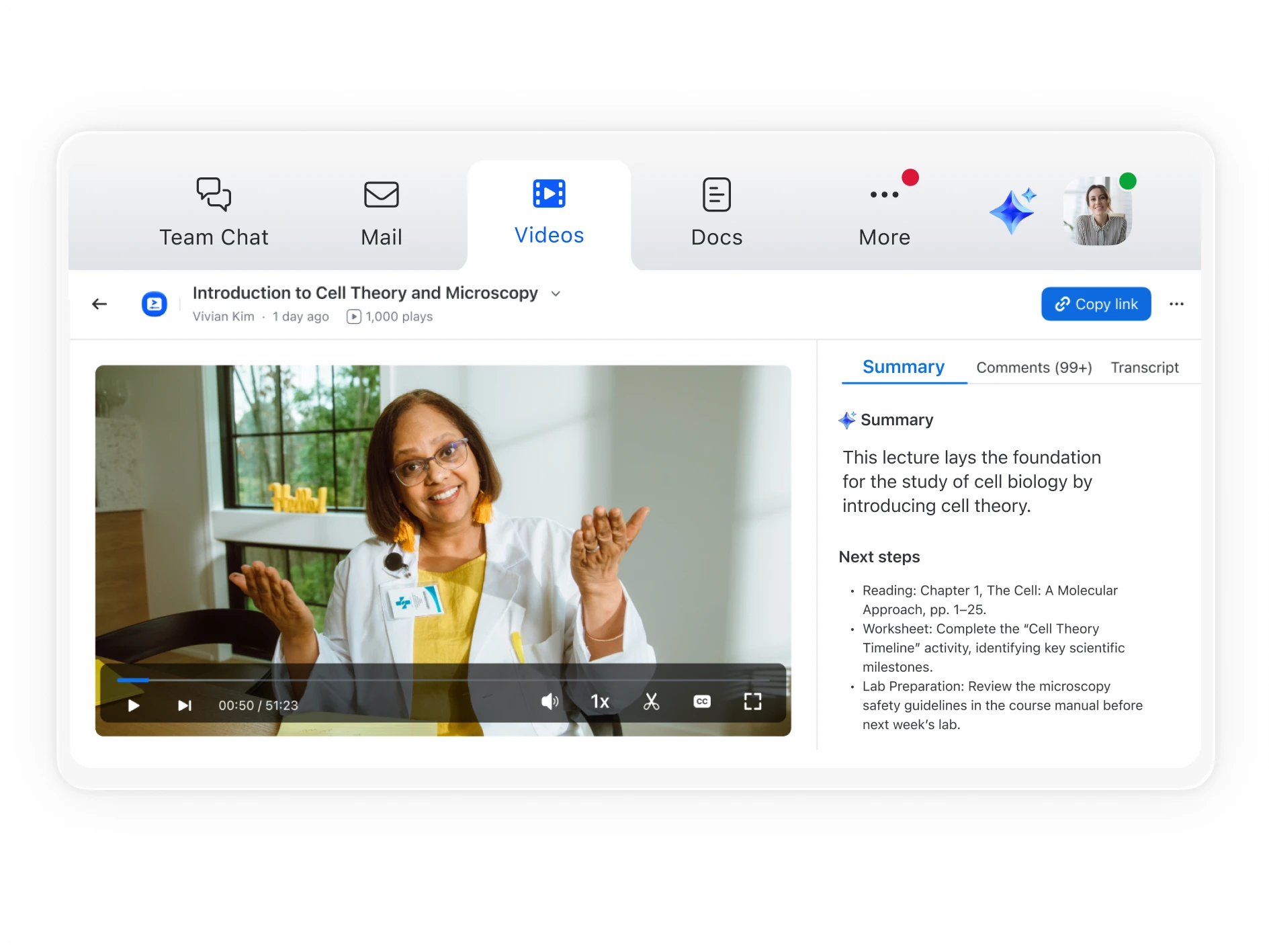
Turn Zoom lectures into searchable, engaging videos that help students learn anytime, anywhere.
-
IT admins
Simplify video management, cut vendor costs, and maintain control — all within Zoom.
-
Human resources
Share company updates, onboarding, and training videos in one organized, secure hub.
-
Sales
Give reps quick access to demos and training videos so they can learn faster and sell smarter.
-
CX and support
Build a self-serve video library for onboarding and support so customers get answers quickly.





Key features
Simplify video content management with Zoom
Creation
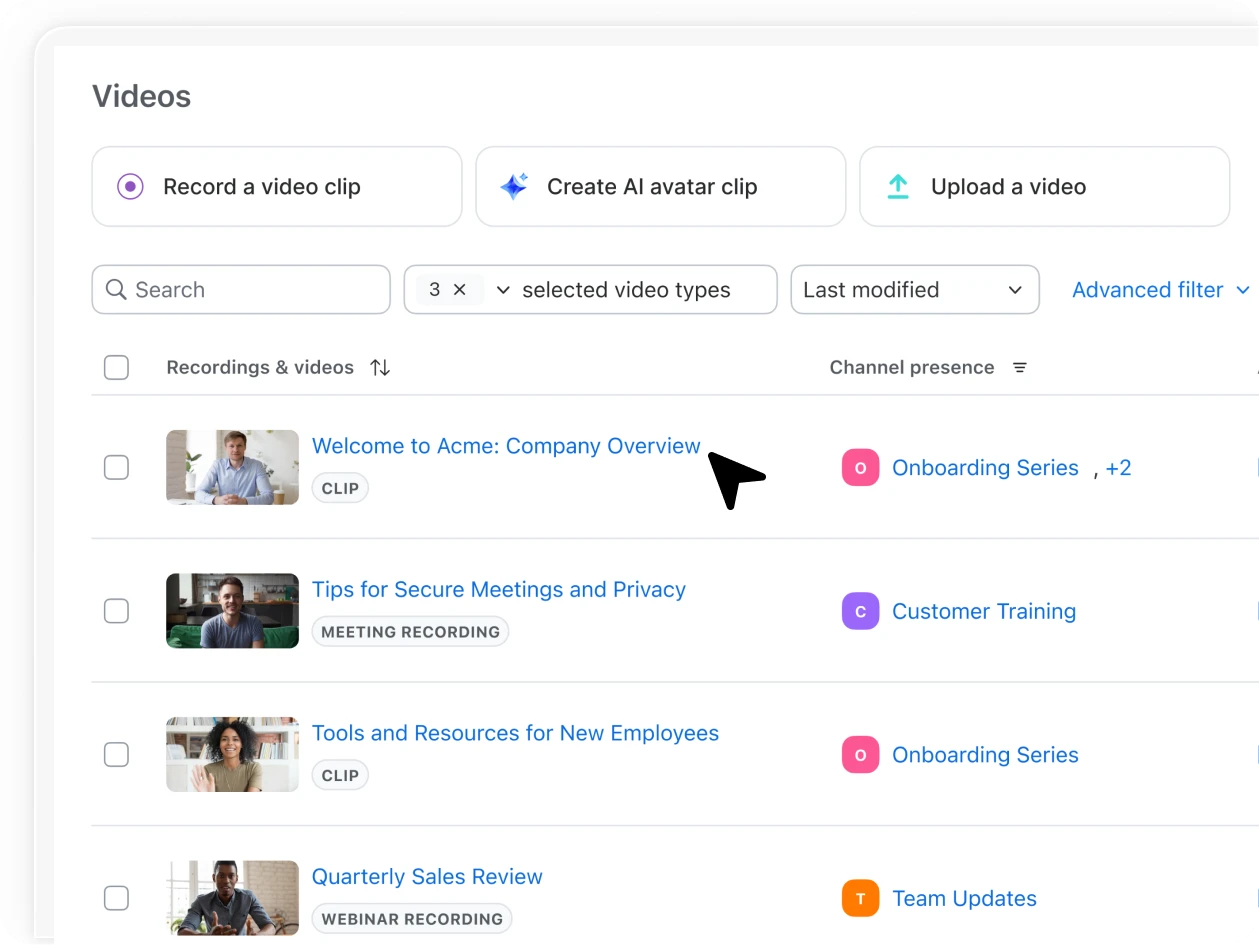
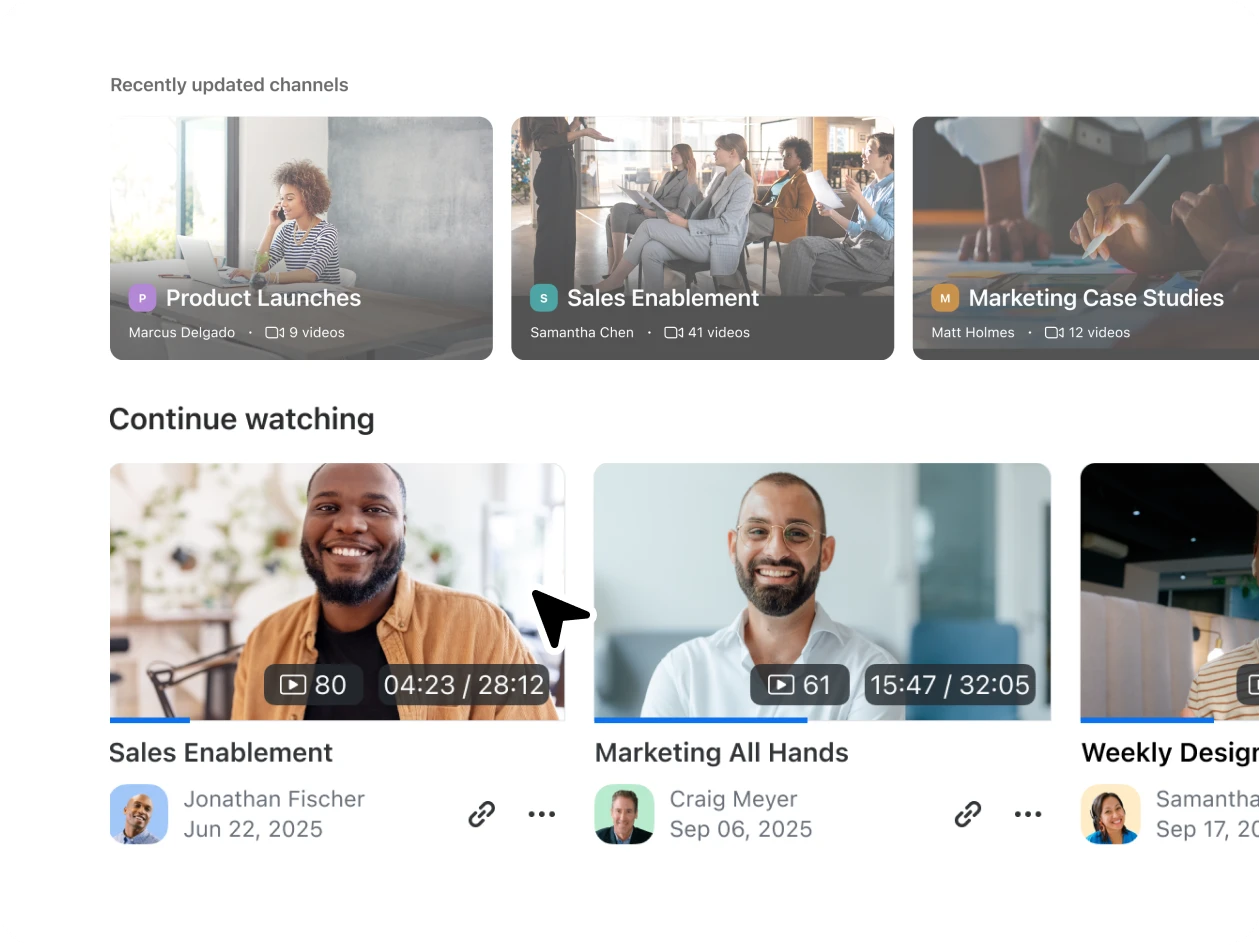
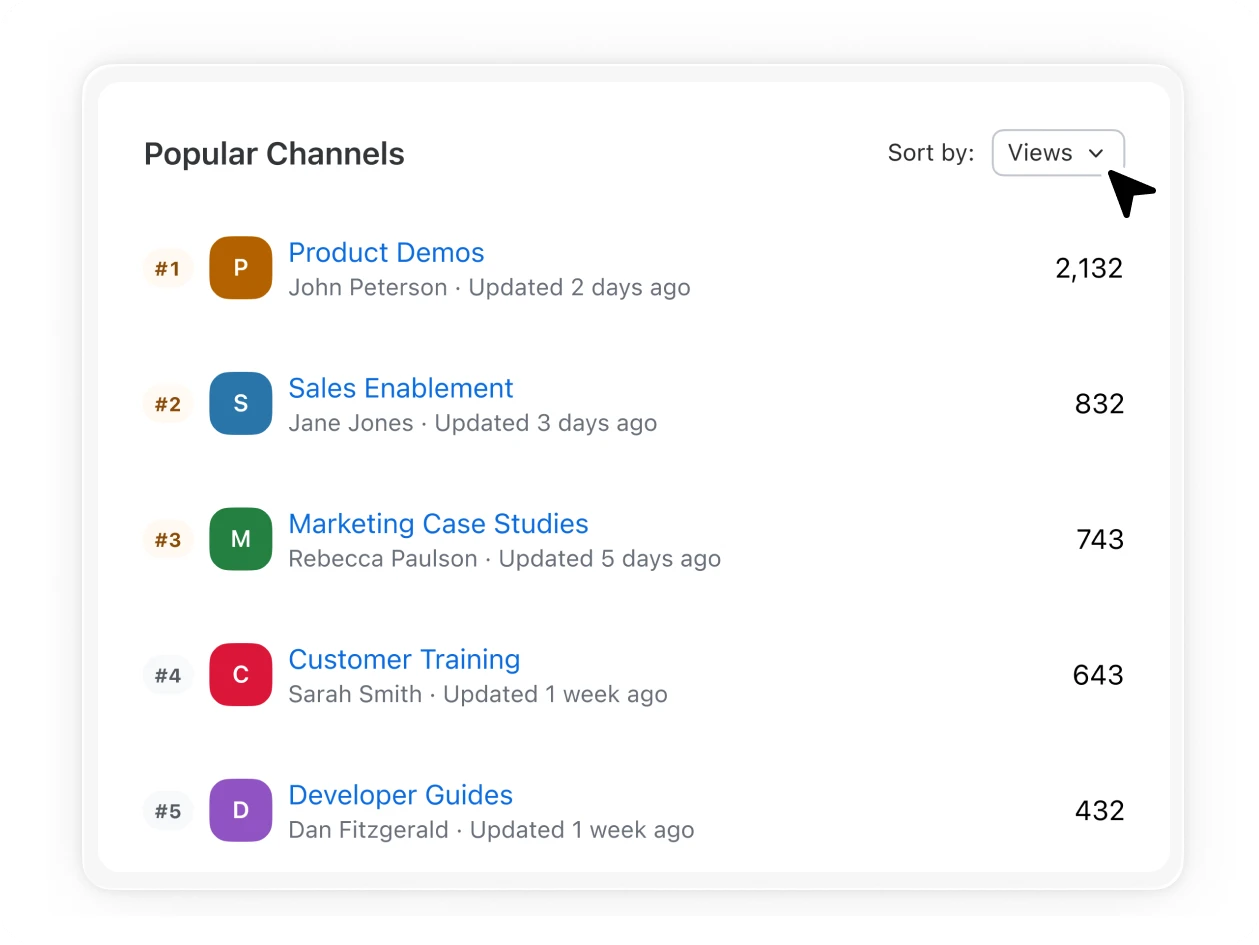
Organization
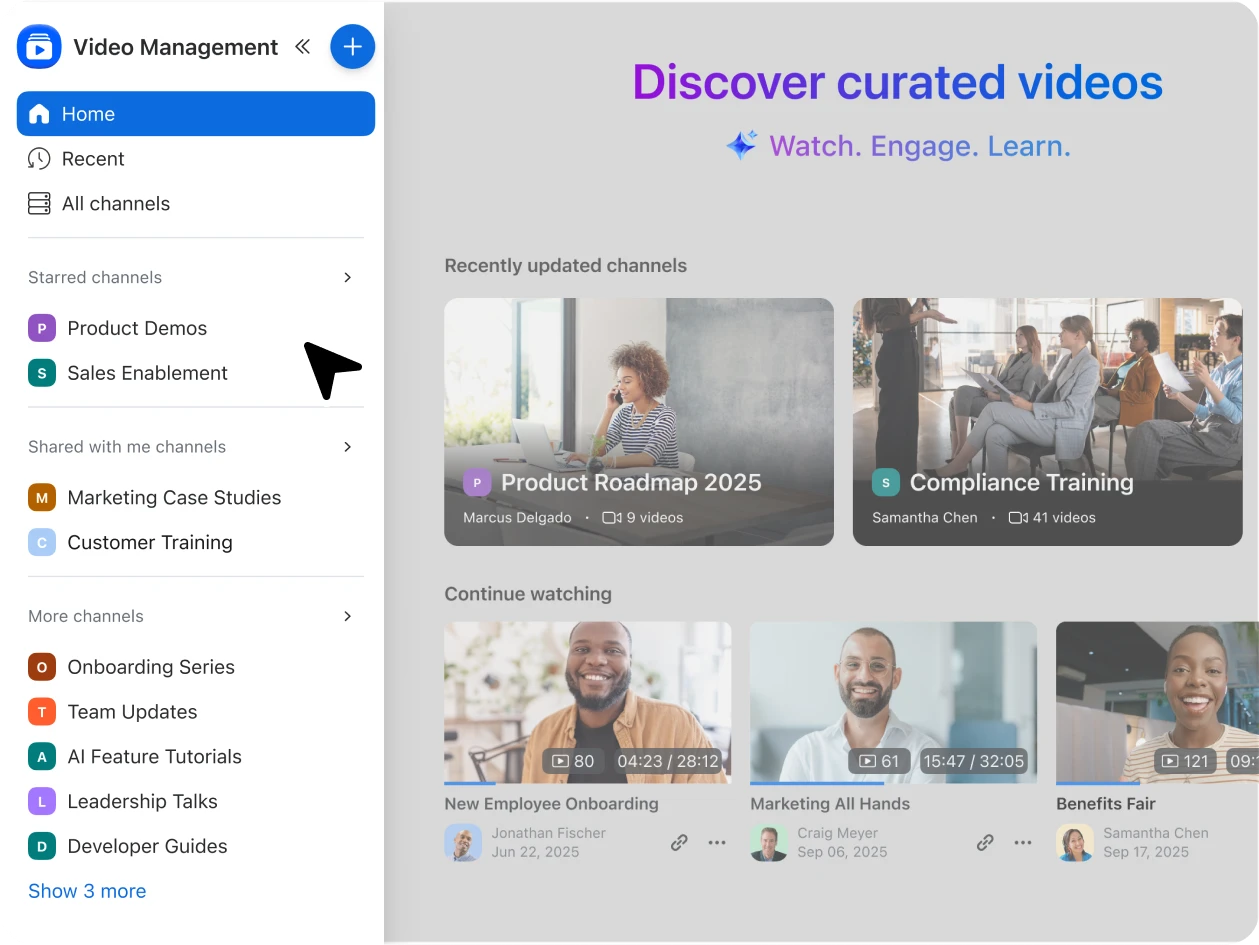
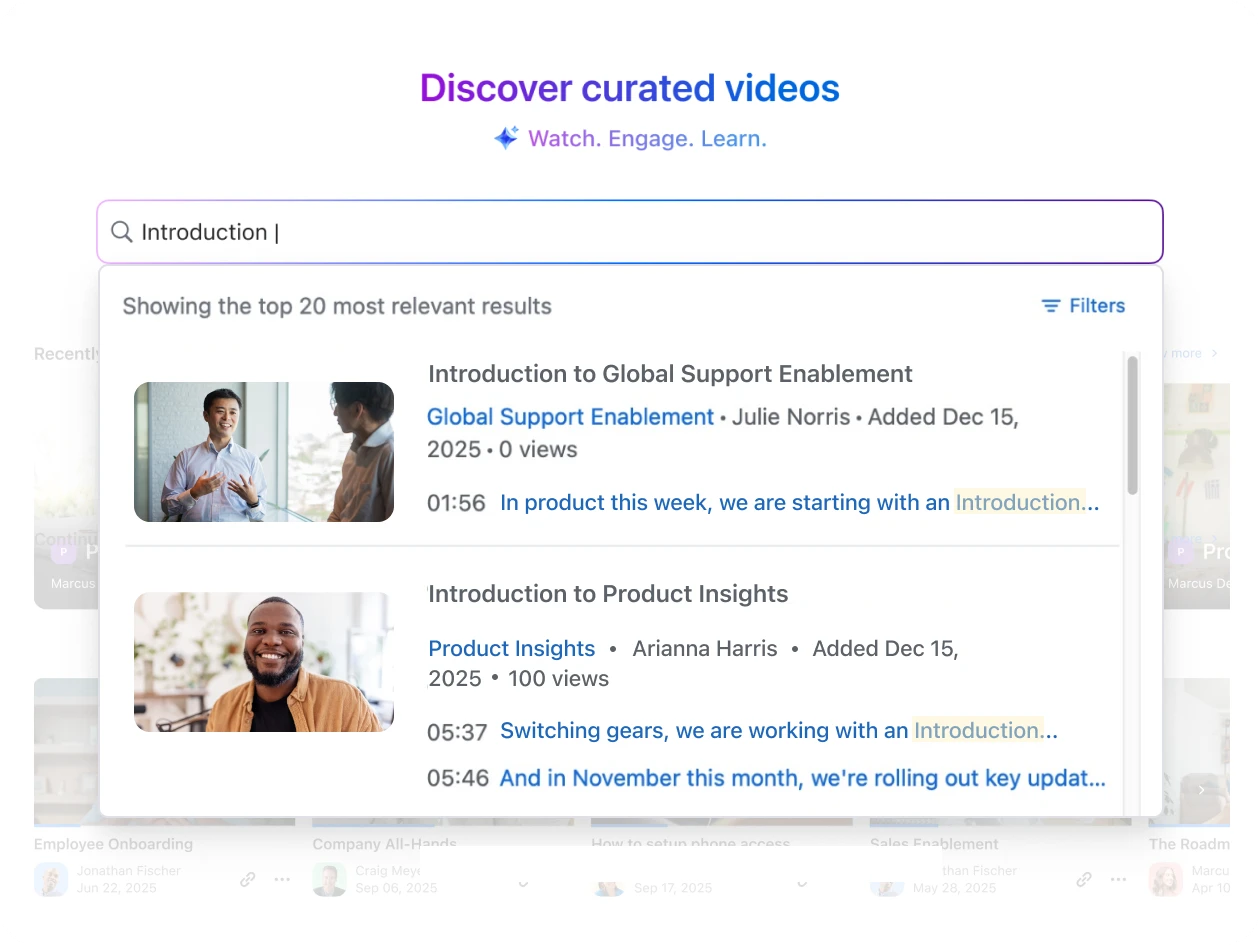
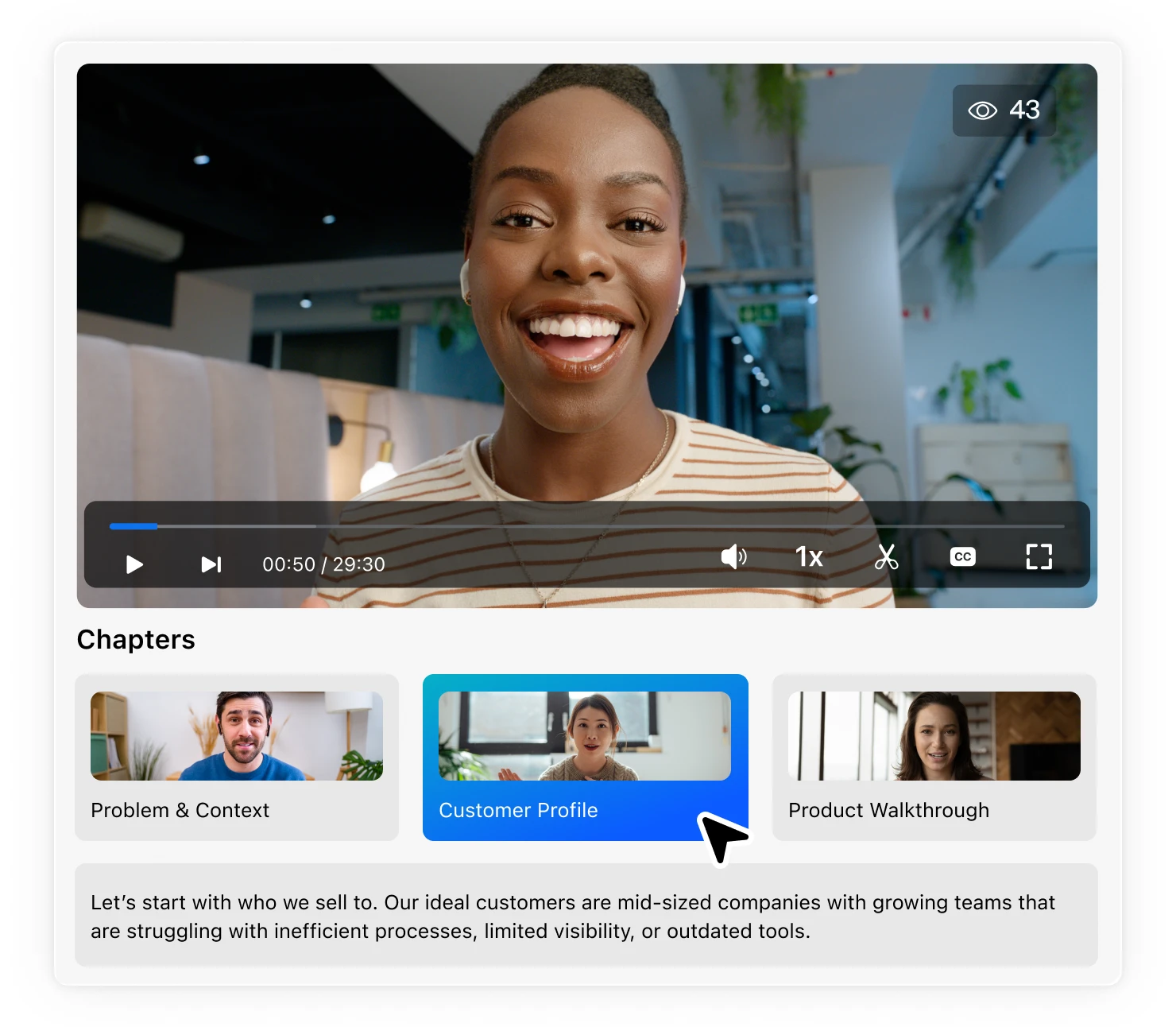
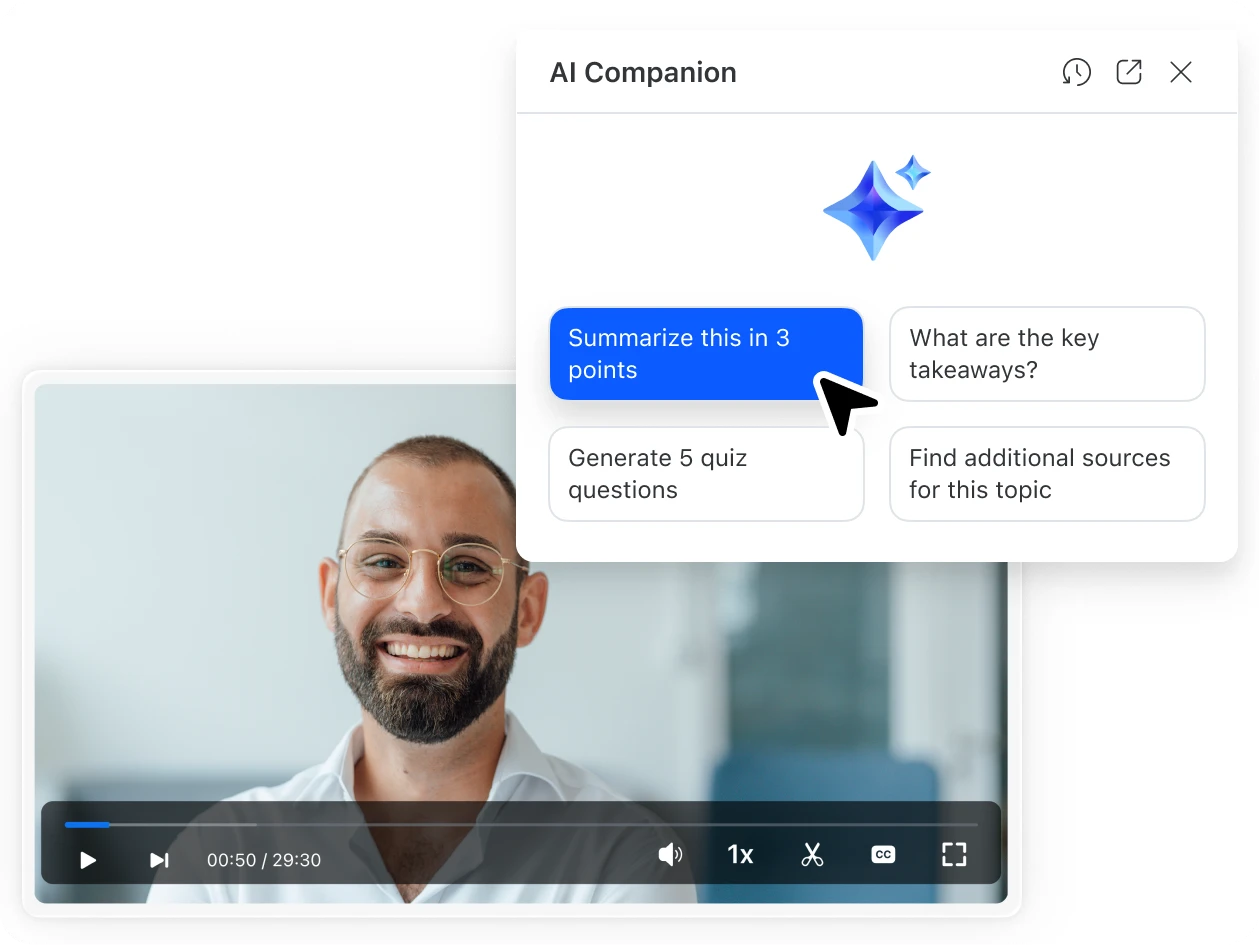
Discoverability
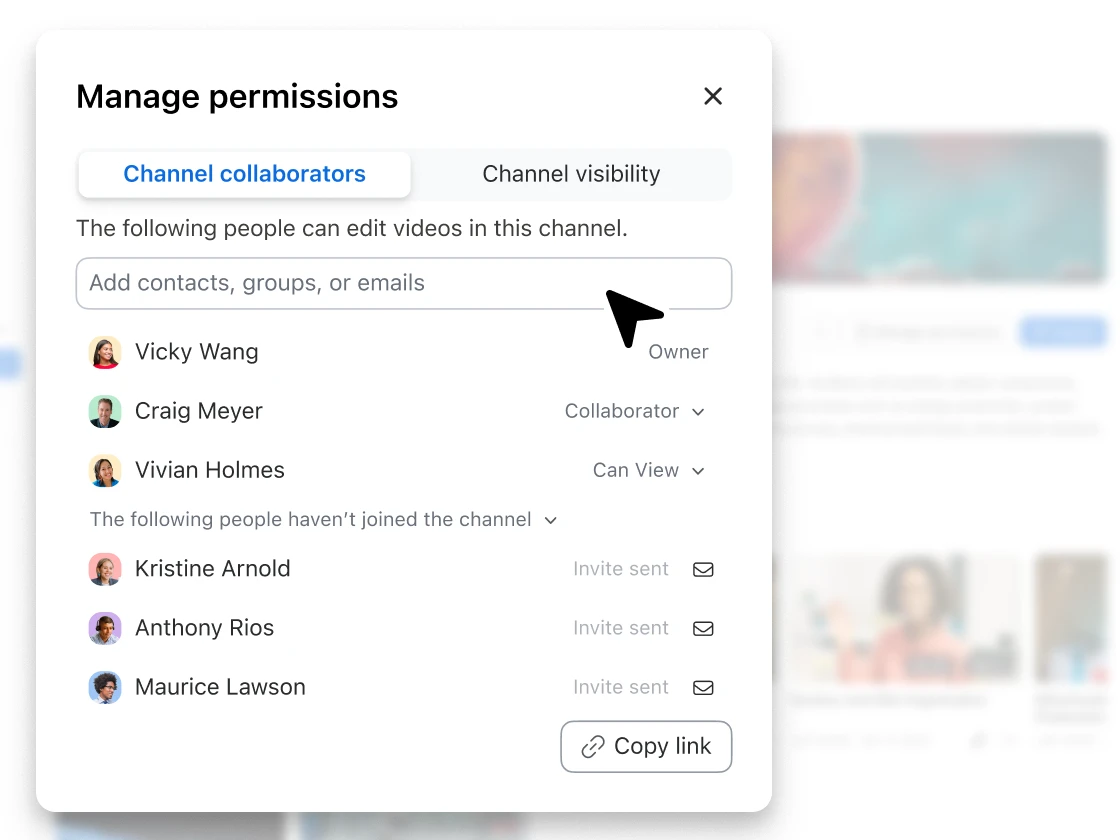
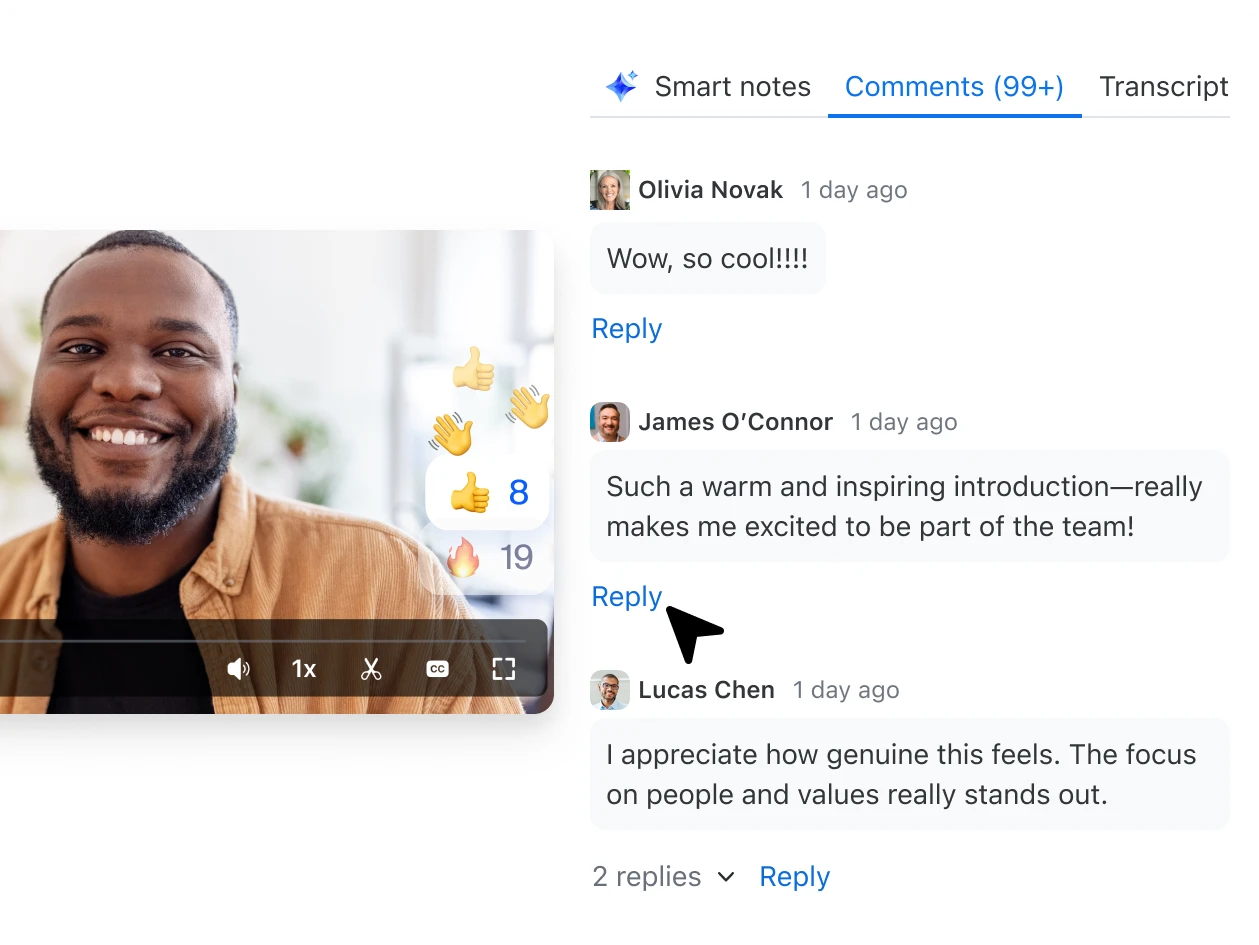
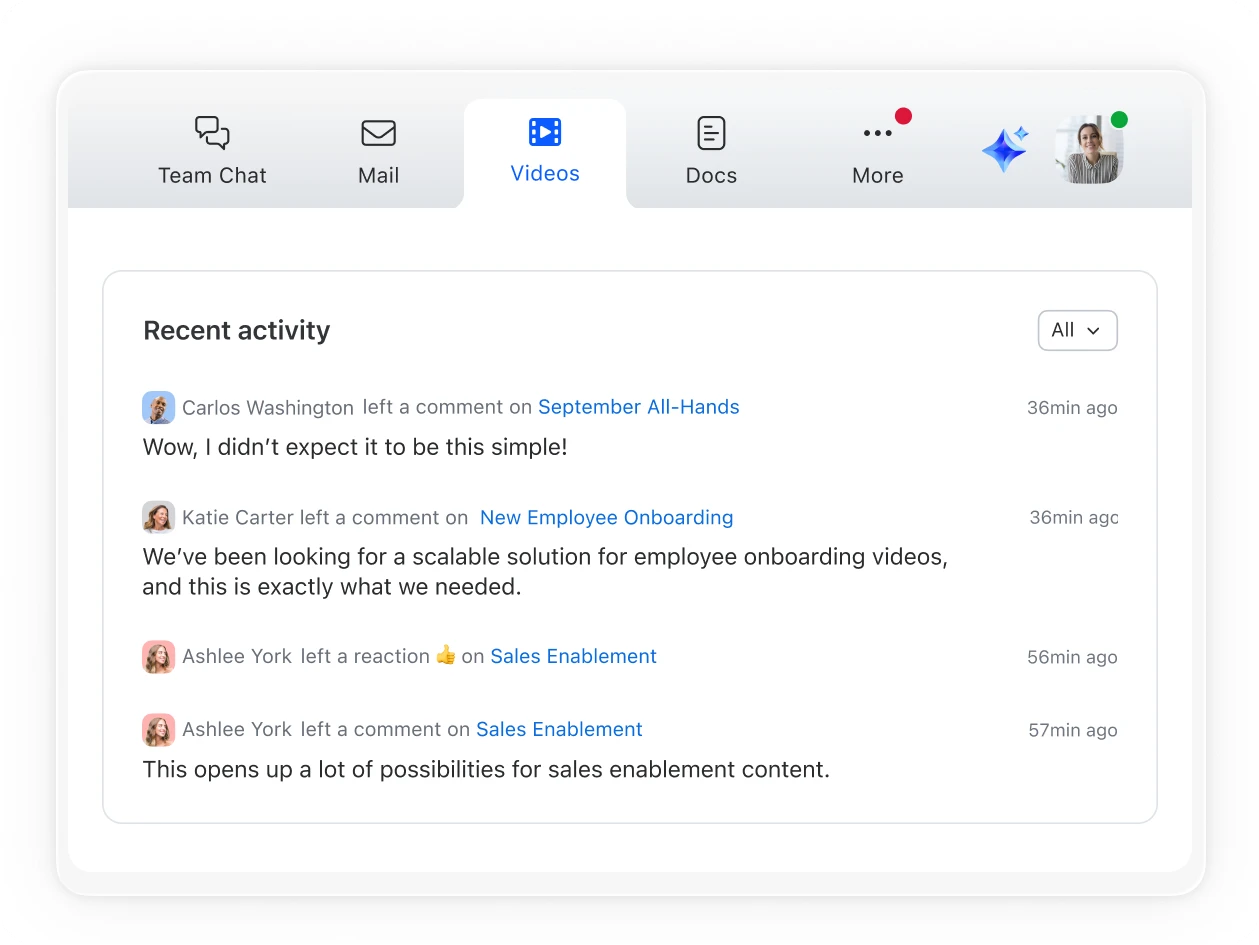
Engagement
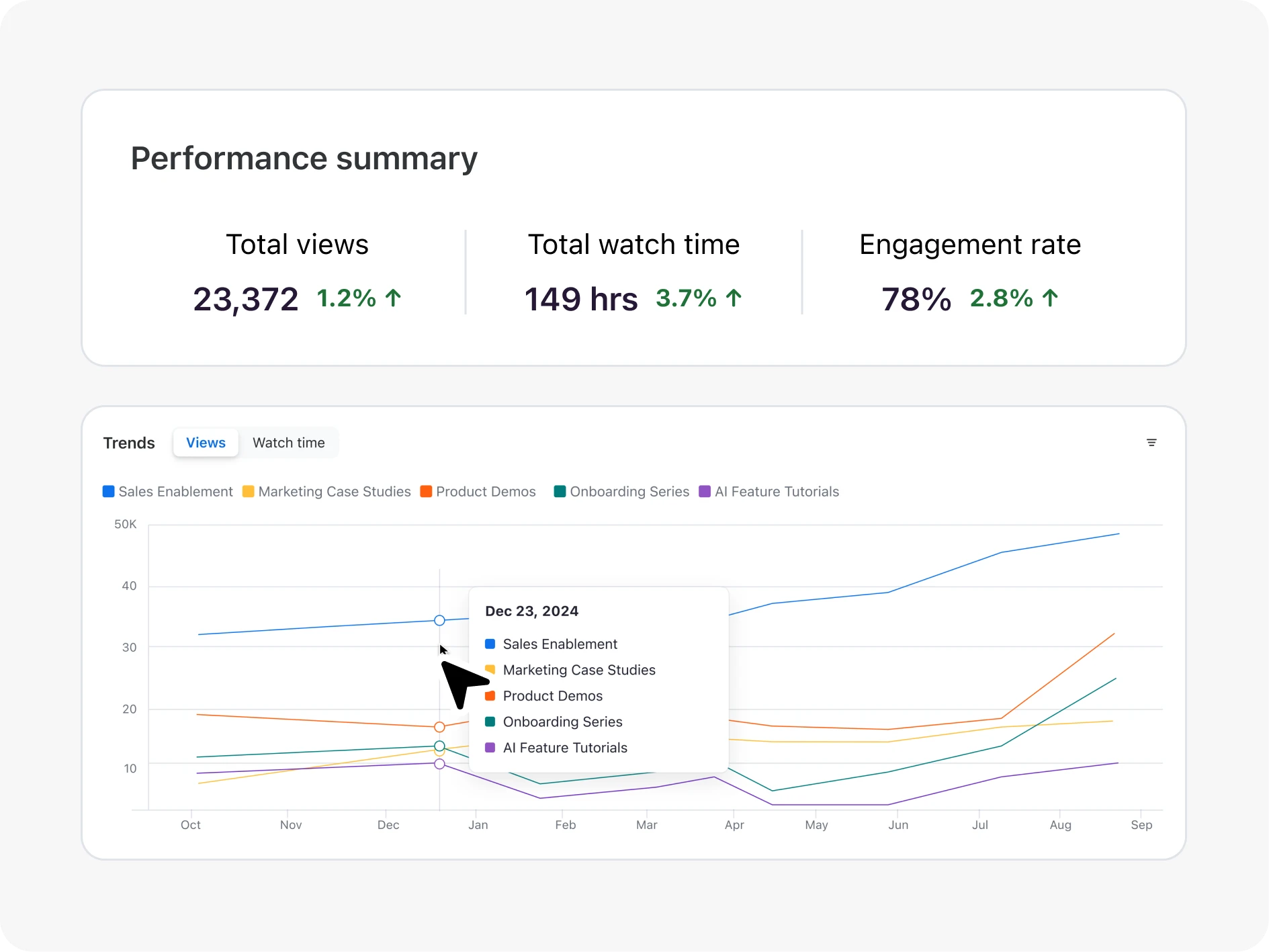
Analytics
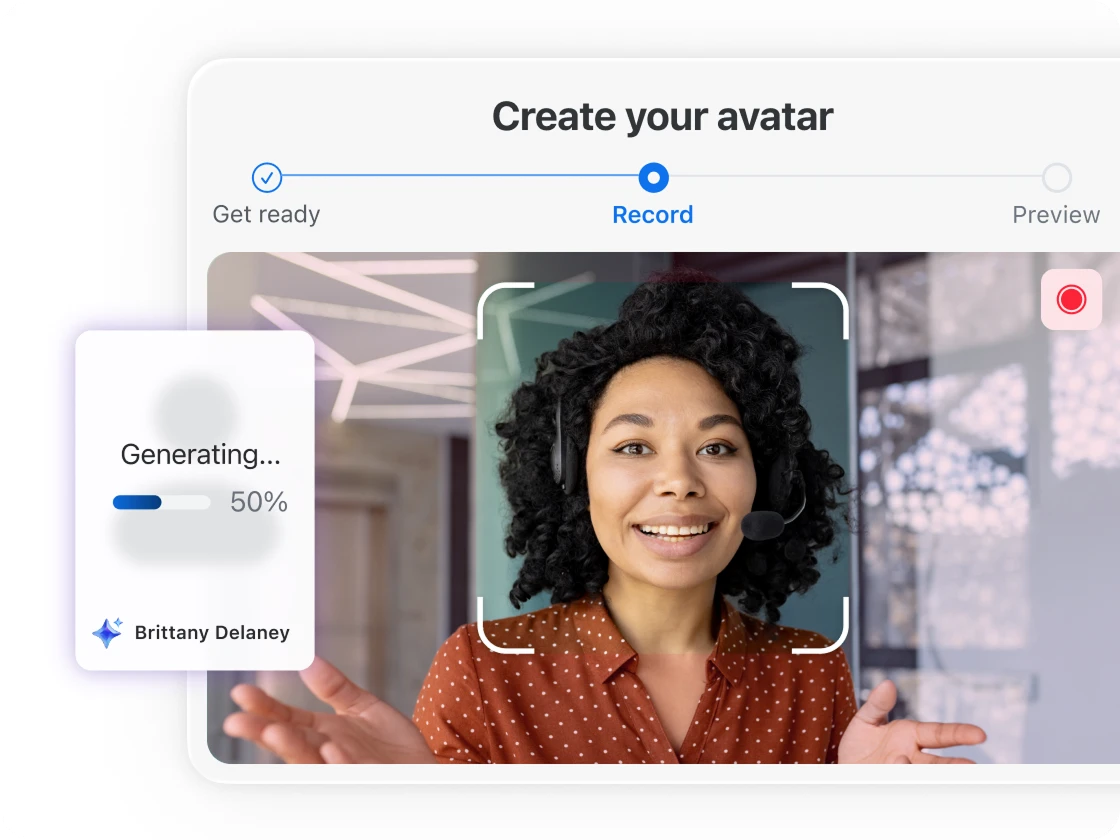
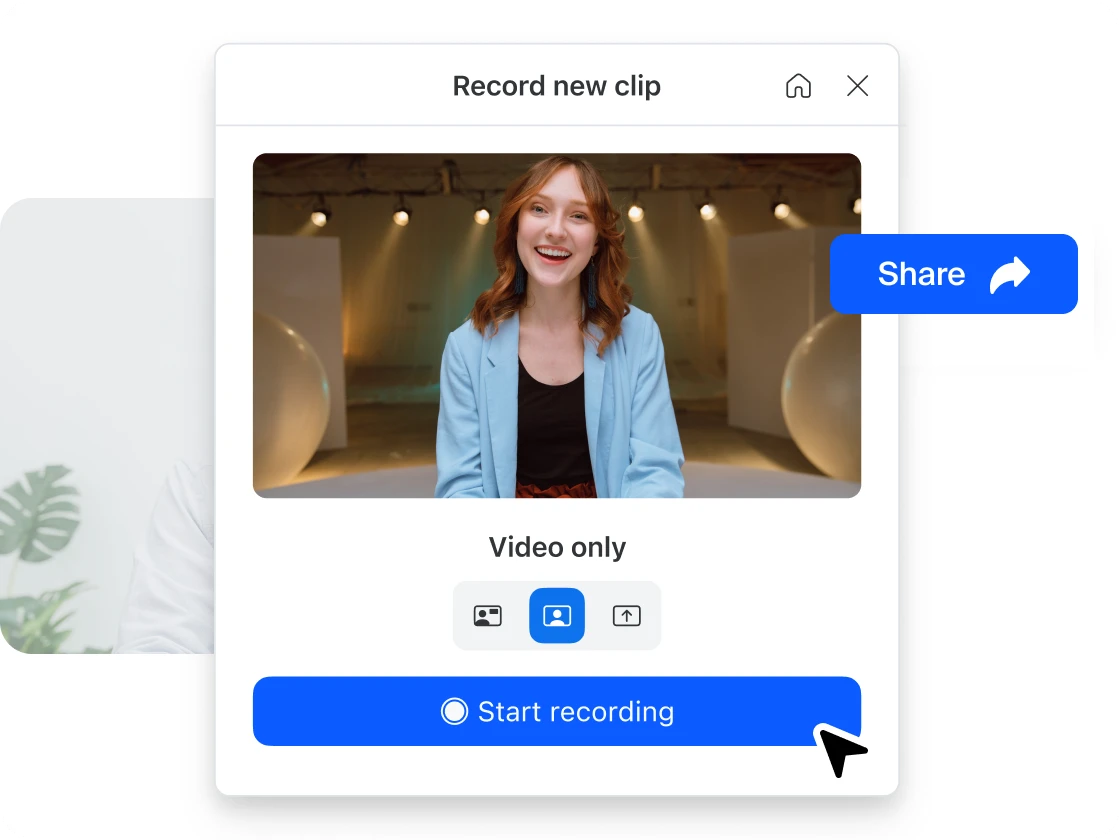
Create a video by uploading a script then selecting an avatar or creating a lifelike AI version of yourself to present — no more endless retakes.*
*Requires Zoom Clips Plus add-on
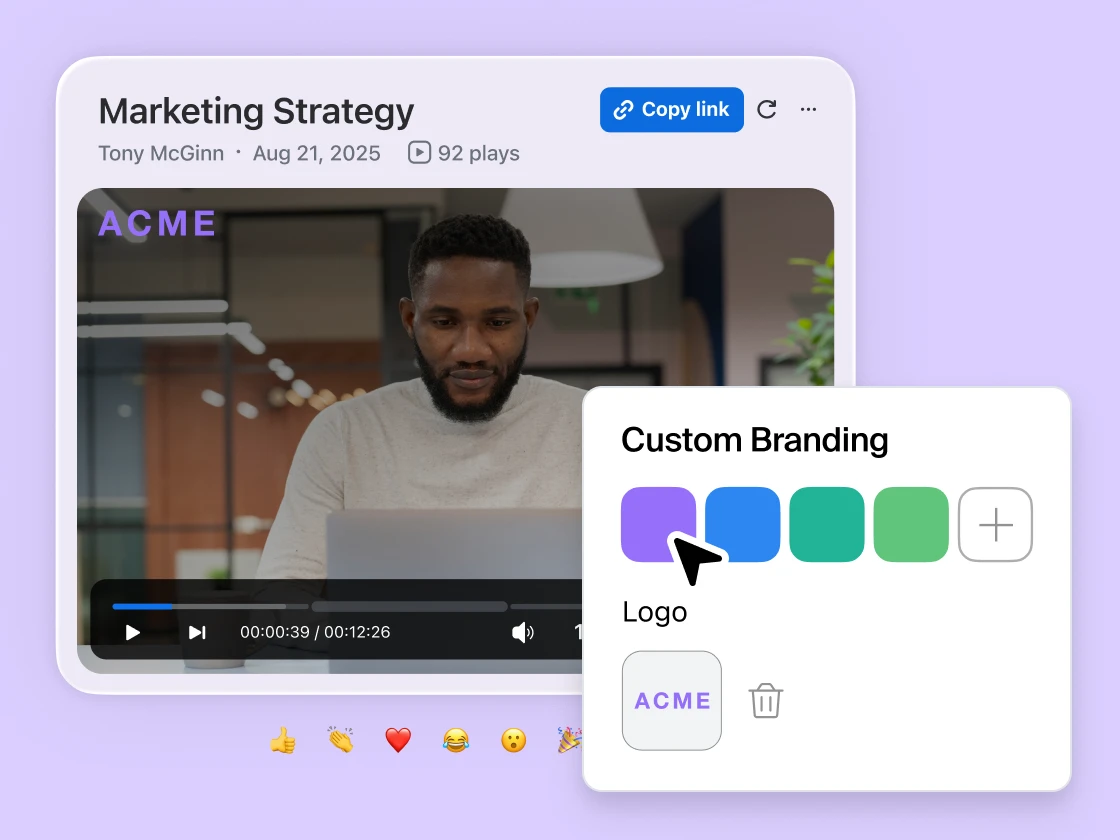
Quickly trim and clean up transcripts with editing tools — professional-ready videos without the hassle.
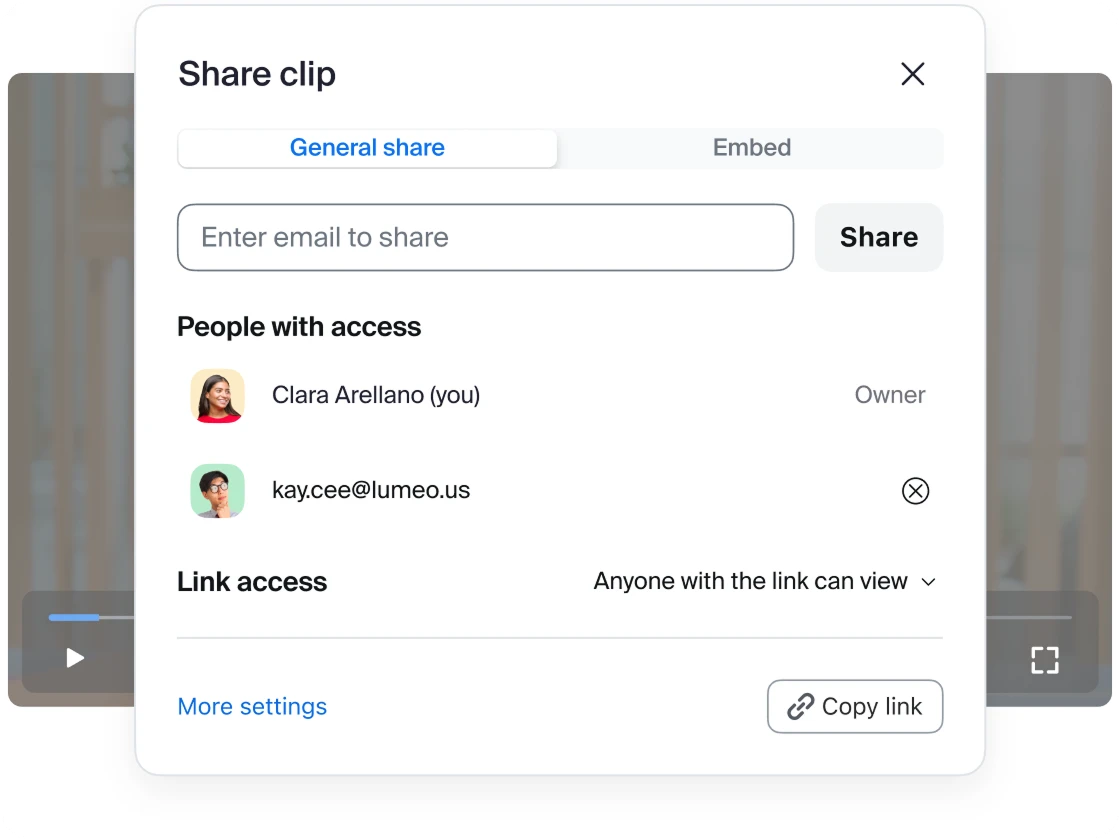
Publish your finished clips to a channel or playlist for immediate viewing.
Make a stress-free switch to Zoom Video Management
Feeling stuck with a legacy video content management system? We make it easy to migrate video libraries from supported systems.
Connect with us
Contact our sales team
Talk with one of our experts to come up with a plan that’s right for you.
FAQs
Got questions? We’ve got answers.
Zoom Video Management works seamlessly with your current Zoom environment. Any recordings created on Zoom (ie Meetings, Webinars, Events, and Clips) can be organized into video channels. No additional logins or complex integrations required.
Yes, we provide bulk migration as a paid service to import your existing content from supported platforms. Our team helps ensure your current video investments transfer smoothly into organized, searchable channels.
We offer flexible pricing models based on monthly unique viewers. You can choose subscription plans or purchase bundles of credits based on your usage needs.
Unlike basic storage solutions, Zoom Video Management transforms your content into engaging, interactive experiences. You get searchable transcripts, interactive elements, and detailed analytics—not just file storage.
Yes, Zoom Video Management is an add-on that works for all existing licensing models with minor requirements for older licenses - especially in Education. Contact your account executive for more details.
All video content created natively within Zoom (Meetings, Webinars, Clips, and Events) uses your existing account storage and you are not charged additional storage costs for adding this content to channels in Zoom Video Management. For content migrated from other platforms, you get 10TB of complimentary storage, then pay $0.10 per GB per month for additional migrated content. For customers with unlimited storage plans, there is no fee for migrated content.
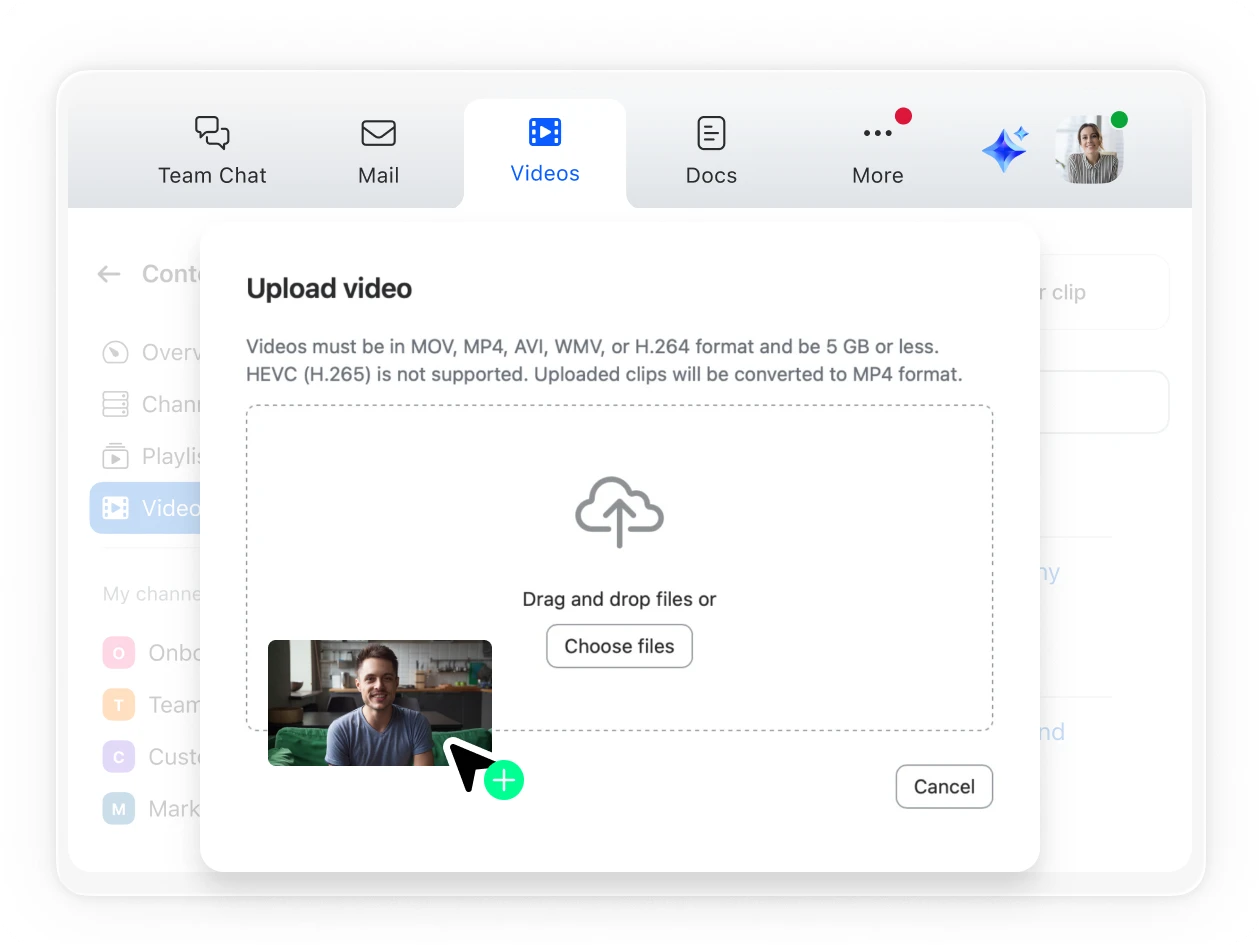
Videos can be in MOV, MP4, AVI, WMV, or h.264 format of 5GB or smaller size. HEVC (h.265) are currently not supported. Uploaded movies/clips will be converted to MP4 format.
Your best content is already on Zoom. Unlock it.
Zoom AI Companion is available with eligible paid Zoom Workplace plans. May not be available for all regions or industry verticals. Learn more.