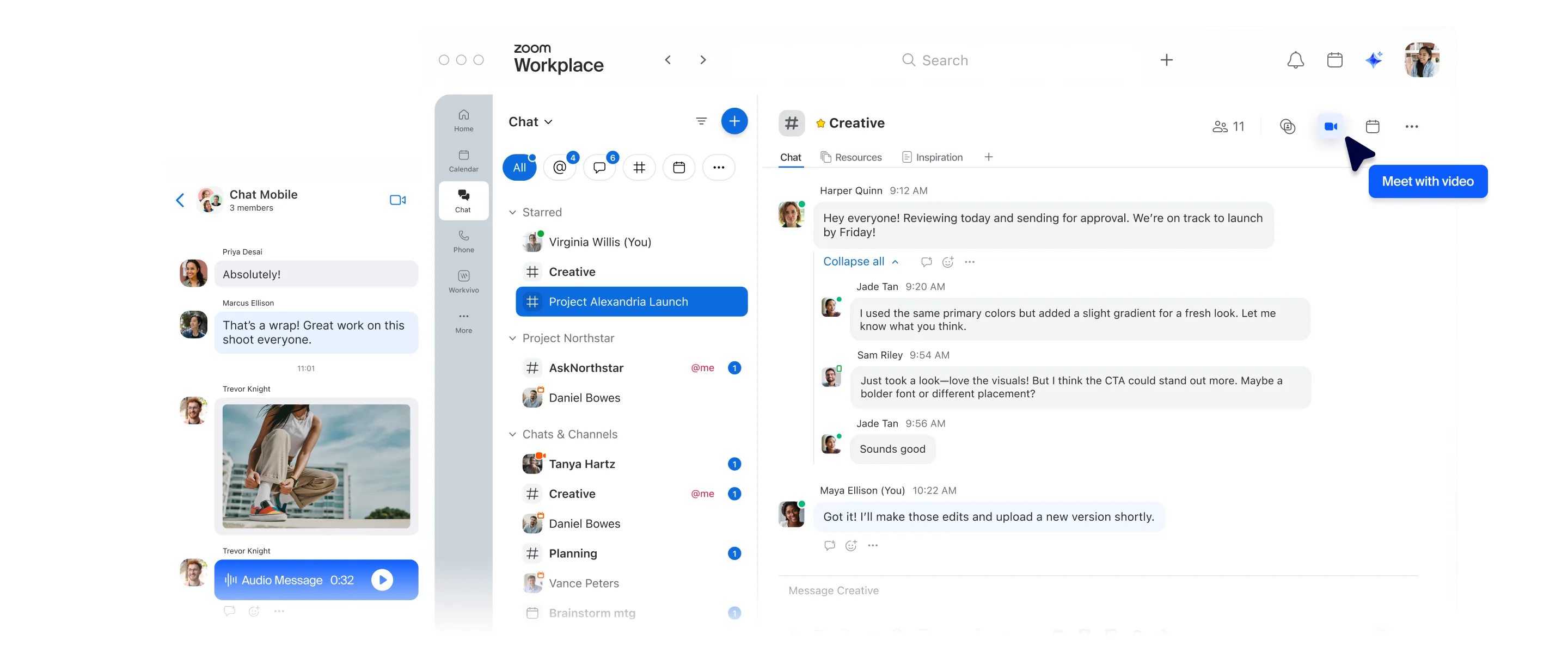
With Zoom Chat, you get the Slack features you already know, plus built-in AI, in an all-in-one chat platform.
No app-switching necessary.
Select a language
With Zoom Chat, you get the Slack features you already know, plus built-in AI, in an all-in-one chat platform.
No app-switching necessary.

IT Coordinator, Pyatok

Included at no additional cost with all plans + core AI chat features, unlimited AI note-taking and AI document creation (Canvas) included with paid plans starting at $14.16 per user per month billed annually
Limited no cost plan
$8.75 - $18 User/Month
Full AI capability is only available in the Business+ plan ($18 User/month) or above
Zoom Chat is part of the Zoom Workplace app, making it easy for you to chat where most of your meetings take place.
Meeting chats can be accessed in Zoom Chat before and after the meeting, along with AI-generated meeting summaries with internal and external attendees at no additional cost for eligible paid plans.
Enter relevant keywords to search for across the entire Zoom Workplace platform, from Zoom Chat to Meetings, Whiteboard, Canvas, Sheets, Slides, Contacts, and more, to find files or messages that match your search criteria.
Create a shared space for project collaboration that only select members can access
Stay organized on all aspects of the project with multiple channels within a shared space
Onboard a team member to a shared space and they’re instantly added to all associated channels
Scope based on plan
Scope based on plan
Yes (Paid Add-on*) Users can invoke agents with slash commands (/) or mentions (@) for private or public interactions.
Agents connect with Zoom products, internal MCPs, and third-party tools to enhance workflows.
Meeting summary only works when all participants are from the same organization (cannot summarize if there are external participants.)
Paid Add-on
Via workflow (Paid Add-on for advanced and metered AI workflows*)
(On Business+ plan only) & manually vs. AI driven
On Business+ plan only
Schedule message based on recipient's time zone
Yes - but only the sender's time
With a reminder note
Threads integrated in conversation
Threads in side panel only
With split view
Drag, drop, pin tabs in sidebar
Spotlight chats with Starred tab
More advanced filtering and sorting capabilities
Meetings chat tab to keep track of conversations before and after meetings.
16 tabs available.
Limited Capability
Paid Add-on for advanced and metered AI workflows*
Higher tier plan required for AI workflows
Any paid account
Enterprise account only
Included with enterprise plan or as paid add-on
Paid Add-on
Granular
Basic
Feature and price comparisons based on publicly available information as of June 2026
* Use of advanced and metered AI features requires a ZoomMate subscription and available AI Credits. Learn more.
Feeling stuck with Slack? We make it easy to migrate your organization’s chat history.

Talk with one of our experts to come up with a plan that’s right for you.