Virtual Agent Phone System Small Business AI

AI receptionist use cases: How 8 industries never miss a call

8 min read

Published on July 17, 2026

Image Placeholder

If you run a small business, you already know: when the phone rings and nobody answers, that caller probably isn't leaving a voicemail. They're calling the next name on the list.

An AI receptionist changes that. Instead of voicemail or hold music, your callers get a natural, conversational voice that answers questions, books appointments, captures details, and routes calls to the right person — 24 hours a day, 7 days a week. No phone trees. No missed opportunities.

But what does that actually look like for your industry? Below, we break down how Zoom Virtual Agent Receptionist works across eight verticals — with example scenarios and sample greetings you can adapt for your own business.

Never miss another customer call

How can a dental or healthcare office use an AI receptionist?

A dental or healthcare office can use an AI receptionist to answer patient calls after hours, book and confirm appointments, and verify insurance information — without pulling front-desk staff away from in-office patients.

Front-desk teams at clinics and dental offices are pulled in a dozen directions at once — checking patients in, verifying coverage, handling paperwork. When the phone rings during a rush, it often goes to voicemail. And patients rarely call back.

An AI receptionist handles the calls your team can't get to. It answers questions about hours, accepted insurance, and available services. It books, confirms, or reschedules appointments. And when a call is urgent, it routes directly to the right team member with full context — so the patient doesn't have to repeat themselves.

Example scenario: A patient calls your dental office at 7:30 p.m. to ask whether you accept their insurance and book a cleaning. The AI receptionist confirms coverage, finds the next available slot, books the appointment, and sends a text confirmation with prep instructions — even though the office is closed.

Sample greeting:
"Thanks for calling [Practice Name]. Are you calling to schedule an appointment, ask about insurance, or do you need something else? I'm happy to help."

Compliance note: For healthcare practices, Zoom's AI receptionist can be configured to avoid collecting sensitive patient information on the call, routing sensitive requests to a staff member directly.

How can a law firm use an AI receptionist?

A law firm can use an AI receptionist to capture prospective client inquiries after hours, collect caller intake details, and schedule consultations — so no lead is lost to voicemail.

Attorneys spend most of their day in meetings, depositions, or focused work. They can't always answer the phone — but prospective clients who reach voicemail rarely leave a message.

Your AI receptionist greets callers professionally, collects basic intake information (name, case type, preferred callback time). After hours, it captures  leads so nothing falls through the cracks overnight.

Example scenario: A potential client calls your firm at 6:15 p.m. about a contract dispute. The AI receptionist gathers their name, a brief description of the issue, and their availability — then schedules a consultation with an attorney for the next morning and sends a confirmation text.

Sample greeting:

"Thank you for calling [Firm Name]. If you're a new client, I can help you schedule a free consultation. If you're an existing client, I can connect you with your attorney. Which would you prefer?"

Compliance note: Zoom's AI receptionist can be configured to avoid discussing case specifics or providing legal advice, keeping interactions limited to scheduling and intake.

How can a financial services firm use an AI receptionist?

A financial services firm can use an AI receptionist to field new client inquiries, route existing clients to their advisor by name, and capture leads during peak periods like tax season — when every line is busy.

Whether you're an independent advisor, an insurance agency, or a small accounting firm, your clients expect responsiveness. But during busy seasons — tax deadlines, open enrollment, quarterly reviews — call volume spikes and your team is maxed out. New prospects who can't get through often don't try again.

An AI receptionist answers each call with a professional tone that matches your brand. For new callers, it collects intake information (what service they need, their timeline, how they heard about you) and books an introductory meeting. For existing clients, it routes them to their advisor by name — avoiding hold queues and transfers to the wrong person.

Example scenario: During tax season, a new prospect calls your accounting firm asking about business tax preparation services. Your team is fully booked with client meetings. The AI receptionist explains your service offerings, collects the prospect's business type and revenue range, and schedules a 30-minute discovery call for the following week — then texts them a confirmation with a link to your intake form.

Sample greeting:

"Hi, you've reached [Company Name]. Are you an existing client looking to reach your advisor, or are you interested in learning about our services? I can help either way."

How can a real estate agency use an AI receptionist?

A real estate agency can use an AI receptionist to field property inquiries around the clock, qualify buyer leads, and book showings — even when every agent is out on appointments.

Agents are constantly showing properties, driving between appointments, and negotiating deals. Missed calls from buyers or sellers can mean lost listings and lost commissions — especially on hot properties where speed matters.

Your AI receptionist fields property inquiries, provides listing details, qualifies leads by asking about budget and timeline, and quickly routes buyers to the right agent based on the information requested. After hours, it captures every lead so your team can follow up first thing in the morning.

Example scenario: A buyer calls at 8 p.m. asking about a property they saw online. The AI receptionist shares key details (price, square footage, open house schedule), collects their contact info and budget range, and books a showing for the next day.

Sample greeting:

"Thanks for calling [Agency Name]. I can pull up details on any of our listings, schedule a showing, or connect you with an agent directly. What are you looking for?"

See how Zoom's AI receptionist can handle calls for your industry

How can an auto repair shop or home services business use an AI receptionist?

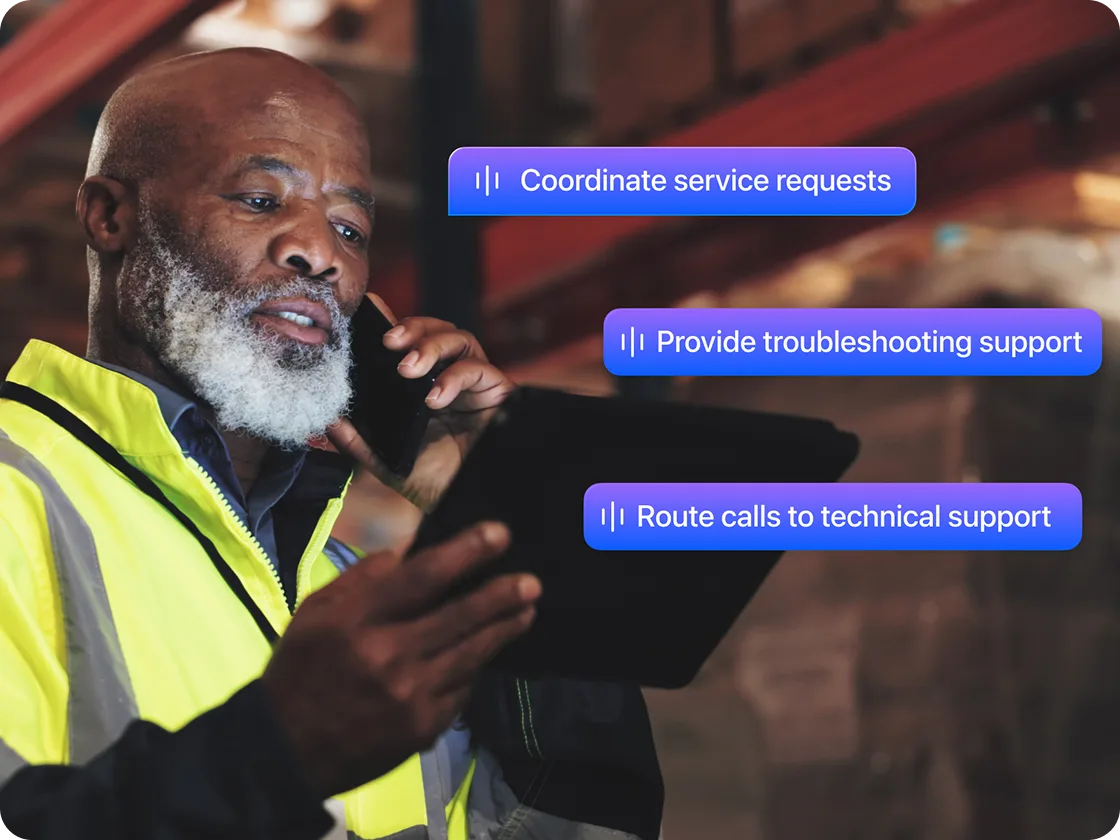
An auto repair shop or home services business can use an AI receptionist to book service appointments, provide estimates, and route time-sensitive calls to the on-call technician — even when the team is on the job.

When your technicians are under a car or on a job site, nobody's answering the phone. Customers with urgent needs — a broken furnace, a check-engine light, a leaking pipe — won't wait. They'll call the next shop on the list.

An AI receptionist handles service inquiries, provides estimates for common jobs, books appointments, and routes urgent calls to the on-call tech. It can also send follow-up texts with appointment confirmations and directions to your shop.

Example scenario: A customer calls your auto repair shop asking about brake pad replacement. The AI receptionist provides a price range, checks your schedule for availability, books them in for Thursday morning, and texts a confirmation with your shop address.

Sample greeting:

"Hey, thanks for calling [Shop Name]. If this is an emergency, just say 'urgent' and I'll get you to a technician right away. Otherwise, I can help with pricing or scheduling. What's going on?"

How can a restaurant use an AI receptionist?

A restaurant can use an AI receptionist to take reservations, answer menu questions, and handle event inquiries by phone — so front-of-house staff can stay focused on guests in the dining room.

During lunch and dinner rushes, your staff is focused on the guests already seated — not the ringing phone. But those calls are often reservations, takeout orders, or event inquiries that drive revenue.

Here's how the flow works differently from a traditional setup:


Before AI receptionist

With AI receptionist

Busy hours

Phone rings unanswered or goes to voicemail
Every call answered quickly

Reservations

Host stops seating guests to take the call
AI books the table and texts confirmation while on the call
Menu questions
Staff interrupted mid-service
AI answers from your FAQ automatically
Event inquiries

Caller leaves a message; follow-up delayed

AI captures details and routes to right team member
Example scenario: A caller wants to book a table for six on Friday night. The AI receptionist checks availability, confirms the reservation, asks about dietary restrictions, and sends a text confirmation — all while your host is seating a party.
 

Sample greeting:
"Thanks for calling [Restaurant Name]! Looking to make a reservation, place a takeout order, or ask about our menu? I've got you covered."

How can a retail store use an AI receptionist?

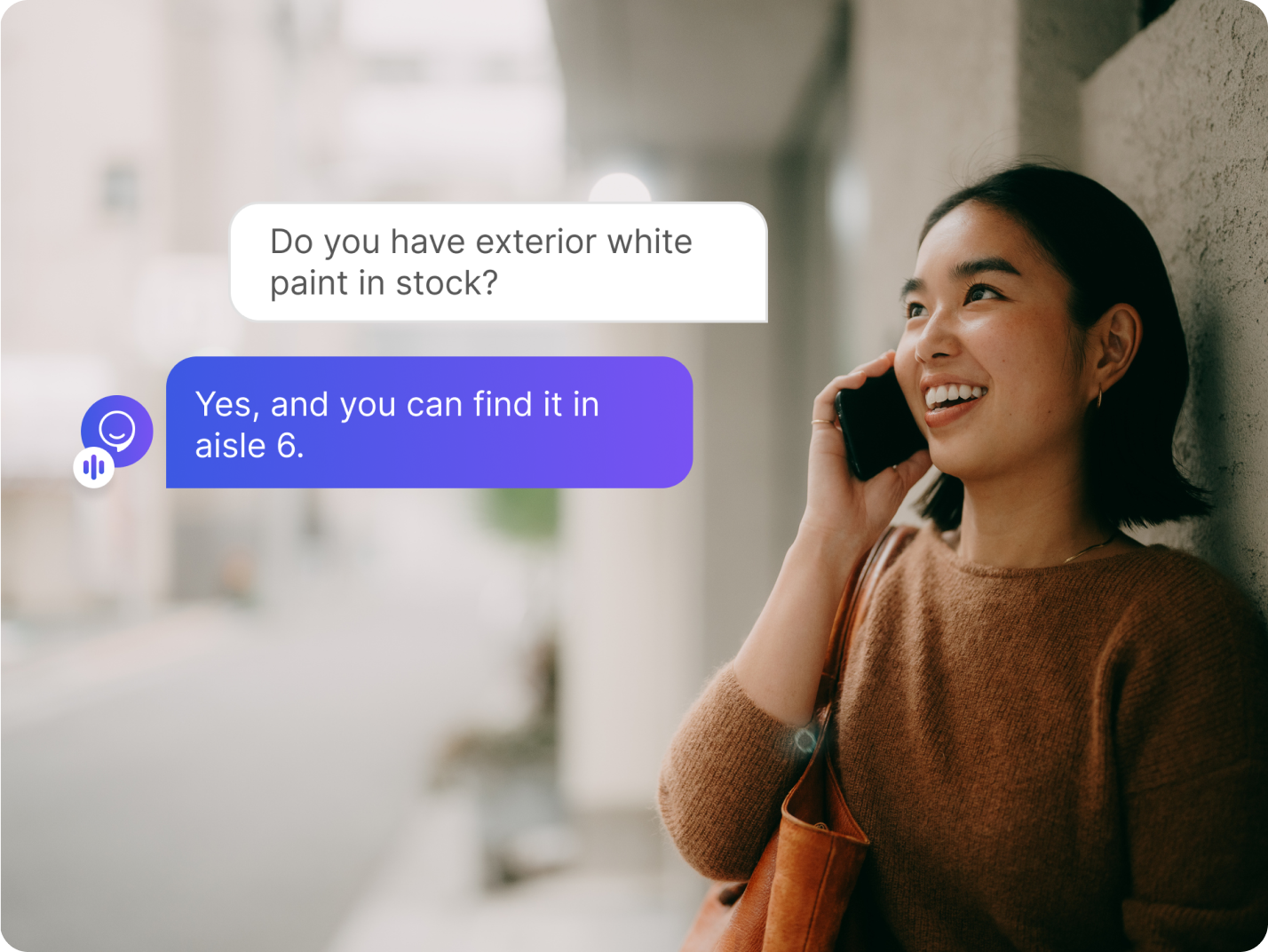
A retail store can use an AI receptionist to answer questions about hours, product availability, and return policies — keeping floor staff focused on in-store customers.
 
Retail staff are helping customers on the floor, restocking shelves, and managing the register. Phone calls about store hours, product availability, or return policies often go unanswered — and those callers may just shop somewhere else.
 
Your AI receptionist answers common questions instantly, provides store hours and directions, checks on product availability (when connected to your FAQ, knowledge base, or website), and routes complex requests to a manager.
 
Example scenario: A customer calls to ask if you have a specific item in stock and what your return policy is. The AI receptionist answers both questions, offers to hold the item until they arrive, and texts the store address and hours.
 

Sample greeting:
"Hi there! You've reached [Store Name]. I can check product availability, answer questions about returns or hours, or get a team member on the line. What do you need?"

How can a hotel or property management company use an AI receptionist?

A hotel or property management company can use an AI receptionist to provide guest information around the clock, handle maintenance requests, and keep calls covered — even overnight or during check-in/check-out rushes.

Guests and tenants expect immediate answers — check-in times, parking details, Wi-Fi passwords, maintenance requests. But front-desk teams can't always pick up, especially overnight or during check-in/check-out rushes.

An AI receptionist handles these routine calls instantly. It provides property details, logs maintenance requests and routes them to the right team, and answers common questions without waking up your night staff.

Example scenario: A tenant in unit 4B calls at 6 a.m. reporting a leaking faucet. The AI receptionist logs the issue, confirms the unit number and urgency, texts the tenant a confirmation with a ticket number, and routes the request to your maintenance team's on-call queue — before anyone in the office has clocked in.

Sample greeting:
"Welcome to [Property Name]. I can help with check-in details, directions, amenities, or maintenance requests. How can I assist you?"

Why Zoom Virtual Agent Receptionist works for small businesses

Most small businesses don't need a call center — they need their phone answered professionally when they can't get to it. Here's why AI Receptionist fits:
 
It covers the calls your team can't get to. Your team still handles the conversations that need a personal touch. AI Receptionist fills the gaps — after hours, during rushes, when everyone's busy. It's the safety net that makes sure no call goes unanswered.
 
It's built into Zoom Phone — no new systems required.* If you already use Zoom Phone, AI Receptionist can be added to your existing phone system set up. in minutes.
 
It analyzes intent, not just button presses. Unlike old-school auto-attendants ("press 1 for sales"), AI Receptionist uses natural language processing to listen to what callers say and respond conversationally. No phone trees. No frustrated hang-ups.
 
It supports 10+ languages out of the box. If your customers speak Spanish, French, German, Portuguese, Japanese, or any of the other supported languages, AI Receptionist can greet and assist them natively — no separate configuration required. For a deeper look into how AI receptionists serve non-english speakers, read our guide to multilingual AI receptionists.
 
The cost comparison speaks for itself:


AI Receptionist

Traditional Receptionist

Voicemail Only

Availability

24/7/365

Business hours only

24/7 (but no one answers)

Simultaneous calls

Multiple

1 at a time

N/A

Monthly cost

Starting at $0.30 a minute*

Salary

Free

Setup time

Minutes

Weeks (onboarding + training)

None

Languages supported

10+

Depends on hire

N/A

Captures lead info

✅ Automatically
✅ Manually

❌ Rarely

Books appointments

Frequently asked questions

What is an AI receptionist?

An AI receptionist is a virtual phone assistant that answers incoming calls using natural language — not pre-recorded menus. It can greet callers, answer questions, book appointments, capture lead information, and route calls to the right person — automatically and around the clock.
 

How is an AI receptionist different from an auto-attendant?

An auto-attendant uses rigid "press 1 for X" menus. An AI receptionist analyzes what callers say in their own words and responds conversationally. It can handle complex requests (like booking an appointment or answering a pricing question) that an auto-attendant simply can't.
 

Do I need technical skills to set up AI Receptionist?

No. Zoom Virtual Agent Receptionist is configured through the Zoom admin portal with no coding required. You can customize greetings, set business hours, define FAQs, and configure call routing in minutes.
 

Do I need to use Zoom Phone to use AI Receptionist?

No. Zoom Virtual Agent Receptionist can be used as a standalone with any phone system your business already uses.
 

What languages does Zoom's AI receptionist support?

AI Receptionist currently supports English, Spanish, French, German, Portuguese, Japanese, and several additional languages — with more being added regularly.
 

Can AI Receptionist handle multiple calls at the same time?

Yes. AI Receptionist handles unlimited simultaneous calls — so no caller gets a busy signal, even during your busiest hours.
 

How much does Zoom's AI receptionist cost?

AI Receptionist is available as an add-on to Zoom Phone starting at $0.30 per minute, or as a standalone plan with no long-term contracts required.
 

Is an AI receptionist right for my business size?

AI Receptionist is designed for businesses of all sizes, but it's especially valuable for small and midsize businesses (1–250 employees) where staff wear multiple hats and can't always answer the phone. If you miss calls during busy hours or after closing, it's built for you.
 

Every missed call could be a missed opportunity. Give your business a 24/7 front desk

*Zoom Phone's AI receptionist is available as an add-on to Zoom Phone or as a standalone solution.

Our customers love us

Okta
Nasdaq
Rakuten
Logitech
Western Union
Autodesk
Dropbox

Zoom - One Platform to Connect