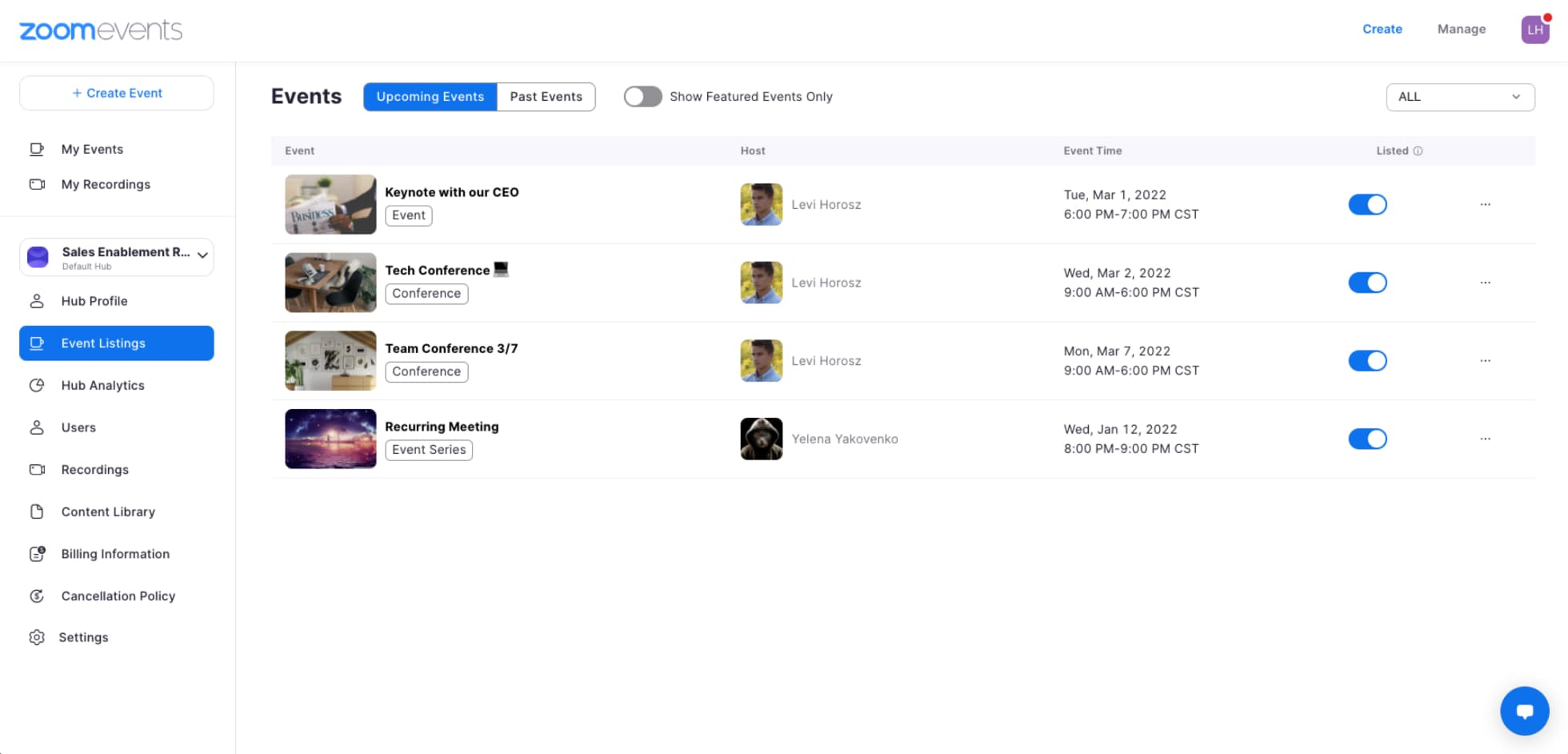
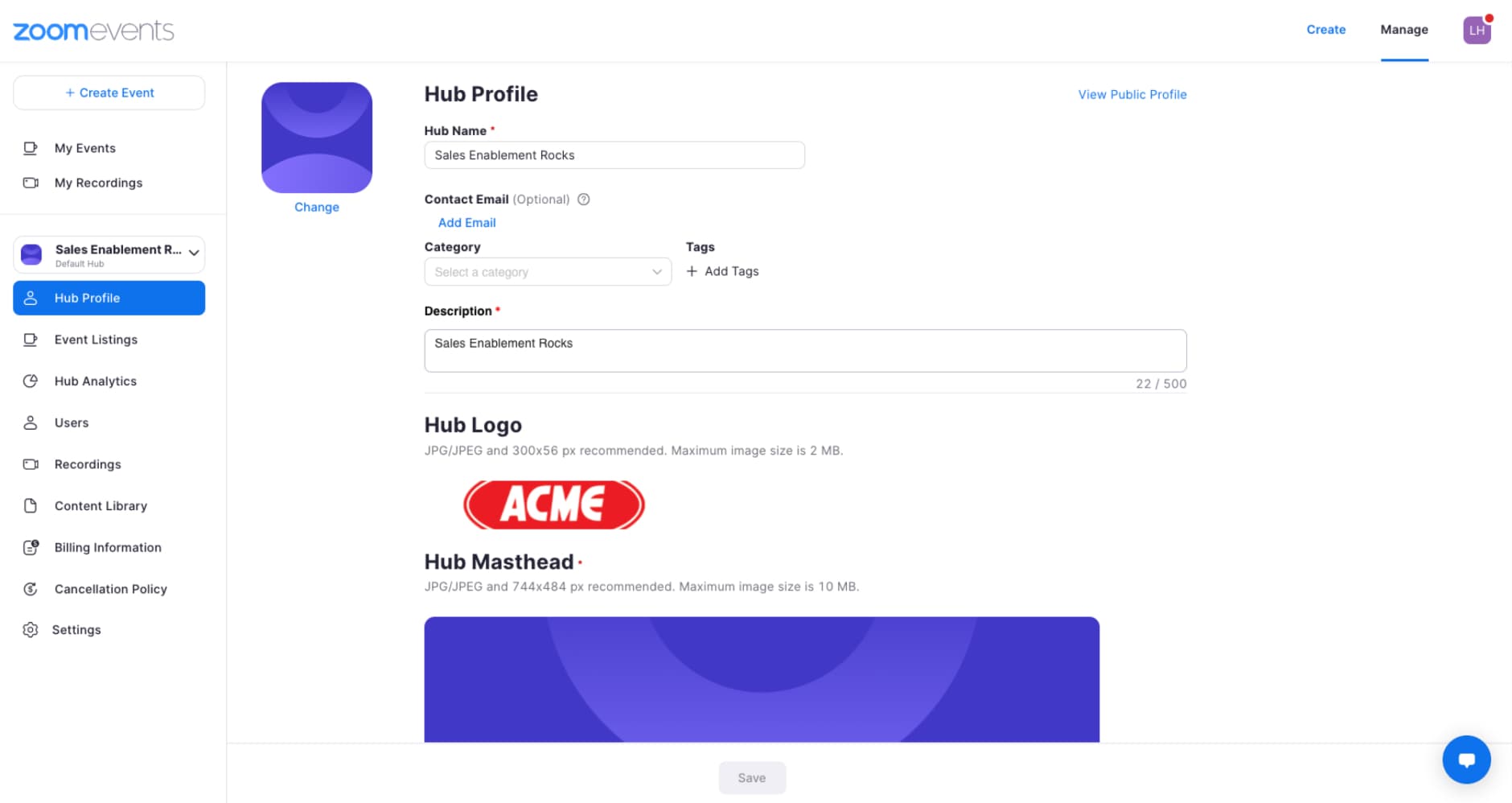
Hubs can be used in a variety of ways to keep your events organized. You can use Hubs to organize events by team, topics, and audiences. It is best to decide how you want to organize your Hubs before you begin hosting events so you can inform all of your event hosts. Note: Since each event will need to be associated with a Hub prior to creating the event, knowing which Hub it falls under will be important.
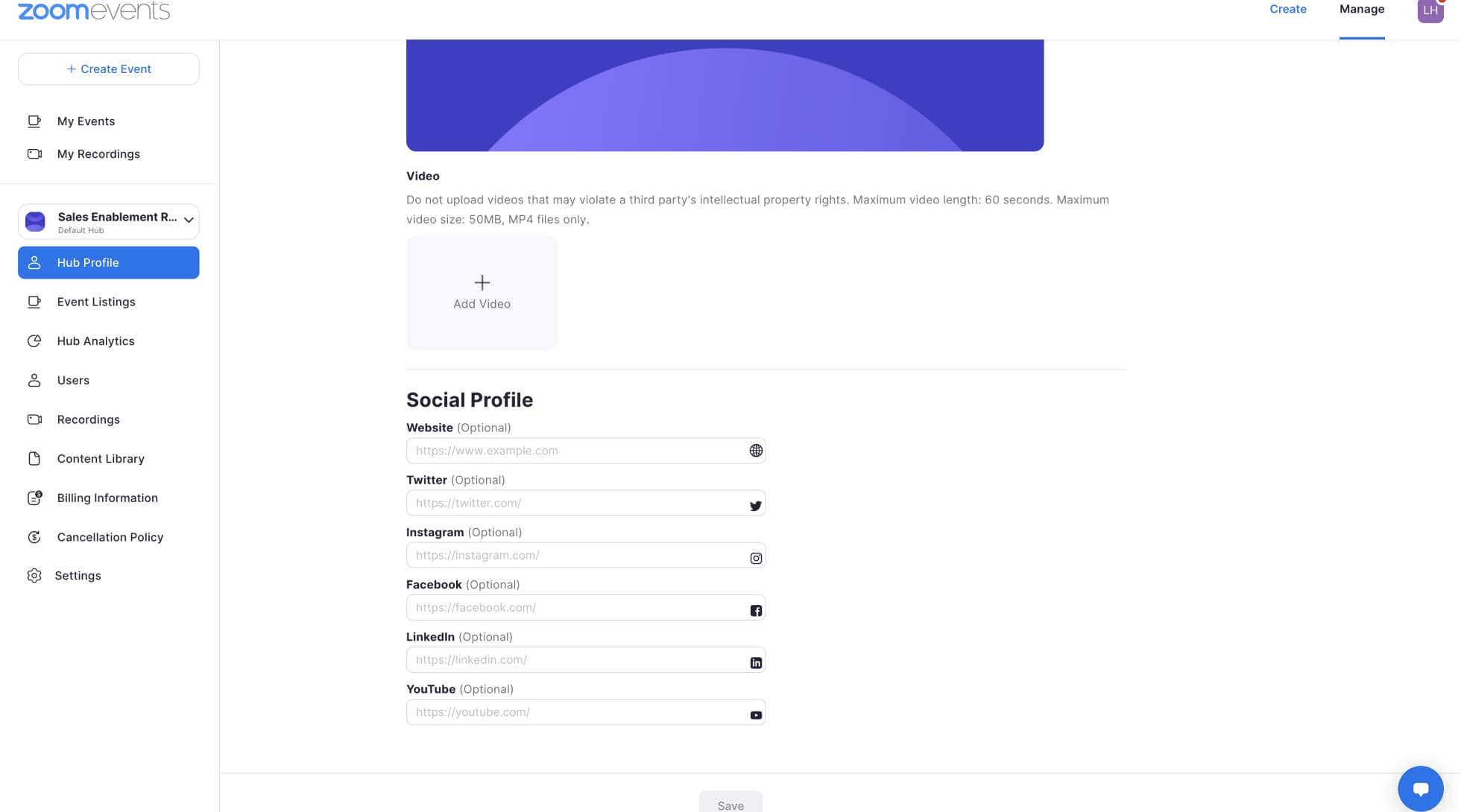
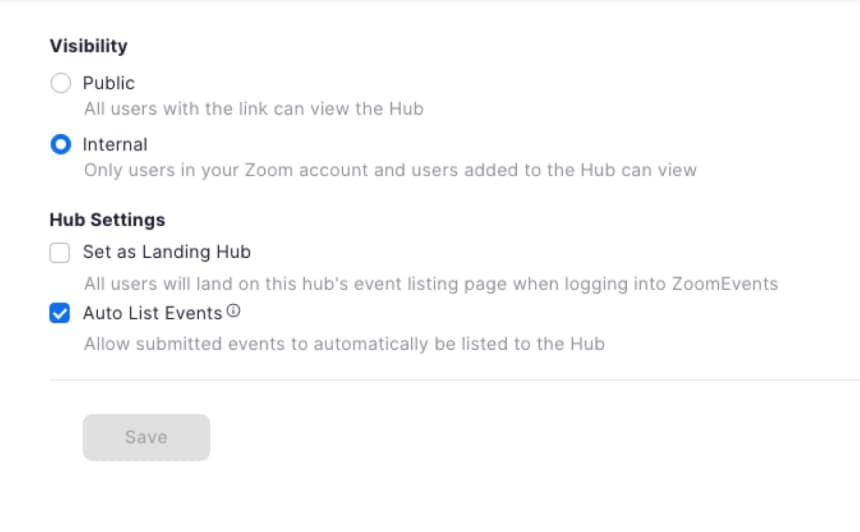
If you are using Zoom Events for both internal and external events, we recommend first setting up separate Hubs for each so you can make sure that your internal events are only viewed by the audience you select. Then you can create additional internal event Hubs for things like your all-hands meetings or town halls, team happy hours, and offsites. For your external Hubs, you can have Hubs for events such as weekly customer demos or company updates. For your largest events, you might want to create a separate Hub so you can group any follow-up events within that Hub.