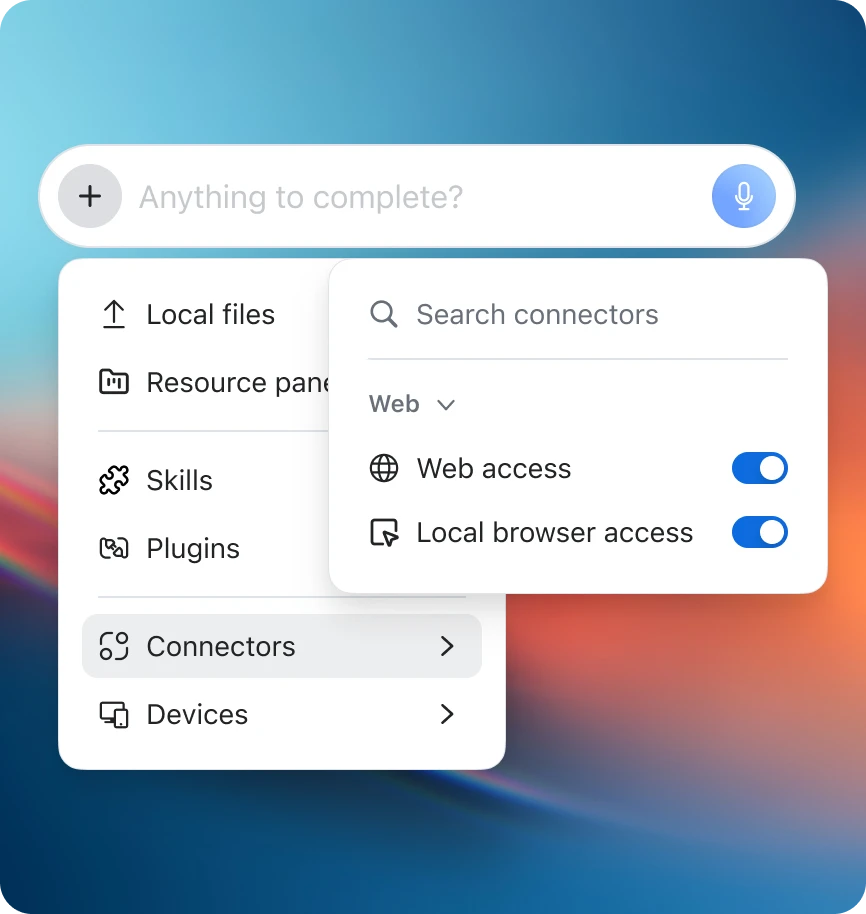
Zoom Workplace comes with powerful AI features built in — and by adding ZoomMate, you get an agentic work surface that searches, orchestrates, and completes work on your behalf. See how Zoom's AI stacks up against the rest.
Select a language
Zoom Workplace comes with powerful AI features built in — and by adding ZoomMate, you get an agentic work surface that searches, orchestrates, and completes work on your behalf. See how Zoom's AI stacks up against the rest.

Founder, Couch + Cork

ZoomMate is a powerful alternative to ChatGPT because it's built on your actual work context — meetings, chats, emails, and documents across Zoom Workplace. Unlike a general-purpose chatbot, ZoomMate connects to your enterprise data, orchestrates workflows, and completes tasks on your behalf. Plus, core AI features like meeting summaries and chat compose are already included with Zoom Workplace.
Core AI features included with paid Zoom Workplace plans starting at $14.16/user/month. ZoomMate (agentic search, workflows, completion) available starting at $20/user/month with included AI Credits*.
$8 (with ads)–$200/user/month for individuals. $25 for Business plans.
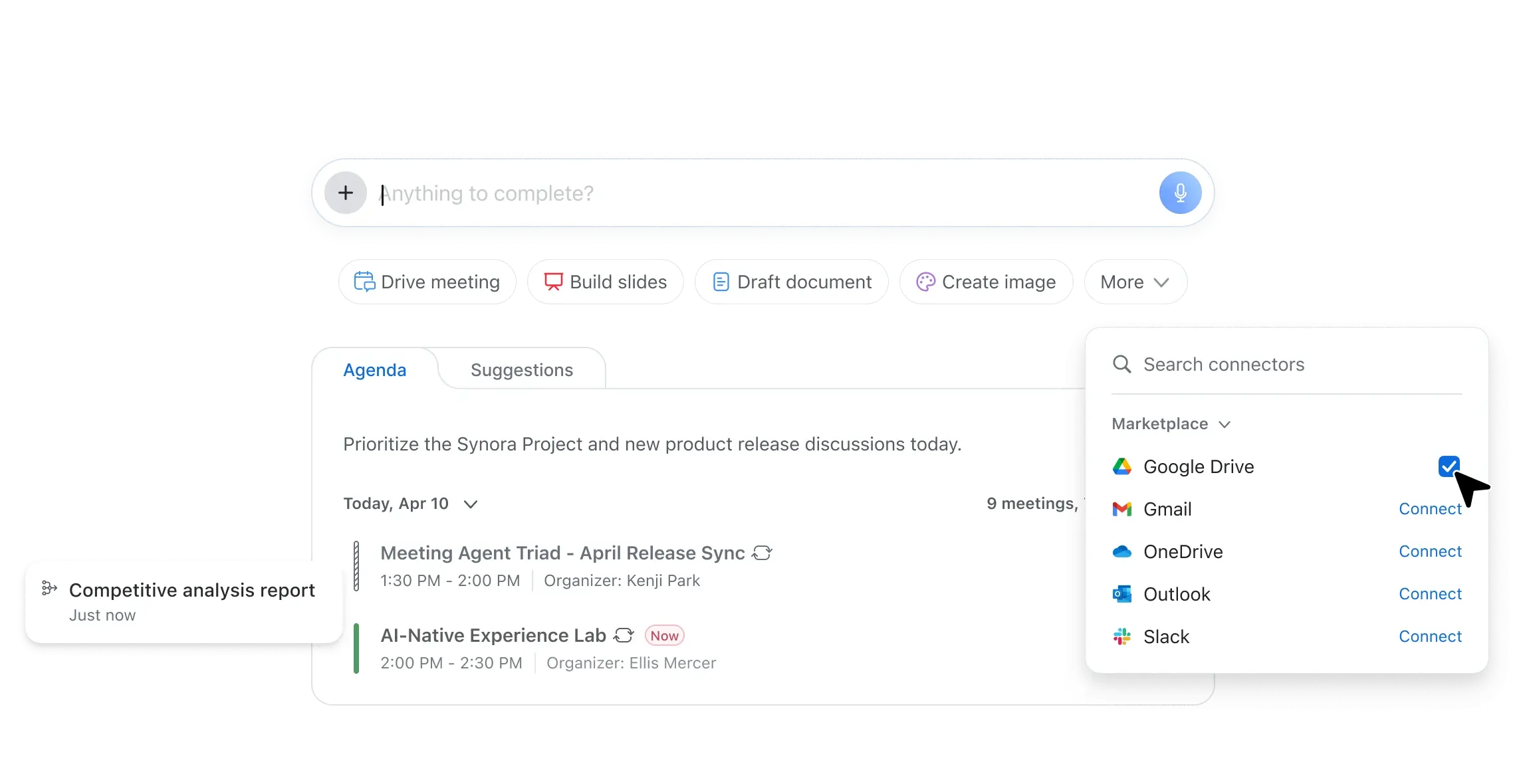
Leverages data across Zoom Workplace plus Google and Microsoft connectors. ZoomMate provides agentic search across your full enterprise context.
Requires the Zoom MCP connector (IT/admin setup required); provides access to meeting summaries, transcripts, recordings, notes, action items, and My Notes. Agentic search across Salesforce, Workday, ServiceNow, and 10+ enterprise systems available when configured.
Unlimited with higher tier plans (system file size limitations apply)
Unlimited with paid upgrade
(billed monthly or annually)
Meeting summaries supported across Zoom, Microsoft Teams, and Google Meet via My Notes.
No native cross-platform meeting support.
ZoomMate enables automated workflows with third-party connections, triggered manually, by events, or on schedules. Complete tasks end-to-end without switching apps.
Limited automation natively (scheduled tasks with paid plan). Workspace agents are available in research preview for higher tier plans.
Feature and price comparisons based on publicly available information as of June 2026.
*Zoom AI credits are required to access and use certain metered AI-powered capabilities in ZoomMate.
Zoom Workplace includes AI-powered meeting summaries and My Notes — an AI note-taking tool that works across Zoom Meetings, Microsoft Teams, and Google Meet. No separate app, no extra bot cluttering your meeting.
Zoom Workplace paid plans starting at $14.16/user/month include AI-powered meeting summaries and My Notes. Also available as a standalone plan starting at $8.33/user/month.
AI queries based on context from Zoom sources and the web is available at no additional cost with an eligible Zoom Workplace paid plan.
$8.33 or $19.99 per user, per month billed annually for Pro or Business plans
$16, $15, or $25 per user, per month billed annually for Premium, Team, or Business plans, respectively
$14 or $35 per user, per month for Business or Enterprise plans
Yes, with meeting questions
—
Available only through web portal and monthly query limit depend on plan type
—
Only available post meeting via web browser
Supports 6 languages
Supports 38 languages
Supports 10 languages for transcription and meeting summaries
—
Requires paid Business plan or above
—
Requires paid Team Edition plan or above
—
Only provides workspace-level admin controls, primarily in Enterprise plans.
Yes with paid Zoom Workplace and AI Companion plans
—
Pro: 1200 min/month
Business+: 6000 min/month
Unrestricted per meeting
—
Requires paid Enterprise plan
—
Requires paid Team Edition plan and above
—
Requires paid Enterprise plan
—
Requires paid Enterprise plan
—
Requires paid Team Edition plan and above
—
Only manually share Notes.
Only manually share Notes. On Enterprise plans, workspace admins can restrict sharing
Yes, for My Notes within Zoom Meetings. Also available with Microsoft Teams and Google Meet when using the third-party bot.
—
Speaker identification requires post-processing and manual tagging for new speakers
—
Speaker identification works only within supported meeting platforms
—
No live speaker identification (only “Me” vs “Them” audio separation); Speaker identification only available when using the iPhone app for in-person meetings
Yes - supports OCR to extract readable text from screen share content during meetings (Supported only for AI Companion meeting summary feature)
—
Supports addition of screenshots of slides or screen shares during a meeting to generate summary with relevant context.
Yes — capture notes on mobile for on the go or in-person meetings with live transcript, syncs to desktop
—
Limited mobile support with no post meeting workflow support
No native mobile capture
—
Mobile app for iOS but no support for Android. Limited feature functionality compared to desktop.
Yes — trigger follow-ups (email, CRM, tasks) directly from notes
*Requires upgraded AI license
—
Limited post meeting 'native' workflows
No one-click follow-up from notes.
No
My Notes connects seamlessly with Zoom Meetings, Chat, Mail, Calendar, and Whiteboard. It also integrates with Microsoft 365 and Google Workspace through native connectors, allowing users to capture and summarize meetings across Teams and Google Meet. My Notes syncs with ZoomMate for follow-up actions, CRM updates, and task creation — enabling a unified workflow without requiring third-party bots or connectors.
—
Otter integrates with CRM, third party meeting platforms, calendar and other tools.
They introduced MCP connectors to connect Otter to AI assistants like Claude and ChatGPT using MCP.
Fathom integrates with CRM, meeting, and productivity tools, but has a relatively limited ecosystem of integrations.
Fathom supports MCP for connecting meeting data to AI assistants like Claude and ChatGPT.
—
Granola integrates with limited third party Doc, CRM and other tools.
They recently introduced MCP connectors to connect Granola to AI assistants like Claude and ChatGPT using MCP.
Zoom gives you more AI for less. Core AI features — meeting summaries, chat compose, email drafting, scheduling assistance — are included with Zoom Workplace at no extra cost. And with ZoomMate at $20/user/month, you get agentic search, workflow automation, and polished deliverable outs that go beyond what Copilot offers at $30/user/month.
Zoom Workplace Pro: $14.16/user/month (includes core AI features). ZoomMate: $20/user/month for agentic search, workflows, and completion with included AI Credits.*
$28/user/month for Microsoft 365 Business Basic + Copilot add-on.
$14/user/month for Workspace Business Standard (limited AI). Full Gemini capabilities require additional tiers.
Meeting summaries, chat compose, email drafting, scheduling assistance, transcription, My Notes, whiteboard generation — all included with Workplace. No add-on required.
Basic Workspace tools only. AI features require $30 Copilot add-on.
Basic AI features included. Advanced capabilities gated behind higher tiers.
ZoomMate: agentic search across enterprise data, automated workflows, task completion, third-party integrations via MCP.
Copilot Agents with limited workflow automation.
Gemini extensions (limited third-party support).
Built on first-party meeting, chat, and phone data. Real-time context from live conversations. Cross-platform via My Notes (Teams, Google Meet).
Relies on Teams meeting data only. No cross-platform meeting intelligence.
Relies on Google Meet data only. No cross-platform meeting intelligence.
Workplace AI features included. ZoomMate: consumption-based with scaleableAI credit system.
Flat rate ($30/user/month). All-you-can-eat but higher base cost.
Tiered pricing. Usage limits vary by plan.
First-party conversational data (meetings, chat, phone, email) plus enterprise connectors (Google, Microsoft). No third-party intermediary.
First-party Microsoft data. Third-party integrations via Graph connectors.
First-party Google data. Limited third-party integrations.
Each of the comparisons listed above show the features and capabilities available in the paid plans for each product. Free plans with limited capabilities are available across all products, including Zoom. Feature and price comparisons based on publicly available information as of June 2026.

Zoom Workplace plans include core AI-powered features at no additional cost. ZoomMate is available as an add-on
with consumption-based pricing for AI credits. May not be available for all regions or industry verticals.