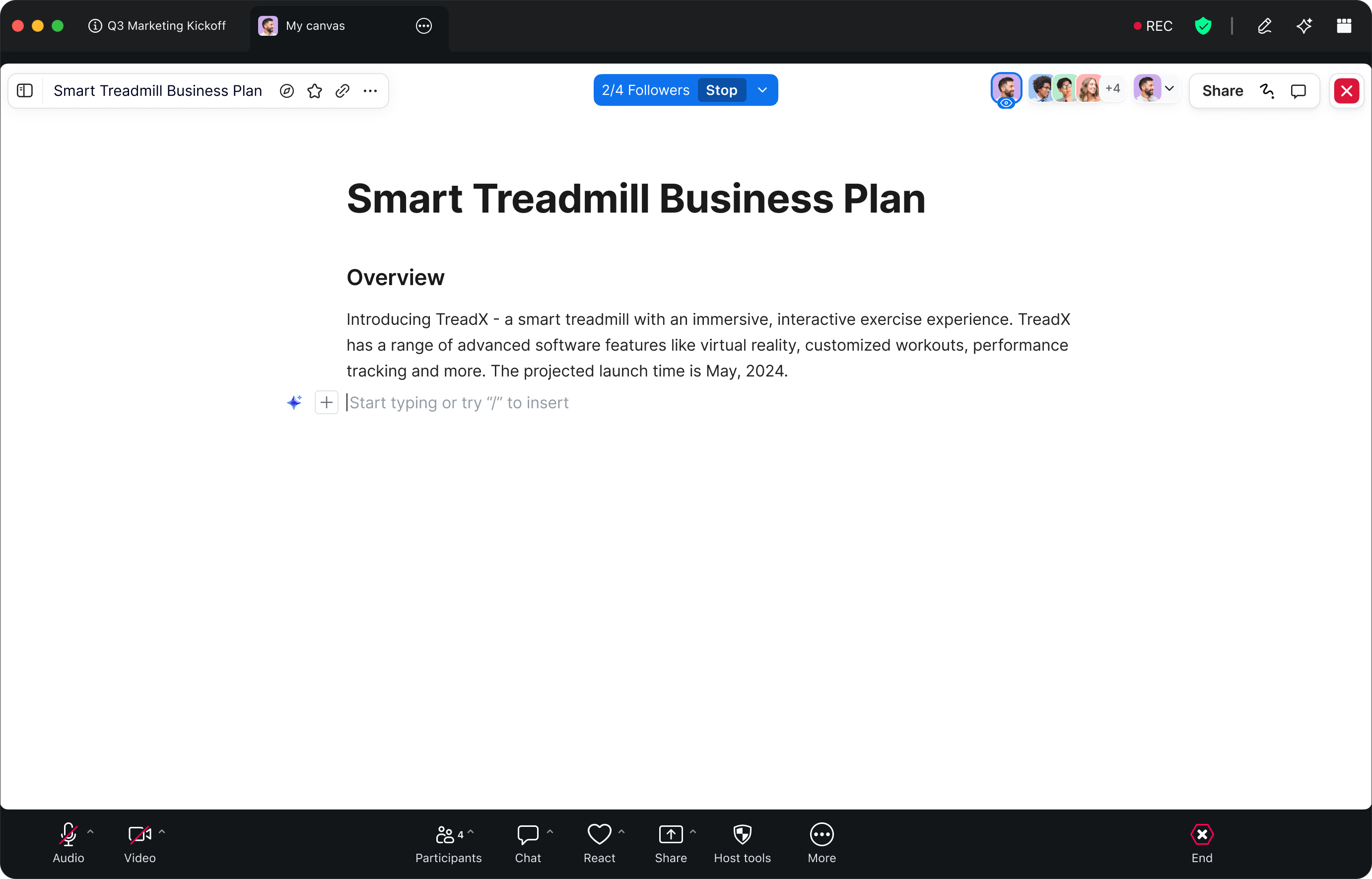
AI ファーストの Zoom Canvas でコラボレーションを飛躍的に向上させ、ミーティング コンテンツを変換
Zoom Canvas のご紹介: ミーティングの内容を実利的なドキュメント、Wiki、プロジェクトに変換する、AI ファーストのコラボレーション ドキュメント ソリューションです。
AI Companion 搭載型 Zoom Canvas の概要をご紹介します。ミーティング要約と文字起こし、テンプレートなどを使用して共同ドキュメントを作成するヒントを実践しましょう。
公開日 2025年8月5日
ZoomプロダクトマーケティングマネージャーのRobin Bunevichは、Zoom AI部門のプロダクトマーケティングおよび戦略を統括しています。Robinは、3年にわたりZoomのイベントソリューション製品のマーケティングを主導し、Zoomで急成長している製品の1つであるZoom Eventsをリリースしました。現在は、組織がAIをワークフローにシームレスに導入できるよう支援することに注力しています。Zoomに入社する前は、ニューヨーク・タイムズ紙でライブイベントのマーケティングを担当し、2020年3月には同組織のバーチャルイベントプログラムへの全面的な移行を支援するうえで重要な役割を果たしました。Zoomでは、15年以上にわたるマーケティングと広告の経験を活かし、Zoom AIソリューションの認知度向上と普及に努めています。
Zoom Canvas is an AI-first workspace for creating and collaborating on docs, wikis, tables, and forms — all within Zoom Workplace. It's built to help teams move from discussion to documentation to action without missing a beat.
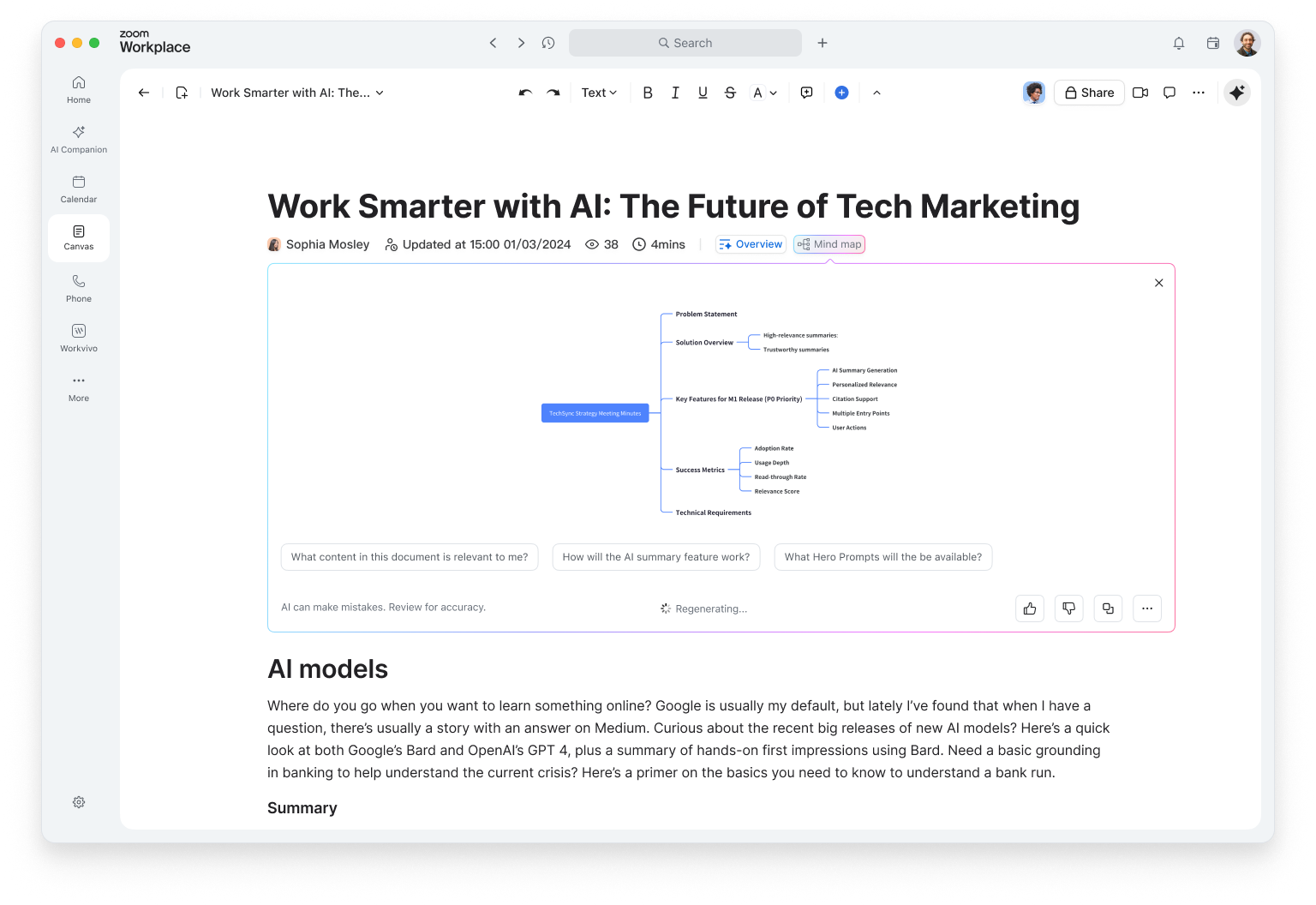
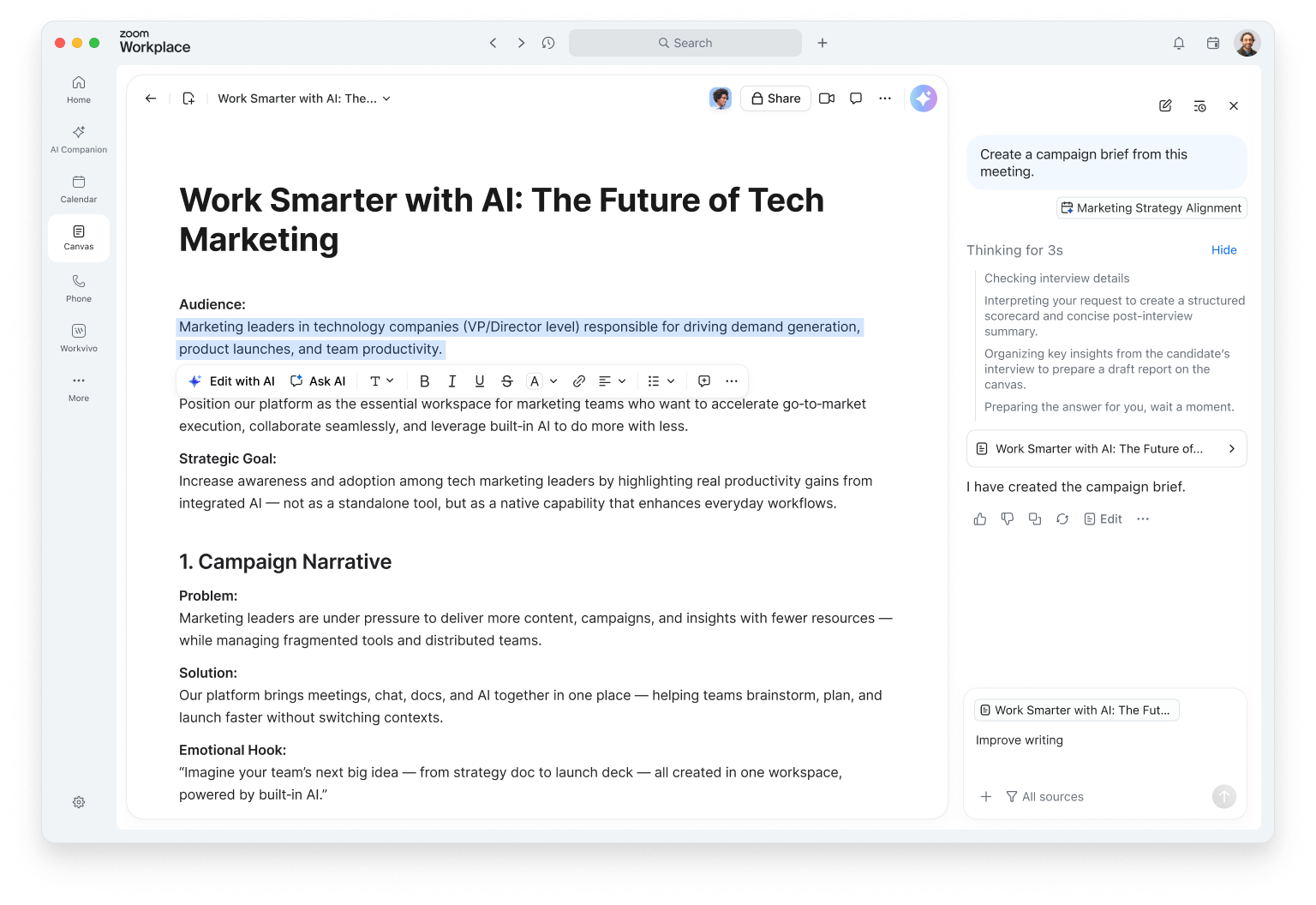
Canvas includes built-in AI features that help you generate, summarize, and refine content. Whether you're drafting a brief, capturing meeting notes, or building a project tracker, intelligent features help you start with context, not a blank page.
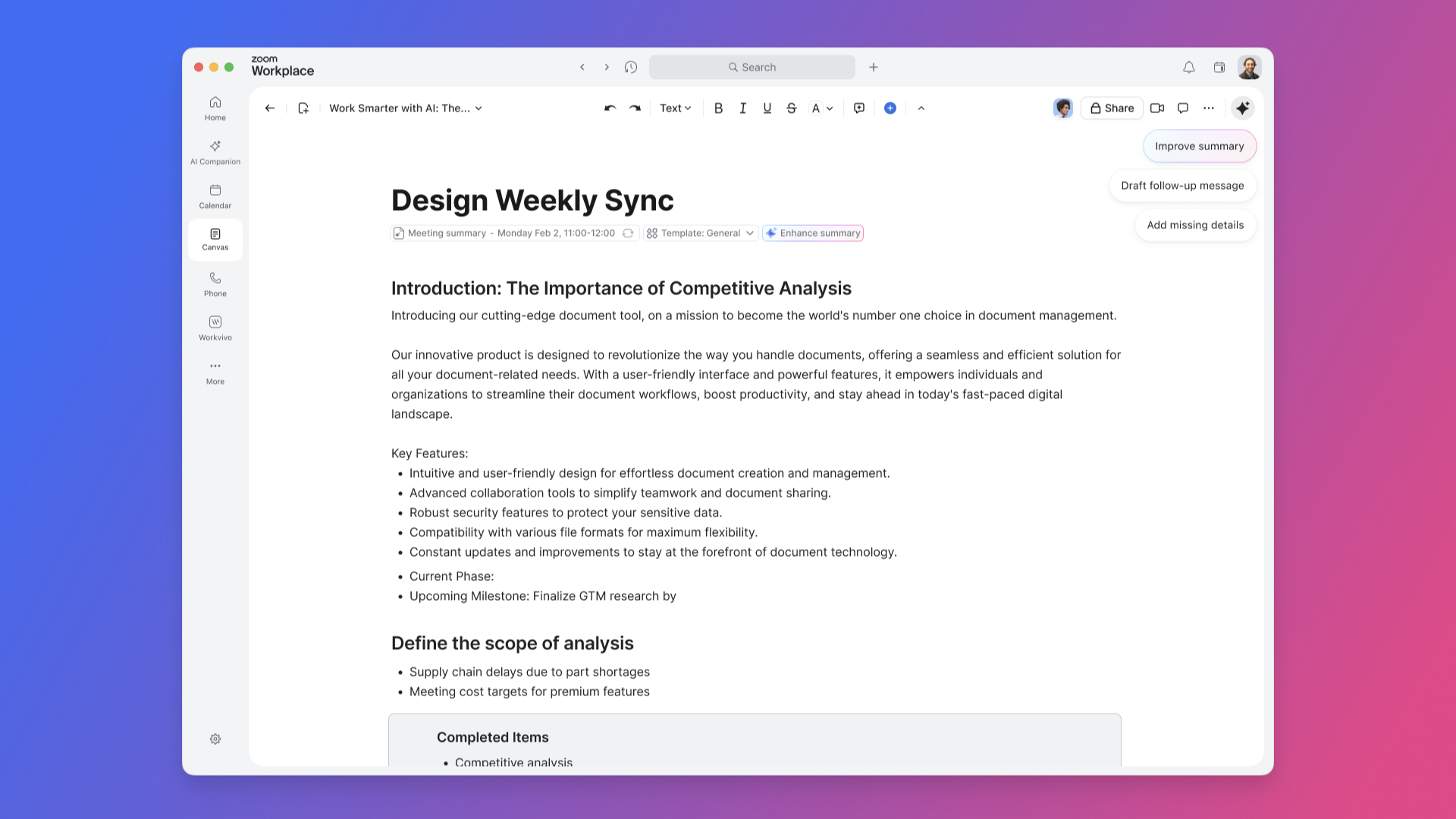
Write, brainstorm, and plan in one place. Use Writing Mode to focus on your ideas while Zoom Canvas helps you structure your thoughts, improve clarity, and even suggest next steps. You can pull in meeting summaries or transcripts directly from Zoom Meetings to generate a project brief or recap automatically.
Tag teammates to assign tasks, leave comments, or co-edit in real time — even during a meeting. With AI-first task management, you can turn action items into trackable tasks that update automatically as work progresses.
Keep your organization's knowledge in one searchable, structured place. Create a company wiki with nested pages, clear navigation, and granular sharing controls. Zoom Canvas can help summarize long sections, generate quick-reference guides, or suggest related pages to link.
Whether it’s onboarding materials, process documentation, or product FAQs, your wiki stays up to date and accessible to everyone who needs it.
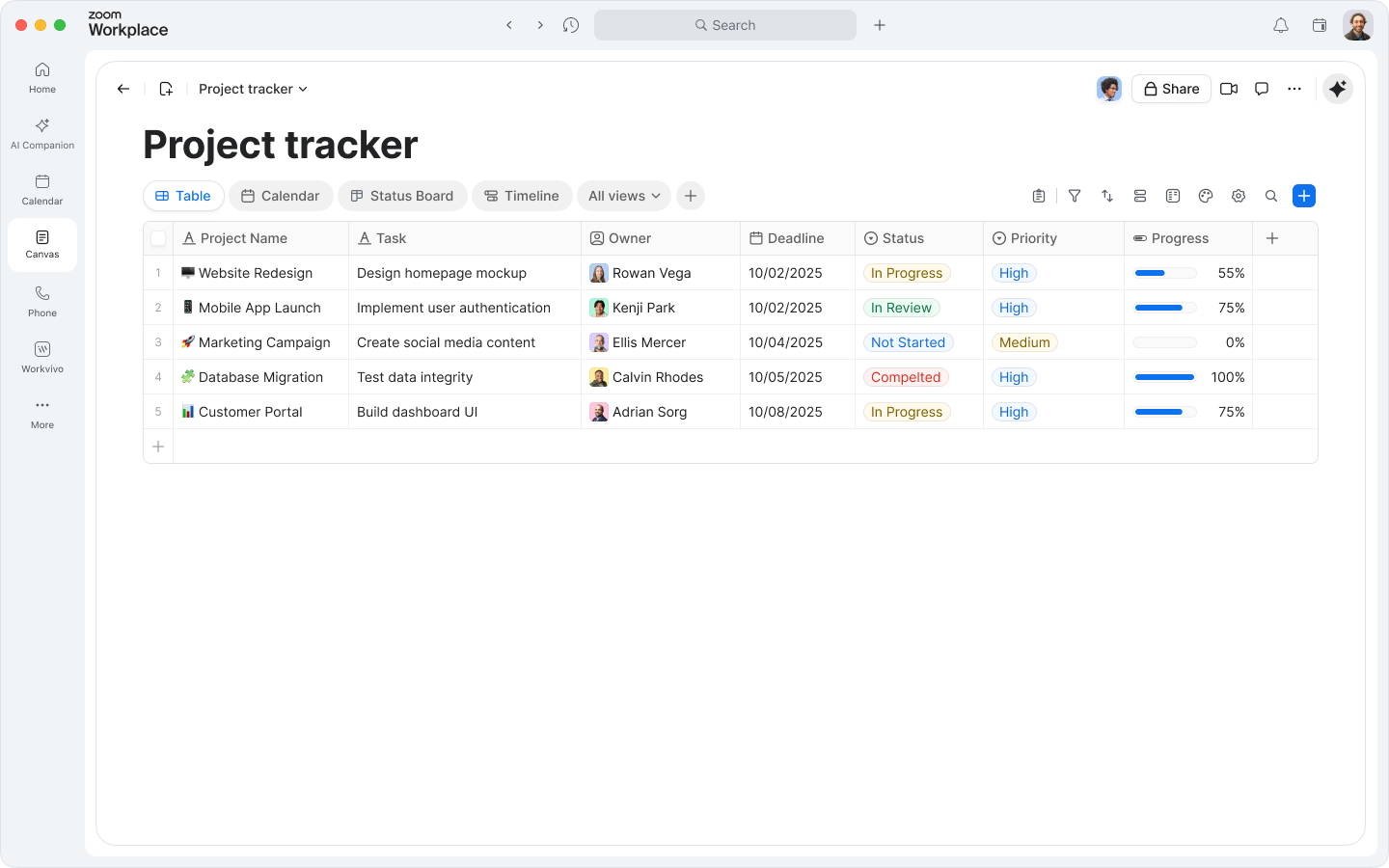
Zoom Canvas goes beyond text. Use data tables to track goals, projects, or customer feedback — and switch between table, board, or calendar views to visualize progress.
Need to collect information? Create forms directly in your doc to gather inputs from teammates or customers. Responses automatically populate your tables, so you can analyze and act on data without switching tools.
Your personal My Notes are now part of the experience. Capture quick thoughts or meeting highlights, then convert them into full docs with a single click. Zoom Canvas can expand your notes into structured outlines or polished drafts, helping you move from idea to execution faster.
自分が作成してコラボレーションしたドキュメントを表示したり、Docs のホームページから新しいドキュメントを開始したりできます。


After your doc is started, make it your own. Zoom Canvas is designed to be flexible, visual, and collaborative.
Click the plus sign (+) or type a forward slash ( / ) to insert new blocks — headings, lists, images, videos, whiteboards, or embedded media. You can even embed a Zoom Whiteboard directly into your doc to keep brainstorming and execution in one place.
Switch between data views like table, board, calendar, and more to see your information from different angles. You can use AI features in Zoom Canvas to help categorize entries, summarize data, or highlight trends automatically.
Add a form block to collect responses from teammates or customers. Whether it’s a feedback survey, event registration, or internal request form, submissions feed directly into your tables for easy tracking.
Use Workflows to link your docs with other Zoom Workplace tools. For example:
These automations keep your work moving — no manual copy-paste required.
When your doc is ready, share it with collaborators or publish it as a webpage with a unique link. Control who can view, comment, or edit. You can even embed published docs in your intranet or share them externally for broader visibility.
Above all, experiment. Move blocks around, try new layouts, and let Zoom Canvas help you refine your content. Zoom Canvas adapts to how you work — not the other way around.
Zoom Canvas は、チームがすぐに作業を開始できるよう、豊富なテンプレートライブラリを標準提供している。これにより、ドキュメント作成時の初期設計にかかる時間を大幅に削減し、ゼロから構築する必要なく、目的に応じた構造化ドキュメントを即座に利用できる。
テンプレートは、会議議事録、プロジェクト管理、コンテンツ計画、提案書、ユーザーリサーチ、軽量 CRM など、一般的な業務シナリオごとに最適化されたフォーマットで構成されている。フォーマット設計やレイアウト調整に時間を取られることなく、チームは意思決定やコンテンツ作成といった本質的なコラボレーションに集中できる。
さらに 2026 年には、AI Companion と Zoom Canvas の連携が強化され、ミーティング内容や関連データをもとに、テンプレート内へ要点・アクション・決定事項を自動で反映する支援が可能となる。これにより、テンプレートは単なる静的な雛形ではなく、文脈に応じて更新される動的なワークスペースとして機能する。
このテンプレート機能は、会議後の議事録整理にとどまらず、プロジェクト計画、営業提案、マーケティング施策、プロダクト戦略など、チームワーク全体の標準プロセスを支える基盤として、生産性向上に寄与する。
目的、参加者、議題、担当者を整理できる基本構造を提供
時間配分や優先トピックを明確にし、効率的な進行を支援
フォローアップや次回アクションを記録でき、継続的な改善につながる

タスク、期限、責任者、進捗ステータスを一覧化
マイルストーンやタイムラインを用いた進捗把握が可能
キックオフから完了まで、情報共有のハブとして機能

クライアント情報、コミュニケーション履歴、重要事項を一元管理
定例ミーティングや納品スケジュールの可視化に対応
営業・カスタマーサクセス双方で活用しやすい構造
記事やキャンペーンなどの制作進行を可視化
ステータス更新をリアルタイムで共有
AI Companion により、会議で決定した内容を自動反映可能

調査対象、実施日、データ、洞察を体系的に整理
チームの知見を集約し、プロダクト改善に活用
データの並び替えや分析にも対応
目標、スコープ、役割分担、初期タスクを明確化
初期段階の認識ズレを防ぎ、プロジェクト成功の基盤を構築
Zoom Meetings と連携したリアルタイム編集が可能
アイデアの整理、投票、優先順位付けを支援
Zoom Whiteboard の埋め込みに対応
発想から実行までを一つのドキュメントで完結
リリース計画や優先順位を視覚的に整理
社内外ステークホルダーとの共有に適した構造
四半期計画やスプリント管理にも活用可能
強み・弱み・機会・脅威を4象限で整理
市場分析や戦略立案の初期フェーズを支援
リアルタイム共同編集により議論を加速