Zoom Workspace Reservation takes the guesswork out of hybrid work. With built-in AI, it suggests the perfect desk or room based on your team’s location and preferences — so you can focus on what matters, not where to sit.
Select a language
Zoom Workspace Reservation takes the guesswork out of hybrid work. With built-in AI, it suggests the perfect desk or room based on your team’s location and preferences — so you can focus on what matters, not where to sit.
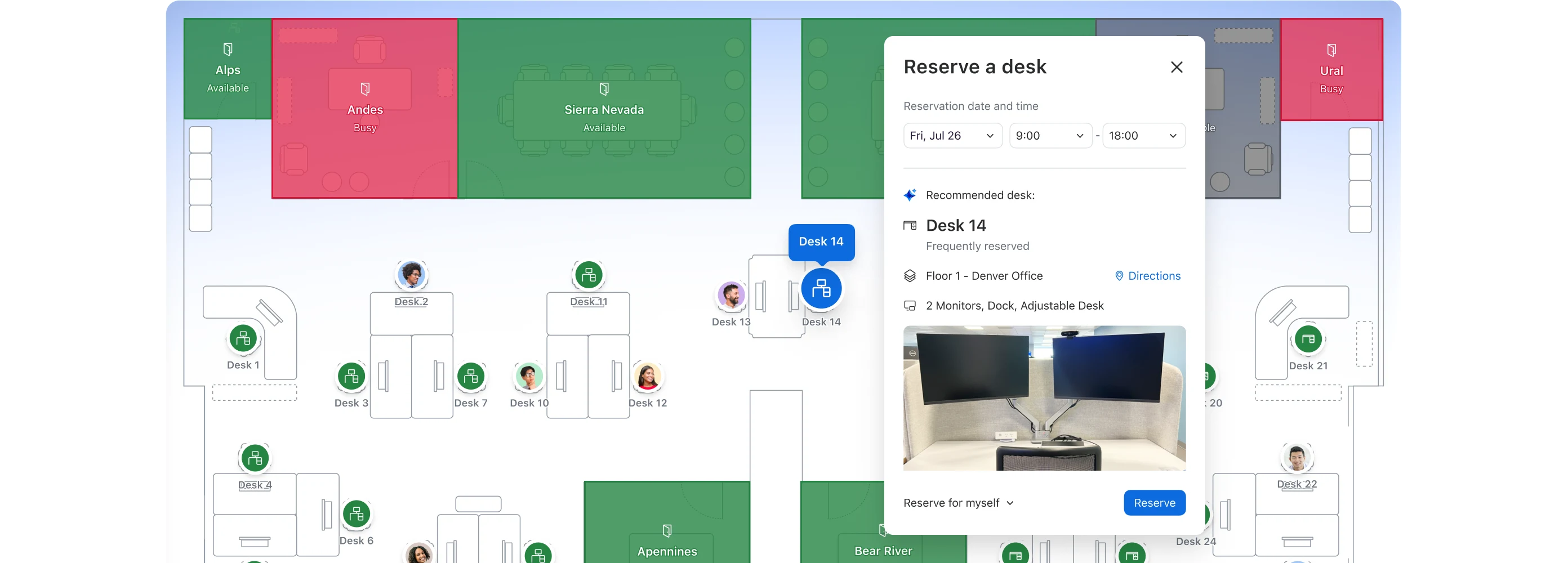

Book rooms and desks right in the Zoom platform you already use, simplifying your workflows.

Get insights into how your spaces are used to guide your real estate and hybrid work strategy.

Ensure teams have the right tools and are seated in the right place to make every in-person day productive.

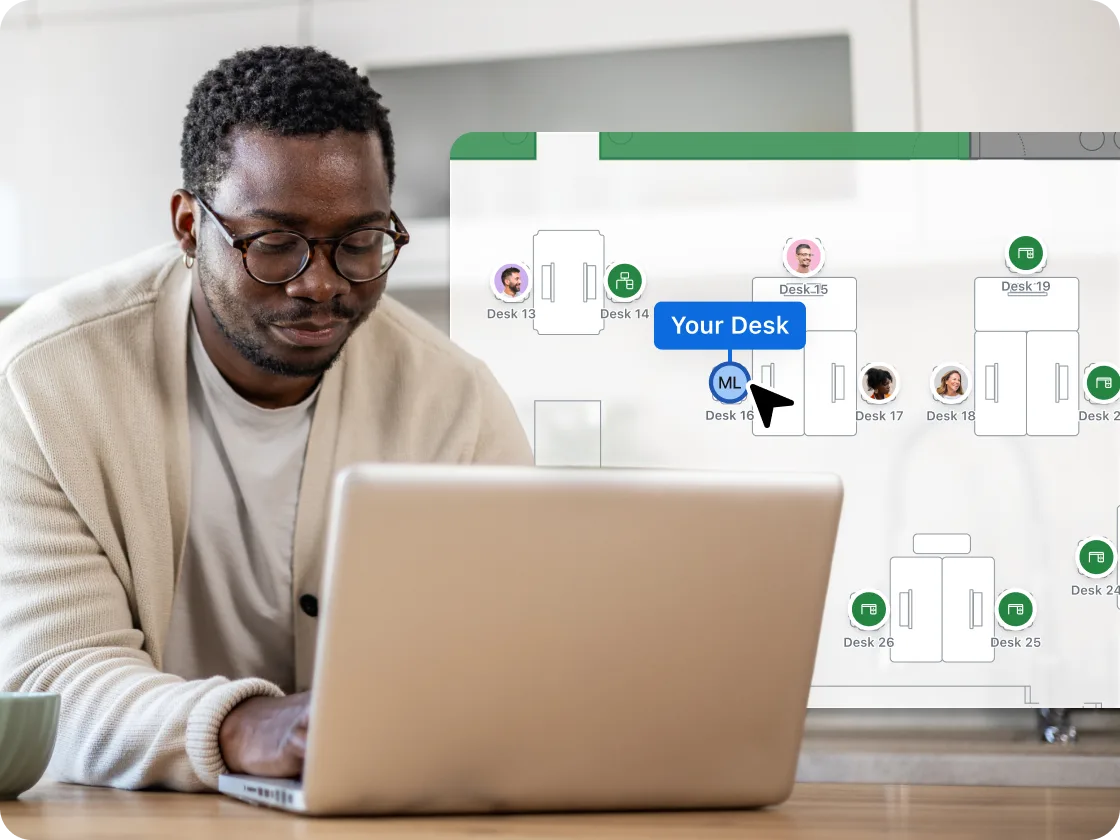
Visualize the office on mobile or desktop before you arrive, see where your coworkers are sitting, and easily find your way once you're onsite with wayfinding.
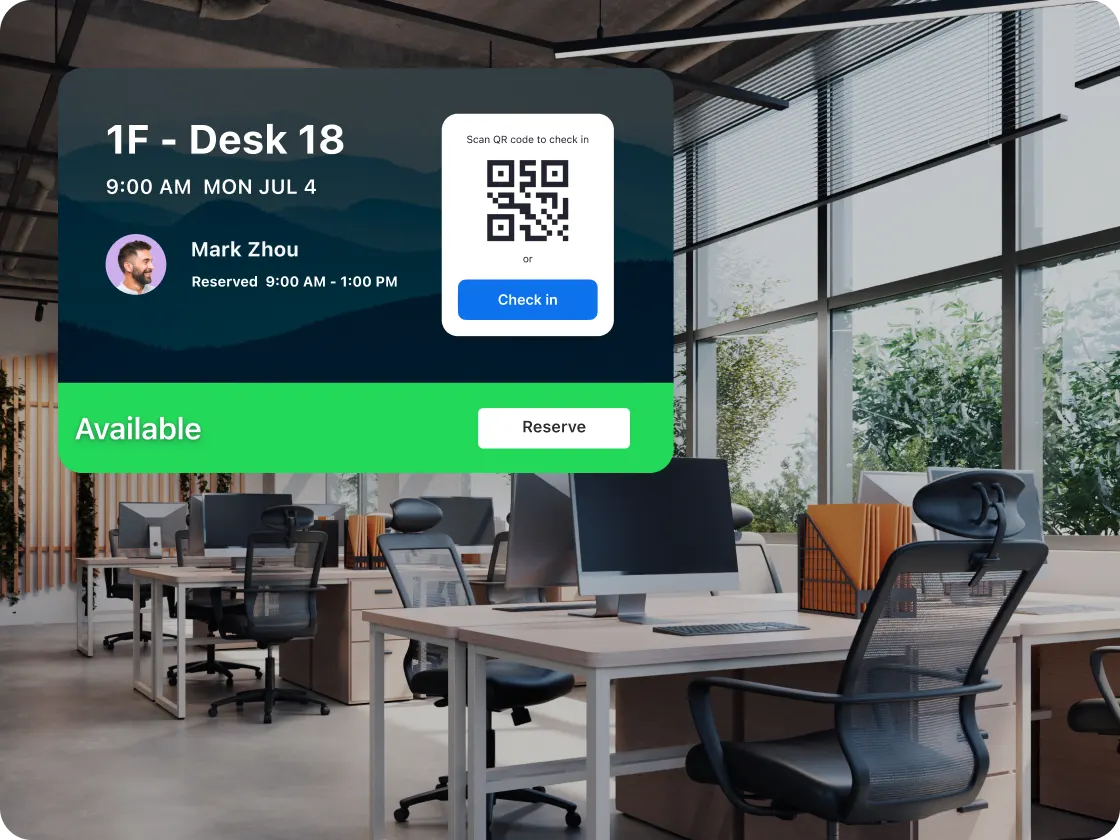
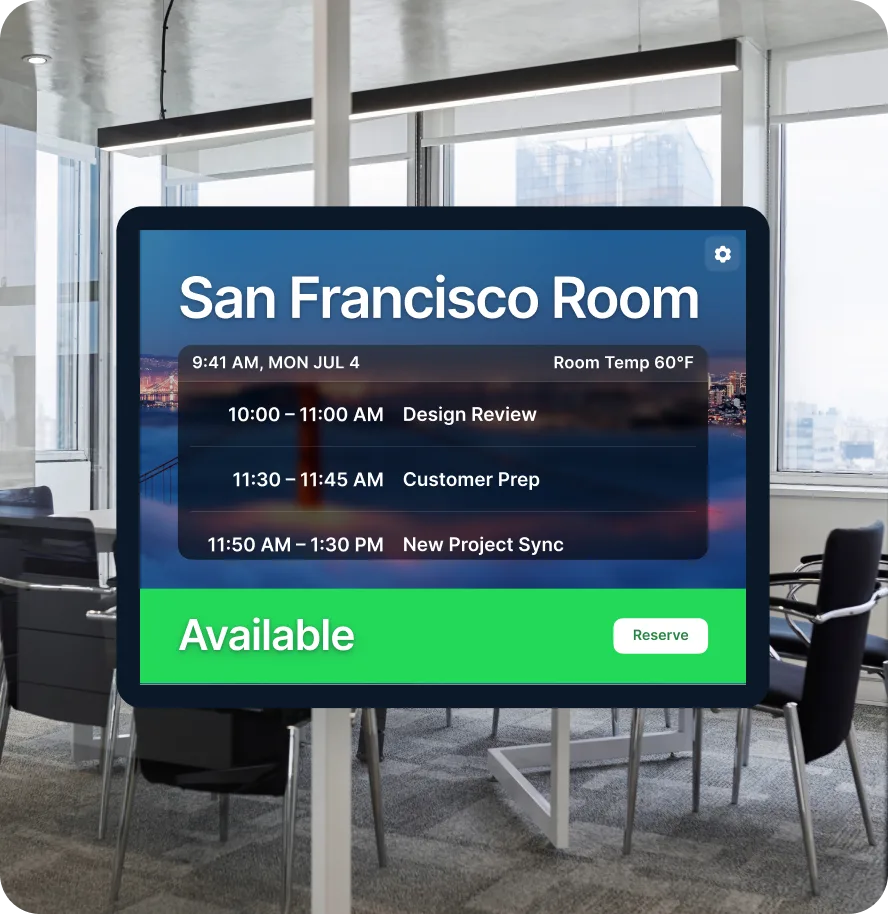
Know which workspace is open the moment you need it. Secure your spot by scanning a QR code, check in via chat with Zoom, Slack or Teams, or use automatic Wi-Fi check-in to confirm your space the moment you walk through the door.
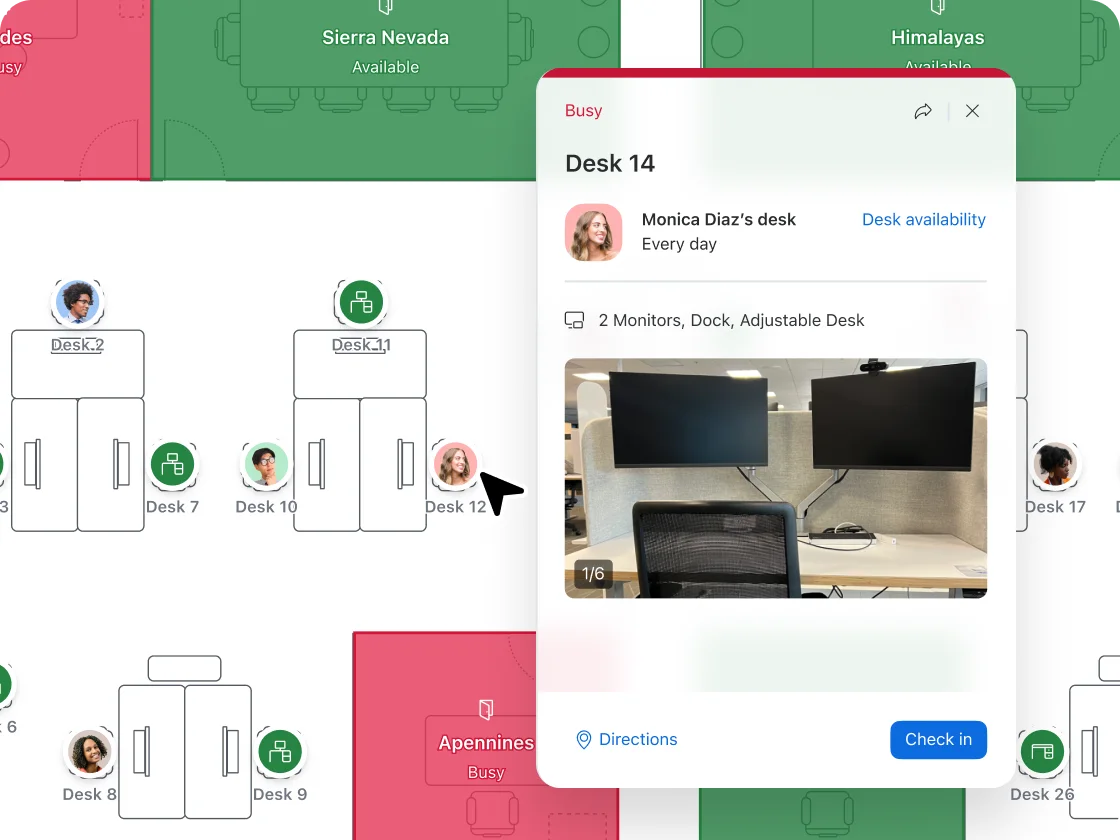
Want to sit near your team? View coworker locations so you can plan in-person collaboration without the back-and-forth.
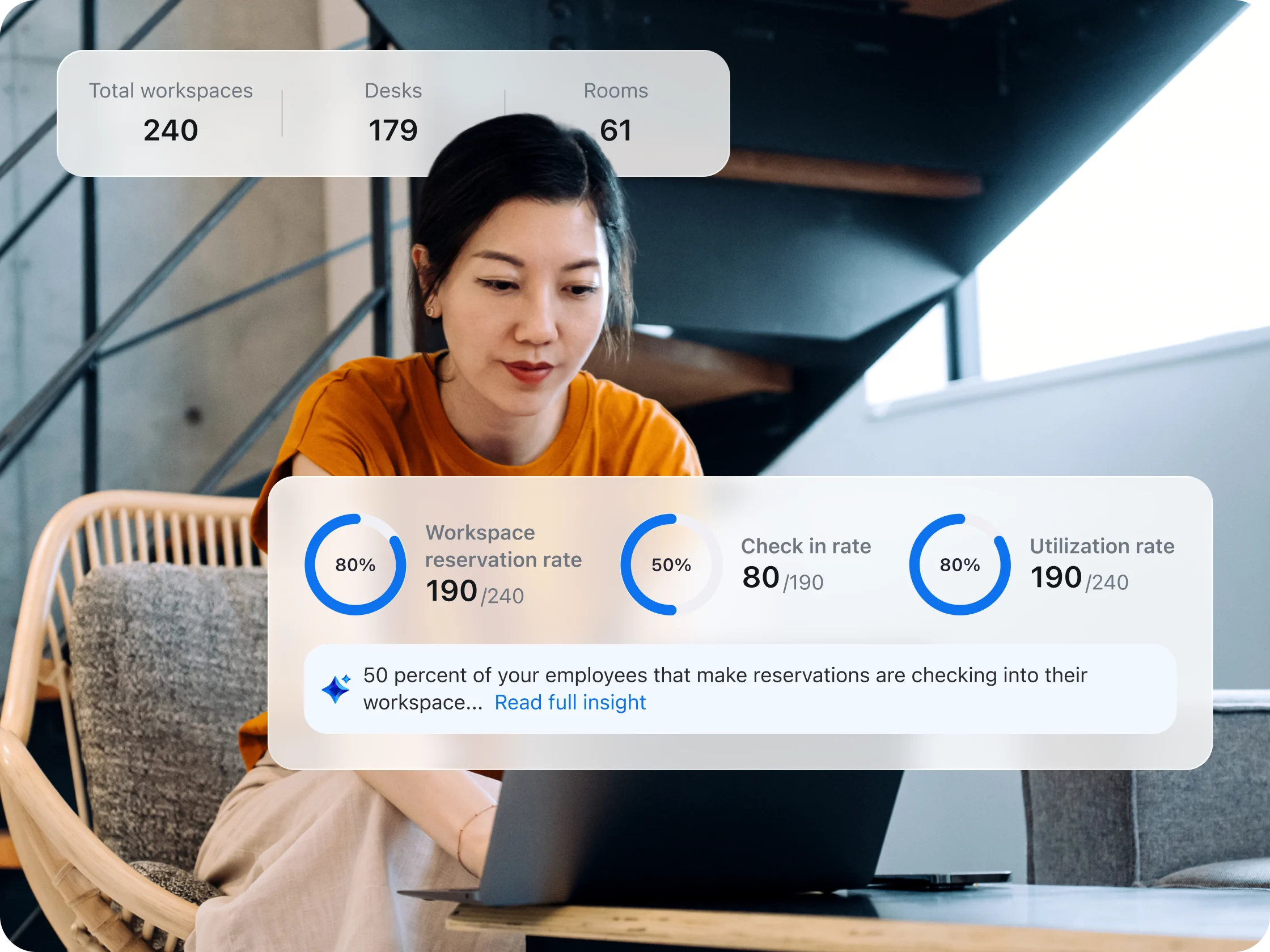
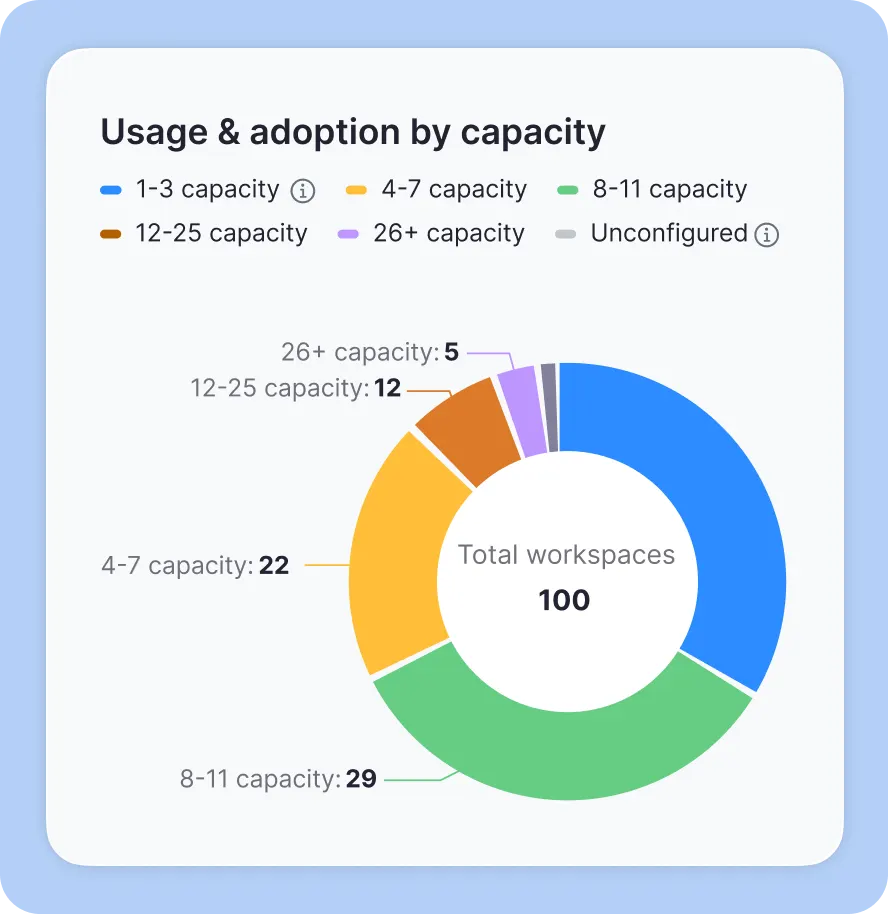
Admins can get clear visibility into workplace trends with real-time occupancy sensors — helping them track occupancy, spot underused areas, and use auto-release to free up unused desks or rooms.
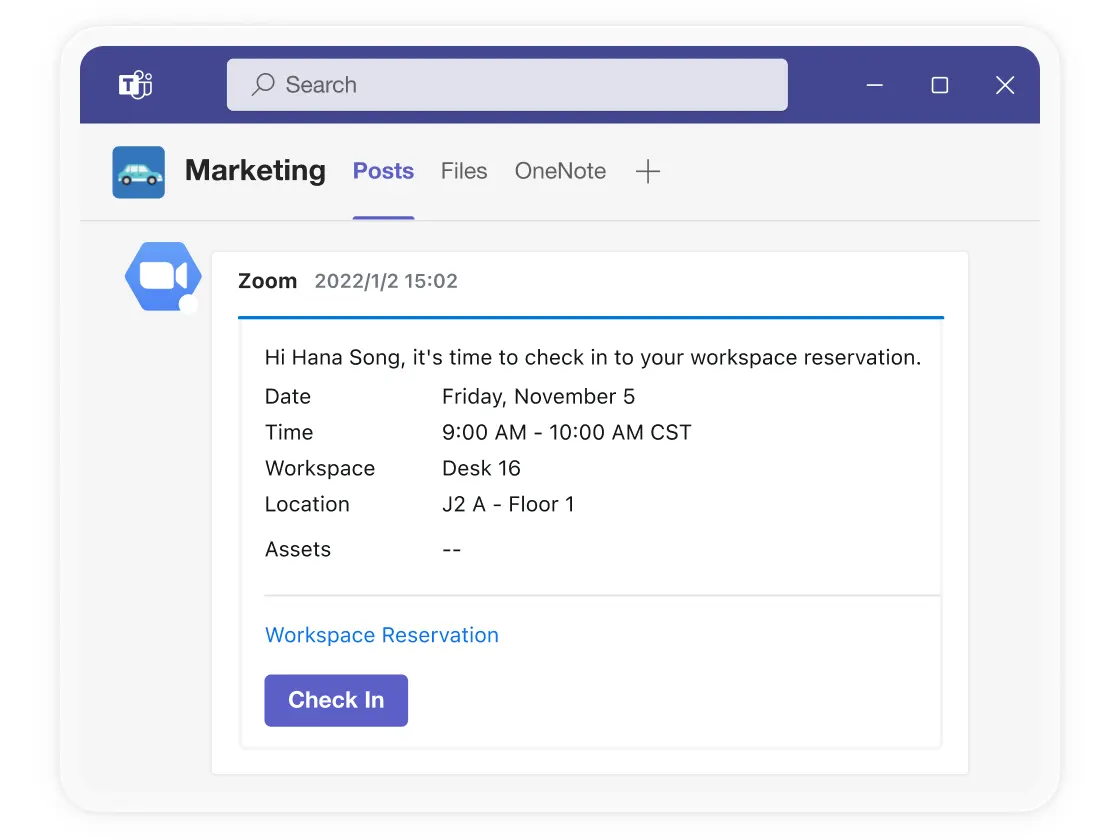
Admins can link your Microsoft or Google calendars directly to Zoom so employees can book desks or rooms and get notifications right from the apps they already use.
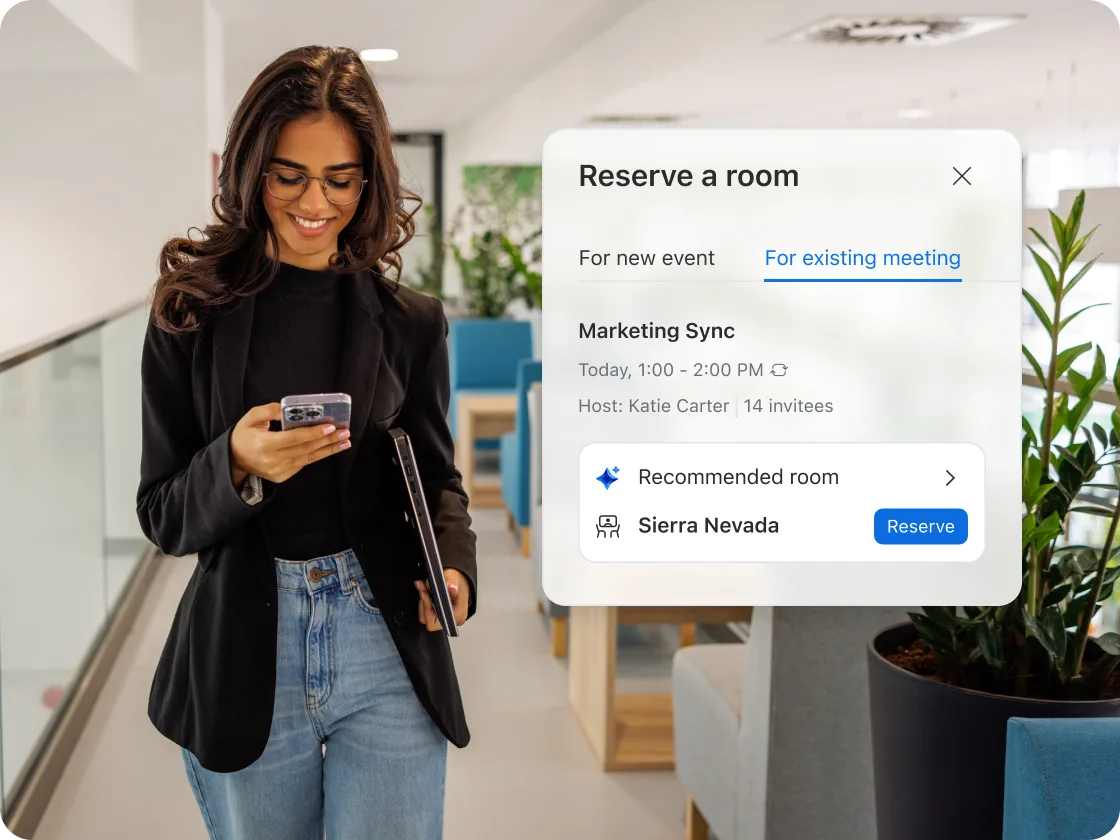
Whether you're a sales rep reserving a quiet space for client calls, a marketing team planning a creative brainstorm, or a developer syncing with your project team, Zoom Workspace Reservation lets you quickly find and book the right desk, room, or other reservable spaces, like parking spots, before you arrive.
From IT and facilities managers looking to maximize office layouts, to HR and ops teams aiming to support flexible scheduling, you'll get clear insights into how workspaces are actually used. Identify underutilized areas, optimize resources, and make informed decisions that save time and reduce costs.
Project managers, hybrid consultants, and creative teams can coordinate office days without need to juggle multiple tools. Proactive recommendations tell you when your coworkers plan to be in the office, or suggest rooms for upcoming meetings. Whether you're syncing on campaigns, coding sprints, or client deliverables, your in-person work happens seamlessly.


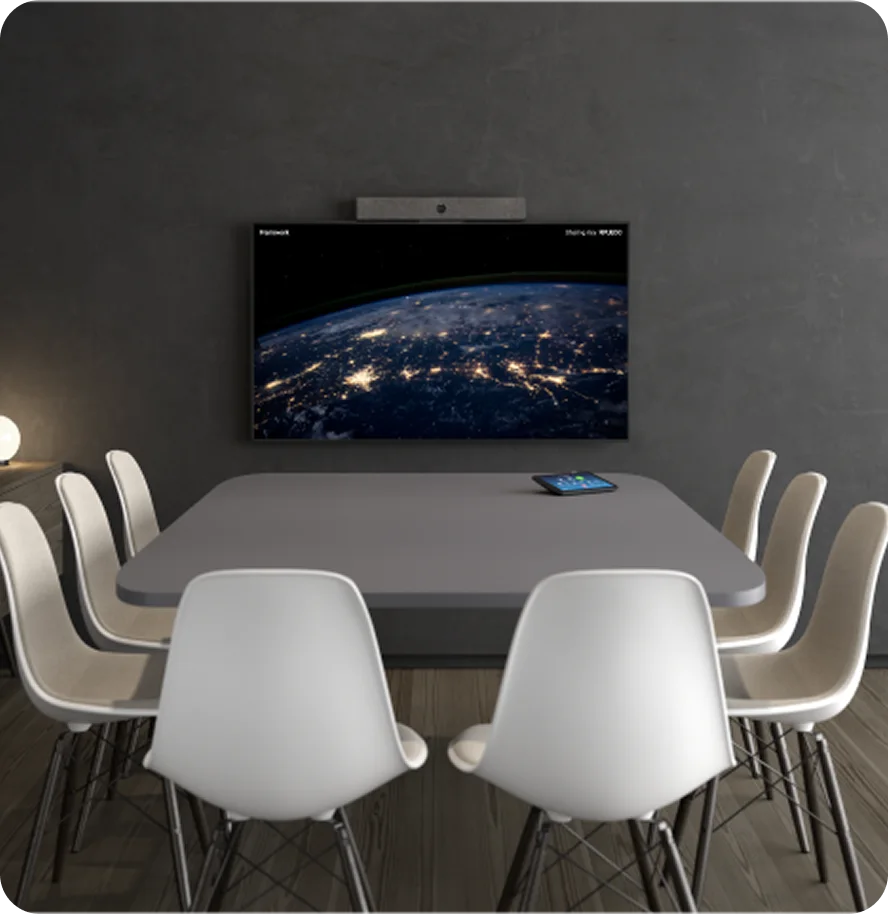
Transform virtually any room into an AI-first collaboration hub for in-person and hybrid meetings — video, wireless sharing, and interactive whiteboards all working with your existing hardware.

Make planning in-office time effortless by letting employees book desks, rooms, or collaboration spaces directly within the Zoom app they already use.

Deliver a seamless, professional experience for your visitors with automated check-ins, real-time host notifications, and digital badges — all while maintaining office security standards.

Turn workplace displays into dynamic communication hubs — share live meetings, updates, and branded content, all centrally managed to keep employees informed and connected.
$15/space/year
OR
Included at no additional cost with Zoom
Workplace Enterprise plans
Standard:
$60 per bookable resource/year (billed annually)
Built-in AI for personalized, employee-level recommendations for desks, rooms, or office days
General AI integrations to optimize workplace operations and space planning
Natively built-in to Zoom Workplace
Standalone Workspace Reservation solution
Yes, supported natively
Not supported natively
Standard and up
—
Premium and up
—
Premium and up
—
Premium and up
—
Premium and up
—
Premium and up
*Feature and price comparisons based on publicly available information as of March 2026.

Senior Associate, Video, Collaboration, and Telehealth (VCT)












Employees are being intentional with their time in the office. Learn how Zoom Spaces optimizes hybrid work environments.
Learn what hot desking means, how it works, how it compares to similar setups, and what you need to do to implement it successfully.
We uncover key trends shaping the current state and future of flexible work through industry data and research.
Discover the full suite of work solutions designed to help you make the most of your hybrid workplace.
Find out how to get more when you bundle with Zoom Workplace.
Talk with one of our experts to come up with a plan that’s right for you.
Zoom Workspace Reservation is smart meeting room booking software that helps hybrid teams find and reserve desks, rooms, and other office spaces effortlessly. As part of the Zoom Spaces suite, it's built directly into the Zoom platform you already use, making it easy to book workspaces without switching tools. While integrated seamlessly with Zoom, Workspace Reservation is available as an add-on subscription that gives your team intelligent recommendations, real-time availability, and actionable insights to optimize your office experience.
Any space! A reservable space can be: a workspace with no equipment, a workspace with a Zoom Phone or personal Zoom Meeting Appliance, or Zoom Rooms.
At home or on the go, you can reserve through the Zoom Workplace app (on desktop or mobile), or on the web at Zoom.us.
In the office, you can use a kiosk, a scheduling display, or a QR code or device at the desk.
There are many ways to check in to your reserved space. You can check in on the Zoom Workplace app (mobile or desktop), via chat messages, or via a link in a reminder email. Zoom even has automatic WiFi check-in as an option, as well as options for at-workspace devices and printable QR codes.
Getting started with Zoom Workspace Reservation is simple. If you're already using Zoom, you can add Workspace Reservation as a subscription add-on to your account. Once it's set up, your team can then start booking desks and rooms directly from the Zoom desktop or mobile app, or through a web browser. To explore the best plan for your organization and get personalized guidance, contact our sales team — they'll help you find the right solution and ensure a smooth setup process.
A meeting room booking system is a digital tool that helps organizations manage and reserve conference rooms, desks, and other shared workspaces. It allows employees to check real-time availability, book spaces in advance, and coordinate with teammates — all from a centralized platform. This type of system typically includes features like interactive floor maps, automated check-ins, and analytics to help companies optimize their office layouts and reduce scheduling conflicts.
A meeting room booking system streamlines workspace management and enhances the hybrid work experience. Key benefits include:
The best meeting room booking system depends on your organization's specific needs and existing tools. Look for a solution that integrates seamlessly with your current communication platforms to minimize training and adoption friction. Consider features like AI-powered recommendations, real-time availability tracking, and analytics if you need to optimize space usage. For hybrid teams, prioritize a system with mobile access, interactive floor maps, and teammate location visibility. If you're already using Zoom Rooms and Zoom Meetings, Zoom Workspace Reservation offers native integration and eliminates the need to manage multiple systems.