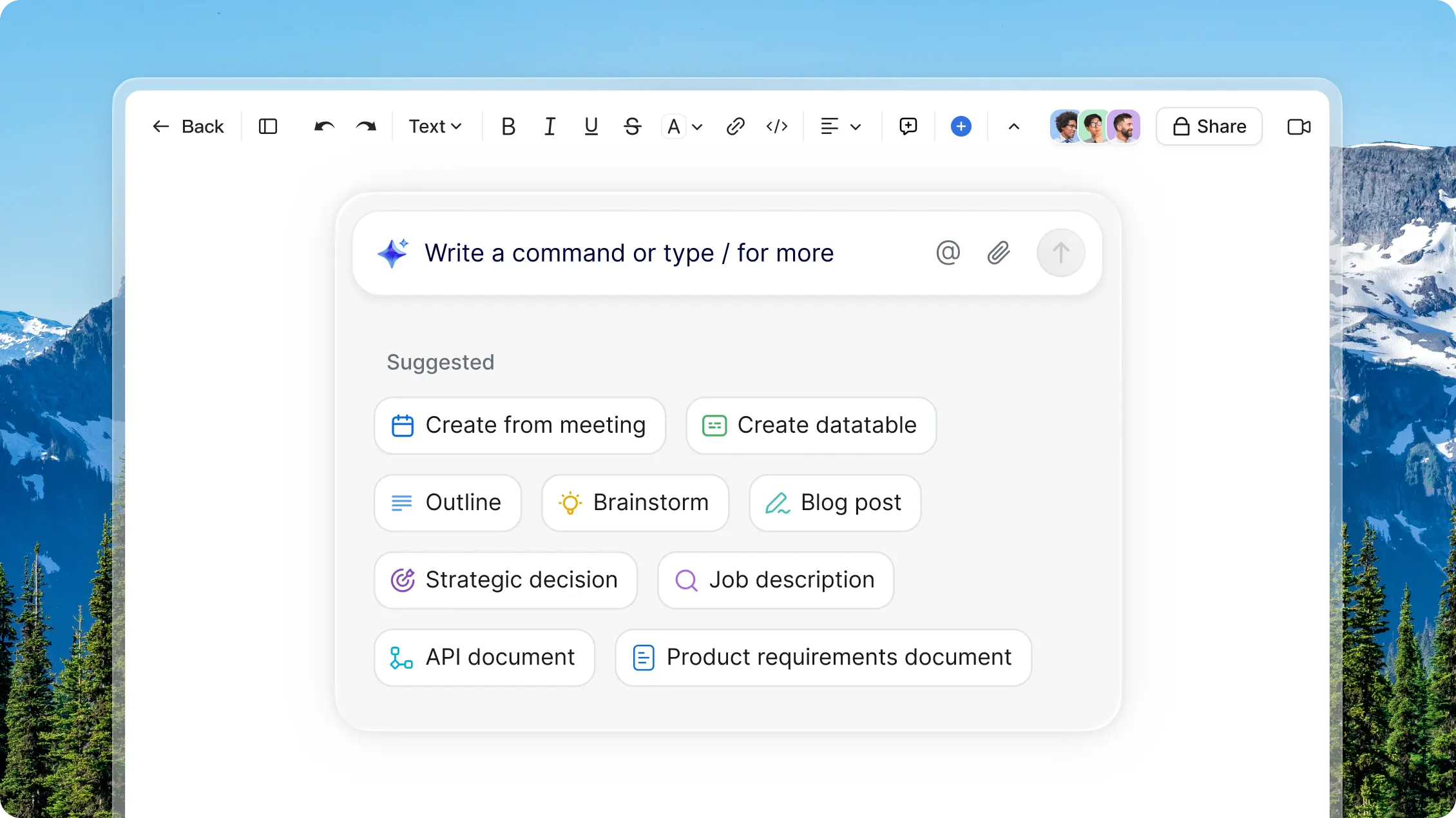
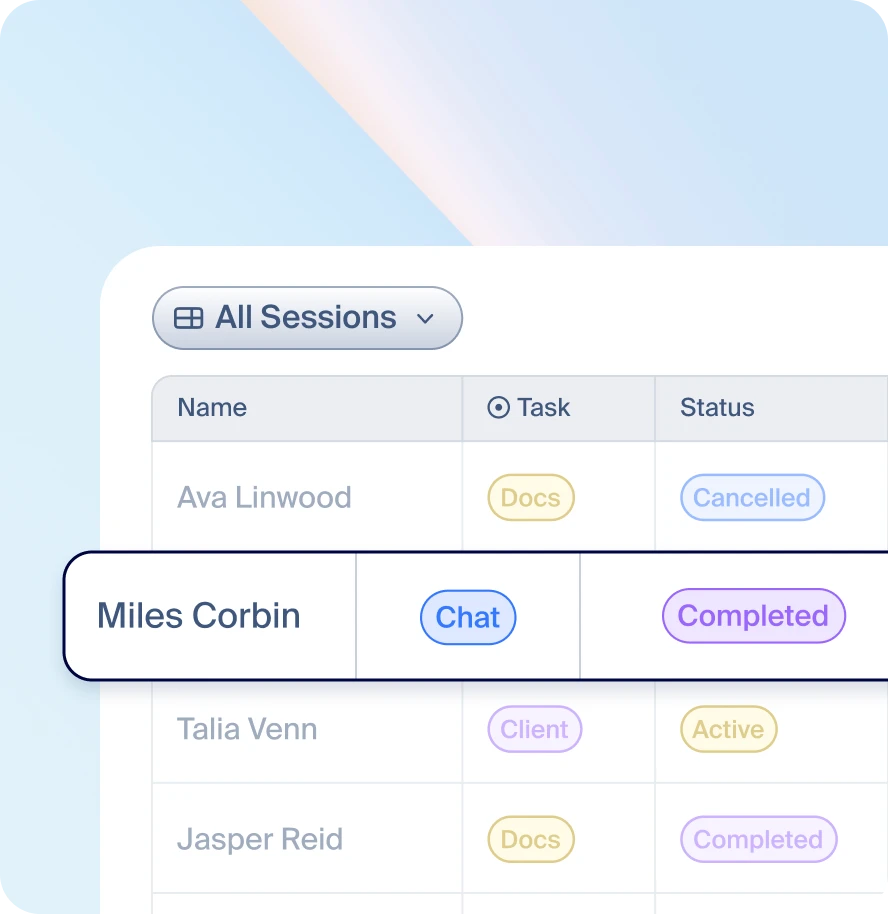
Zoom Canvas gives you a flexible workspace that adapts to every project. With built-in AI, you can turn conversations into shareable docs, data tables, and wikis, so your team can collaborate better before, during, and after every meeting.
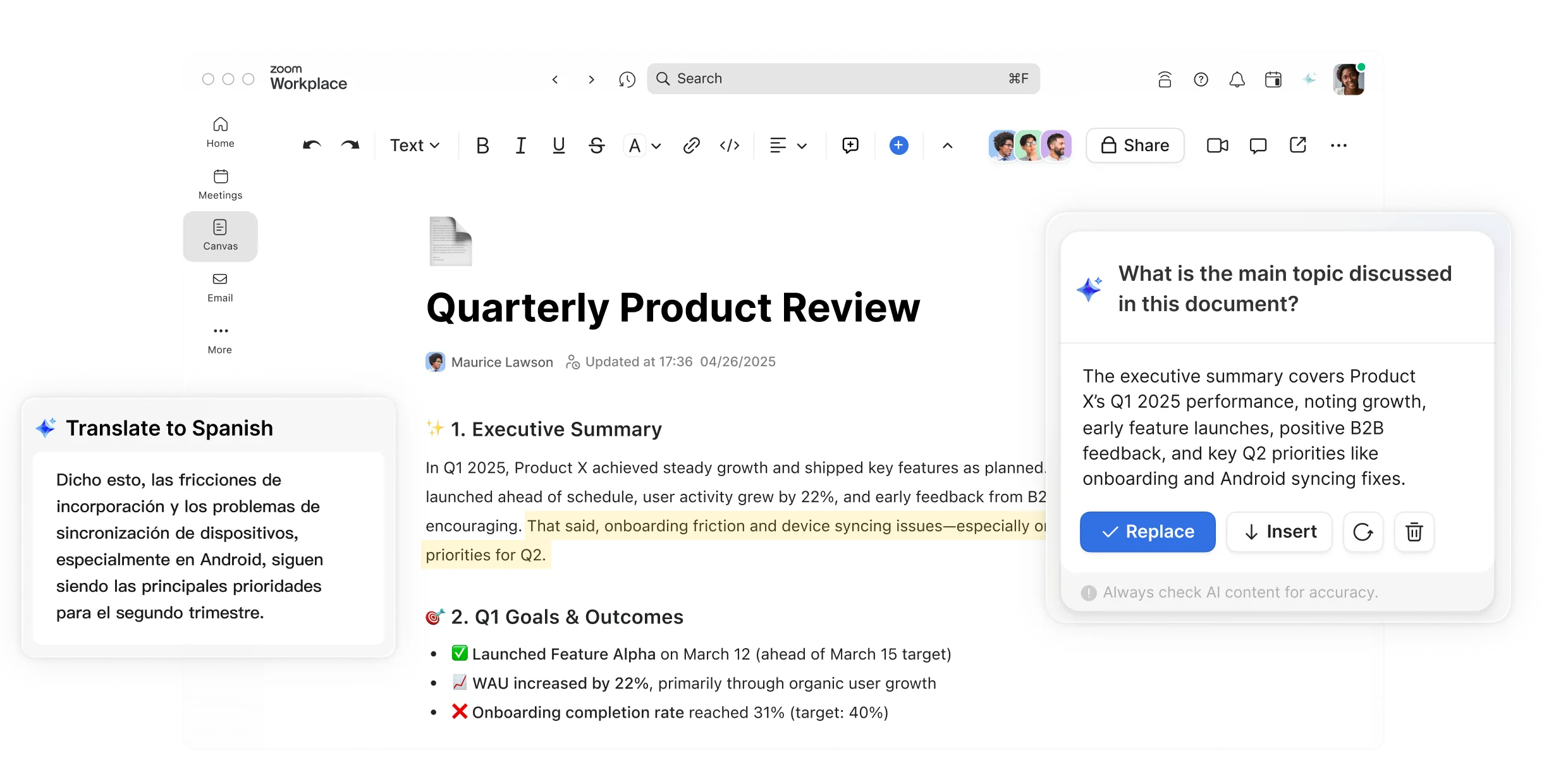
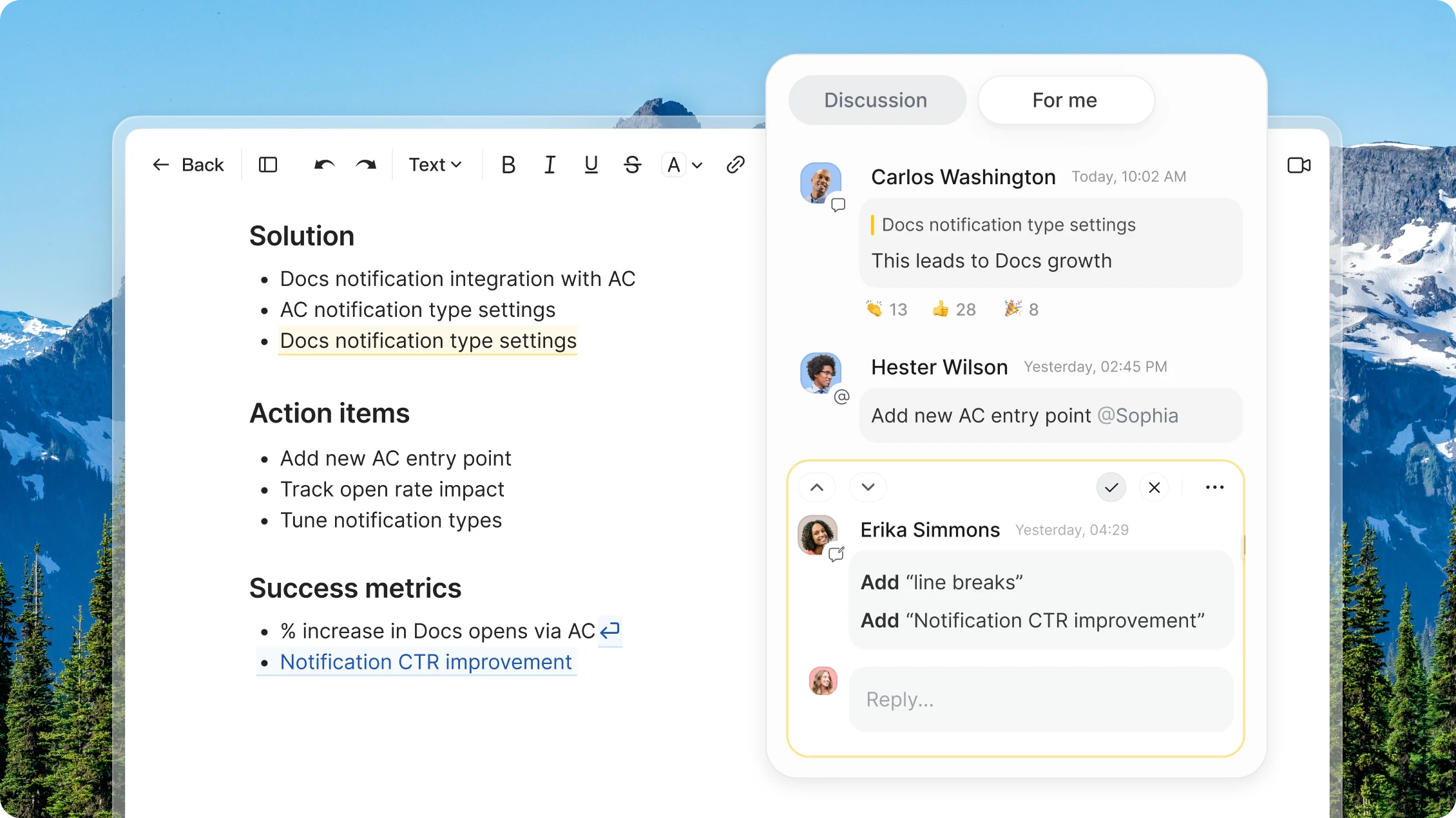
Summarize documents, streamline writing, and turn discussion points into deliverables.
AI Companion
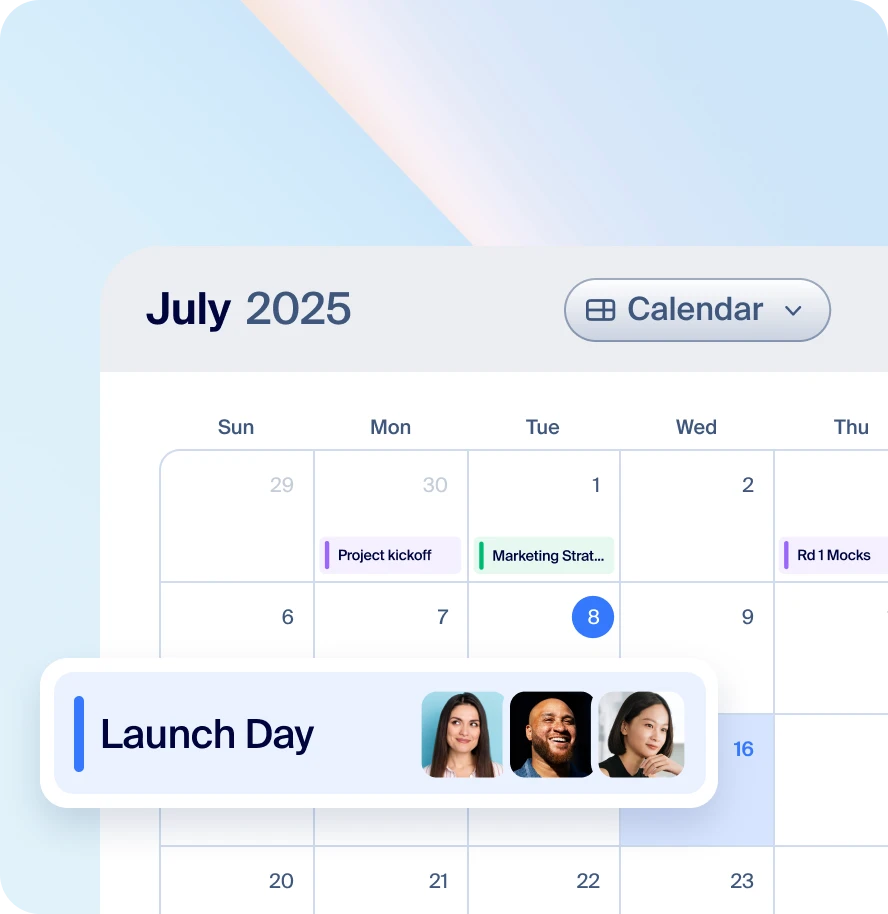
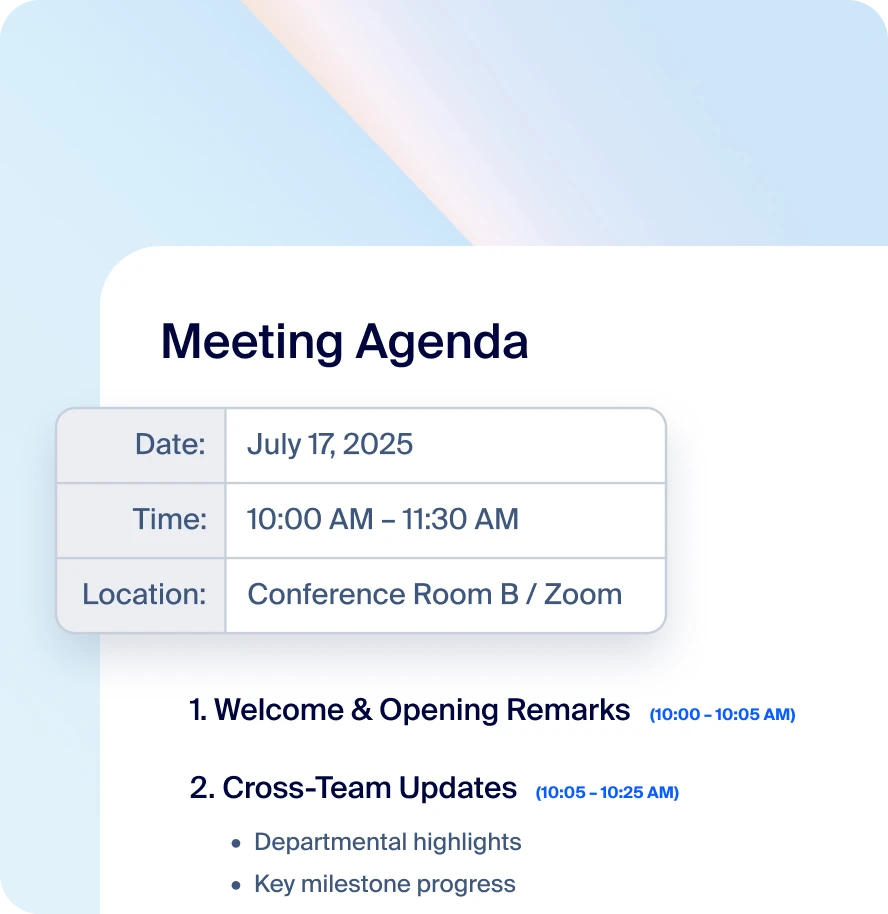
Link meeting agendas, notes, and tasks to keep context and accountability in one place.
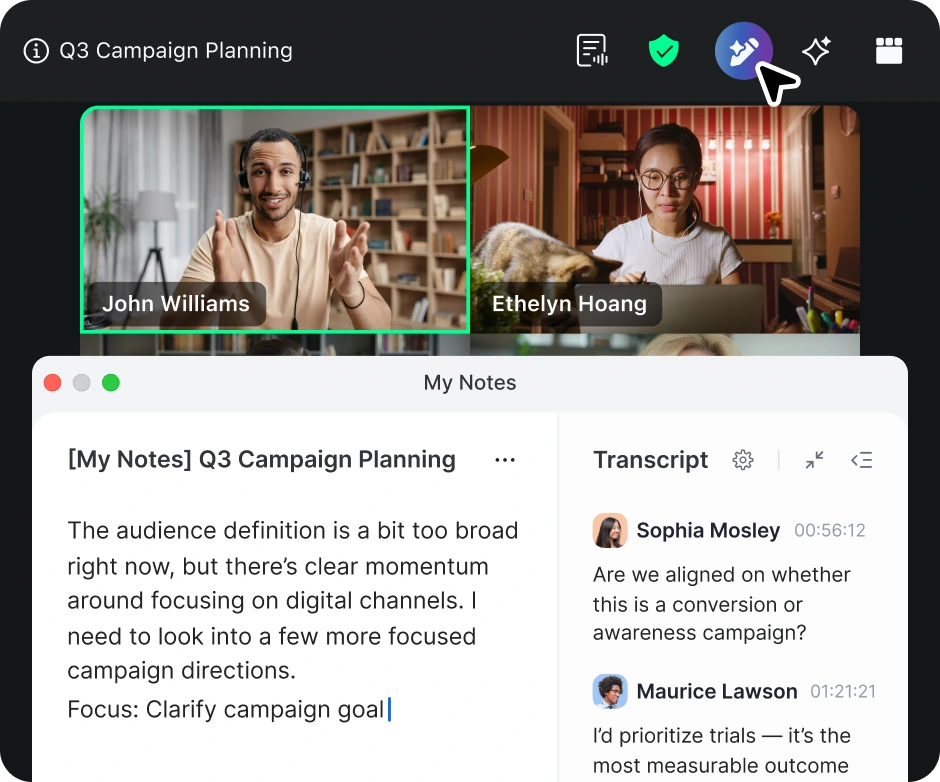
Meetings collaboration
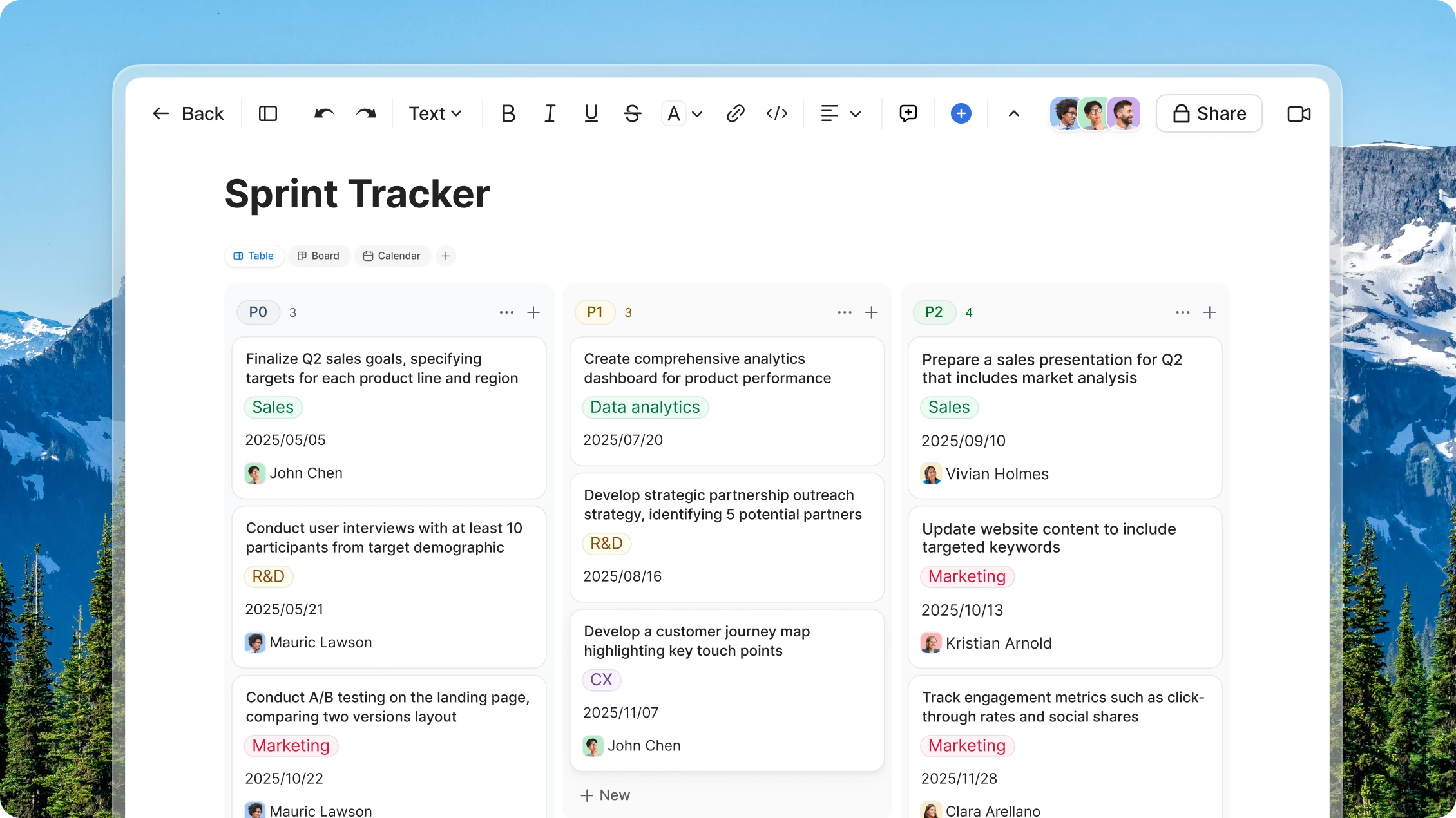
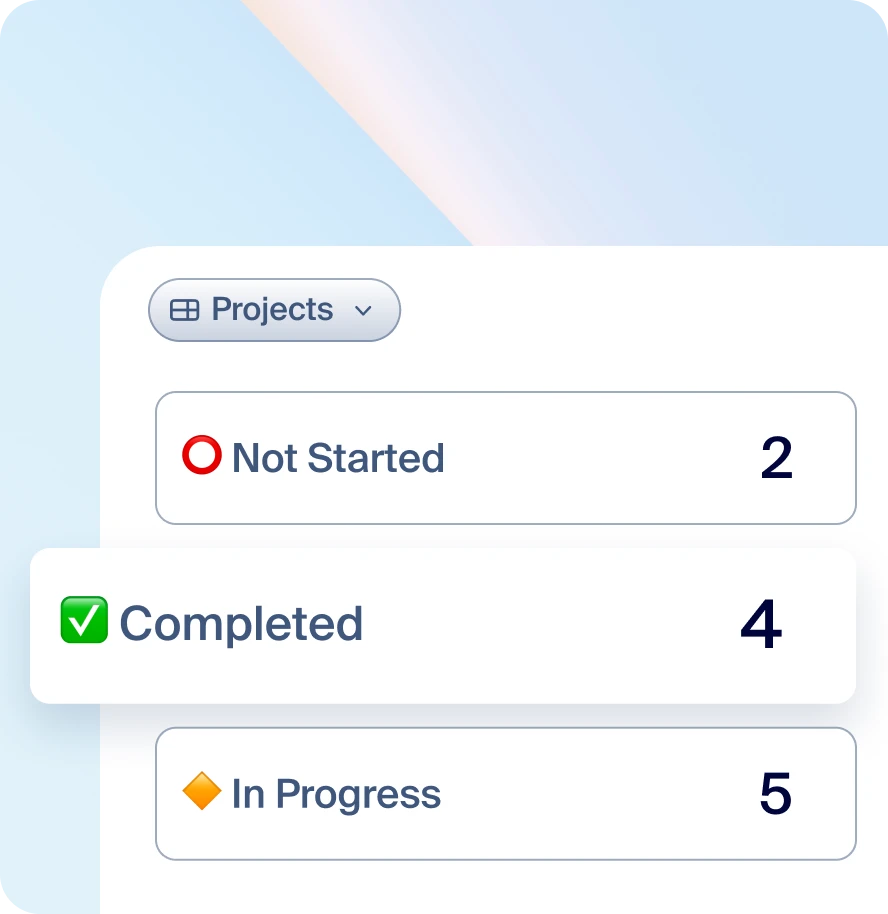
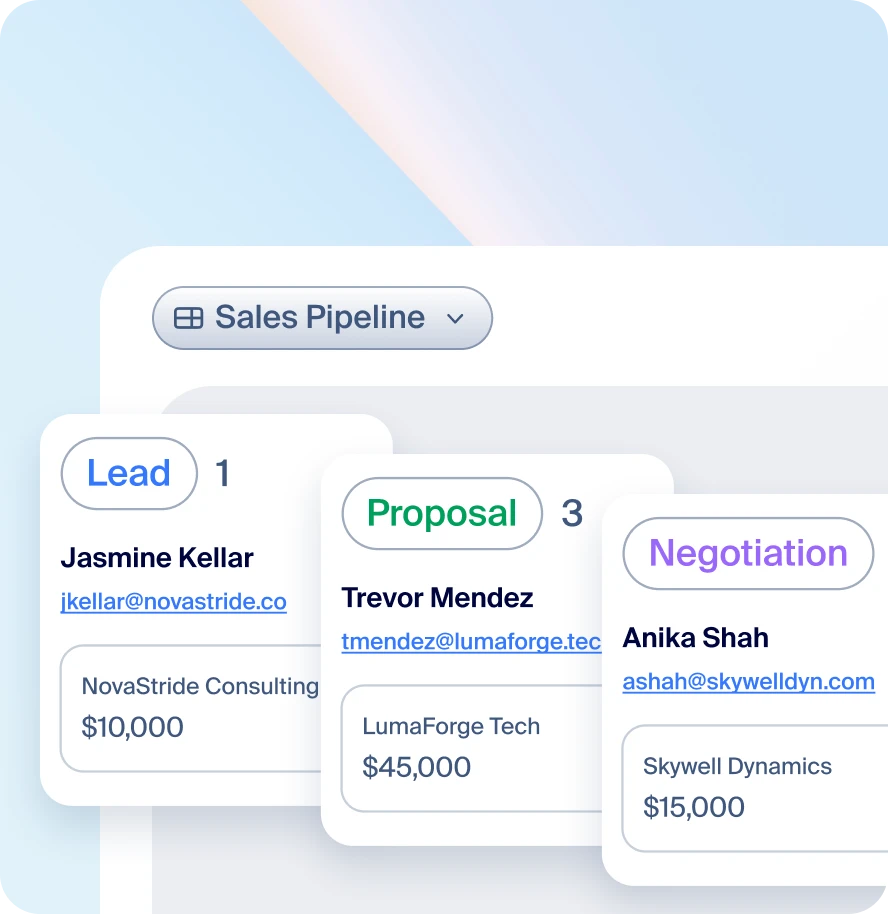
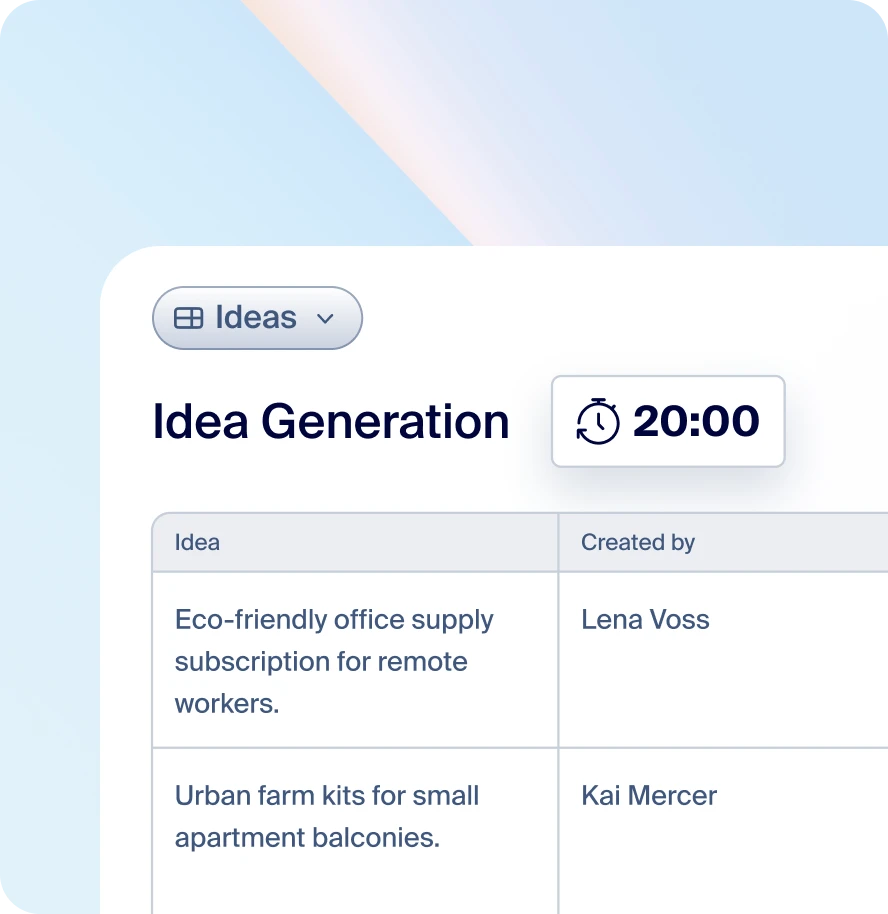
Track projects, tasks, or metrics using dynamic data tables and AI‑powered organization.
Data tables
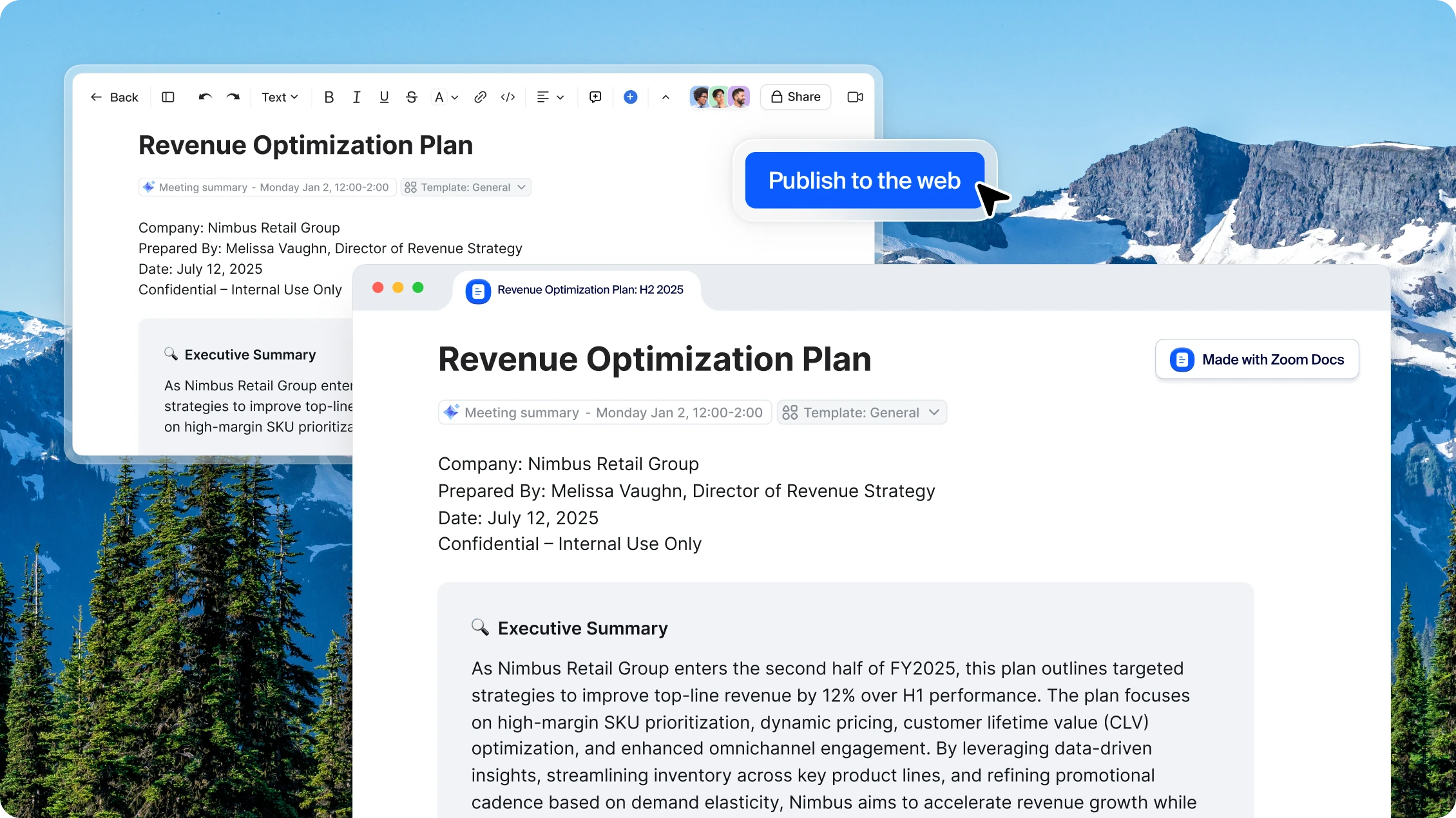
Publish directly from Canvas for clients or teammates, and manage access with admin controls.
Publish pages
Find out how to get more when you bundle with Zoom Workplace.
Zoom Canvas integrates seamlessly throughout your entire meeting lifecycle, enhancing productivity at every stage of your collaboration process. You can schedule meetings directly from within Zoom Canvas, then prepare your agenda using built-in templates, and create collaborative docs to use during the discussion. This pre-meeting preparation helps ensure everyone arrives ready to contribute effectively.
During your meeting, Zoom Canvas becomes your central collaboration hub. You and your participants can access and edit documents directly within the meeting interface, enabling real-time co-editing as your discussion unfolds. As conversations flow, you can instantly capture notes, action items, and key decisions. Meanwhile, AI Companion works quietly in the background, transcribing important discussion points and tracking key moments automatically.
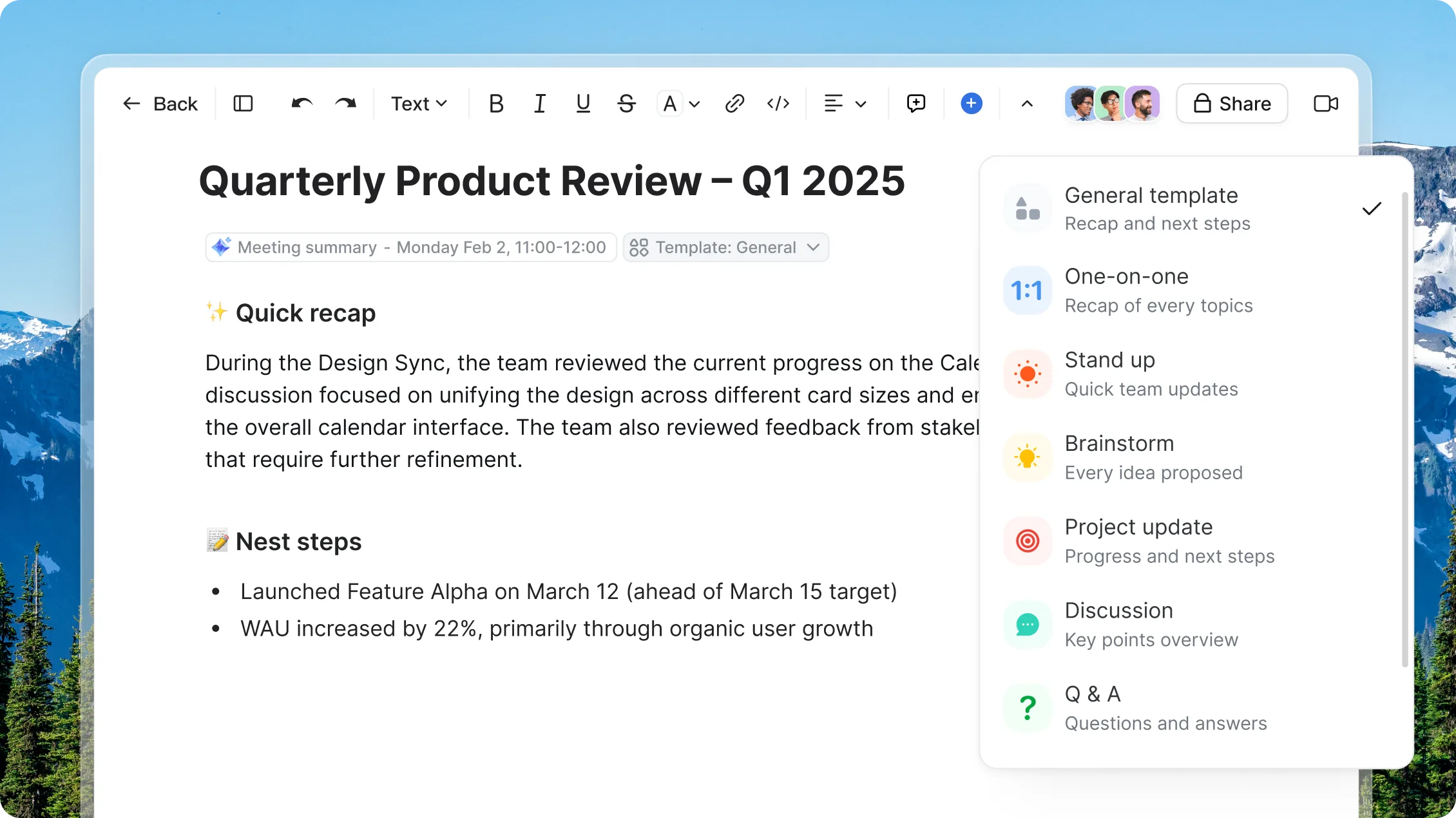
After your meeting concludes, Zoom Canvas continues to deliver value by transforming your meeting experience into actionable outcomes. You’ll receive instant AI-generated meeting summaries and recaps that provide an overview of your discussion. The platform automatically transforms conversations into structured, searchable documentation while organizing action items, decisions, and next steps. AI Companion analyzes your meeting content to generate valuable insights, and you maintain access to a complete record of all meeting materials, notes, and outcomes. This comprehensive integration helps ensure no valuable information is lost and eliminates the need to switch between applications, allowing teams to maintain clear documentation and easily track progress on initiatives discussed during meetings.

Zoom Canvas is available as part of Zoom's Basic (free) plan, allowing users to access fundamental document creation and collaboration features without any cost. The Basic plan includes essential capabilities like real-time document editing, basic meeting integration, extensive template libraries, and the ability to create and share up to ten (10 ) documents with team members. This makes Zoom Canvas an accessible solution for individuals, small teams, and organizations looking to enhance their collaborative workflow without immediate financial investment.
For users seeking advanced functionality, Zoom Canvas offers premium features through paid subscription tiers like Pro, Business, and all Zoom Workplace Enterprise bundles. These upgraded subscriptions unlock enhanced capabilities such as AI Companion, automated meeting recaps, and advanced sharing options. While the free Basic plan provides a solid foundation for document collaboration, the paid tiers deliver additional tools and features designed to maximize productivity and streamline team communication for organizations with more sophisticated needs.
The Pro plan delivers an unmatched collaborative experience with unlimited document sharing capabilities across any device, empowering teams to work seamlessly whether in the office or on the go. With access to AI Companion, users can leverage powerful features like AI-generated meeting summaries and insights, transforming conversations into actionable knowledge while maintaining comprehensive version history for every document. This unlimited versioning ensures teams can track drafts, review previous iterations, and maintain complete control over their content evolution.
The Pro plan unlocks additional Zoom Workplace features that revolutionize team collaboration. Users gain access to enterprise-grade Zoom Mail and Zoom Chat for seamless communication, unrestricted meeting lengths for in-depth discussions, along with powerful tools like Zoom Clips for asynchronous video sharing and Zoom Whiteboard for visual collaboration. Extend your collaboration and get more done with hundreds of productivity-boosting Zoom Apps. This complete workspace solution creates a unified digital environment where teams can communicate, collaborate, and innovate without limitations.
AI Companion is included with all paid Zoom Workplace plans, providing users with access to powerful AI-driven capabilities like automated meeting summaries, intelligent insights generation, and conversation-to-knowledge transformation. This seamless integration ensures teams can maximize their productivity without incurring additional costs beyond their standard subscription, making it a cost-effective solution for organizations seeking advanced AI assistance in their collaborative workflows.
While Zoom's Basic (free) plan offers essential document creation and collaboration features, AI Companion is exclusively available through paid subscription tiers. When upgrading to Pro or Business plans, users gain access to powerful AI-powered features including real-time meeting transcription, automated action item tracking, smart content summarization, and intelligent document search capabilities. AI Companion with Zoom Canvas also enables advanced features like semantic search across meeting content, automated agenda creation, and personalized content recommendations, all included within the subscription without any extra cost.
Moving from Notion, Coda, Confluence, or Microsoft Word to Zoom Canvas is a simple process. The platform includes built-in tools to help transfer your existing documents and workflows. The familiar editing interface means there's almost no learning curve. Plus, you'll get new features like smart meeting notes and AI summaries. Teams can start small by moving a few documents, then gradually shift everything over time.
The switch to Zoom Canvas means all your work stays in one place instead of being scattered across different apps. Teams can collaborate in real-time during video meetings. The free Basic plan lets you test things out risk-free. When you're ready, upgrade to add AI features and advanced tools. Whether you're working internally or with clients, Zoom Canvas makes the transition easy while improving how your team works together.
Zoom Canvas offers powerful document sharing capabilities that make collaborating with clients seamless and secure. Through the platform's intuitive sharing controls, you can easily grant access to specific documents while maintaining control over permissions and visibility settings. Whether you need to share meeting notes, project plans, or collaborative workspaces, Zoom Canvas enables real-time document sharing and editing with external stakeholders, helping your clients stay informed and engaged throughout the project lifecycle.
For professional teams working with multiple clients, Zoom Canvas provides enterprise-grade security features while streamlining external collaboration workflows. The Pro and Business plans unlock advanced sharing options, including customizable access levels, unlimited version history, and detailed activity tracking to monitor client interactions with shared content. Additionally, since Zoom Canvas integrates seamlessly with Zoom Meetings, you can collaborate on documents directly during client video conferences, making it easier than ever to maintain transparent communication and efficient document management with your client base.
*Zoom AI Companion is available with eligible paid Zoom Workplace plans. May not be available for all regions or industry verticals. Learn more.