I documenti legacy fanno parte del passato. Zoom Canvas utilizza l’IA per trasformare le discussioni in documenti, wiki, tabelle e moduli condivisibili, così il team può collaborare meglio prima, durante e dopo ogni riunione.
Trasforma le conversazioni in documenti collaborativi all’istante
Documenti basati su IA progettati
per team dinamici
Documenti collaborativi che consentono di lavorare in modo chiaro e organizzato
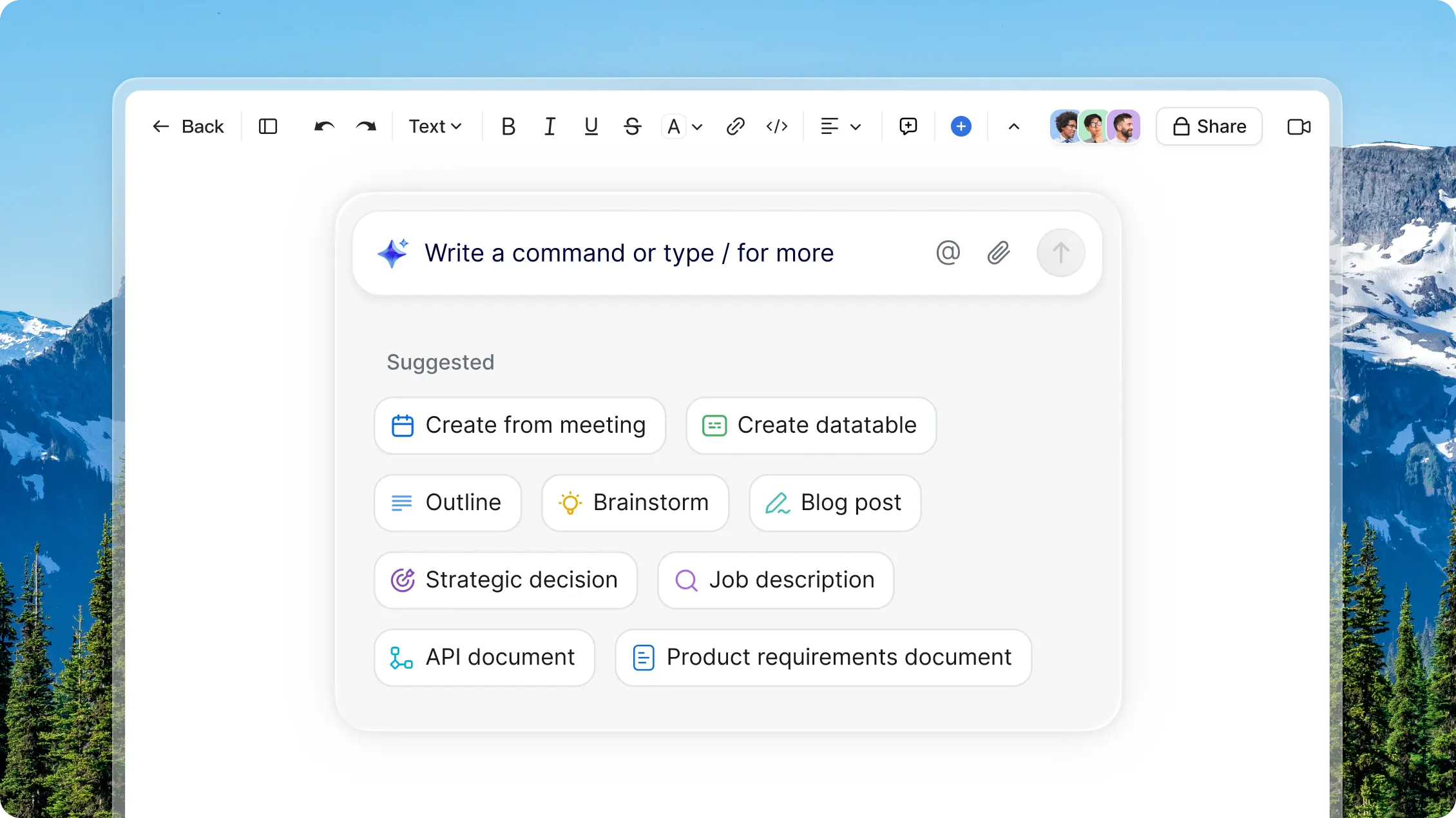
Utilizza suggerimenti come “crea da riunione” per redigere documenti basati sui punti chiave di chiamate recenti, attività o file caricati, in modo da iniziare con un contesto, non con una pagina vuota.
AI Companion
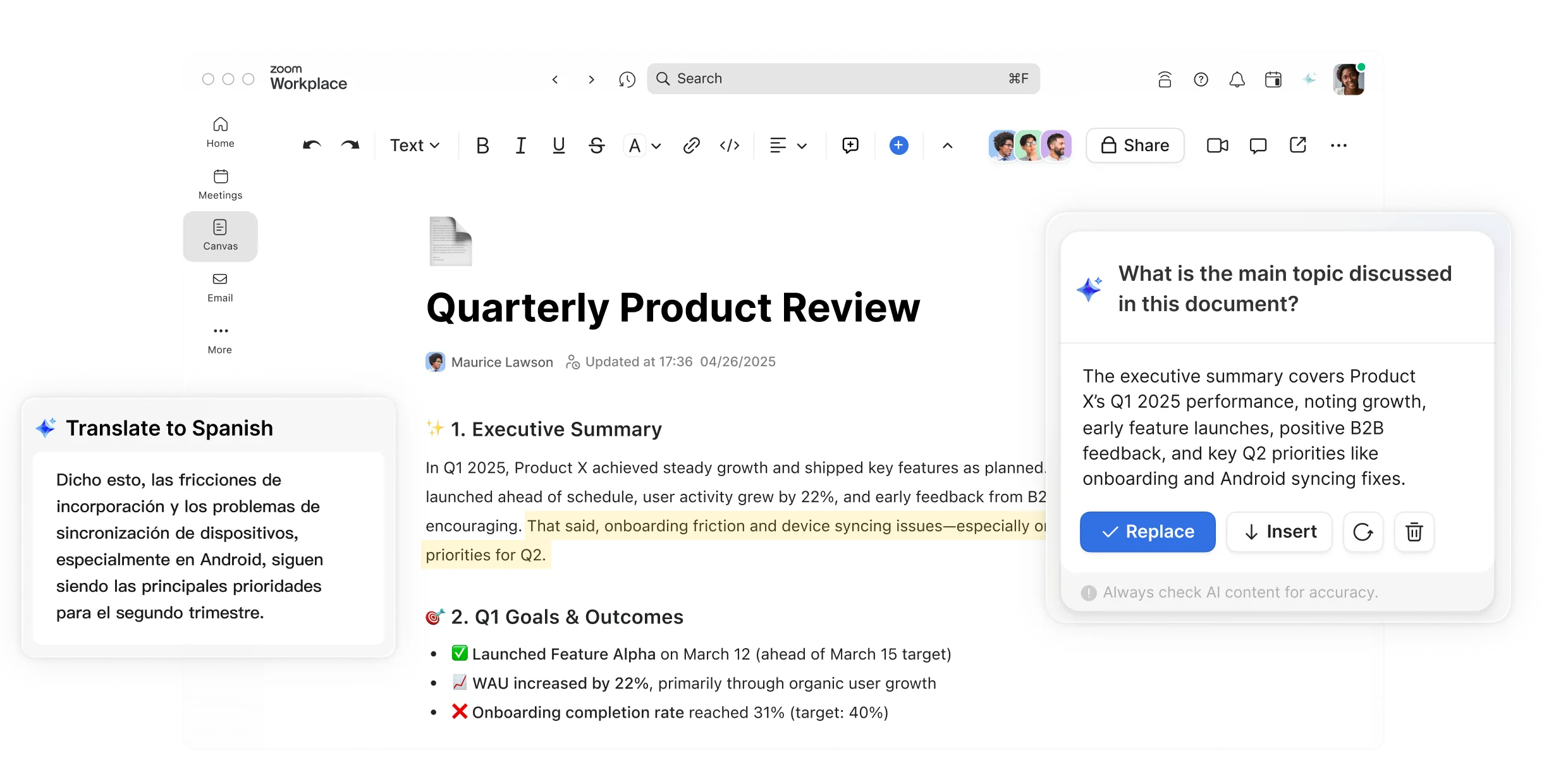
Personalizza la struttura, lo stile e i visual per dare vita alle pagine in pochi clic.
Formattazione dei documenti
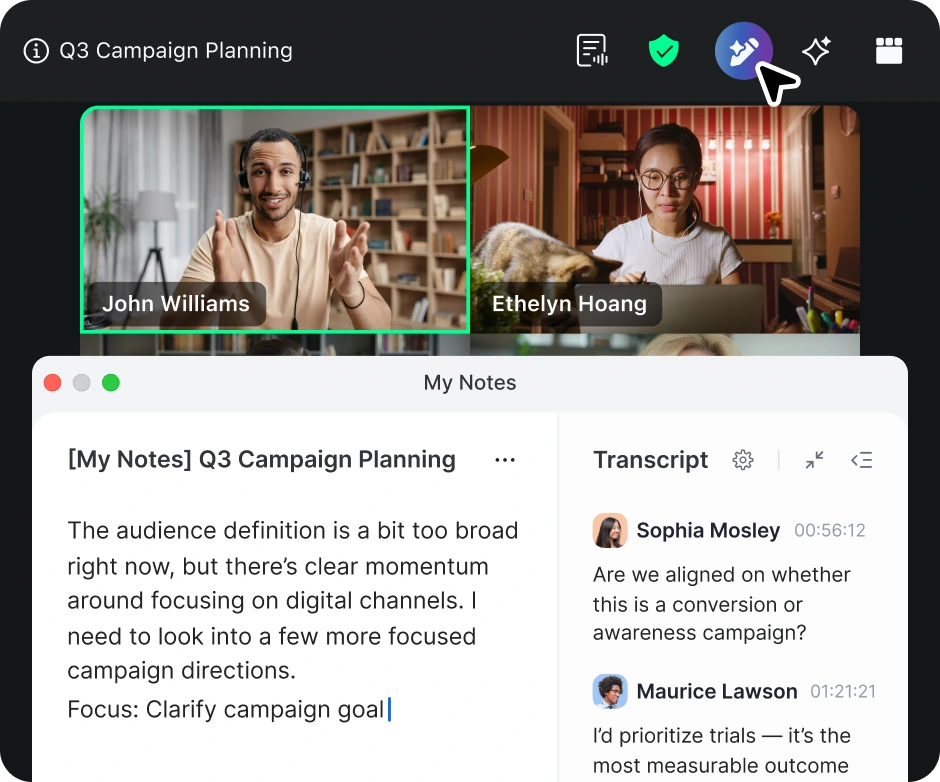
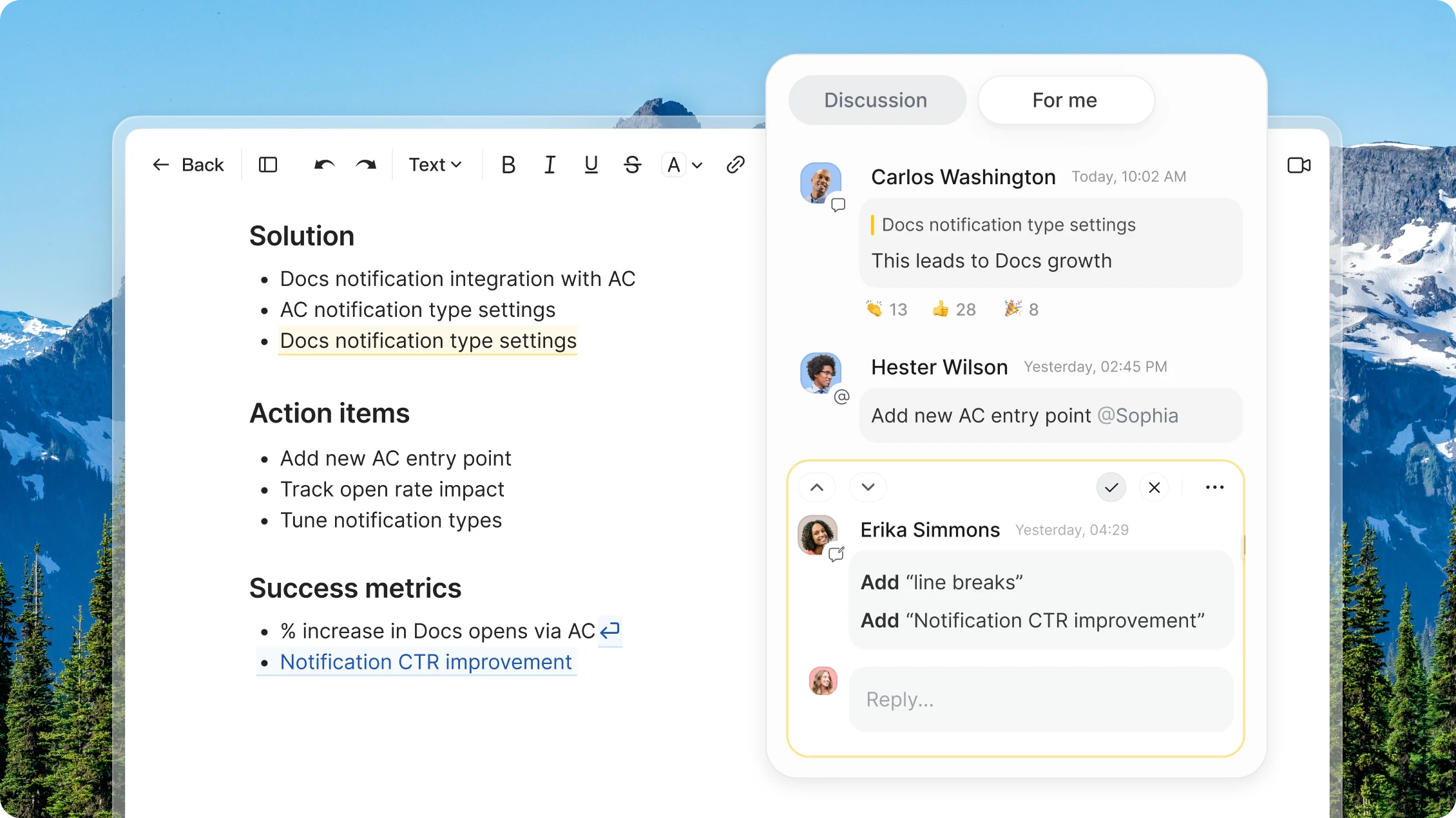
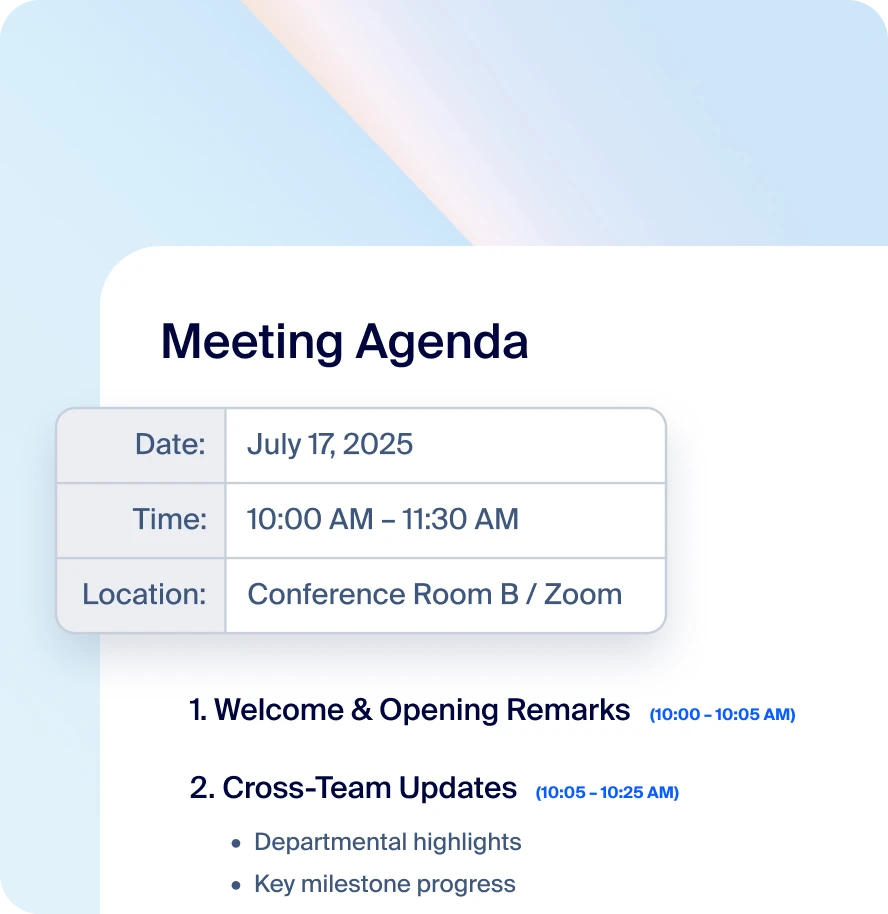
Modifica documenti in tempo reale insieme durante le riunioni e annota facilmente i punti chiave e i passaggi successivi in modo che tutti siano sulla stessa lunghezza d’onda.
Collaborazione durante le riunioni
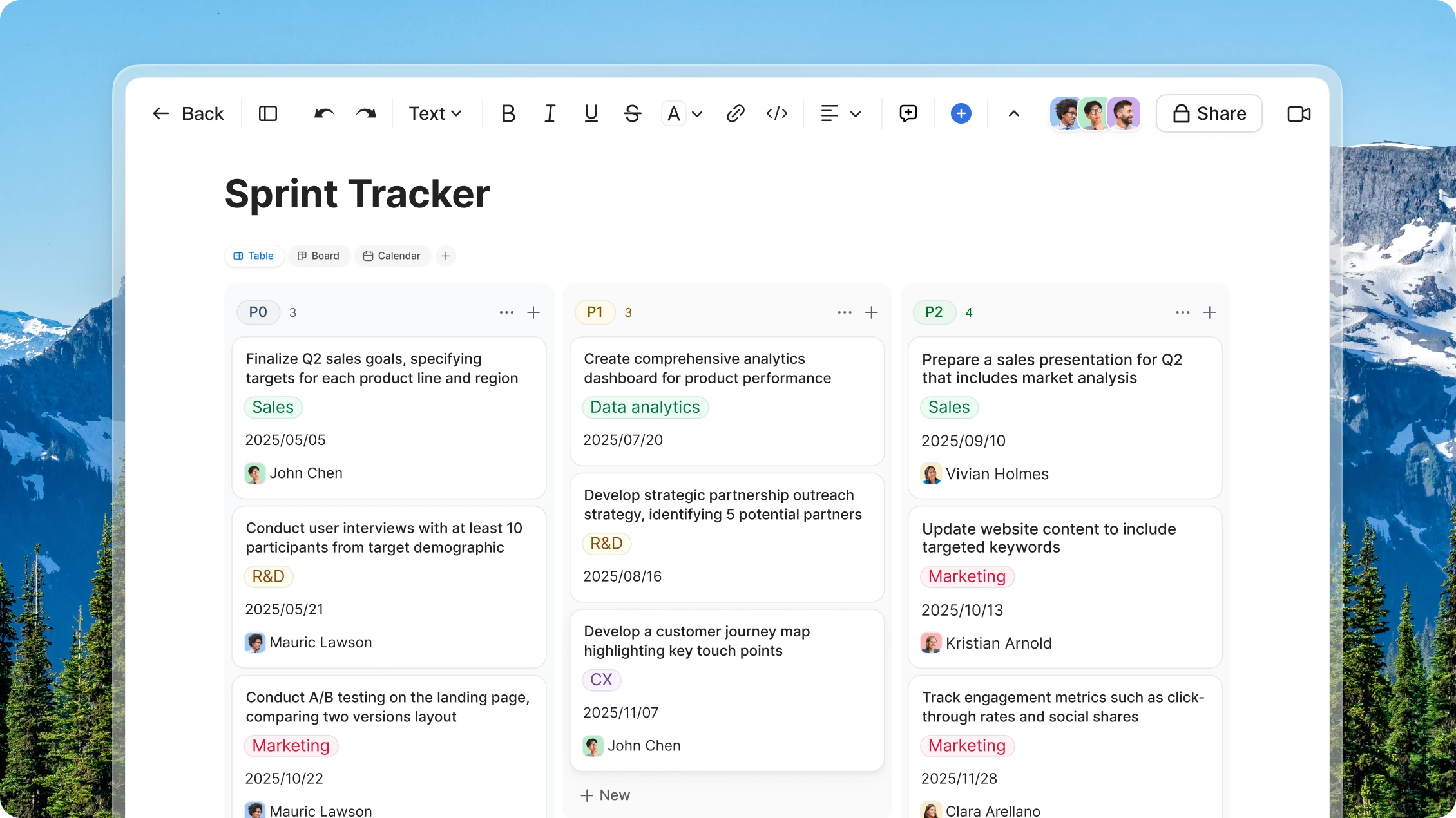
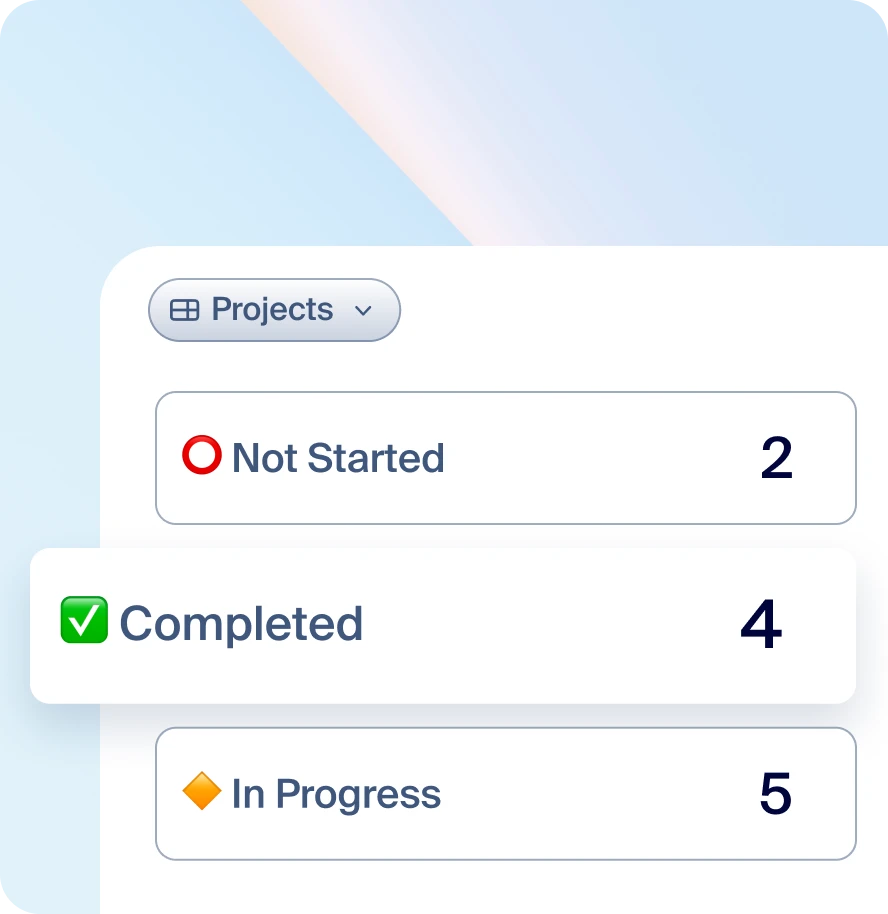
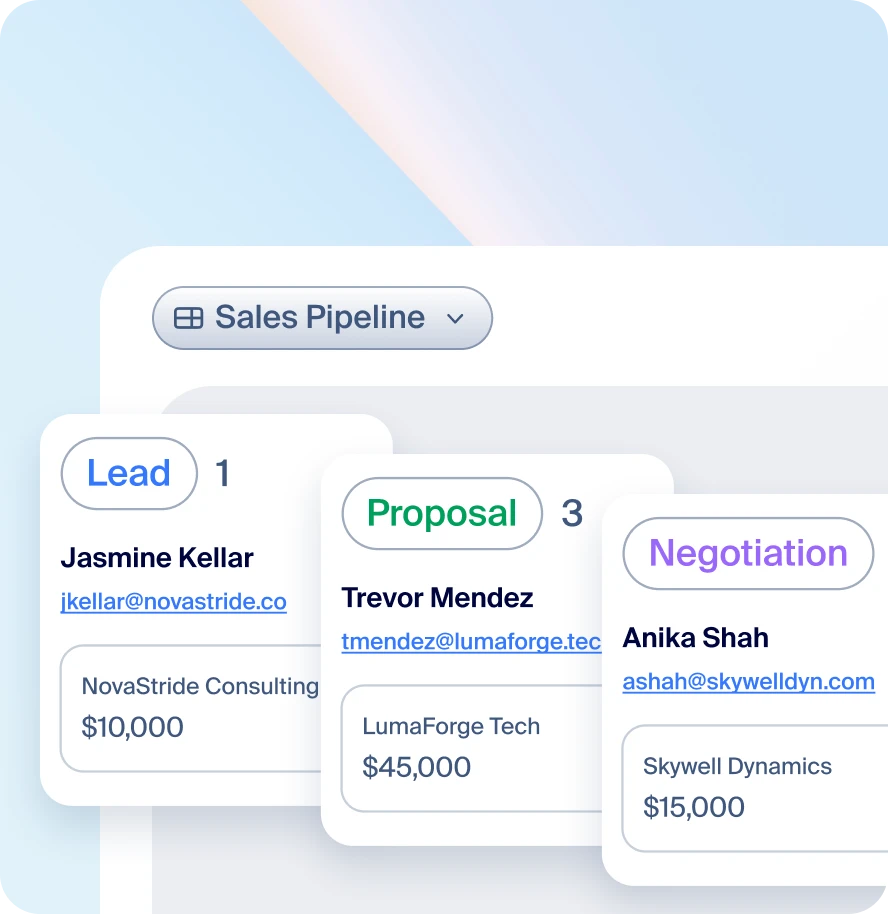
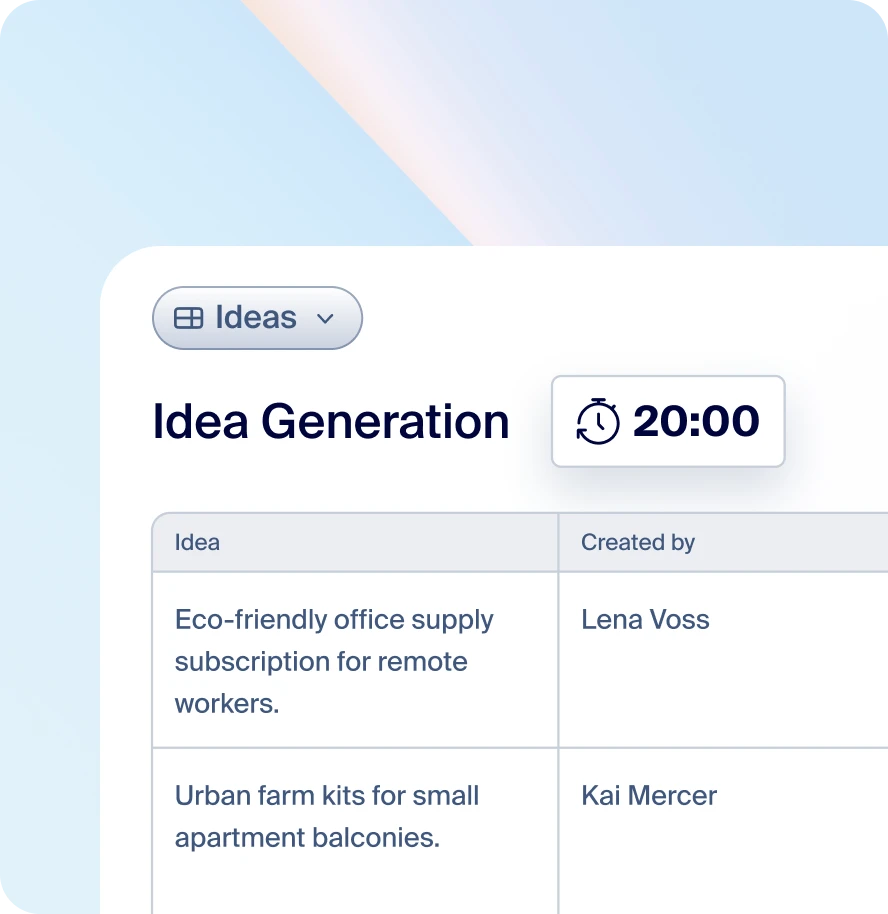
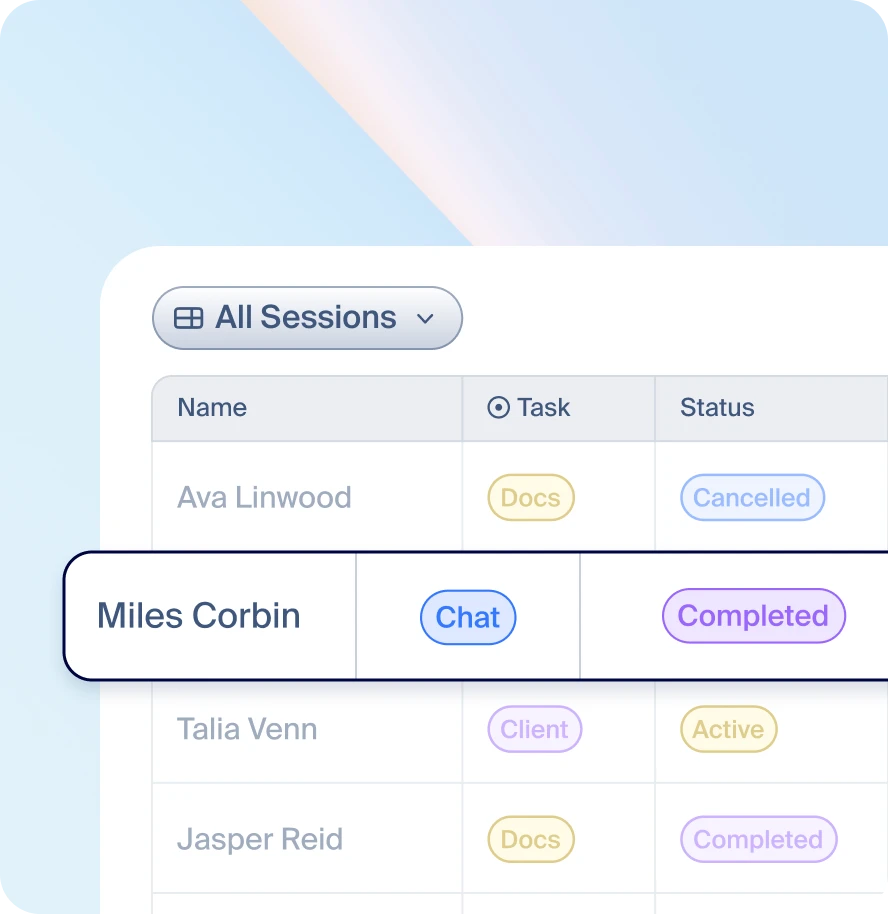
Crea tabelle e visualizza, ordina e filtra i dati come preferisci, in modo che nulla vada perso nel processo.
Tabelle dati
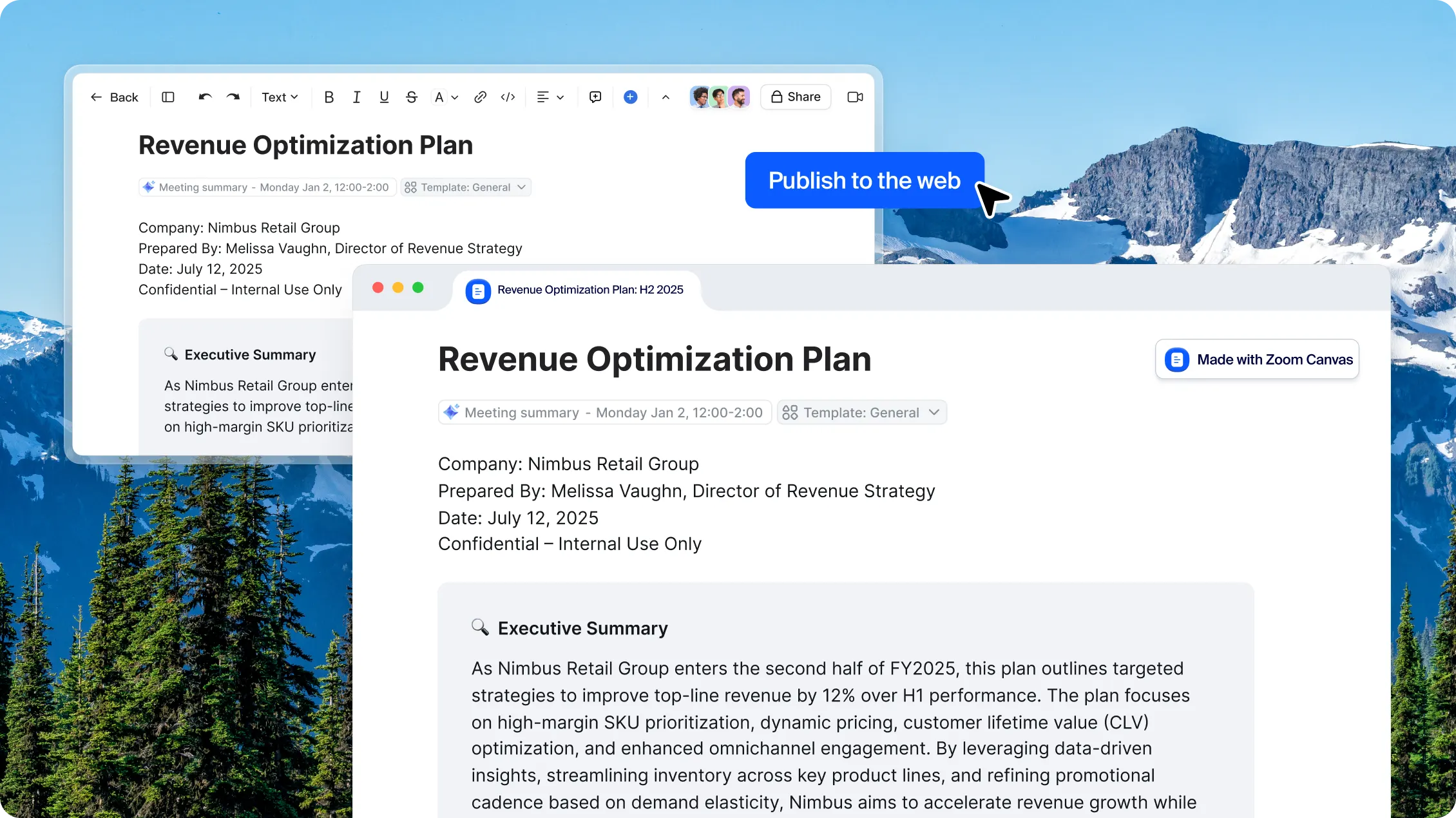
Redigi e progetta contenuti in un documento, oppure inizia con un modello, e pubblicali online.
Pubblica pagine
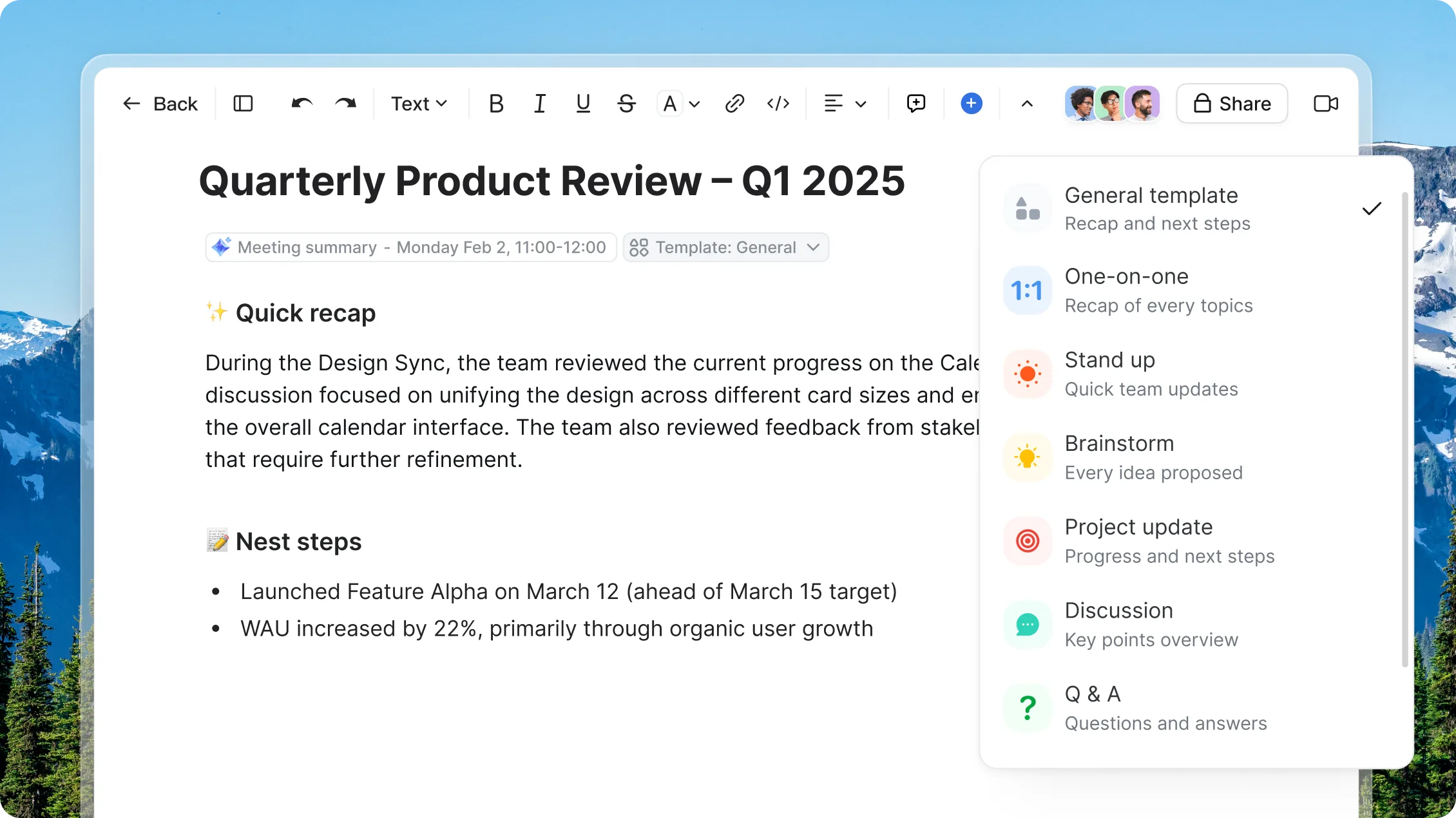
Crea nuovi documenti più velocemente con modelli per ogni progetto
Scopri i piani e i prezzi
di Zoom Canvas
Scopri come ottenere di più con i pacchetti Zoom Workplace.
Hai domande? Noi abbiamo le risposte.
Zoom Canvas — formerly known as Zoom Docs — is an AI-powered collaborative content and workspace tool that transforms team discussions and meetings into shareable documents, wikis, tables, and forms. It's designed to help teams collaborate more effectively before, during, and after meetings by automatically generating content blocks with drag-and-drop functionality.
Zoom Canvas and Zoom Paper are both AI-powered, collaborative document creation and productivity apps.
Zoom Paper is designed for traditional document structure. It's a more formal word processor designed to bridge the gap between the old world of legacy docs and the new world of collaborative content creation. With Zoom Paper, you can build formatted documents in printable page layouts that you can also turn into templates for organization-wide use.
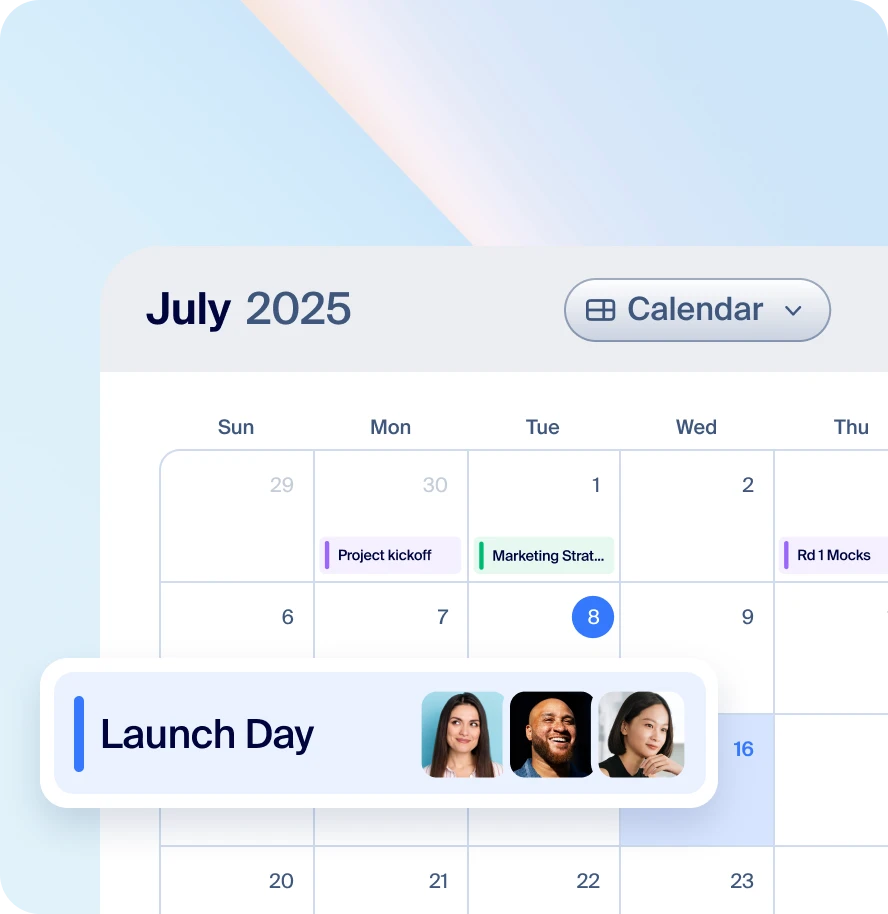
Zoom Canvas, meanwhile, is designed for collaboration across multiple digital content formats, from shared docs and wikis, to tables and forms. Zoom Canvas's strength lies in its versatility and adaptability, especially for teams needing features like meeting notes and project timelines.
Build living, highly collaborative documents with Zoom Canvas's block-based, drag-and-drop editing, or design within the boundaries of a quintessential document in Zoom Paper — with margins, headers and footers, pagination, and so on. No matter which solution you're using, you're getting powerful AI assistance, real-time collaboration, and the ability to templatize your documents to help you and your team save time and be more productive.
Zoom Canvas is included with your paid Zoom Workplace license. If you do not have a Zoom Workplace license, you can purchase it to get the most out of our Zoom AI Productivity Suite.
Zoom Canvas is available as part of our Zoom Workplace bundles or Zoom AI Productivity Suite.
AI Companion is baked into every tool in Zoom's AI Productivity Suite, including Canvas. Each AI Productivity Suite license includes AI credits that power intelligent features; however, we’re currently offering unlimited credits until May 30th to help teams experience the full capabilities of the suite.
Features and capabilities are subject to applicable usage limits, availability, and AI credit balances. Certain functions may require additional subscriptions or credits. Actual performance may vary depending on prompt, system conditions, and available data.
Crea la tua prima bozza con
Zoom Canvas
*Zoom AI Companion è disponibile con i piani Zoom Workplace a pagamento idonei. Potrebbe non essere disponibile per tutte le regioni o i settori verticali. Scopri di più.