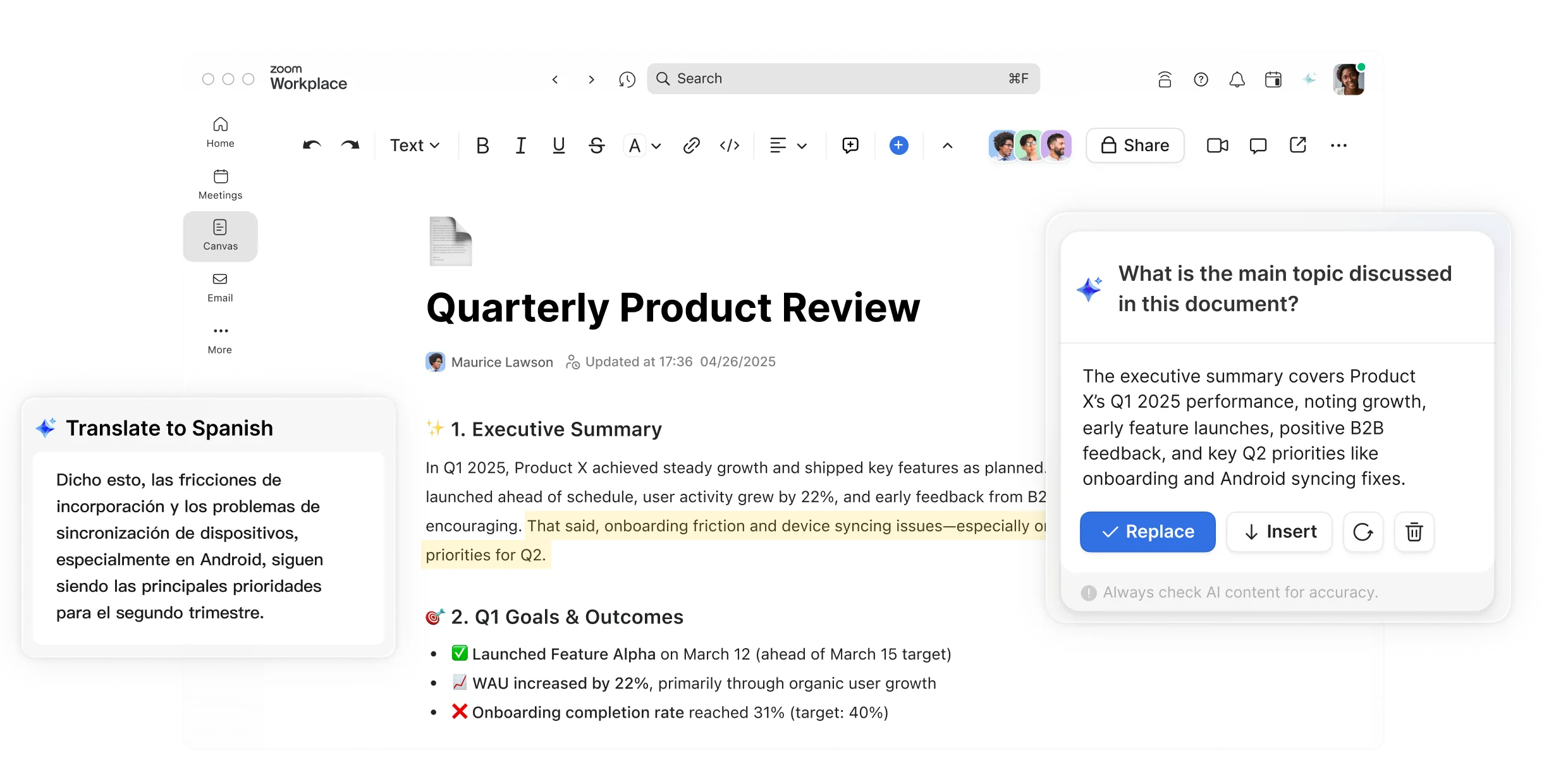
Convierta las conversaciones en documentos colaborativos, al instante

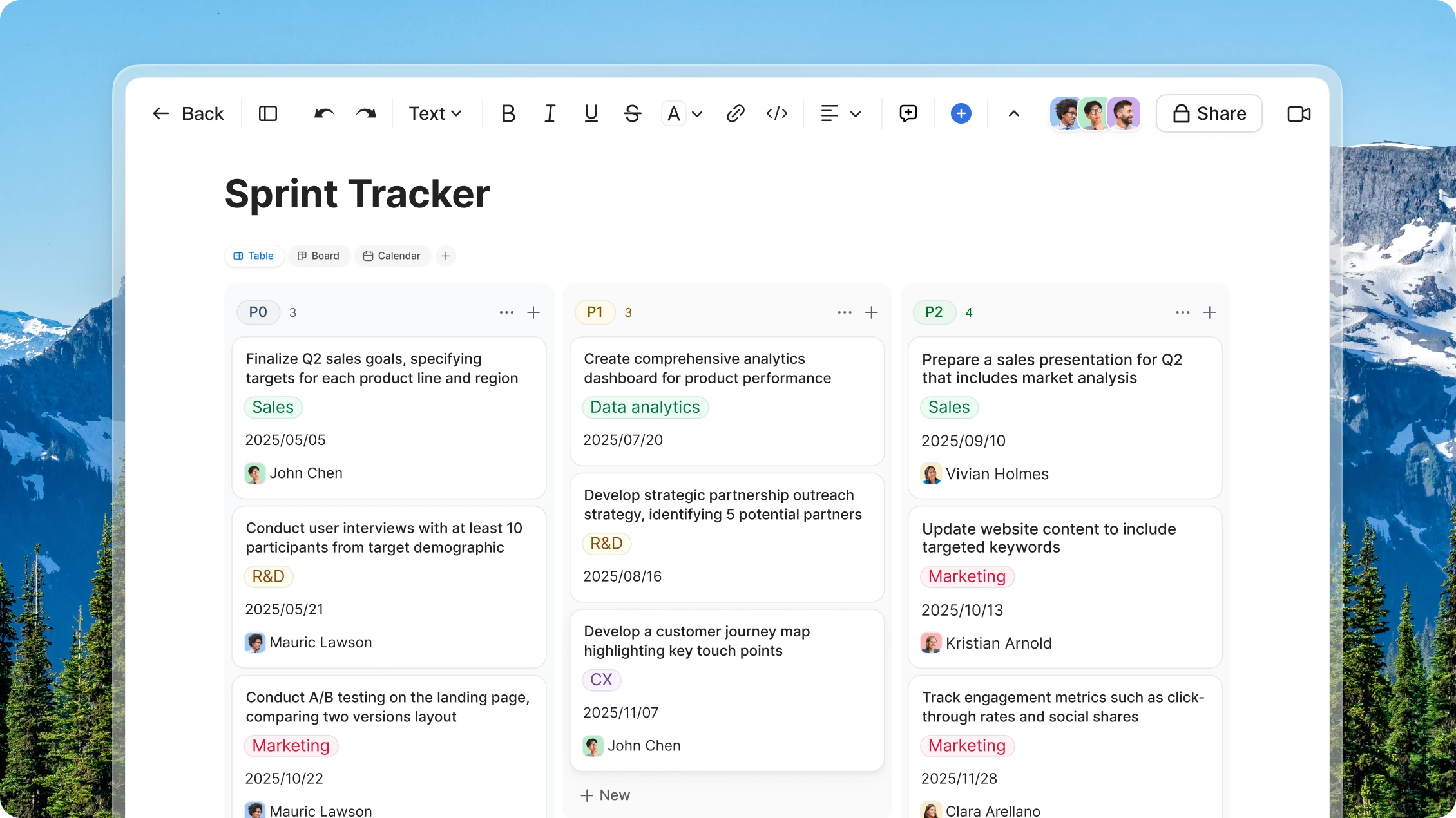
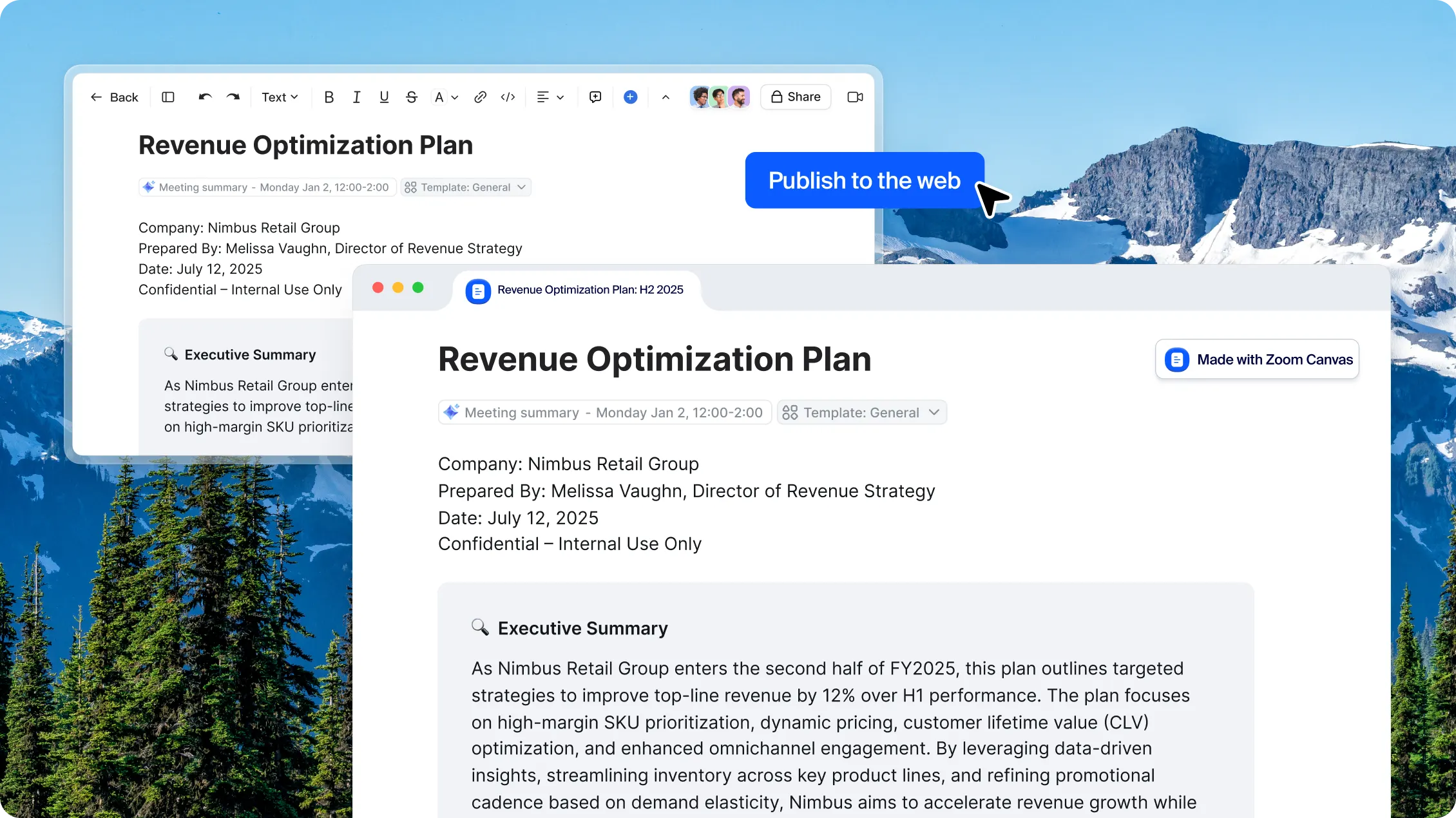
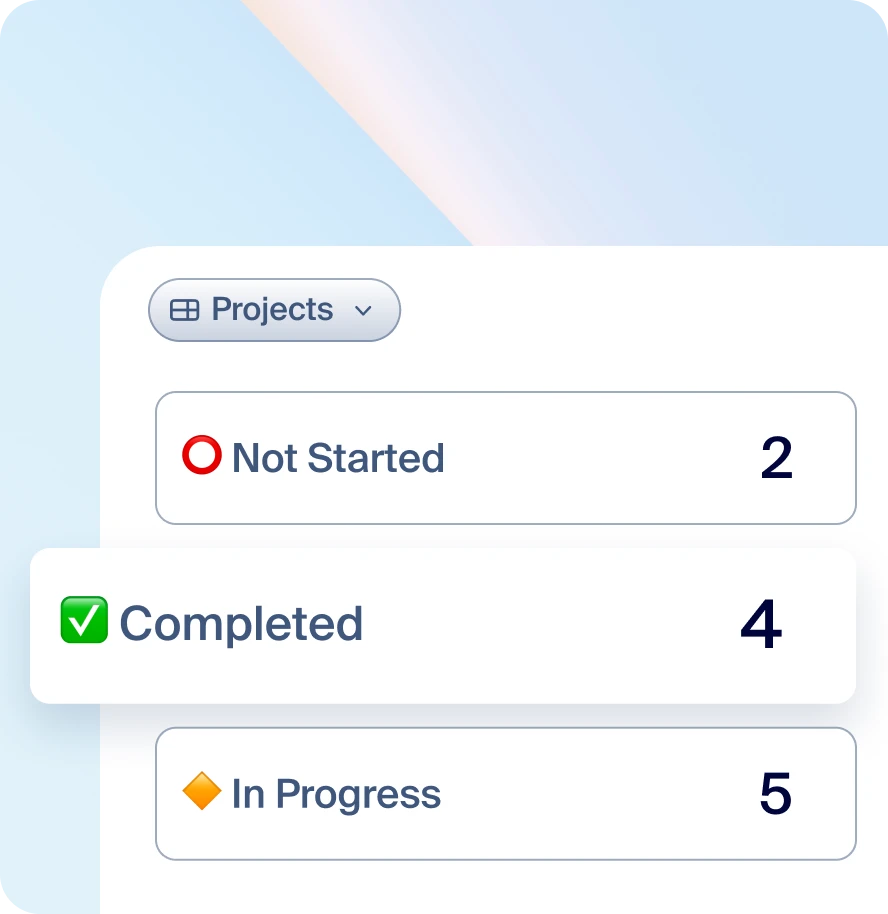
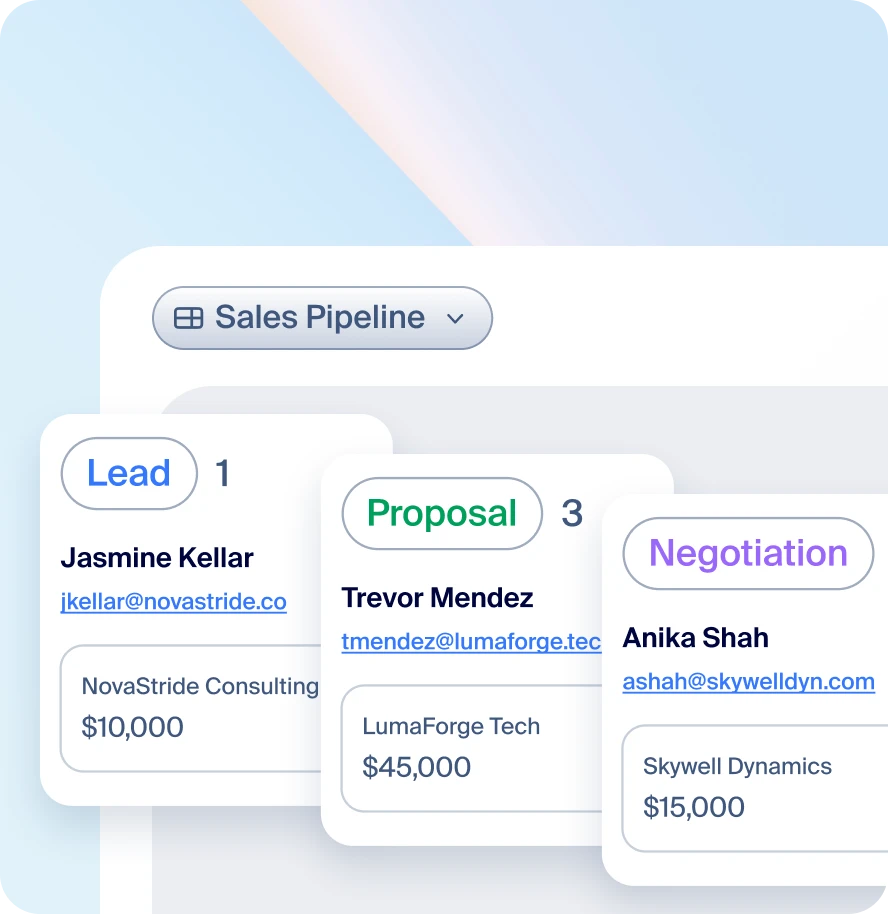
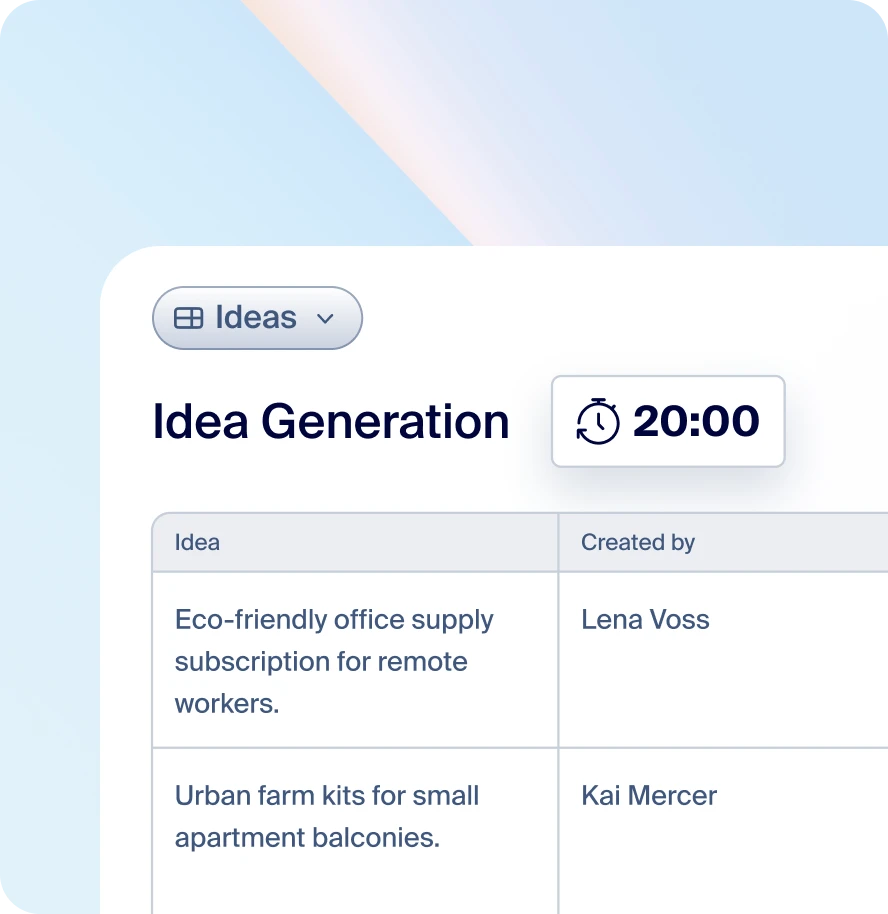
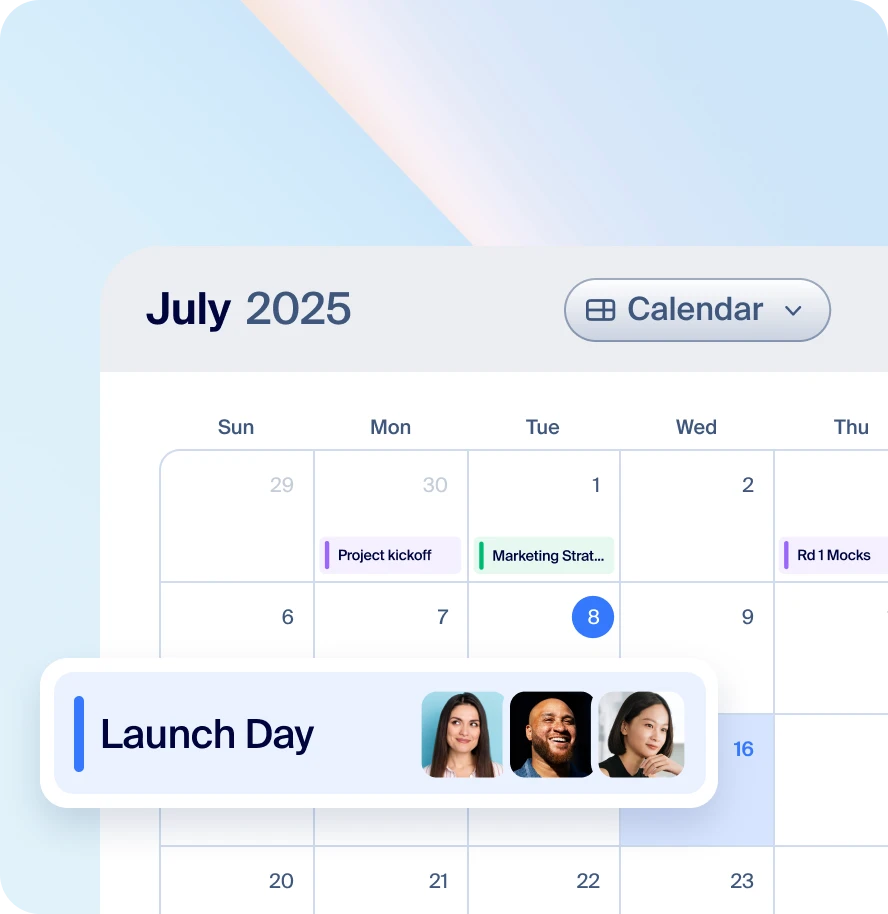
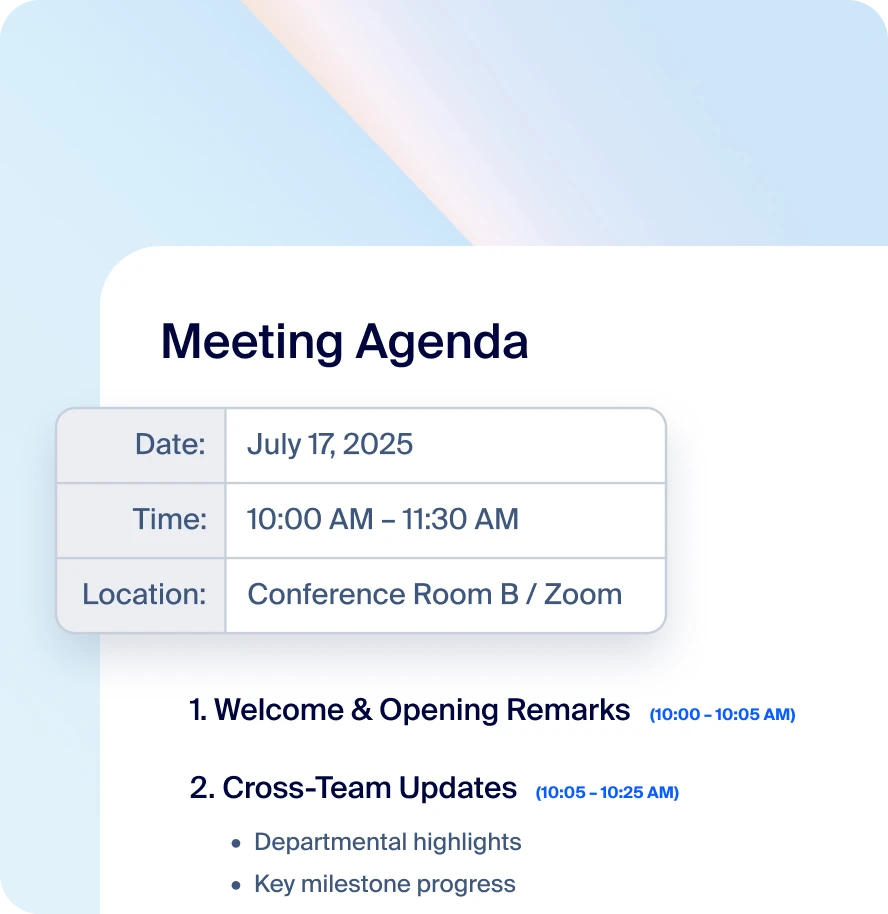
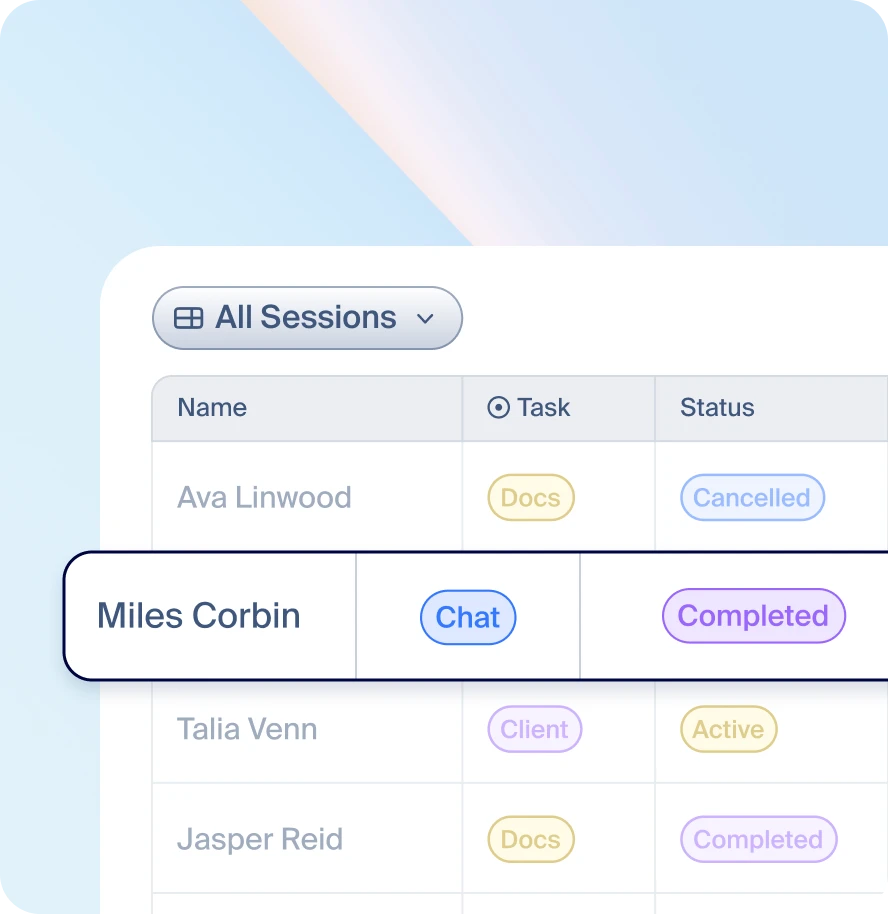
Los documentos antiguos están anclados en el pasado. Zoom Canvas utiliza IA para transformar las conversaciones en documentos, wikis, tablas y formularios que pueden compartirse, de manera que su equipo puede colaborar mejor antes, durante y después de cada reunión.

Flex
PerfectQuote
Viewrail
ExxonMobil
Sage
Werner
Flex
PerfectQuote
Viewrail
ExxonMobil
Sage
Werner
Características clave
Características principales

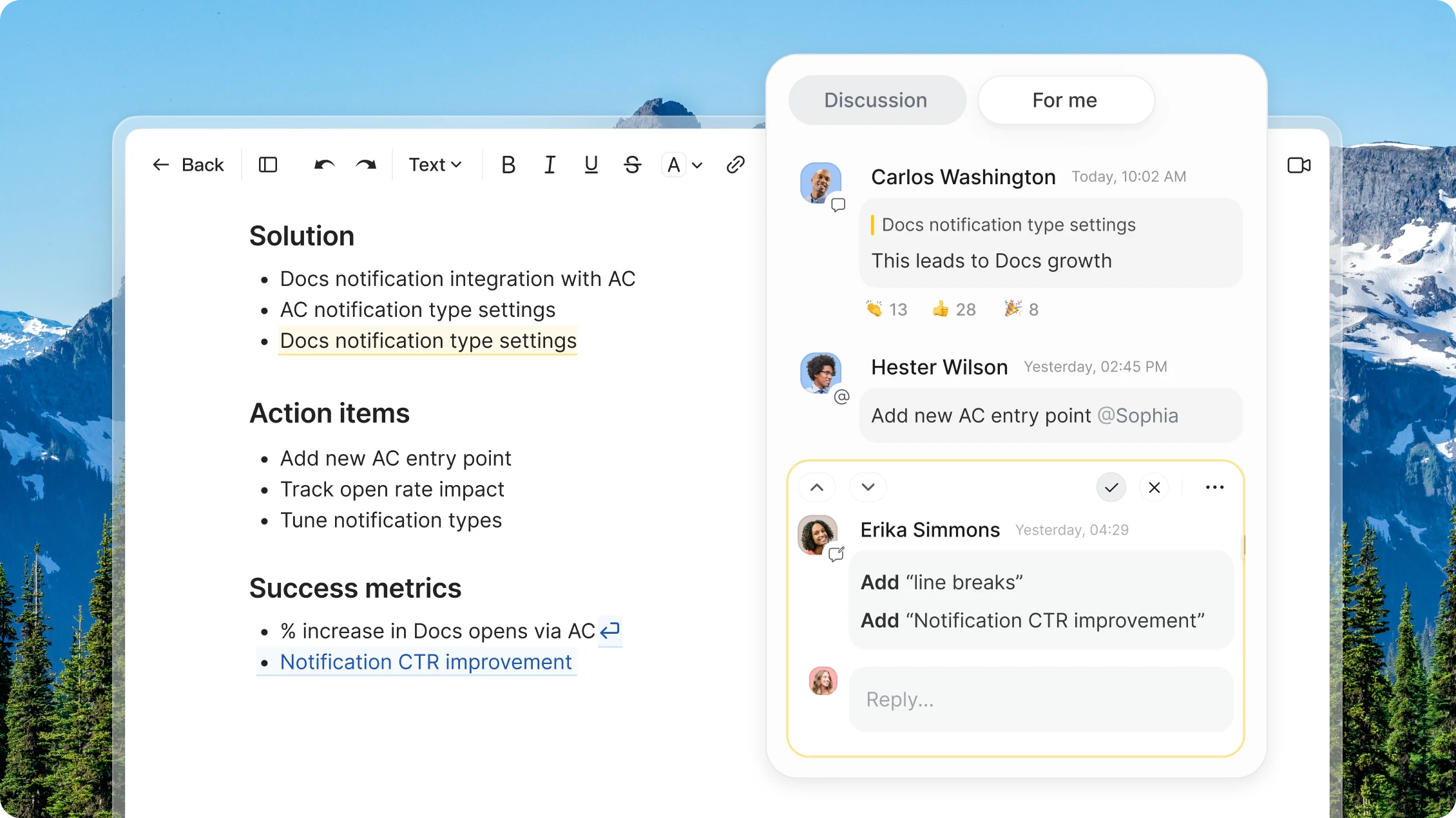
Documentos colaborativos que mantienen el trabajo claro y conectado

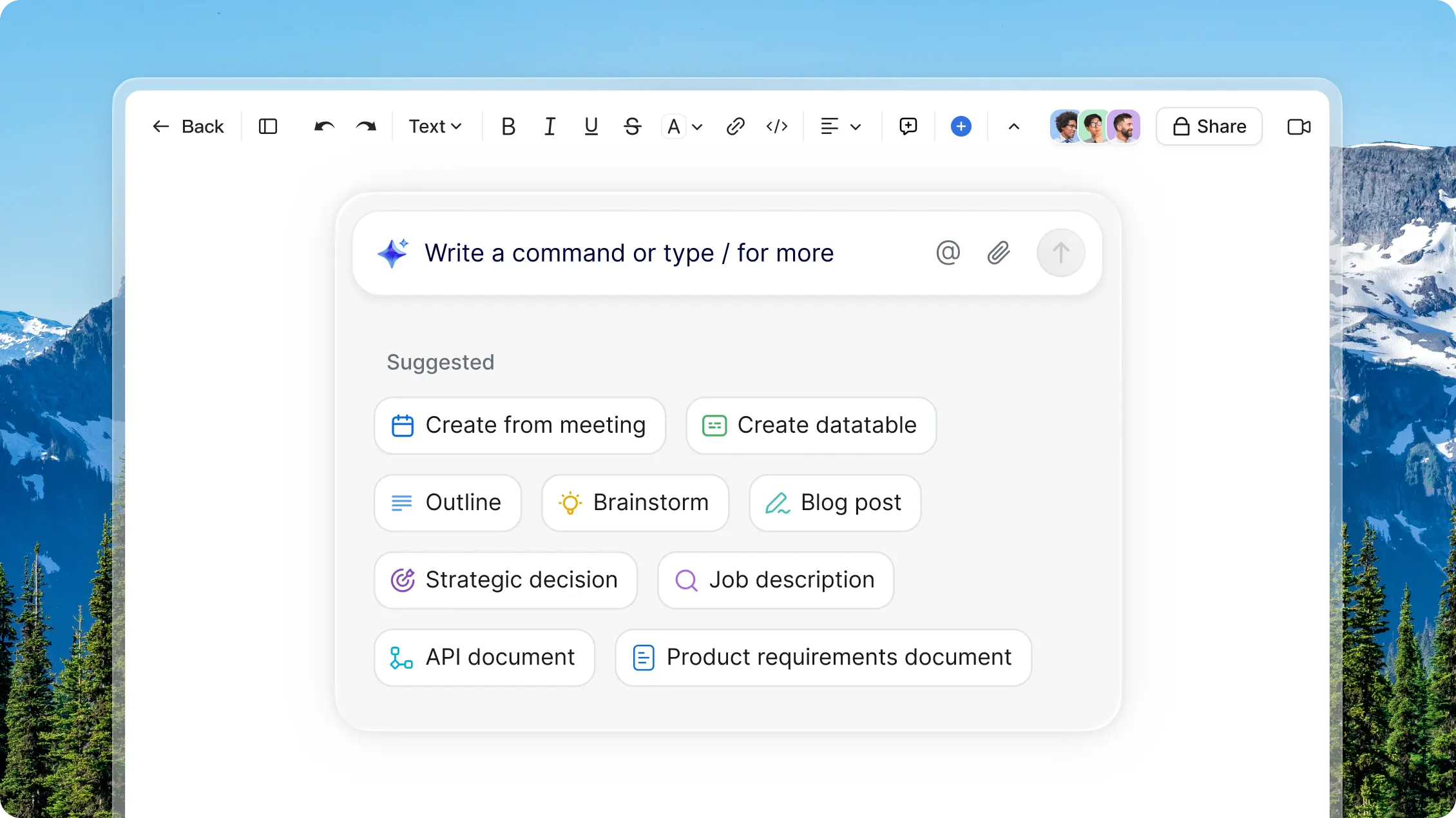
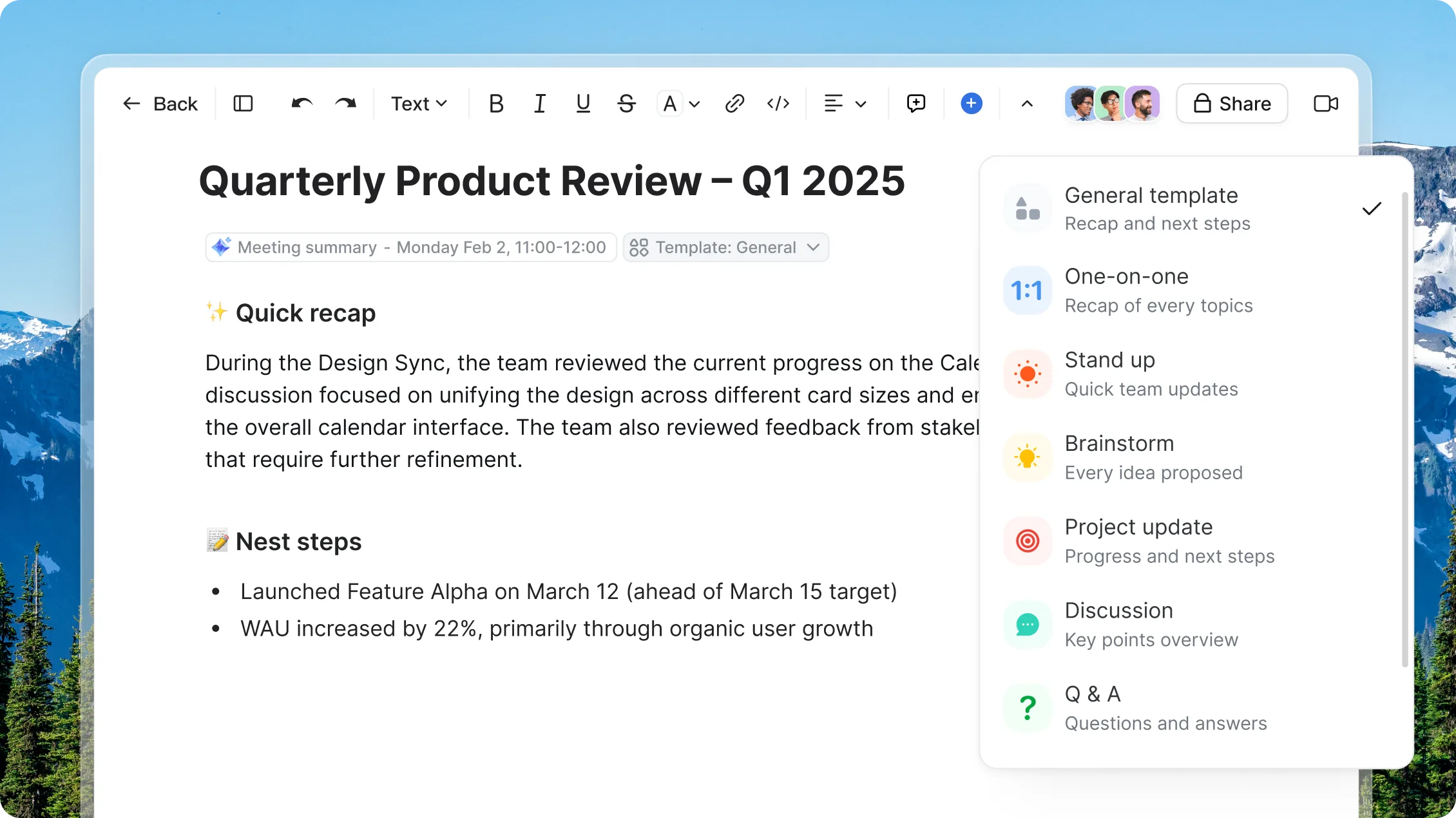
Utilice instrucciones como «crear a partir de la reunión» para redactar documentos basados en los puntos clave de llamadas recientes, tareas o archivos cargados, de modo que pueda comenzar con contexto y no con una página en blanco.

AI Companion AI Companion
Precio
Precio

Explore los planes
y precios de Zoom Canvas

Descubra cómo sacarle el máximo partido junto con Zoom Workplace.

Explorar los planes Explorar los planes ?? "";

Descubra cómo aprovecharlo al máximo junto con Zoom Workplace.

Anualmente
Workplace Básico 1 usuario
Gratuito

Probar gratis

Características incluidas
  • Docs Básico
    • Suba archivos adjuntos de menos de 10 MB
  • Meetings
    • Máximo de 40 minutos por reunión
    • Máximo de 100 participantes por reunión
  • Clips Básico
    • 5 vídeos de dos minutos
  • Mail
  • Calendario
  • Scheduler
    • 1 personal booking page
  • Team Chat
  • Tasks Básico
    • Entrada manual
  • Notes
  • Whiteboard Básico
    • 3 pizarras editables
  • Zoom Hub Básico

Most popular

Workplace Pro De 1 a 99 usuarios
Preguntas frecuentes

¿Tiene preguntas? Tenemos las respuestas.

Zoom Canvas — formerly known as Zoom Docs — is an AI-powered collaborative content and workspace tool that transforms team discussions and meetings into shareable documents, wikis, tables, and forms. It's designed to help teams collaborate more effectively before, during, and after meetings by automatically generating content blocks with drag-and-drop functionality.

Zoom Canvas and Zoom Paper are both AI-powered, collaborative document creation and productivity apps.

Zoom Paper is designed for traditional document structure. It's a more formal word processor designed to bridge the gap between the old world of legacy docs and the new world of collaborative content creation. With Zoom Paper, you can build formatted documents in printable page layouts that you can also turn into templates for organization-wide use.

Zoom Canvas, meanwhile, is designed for collaboration across multiple digital content formats, from shared docs and wikis, to tables and forms. Zoom Canvas's strength lies in its versatility and adaptability, especially for teams needing features like meeting notes and project timelines.

Build living, highly collaborative documents with Zoom Canvas's block-based, drag-and-drop editing, or design within the boundaries of a quintessential document in Zoom Paper — with margins, headers and footers, pagination, and so on. No matter which solution you're using, you're getting powerful AI assistance, real-time collaboration, and the ability to templatize your documents to help you and your team save time and be more productive.

Zoom Canvas is included with your paid Zoom Workplace license. If you do not have a Zoom Workplace license, you can purchase it to get the most out of our Zoom AI Productivity Suite.

Zoom Canvas is available as part of our Zoom Workplace bundles or Zoom AI Productivity Suite.

AI Companion is baked into every tool in Zoom's AI Productivity Suite, including Canvas. Each AI Productivity Suite license includes AI credits that power intelligent features; however, we’re currently offering unlimited credits until May 30th to help teams experience the full capabilities of the suite.

Features and capabilities are subject to applicable usage limits, availability, and AI credit balances. Certain functions may require additional subscriptions or credits. Actual performance may vary depending on prompt, system conditions, and available data.

Cree su primer borrador con
Zoom Canvas


*Zoom AI Companion está disponible con los planes de pago elegibles de Zoom Workplace. Es posible que no esté disponible para todas las regiones o sectores. Más información.