Curate your video recordings into channels and playlists for specific audiences to discover and watch — all on Zoom.



Connect with us
Contact our sales team
Talk with one of our experts to come up with a plan that’s right for you.
FAQs
Got questions? We’ve got answers.
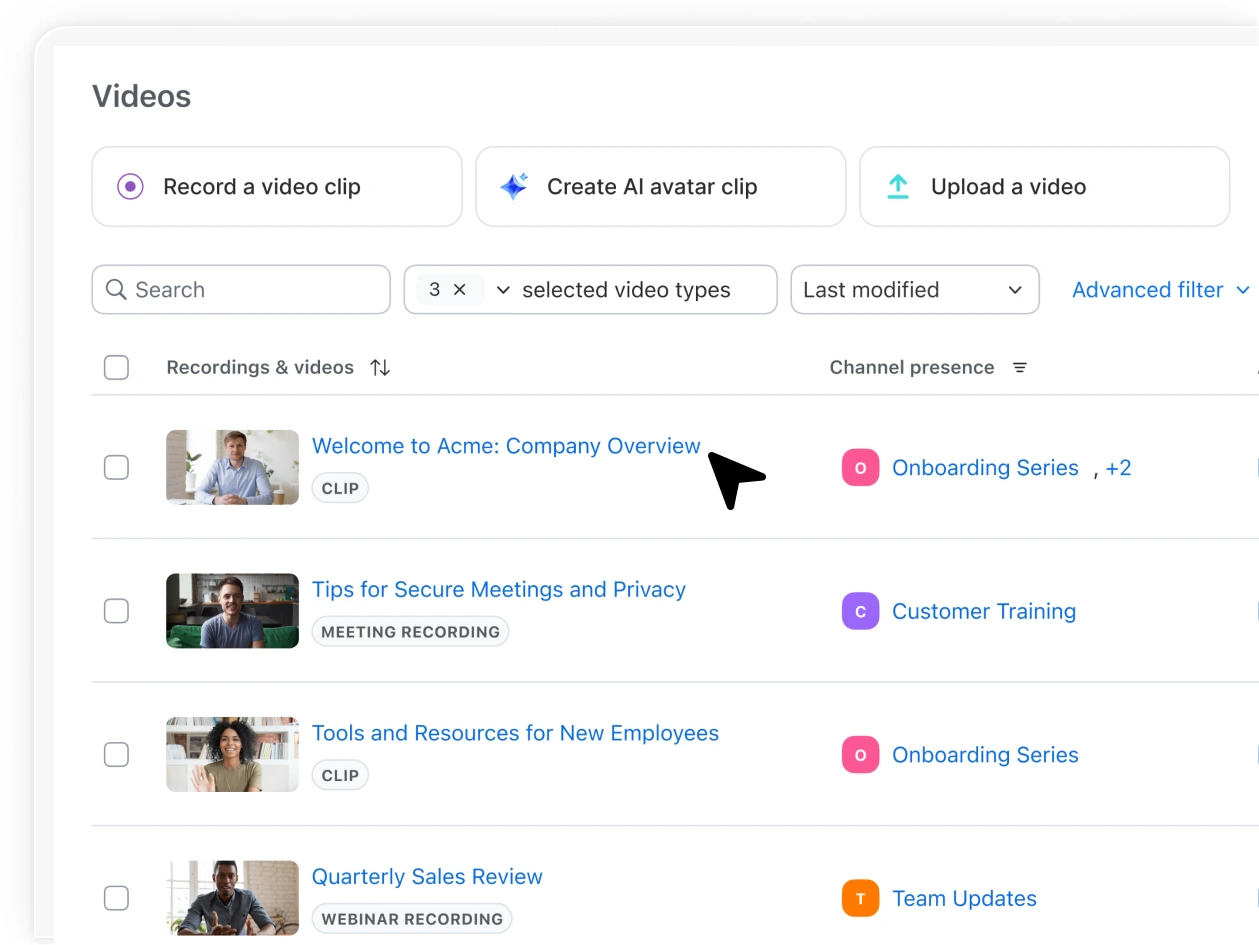
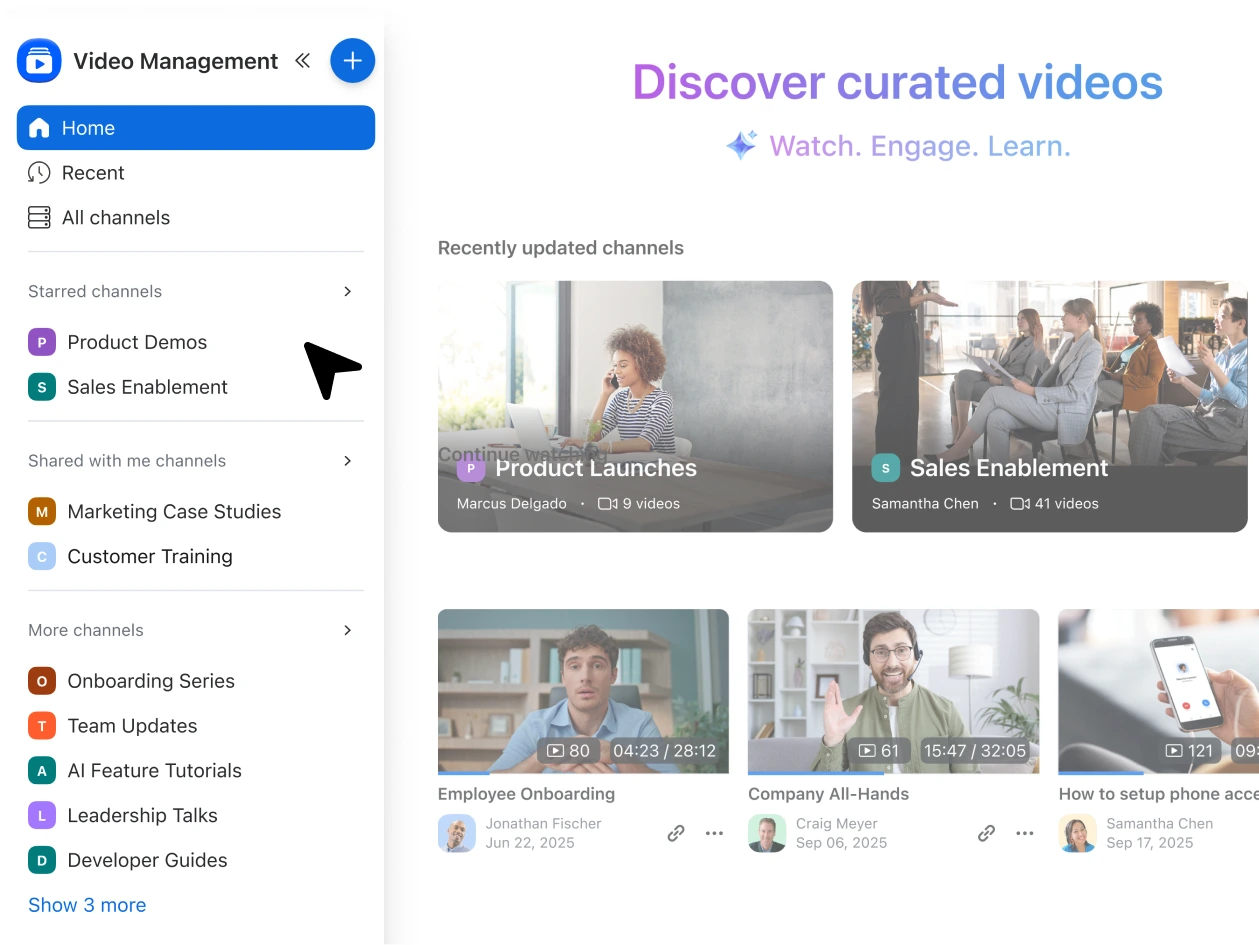
Zoom Video Management automatically brings your Zoom Meetings, Webinars, Events, and Clips into a single, organized library. You can group videos by team, topic, or project into channels and playlists, making it easy for your audience to browse and find what they need without switching between tools or folders.
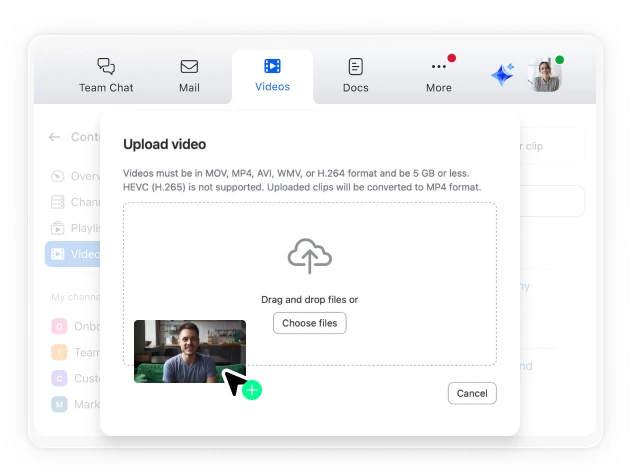
Yes. You can upload or migrate entire video libraries in bulk from other platforms such as Panopto or Kaltura while keeping titles, descriptions, and metadata intact. This helps ensure your existing video libraries remain searchable and usable without starting from scratch.
You can set visibility at the channel level, making content available only to specific users, your entire organization, or anyone with a public link. Admins can also manage sharing permissions at the account or group level to ensure the right people have access.
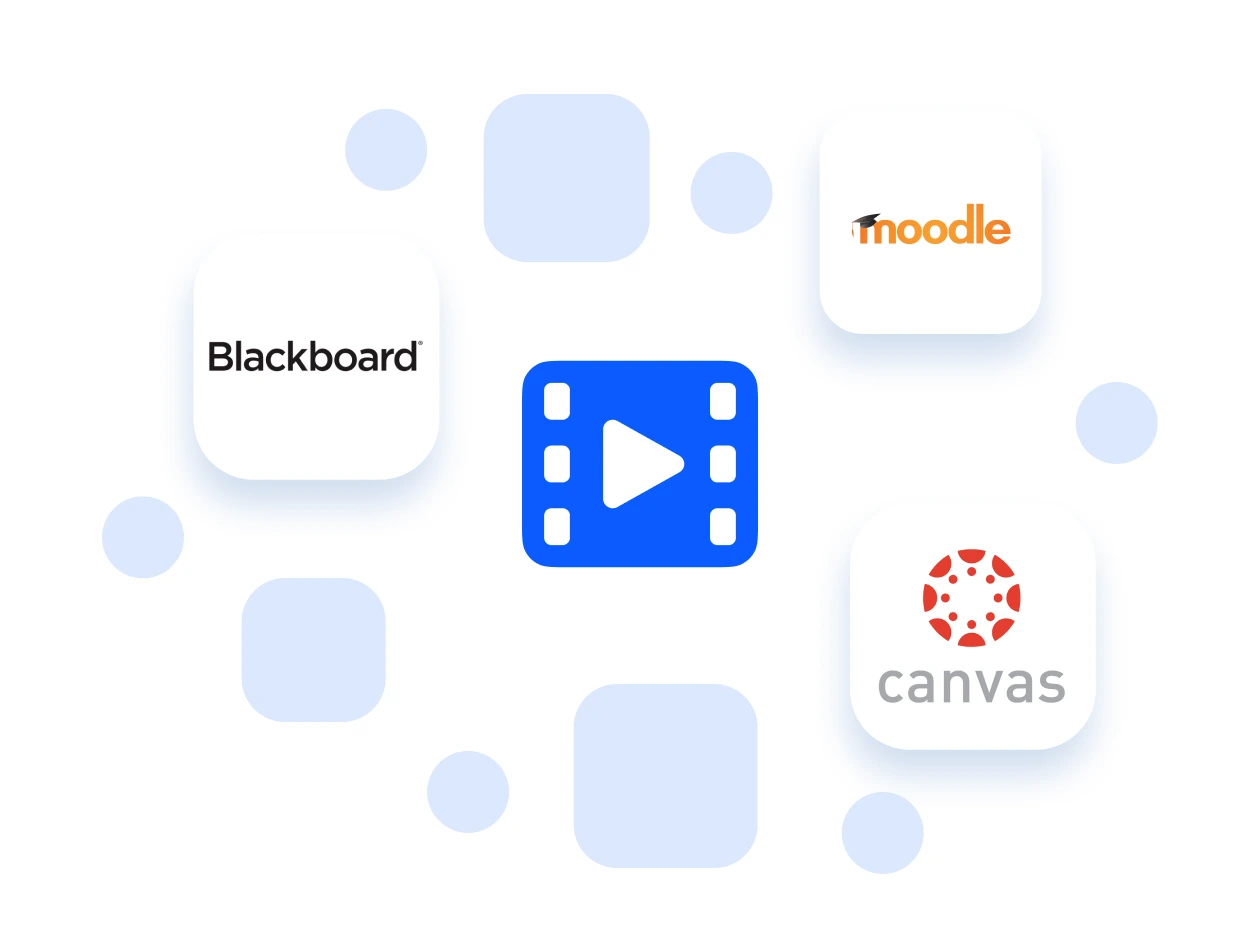
Yes. It integrates with major LMS platforms like Canvas, Blackboard, Moodle, D2L Brightspace, and Sakai through LTI Pro. This allows instructors to embed videos directly into courses, sync rosters automatically, and let students access content without leaving their LMS.
You can view detailed analytics for each video and channel, including total views, watch time, unique viewers, engagement rates, and comments. Admins can also access organization-wide dashboards to identify top-performing content and viewer trends.
Each channel can include up to 100 collaborators who can upload, edit, or manage content. You can also invite up to 10,000 specific users or email addresses to access a channel directly. This limit applies to the number of invited individuals, not the total number of people who can view the videos. The videos within that channel can still reach as many viewers as your Zoom Video Management plan allows based on your monthly unique viewer capacity.
Zoom Video Management uses a monthly unique viewers model. A unique viewer is counted once per month, no matter how many videos they watch. Plans start at 150 monthly unique viewers and scale in increments of 500. Customers can choose between monthly or annual commitments, with annual plans offering discounted per‑viewer rates. If usage exceeds the committed viewer count, additional viewers are billed at $0.80 per viewer if the customer chooses to opt-in for overage.
Clips is designed for quick, one‑to‑few video messages—ideal for short updates or async communication. Zoom Hub is a general content repository for organizing all of your Zoom files, including documents and recordings. Zoom Video Management, on the other hand, is purpose-built for managing and sharing video content at scale. It organizes recordings from meetings, webinars, and events into searchable, AI‑powered channels with analytics and access controls.
Your best content is already on Zoom. Unlock it.
Zoom AI Companion is available with eligible paid Zoom Workplace plans. May not be available for all regions or industry verticals. Learn more.