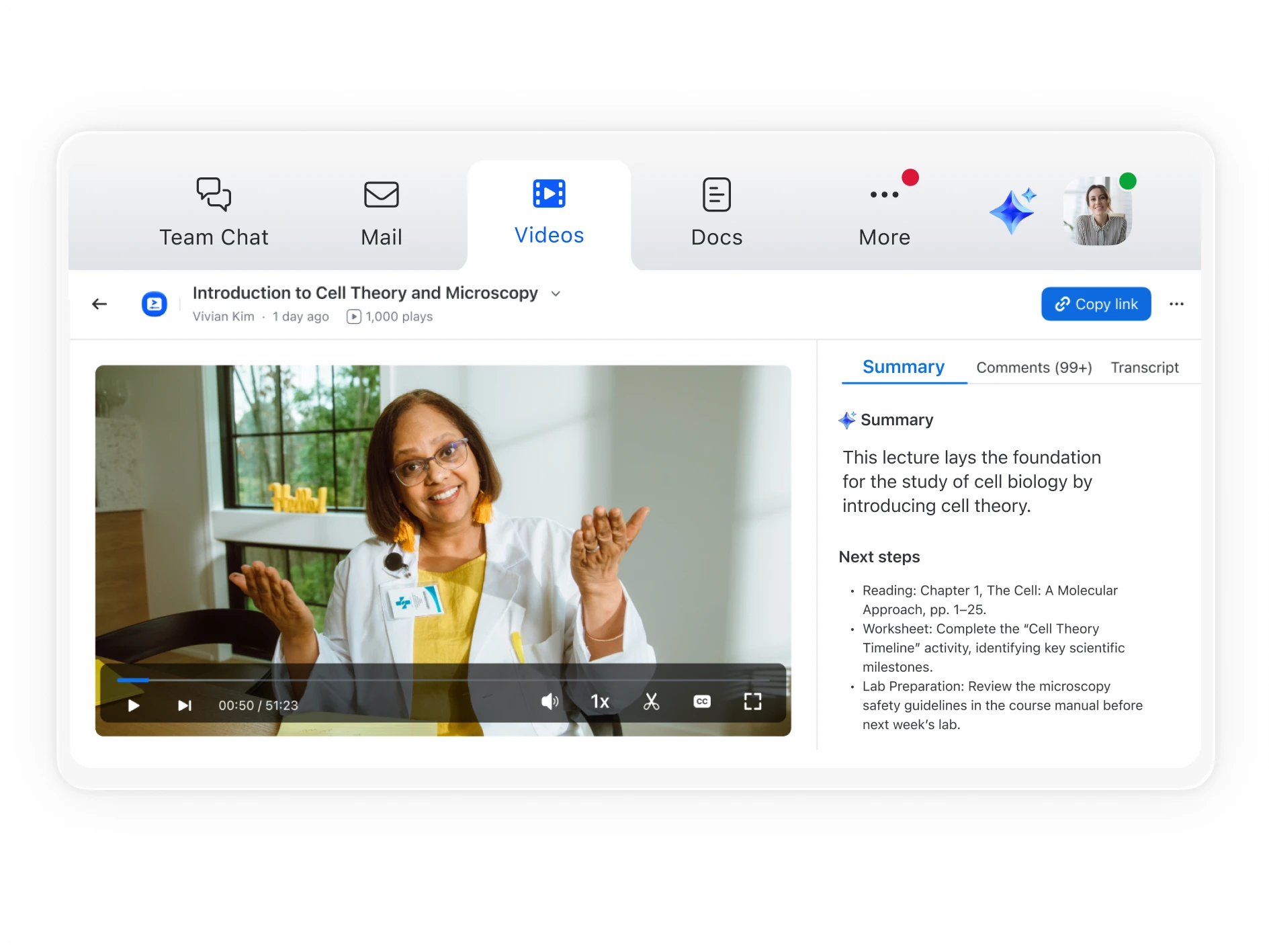
Zoom Video Management transforms passive viewing into active engagement, guiding viewers to the moments that matter with smart search using built-in AI.



Connect with us
Contact our sales team
Talk with one of our experts to come up with a plan that’s right for you.
FAQs
Got questions? We’ve got answers.
AI‑generated summaries automatically analyze each video’s transcript to highlight the main points and key takeaways. This helps viewers quickly understand what the video covers before deciding to watch the full recording.
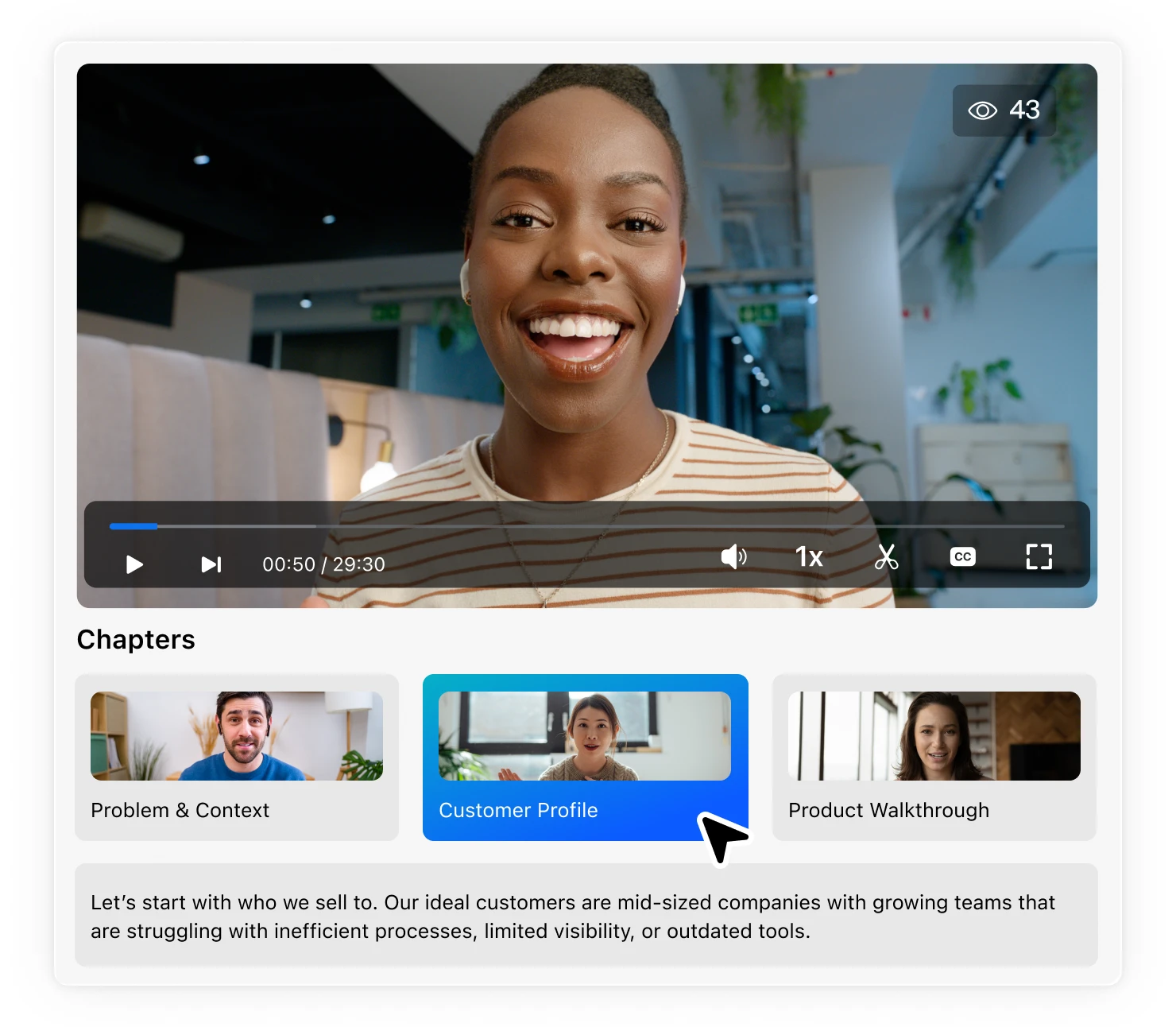
Smart chapters use AI to divide videos into logical sections based on topic changes or speaker transitions. Viewers can jump directly to the most relevant part of a video without manually searching through the timeline.
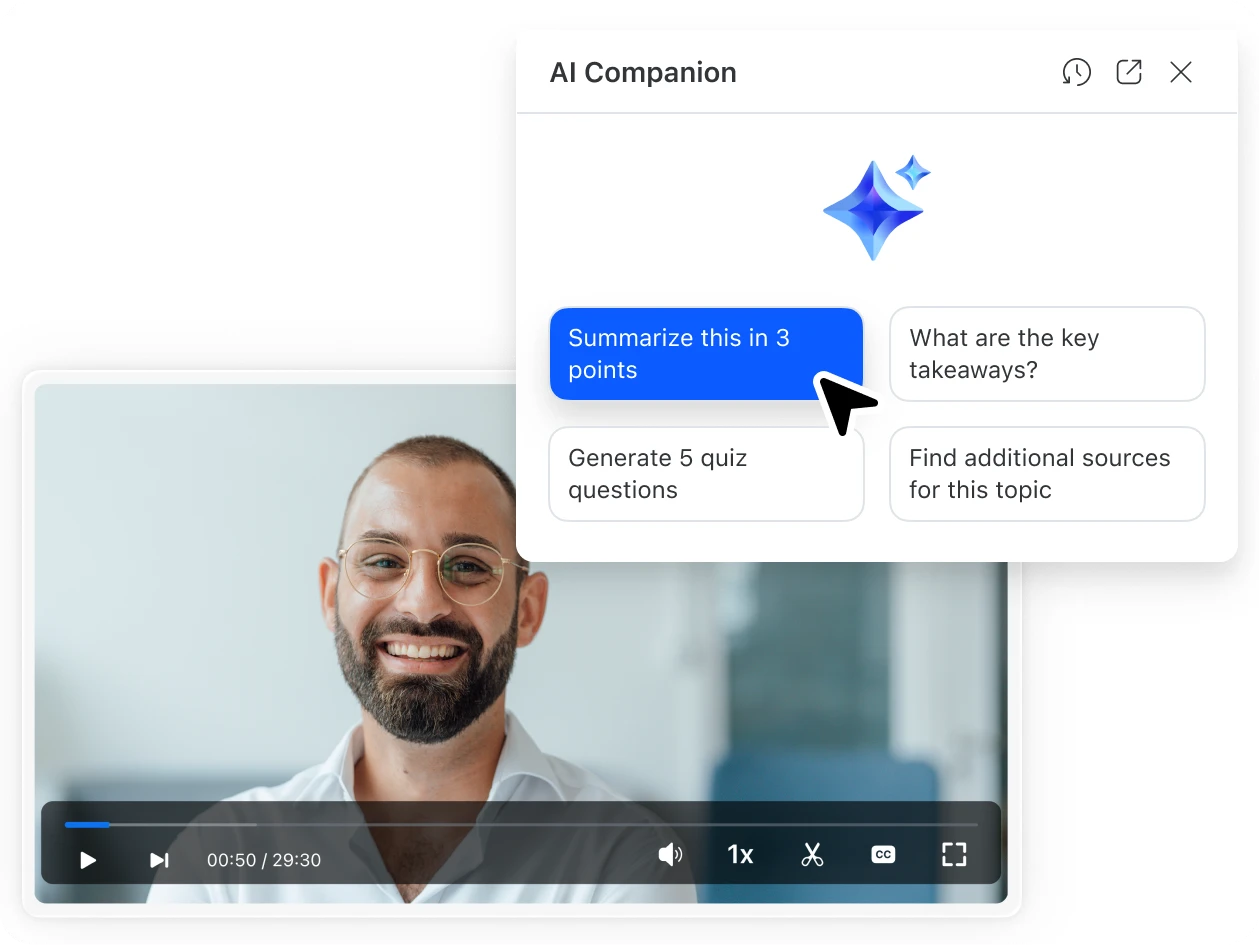
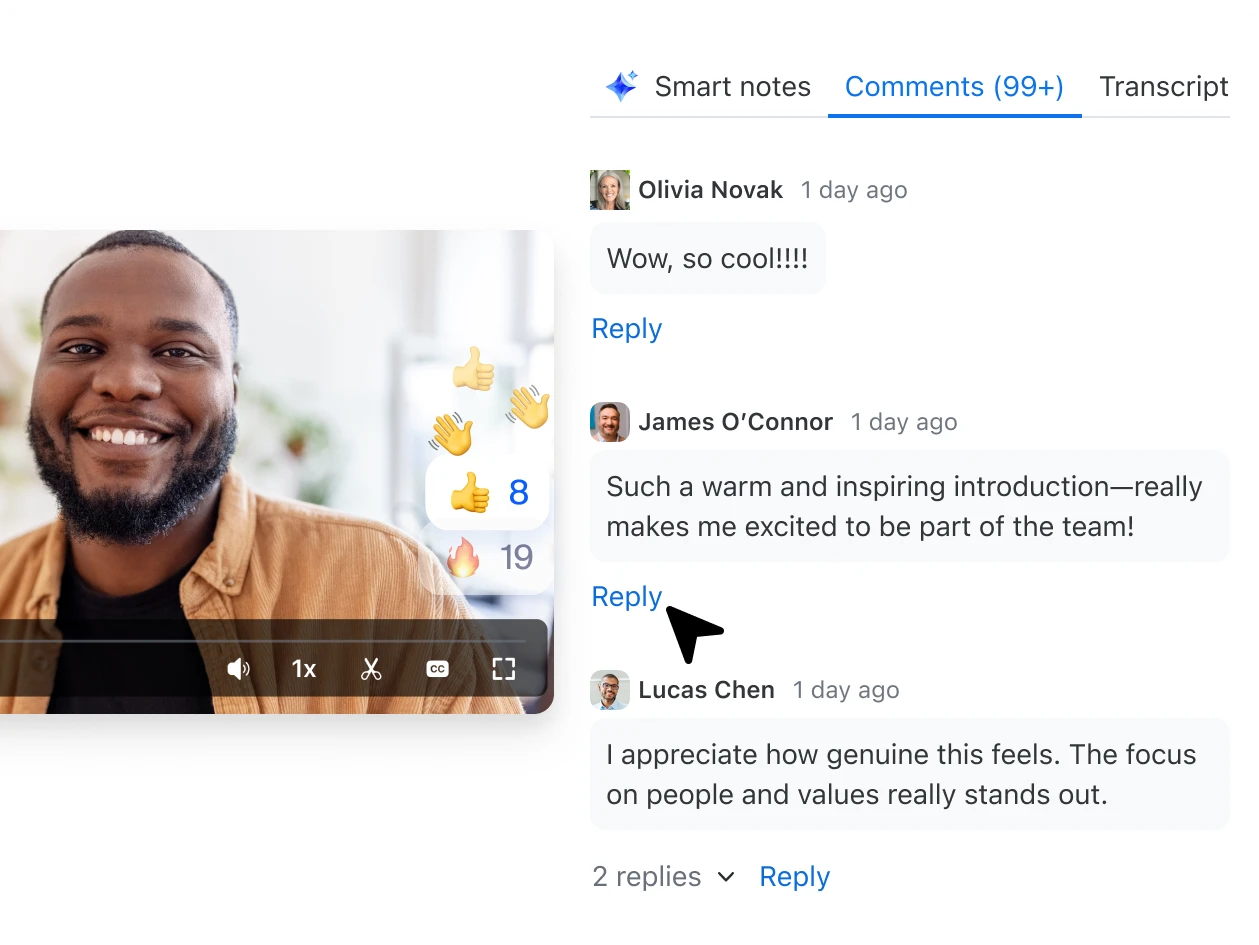
Yes. When signed in to Zoom, viewers can ask natural‑language questions through Zoom AI Companion, such as “What are the key takeaways?” or “Find related clips.” They can also leave comments and replies tied to specific moments in the video to foster discussion.
By combining summaries, chapters, and interactive tools, viewers spend less time searching and more time engaging. These features transform passive viewing into active participation, increasing retention and collaboration.
AI‑powered experiences apply to videos hosted within Zoom Video Management, including recordings from Meetings, Webinars, Events, and Clips. Uploaded videos also benefit from summaries, chapters, and commenting once processed by the system.
Yes. Channel owners and admins can manage permissions to determine who can view, comment, or interact with videos, ensuring discussions remain relevant and secure within the intended audience.
Your best content is already on Zoom. Unlock it.
Zoom AI Companion is available with eligible paid Zoom Workplace plans. May not be available for all regions or industry verticals. Learn more.