Bonsai x ZoomMate
Bonsai x ZoomMate

Meet your new business assistant

Connect Bonsai to ZoomMate and turn client conversations into action. Update your CRM, move deals forward, launch projects, and generate invoices — without leaving your workflow.

Meet your new business assistant

Every client call, captured. Every next step, handled.

Give each client  your best

Give each client your best

Every commitment, deadline, and action item from your calls gets captured, so you can review your next steps.

Run your admin  on auto-pilot

Run your admin on auto-pilot

After each call, update your CRM, pipeline and projects from where you're working in ZoomMate.

Ask anything

Ask anything

Skip the dashboards and deep-dives. Just ask, and ZoomMate pulls the answer straight from your Bonsai data.
Keep your CRM up to date

Keep your CRM up to date

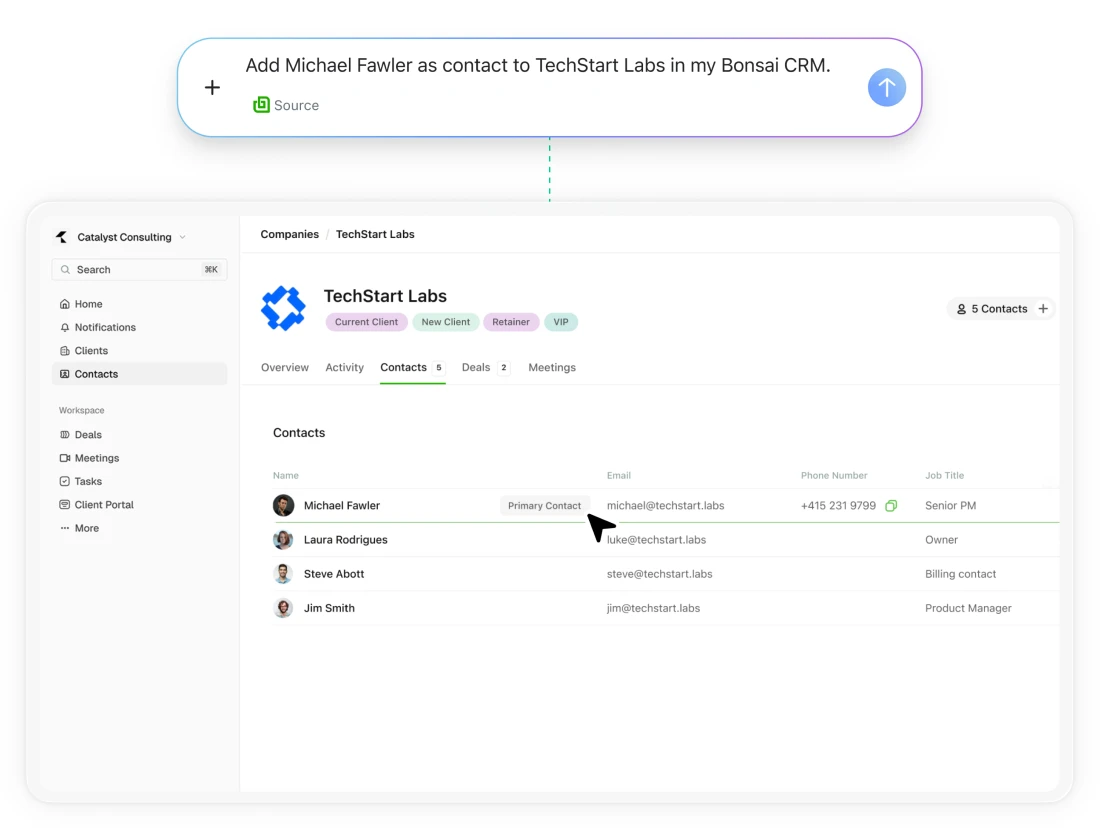
After a meeting, ask ZoomMate to update any key client info without having to dig for it in Bonsai.

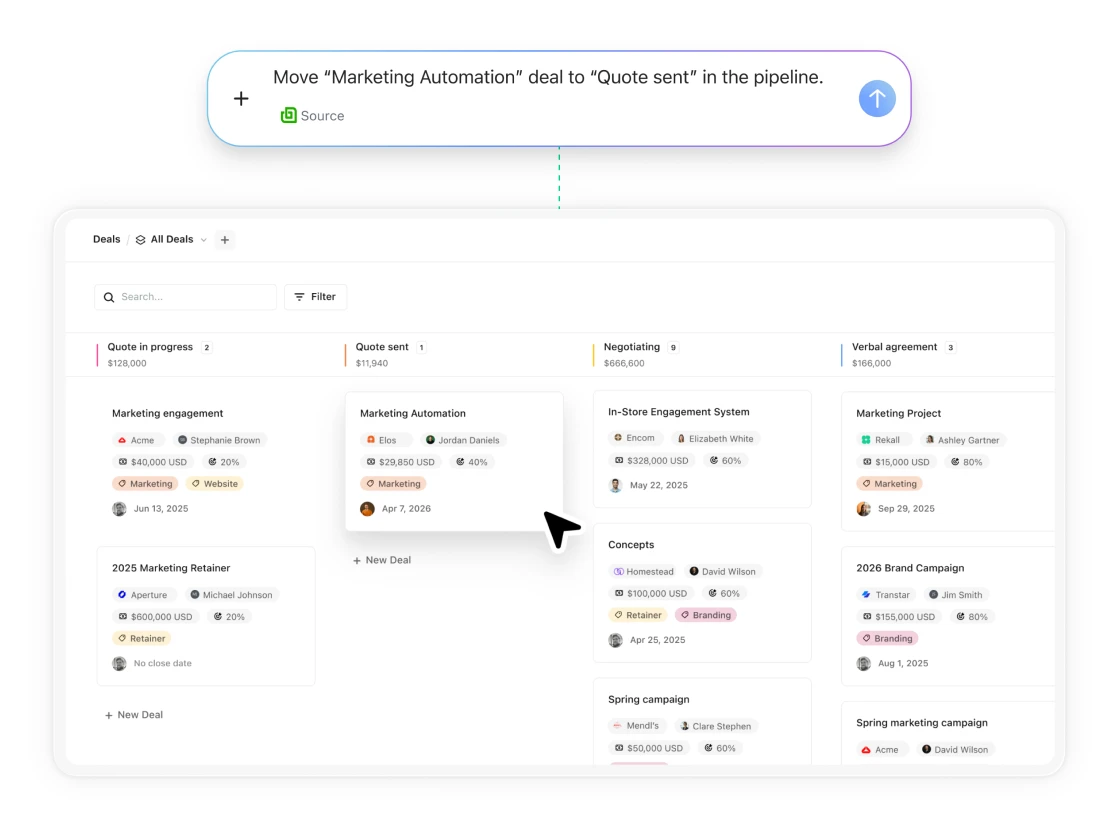
Move leads forward without the admin

From a client call, ZoomMate creates or updates deals in your pipeline — "Website Redesign, $12,000, Proposal Sent, close by end of June" — captured and filed automatically.

Move leads forward without the admin
Log time from your client calls

Log time from your client calls

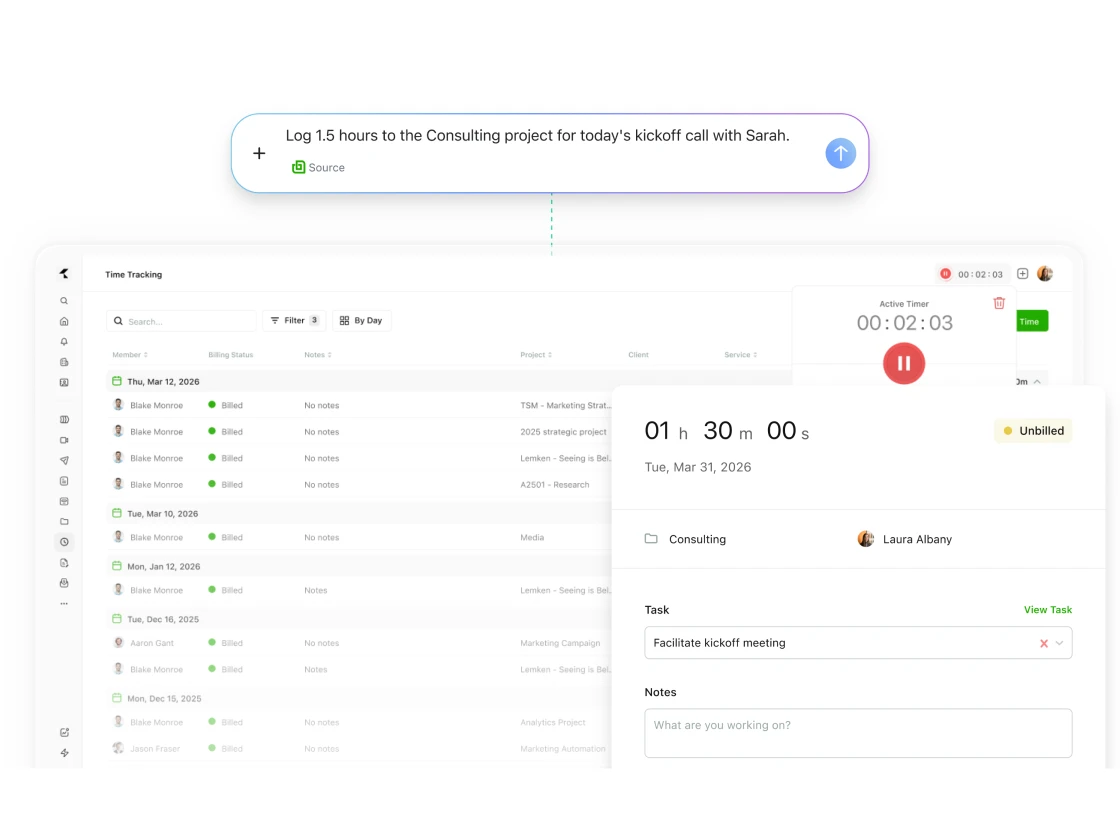
Wrap up a client call and ZoomMate logs the time entry in Bonsai with the right project, duration, and description pulled from your meeting. No timers to remember, no manual entries.

Turn conversations into tasks

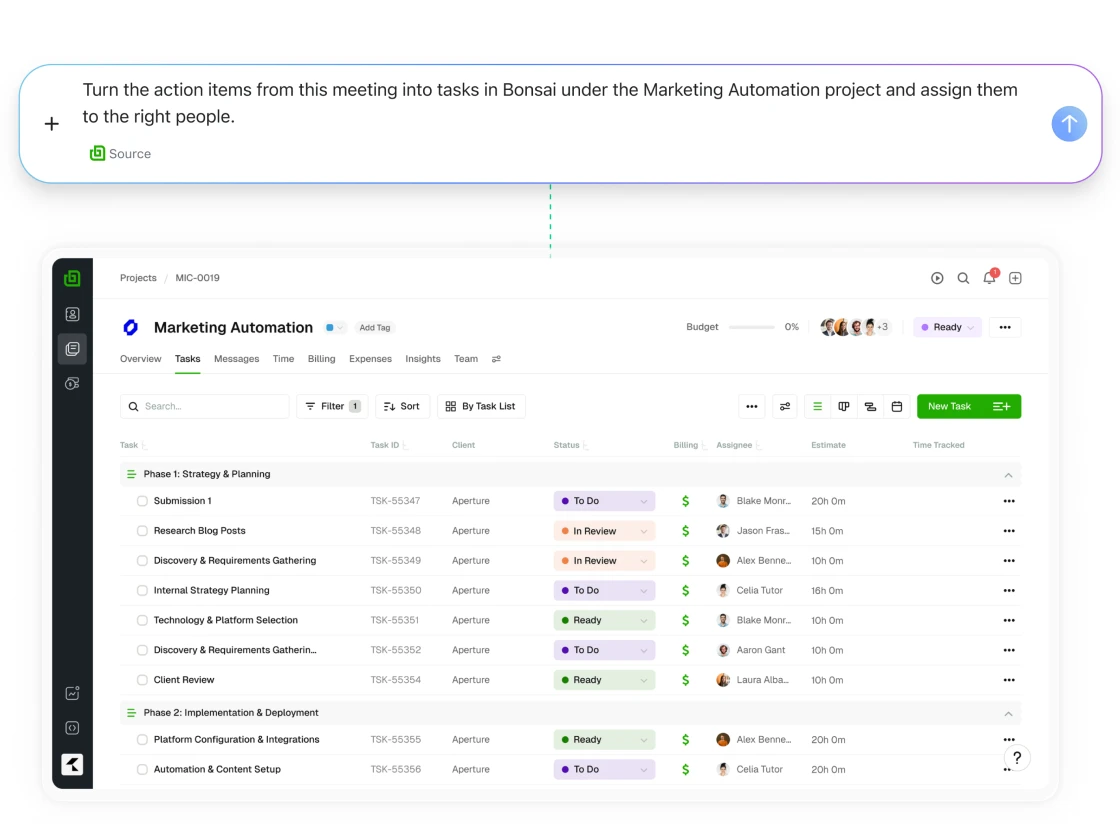
Finish a client call and let ZoomMate create tasks in Bonsai with owners, priorities, and due dates already assigned. No notes to rewrite, no follow-up email to send, just a clear list of next steps.

Turn conversations into tasks
Generate invoices

Generate invoices

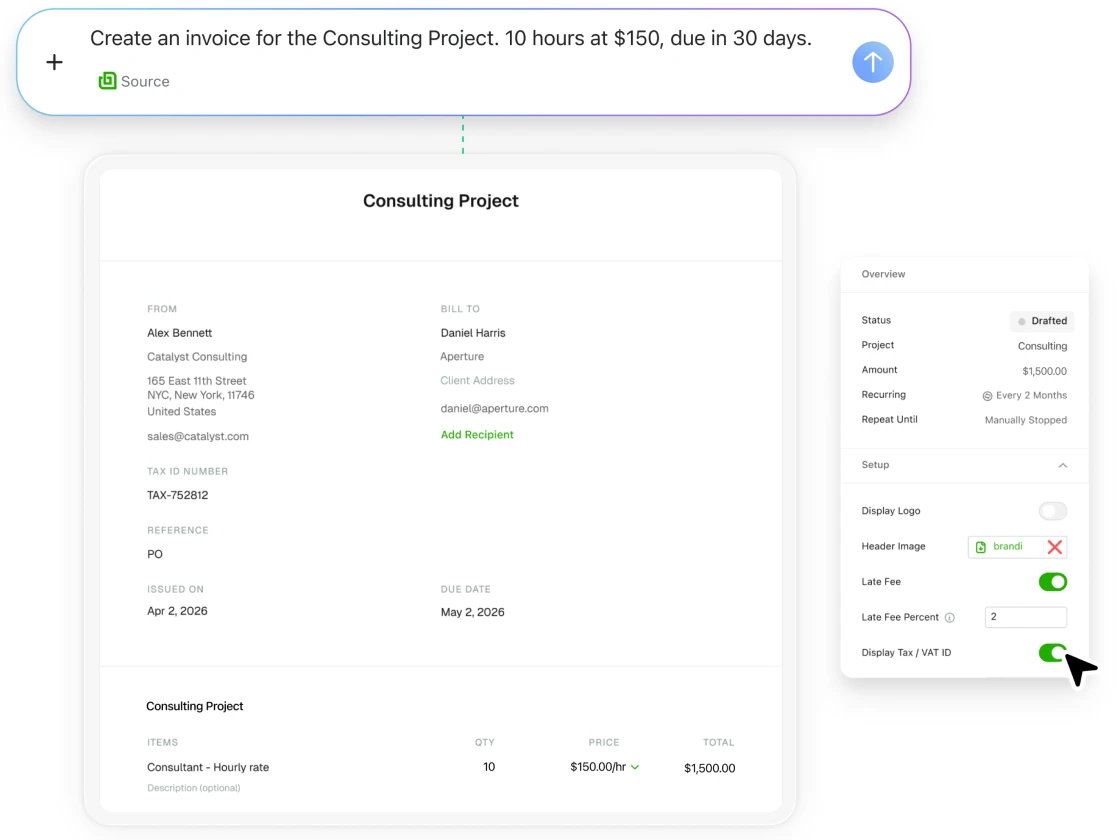
Tell ZoomMate which client, line items, and amount, and it drafts the invoice in Bonsai for your review — no tab-switching required.

Ready to try Bonsai?

Get started with your 7-day free trial.

Bonsai is a third-party service. To use this integration, you authorize Zoom to share meeting summaries, transcripts, and related content with Bonsai under Bonsai's Privacy Policy. Requires an active Bonsai subscription and a Zoom plan that includes ZoomMate. AI outputs may be inaccurate; please review before relying on them. You can disconnect this integration at any time in Zoom Settings → Integrations.