| $70,000 in avoided hardware replacement costs |
Reduction from 180 to 30 physical handsets |
Staff onboarding and role changes are now automatically provisioned - reducing communications setup time from around one hour per person to near zero and eliminating manual configuration by IT. |
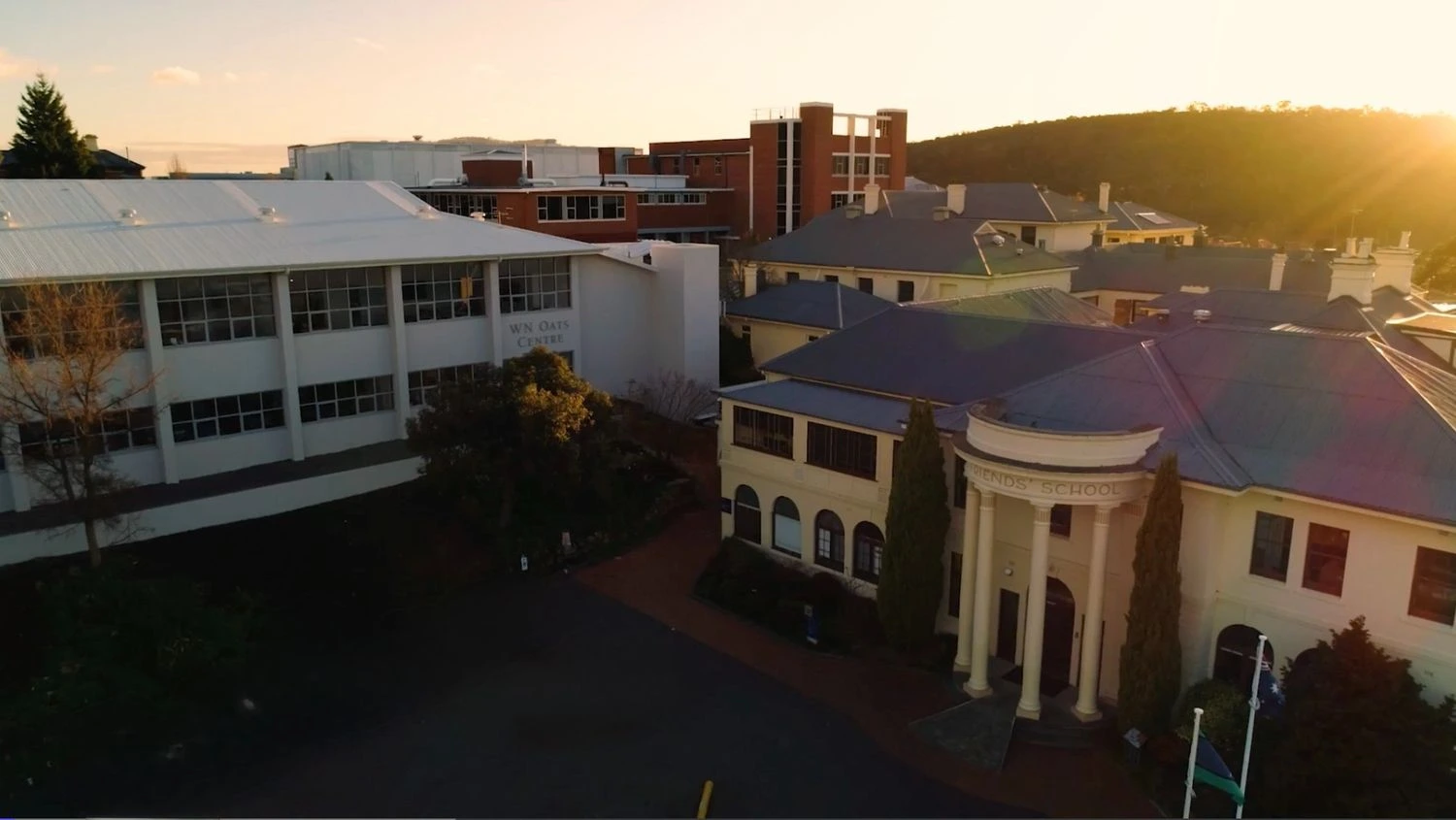
Founded in 1887, The Friends' School in Hobart, Tasmania, is built on Quaker values: simplicity, peace, integrity, earthcare, equality and community. It is the only Quaker school in the Southern Hemisphere and one of the largest in the world.
Serving a growing community
Today, The Friends' School supports 1,340 students and employs approximately 450 staff across two campuses. Beyond K-12 education, the school also operates a health and fitness centre, a childcare centre for 0-4-year-olds, and a motel acquired in the past two years — all open to the public, and valuable school resources. In this regard, each has its own reception and public-facing communication needs.
As Information Services Manager, Duncan Gillespie leads a team of 10 IT professionals who support this diverse and growing organisation.
For years, the School relied on a Mitel phone system. "We had a handset-based phone system... connected to the appliance server in our data centre," Duncan explains. "We were pretty much reliant on our own infrastructure working well."
That reliance posed operational risks.
Inflexibility, risk, and rising costs
The legacy system created three major challenges.
- Business continuity risk
"If we ever had a power or a network outage, that would take the phones out," Duncan says. For a school, particularly one running a childcare centre, this was critical. "The childcare centre relies on having phone access to and from parents. If there were an outage, that would have a pretty significant impact on that team."
- Operational inflexibility
The phone system was tied to physical handsets and locations. During a school restructure, with staff changing offices and roles, limitations became obvious. "Being handset-based was very inflexible — communication was very tied to location."
If someone stepped into a reception role, they had no visibility of previous calls or messages. "A phone was just a phone," Duncan says, "completely separate from email, calendars, and other workflows".
- Escalating hardware costs
The school had 180 handsets deployed across its sites. Replacing aging hardware would have cost "at least $70,000" if they had remained with a handset-based system.
At the same time, staff were already familiar with Zoom Meetings. When evaluating alternative communications platforms, including Microsoft Teams, the leadership team recognised they needed more than just a phone system.
"We just knew that the phone sitting separately was basically an impediment to doing work efficiently."
They wanted a fully integrated communications platform, and Zoom ticked all the boxes.
A Big Bang move to Zoom
The Friends' School chose Zoom and implemented a bold, organisation-wide migration to Zoom Phone, alongside continued use of Zoom Meetings, Zoom Rooms with embedded AI-powered meeting summaries, and plans for Zoom Clips.
"We did it in a Big Bang approach... We pretty much had to set a date and say, this is when we're cutting over to Zoom," Duncan says.
The team used the school holidays to prepare, removing legacy handsets and training staff. Zoom's Professional Services team supported the technical rollout, while Zoom webinars and online resources helped enable end users.
"There was a lot of work in preparation, but the actual changeover went really well."
The hardware footprint dropped dramatically, from 180 handsets to just 30. Most staff now use Zoom Phone via desktop or mobile devices.
One of the most significant transformations has been the introduction of call queues.
"Call queues are probably one of our biggest uses of Zoom," Duncan says. Staff can opt in and out of queues depending on their role or schedule, making coverage flexible and transparent.
Previously, if a teacher called in sick unexpectedly, they had to contact a specific person's mobile. Now, a call queue ensures the call routes to the right team member — and automatically escalates if unanswered. "That's a really productive change for that workflow."
Zoom Phone's SMS functionality also enables shared visibility of message history, improving continuity between staff.
Voicemail transcription has further streamlined workflows. "Even just at the level of the voicemail accuracy being translated into text, that's making a big difference."
In addition, Zoom integrates seamlessly with Google Workspace, with Zoom Rooms automatically linked to Google Calendar bookings. Meetings held in the school's Zoom enabled meeting room are pre-configured and ready to launch as soon as a room is booked, removing the need for IT to step in and troubleshoot setup issues. "We're really not having to support that room anymore," Duncan notes, highlighting the significant reduction in ongoing support requests.
Cost savings, efficiency, and peace of mind
The impact has been measurable.
- $70,000 in avoided hardware replacement costs
- Reduction from 180 to 30 physical handsets
- Staff onboarding and role changes were reduced from roughly an hour per person to largely automated provisioning
- Fewer IT support interruptions, freeing the team to focus on automation projects
For Duncan, however, the greatest benefit goes beyond mobility — it's the integration of communication into the broader flow of work. With Zoom Phone embedded in the Zoom platform, calls are no longer isolated events. Staff stepping into a role can immediately see the history of text exchanges, voicemail transcripts, emails, and prior conversations, all in one place. There's no hunting for context, no chasing down background information — just a clear, shared view of what's already happened. That visibility elevates efficiency across the school and its various entities.
At the same time, resilience remains critical. "We can use Zoom over a mobile connection for those critical services straight away if we need to," Duncan explains. He adds that one of the biggest benefits personally is "sleeping better at night, knowing that we've got backup plans for situations where we have a network outage."
Staff can easily move between phone, video, and text interactions within Zoom. Teachers can take calls during lunch duty — or switch to Do Not Disturb when focused on class planning. As Duncan puts it, "A phone call isn't a completely separate thing to everything else that you're working with when it comes to the Zoom Platform."
Phones are no longer tied to a desk. Instead, communication is centred on the role, not the handset, giving staff the flexibility to choose how and where they interact while staying fully connected to the wider context of their work.
AI and continued innovation
With Zoom, The Friends' School is expanding its use of AI.
AI meeting summaries are helping teachers and leaders focus on conversations. "Zoom's AI is really beneficial to be able to concentrate on the conversation in the room, knowing the summary will be there."
The school is also evaluating Zoom Clips to consolidate paid screen-recording tools and further streamline workflows.
As Friends School continues to grow — serving students, families, fitness members, childcare clients, and motel guests — Zoom has become more than a phone system replacement. It is now the unified communications platform that connects the community.