

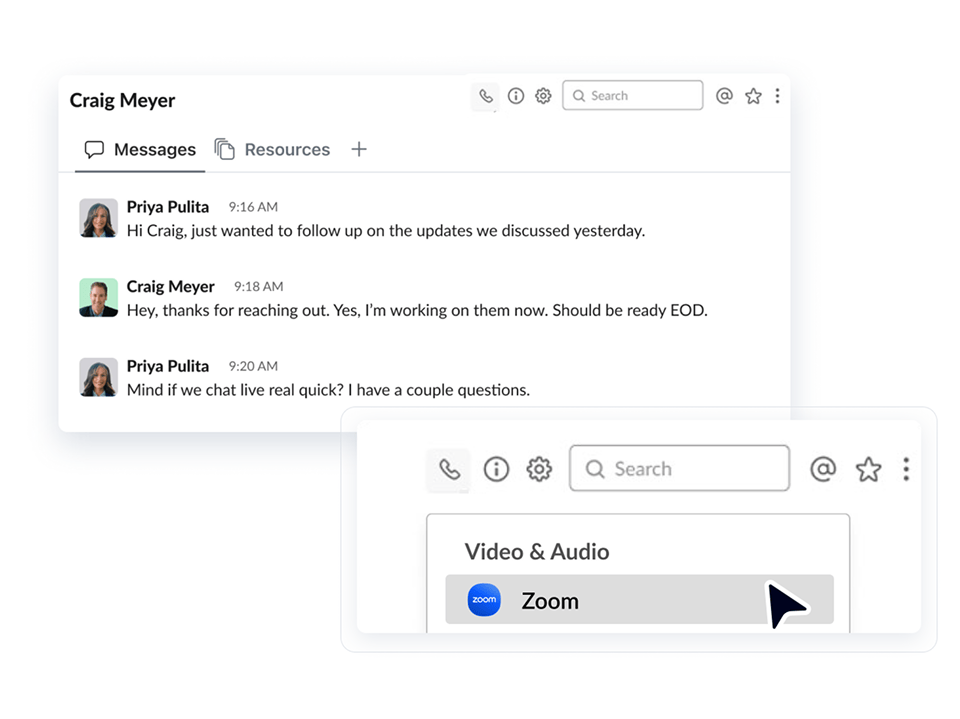
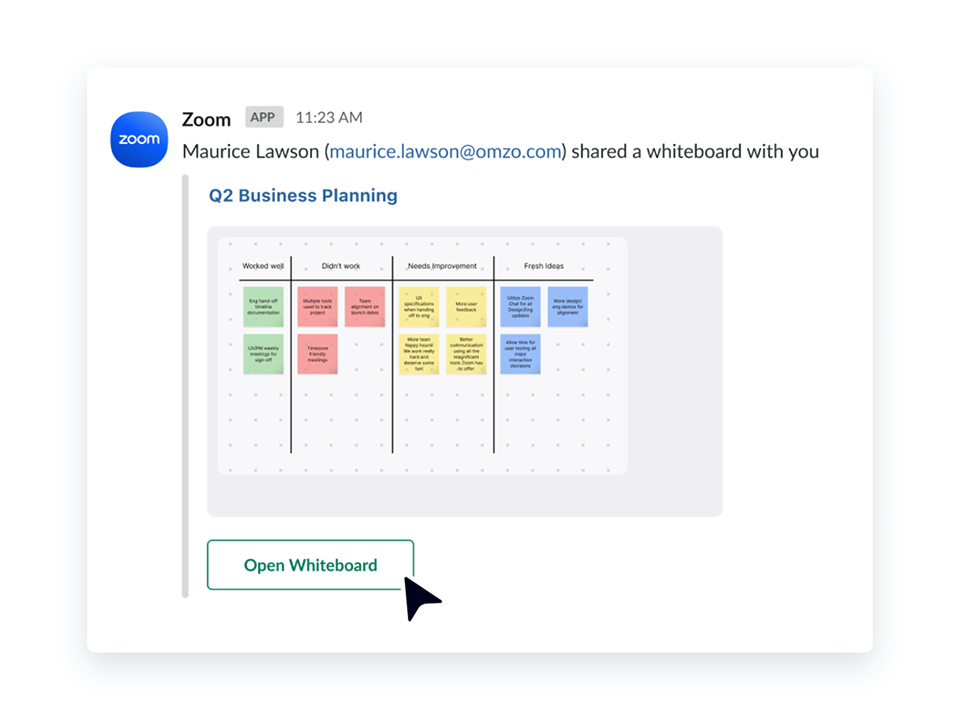
Experience the power of Zoom where your team already talks. Start video meetings, make phone calls, and get help from ZoomMate without leaving your daily conversations in Slack.
Select a language
Experience the power of Zoom where your team already talks. Start video meetings, make phone calls, and get help from ZoomMate without leaving your daily conversations in Slack.
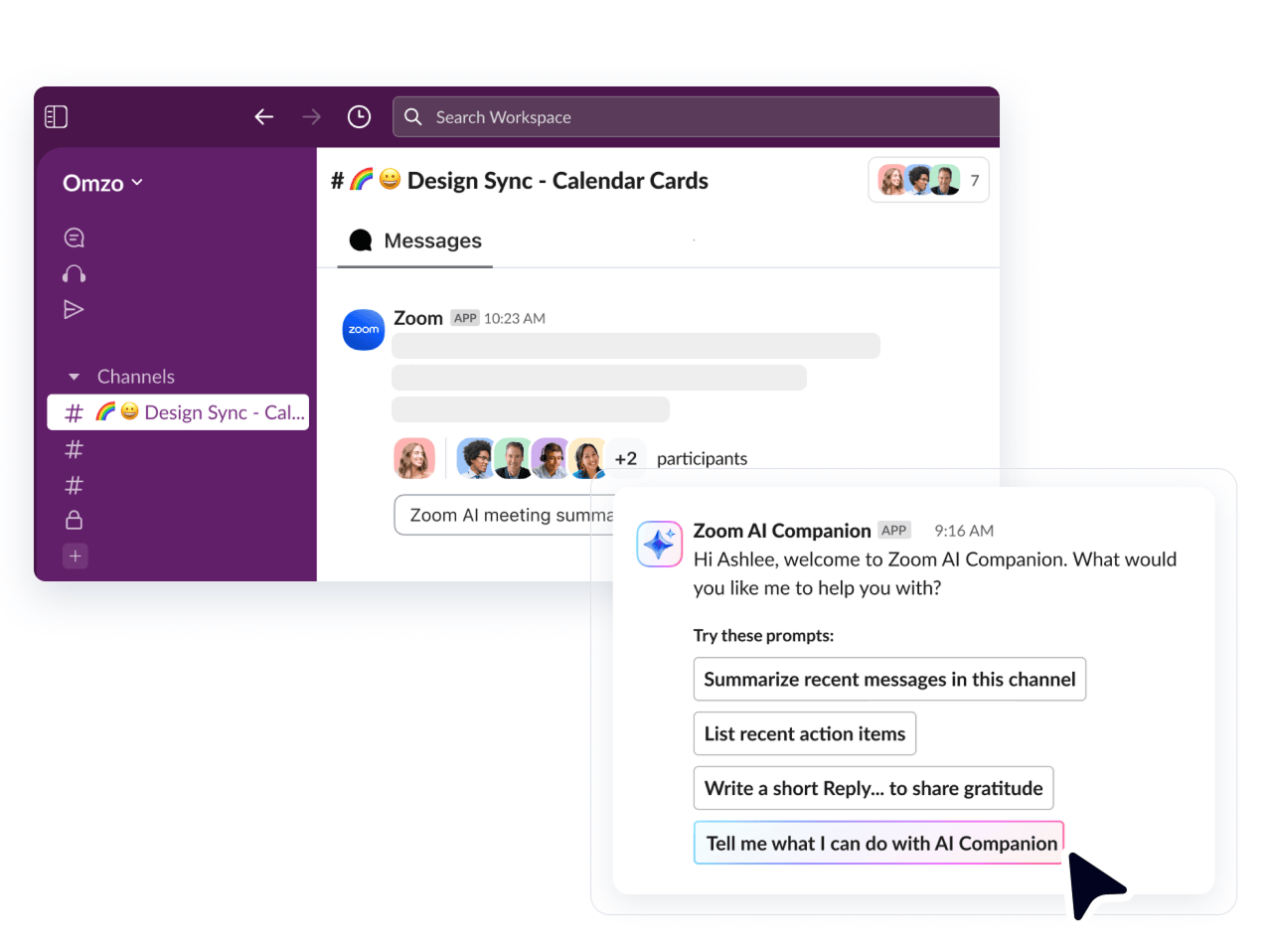
Transition effortlessly between Slack messages and live Zoom conversations while getting more done with AI insights and automation. Get the best of both worlds with HD video and audio for up to 1,000 participants, plus built-in calling and Slack-native access to ZoomMate.*
Meeting scheduling and Slack message querying coming soon to the ZoomMate app for Slack
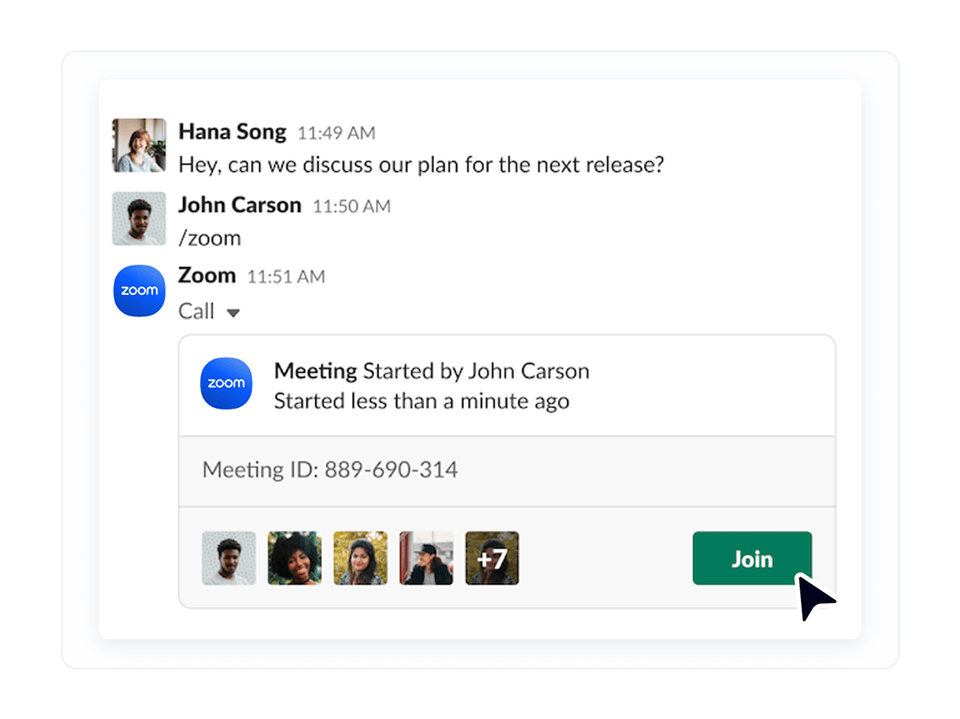
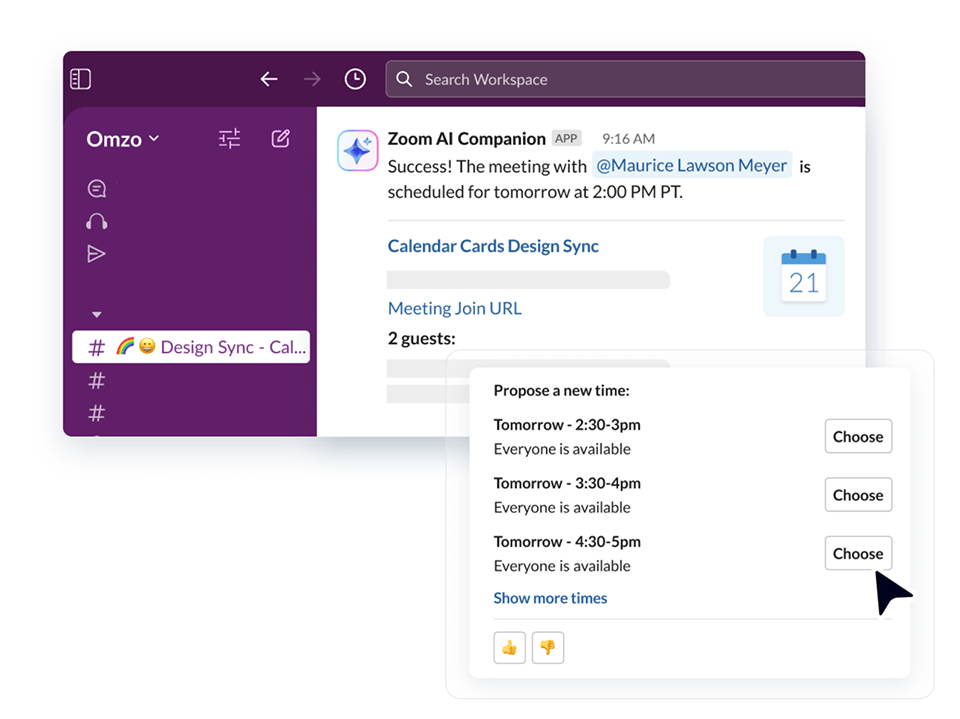
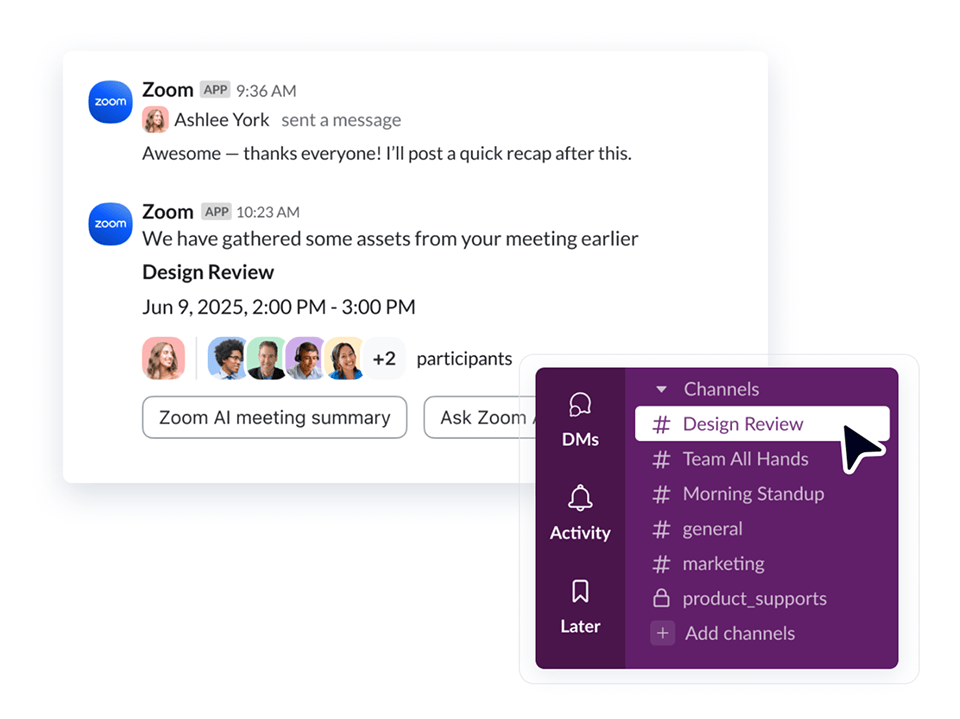
*ZoomMate paid add-on required to access ZoomMate side-panel app within Slack and to connect ZoomMate with third-party applications. Large Meetings add-on may be required for expanded meeting participant capacity. Meeting scheduling capability and Slack message querying coming soon.
**Meeting Summary and cloud recording are not supported for Basic/Free Zoom users.
***To use Zoom Phone within Slack, your account must have an active Zoom Phone subscription.

To integrate Zoom with Slack, simply add the Slack app from the Zoom App Marketplace. You may need to contact your IT administrator to approve the app for your account. Zoom can be integrated with Slack for individual use or organization-wide. Additional configuration options are available in your Slack Workspace Settings. Certain features like Zoom Phone and Slack-native access to ZoomMate require a paid subscription.
Here's a list of available Slack commands for Zoom:
Yes! ZoomMate meeting summaries are available for everyone with a paid Zoom Workplace subscription and a Slack account through the Zoom app for Slack. Zoom customers with the ZoomMate paid add-on can access full ZoomMate features directly in Slack via side-panel, including the ability to schedule meetings, ask questions, summarize and generate content, prepare for calendar events, take action through connected applications, and much more.
Zoom Workplace users with a free Basic account can use certain features of Zoom and Slack together, including the ability to manage meetings with slash commands, access continuous meeting chat channels, and get meeting notifications. AI summaries require a paid Zoom Workplace subscription, and calling features require a Zoom Phone subscription. Meetings with large numbers of participants may require the Large Meetings add-on. To access the full ZoomMate side-panel in Slack, you will need a Zoom Workplace subscription with the ZoomMate paid add-on. Visit https://www.zoom.us/pricing to learn more.