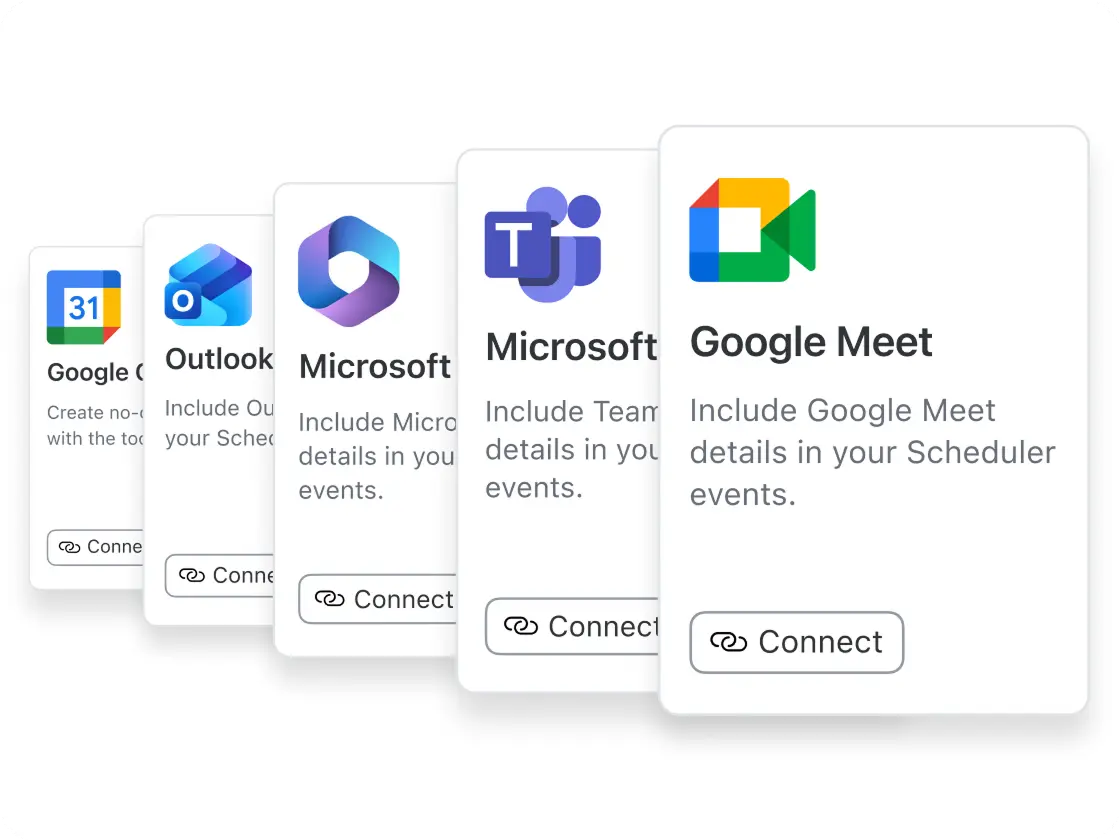
予約の混乱を減らし、時間とリソースを節約できる、堅牢なスケジュール作成ソフトウェアです。Zoom Meetings、Mail、Calendarだけではありません。GoogleやMicrosoft 365ともシームレスに連携し、ワークフローを効率化します。
言語を選択してください

予約の混乱を減らし、時間とリソースを節約できる、堅牢なスケジュール作成ソフトウェアです。Zoom Meetings、Mail、Calendarだけではありません。GoogleやMicrosoft 365ともシームレスに連携し、ワークフローを効率化します。
スケジュール作成ソフトウェアは、カレンダーの空き状況を管理し、手動でのやり取りをなくすことで、予約、ミーティング、イベントの設定プロセスを自動化するデジタルツールです。Zoomのスケジュール作成ツールでは、ユーザーが予約ページのリンクで空き時間を共有でき、相手が直接スロットを予約できるほか、カレンダー招待やリマインダーも自動で送信され、時間を節約し、スケジュールの競合を減らせます。
はい。Zoom Schedulerでは、スケジュール作成ツールの設定を変更して、1つのスロットを複数の参加者が予約できるようにすることで、グループミーティングを設定できます。この機能は、複数の出席者が同時に参加するグループセッションやクラス、チームミーティングの開催に最適です。
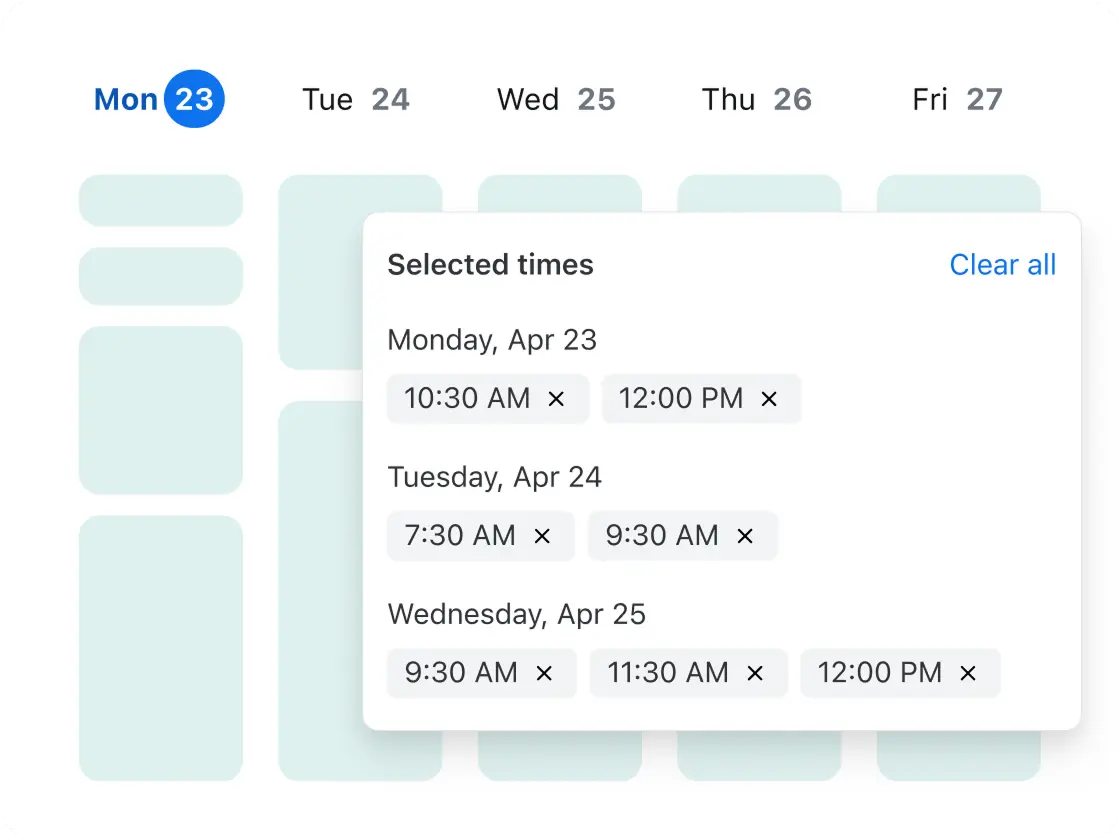
スケジュール作成の投票機能では、出席者が希望するミーティング時間に投票できます。予約枠の投票とも呼ばれ、グループでのミーティング時間を決める投票機能です。複数の日時を提示し、出席者が都合の良い時間を選びます。投票結果を集計した後、スケジュール作成ツールが自動でミーティングを作成します。この機能は、組織内外や異なるタイムゾーンでの調整にも適しています。
Zoomの柔軟なスケジュール作成ソフトウェアでは、1対1ミーティング、1対複数ミーティング、複数対1ミーティング向けの共同スケジュール作成、チーム向けラウンドロビン式スケジュール作成、単発スケジュール作成、定期的なミーティングなど、さまざまな一般的なミーティングを予約できます。以下は各ミーティングタイプの説明です。
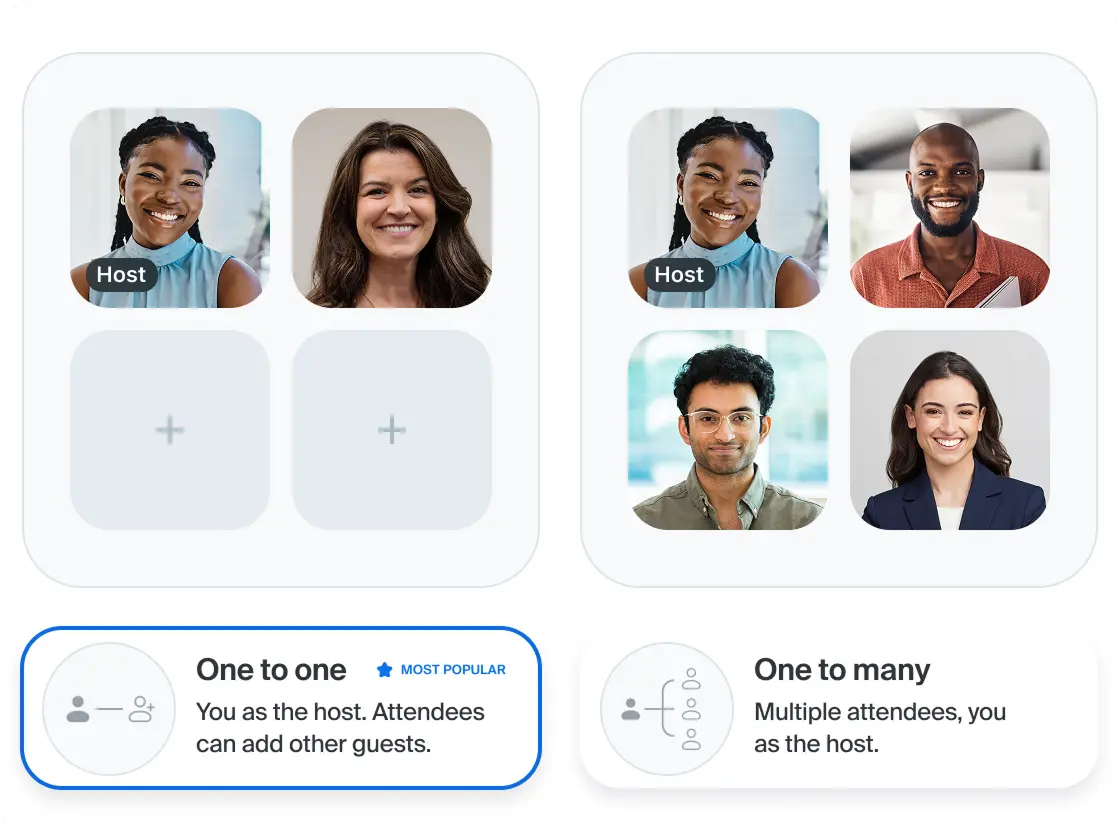
1対1ミーティング: 1対1ミーティングでは、個別のスロットをカレンダーで予約できます。設定を調整すれば、外部参加者が出席者を追加することも可能です。相談、セラピーセッション、面接などに適しています。
1対複数ミーティング: 1対複数ミーティングでは、複数の出席者が同じスロットにグループミーティングとして予約できます。カレンダーには登録した全員が表示されます。クラス、デモ、ボランティアイベントに最適です。
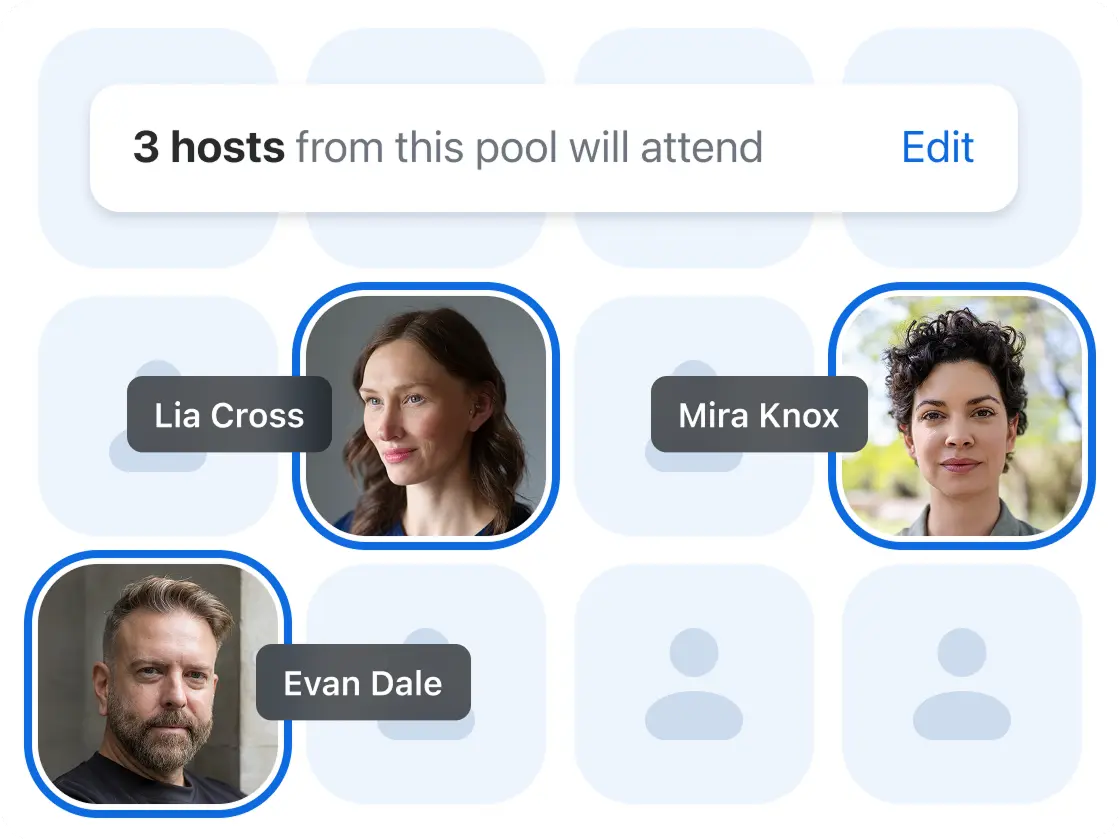
複数対1ミーティング: 複数対1ミーティングでは、複数のホストが1人の出席者と会えるスロットが表示されます。共同スケジュール作成や「全ホスト対応」ミーティングとも呼ばれます。パネルインタビューや、グループでの意思決定が必要な取締役会などに適しています。
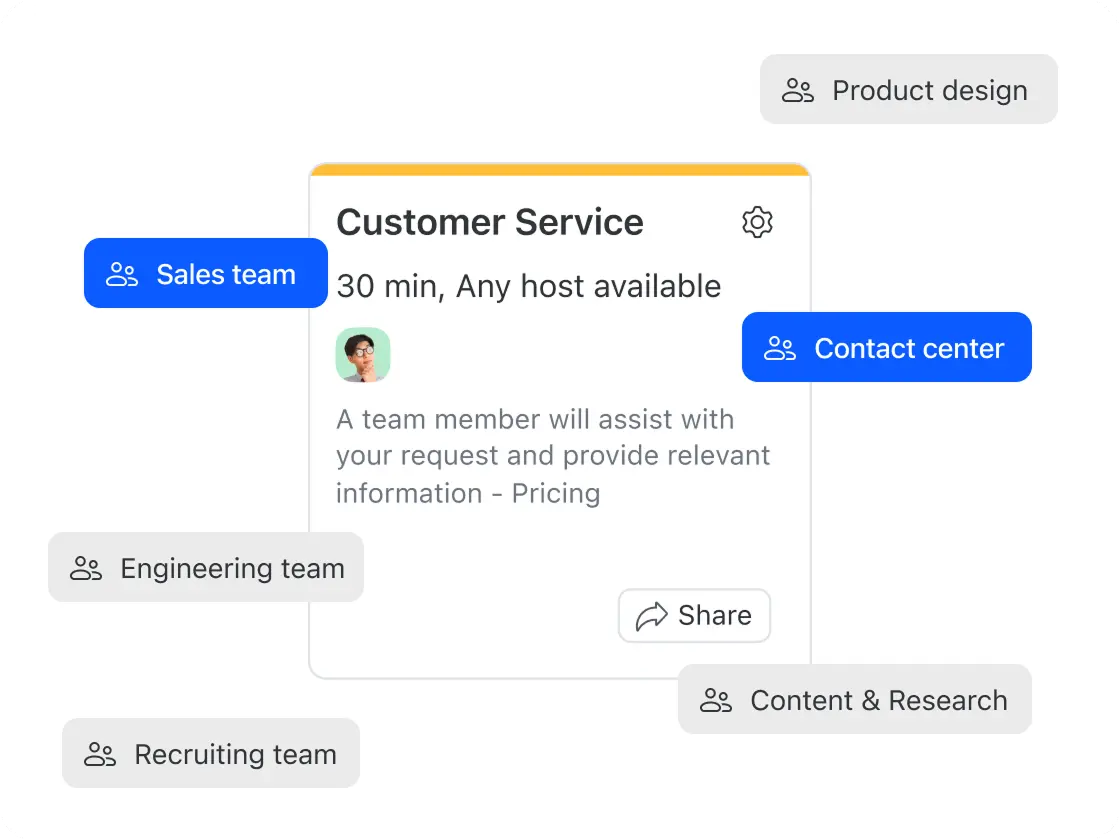
チームスケジュール作成: チームスケジュール作成では、空きのある任意のチームメンバーとミーティングを予約できます。ラウンドロビン方式イベント、ホストのローテーション、任意のホスト対応とも呼ばれます。このタイプのスケジュール作成は、営業電話などで、システムが空きスタッフを自動で割り当てられるミーティングに最適です。
単発スケジュール作成: 単発ミーティングは、通常の予約時間外でミーティングを行う場合に使用します。急なクライアント対応や営業時間外での面会など、直前のミーティング予約に適しています。
定期的なミーティング: Zoomのスケジュール作成ツールでは、すべての予約タイプを定期的な繰り返しミーティングとして設定できます。一度設定すれば、自動スケジュール作成システムがすべての今後のミーティングをスケジュールします(単発ミーティングは例外で、即時予約向けのスケジュール作成機能です)。
A calendar app like Google Calendar or Outlook manages your own schedule. Scheduling software is purpose-built for sharing your availability with others and letting them book time with you — handling confirmations, meeting links, and reminders automatically. Zoom Scheduler works alongside your existing calendar rather than replacing it.
The best scheduling software for teams supports round-robin distribution (routing meetings to the next available team member), collective scheduling (finding times that work across multiple hosts), and admin oversight. Zoom Scheduler includes all three, with team booking pages, managed schedules, and admin analytics.
Zoom Scheduler's free plan (Scheduler Basic) includes one booking page, one calendar connection, unlimited scheduling polls, and automatic meeting confirmations — no credit card required. Paid plans start at $4.99/user/month and add automated reminders, unlimited booking pages, payment collection, and team scheduling.
Both are scheduling software, but Zoom Scheduler works seamlessly with Zoom Meetings and also supports Google Meet, and Microsoft Teams — automatically generating the right meeting link on every booking with no setup required. The integration with Zoom is especially seamless: every booking auto-creates a Zoom link, invite, and reminders in one flow, with no connector or configuration needed. Zoom Scheduler costs $4.99/user/month as a standalone offering versus Calendly's $10–16/user/month, and is also included with Zoom Workplace Business and Enterprise plans. (Pricing as of April 2026)