利用强大的日程安排软件节省时间和资源,从而减少预约管理的混乱局面。与 Zoom Meetings、Mail 和 Calendar 以及 Google 和 Microsoft 365 无缝集成,简化您的工作流程。

利用强大的日程安排软件节省时间和资源,从而减少预约管理的混乱局面。与 Zoom Meetings、Mail 和 Calendar 以及 Google 和 Microsoft 365 无缝集成,简化您的工作流程。
日程安排软件是一种数字工具,它通过管理日历的可预约时段,实现会议、事件等的预订流程自动化,从而消除因反复手动协调而产生的沟通成本。Zoom 的日程安排工具允许用户通过预订页面链接分享其空闲时段,以便他人直接进行预订,并自动发送日历邀请和提醒,从而节省时间并减少日程冲突。
能,您可以通过调整日程安排工具设置,允许多名用户在同一可预约时段进行预订,从而借助 Zoom Scheduler 预订群组会议。此功能适用于举办需要多名观众同时加入的群组会议、课程和团队会议。
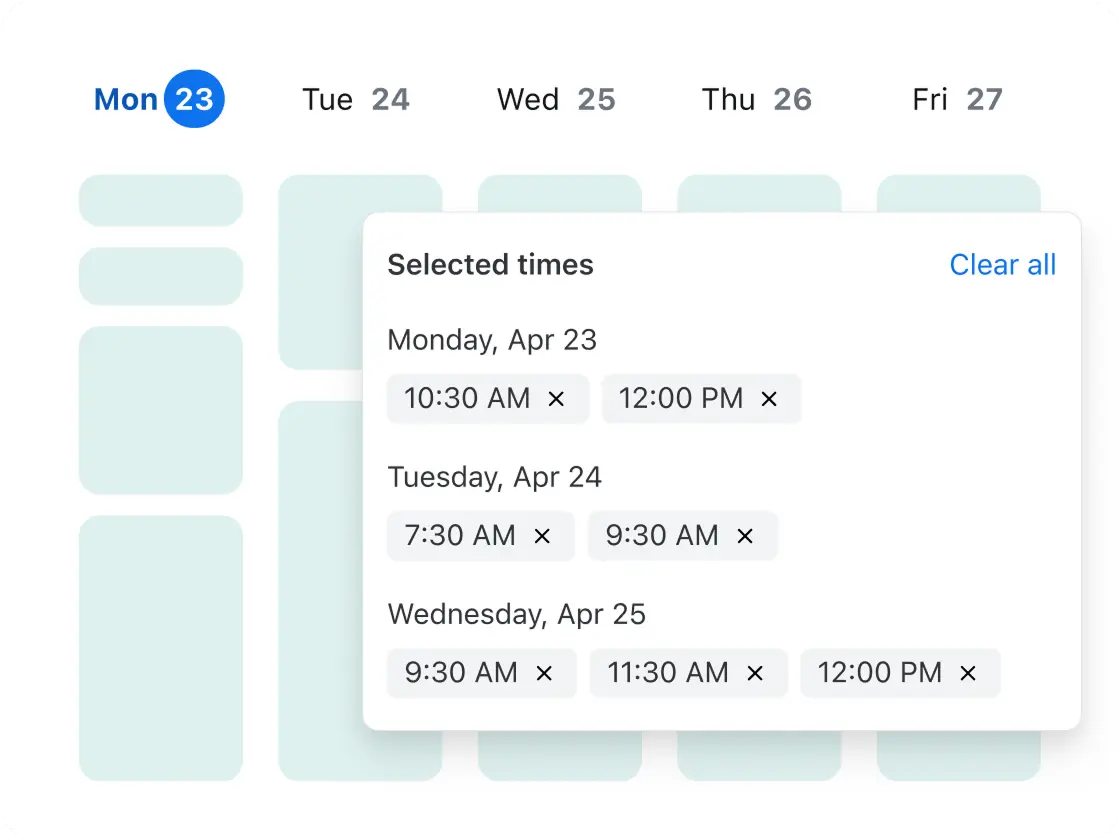
日程安排问卷功能支持观众投票选出各自偏好的会议时间。此功能也称为“可预约时段问卷”,实质上是为群组设计的会议时间投票机制。您可以提供多个日期和时间,供观众选择适合自己的时段。收集投票后,日程安排工具会创建会议。此功能适用于跨组织、外部联系人和时区协调会议。
您可以使用 Zoom 灵活的日程安排软件预订各种常见的会议类型,包括一对一会议、一对多会议、多对一会议集体安排、团队轮换循环安排、一次性安排和周期性会议。以下是每种会议类型的说明。
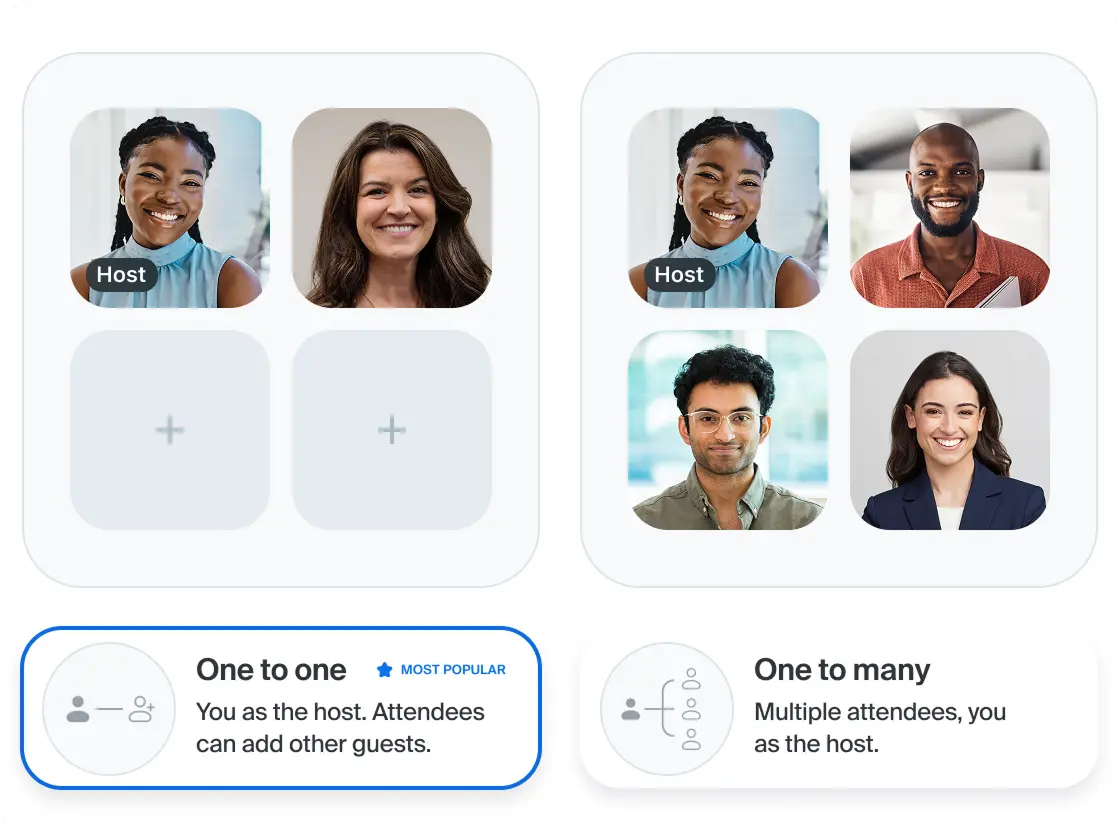
一对一会议:一对一会议允许用户在您的日历上预订专属可预约时段。您可以调整设置,以便访客添加更多观众。此类时段安排适用于咨询、治疗或访谈等场景。
一对多会议:一对多会议允许多名观众预订同一可预约时段,以举办群组会议。您的日历将显示所有注册者的信息。此功能适用于课程、演示或志愿者活动。
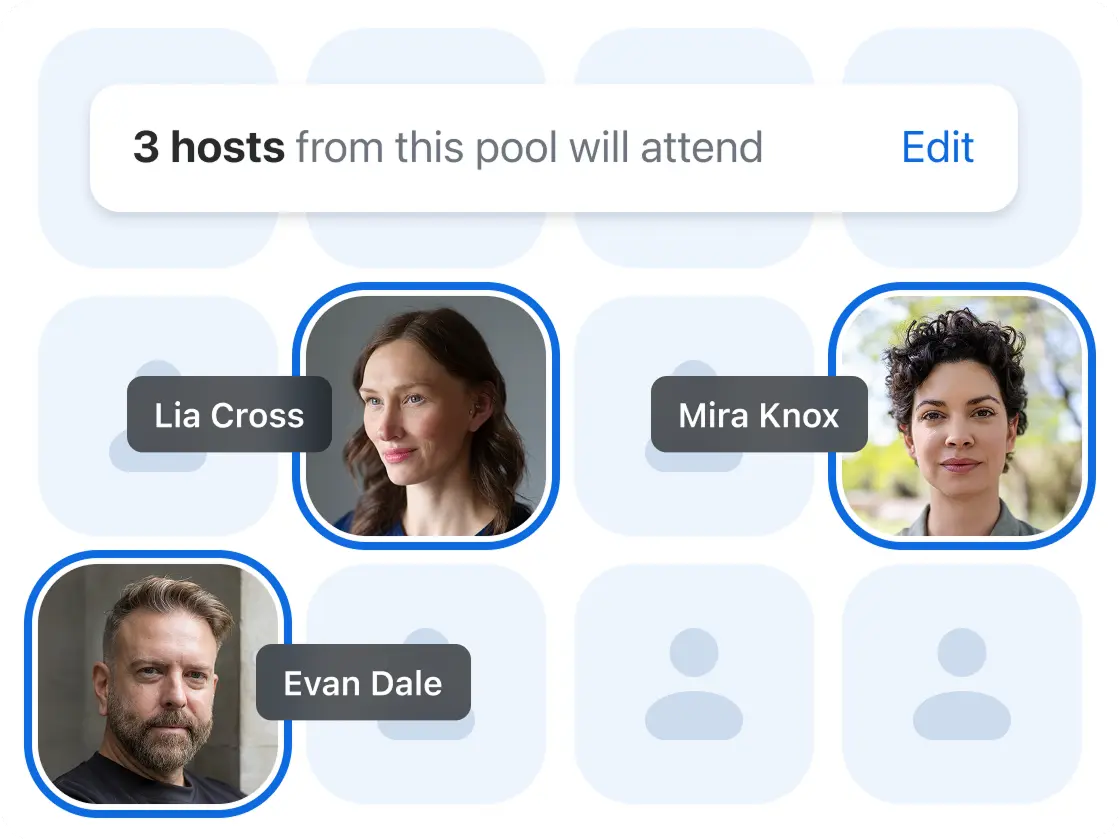
多对一会议:多对一会议能够显示多名主持人可与一位观众会面的可预约时段。该会议类型也称为“集体安排”或“所有主持人可用”会议。此类会议适用于小组面试或需要集体决策的董事会会议。
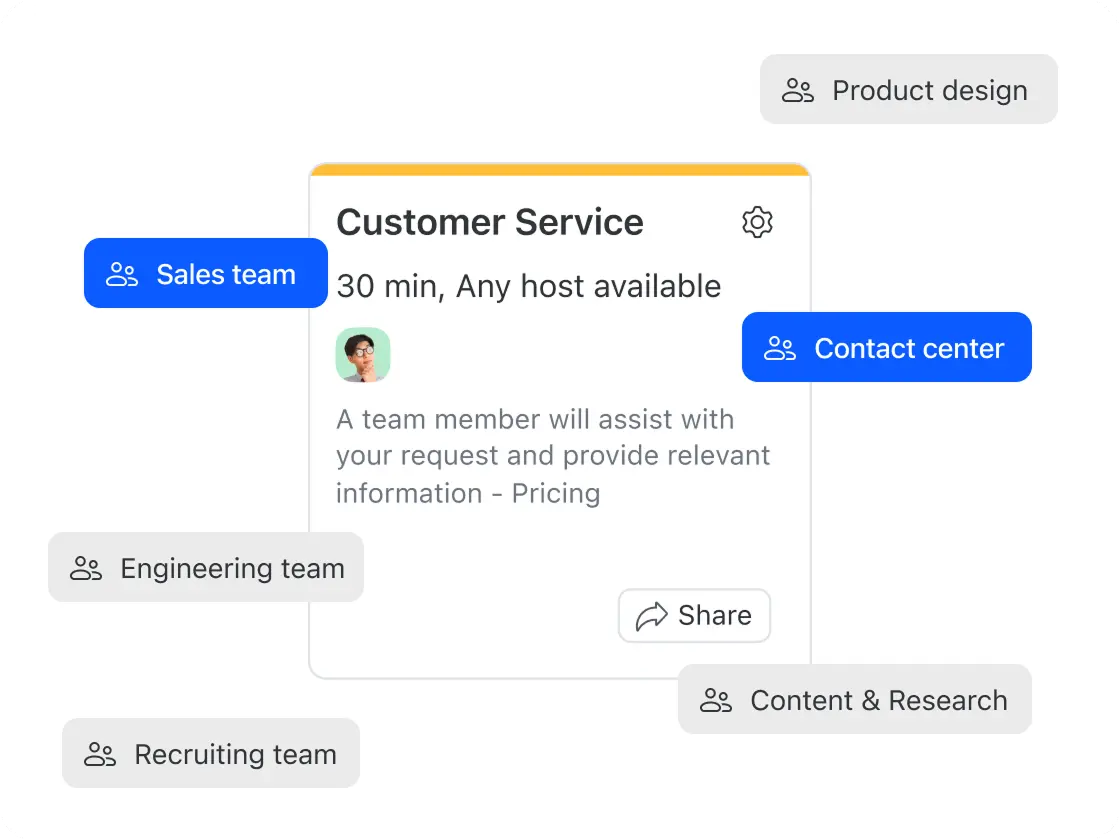
团队日程安排:团队日程安排允许用户与任何空闲的团队成员预订会议。此功能也称为“轮换循环事件”、“轮换主持人”或“任一主持人可用”,适用于系统可以自动分配空闲员工的销售电话会议或类似会议。
一次性安排:一次性会议用于在正常预订时段外会面。此功能适用于安排临时会议,应对突如其来的客户电话或下班后与某人会面。
周期性会议:借助 Zoom 的日程安排工具,所有预订类型均可设为周期性或重复性会议。这意味着您只需设置一次,自动化日程安排系统就会为您安排今后的所有会议。(一次性会议除外,因为此类会议属于临时安排。)
A calendar app like Google Calendar or Outlook manages your own schedule. Scheduling software is purpose-built for sharing your availability with others and letting them book time with you — handling confirmations, meeting links, and reminders automatically. Zoom Scheduler works alongside your existing calendar rather than replacing it.
The best scheduling software for teams supports round-robin distribution (routing meetings to the next available team member), collective scheduling (finding times that work across multiple hosts), and admin oversight. Zoom Scheduler includes all three, with team booking pages, managed schedules, and admin analytics.
Zoom Scheduler's free plan (Scheduler Basic) includes one booking page, one calendar connection, unlimited scheduling polls, and automatic meeting confirmations — no credit card required. Paid plans start at $4.99/user/month and add automated reminders, unlimited booking pages, payment collection, and team scheduling.
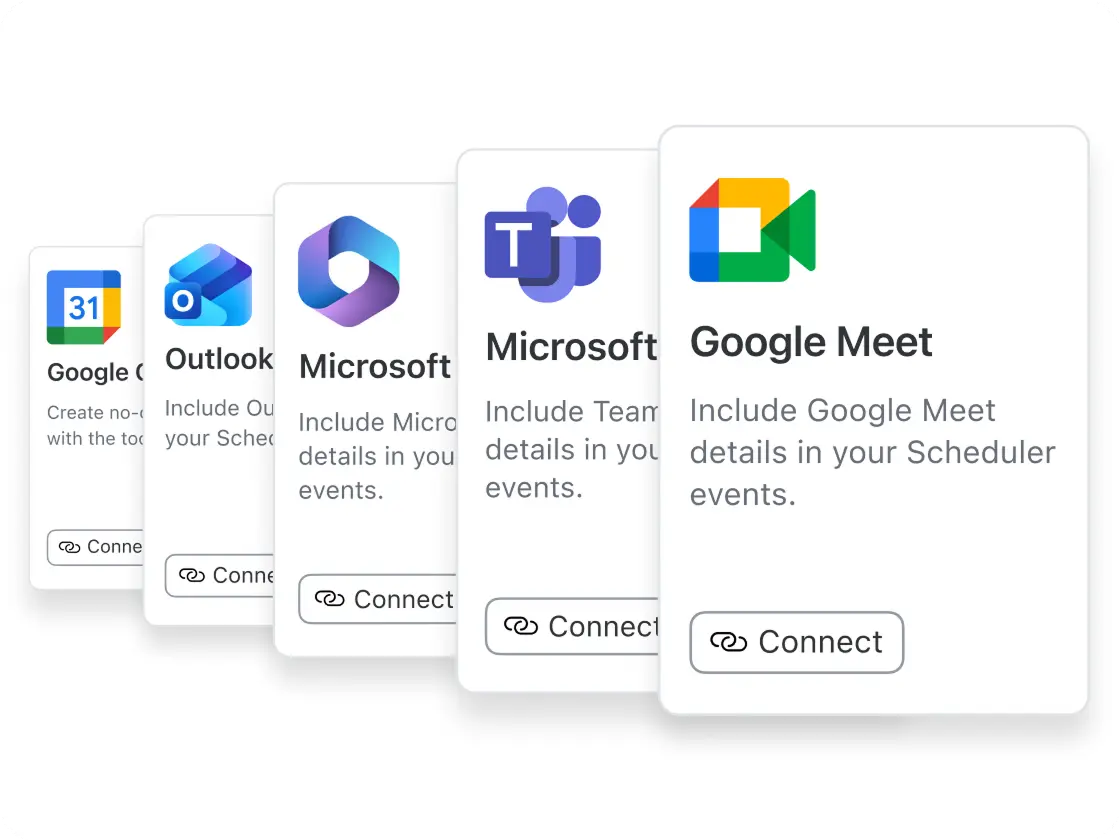
Both are scheduling software, but Zoom Scheduler works seamlessly with Zoom Meetings and also supports Google Meet, and Microsoft Teams — automatically generating the right meeting link on every booking with no setup required. The integration with Zoom is especially seamless: every booking auto-creates a Zoom link, invite, and reminders in one flow, with no connector or configuration needed. Zoom Scheduler costs $4.99/user/month as a standalone offering versus Calendly's $10–16/user/month, and is also included with Zoom Workplace Business and Enterprise plans. (Pricing as of April 2026)