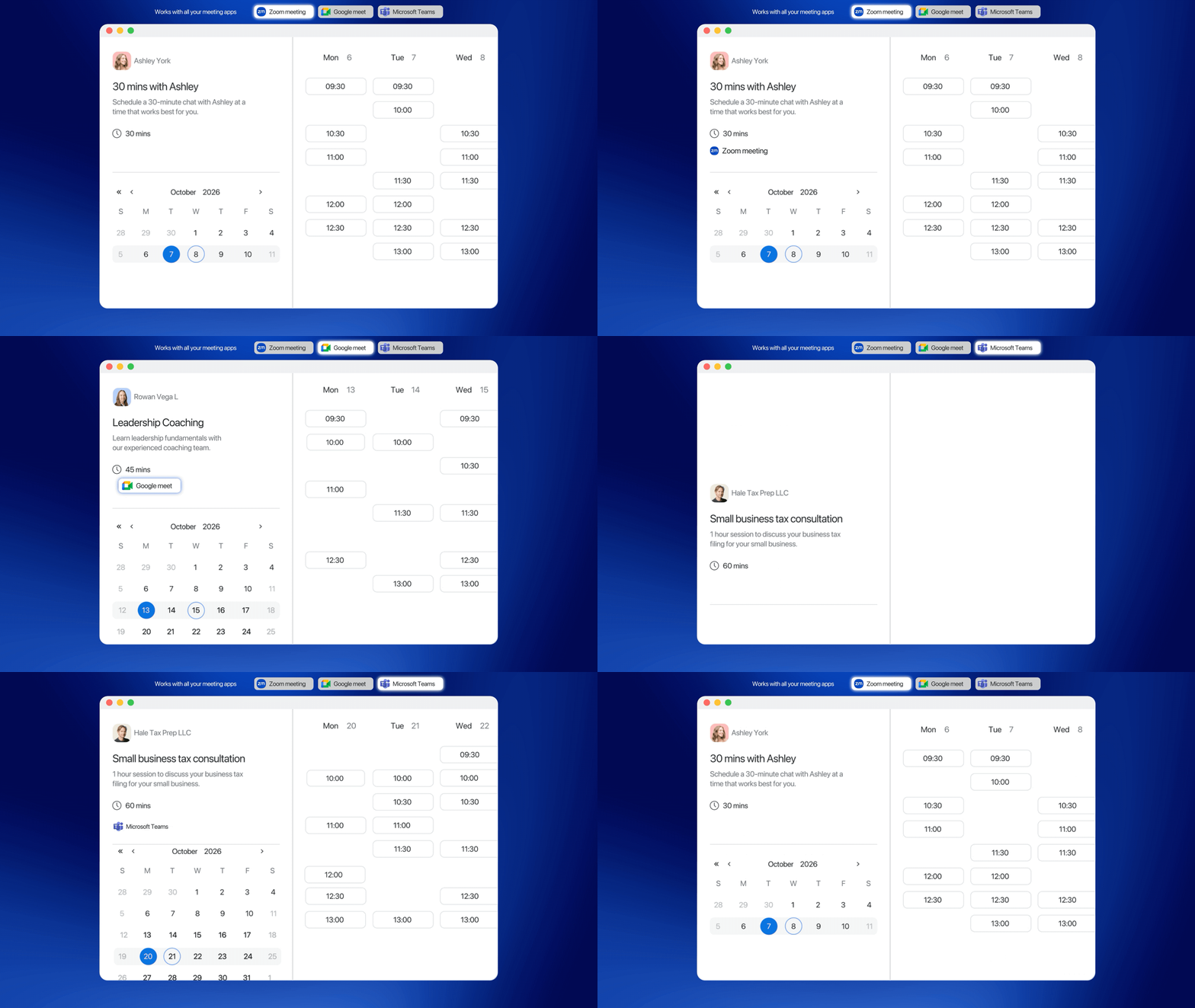
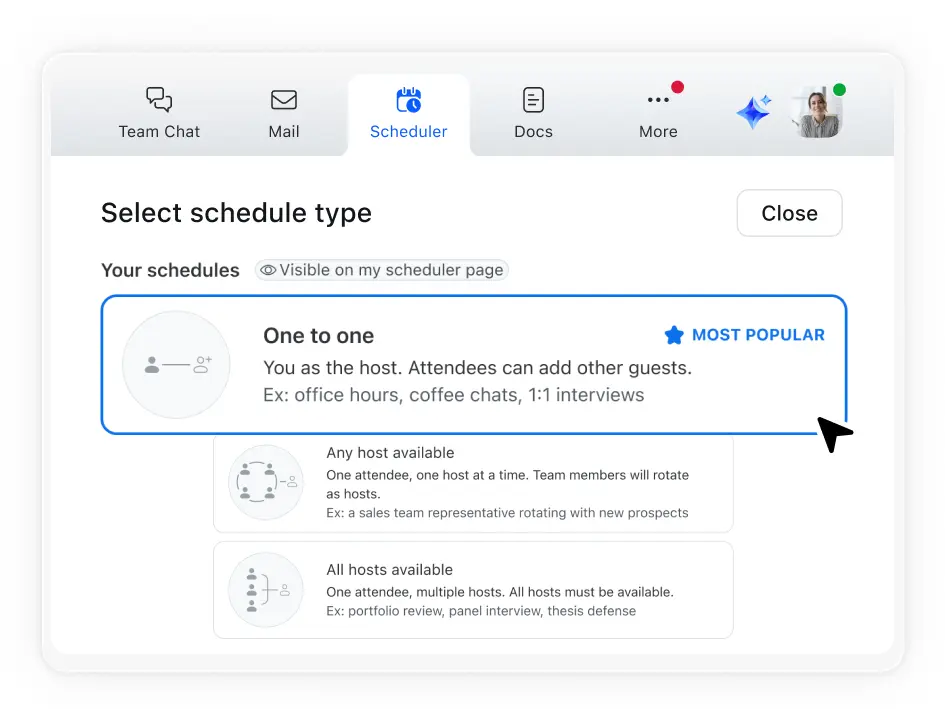
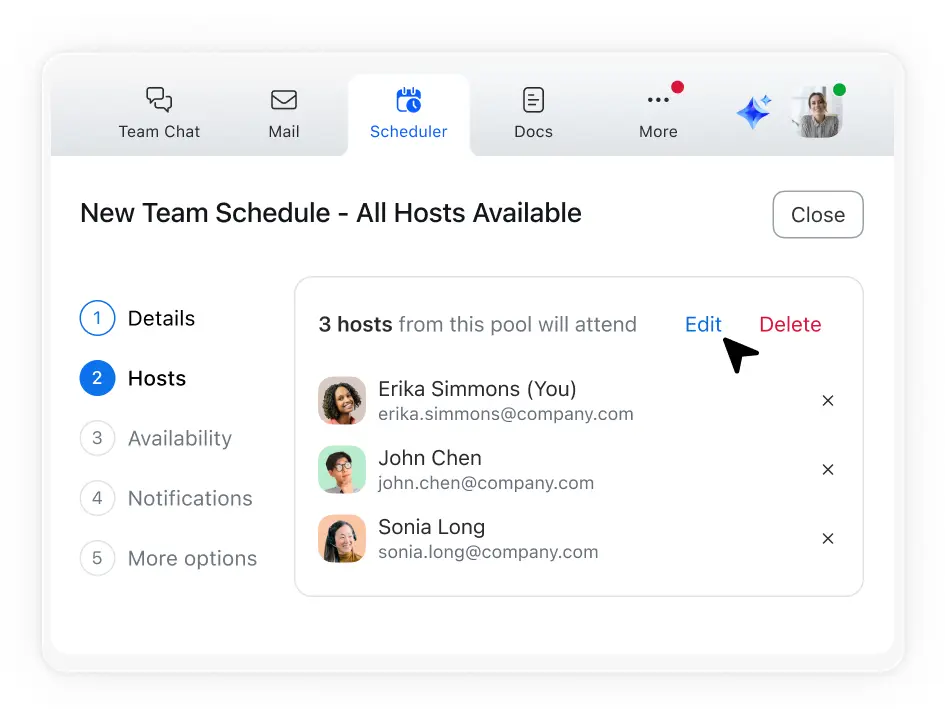
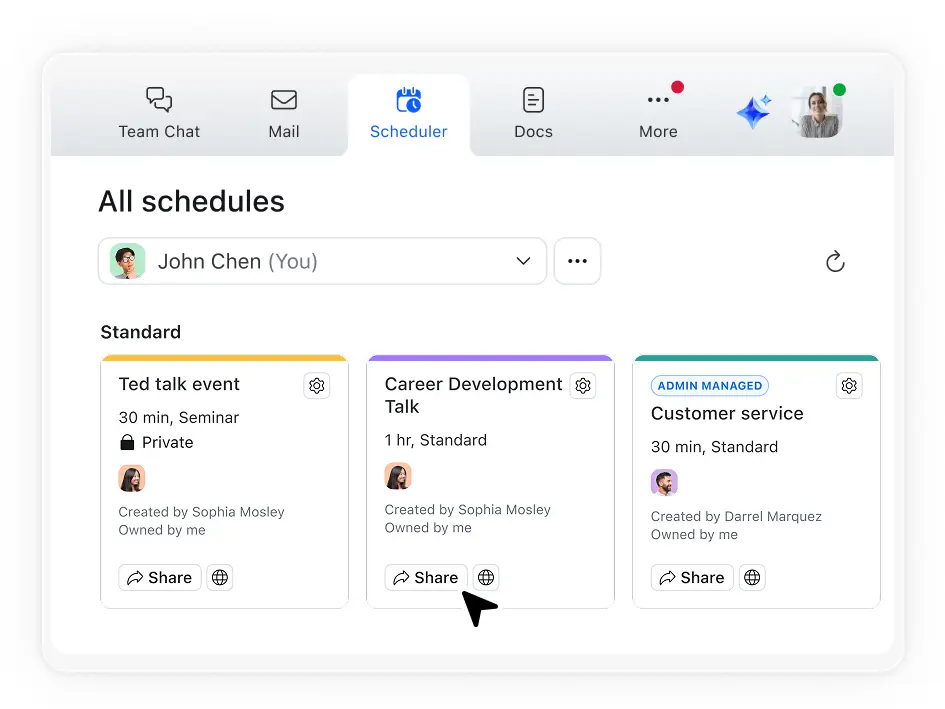
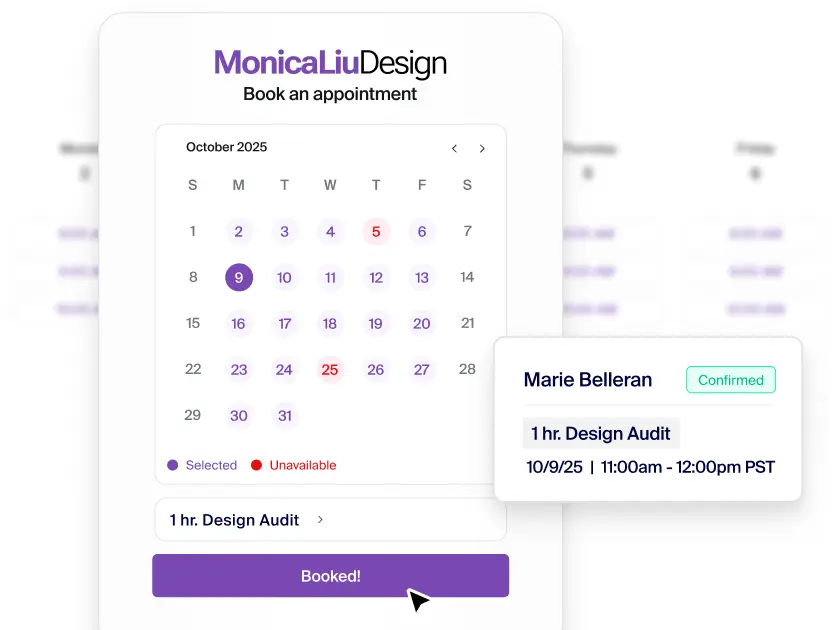
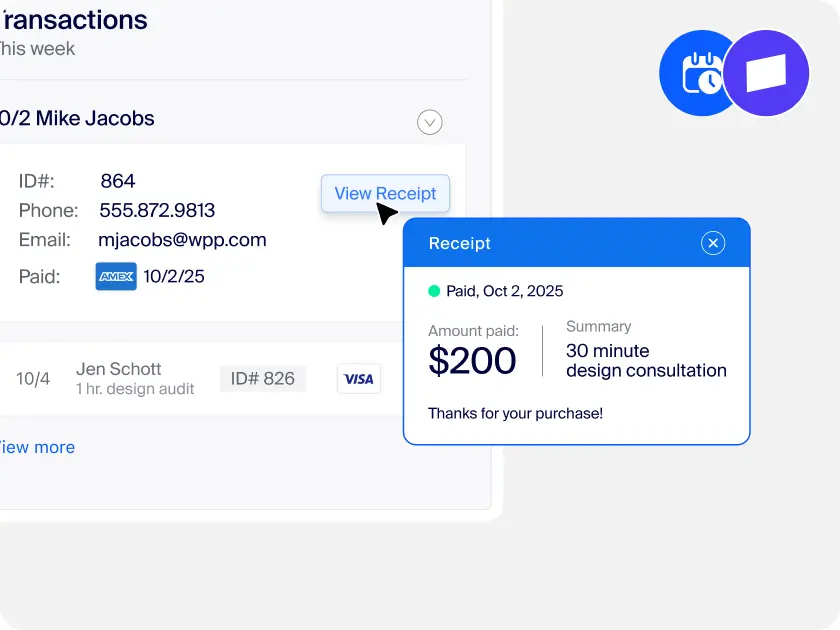
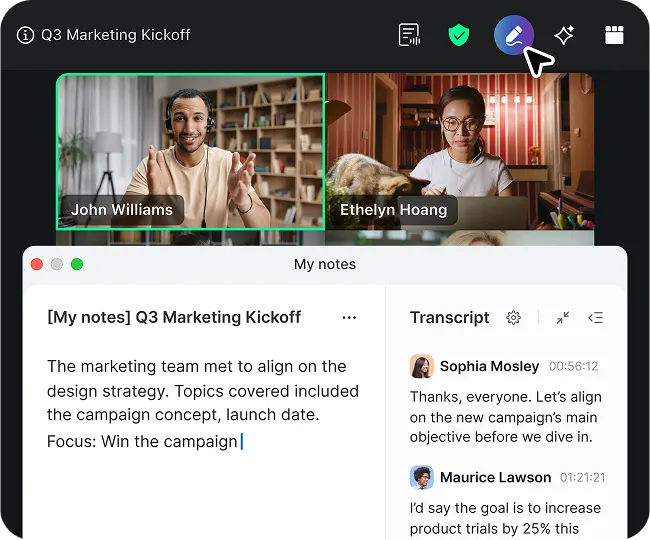
Share your availability and book appointments effortlessly with Zoom Scheduler. Seamlessly connect meetings, chat, calendar, and docs on our AI-first platform — where every interaction builds stronger connections.
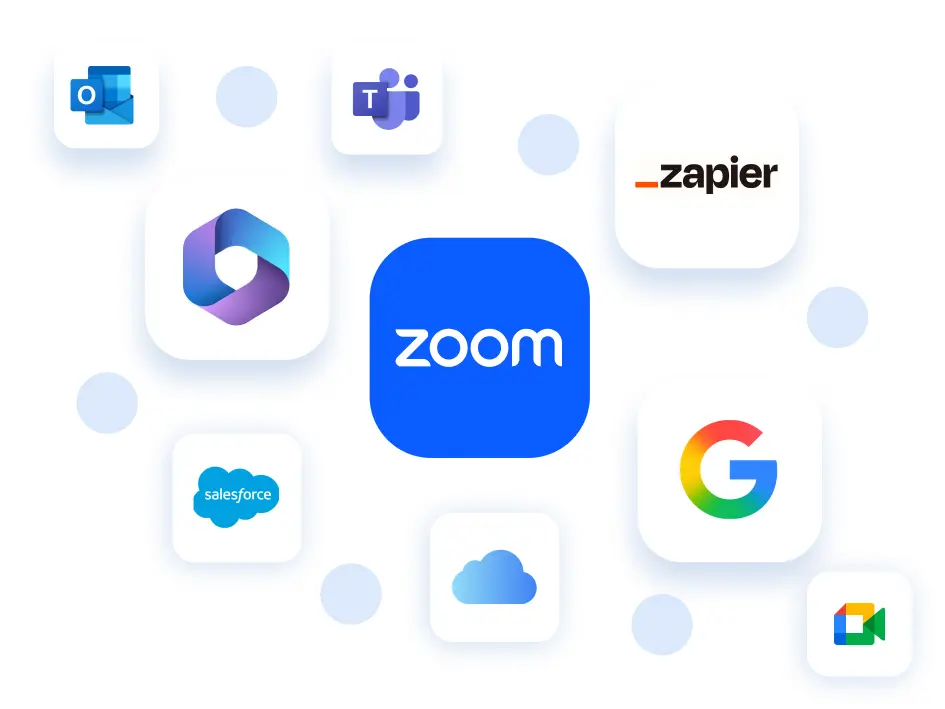
*Salesforce and Zapier integrations coming soon.
$5.99/month/seat
Or included with Business and Enterprise
plans
Standard - $10/month/seat
Teams - $16/month/seat
Standard
Unlimited
Free tier - 1 event
Standard and up - Unlimited
6 per person
Standard and up - 6 per person
(billed monthly or annually)
Standard and up
Standard and up
Standard and up
US and UK
Standard and up
Standard and up
Standard and up
Standard and up
Standard and up
Standard and up
Standard and up
Teams
Teams and up
Teams and up
Teams and up
Teams and up
Teams and up
Teams - $3/user/month add on
Enterprise - included
out of 54.9k+ reviews
out of 5.8k+ reviews
UCaaS Platforms,
Q3 2025
Find out how to get more when you bundle with Zoom Workplace.
Zoom AI Companion is available with eligible paid Zoom Workplace plans. May not be available for all regions or industry verticals. Learn more

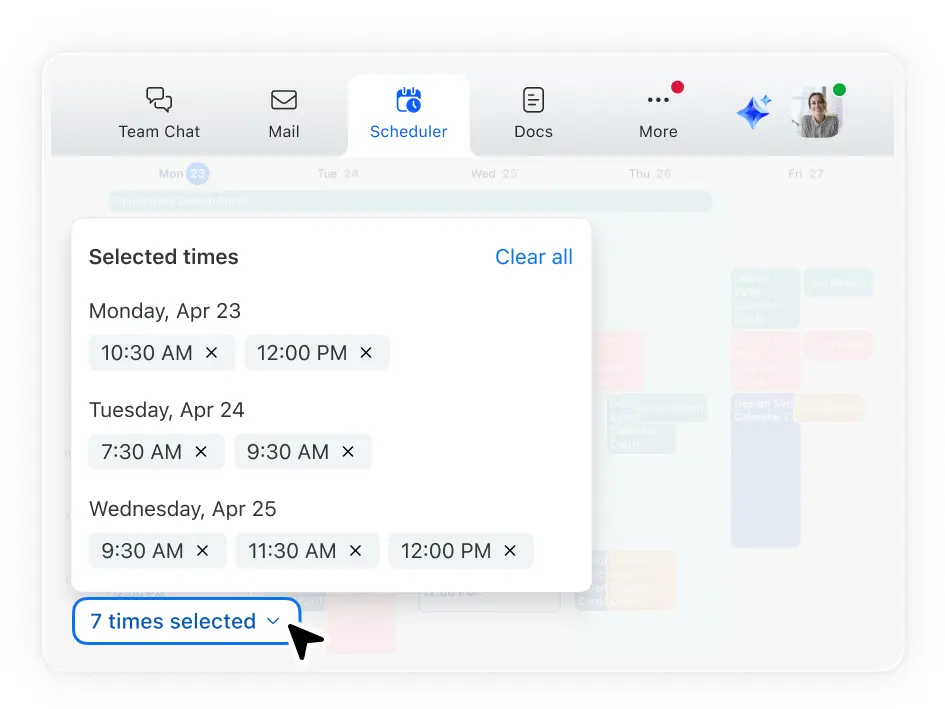
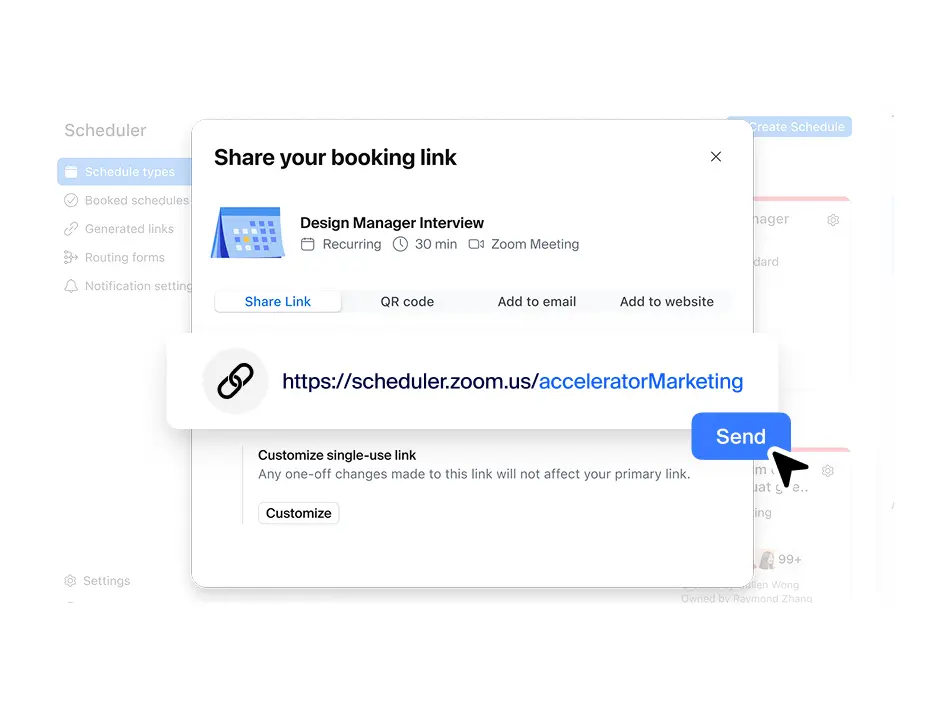
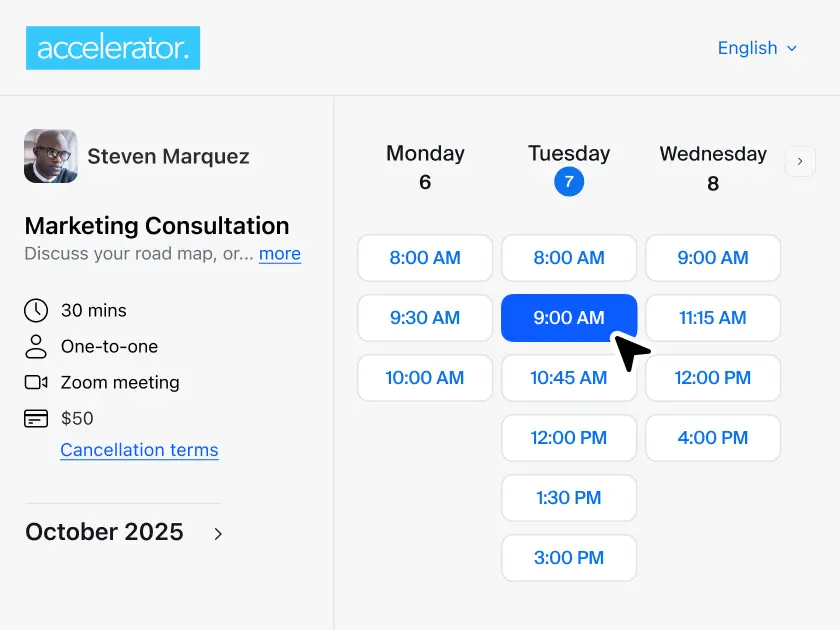
Zoom's scheduler app simplifies booking meetings with people outside your organization by letting you create and share a custom link to your availability. When someone clicks your link, they can see when you're free and book a time that works for both of you. The app automatically sends calendar invites and reminders to reduce no-shows. It also syncs with multiple calendars to prevent double-bookings, ensuring your schedule stays accurate.
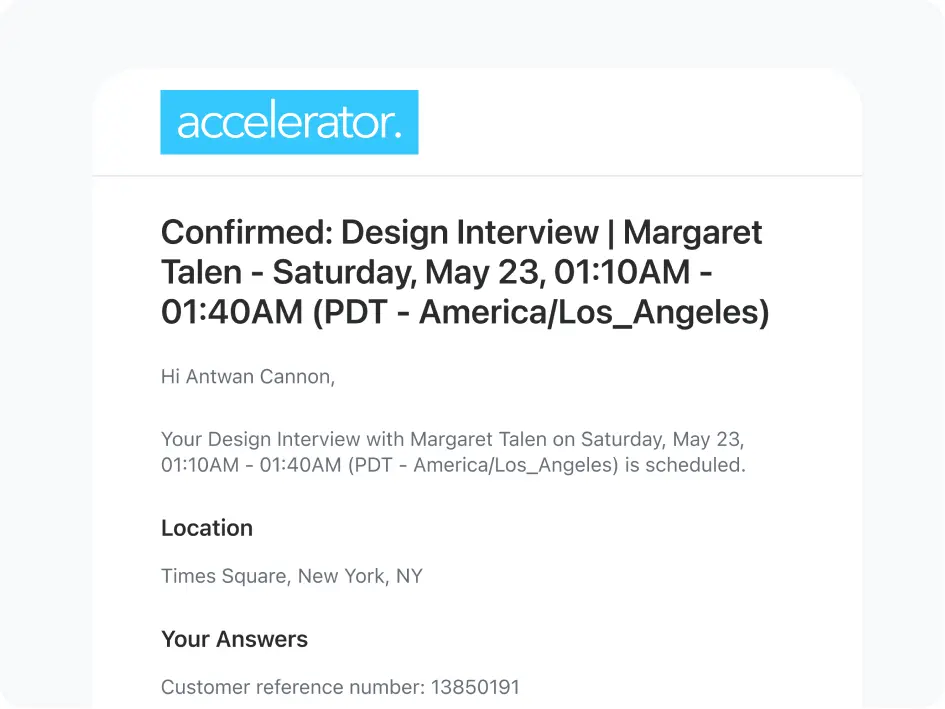
Yes, Zoom Scheduler includes built-in reminders and client notifications to reduce no-shows and keep everyone informed. Attendees automatically receive confirmation emails when they book, along with customizable reminders before meetings. You can choose between SMS and email notifications based on your preference and your clients' needs. Both notification types can be personalized — customize your pre-meeting and post-meeting communication templates to match your brand voice and include specific details relevant to your appointment types.
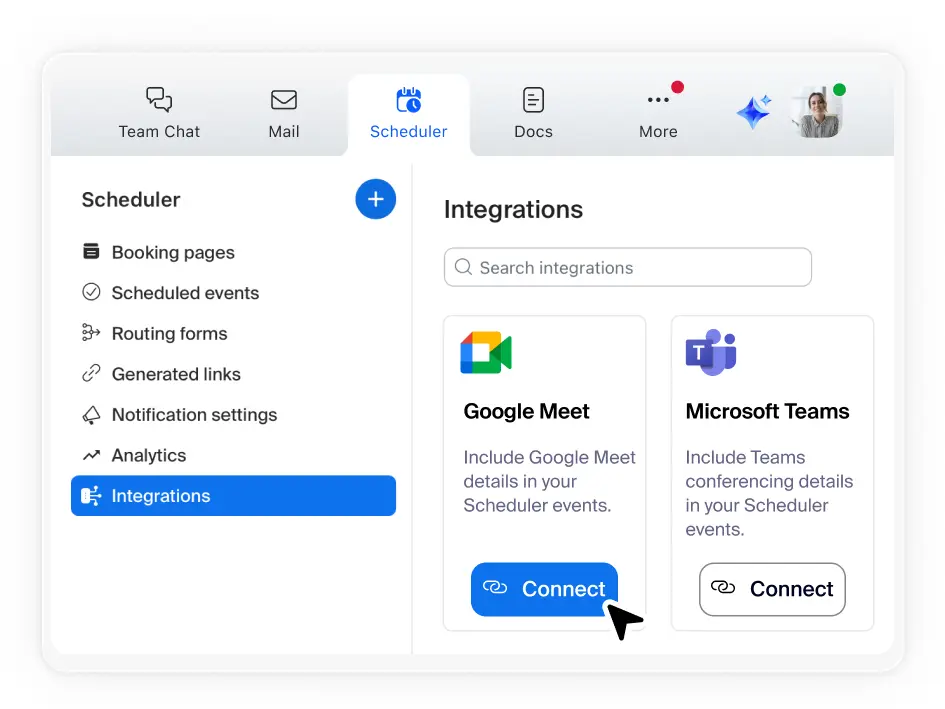
Yes, Zoom Scheduler works seamlessly with popular calendar tools including Google Calendar, Microsoft 365/Outlook, and Apple iCloud. You can connect your primary calendar and link up to five additional calendars from these providers, allowing Scheduler to automatically detect conflicts and only show your true availability to potential meeting attendees.
If you’re evaluating scheduling software, there’s a good chance you’ve come across Calendly. Let’s take a look at Zoom Scheduler vs. Calendly to see how Zoom’s appointment scheduler app gives you more value at an affordable price.

Yes, Zoom Scheduler has a free version called Scheduler Basic. This free appointment scheduler is an ideal online booking software for small business owners and individuals looking to streamline their calendar management software without upfront costs.
While the free tier includes one active booking page and one connected calendar, it also offers powerful, flexible tools for diverse needs:
If your team requires an automated scheduling system for high-volume growth, Zoom offers professional tiers. These plans unlock premium services scheduling software capabilities such as:
An appointment scheduler is a tool that lets people book time with you based on your real-time availability, without the back-and-forth of email or phone. You set your available hours, share a link, and clients pick a slot directly. The scheduler automatically confirms the booking, updates both calendars, creates a meeting link, and sends reminders before the appointment. Zoom Scheduler is an appointment scheduler built natively into the Zoom platform — every booking auto-generates a Zoom meeting link, so the meeting is ready the moment it's confirmed.
Setting up Zoom Scheduler takes about five minutes. Create a free account, connect your calendar, set your available hours and preferred meeting duration, and add a custom URL to your booking page. Share the link in your email signature, on your website, or anywhere you interact with clients. Bookings come in automatically from that point.
The terms are often used interchangeably. In practice, an appointment scheduler typically refers to external scheduling — clients or customers booking time with you. A meeting scheduler is more often used internally to find a time for colleagues. Zoom Scheduler covers both: booking pages for external appointments, and meeting polls for internal group coordination.