AI Companion pulls context from across your work apps and conversations to give
you fast, relevant answers — all from your browser.

Web surface
Work smarter with AI that knows your world

Use cases
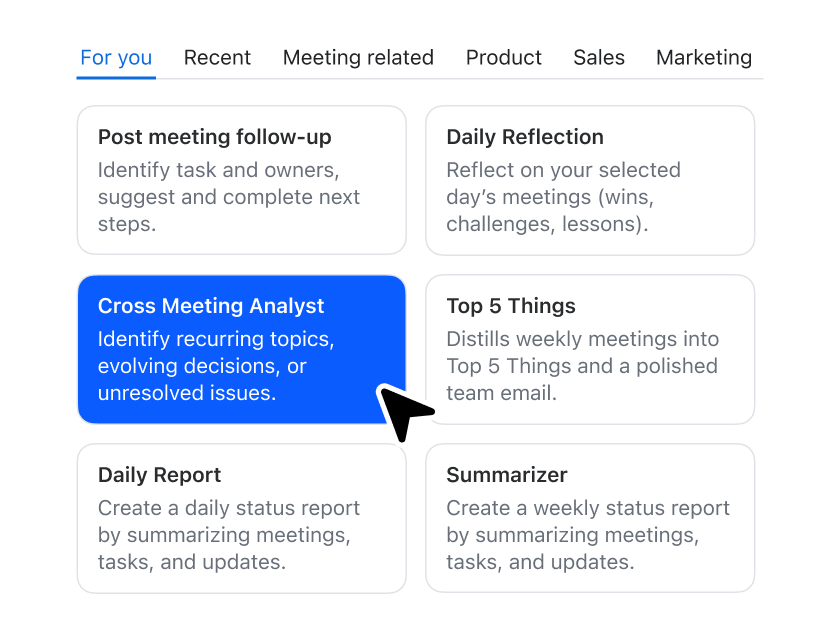
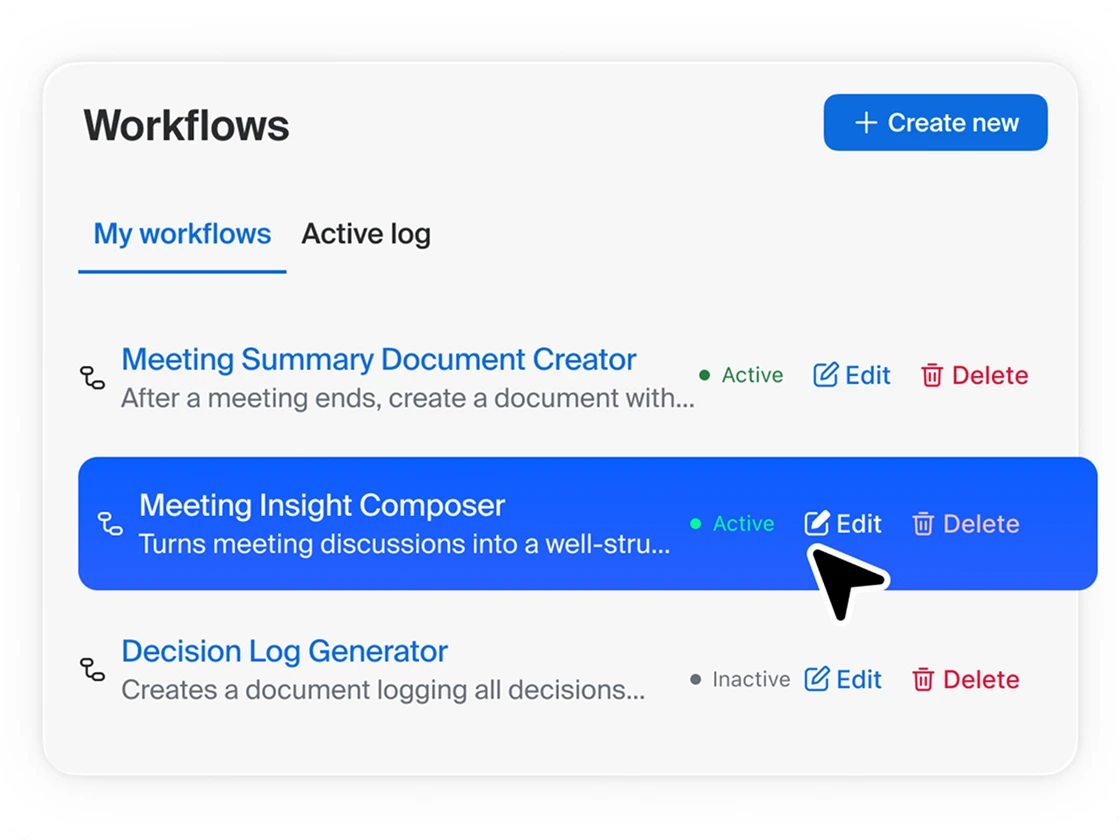
Customize AI Companion for different roles in your organization



Get AI Companion with Zoom Workplace
Discover the full Zoom Workplace experience.




FAQs
Got questions? We've got answers.
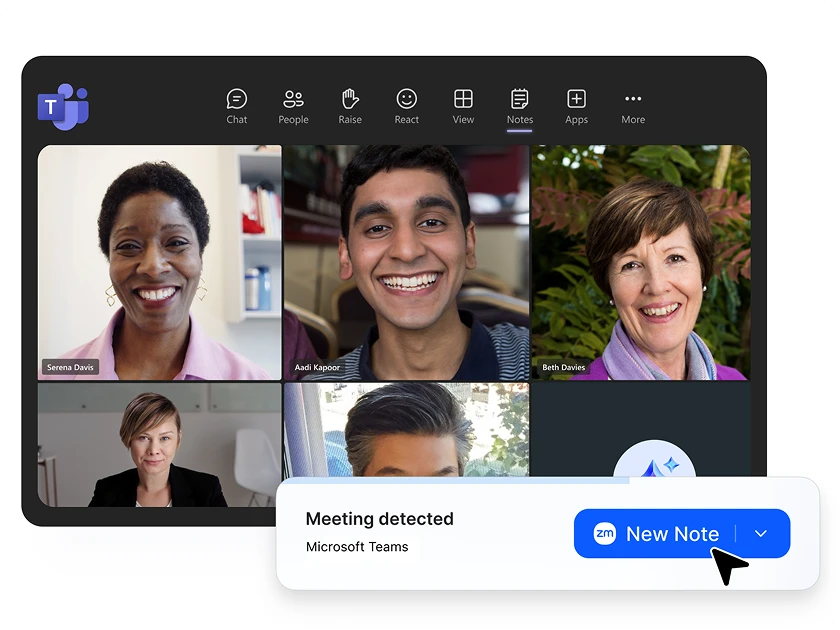
Online AI chat is an intelligent conversational interface that allows you to interact with AI directly through your web browser. Zoom's online AI chat, powered by AI Companion, provides a web-based surface where you can ask questions, get assistance with work tasks, and access AI-driven insights without needing to download additional software. This AI chatbot understands your work context by connecting to your meetings, documents, and conversations to deliver personalized support for writing, planning, brainstorming, and decision-making.
To use Zoom's online AI assistant, simply navigate to the AI Companion web interface through your browser. Once logged into your Zoom account, you can access the online AI assistant through the "Web surface" feature under the AI Companion section. The easy-to-use chat interface allows you to type questions or requests directly, and the AI virtual assistant will provide contextual responses based on your connected Zoom data, including meeting transcripts and documents. No additional downloads or installations are required.
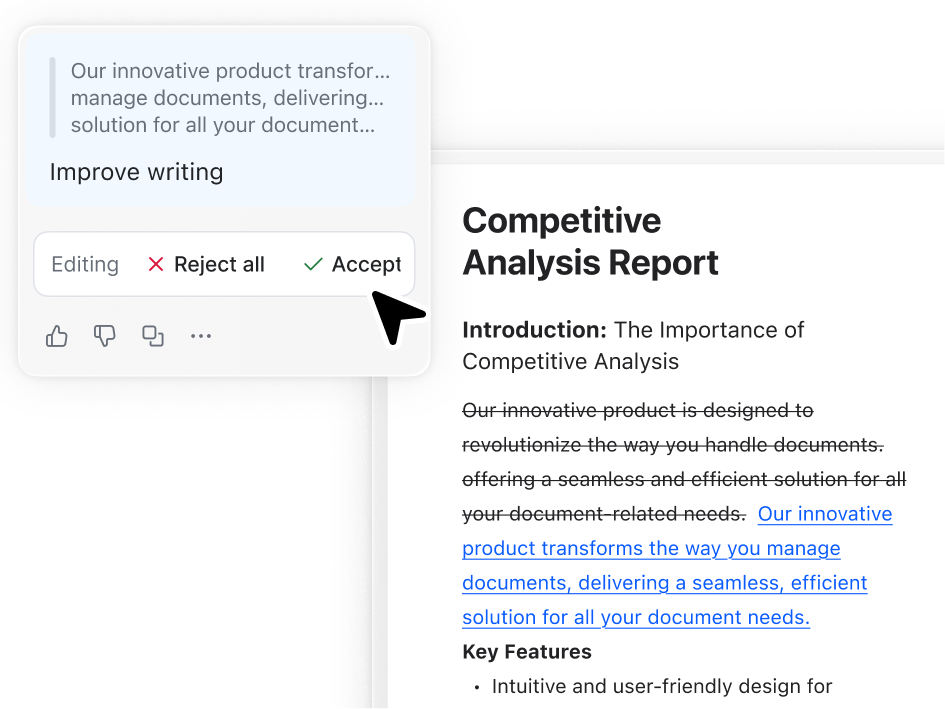
How to ask AI a question with Zoom AI Companion is simple and intuitive. In the web interface, type your question directly into the chat box using natural language. You can ask about specific meetings, request document summaries, seek help with writing tasks, or get insights from your work conversations. The AI personal assistant responds to questions like "Summarize my meeting from yesterday," "Help me write a follow-up email," or "What were the key action items discussed this week?" The AI leverages your existing Zoom Meetings data to provide relevant, contextual answers.
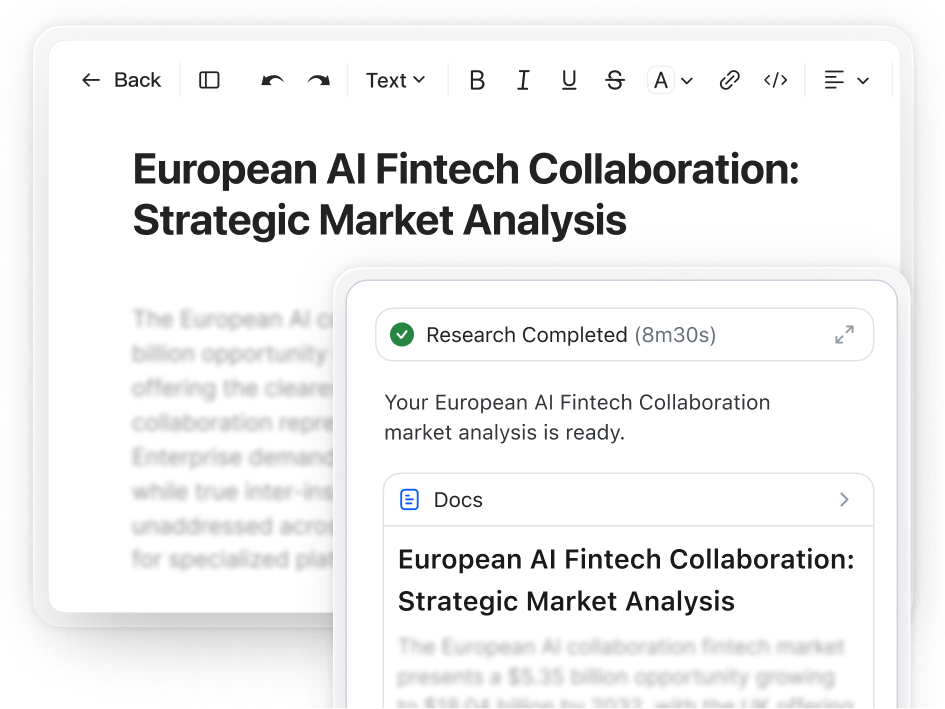
Yes, Zoom's online AI chat is developed with the same enterprise-grade security standards as other Zoom products. Your conversations with the AI assistant are protected by Zoom's comprehensive security framework, including industry-standard encryption for data transmission and strict access controls. The AI chat leverages your Zoom Docs and Meetings account data and can be configured to connect with authorized third-party data sources.
Get started with
Zoom AI Companion
Zoom AI Companion is available with eligible paid Zoom Workplace plans. May not be available for all regions or industry verticals. Learn more.