

What is a virtual classroom? Tips to set one up
From leveraging the right tech to supporting secure online classes, keep reading for some best practices for creating your virtual classroom.
Updated on October 04, 2022
Published on November 05, 2020
Zoomtopia 2020 was full of insights and exciting announcements for our global education community! We were thrilled to welcome educators, administrators, IT professionals, leaders and other education users during our annual virtual conference, and we’re even more excited to let the learning continue with our on-demand library of content.
Here’s a look at some new Zoom features on their way, which will offer even greater flexibility, continuity, and interactivity in how you engage with students, parents, colleagues, peers, and administrators.


Our education content track offered tips, lessons, and resources from K-12, primary and secondary, and higher-ed experts around the world. Here are a few of the top sessions from Zoomtopia 2020 that can help educators gain insights into remote and hybrid learning environments.
For our keynote, we welcomed a diverse set of panelists to talk about lessons they learned teaching virtually and connecting with their education communities during the pandemic.
We also heard from experts in curriculum design and edtech, who shared resources like Class for Zoom, software built on top of the Zoom platform that puts more class management tools directly into teachers’ hands.
The “voice of the customer” is incredibly important to improving Zoom for all users, according to Zoom’s CISO, Jason Lee, who joined this panel. In fact, features like Video Waiting Rooms were made possible by incorporating feedback from educational communities!
We discussed our continued commitment to security in education with panelists from K-12, primary and secondary schools, and higher ed. They offered tips for keeping classrooms secure, like locking meetings after all students have joined, and advocated for the use of single sign-on (SSO) to authenticate users and keep unwanted disruptions at bay. Check out the full session for even more tips!

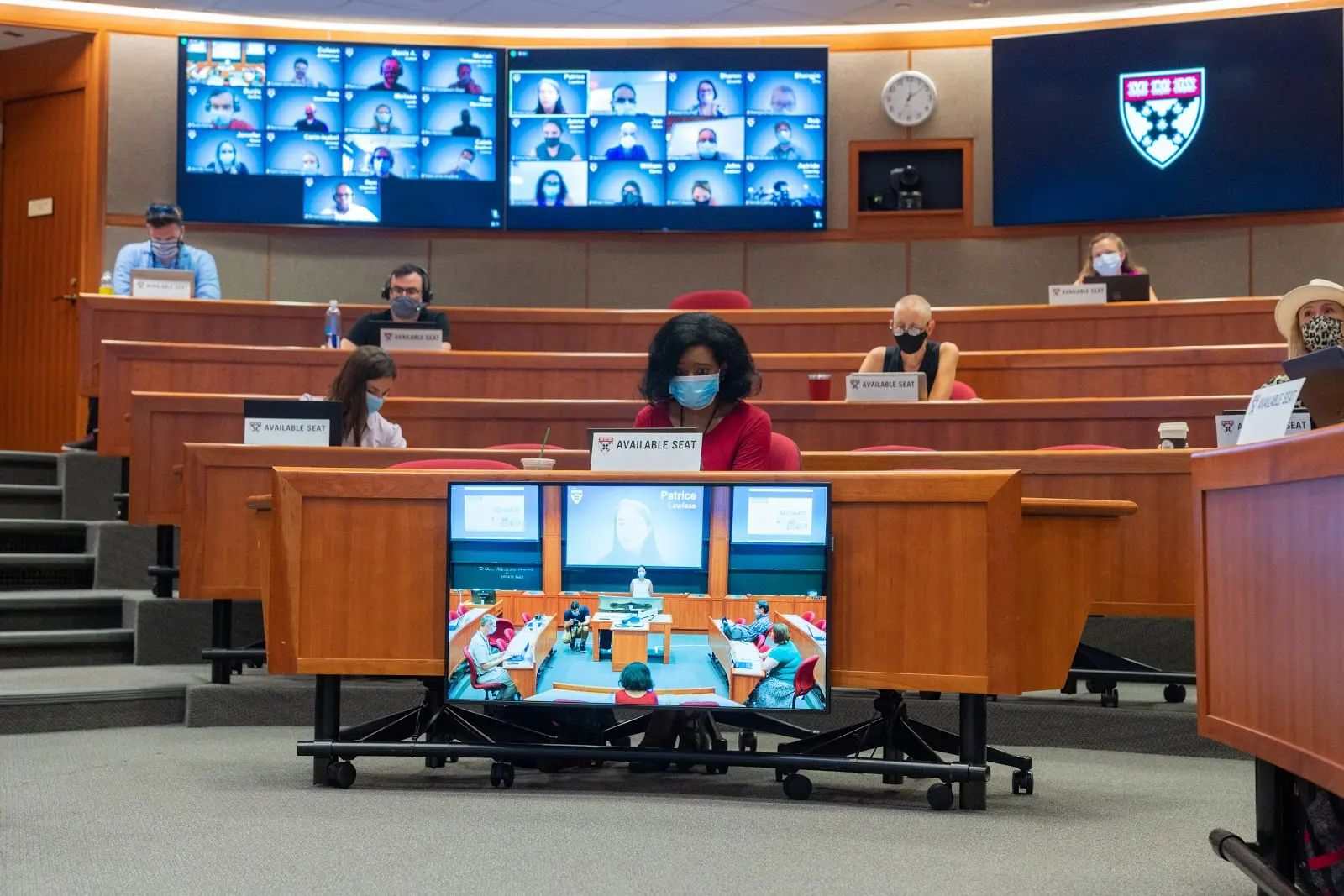
As panelists from Harvard University and Choate Rosemary Hall shared, Zoom Rooms help schools create more immersive experiences for remote and blended learning. Multiple gallery views, seamless content sharing, and innovative setups allow remote students, in-person students, and their instructors to feel like they’re in the same room together. Watch this session to get inspired for your own classroom or campus.
Finally, be sure to check out our session, “Sharing Funding Options & Best Practices as Schools Navigate the Path to the Next Normal,” for how to utilize the Cares Act for your schools and districts.
Thanks again for joining us at Zoomtopia 2020 — we’re incredibly excited to showcase the creativity and innovation of our educational community, and looking forward to rolling out new features to help you teach, learn, and connect.
Visit our blog to stay up to date year-round on educational announcements, security updates, and customer stories from schools like Arizona State University, Burke’s School, and the University of Sydney.
Editor's note: This blog was updated 4/22/2021 to remove content and a session recording that are no longer available.