The latest innovations at Zoom you don’t want to miss.
Select a language
The latest innovations at Zoom you don’t want to miss.


Learn more Learn more
Learn more Learn more
Learn more Learn more
Learn more Learn more
Learn more Learn more
Learn more Learn more
Learn more Learn more
Learn more Learn more
Learn more Learn more
Learn more Learn more
Learn more Learn more
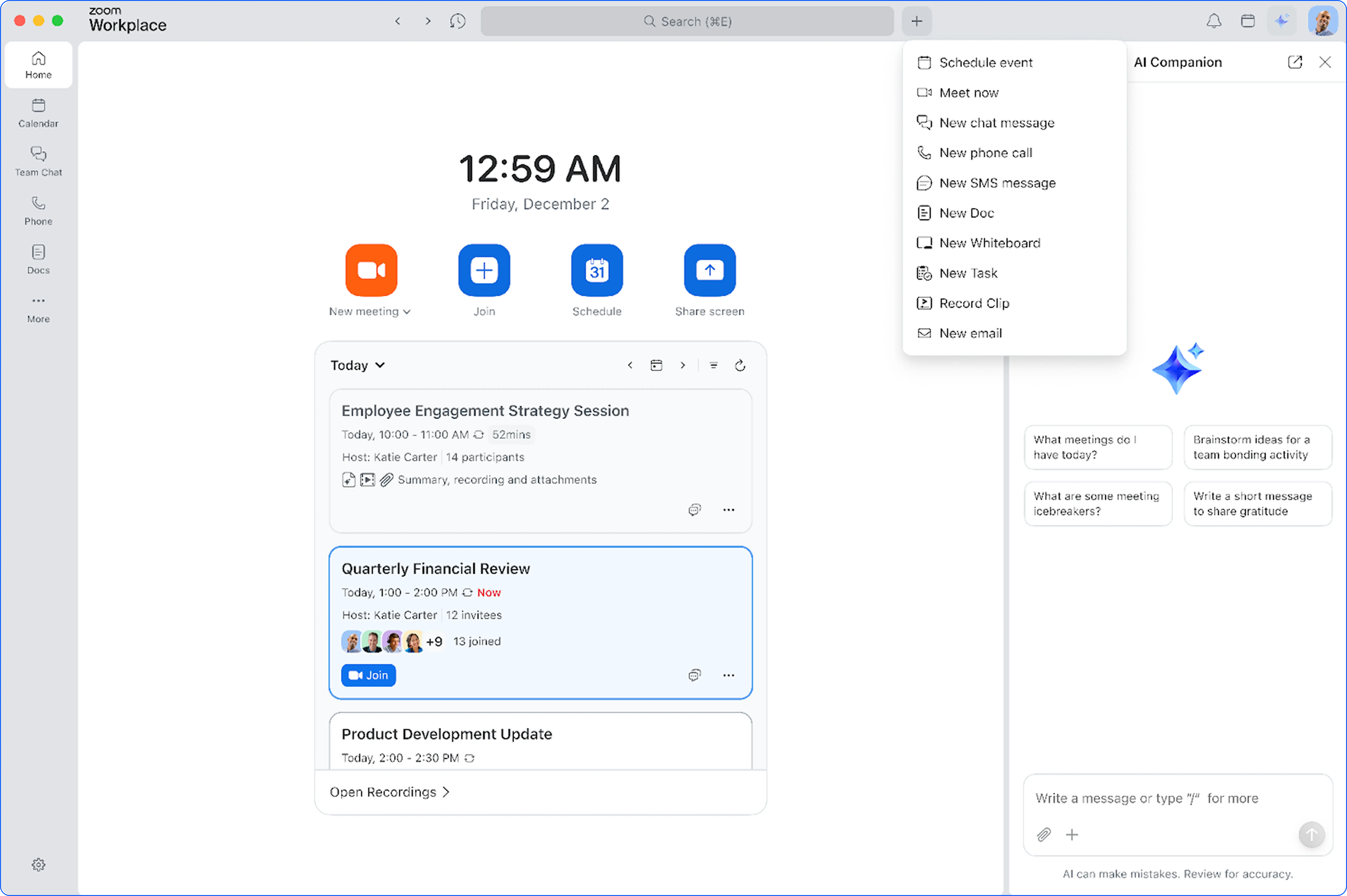
Zoom Workplace is designed to reduce friction and simplify your work day, whether you're in a meeting or catching up later.
Learn more Learn more

Learn more Learn more
Learn more Learn more
Learn more Learn more
Learn more Learn more
Zoom Workplace is designed to reduce friction and simplify your work day, whether you're in a meeting or catching up later.
Learn more Learn more
Learn more Learn more
Learn more Learn more
Learn more Learn more
Learn more Learn more
Learn more Learn more
Learn more Learn more
Zoom Workplace is designed to reduce friction and simplify your work day, whether you're in a meeting or catching up later.
Learn more Learn more
Learn more Learn more
Zoom Workplace is designed to reduce friction and simplify your work day, whether you're in a meeting or catching up later.
Learn more Learn more
Learn more Learn more
Learn more Learn more
Learn more Learn more
Learn more Learn more
Learn more Learn more
Zoom Workplace is designed to reduce friction and simplify your work day, whether you're in a meeting or catching up later.
Learn more Learn more
Learn more Learn more
Learn more Learn more
Zoom Workplace is designed to reduce friction and simplify your work day, whether you're in a meeting or catching up later.
Learn more Learn more
Learn more Learn more
Learn more Learn more
Learn more Learn more
Zoom Workplace is designed to reduce friction and simplify your work day, whether you're in a meeting or catching up later.
Learn more Learn more
Learn more Learn more
Learn more
Zoom Workplace: Communications
Zoom Workplace is designed to reduce friction and simplify your work day, whether you're in a meeting or catching up later.
Learn more Learn more
Learn more Learn more
Learn more Learn more
Get more done and accelerate collaboration effortlessly on a single app. This month, we're introducing new ways to communicate and stay connected.
Learn more Learn more
Learn more Learn more
Learn more Learn more
Zoom Workplace is designed to reduce friction and simplify your work day, whether you're in a meeting or catching up later.
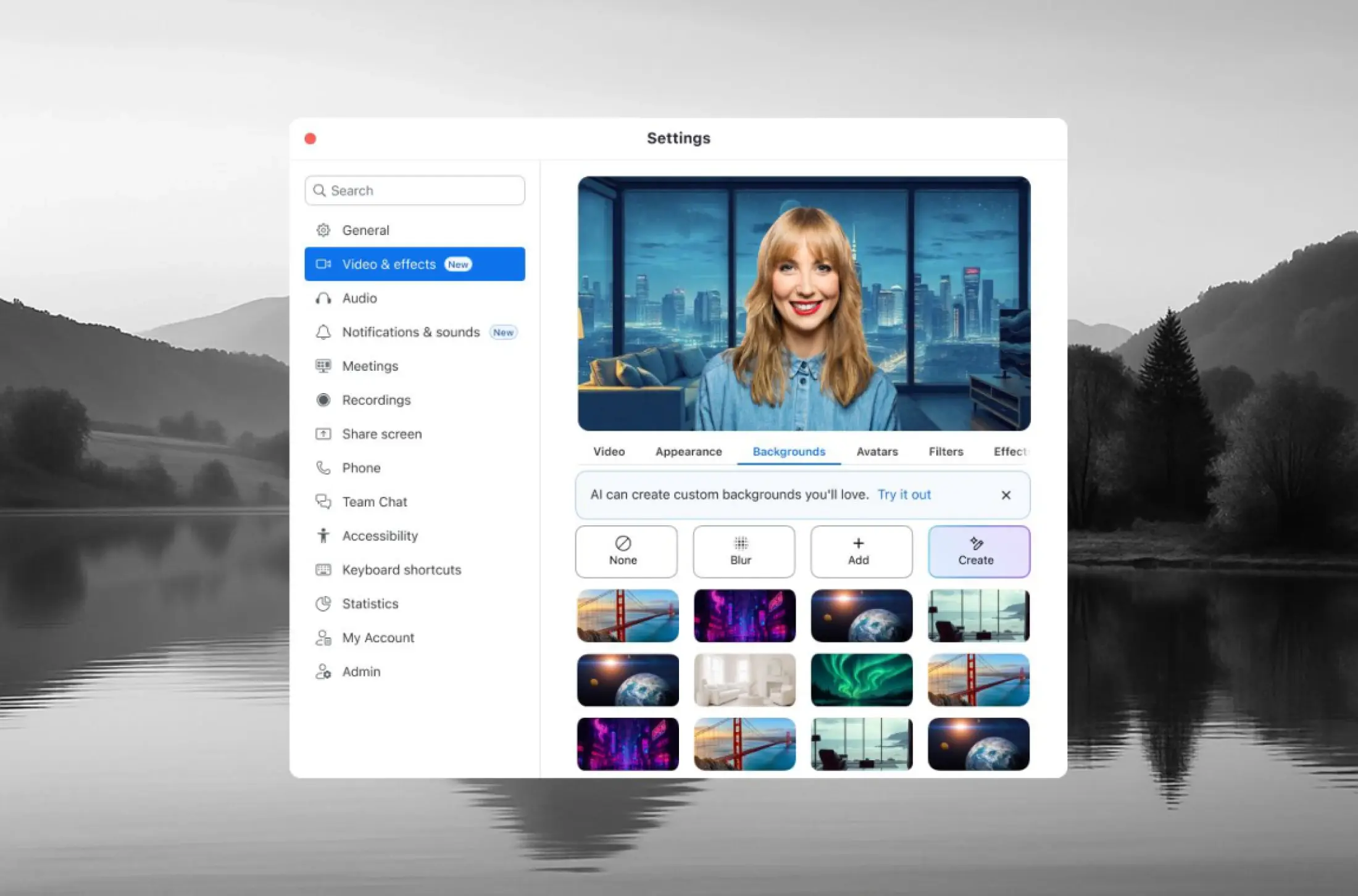
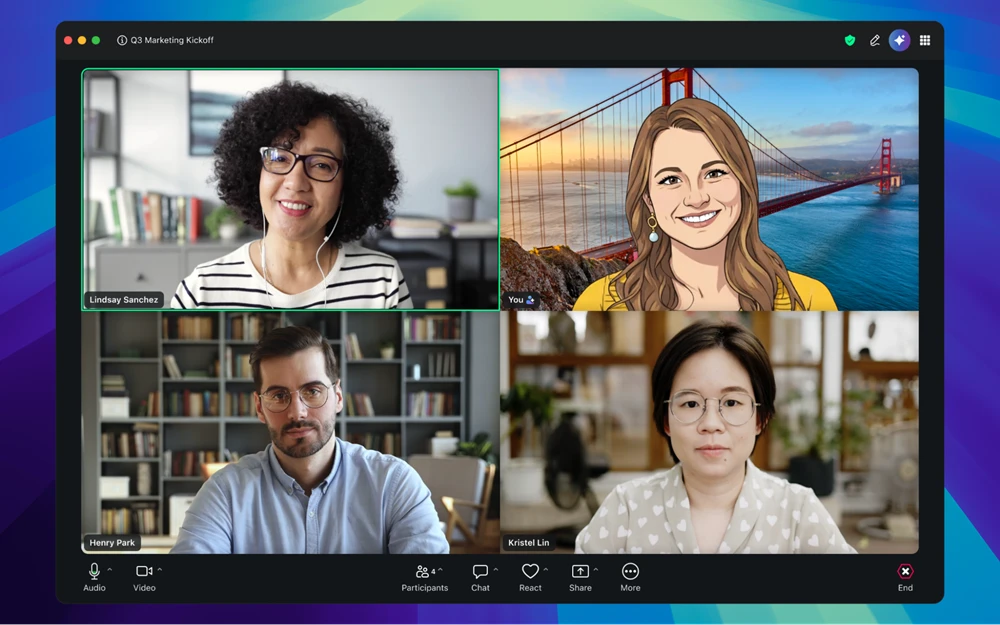
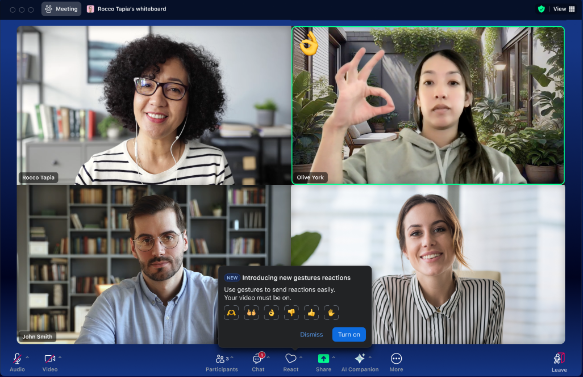
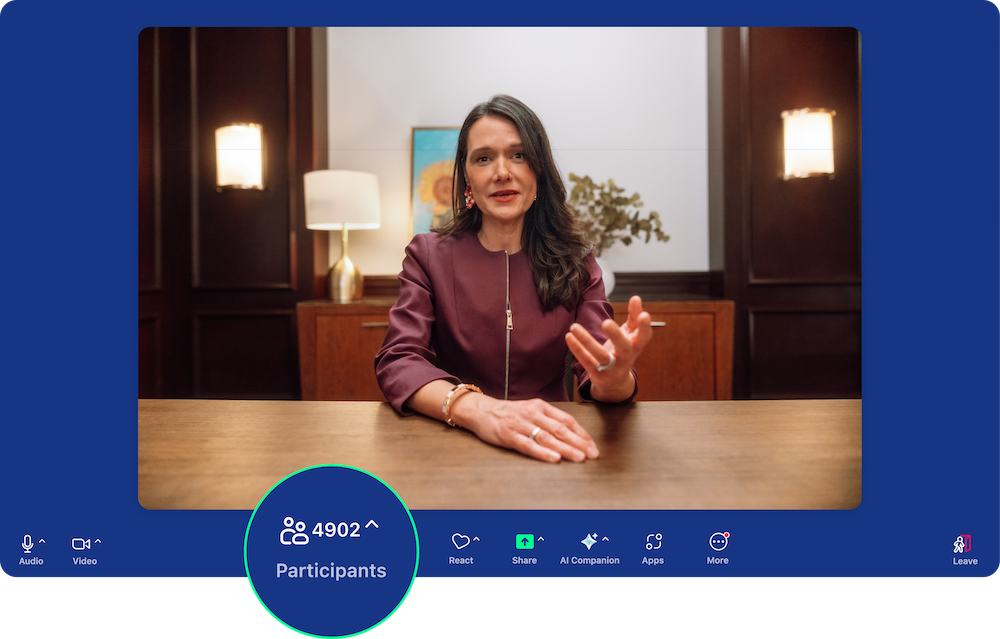
Express yourself naturally in a virtual meeting without manually clicking a button.. You can easily trigger new animated reactions like thumbs up, hearts, and fireworks just by gesturing with your hands. These reactions work across the desktop, mobile apps, and Zoom for Web, making communication more engaging no matter where you are.
See the gestures
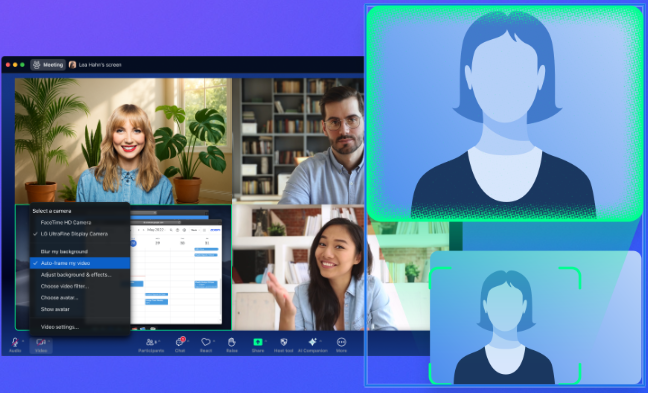
Intelligent tracking keeps you perfectly centered in the video frame, so you don't have to worry about manually shifting your camera. Zoom detects your position and automatically adjusts, so you no longer worry about moving out of view when you shift positions. This helps you easily maintain engagement and visual consistency for your audience.
Learn more Learn more
Zoom Workplace enables you to reimagine teamwork with AI Companion. Our open collaboration platform with AI Companion helps teams streamline communications, improve productivity, optimize in-person time, and increase employee engagement. Check out the latest enhancements below.
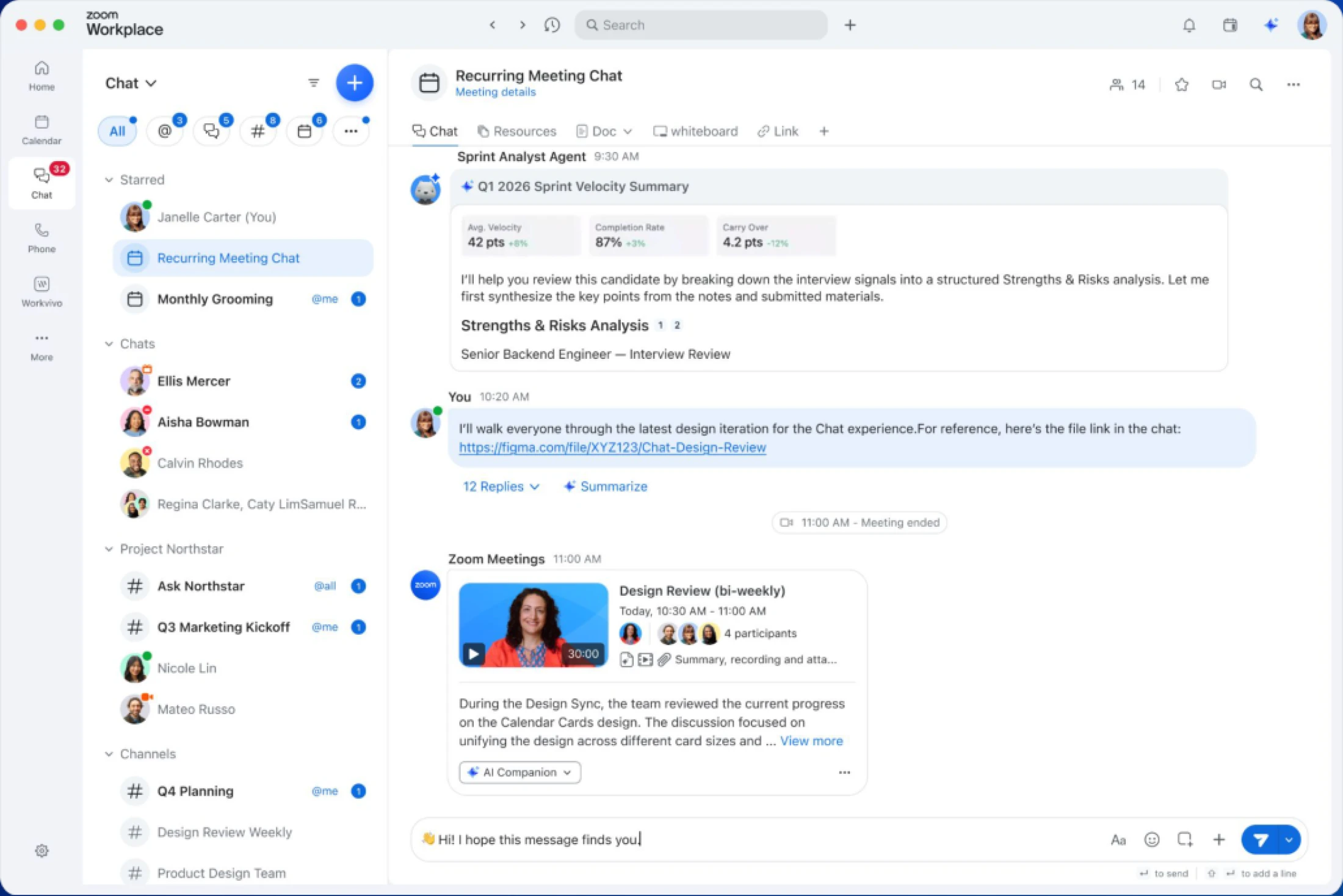
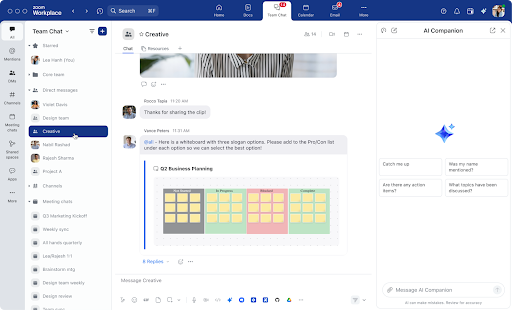
Streamline your communication with an enhanced new message experience that automatically converts named group chats into channels, reducing DM clutter and giving admins better visibility and control over team conversations.
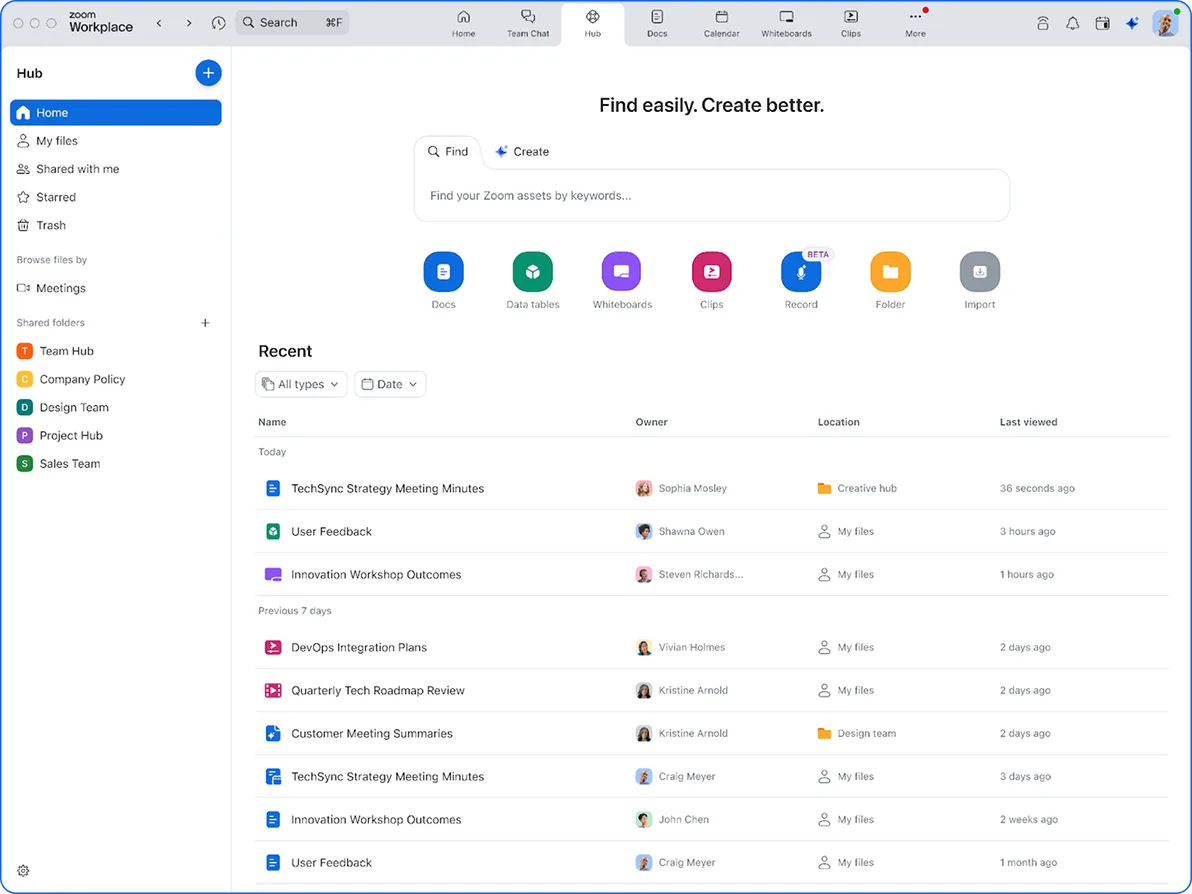
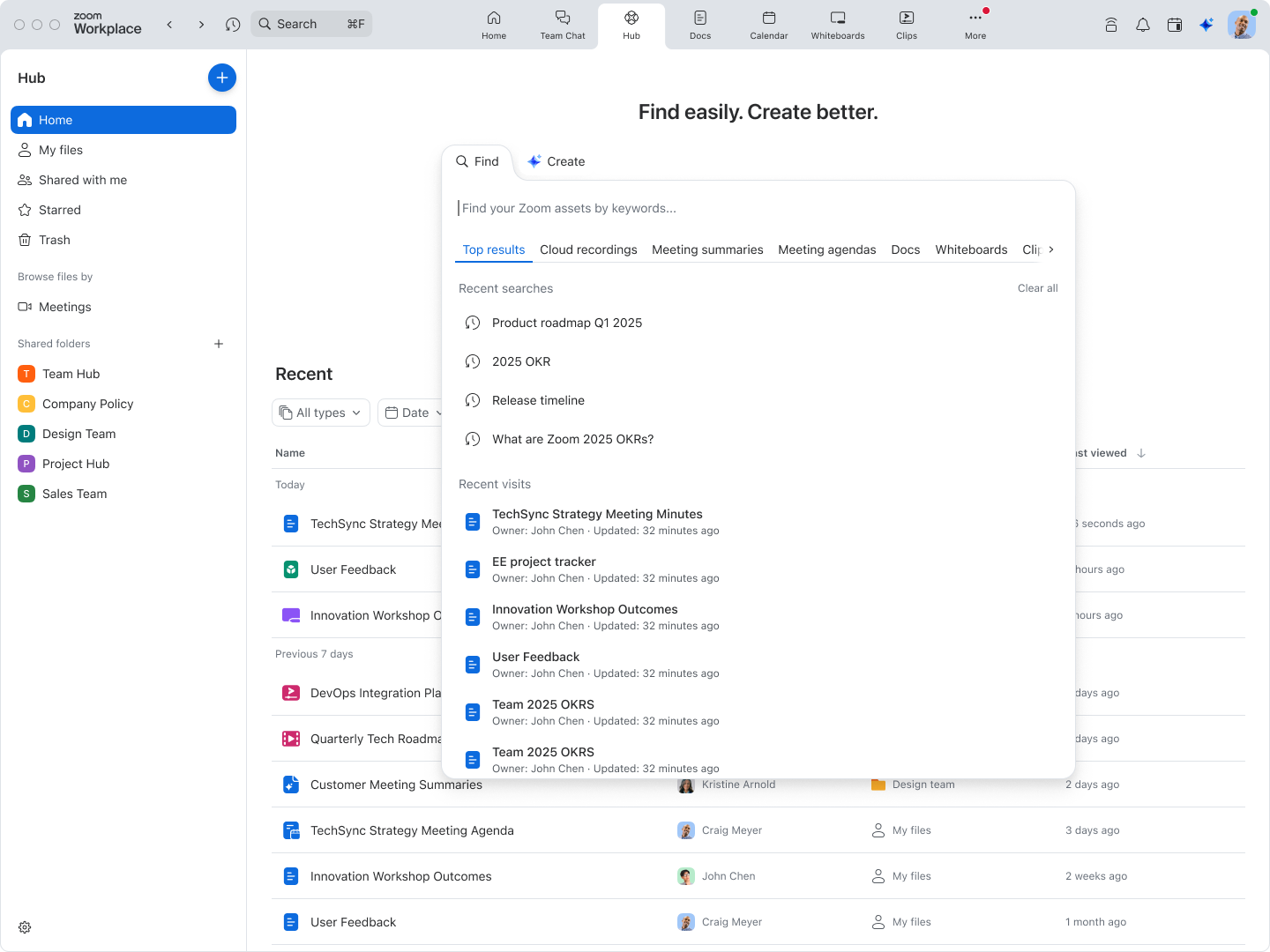
Your central repository for all Zoom files is now available:
Experience Zoom Hub
Let AI Companion organize your workload with smart features including:
Zoom Workplace enables you to reimagine teamwork with AI Companion. Our open collaboration platform with AI Companion helps teams streamline communications, improve productivity, optimize in-person time, and increase employee engagement. Check out the latest enhancements below.
Meet growing demand for bigger meetings with new capacity options for 3,000 and 5,000 attendees. These add-ons provide the full Zoom Meeting experience (with the exception of pinning and gallery view) and are available for both direct and online customers.
Stay productive anywhere with Zoom Chat's completely redesigned mobile architecture. The new interface maintains parity with the desktop app and includes AI Companion's reply and compose features, making mobile collaboration seamless and efficient.
Personalize your Zoom Chat experience with custom emoji icons for channels, making them easier to identify and navigate. Group chat icons now display user photos for better visual organization. Desktop support launches in July, with mobile support coming in August.
Zoom Workplace enables you to reimagine teamwork with AI Companion. Our open collaboration platform with AI Companion helps teams streamline communications, improve productivity, optimize in-person time, and increase employee engagement. Check out the latest enhancements below.
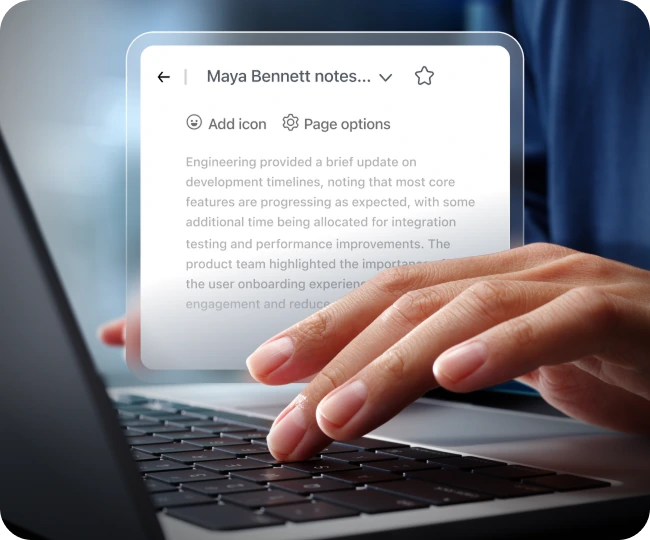
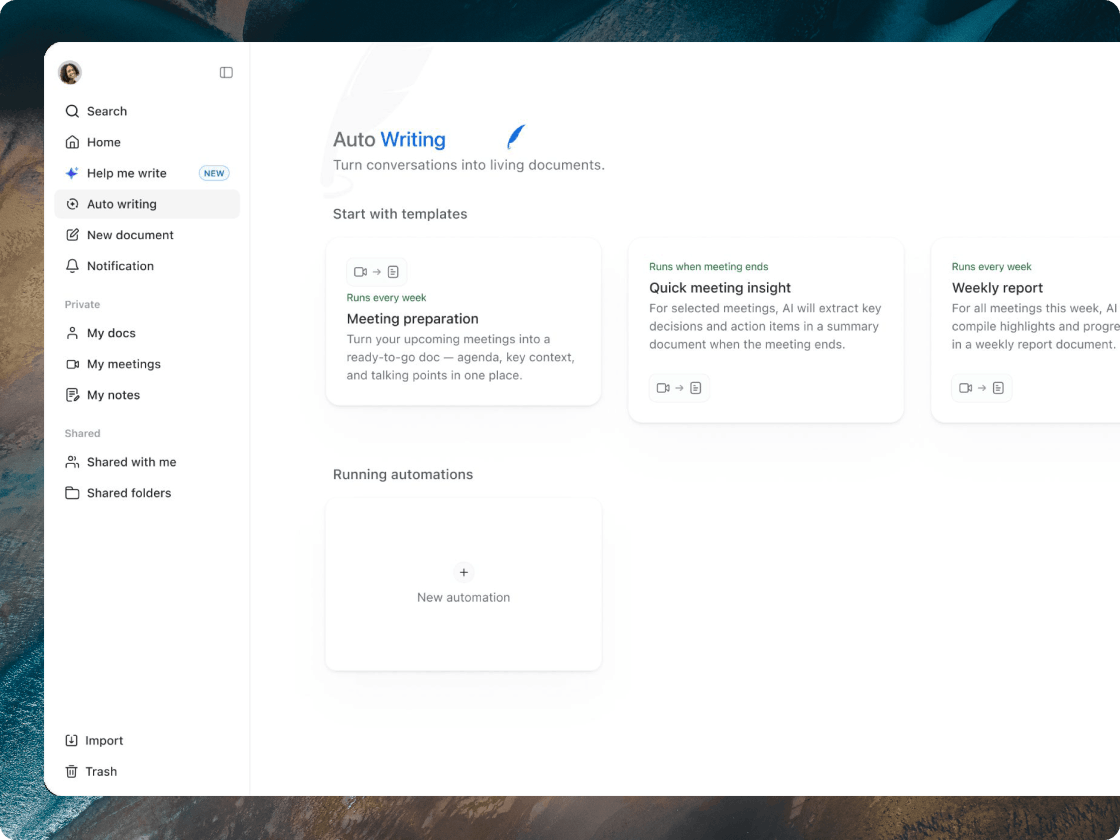
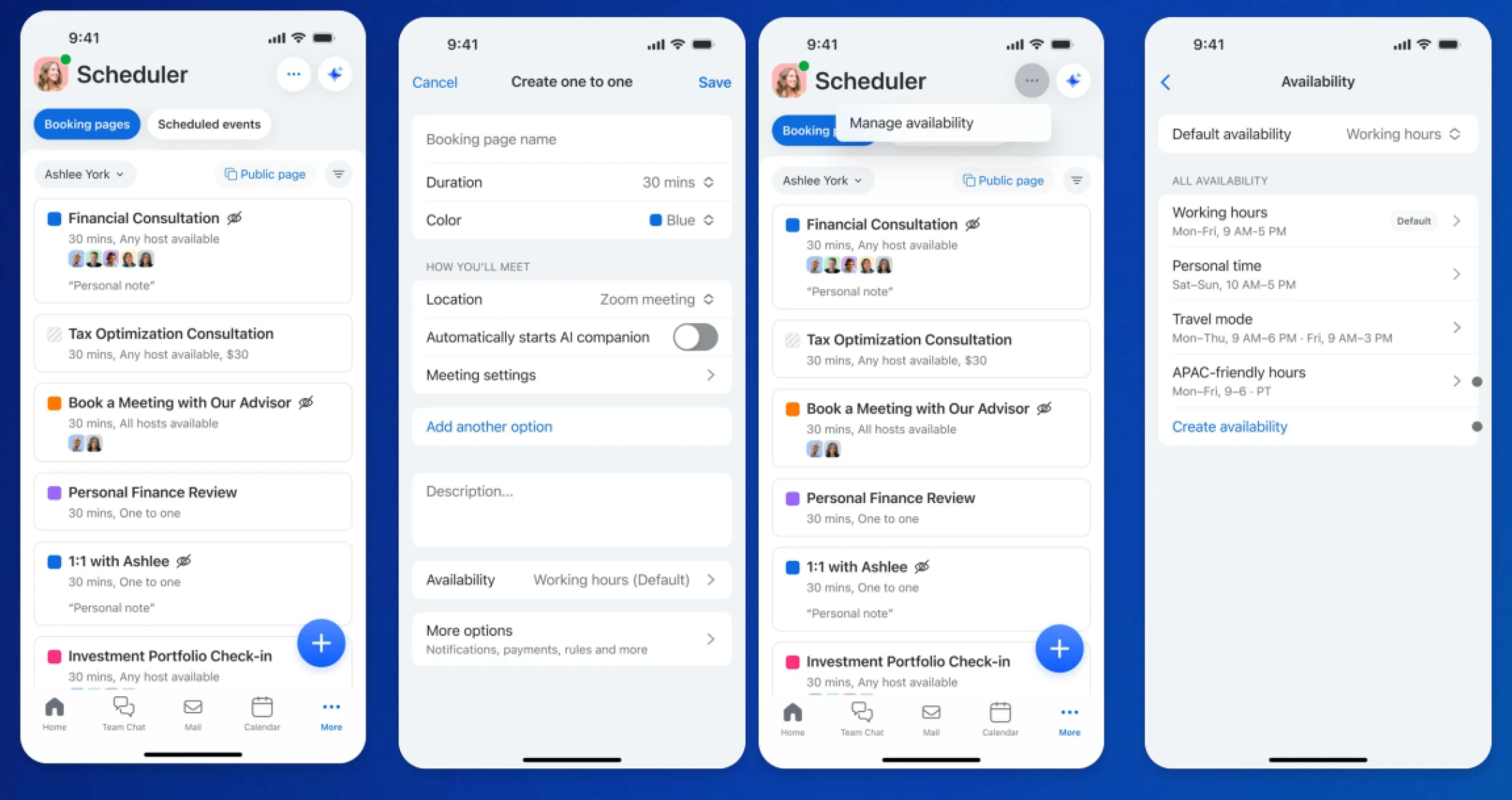
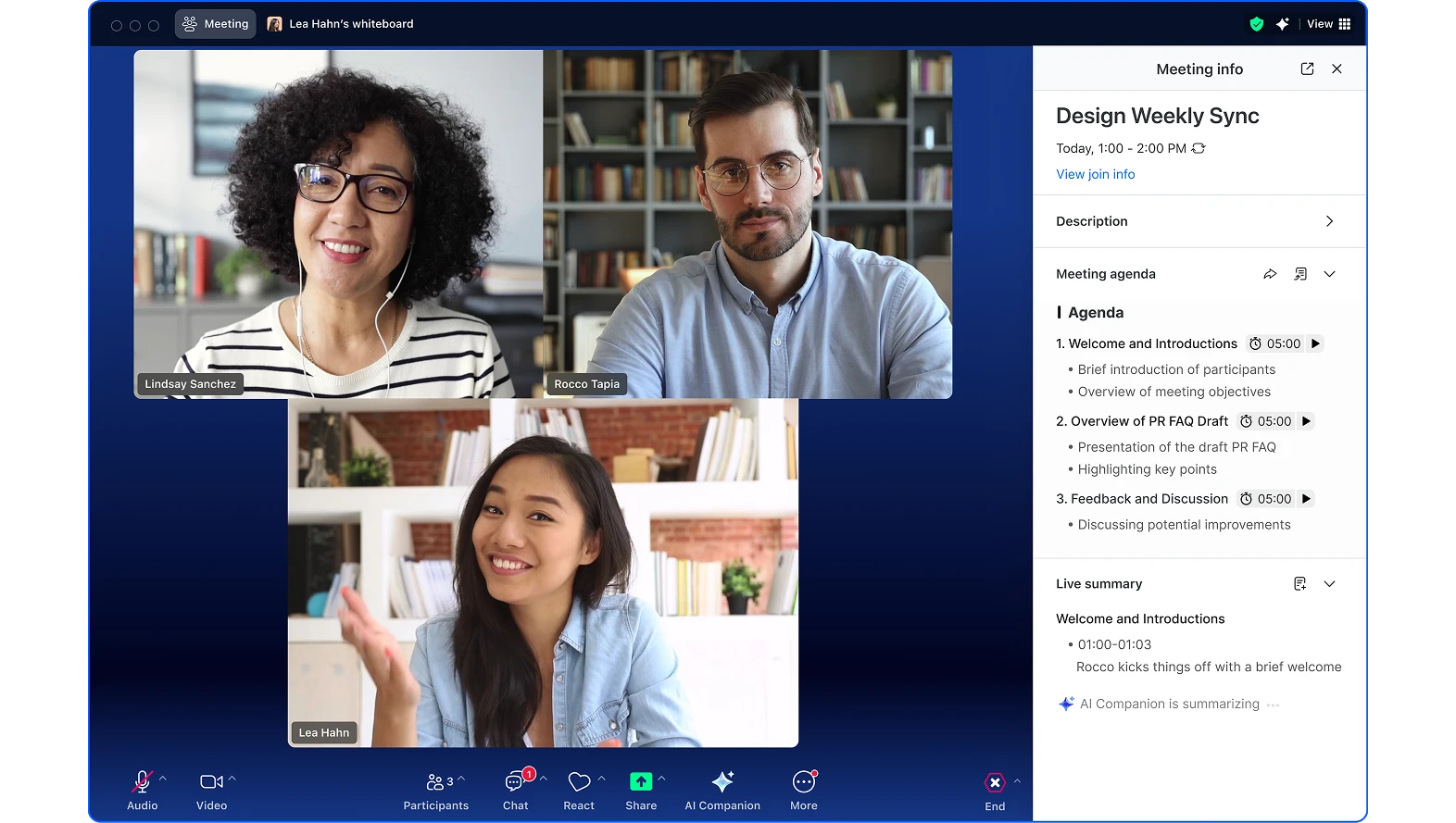
Easily prepare for meetings by choosing between several agenda templates or having AI Companion create an agenda for you based on past meetings and docs. Add time estimates to keep meetings on track and easily share action items afterward.


Get refreshers on previous conversations before calls, ask questions without disrupting the call, and receive AI summaries of important takeaways to ensure you have the right information when you need it.
Let customers request callbacks instead of waiting on hold. Agents can auto-answer callbacks or set delays to prepare, with visibility into callback volume and completion rates for better queue management.
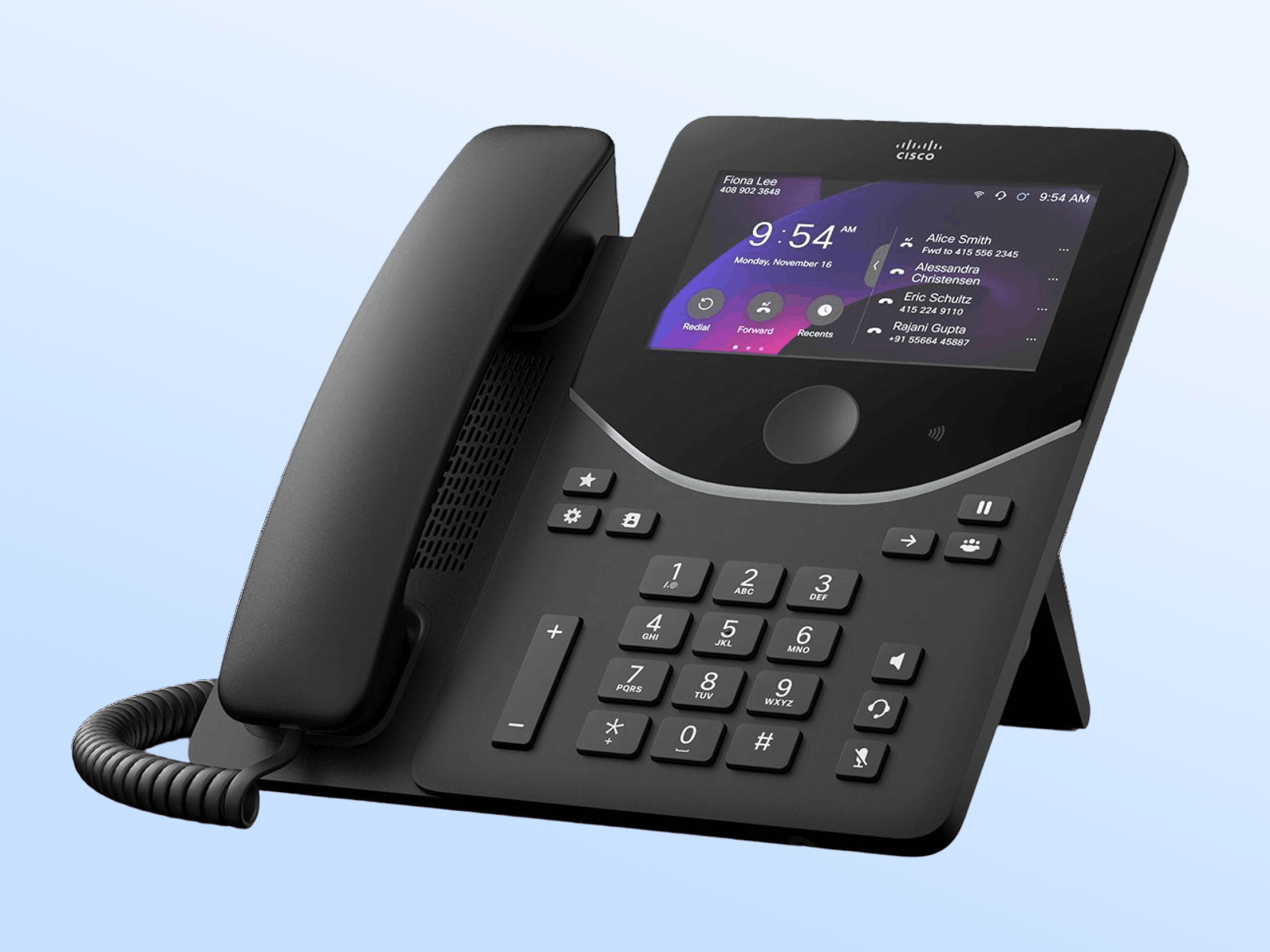
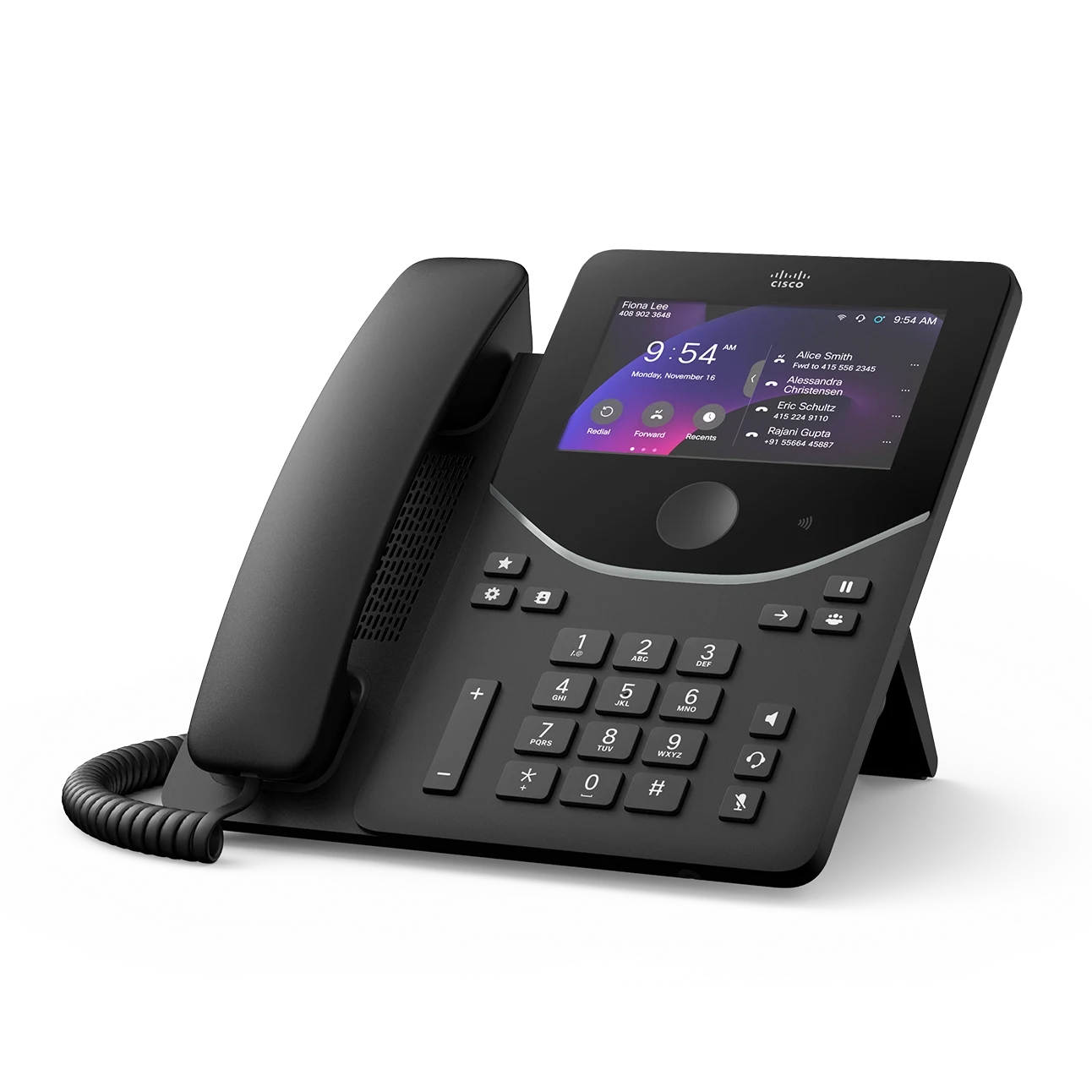
Zoom Phone now supports Cisco 9841, 9851, 9861, and 9871 desk phones plus Key Expansion Modules with zero-touch assisted provisioning and full feature parity with other Cisco MPP devices.
Send and receive fax globally using Zoom Phone numbers in 47 countries. Customize cover pages, access files from third-party providers, and stay informed with email notifications and usage reports.
Personalize your workspace with customizable sidebar themes including light/dark options and color themes (Classic, Bloom, Agave, Rose).
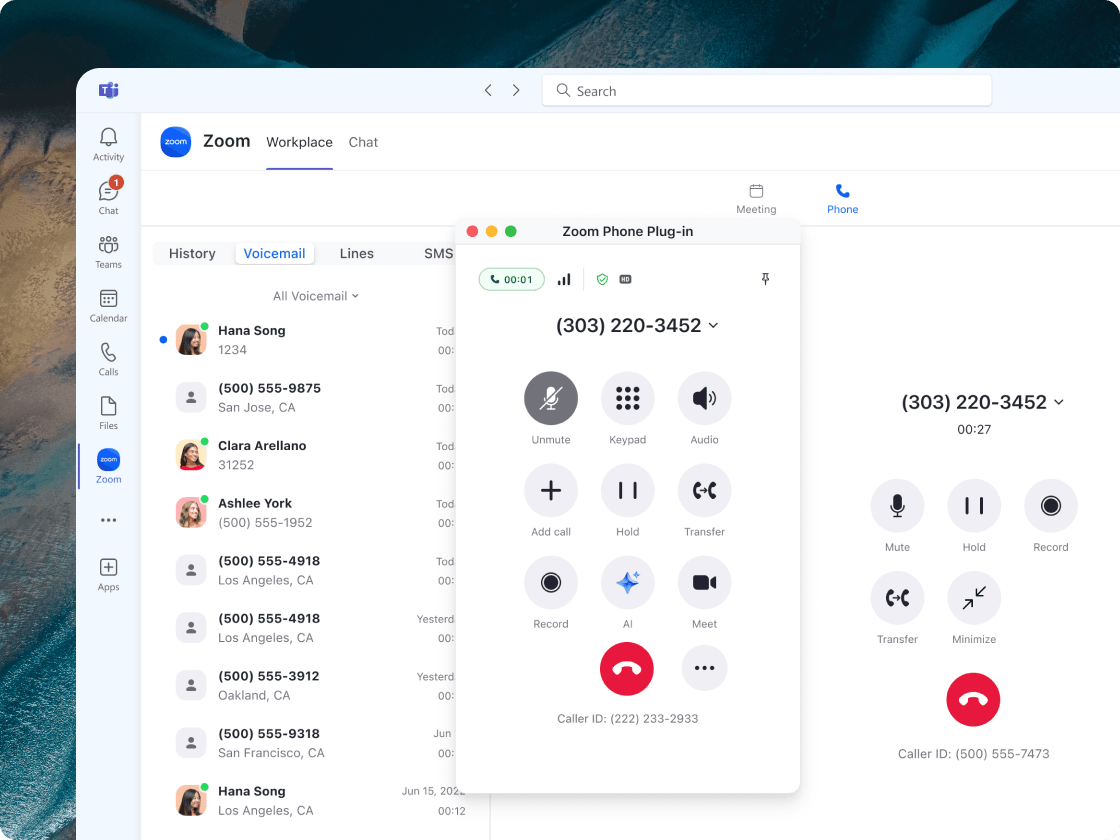
View calls and voicemails from coworkers in 1:1 chats, play voicemails directly from chat channels, and access call details for seamless collaboration.
Summarize text-based documents uploaded in chat with AI Companion.
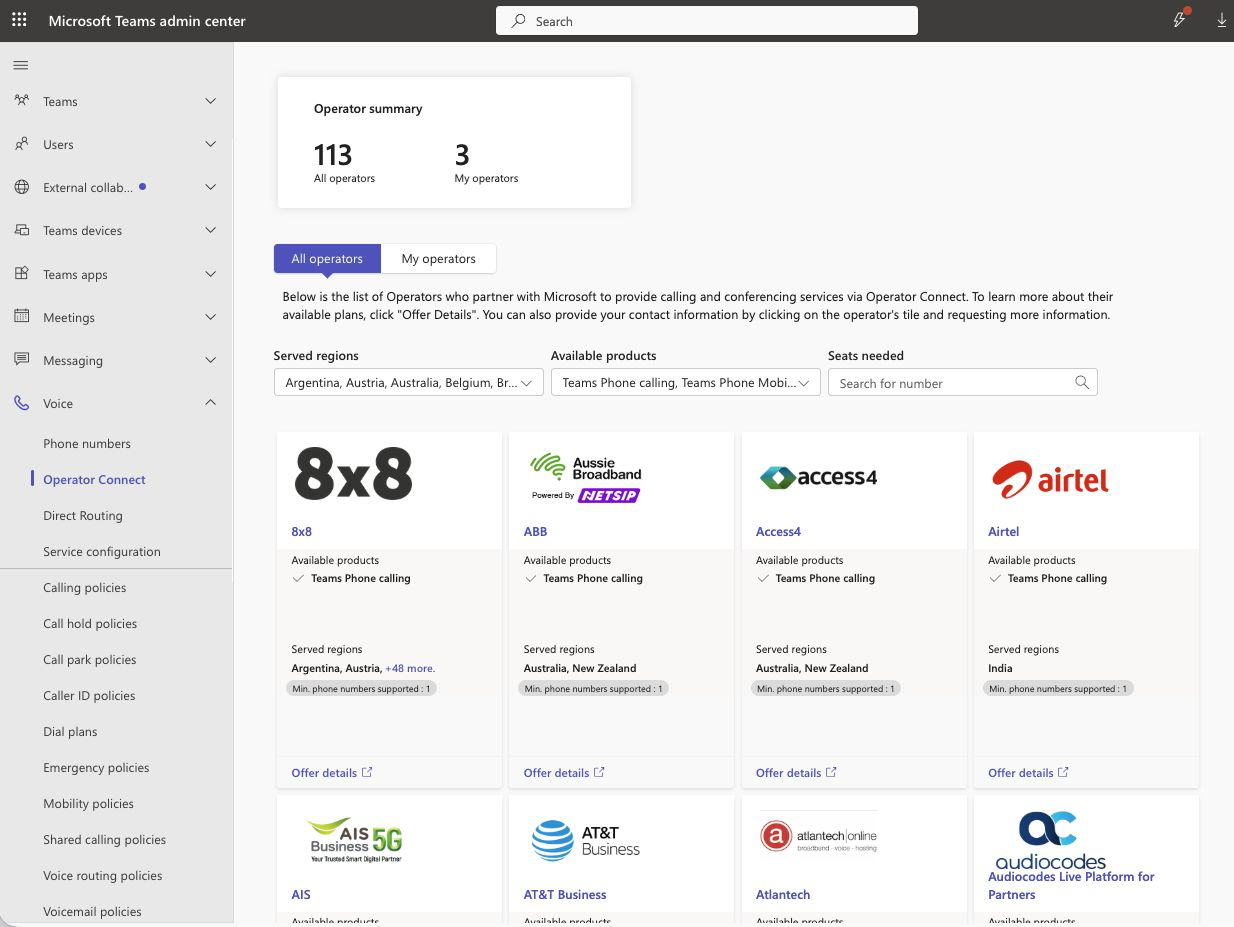
Zoom Phone, the first cloud phone solution licensed by the Department of Telecommunications (DoT) India, is now available in six of India's major business and technology hubs, with expansion to additional hubs planned. Customers in those hubs can choose between:
Both options are delivered through Zoom’s own local data centers to enable compliance with local regulations and are built to scale.
Zoom Workplace enables you to reimagine teamwork with AI Companion. Our open collaboration platform with AI Companion helps teams streamline communications, improve productivity, optimize in-person time, and increase employee engagement. Check out the latest enhancements below.
Transform your in-person conversations into actionable insights with the new Voice Recorder feature. Whether you're having a one-on-one with your manager, grabbing coffee with a colleague, or conducting interviews, you can now:
Desktop and Zoom Rooms support coming later this year.
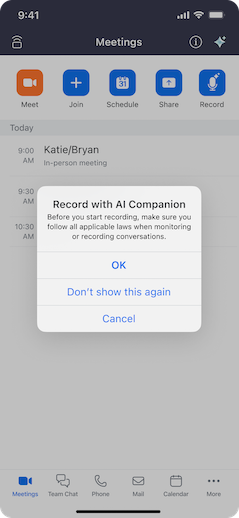
Keep conversations flowing after meetings with enhanced post-meeting cards that include:
Find information faster with two new search enhancements:
Zoom Workplace enables you to reimagine teamwork with AI Companion. Our open collaboration platform with AI Companion helps teams streamline communications, improve productivity, optimize in-person time, and increase employee engagement. Check out the latest enhancements below.
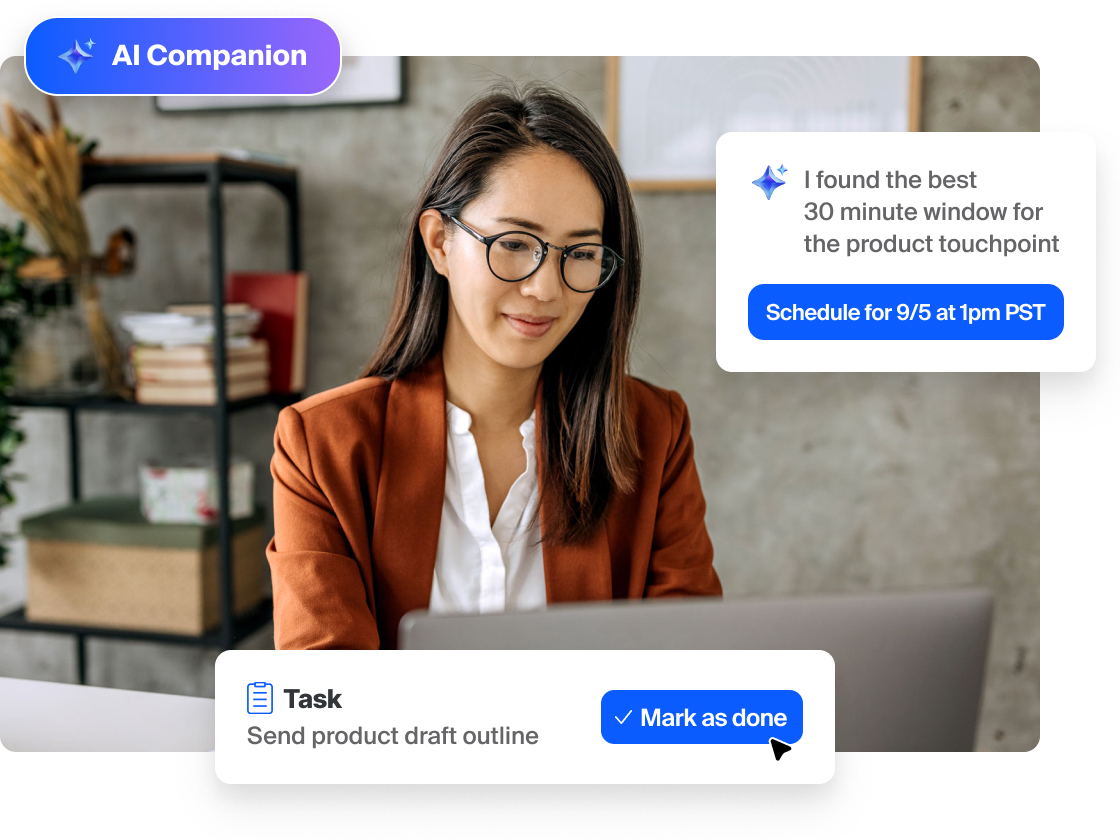
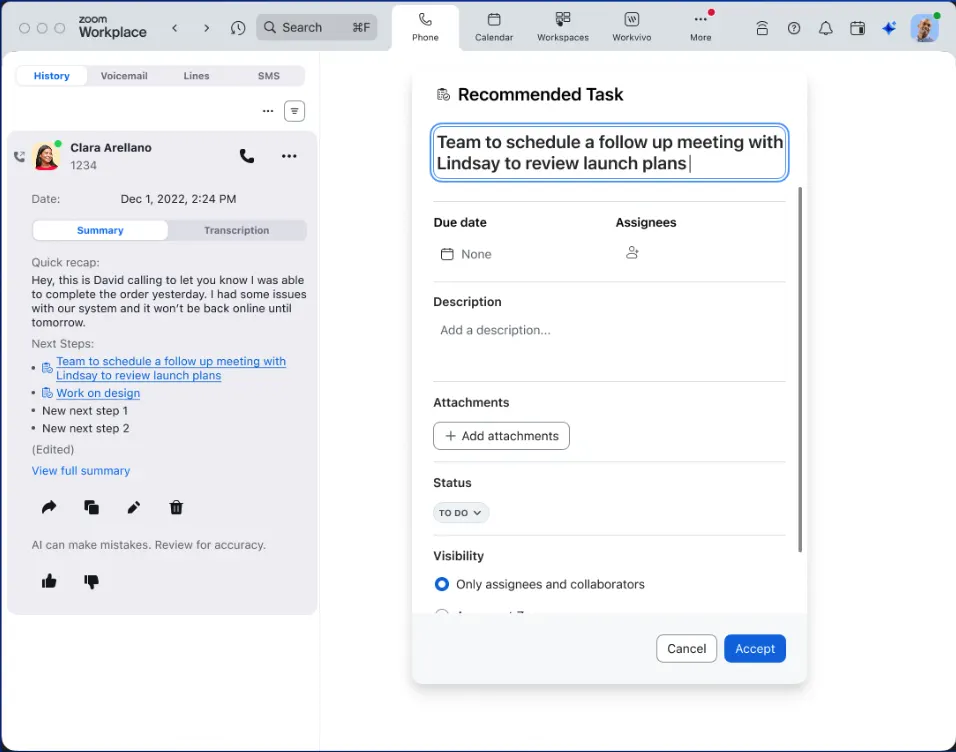
Surface, manage, and complete tasks across Zoom Workplace with AI Companion doing the heavy lifting. AI Companion automatically identifies tasks from meetings, creates assignments, and helps you prioritize your to-do list. Drive cross-functional follow-through and get through your tasks faster with AI completing work on your behalf.
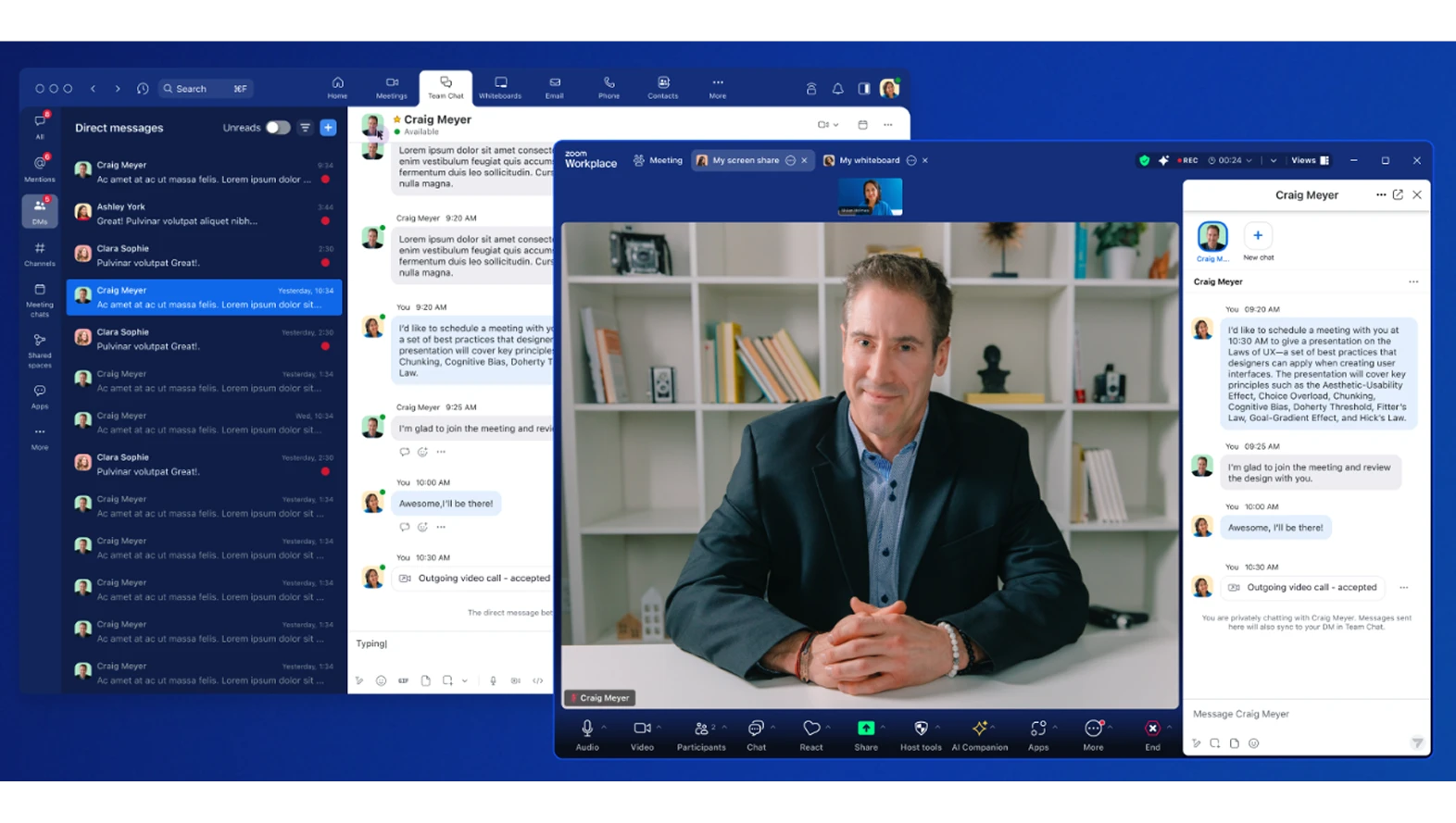
Learn more Learn moreCreate focused conversations during meetings with private group chats for specific participants. Add custom topics to track multiple chat groups simultaneously and share links with just your group without notifying other participants. Perfect for side discussions that need to happen without disrupting the main meeting flow.
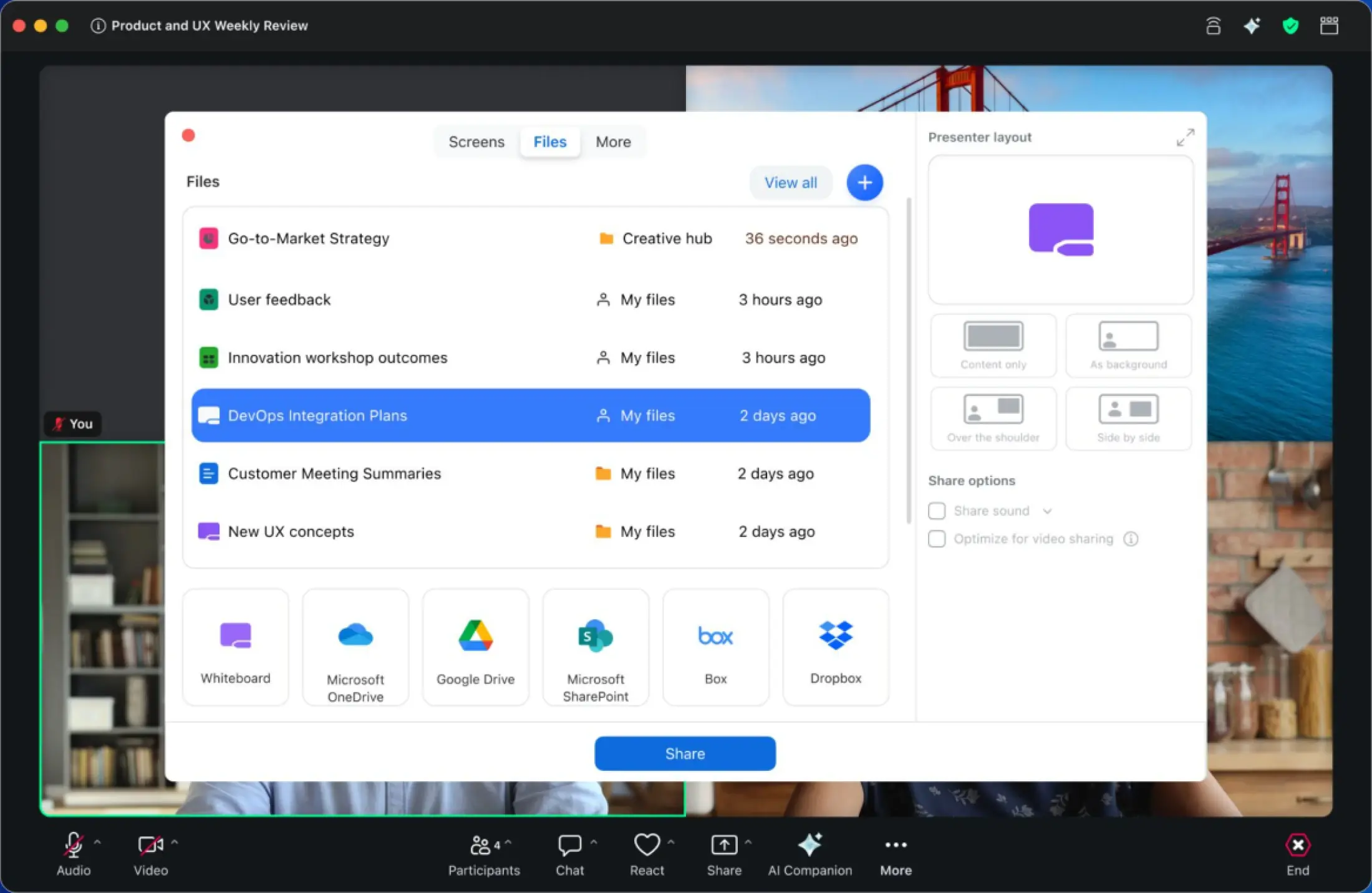
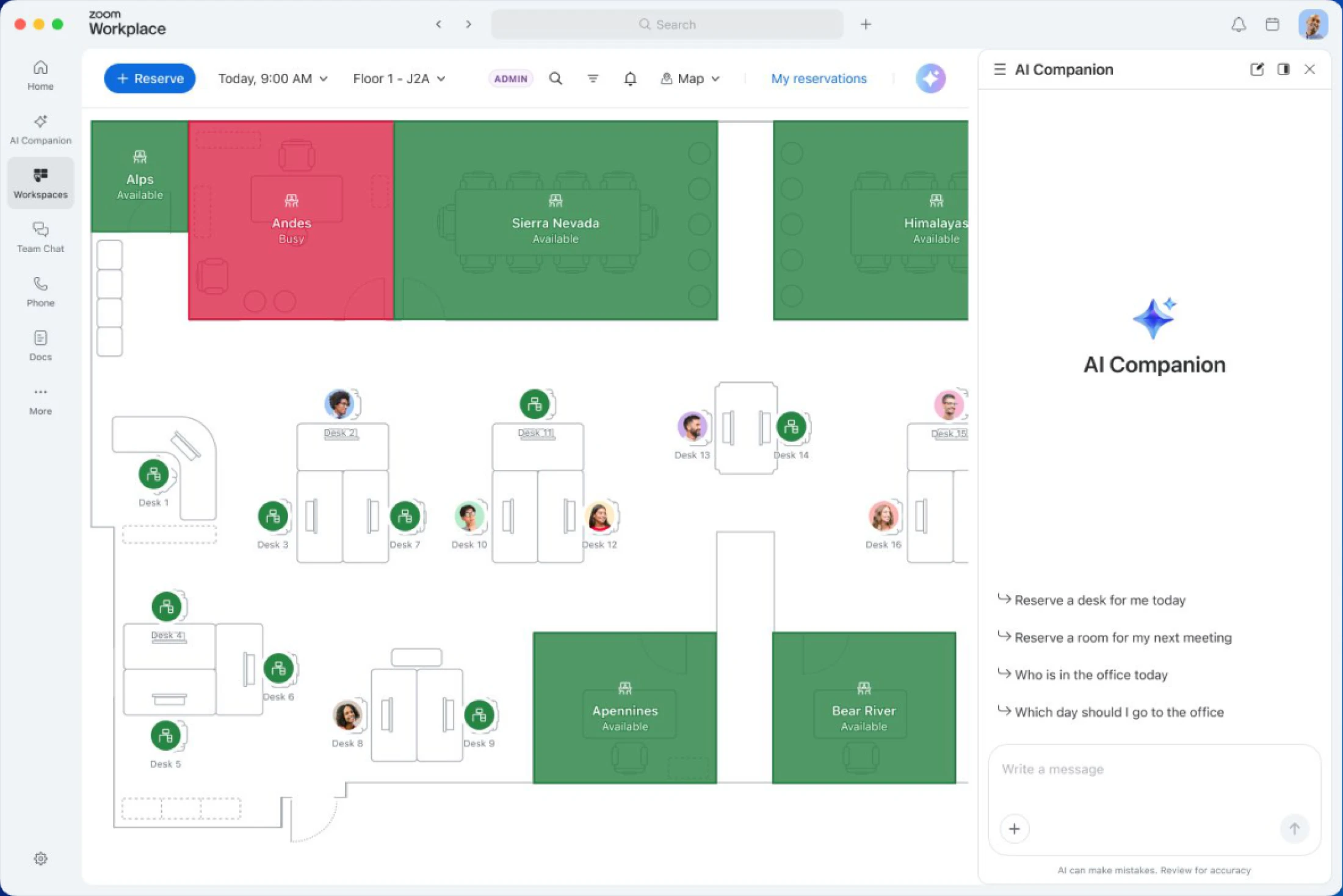
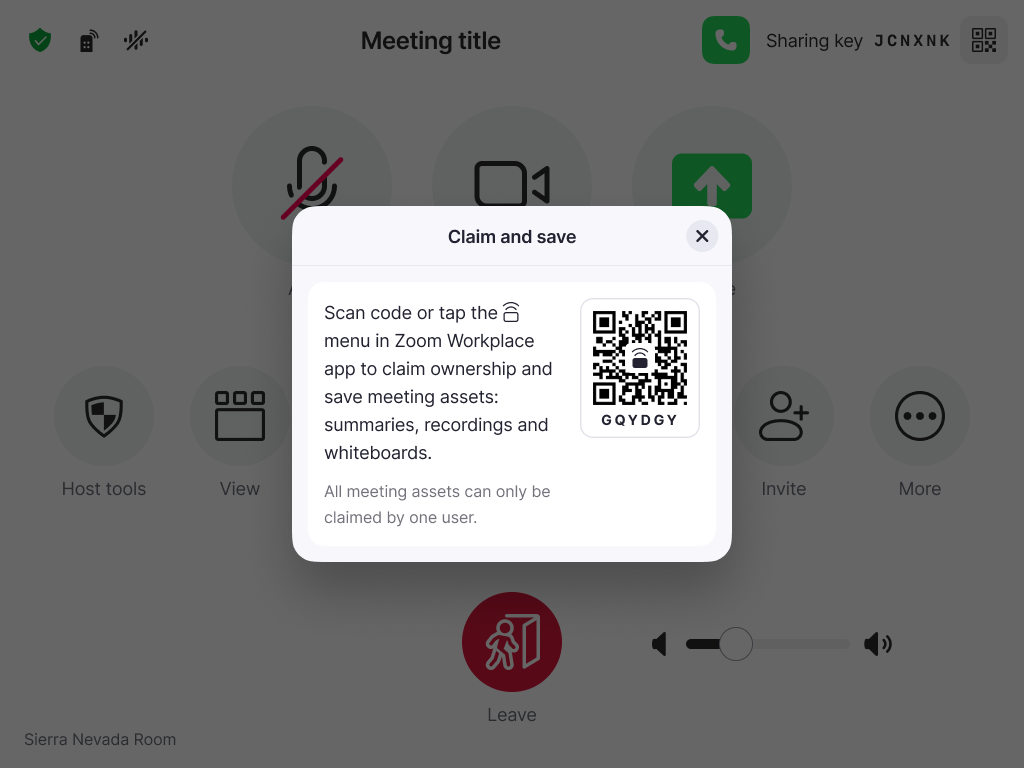
Never lose important meeting content again with the ability to claim and save a Zoom Room. Transfer ownership of summaries, recordings, and whiteboards from a Zoom Room directly to your account with a simple QR code scan or mobile device pairing. Get clear prompts during meetings to ensure you never leave valuable assets behind.
Zoom Workplace enables you to reimagine teamwork with AI Companion. Our open collaboration platform with AI Companion helps teams streamline communications, improve productivity, optimize in-person time, and increase employee engagement. Check out the latest enhancements below.
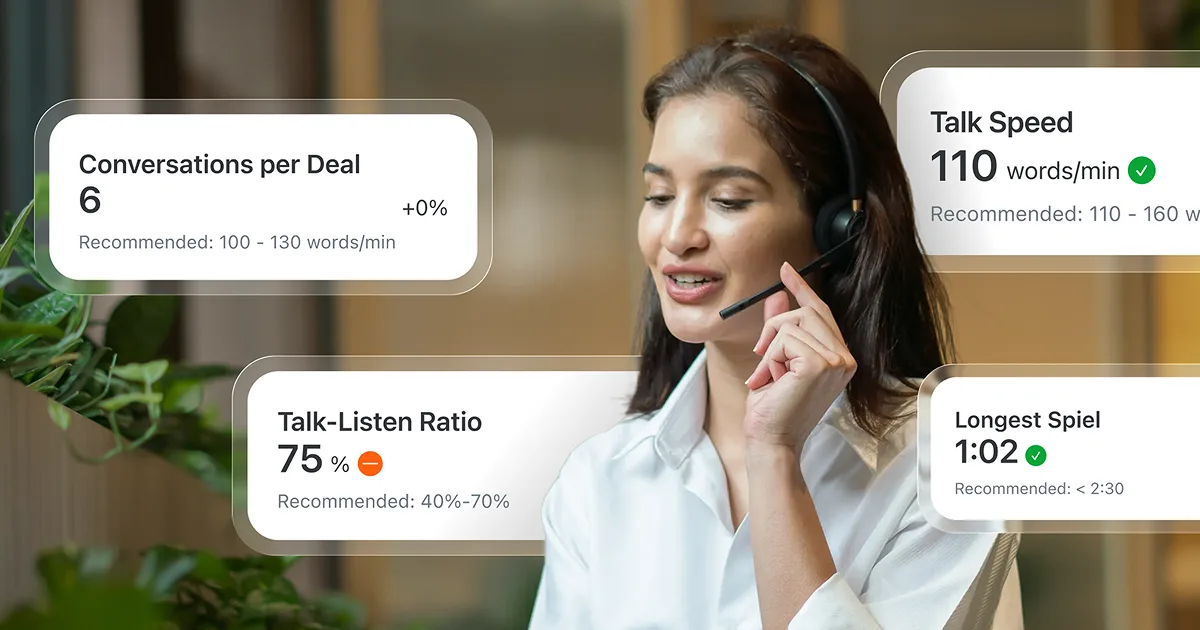
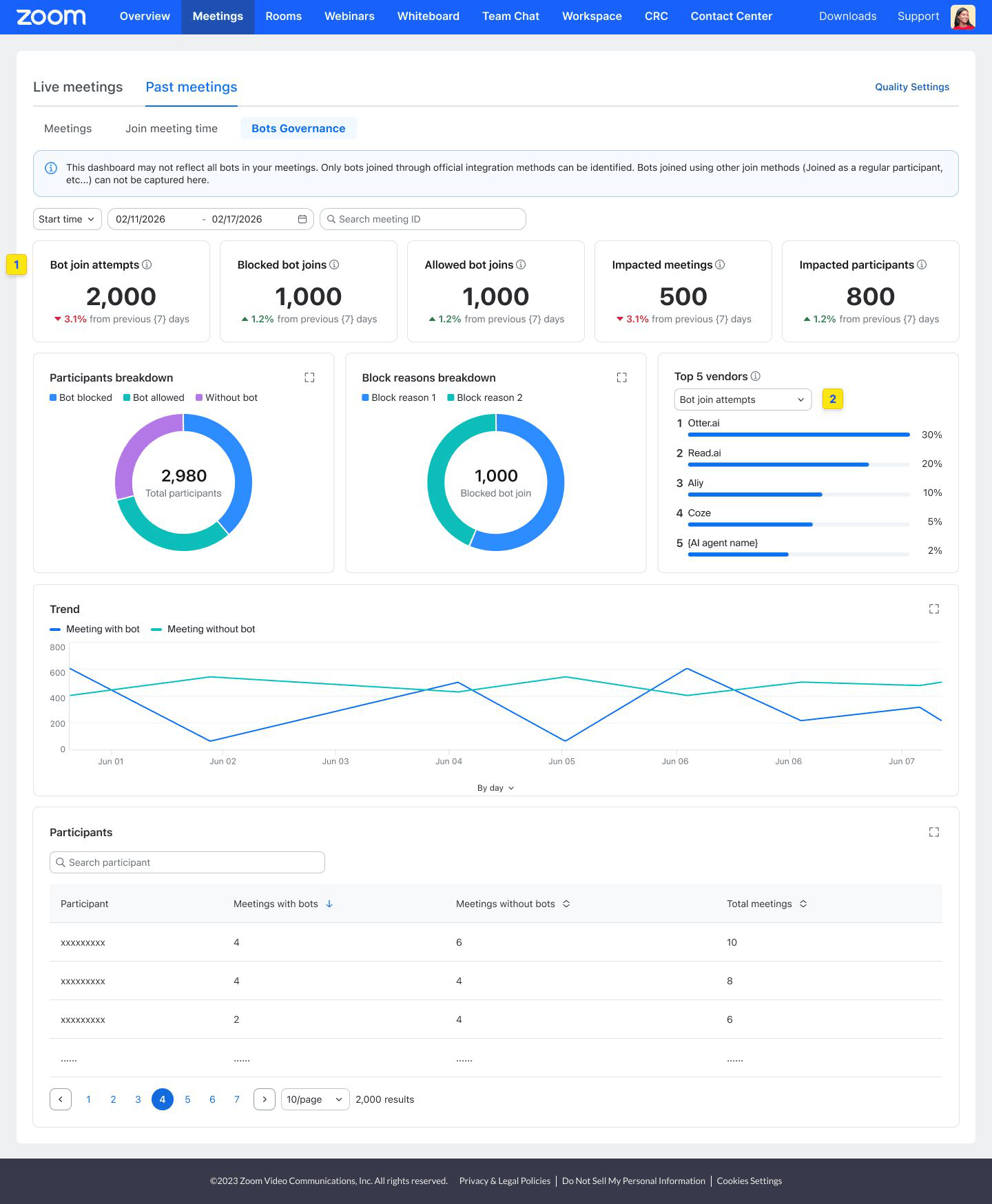
Get personalized usage data at a glance. Our dashboard with AI Companion acts as a personal assistant to deliver custom answers, insights, and reports and lets you understand usage across your org to identify teams that need training or assess how colleagues use features.
Learn more Learn more
When you're on a call and need to stay engaged, Zoom AI Companion can assist with real-time call questions. Organize conversations with ease and stay on track without distraction. With seamless AI-generated summaries, you can revisit key details, catch up on what was discussed, or align on next steps before hanging up.

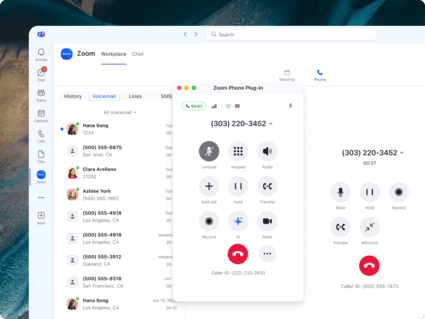
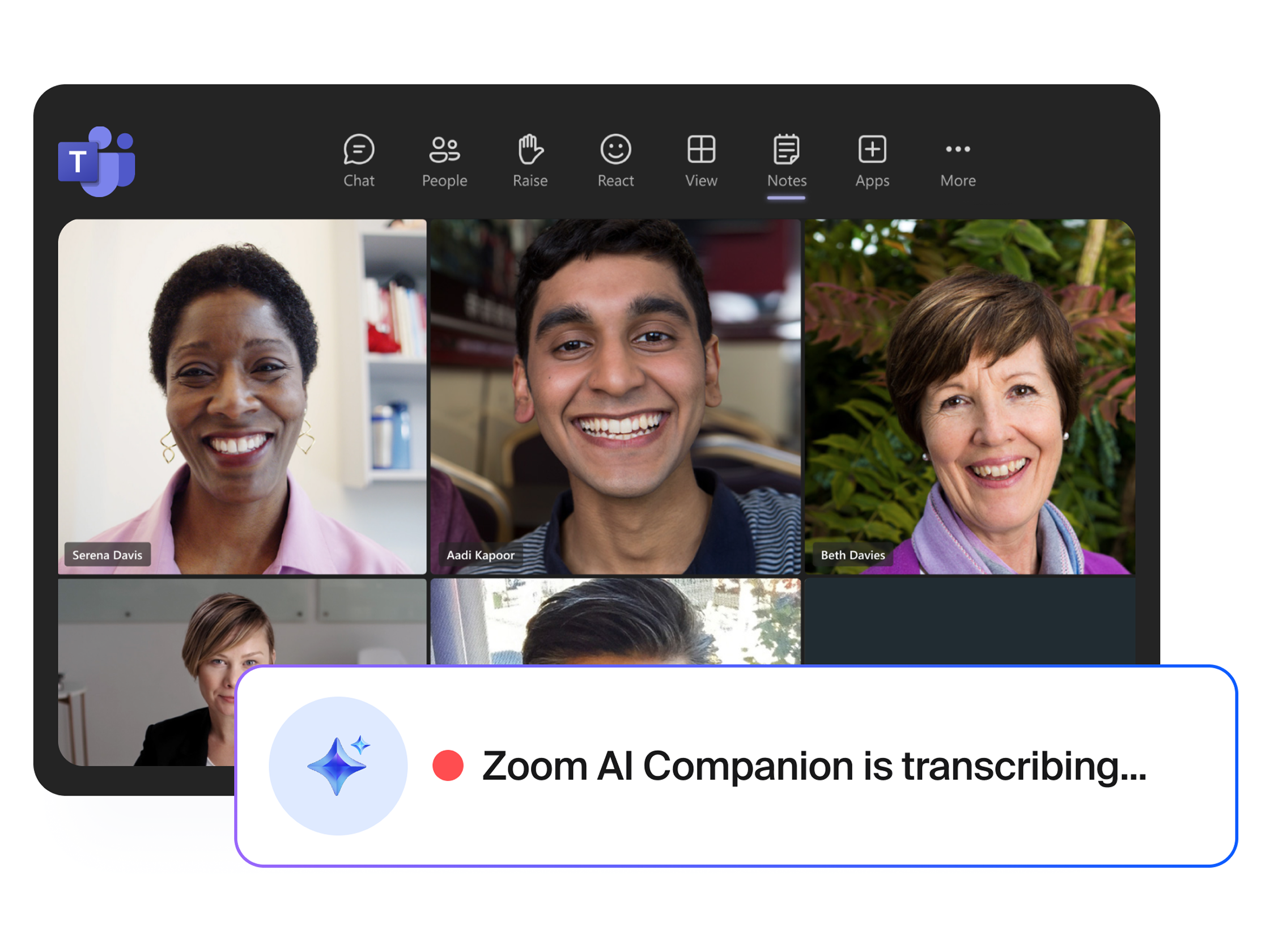
Communication should be seamless and efficient, so we’re continuously enhancing the experience for our customers using the Zoom App within Microsoft Teams. New updates include:
Learn more Learn more

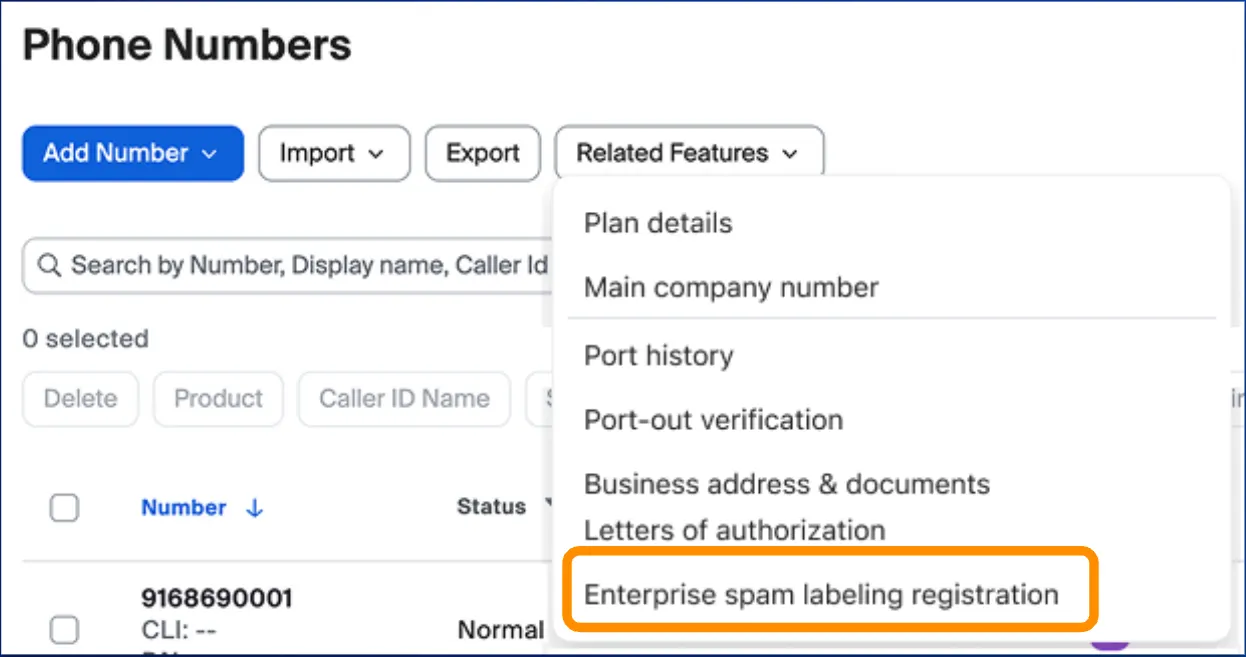
Send and receive faxes directly from Zoom Workplace without the need for extra services or physical fax machines. Fax services are available for both desktop and mobile devices to keep you connected from anywhere.
Learn more Learn more
Custom AV for Zoom Rooms
When you need to build highly flexible yet reliable meeting spaces that support hybrid work, Custom AV for Zoom Rooms provides support for professional AV protocols on Windows and macOS. Customization options are available for high-quantity outputs like specifying gallery sizes, overlays, and content.
Learn more Learn more
Delivery Management
Scan packages, mail, and deliveries as they come in, triggering an alert via email, or Zoom Chat (or third-party apps) that tells the recipient their package has arrived.
Zoom Workplace enables you to reimagine teamwork with AI Companion. Our open collaboration platform with AI Companion helps teams streamline communications, improve productivity, optimize in-person time, and increase employee engagement. Check out the latest enhancements below.

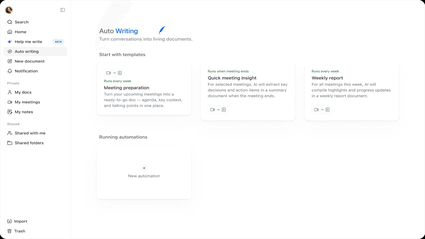
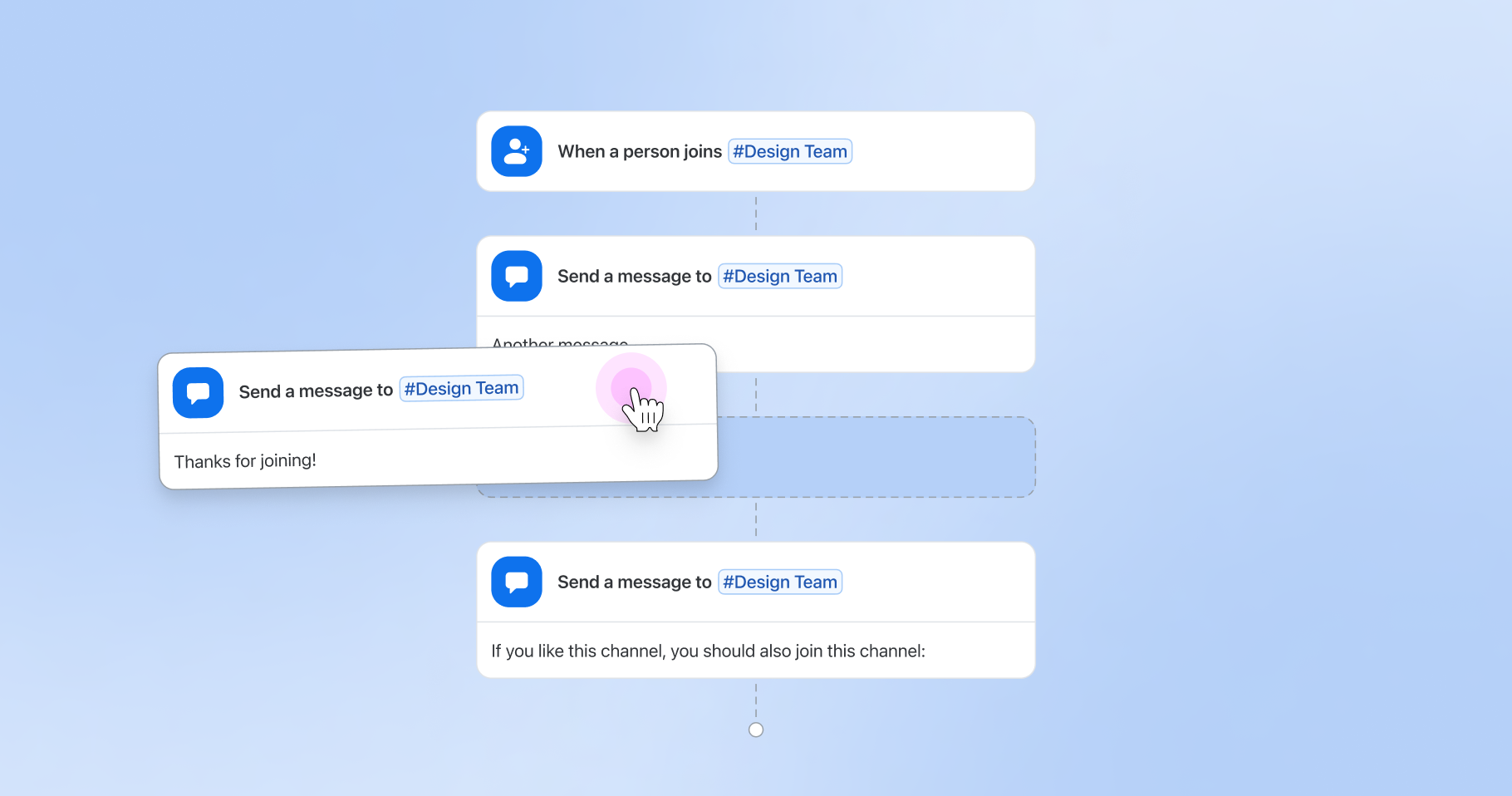
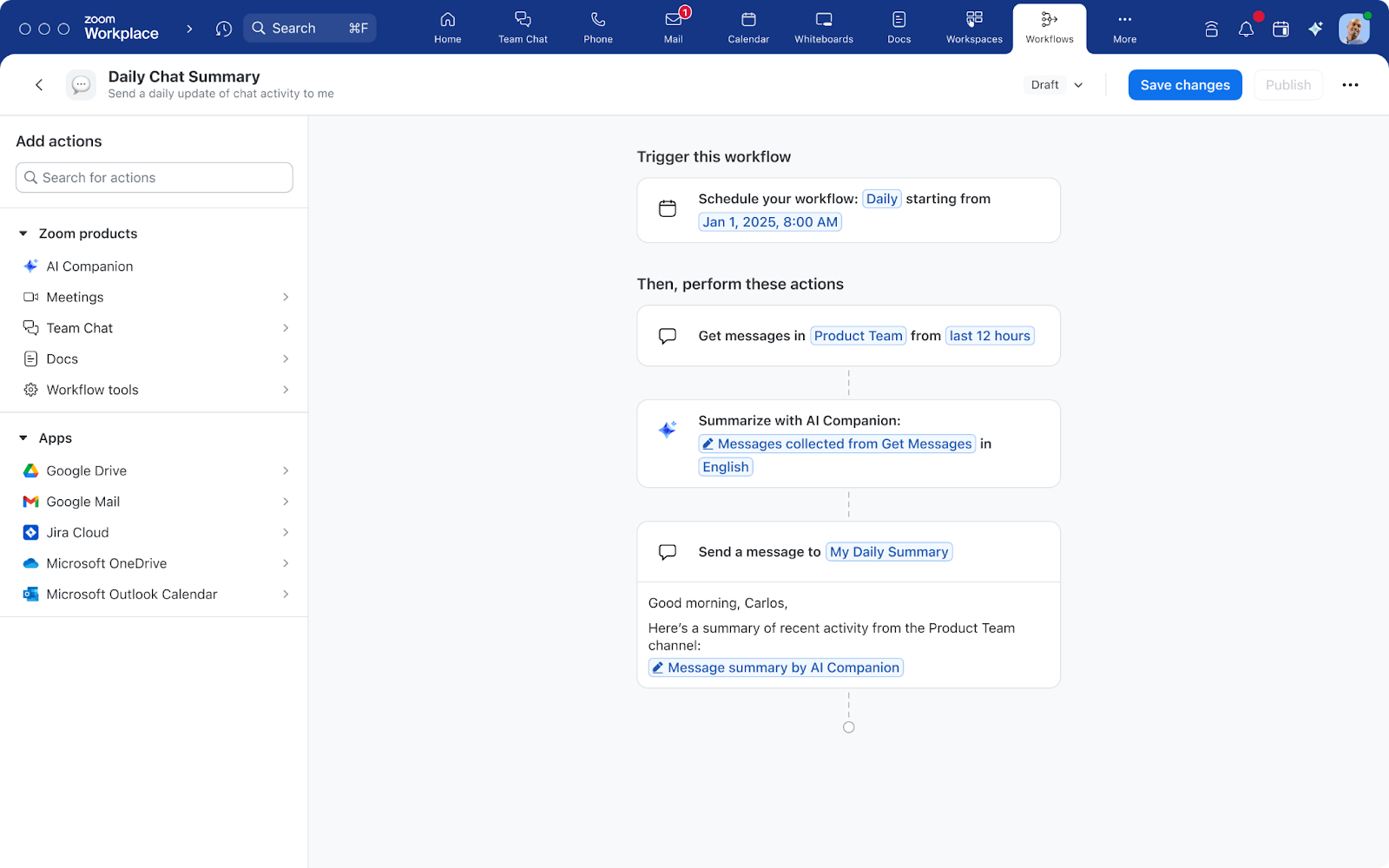
Now generally available during the free trial period, Workflow Automation helps you build powerful workflows to streamline common tasks as you work across Zoom Workplace and third-party apps. Automate your weekly check-in requests, common question replies, and notifications for quick approvals with ease. Respond to incidents such as Jira tickets or use AI Companion to summarize a week’s worth of chat messages in your team’s channel. With Workflow Automation you can spend more time on meaningful work and less time on tasks you can automate. Get started.

The Zoom-Mitel integration is now live, enabling our customers to connect their existing Mitel telephony systems with Zoom Workplace. Offering a best-of-both-worlds approach, this new solution makes it easy for Zoom customers to place and receive calls directly in the Zoom app while also enjoying a unified experience to access Zoom AI Companion, Zoom Meetings, Zoom Chat, and Zoom Canvas.
If your role requires you to bill your hours, then you know it can be a pain to track the time you spend on phone conversations. With billable hours for Zoom Phone, you can keep track of your billable hours right inside Zoom Phone and give your full attention to your clients, not watching the clock. This is now available for online paid plans.
Learn more Learn more
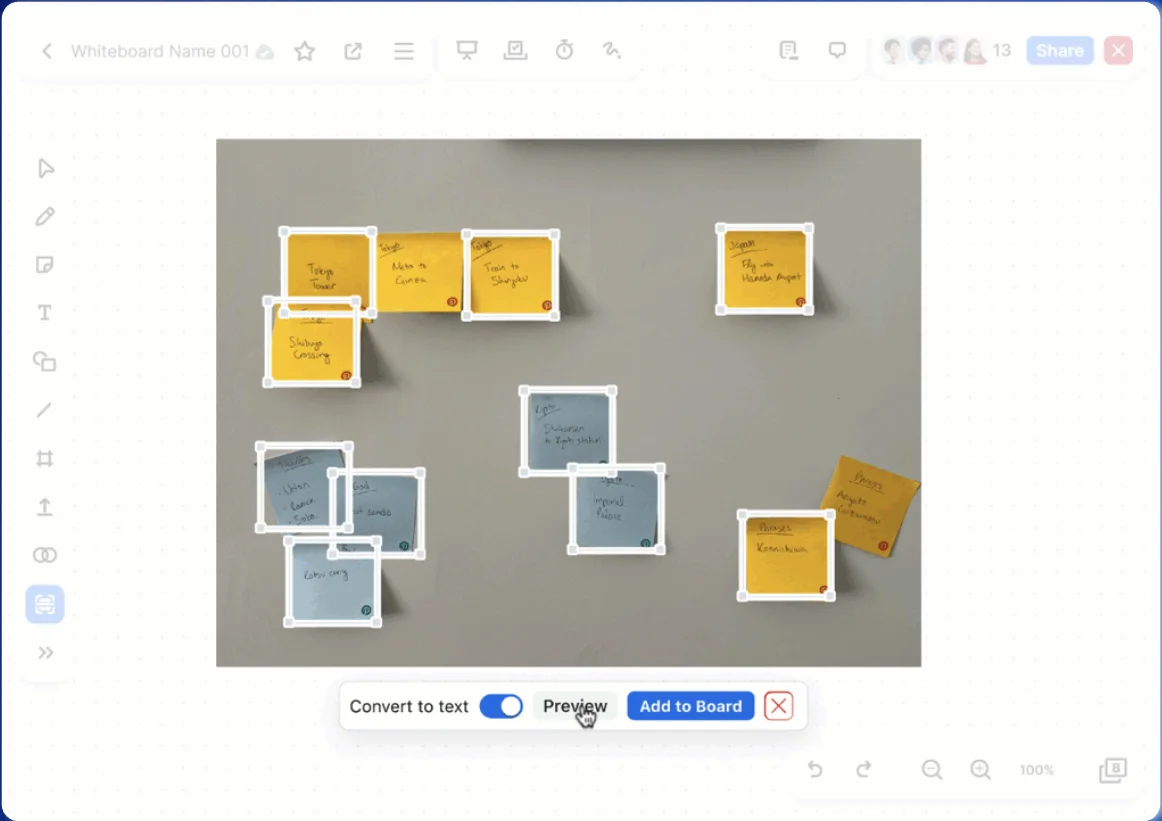
Collect data with ease! Our new forms help you gather information from colleagues directly within your organization or externally.

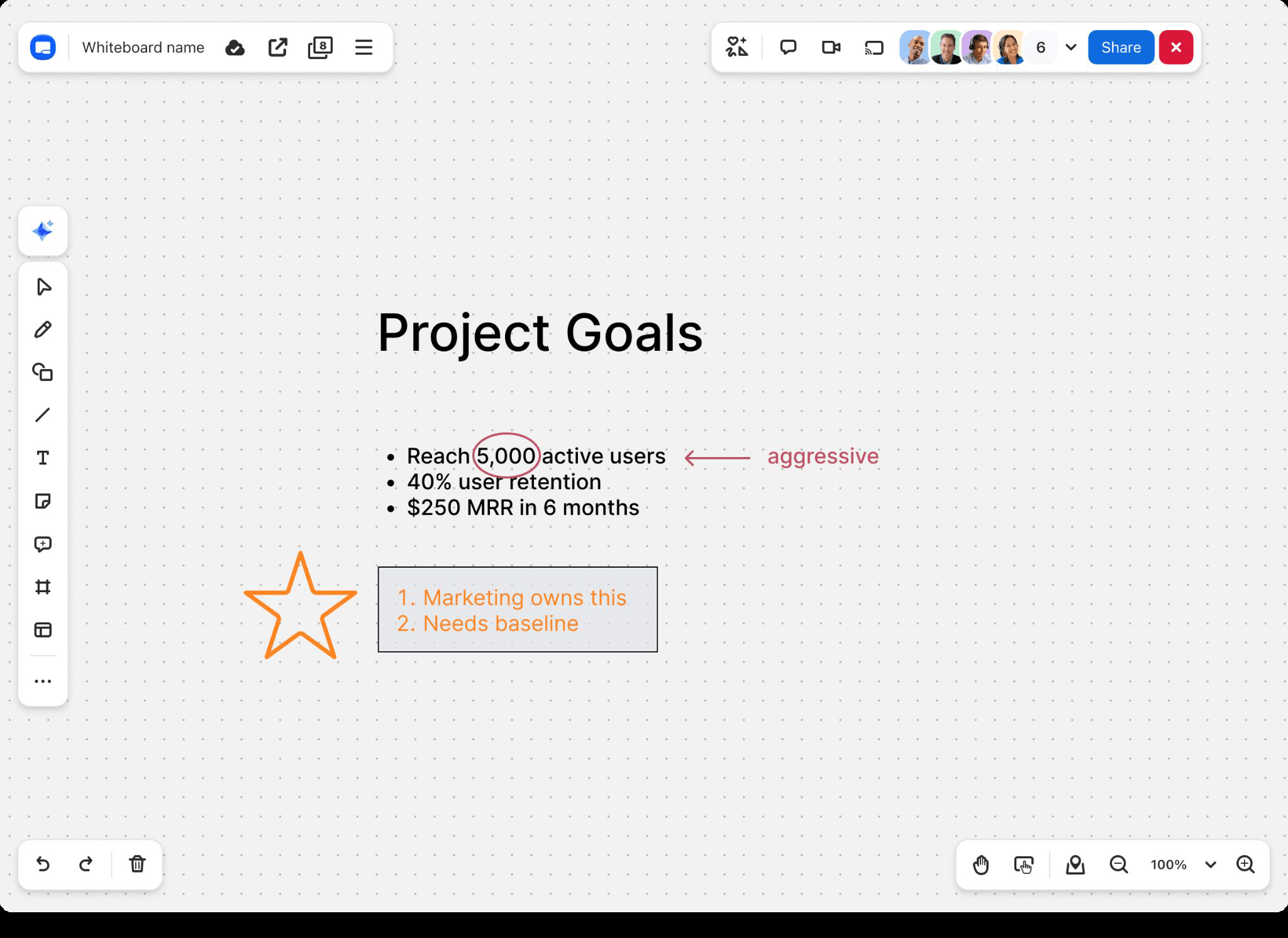
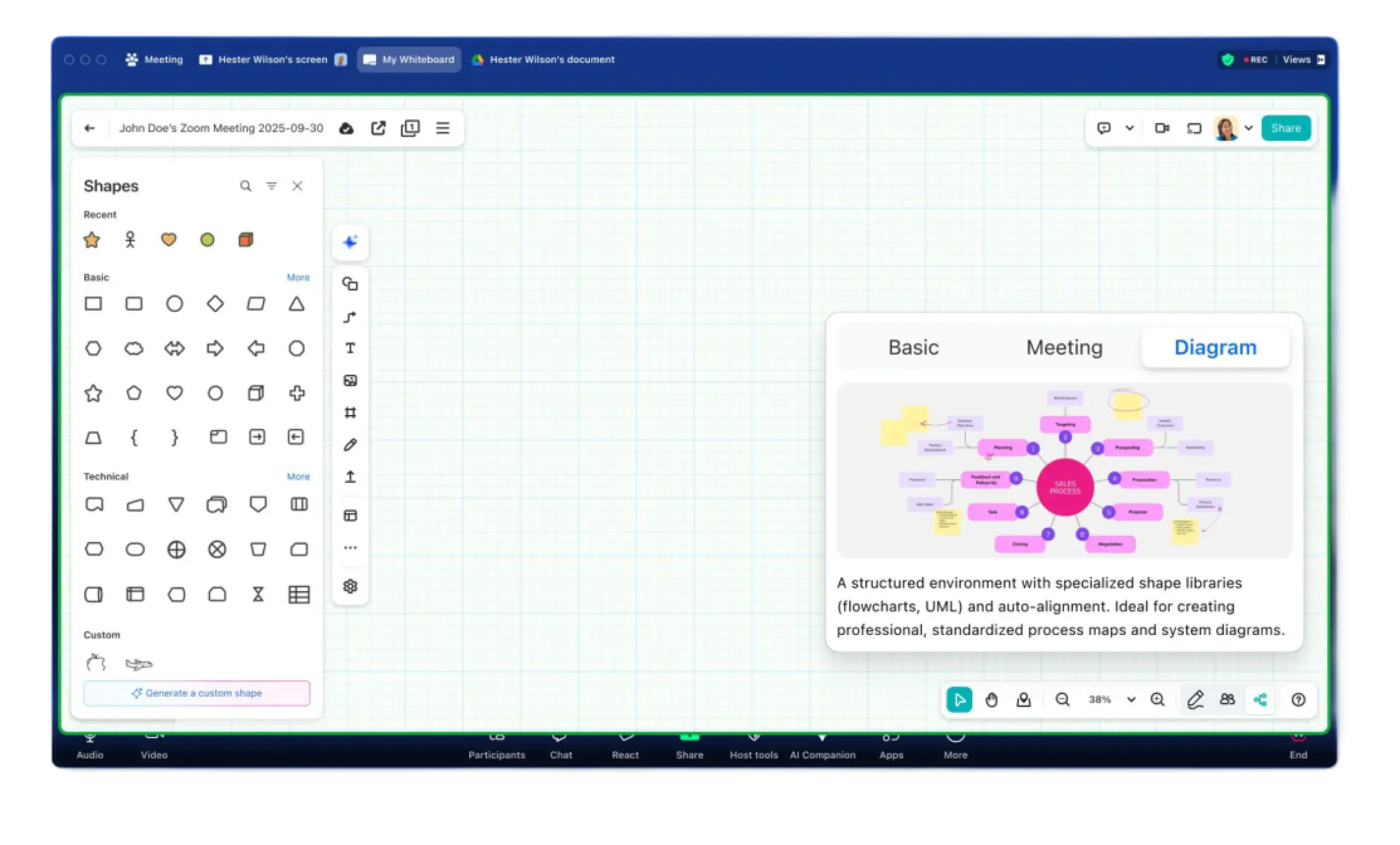
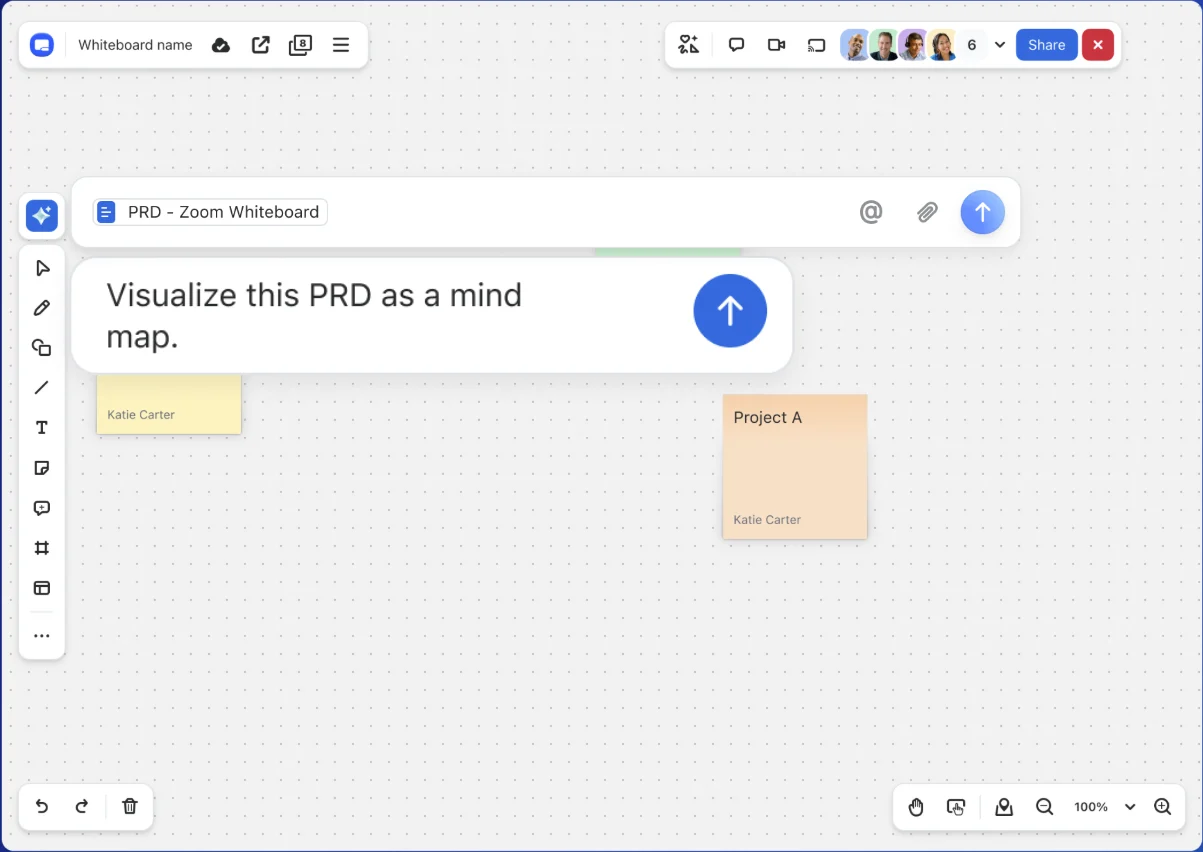
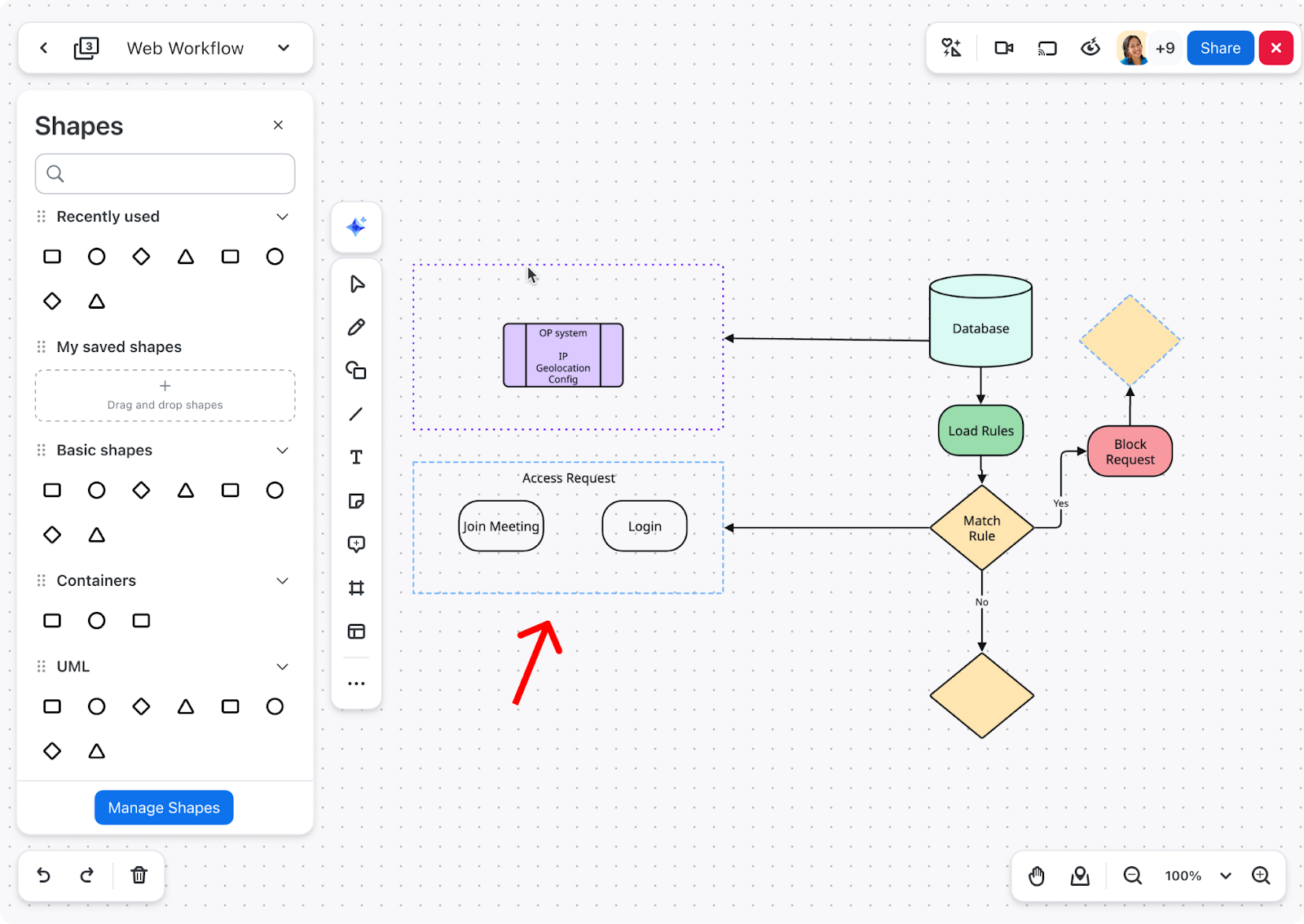
It just got easier to keep your diagrams organized with containers for advanced diagramming. Access containers from the shape panel to effortlessly group and organize any related objects. Move entire groups with ease, as shapes will stay put inside the containers.

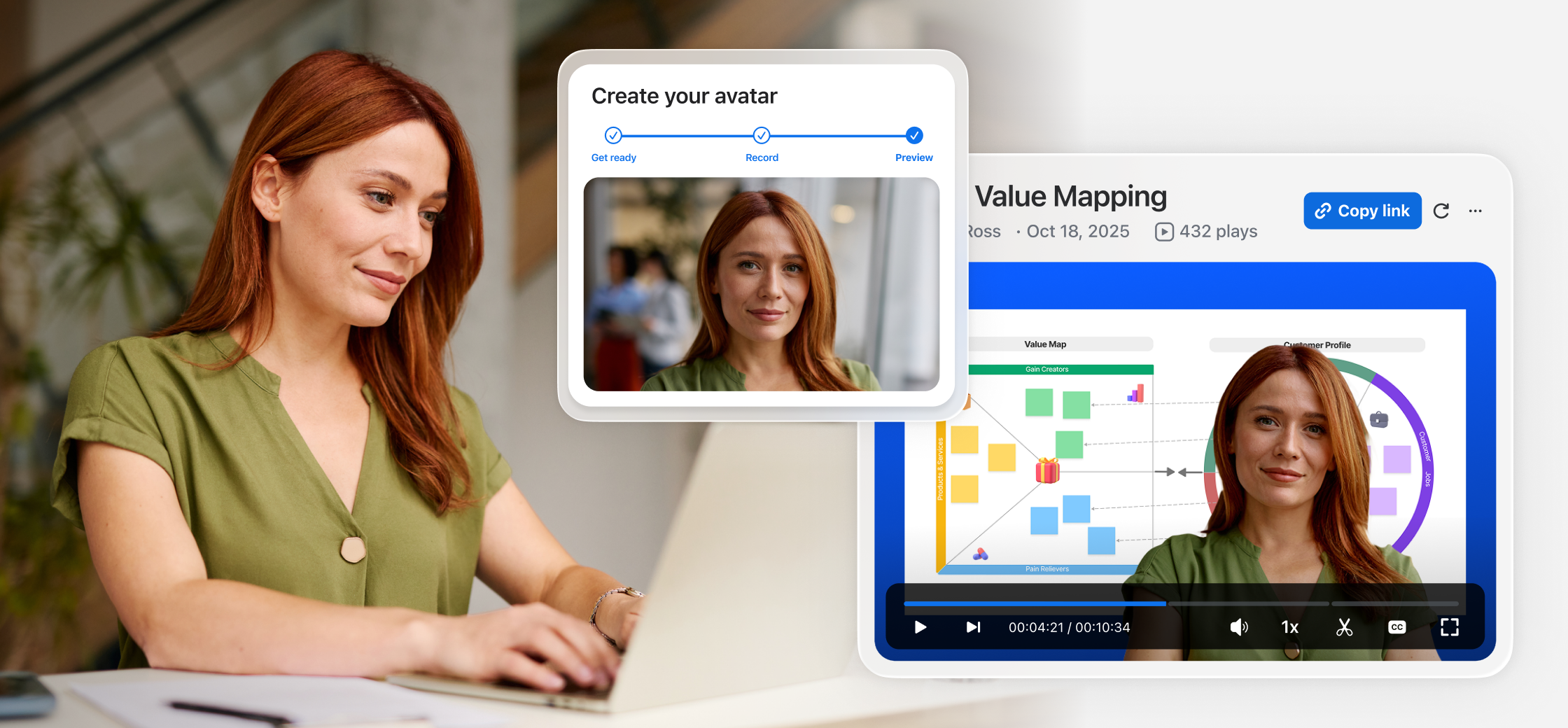
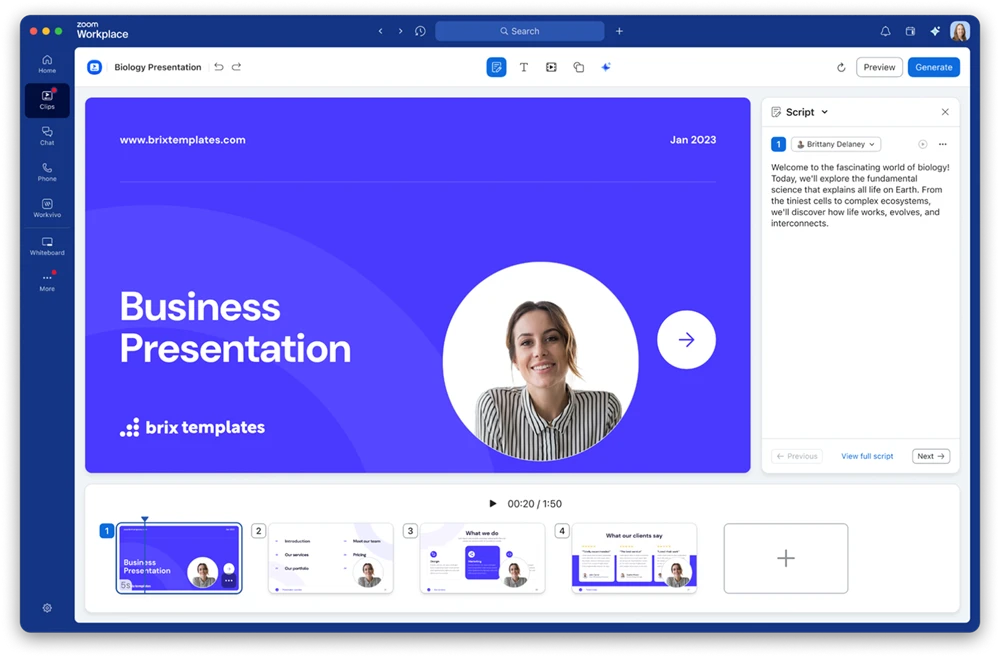
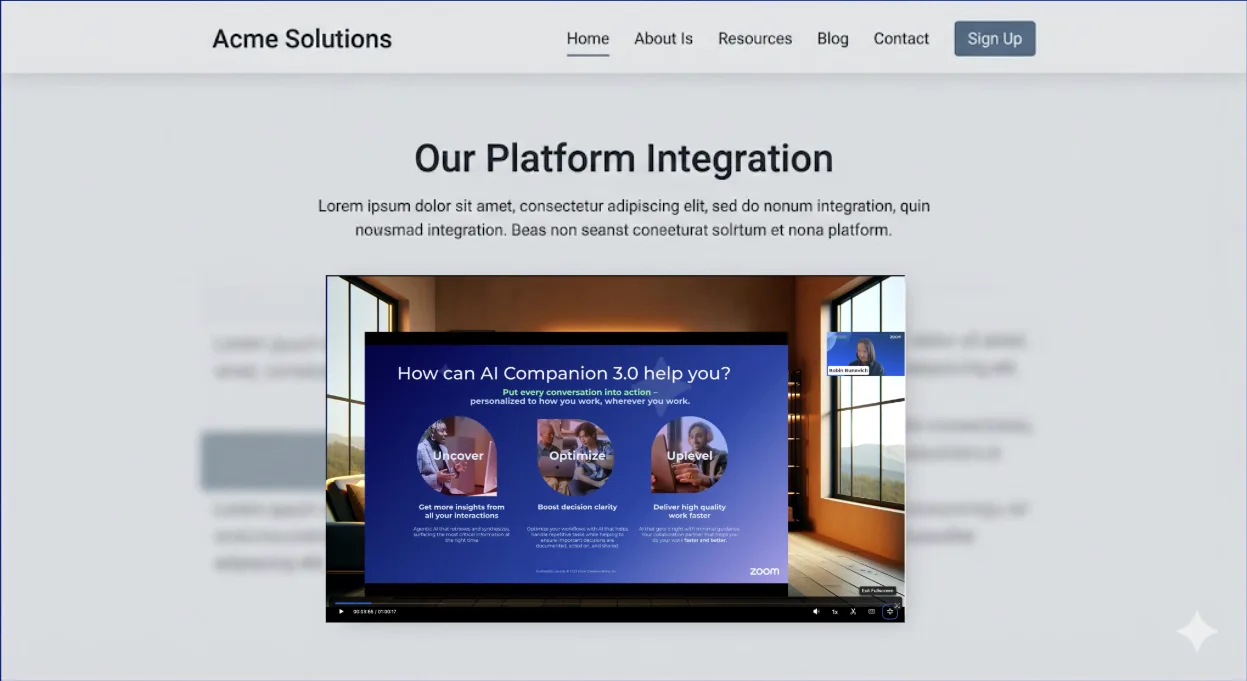
Generate Zoom Clips at scale! With a library of 18 pre-generated avatars to choose from, Zoom Clips avatar templates help you save time by removing the need to re-record multiple videos. Instead, upload your script and let the avatar do the rest. Reduce unnecessary meetings, and communicate more effectively, even when in different time zones. Clips avatar generation is limited to three minutes per licensed user per month.
Watch now Watch nowZoom Workplace enables you to reimagine teamwork with AI Companion. Our open collaboration platform with AI Companion helps teams streamline communications, improve productivity, optimize in-person time, and increase employee engagement. Check out the latest enhancements below.

Easily navigate and customize the Zoom Chat sidebar to optimize your productivity and collaboration. Tailor the chat interface by reordering and pinning tabs. You can also customize your notifications for each tab and use advanced sorting and filtering options to find information quickly. Learn how to make the most of your Zoom Chat experience.
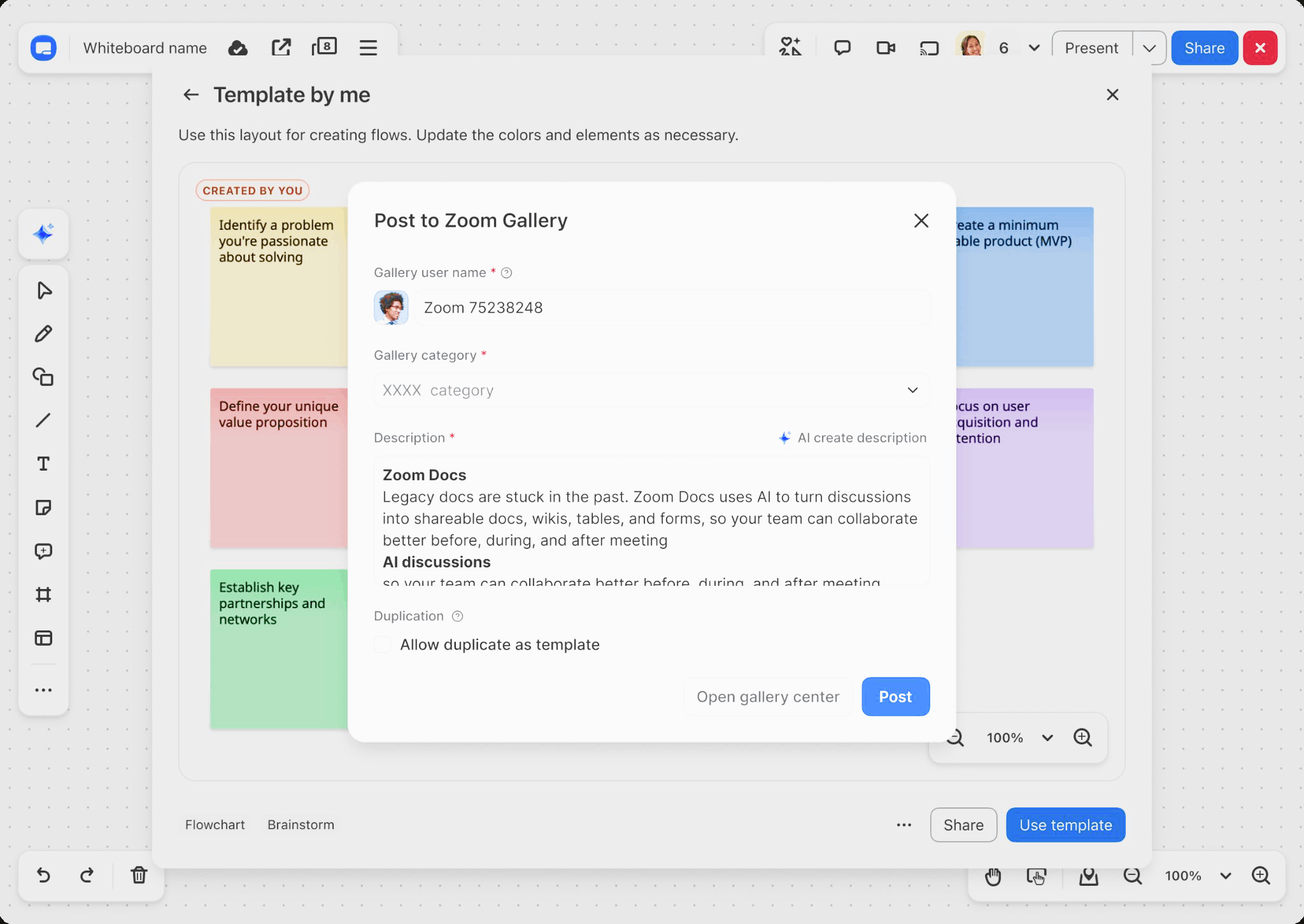
Have a favorite icon or frequently used shapes? Now it’s simple to share icons between teams. As an admin, you can manage your organization’s shape collections and accept submissions from teammates. As a user, you can submit collections of whiteboard objects or icon stencils for approval. Please note, this feature is available with a Whiteboard Plus license on the Zoom desktop and web apps.
You can now instantly create charts in Zoom Canvas using data tables with the dashboard feature, as well as use synced data tables to keep data tables updated across your various Docs. When you make changes in a synced table, the updates are reflected in real-time, even from another Doc. The new data table sub-row enables items nested within a table to be created under parent headings for easier management and project tracking.
Learn more Learn more
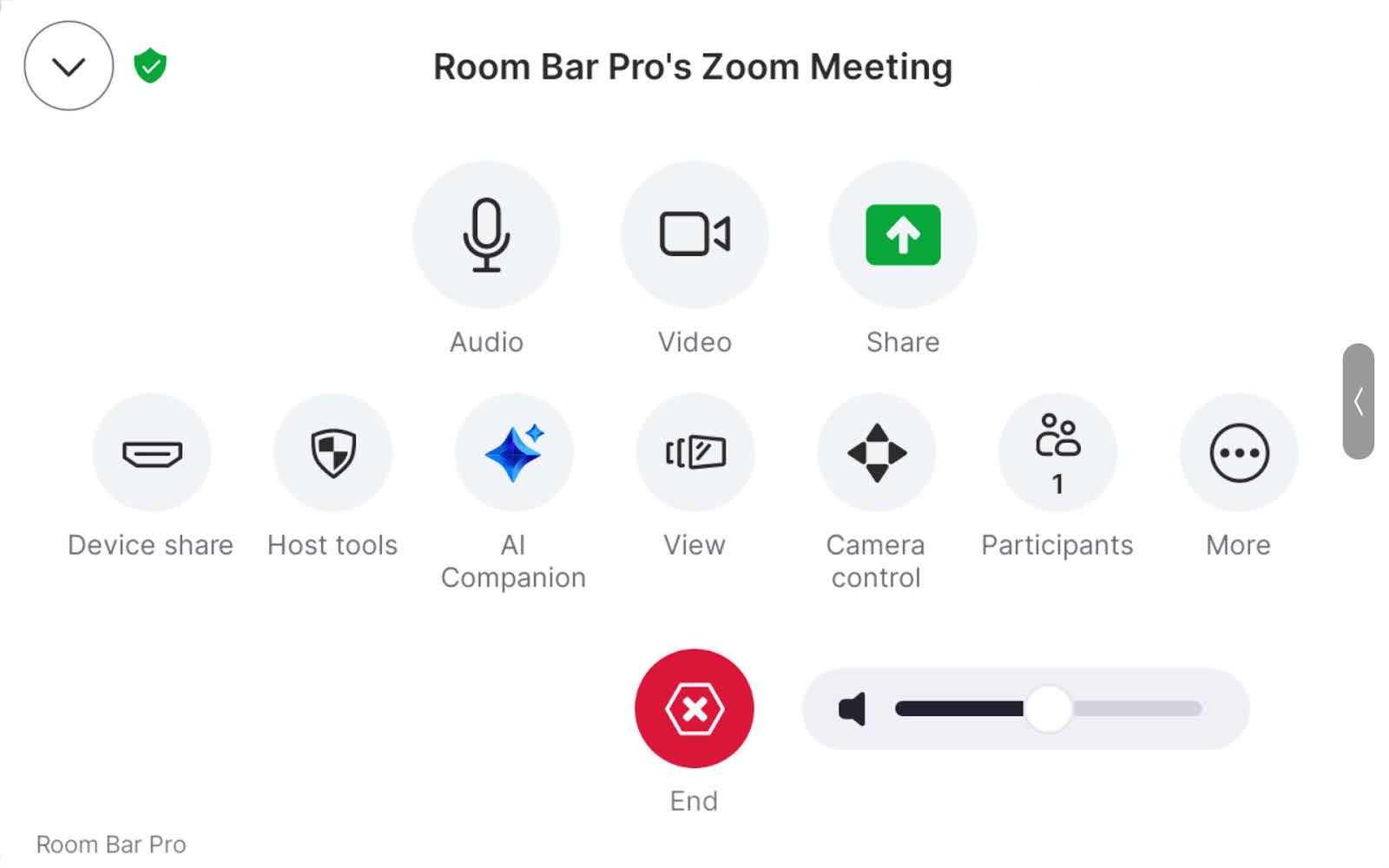
Ditch the expensive microphones! Zoom Rooms customers can experience clearer meeting audio without multiple microphones. This new feature enables you to use a laptop’s microphone as an additional meeting audio source for enhanced sound quality and clarity. The new “listen” feature in companion mode provides the option to listen to a meeting through connected headphones or assistive devices, helping improve audio for individuals with hearing impairments or when hearing is difficult.
Get started Get started