No more jumping back and forth between tools. Map IT processes, solve problems in real-time, and verify security — all with Zoom Whiteboard.

Zoom Whiteboard for IT
Elevate IT workflows with visual whiteboards
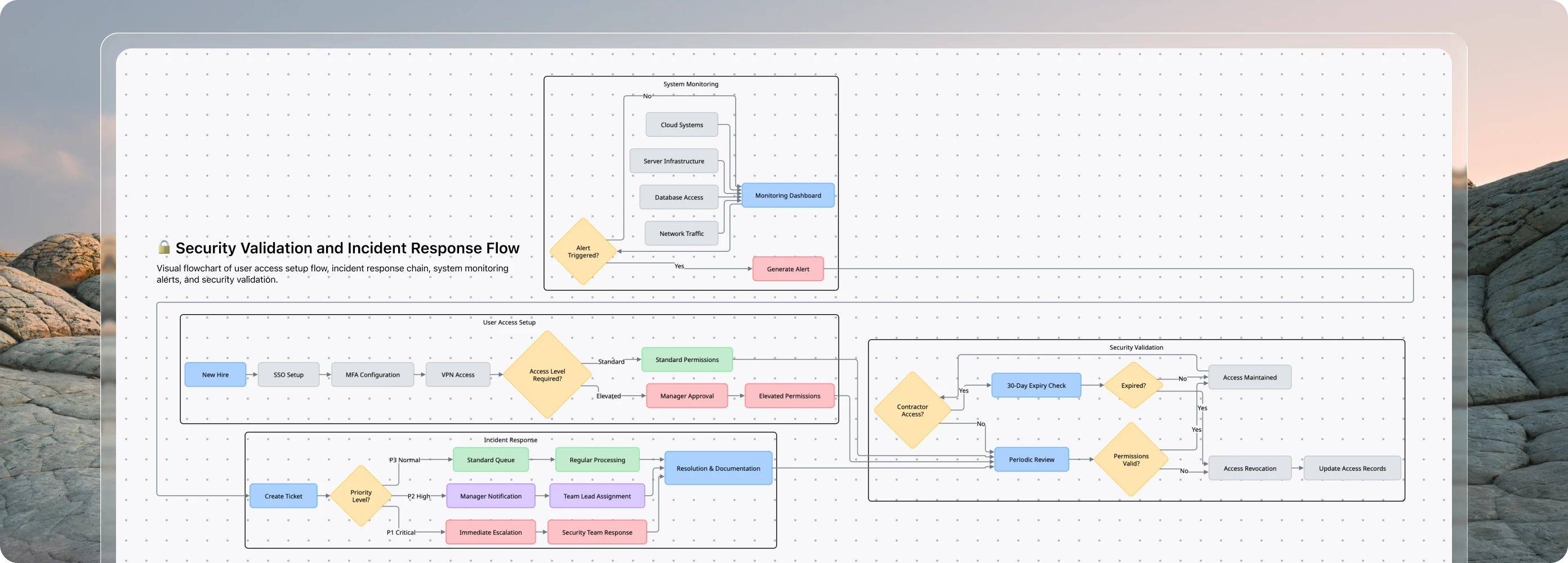

Map out IT workflows
IT teams need clear documentation for complex workflows. Zoom Whiteboard lets you visually map VPN setups, SSO configurations, and ticket escalation paths — all accessible directly in Zoom. Step-by-step visual guides help new hires quickly understand critical processes, reducing onboarding time and ensuring consistent service delivery.

Run live troubleshooting sessions
IT teams constantly troubleshoot across distributed environments. Zoom Whiteboard enables instant collaborative sessions to visually map infrastructure issues, flag critical risks, and vote on priorities — while documenting everything. For server migrations or system upgrades, teams contribute in real-time, with decisions and task assignments saved for seamless handoffs between shifts and departments.

Test configurations before rollout
Before deploying new settings or permissions, IT teams can use Zoom Whiteboard to visually plan and help validate configuration workflows. Admins can outline account, group, and user-level settings, preview permission changes, and capture feedback from stakeholders—all in one shared workspace. This helps ensure smoother rollouts, fewer configuration errors, and faster alignment across IT and security teams.

Zoom AI Companion
Built-in, AI-first productivity
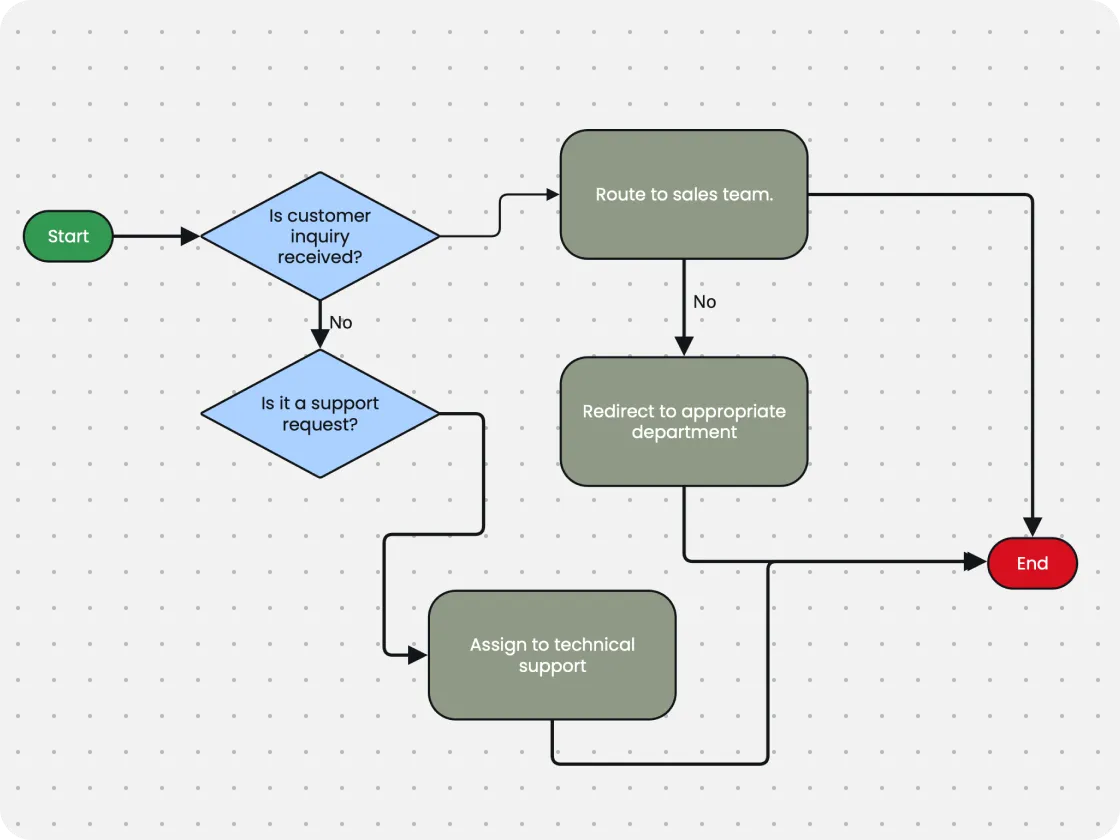
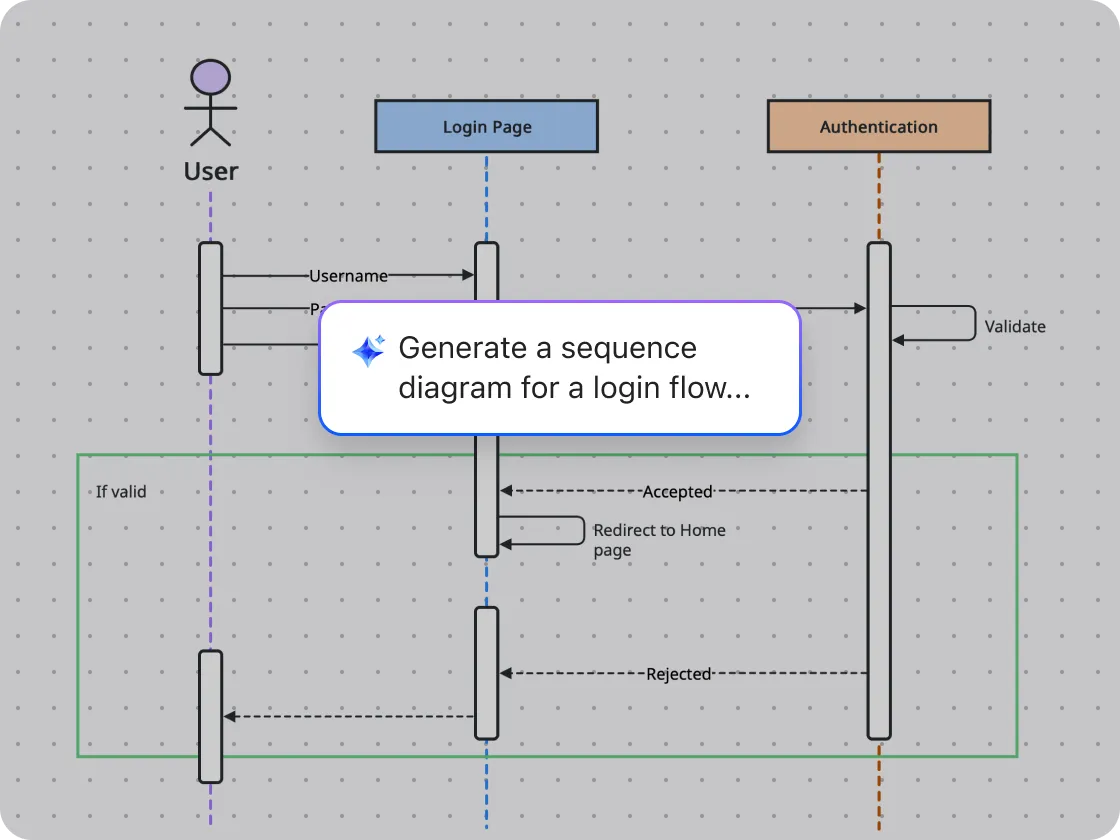
Zoom Whiteboard with AI Companion* keeps your work moving — connecting ideas across Meetings, Chat, and Docs.


Ready to try Zoom Whiteboard with your team?
* Zoom AI Companion is available with eligible paid Zoom Workplace plans. May not be available for all regions or industry verticals. Learn more