Design and diagram
Design and diagram

Collaborative design tools that bring your best ideas to life

Go from rough ideas to polished diagrams, fast. Zoom Whiteboard empowers you with collaborative design tools, making it easy to visualize complex systems with smart shapes, connectors, and clean alignment.

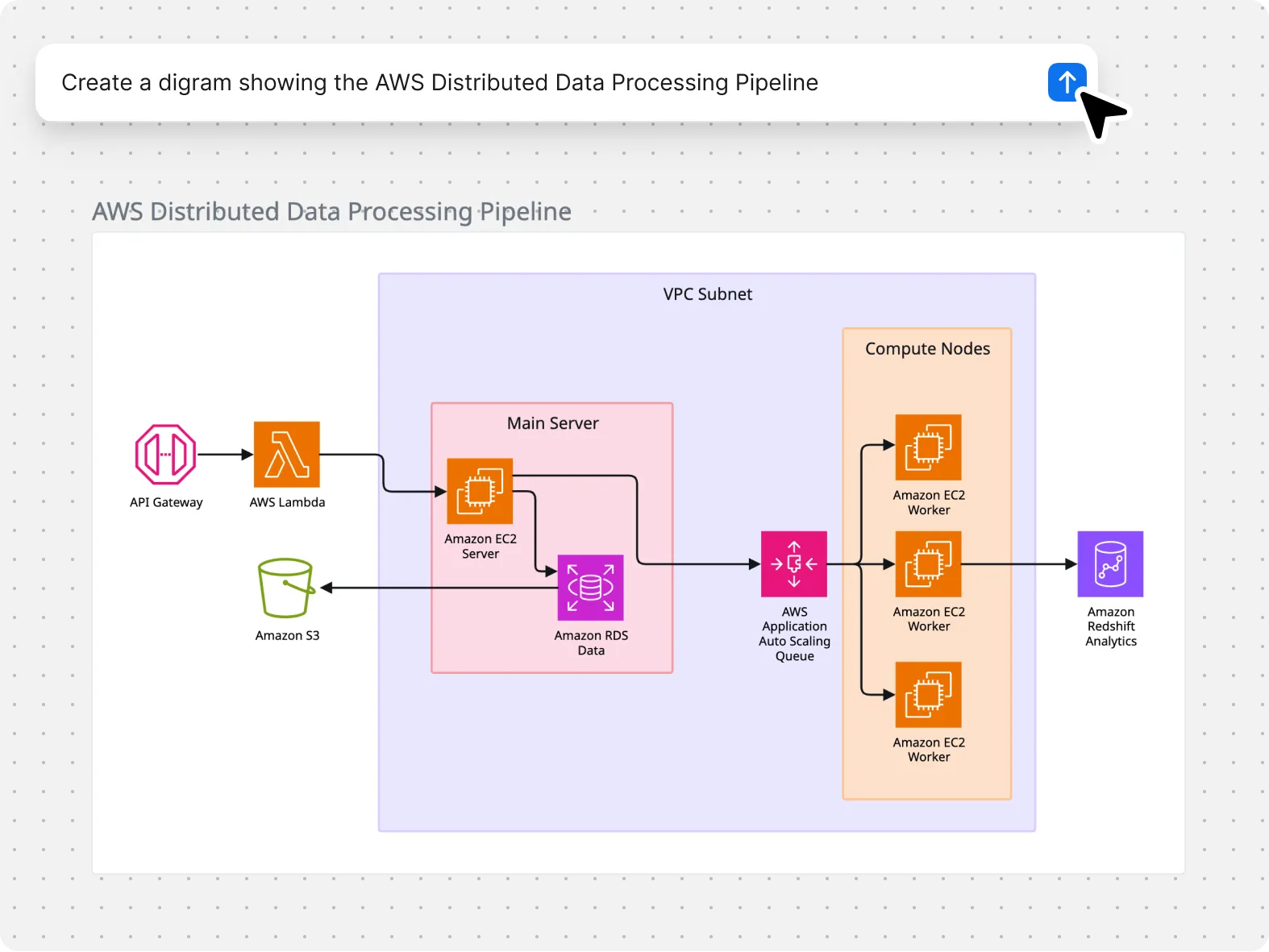
Generate diagrams from a prompt

Generate diagrams from a prompt

Describe what you’re trying to map, and Zoom Whiteboard generates the diagram that fits, like a flowchart, mind map, sequence diagram, or class diagram. You get a clean starting point made of editable shapes and connectors, so you can fine-tune details fast.

Build your custom shape library

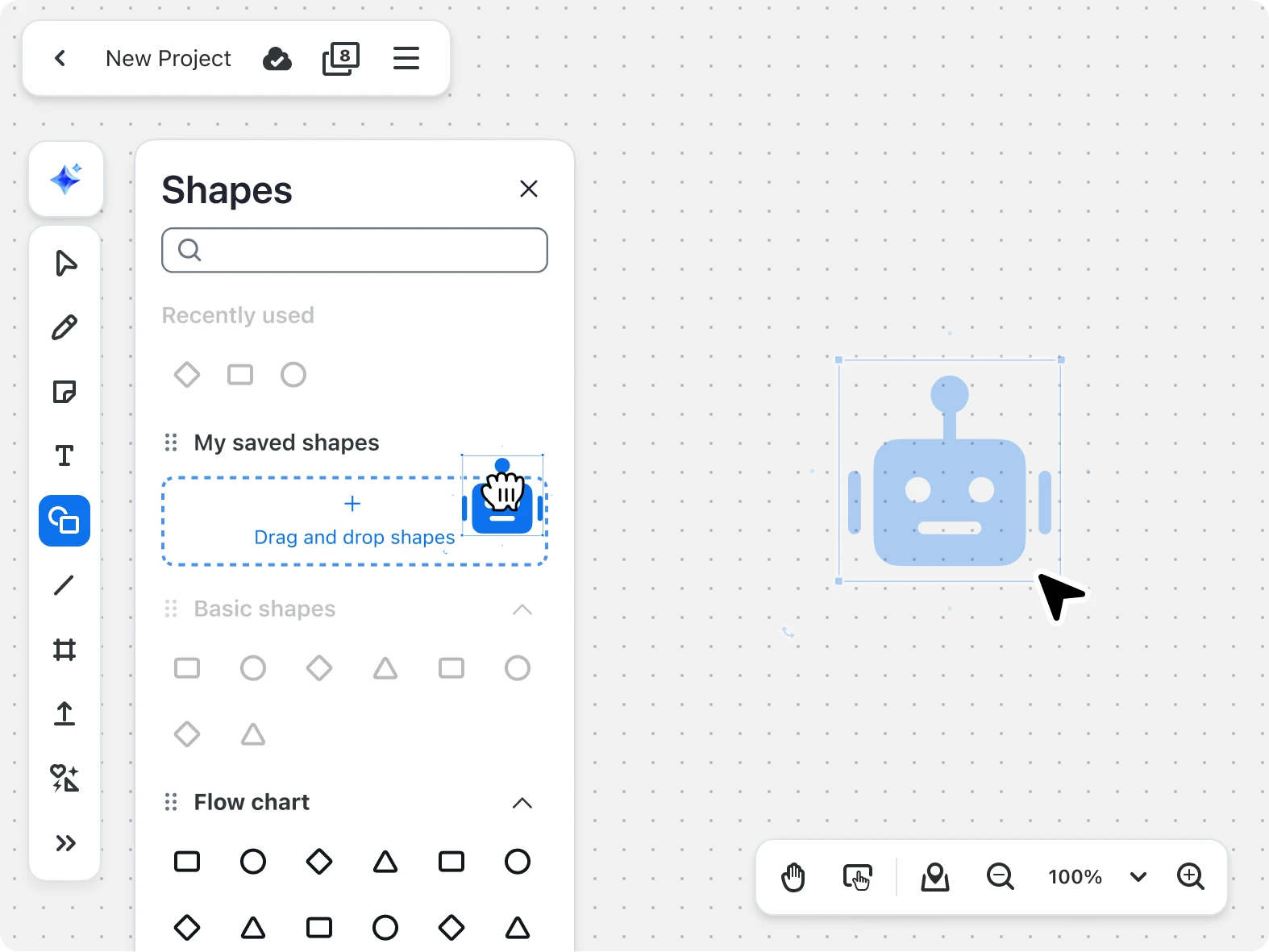
Diagram faster with built-in AWS, Azure, and Google Cloud icons. Need something specific? Upload your own vendor icon set and keep everything in a shared shape library so your team stays consistent across boards.

Save your favorite shapes
Distill complex ideas

Distill complex ideas

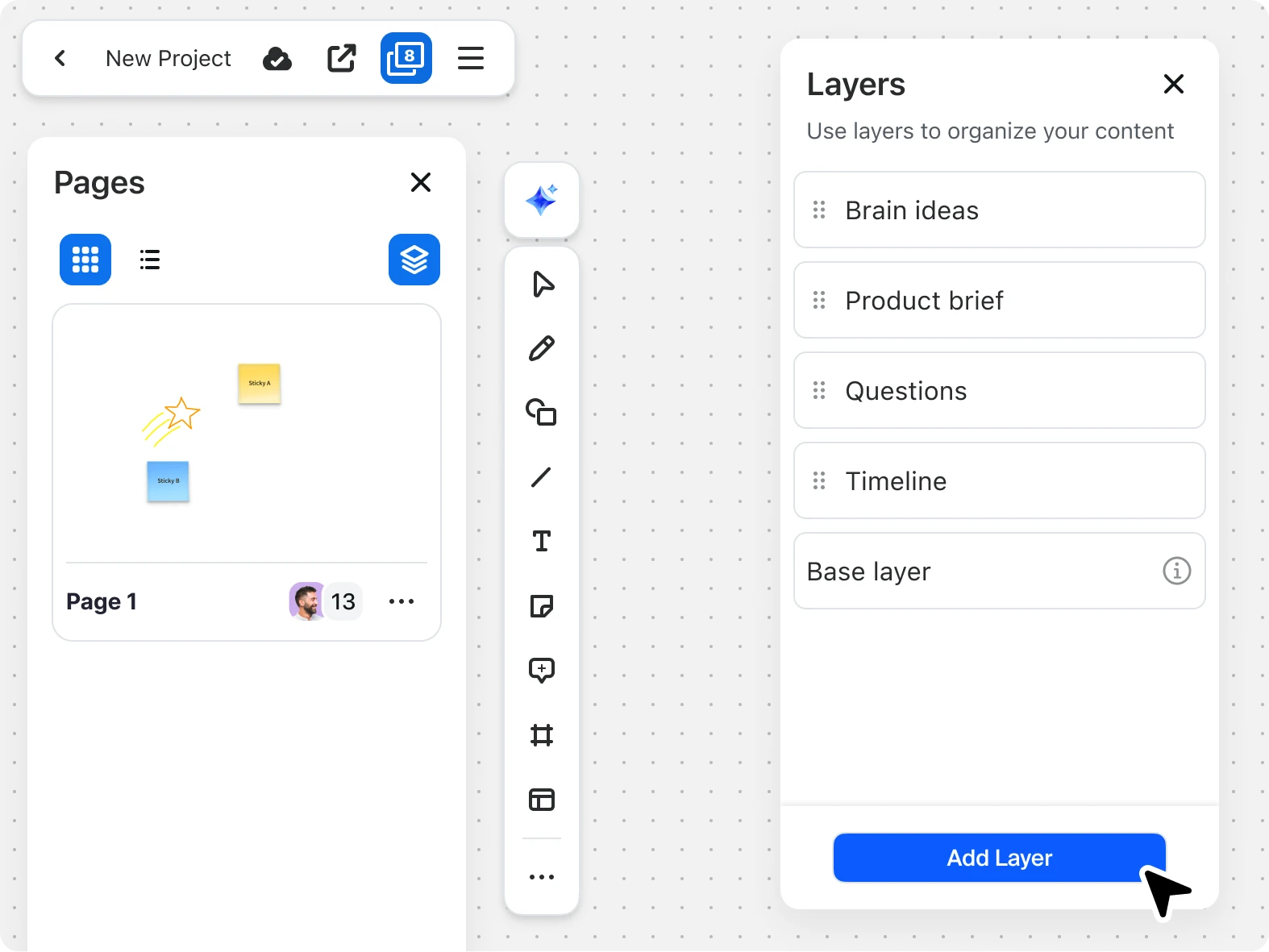
Simplify complex whiteboards by organizing content into layers that can be shown or hidden with a single click.* Manage information during presentations, revealing only what's relevant to your current discussion while keeping other details tucked away — so you can guide audiences through concepts step by step.

*Available with Whiteboard Plus.

Stay organized

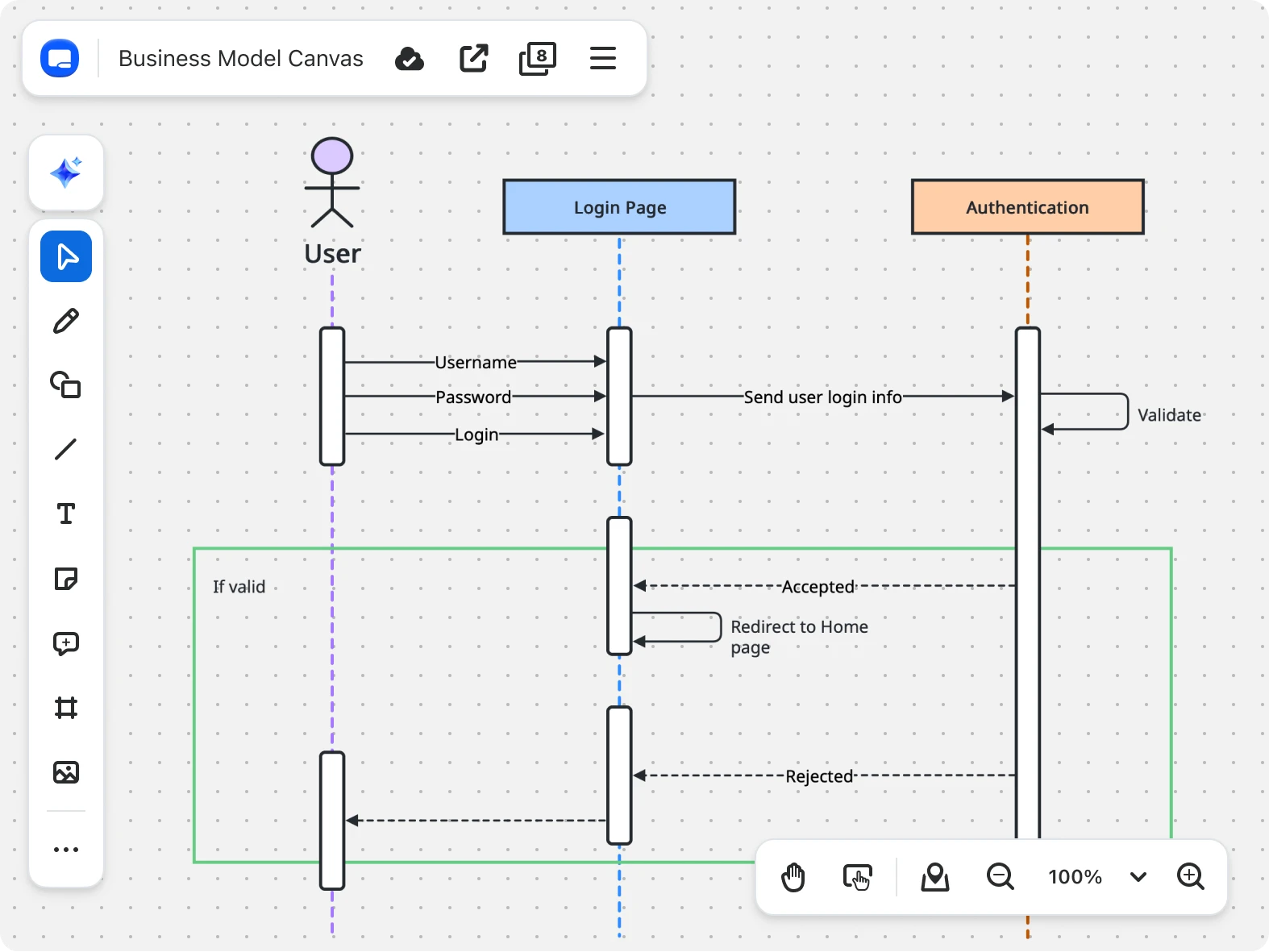
Keep technical boards clean with purpose-built objects like tables and code blocks, plus diagram formats designed for real workflows. For diagramming by syntax, convert Mermaid scripts into editable diagrams directly on the whiteboard.

Stay organized
Turn stats into stunning visuals

Turn stats into stunning visuals

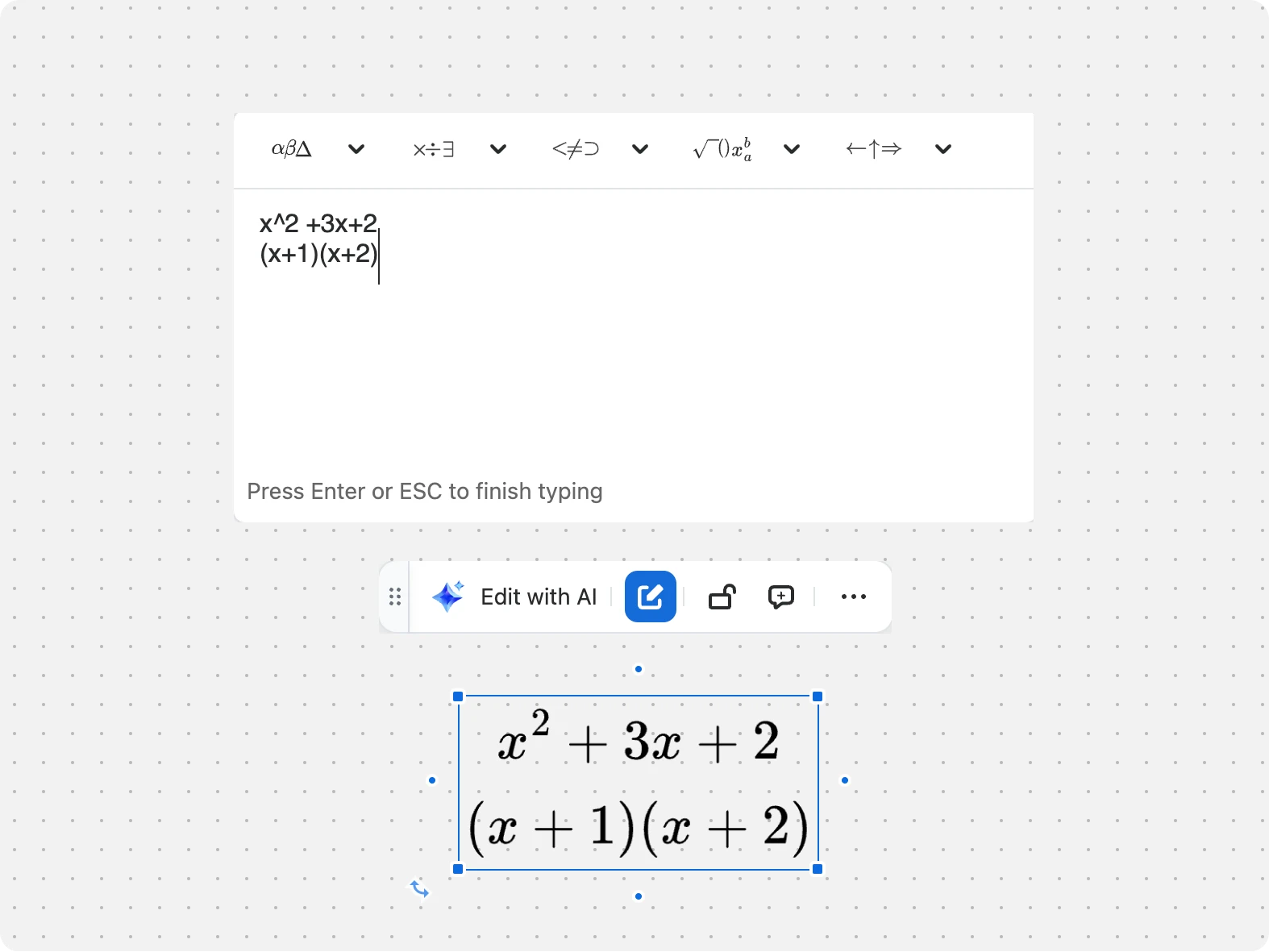
Communicate math and technical formulas with precision using properly-formatted equations that render seamlessly on your whiteboard. Express complex ideas clearly and professionally where your team is already collaborating — no need for makeshift notation or external tools.

Map your team's org structure

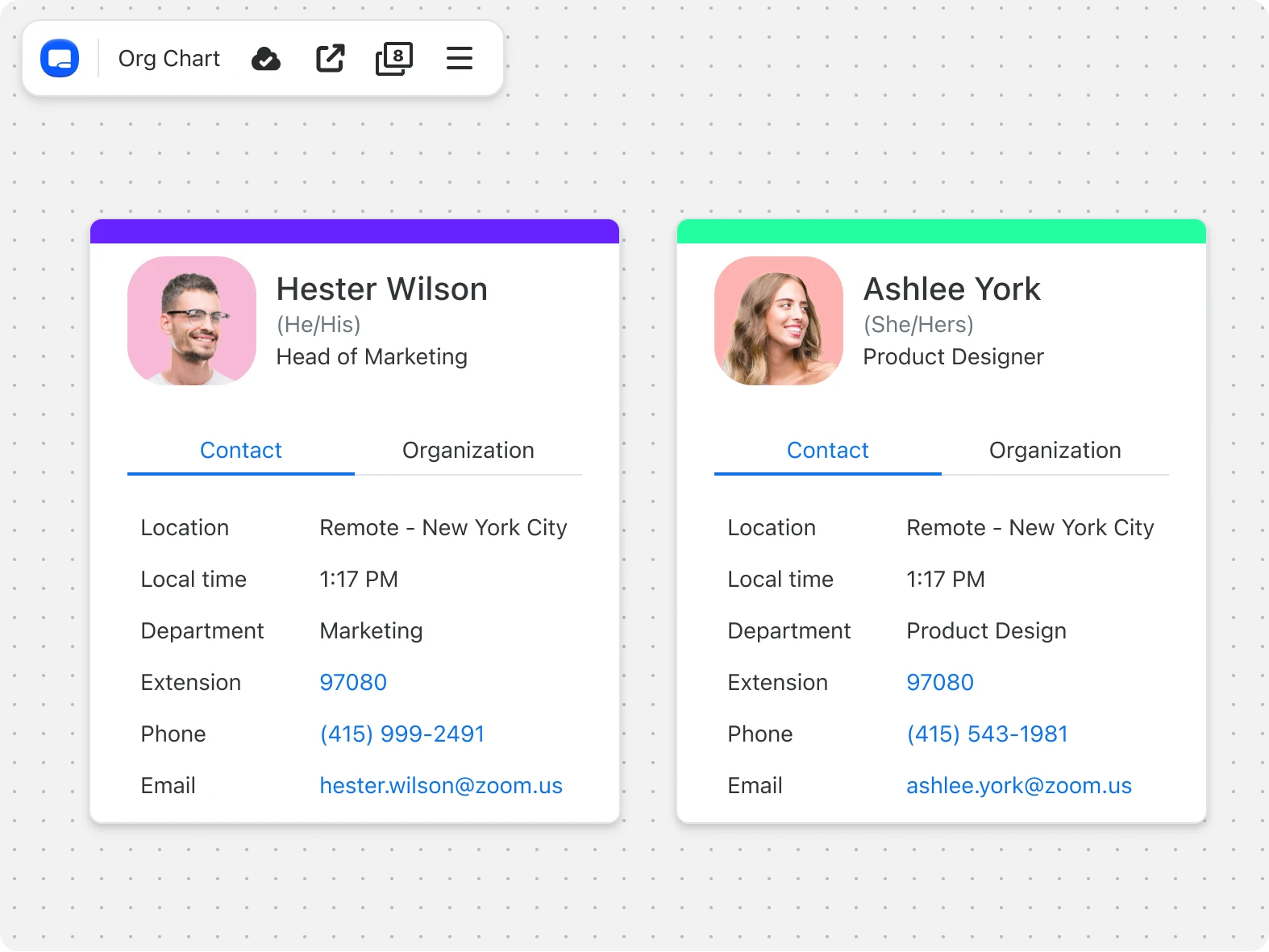
Visualize your team's organizational structure with user cards that automatically sync with your company directory. Simply add team members and watch their roles, relationships, and positions appear in an easy-to-understand format. Perfect for mapping team structures, planning reorganizations, or onboarding new members.

Map your team's org structure

Get more done with collaborative design tools designed for impact

Zoom AI Companion is available with eligible paid Zoom Workplace plans. May not be available for all regions or industry verticals. Learn more