
Meet Zoom AI Companion, your new AI assistant!
Boost productivity and team collaboration with Zoom AI Companion, available at no additional cost with eligible paid Zoom plans.
 5 min read
Updated on March 06, 2026
Published on March 06, 2026
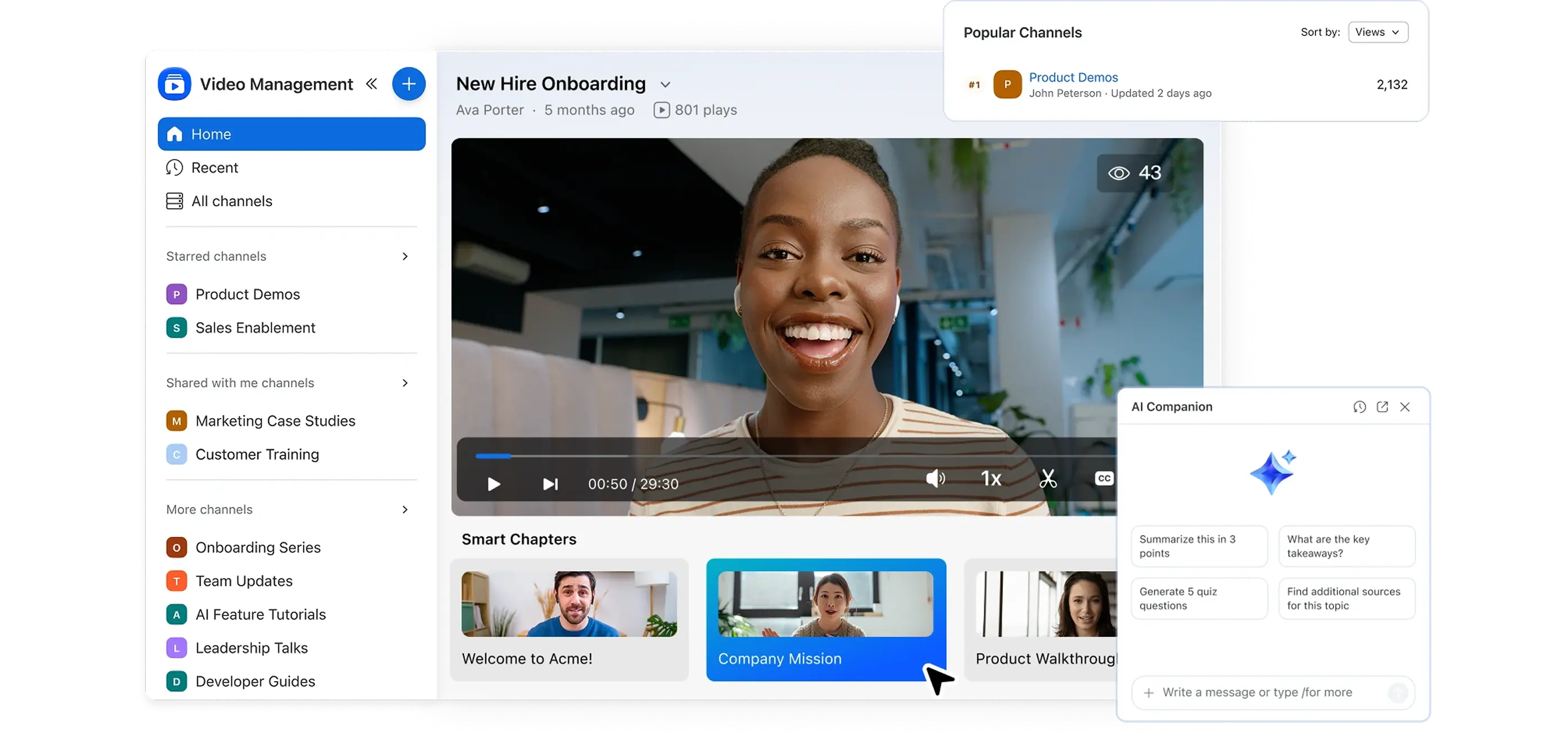



Organizations generate incredible amounts of content daily. Recent data analysis from Forbes indicates that as of 2024, 80% of all data generated is unstructured—including video, audio, and images.
We record meetings to update absentees, create asynchronous clips for briefings, and host all-hands webinars for posterity. But how many of that is actually watched?
The reality is, a significant portion of this content goes to waste.
Once created, these videos typically scatter across the company infrastructure. They sit on local hard drives, cloud storage folders, or consumer streaming services that lack enterprise context. This fragmentation carries a tangible cost. ProcessMaker research from 2024 highlights that the average office worker spends approximately 1.5 hours every week just searching for and organizing files. That is nearly 80 hours a year per employee lost to digital clutter.
Video is also inherently dense. A sixty-minute meeting recording can contain immense value, but also noise and irrelevant information. Finding a specific two-minute segment often requires tedious scrubbing.
Zoom Video Management is designed to shift the workflow from simply recording video to managing it as a strategic knowledge resource.
Right now, many video workflows are a digital relay race. For example, you record a meeting in one app, download a massive file to your desktop, and then manually re-upload it to a platform like Vimeo or Google Drive. It’s mostly busywork. And because that process is so fractured, files rarely end up where they belong. Instead, they may be saved on personal hard drives, inside expired transfer links, or buried in chat threads. It makes finding a recording from six months ago near impossible.
Zoom Video Management is designed to streamline this. Because the video is recorded natively, it doesn't need to be moved. It lands in the library automatically, no drag-and-drop, no "upload complete" progress bars. By moving files into one central lane, you can reduce chaos and improve discoverability. The file lives in a governed library rather than in temporary folders on individual devices.
Video has a major flaw: it’s a black box. You can’t "Control+F" an MP4. If you need a specific budget number from an hour-long all-hands, you’re forced to doom-scroll the timeline and guess - or listen to all of it again at 2.5 speed.
Zoom helps fix this by providing searchable transcripts, effectively turning your video into text. You can search for a keyword and jump instantly to the timestamp. Your video stops being a (more or less decent) movie and starts being data.
But turning video into data doesn't just help you find it; it helps you measure it. Internal video usually feels like shouting into the void. Did the team actually watch the update, or did they just start the video without actively engaging? Zoom provides detailed video analytics, showing who watched what and for how long. It also gives your people the power to use emojis for direct feedback or post comments. You can get direct feedback as if you were running your own high-end streaming service - because you kind of are.
Every recording your organization makes is either an asset or a dead file. The difference is whether it's searchable, organized, and accessible when someone actually needs it.
Start building a video library that works for your teams.








