Zoom ClipsとLoomの比較

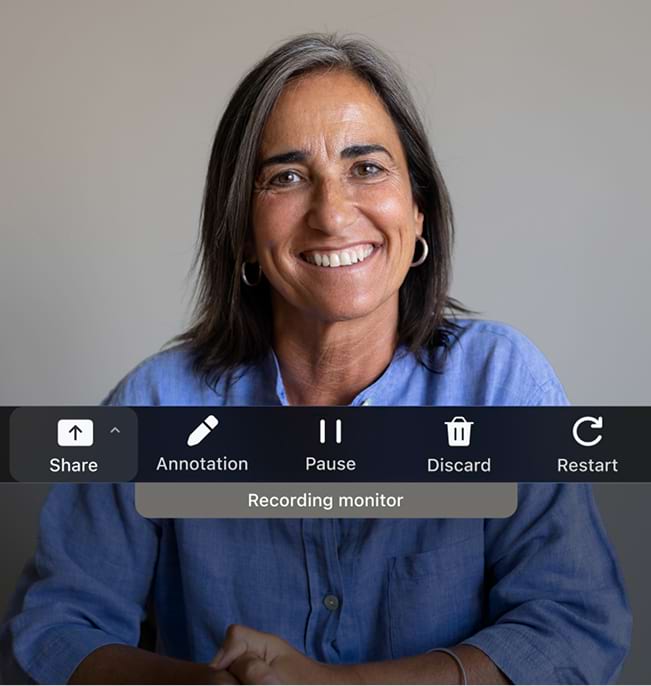
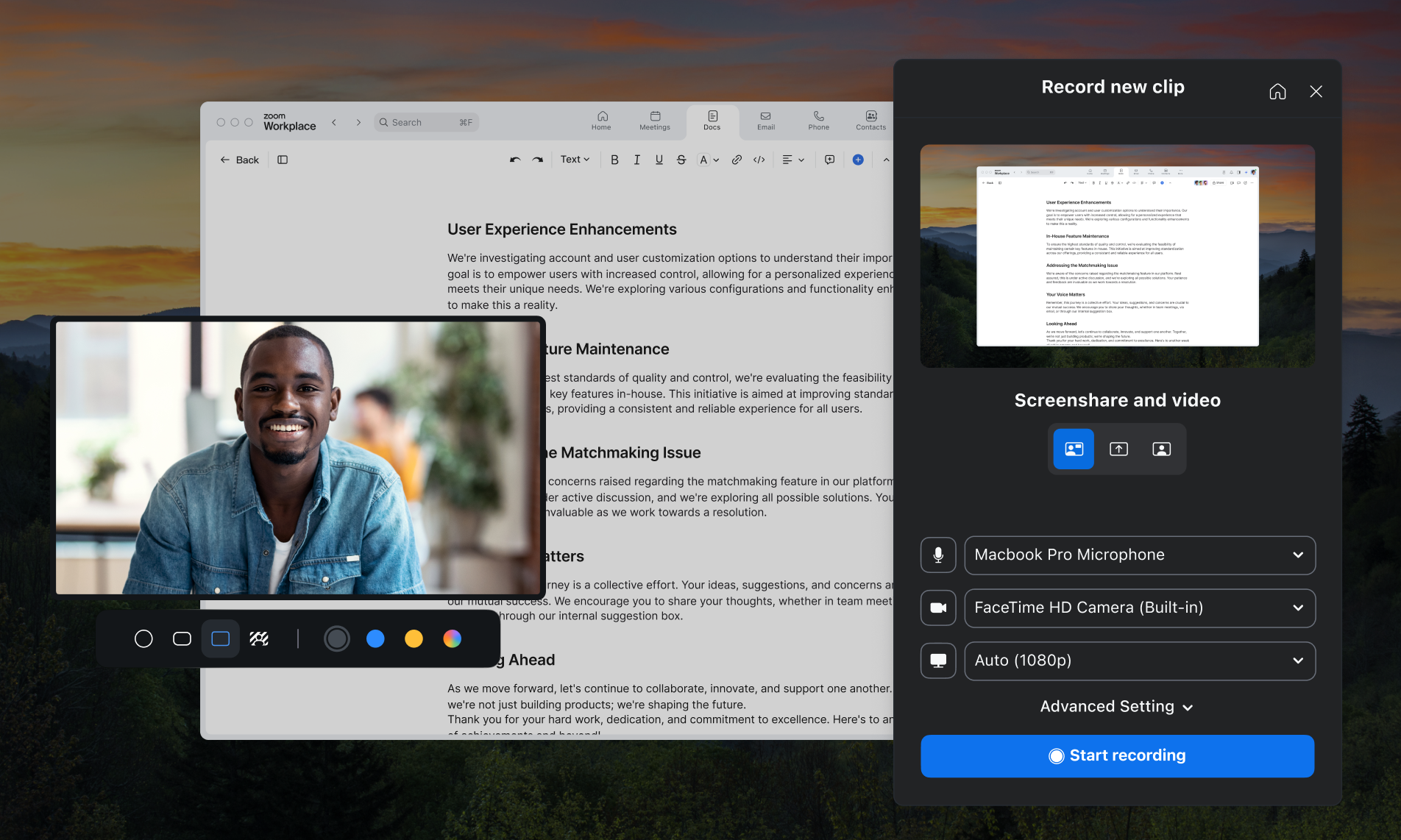
Zoom Clips Plusでは、安全でプロレベルの画面レコーダーに加え、AI動画制作技術が手に入ります。

毎日使うZoom Workplaceプラットフォームにシームレスに組み込まれます。
  • AI生成
    アバター付き動画

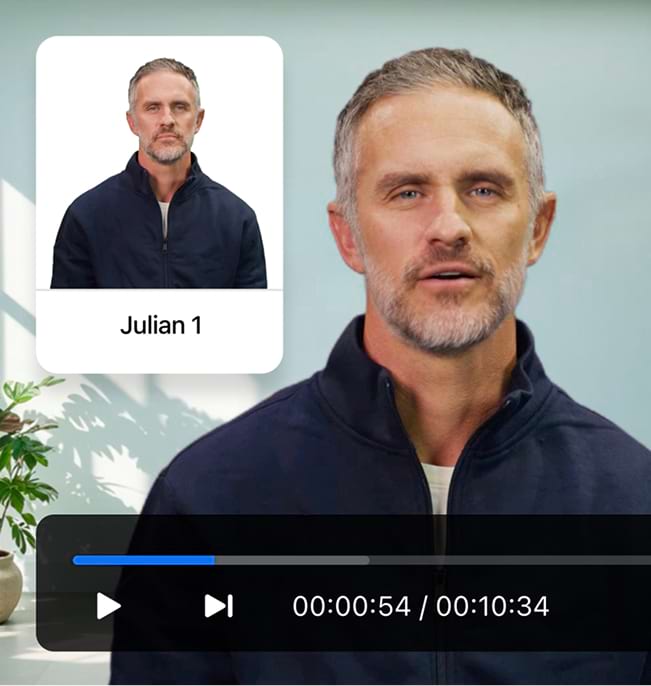
    スクリプトをアップロードし、AIアバターを使って画面上でプレゼンテーション — カメラも終わりが見えない撮り直しも不要です。*

  • 洗練された、
    高画質のビデオ

    組み込みのツールやブランディングオプションに加えて、Zoomのクラス最高のビデオテクノロジーにアクセスできます。

  • オールインワン
    プラットフォーム

    Zoom Meeting、**Team Chat、Docs、Mail、Whiteboardでシームレスにレコーディングして共有できます。

Front

「当社はLoomからZoom Clipsに移行しました。Zoom Clipsなら、共同作業のためのビデオレコーディングと共有を各社員が自分で実行できることに加えて、Zoomのプラットフォームと連携しているので既存のライセンスで利用できるという利点もあるからです。」

Greg Karp-Nuefeld氏

Front、コーポレートIT担当ディレクター

ZoomとLoomの比較
ZoomとLoomの比較

なぜLoomよりもZoomを選ぶのか

Zoom Clips Zoom Clips

Free +

有料プランにはAI Companionが含まれています

Loom Loom

月額15~24ドル(ユーザー1名あたり)

(月額または年額で請求)

Zoom Clips Plus vs Loom Business

$5 - $7 per user/month
(billed monthly or annually)

$15 - $18 per creator/month
(billed monthly or annually)

With AI included

$13 - $17 per user/month
(billed monthly or annually)

$20 - $24 per creator/month
(billed monthly or annually)

Title and description generation with AI

Business + AI and Enterprise plans only

Auto chaptering with AI

Business + AI and Enterprise plans only

Add embedded links to videos

Business and up

Download videos

Business and up

Password protected videos

Business and up

Share clip from a meeting

Coming soon

Custom video thumbnails

Business and up

Custom branding with ability to add custom logo

Business and up

Customize colors of video player

Business and up

Custom recording dimensions

Business and up

Add external videos in multiple formats

Business and up

Engagement Insights

Business and up

SSO (SAML)

Enterprise

Directory & provisioning (SCIM)

Enterprise (Okta only)

User roles and management

Enterprise

Custom data retention policies

Enterprise

*機能の比較は、2025年4月時点で公開されている情報を基にしています。

料金
料金

Clipsのプランと料金を確認

Zoom Workplaceと組み合わせて、さらに多くの価値を得る方法をご覧ください。

プランを見る プランを見る ?? "";
年額
Workplace ベーシック 1名のユーザー
含まれる機能
  • Clips Basic

    2分間の動画5本を利用可能

  • Docs(ベーシック)

    ドキュメントを最大10件まで共有

  • Meetings

    1回のミーティングにつき最大40分

    1回のミーティングで最大100名が参加可能

  • Mail
  • Calendar
  • Team Chat
  • Tasks(ベーシック)

    手動入力

  • Notes
  • Whiteboard(ベーシック)

    3つの編集可能なボード

  • Zoom Hub(ベーシック)
Workplace Pro 1名のユーザー
 

フォームを送信することにより、プライバシーポリシーに同意します

最初のクリップをレコーディングする準備はよろしいですか?

*Zoom AI Companionは対象となる有料のZoom Workplaceプランでご利用いただけます。地域や業種によってはご利用いただけない場合があります。詳しくはこちらをご覧ください