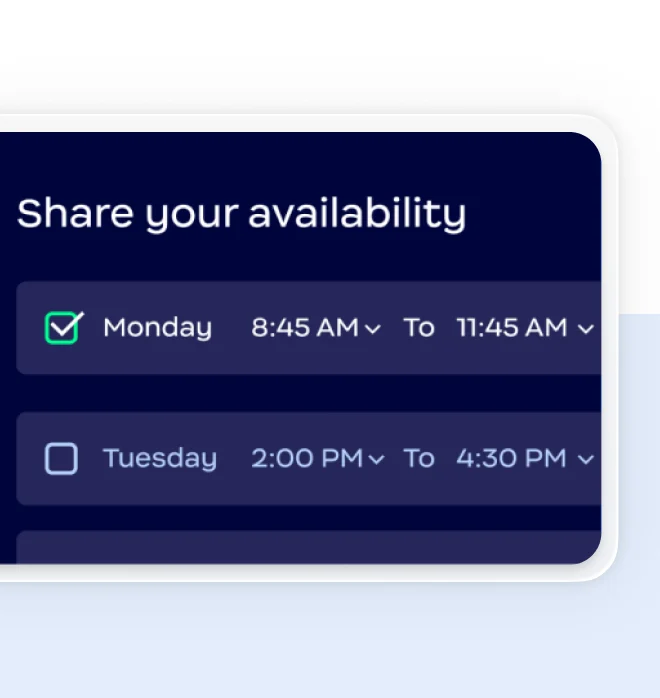
分享您的空閒時段並與組織外部人員預約 — 無需單獨的 Calendly 帳戶。Zoom Scheduler 內建於 Zoom Workplace,提供無縫排程功能,讓您能夠整合工具、降低成本並優化工作流程。
分享您的空閒時段並與組織外部人員預約 — 無需單獨的 Calendly 帳戶。Zoom Scheduler 內建於 Zoom Workplace,提供無縫排程功能,讓您能夠整合工具、降低成本並優化工作流程。


*AI Companion 隨附於選定方案中。

LinkedIn 可見性指導

每個座席每月 $5.99 美元
或隨附於商業版和企業版方案中
Standard - 每個座席每月 $10 美元
Teams - 每個座席每月 $16 美元
Standard
無限制
免費版 - 1 種活動
Standard 與更高版本 - 無限制
每人 6 個
Standard 與更高版本 - 每人 6 個
(按月計費或按年計費)
Standard 與更高版本
Standard 與更高版本
Standard 與更高版本
美國和英國
Standard 與更高版本
Standard 與更高版本
Standard 與更高版本
Standard 與更高版本
Standard 與更高版本
Standard 與更高版本
Standard 與更高版本
Teams
Teams 與更高版本
Teams 與更高版本
Teams 與更高版本
Teams 與更高版本
Teams 與更高版本
Teams - 每位使用者每月 $3 美元附加元件
Enterprise - 隨附
*功能比較是根據截至 2025 年 11 月的公開資訊。
體驗排程工具與 Zoom Workplace 整合的優勢,實現無縫預約管理。
註冊即享 Zoom Scheduler 30 天免費試用。
*符合資格對象:擁有基本版或專業版帳戶的線上客戶,且並無有效的 Scheduler 訂閱,自 2024 年 2 月起也未購買過 Scheduler 訂閱,即可獲得 30 天免費試用。健康照護、教育與政府客戶不符合資格。Scheduler 30 天免費試用到期後將自動續約,費用為每名使用者月付 $5.99 美元。