使用 Zoom Scheduler 輕鬆分享您的空閒時段並預約會議。在我們人工智慧優先的平台上,無縫連接會議、聊天、日曆和畫布 — 每一次互動都能建立更緊密的聯繫。
使用 Zoom Scheduler 輕鬆分享您的空閒時段並預約會議。在我們人工智慧優先的平台上,無縫連接會議、聊天、日曆和畫布 — 每一次互動都能建立更緊密的聯繫。
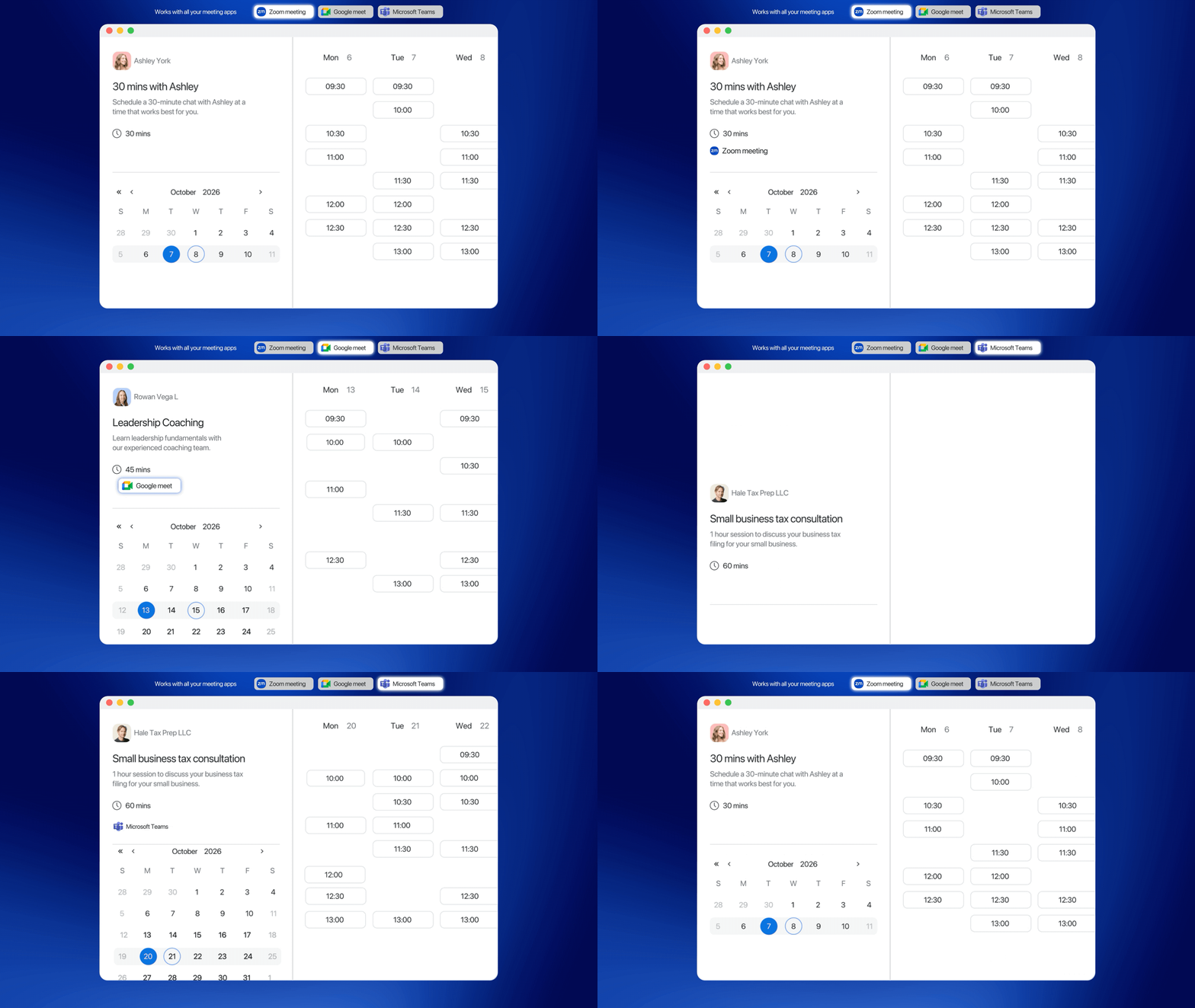

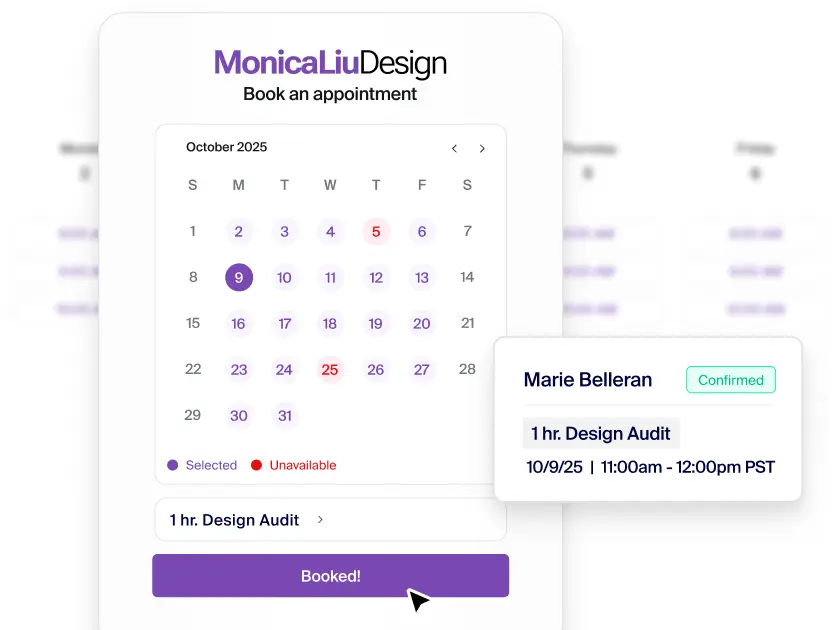
使用簡單的預約頁面、自動確認以及適時提醒觀眾,預約會議並將其保留在日曆中。

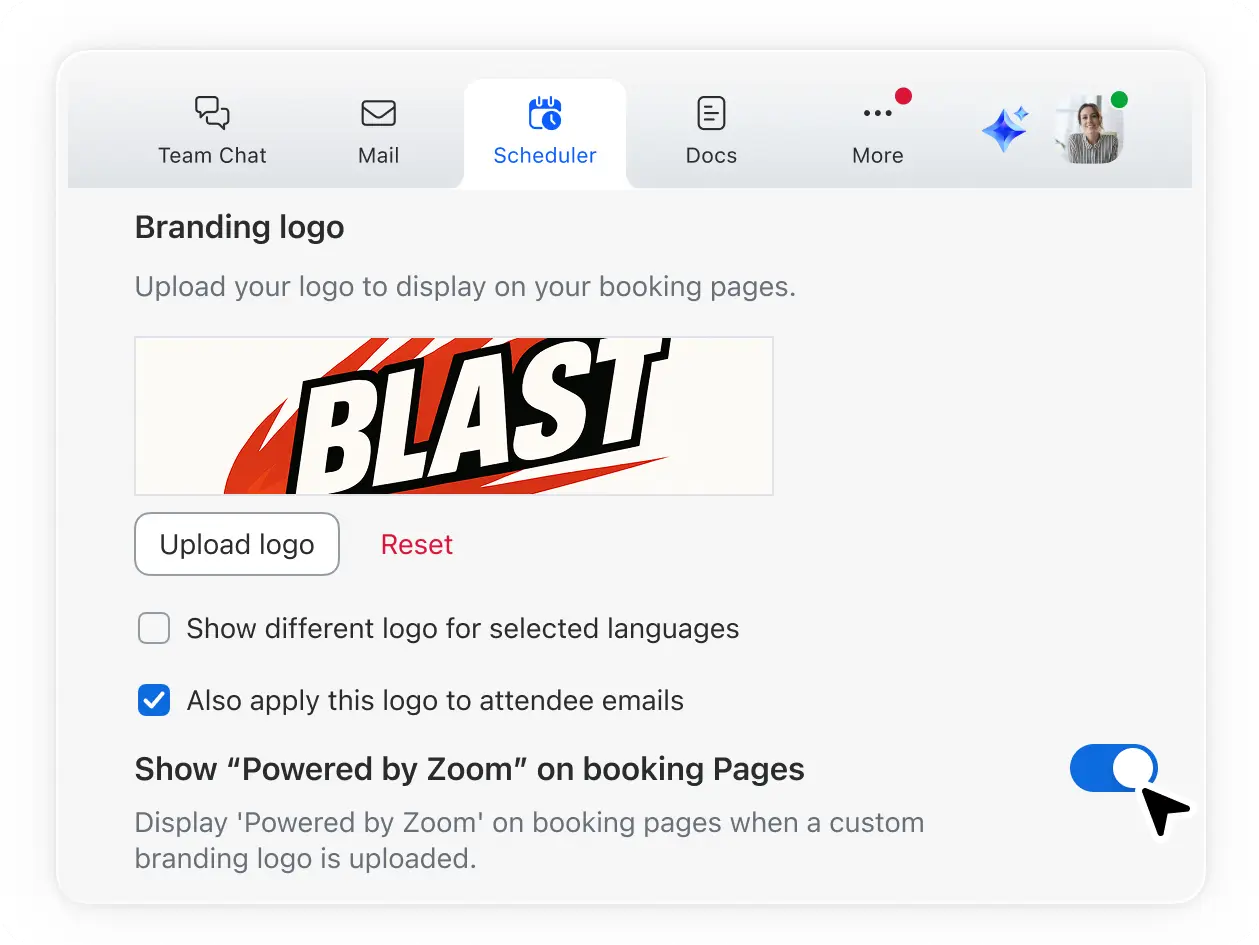
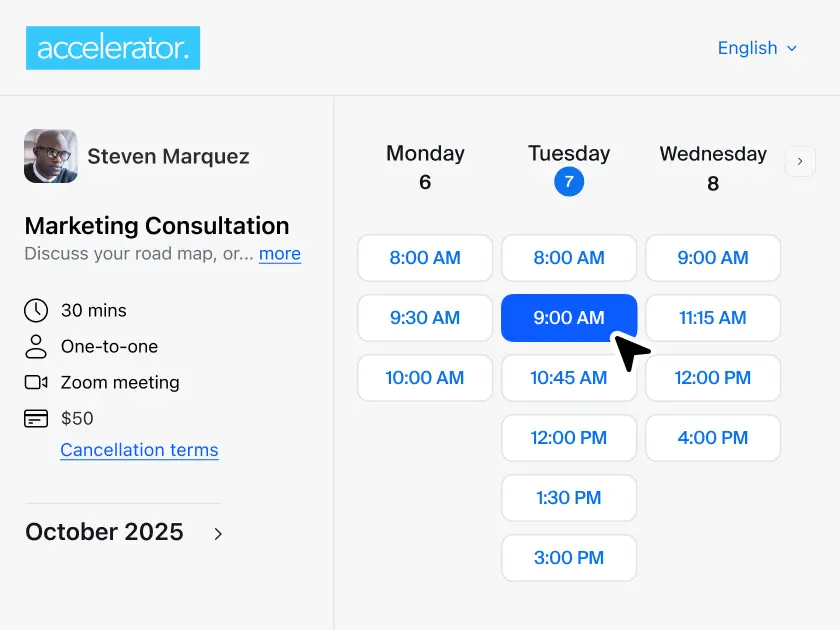
透過可自訂的預約頁面,融入您的品牌並提供順暢的排程流程,建立潛在客戶和現有客戶的信任。

快速排程會議和諮詢 — 客戶自行處理預約,您則專注發展業務。

借助 ZoomMate,您可獲得 AI 會議摘要和預約後續追蹤,讓您隨時掌握待辦事項。

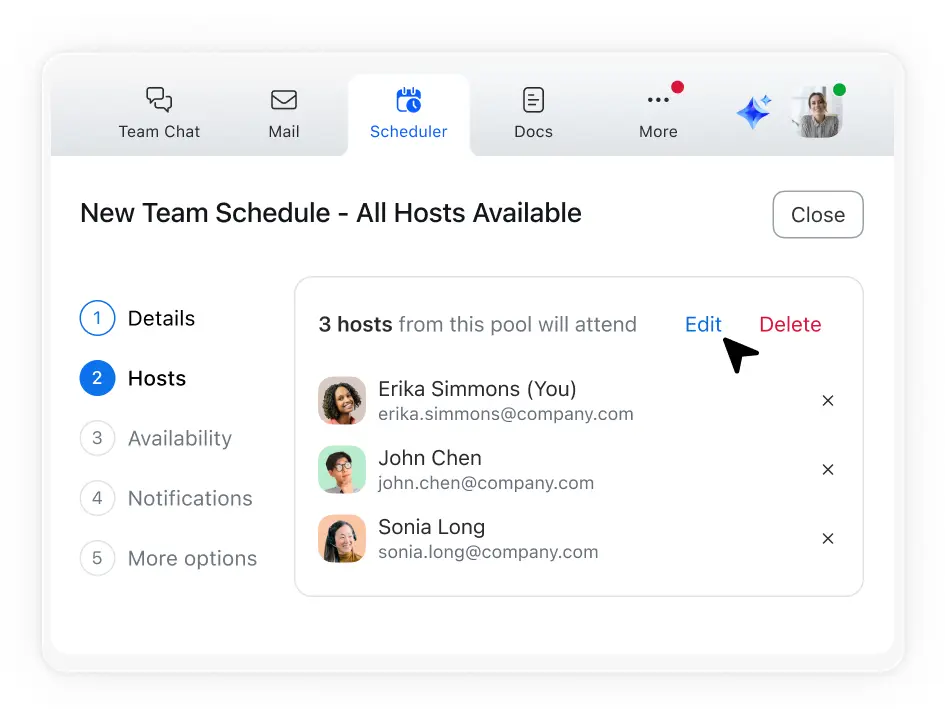
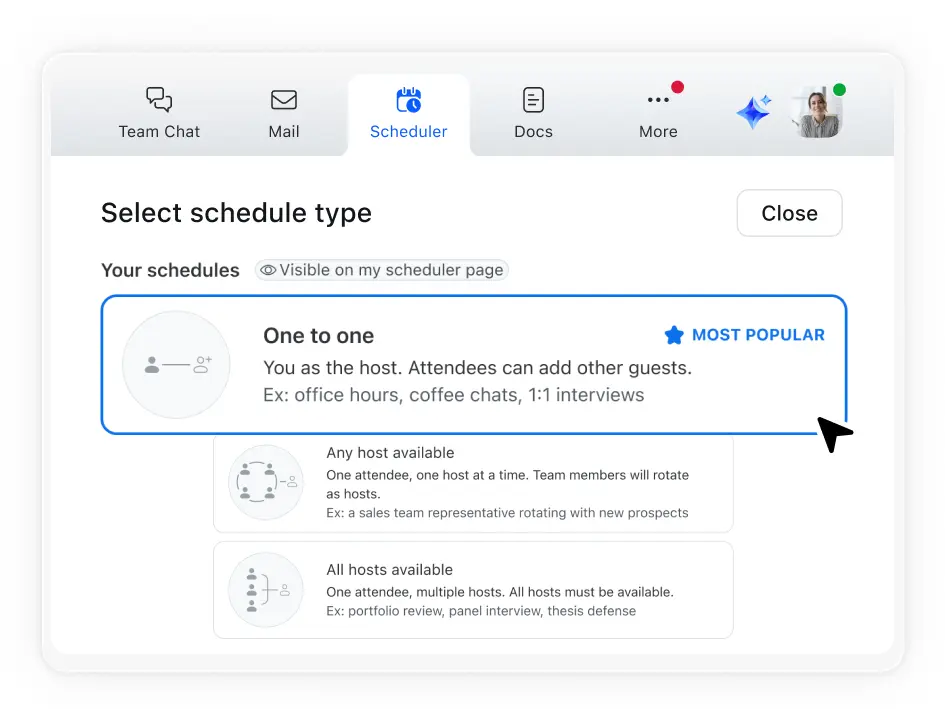
利用集體排程功能,協調多位主持人和一位觀眾的會議時間。
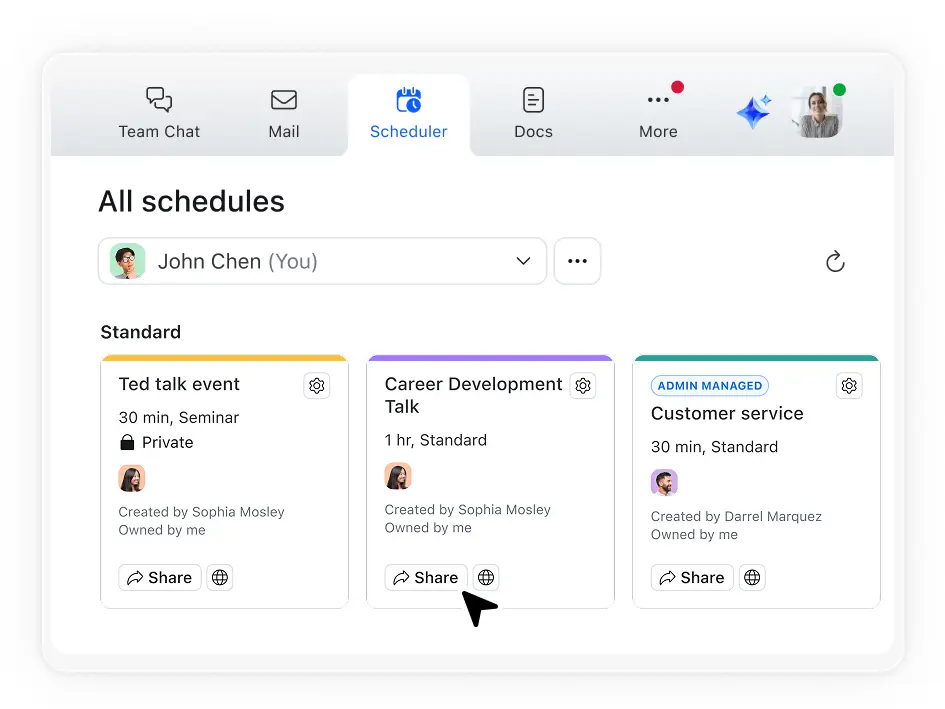
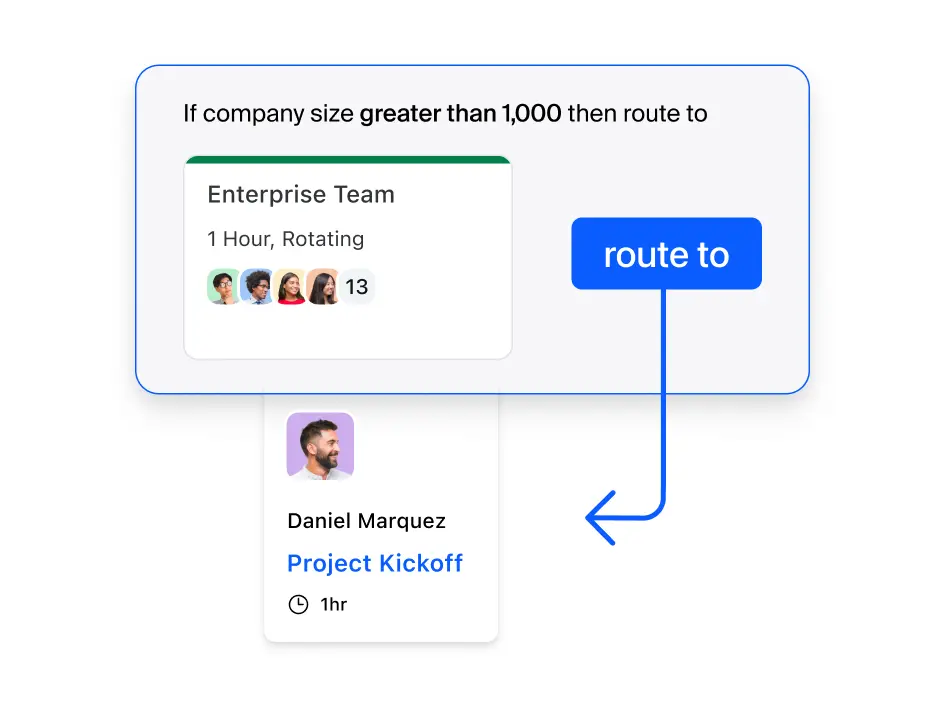
使用輪流排程功能,將客戶直接分配給下一位有空的團隊成員。
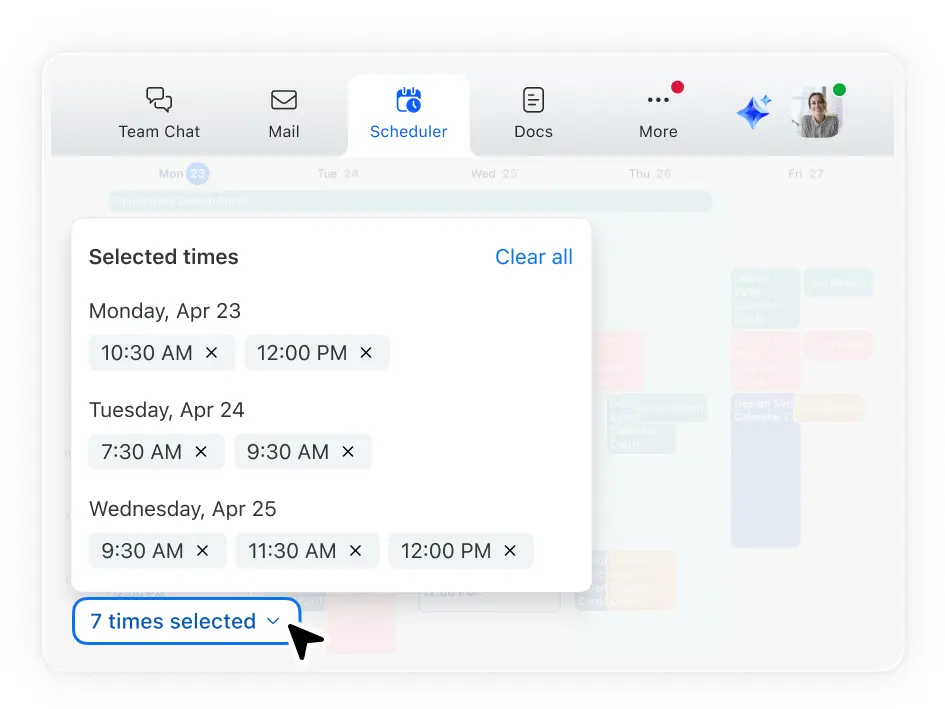
讓每個人根據多數人的意願,挑選自己偏好的時間和排程。
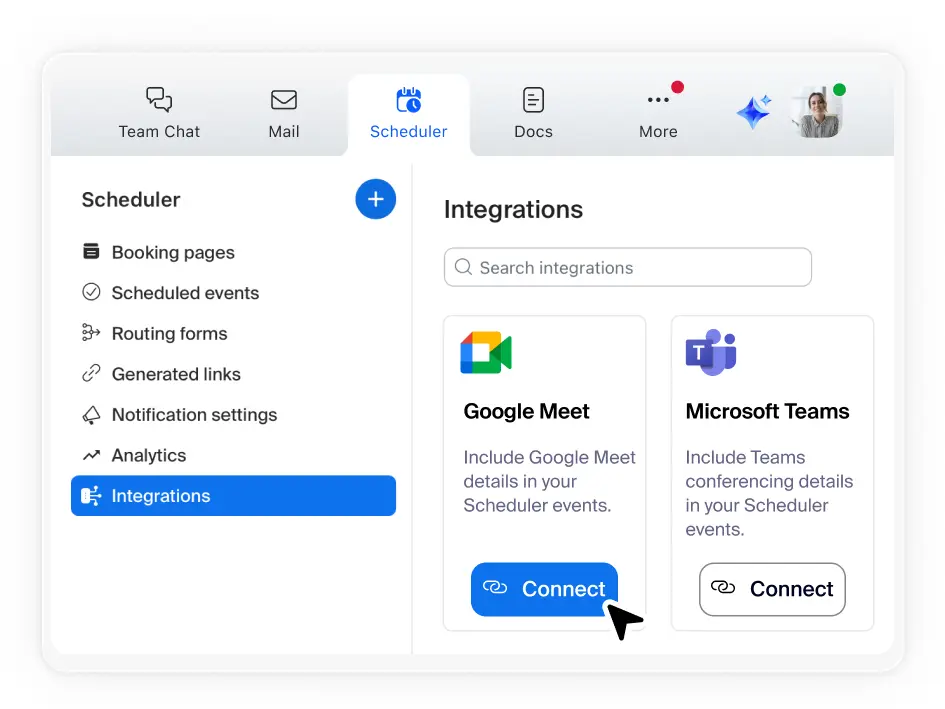
同步您的主要日曆並連結最多 5 個其他日曆 — Scheduler 會自動排除日程衝突,並將新預約同步至您的日曆。
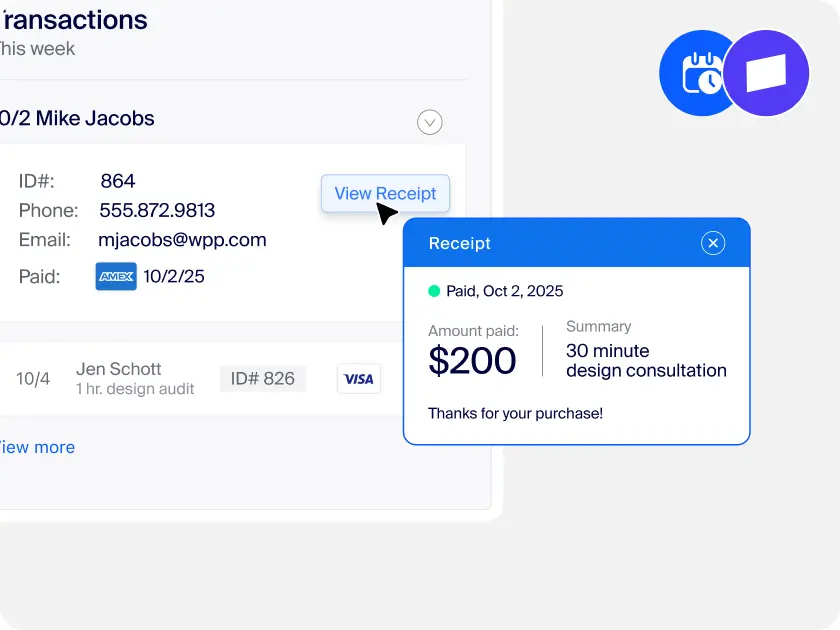
協助小型企業主與服務供應商展現專業形象並保持預約滿檔,省去繁瑣的行政雜務。將客戶意向轉化為實際出席,助您順利拓展業務。
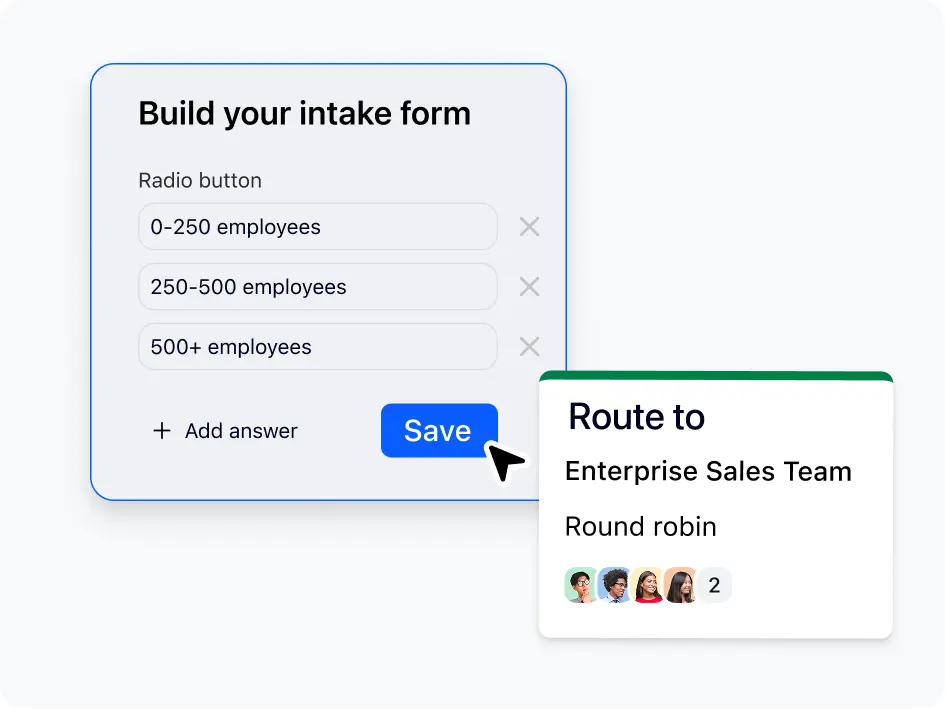
專為銷售團隊設計,旨在協助將客戶意向快速轉化為會議。系統會自動將潛在客戶指派給業務代表,並在預約時同步完成資格評估,省去來回排程時間從而縮短銷售週期。
順暢的候選人體驗始於快速、簡便的面試排程。集體和輪流排程省去群組和小組討論面試的麻煩,而專屬品牌頁面與提醒功能則能增強候選人的信心。
IT 領導者可利用 Zoom 原生的預約應用程式簡化供應商管理並降低成本。在減少額外合約與資安疑慮的同時,為團隊提供真正實用的排程工具。
專為客戶支援團隊設計,讓客戶能直接與專員預約時間,迅速解決問題。免去郵件往返、不需擔心時差 — 只有高效的解決方案與更滿意的客戶。
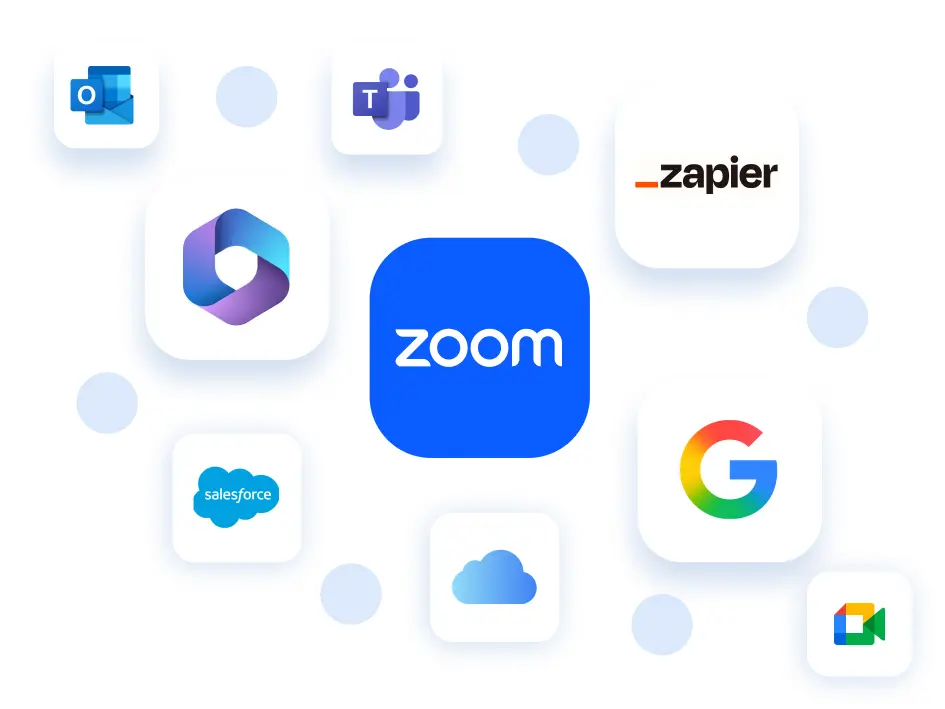
一款能與您現有工具無縫連接的預約排程器。
*Salesforce 和 Zapier 整合功能即將推出。

每個座席每月 $5.99 美元
或隨附於商業版和企業版方案中
Standard - 每個座席每月 $10 美元
Teams - 每個座席每月 $16 美元
Standard
無限制
免費版 - 1 種活動
Standard 與更高版本 - 無限制
每人 6 個
Standard 與更高版本 - 每人 6 個
(按月計費或按年計費)
Standard 與更高版本
Standard 與更高版本
Standard 與更高版本
美國和英國
Standard 與更高版本
Standard 與更高版本
Standard 與更高版本
Standard 與更高版本
Standard 與更高版本
Standard 與更高版本
Standard 與更高版本
Teams
Teams 與更高版本
Teams 與更高版本
Teams 與更高版本
Teams 與更高版本
Teams 與更高版本
Teams - 每位使用者每月 $3 美元附加元件
Enterprise - 隨附
*功能比較是根據截至 2025 年 11 月的公開資訊。

來自超過 54,900 則評論

來自超過 5,800 則評論

UCaaS 平台,
2025 年第 3 季

瞭解如何透過 Zoom Workplace 搭售方案獲得更多相關功能。
Zoom AI Companion 適用於符合資格的付費 Zoom Workplace 方案。可能不適用於所有地區或垂直產業。深入瞭解
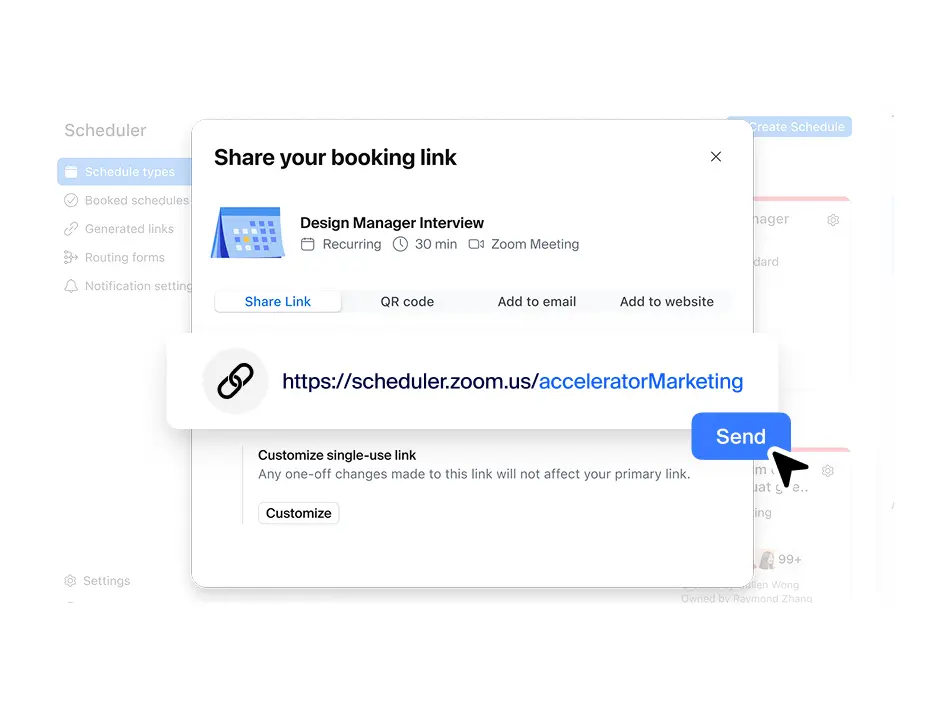
Zoom 的排程器應用程式簡化了與組織外部人員預約流程,讓您能建立並分享專屬連結。他人只要點按連結,即可查看您何時有空,並預約雙方方便的時間。此應用程式會自動發送日曆邀請和提醒,以降低未出席率;同時還能同步多個日曆,有效防止重複預約,確保您的排程精確無誤。
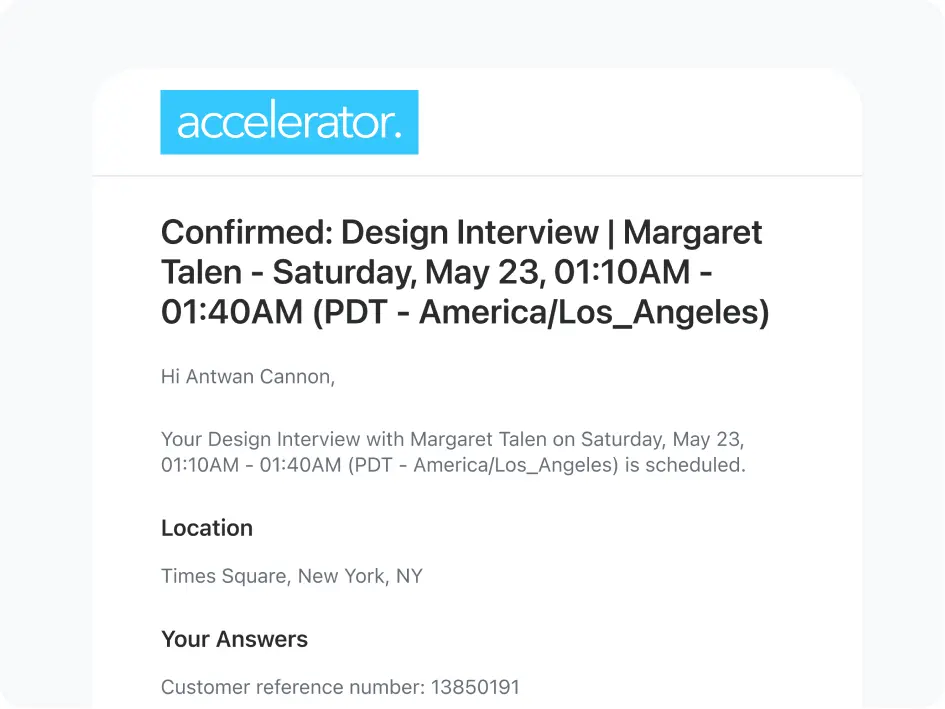
是的,Zoom Scheduler 內建提醒與客戶通知功能,可降低預約未出席率並確保資訊同步。與會者在預約時會自動收到確認電子郵件,並在會議前收到可自訂的提醒。您可根據個人偏好和客戶需求,選擇簡訊或電子郵件通知。兩種通知類型皆可個人化設定 — 透過自訂會前與會後溝通範本,使其符合您的品牌語調,並加入與特定預約類型相關的詳細資訊。
是的,Zoom Scheduler 能無縫整合 Google 日曆、Microsoft 365/Outlook 和 Apple iCloud 等熱門日曆工具。您可連接主要日曆,並額外連結最多 5 個來自這些供應商的行事曆,讓 Scheduler 自動偵測時段衝突,並僅向潛在會議觀眾顯示您的實際有空時間。
如果您正在評估排程軟體,很有可能已接觸過 Calendly。以下比較 Zoom Scheduler 與 Calendly,幫助您瞭解 Zoom 的預約排程應用程式如何以實惠價格提供更高價值。
Yes — Zoom Scheduler's free plan (Scheduler Basic) is a fully functional free appointment scheduler with no credit card required and no expiring trial. The free plan includes one personal booking page, one calendar connection, unlimited meeting polls, one-off booking links, automatic confirmations, and Zoom/Google Meet/Microsoft Teams video links on every booking. The free appointment scheduler is ideal for individuals, solopreneurs, and anyone getting started with online booking. Zoom Scheduler is available with a 14-day free trial. Paid plans start at $4.99/user/month.
If your team requires an automated scheduling system for high-volume growth, Zoom offers professional tiers. These plans unlock premium services scheduling software capabilities such as:
An appointment scheduler is a tool that lets people book time with you based on your real-time availability, without the back-and-forth of email or phone. You set your available hours, share a link, and clients pick a slot directly. The scheduler automatically confirms the booking, updates both calendars, creates a meeting link, and sends reminders before the appointment. Zoom Scheduler is an appointment scheduler built natively into the Zoom platform — every booking auto-generates a Zoom meeting link, so the meeting is ready the moment it's confirmed.
Setting up Zoom Scheduler takes about five minutes. Create a free account, connect your calendar, set your available hours and preferred meeting duration, and add a custom URL to your booking page. Share the link in your email signature, on your website, or anywhere you interact with clients. Bookings come in automatically from that point.
The terms are often used interchangeably. In practice, an appointment scheduler typically refers to external scheduling — clients or customers booking time with you. A meeting scheduler is more often used internally to find a time for colleagues. Zoom Scheduler covers both: booking pages for external appointments, and meeting polls for internal group coordination.