Video meetings, chat, phone, mail, calendar, docs, whiteboard, and more
Video

Connecting and sharing ideas is easier when team collaboration tools work seamlessly together. Discover the benefits of an all-in-one, AI-first work platform. Secure, reliable, trusted.











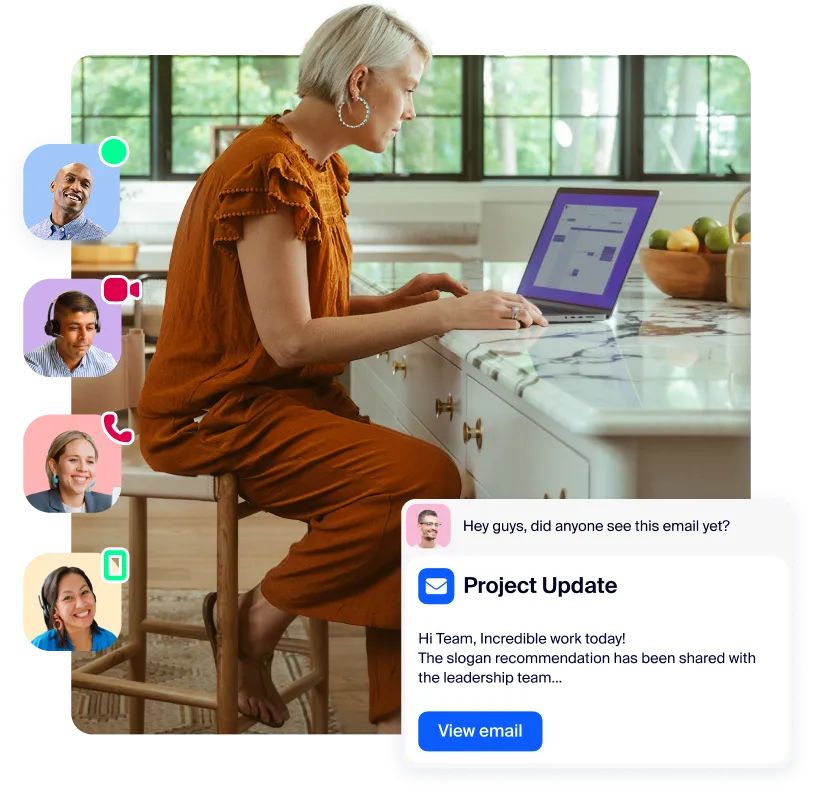
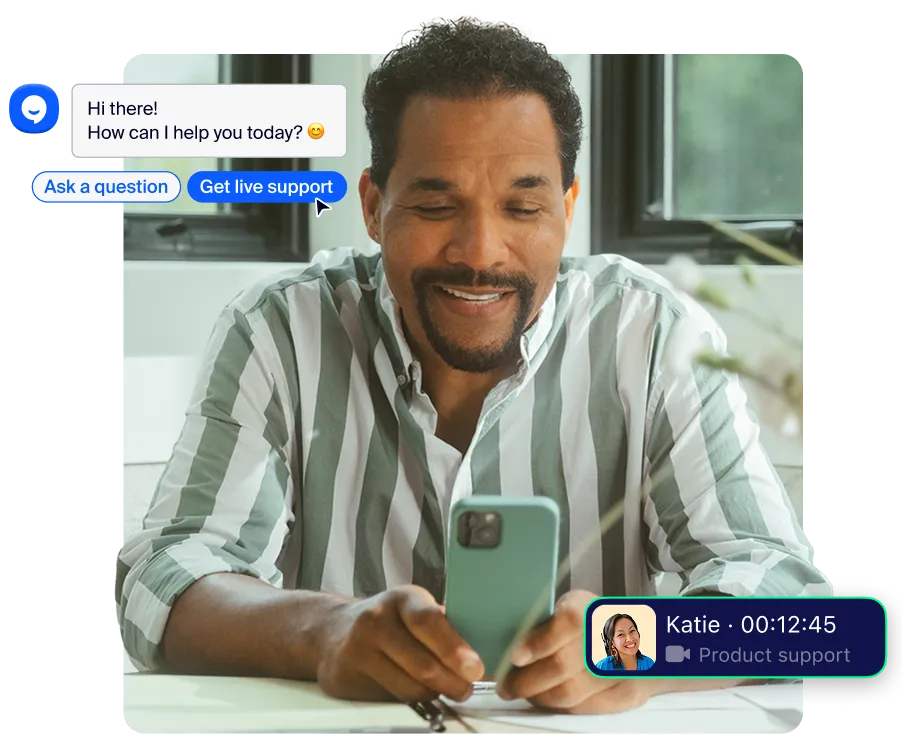
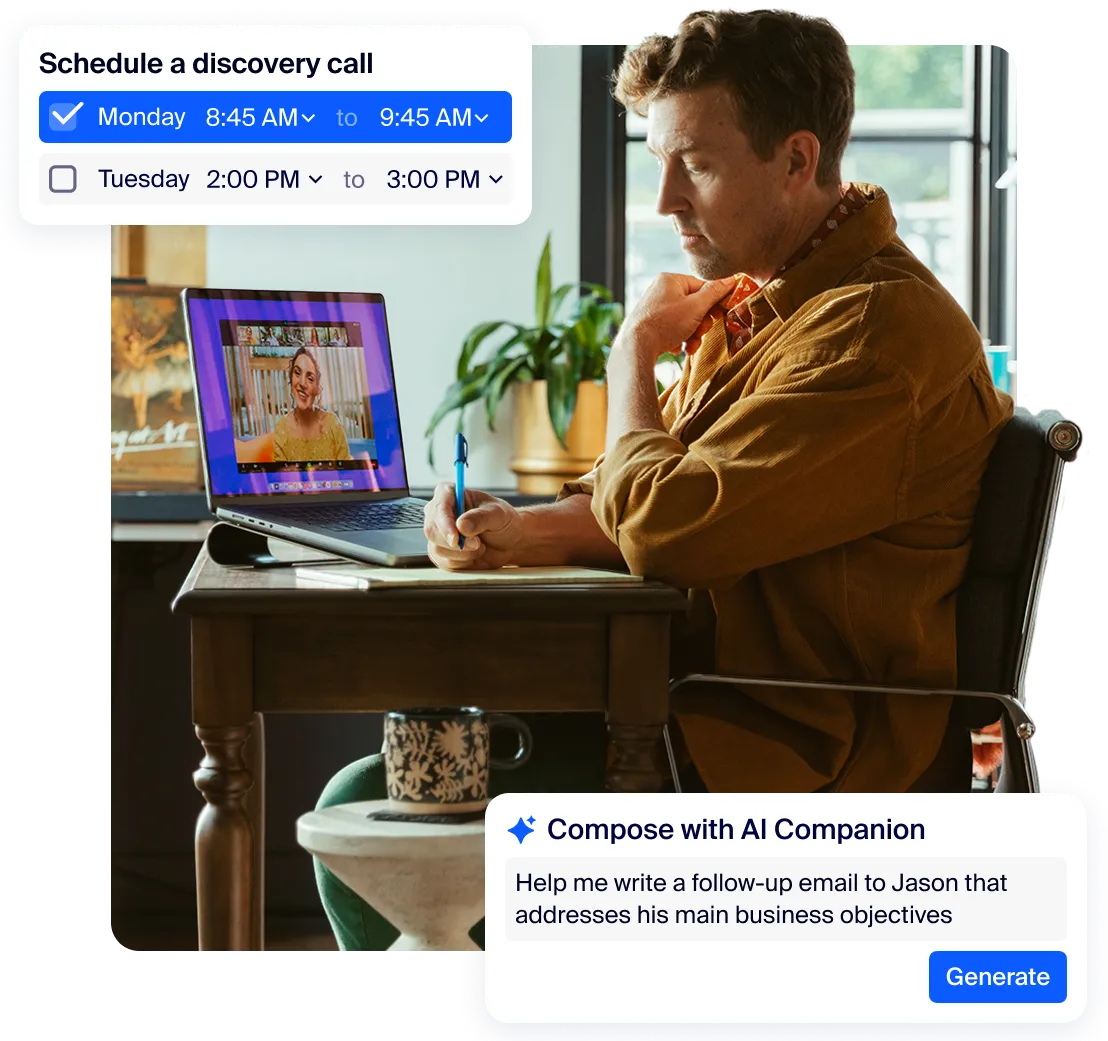
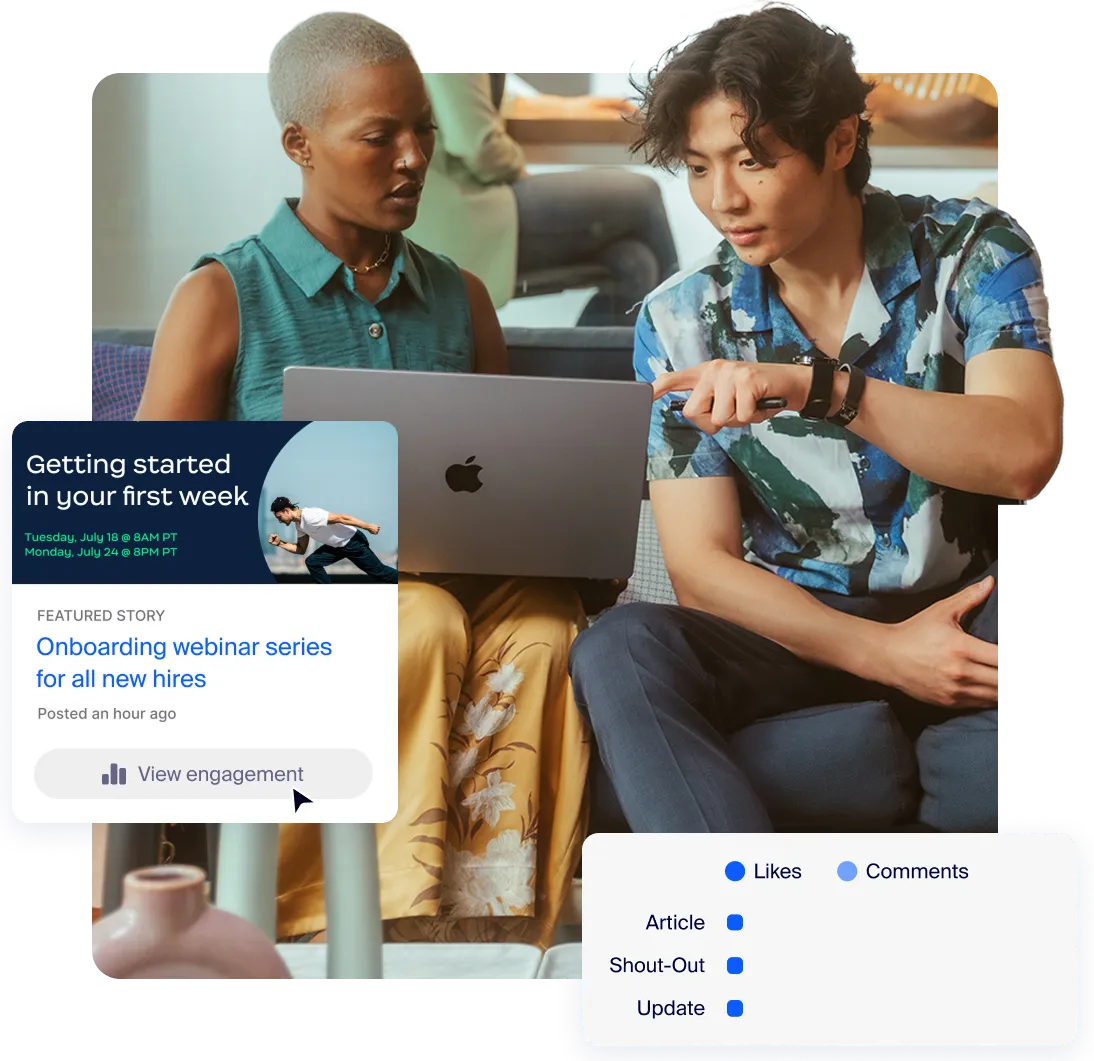
Zoom's AI-first platform doesn't just boost business results — it delivers essential collaboration tools in a delightful experience your team will actually love.

Video

AI

AI

AI

Team Chat

Team Chat

Team Chat

Phone

Phone

External Scheduling

Workspace Solutions

Whiteboard

Whiteboard

Async video

Collaborative Docs

Collaborative Docs

Survey/Polls

Tasks

You could replace this many apps with Zoom Workplace
This is how much a company of your size could save per user, per month compared to the non-enterprise price of your selected software
This is the estimated total savings for a company of people
*Estimated cost savings is based on cancelling the selected third-party plans for US and Canada customers. Pricing is based on publicly available USD list pricing as of March 2025 for new customers. Organizational results are based on the inputs you have provided. Note that these results are an estimation and not guaranteed savings by Zoom and should only be used for informational purposes..








Look and sound your best with best-in-class audio and video, noise suppression, and backgrounds and effects

Collaborate on multiple assets across Zoom and third-party whiteboards, documents, notes, and more.

Increase speed and team alignment using AI summaries, next steps, and queries.

Improve global collaboration and accessibility through multi-language captioning and translations

Quickly schedule and join a meeting with tightly integrated calendar and scheduling solutions across Zoom and third-parties.

Pick up where you left off with chat channels that work before, during, and after meetings.
Zoom offers an extensive suite of collaboration tools designed to help teams get their work done quickly and more efficiently in an all-in-one AI-first platform.
Zoom Workplace collaboration tools to facilitate real-time communication include:
Zoom Workplace collaboration tools to improve work productivity include:
Zoom Workplace collaboration tools to support in-office and remote work together include:
Finally, Zoom’s collaboration tool designed to increase employee engagement and enhance internal communication is Workvivo.
Ready to try Zoom Workplace? Sign up for a free Zoom Workplace Basic plan to get started, or explore plans and pricing.
Yes, we offer several options to bundle our Workplace products. View our plans here. Our Workplace products are tightly integrated and work together to create a seamless, unified experience. Workplace bundles are excellent value for your money and offer savings.
Our paid Zoom Workplace plans come with AI Companion at no additional cost. AI Companion simplifies everyday tasks, like taking meeting notes, composing emails, and summarizing long threads.
All plans allow up to 100 participants by default in each meeting. Zoom Workplace Business accounts can host up to 300 participants. Add the Large Meetings add-on to accommodate up to 1000 attendees. For maximum attendance flexibility, consider hosting a webinar instead.
All plans offer local recording on your computer, while paid plans offer the additional option of cloud recording. Paid plans with AI Companion can utilize smart recording to have their recordings divided into chapters with an attached transcript. You can start recording from the toolbar inside your Zoom meeting or set the meeting to begin recording when it starts.
Yes, it is easy to optimize your conference room for Zoom Meetings using compatible devices from our range of hardware partners. Learn more about Zoom Rooms.
You and your team can use various collaboration tools throughout your daily workflows to streamline communication and keep everyone informed. For example, you might start the day with a Zoom Meeting for a virtual stand-up meeting, then switch to Zoom Chat instant messaging for quick questions and real-time discussions throughout the day. Team members might open a productivity tool like Docs to view a shared project tracker, adjust the status of tasks they’re working on, and @mention stakeholders in the doc about important updates. At the end of the day, you might use Zoom Clips to send a video message to team members with an update on progress made on an important project. This asynchronous form of communication keeps everyone informed without requiring everyone to be together in a meeting.
These different collaboration tools support the way teams communicate and work together across distributed workplaces and geographical locations. With Zoom Workplace, teamwork is easier and more effective because all of your collaboration tools work together seamlessly in one platform.
Ready to try Zoom Workplace? Sign up for a free Zoom Workplace Basic plan to get started, or explore plans and pricing.
Zoom Workplace gives you an all-in-one, AI-powered collaboration solution for communications, productivity, and spaces solutions with the option to add Workvivo for employee engagement. AI Companion is woven throughout to help you get more out of your day with capabilities like meeting summaries and next steps, in meeting questions, composing chats and emails, and more. Zoom Workplace bundles simplify pricing and user management.