使用 Zoom Scheduler 轻松共享您的空闲时段并完成预约。通过我们的 AI 优先型平台,无缝连接会议、聊天、日历和画布文档——每一次交互都能增进彼此间的联系。
使用 Zoom Scheduler 轻松共享您的空闲时段并完成预约。通过我们的 AI 优先型平台,无缝连接会议、聊天、日历和画布文档——每一次交互都能增进彼此间的联系。
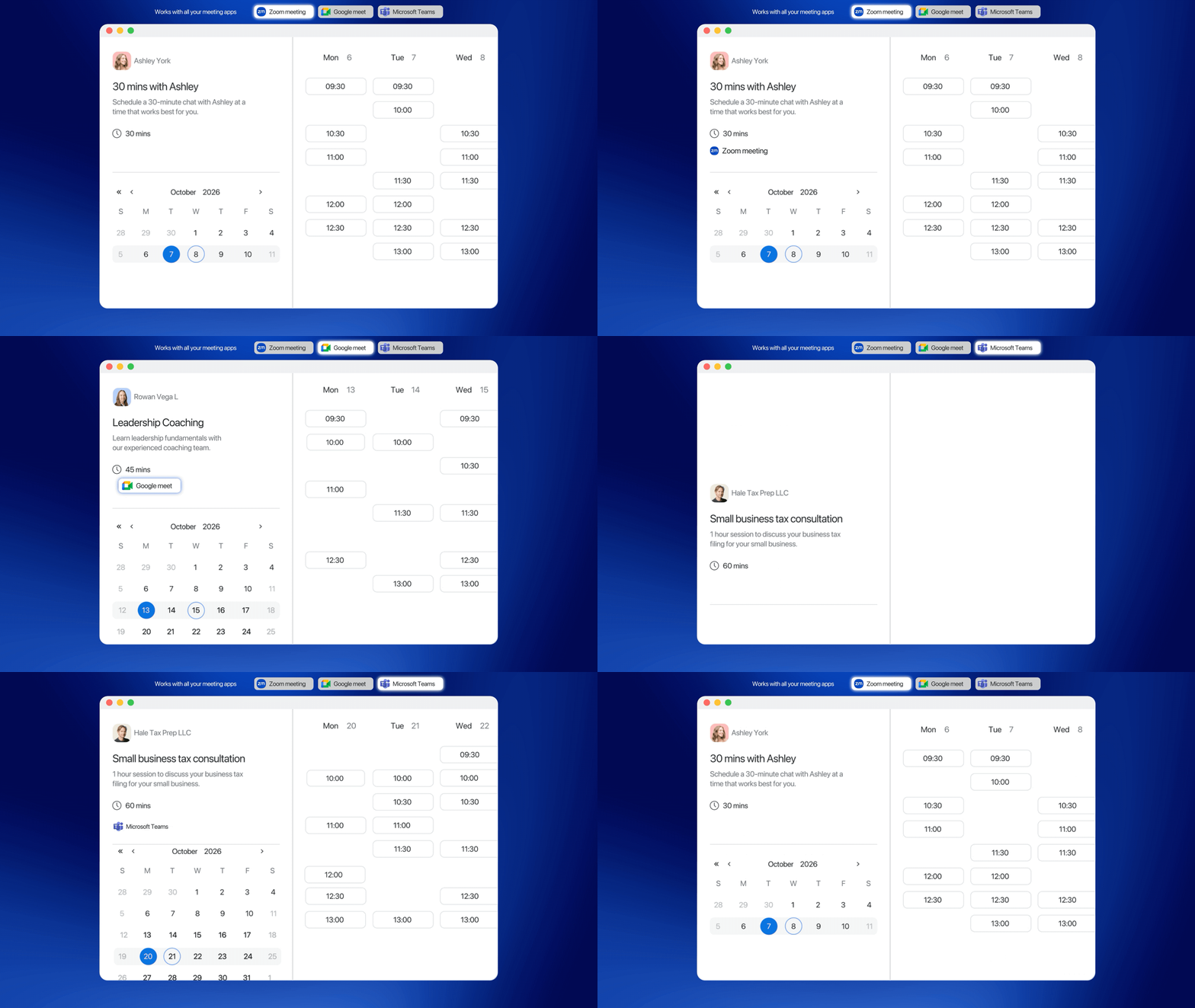

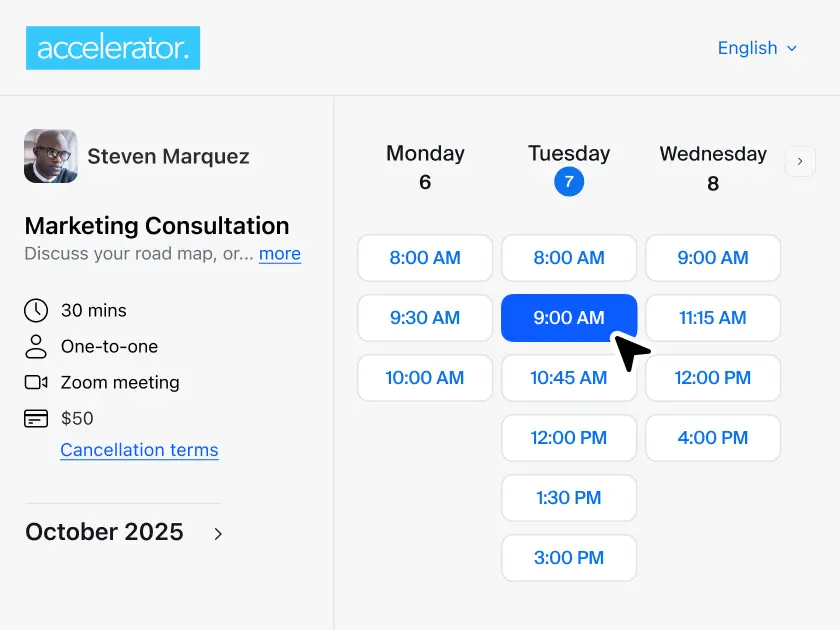
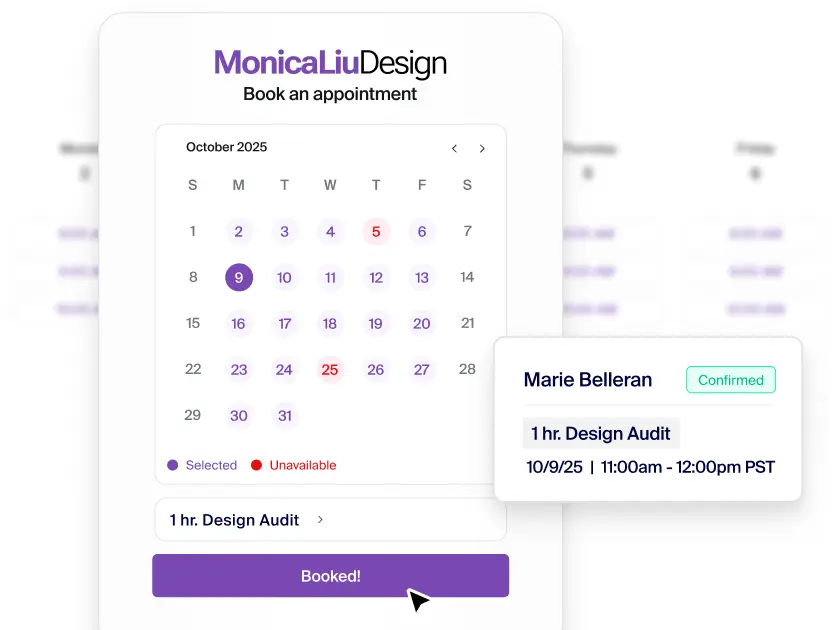
通过便捷的预订页面、自动确认和观众即时提醒功能,预订会议并同步至您的日历。

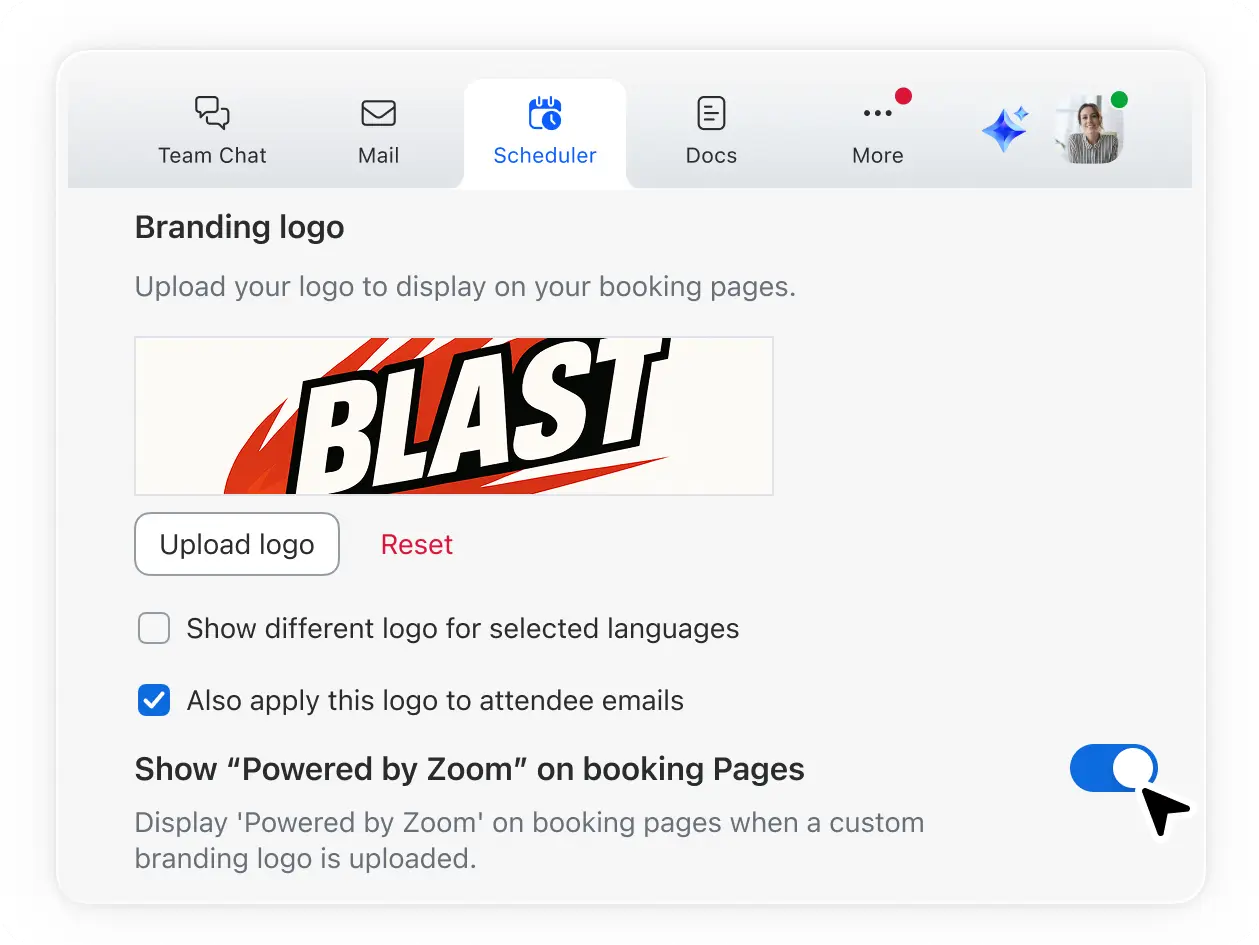
借助自定义预订页面赢得客户信任:在彰显品牌特色的同时,确保日程安排流程顺畅无阻。

快速安排会议和咨询服务:客户自行完成预订,而您则可专注于拓展业务。

借助 ZoomMate 获取 AI 会议摘要和预约跟进建议,高效处理待办事项。

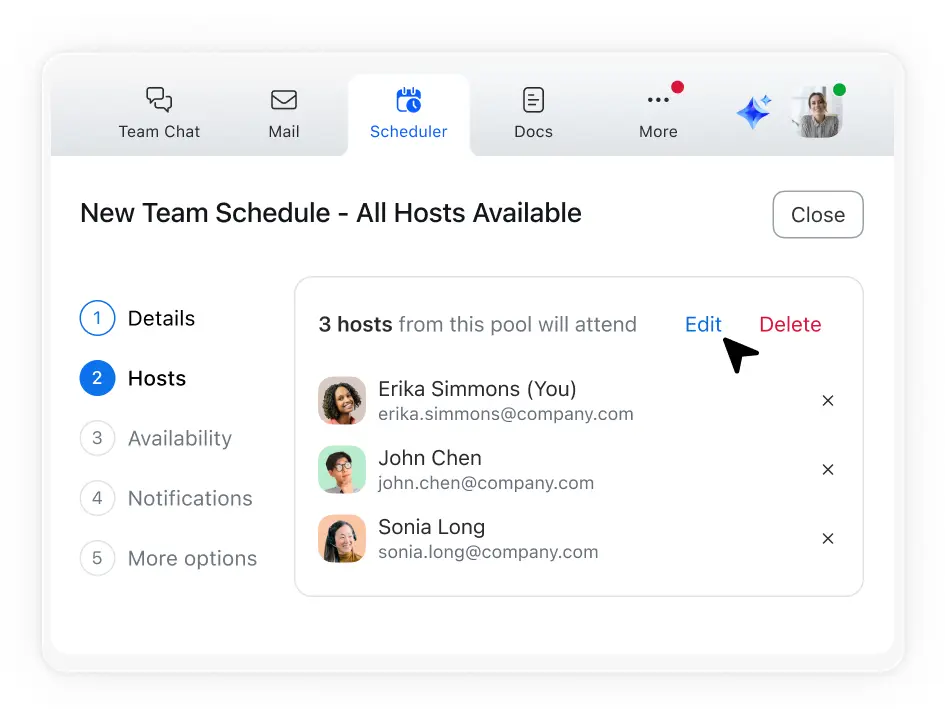
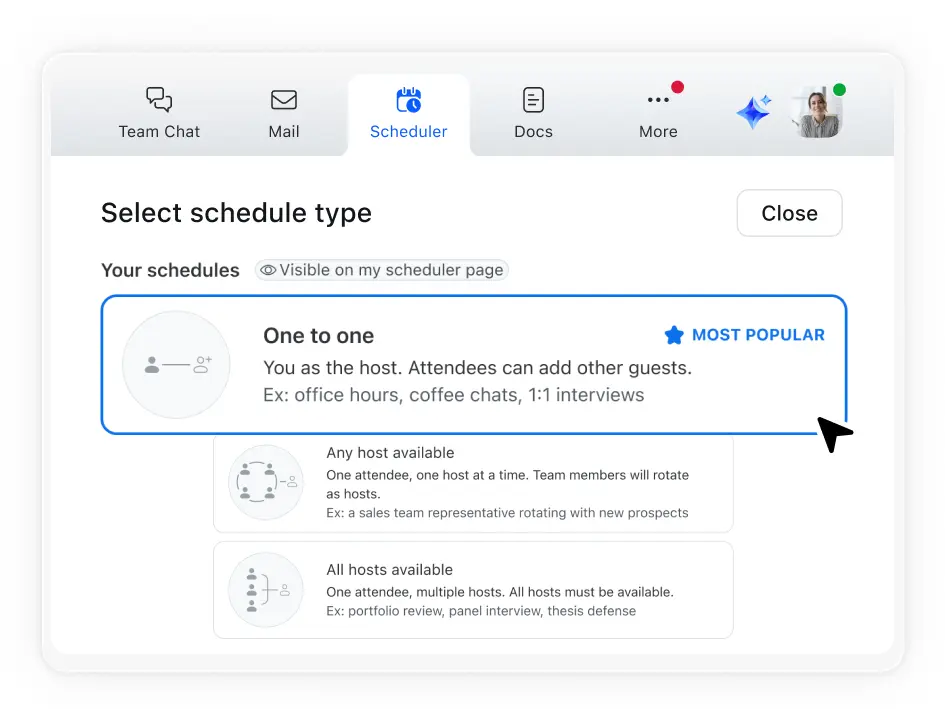
借助集体安排功能,协调多位主持人与单名观众的会议时间。
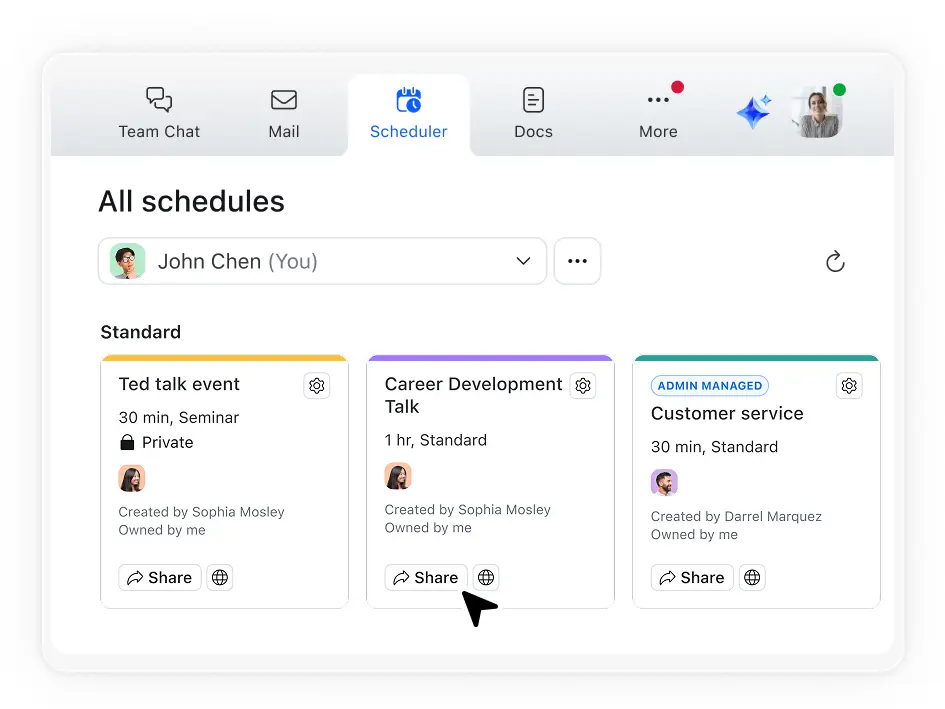
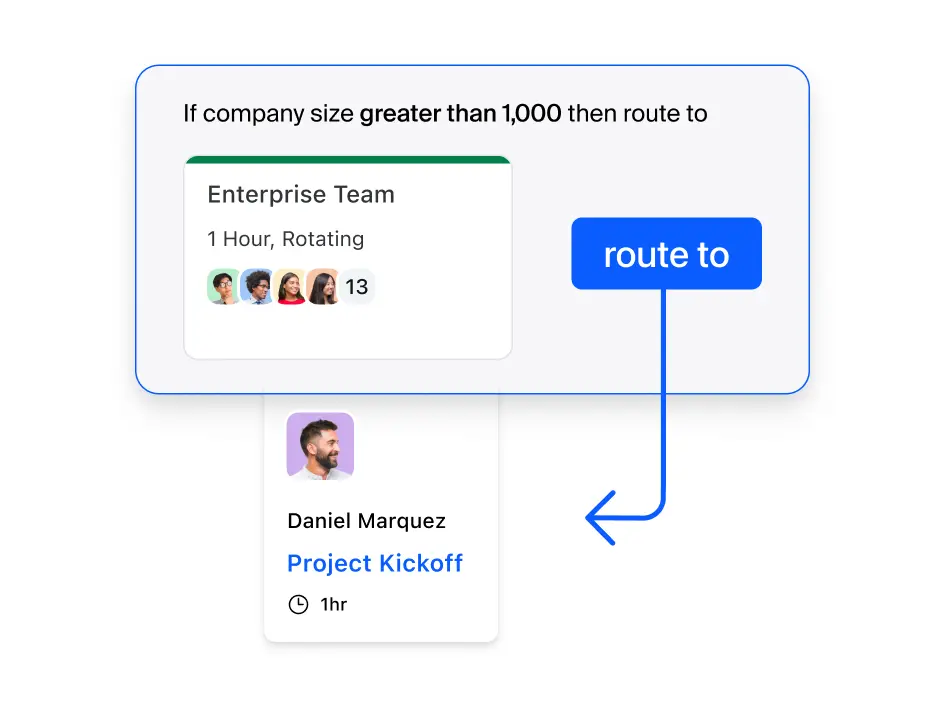
利用轮换循环安排功能,将客户直接引导至下一位空闲的团队成员。
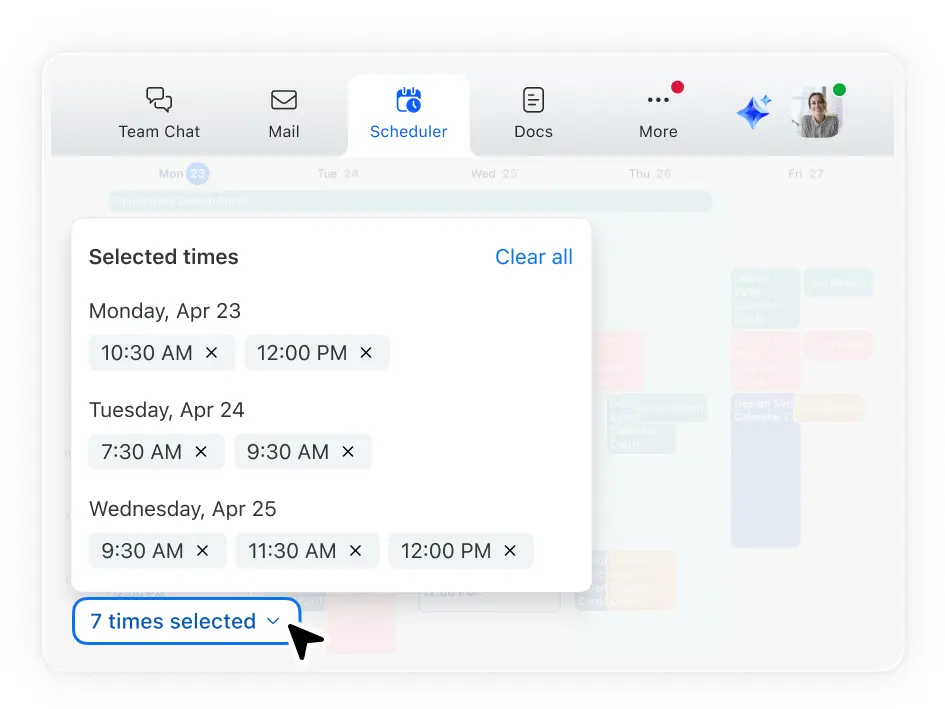
让所有用户选择适合自己的时间,并根据多数人的偏好安排日程。
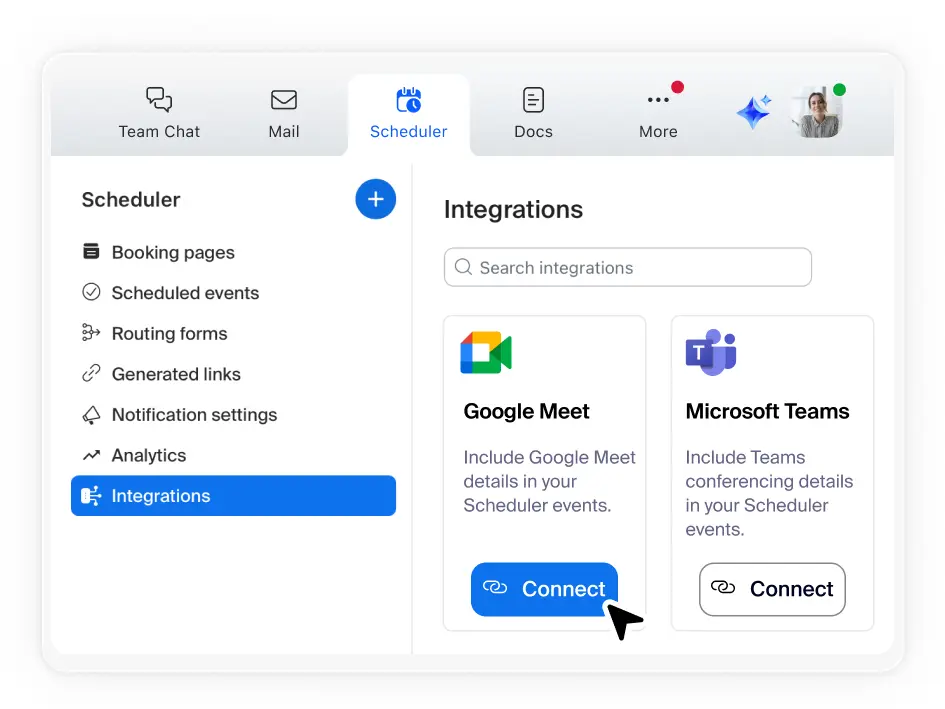
同步您的主日历并关联最多五个其他日历。Scheduler 会自动规避日程冲突,并将新的预订信息同步至您的日历。
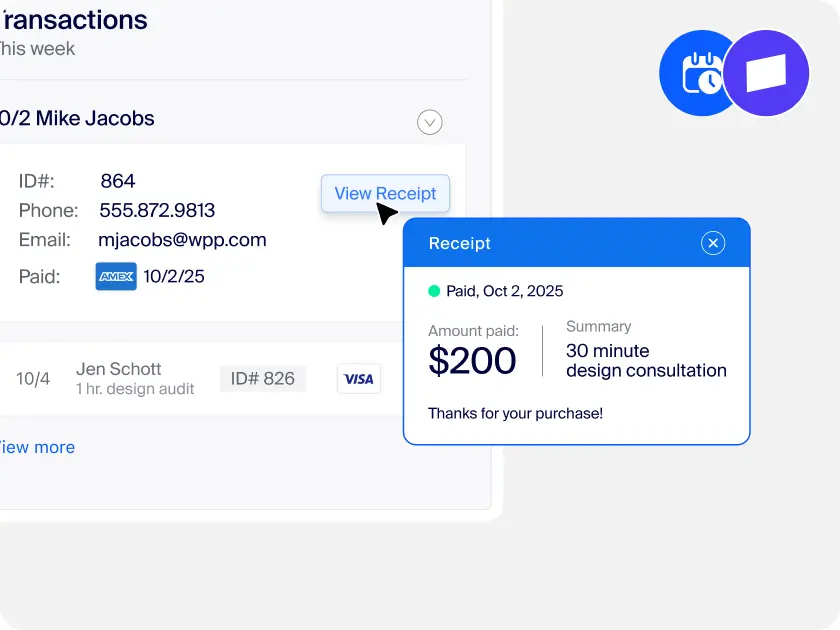
小型企业所有者和服务提供商可以展现专业素养、确保日程“满档”,同时摆脱繁琐的行政事务和切换多种工具的困扰。将商机转化为定期预约日程,助力业务拓展。
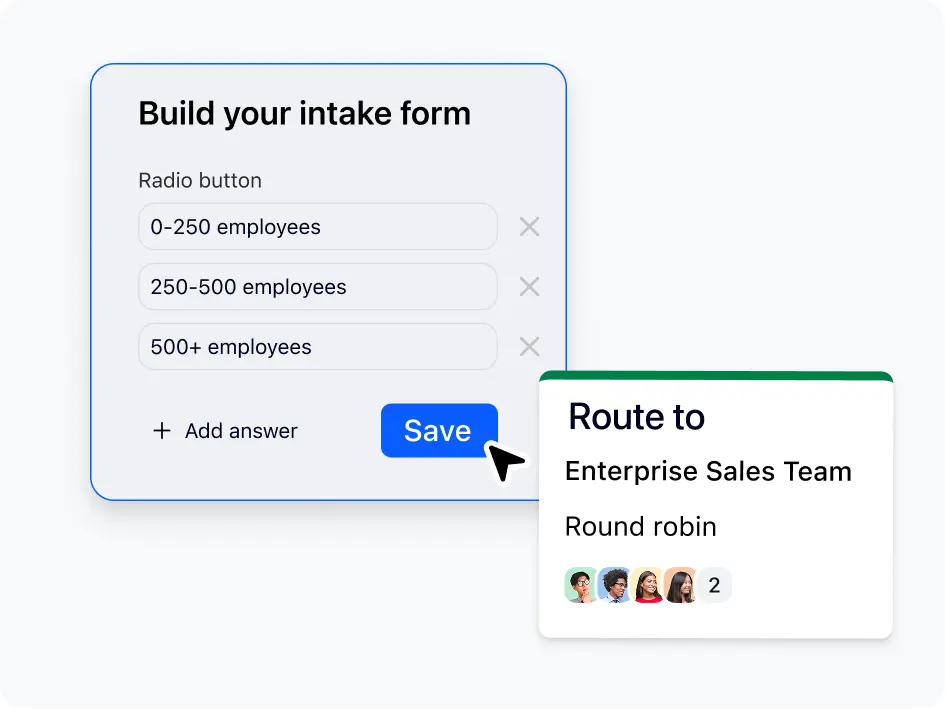
帮助销售团队将商机快速转化为会议,将潜在客户自动分配给销售代表,在预订期间筛选潜在客户,并通过减少来回沟通缩短销售周期。
顺畅的候选人体验始于轻松快捷的面试安排流程。集体和轮换循环安排功能可减少群组面试和小组面试的工作量,而品牌化页面和提醒功能则可增强候选人的信心。
IT 领导者可以利用 Zoom 的原生预订应用来减少供应商管理工作量和相关成本。减少额外的合同和安全问题,同时为团队提供实用的日程安排工具。
允许客户直接与专家预订时间,助力支持团队快速解决问题。无需来回发送电子邮件或考虑时区差异,只需专注于快速解决问题并提升客户满意度。
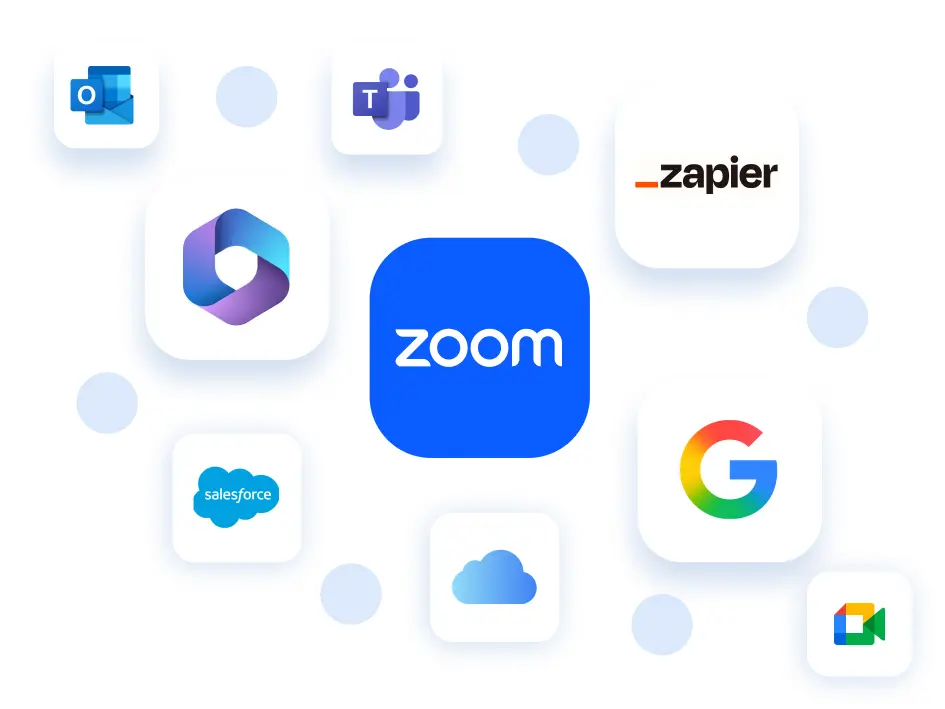
一款可与常用工具无缝连接的预约安排程序。
*Salesforce 和 Zapier 集成即将上线。

5.99 美元/月/席位
或包含在商业版和企业版
套餐中
Standard - 10 美元/月/席位
Teams - 16 美元/月/席位
Standard
无限制
免费套餐 - 1 场活动
Standard 及以上-无限制
每人 6 个
Standard 及以上 - 每人 6 个
(按月或按年计费)
Standard 及以上
Standard 及以上
Standard 及以上
美国和英国
Standard 及以上
Standard 及以上
Standard 及以上
Standard 及以上
Standard 及以上
Standard 及以上
Standard 及以上
Teams
Teams 及以上
Teams 及以上
Teams 及以上
Teams 及以上
Teams 及以上
Teams - 3 美元/用户/月(附加组件)
企业 - 已包含
*根据截至 2025 年 11 月的公开可用信息进行的功能比较。

根据 54,900+ 条评论得出的评分

根据 5,800+ 条评论得出的评分

UCaaS 平台,
2025 年第三季度

了解 Zoom Workplace 组合套餐如何为您创造更多价值。
Zoom AI Companion 已包含在符合条件的付费 Zoom Workplace 套餐中。可能不适用于所有地区或垂直行业。了解更多
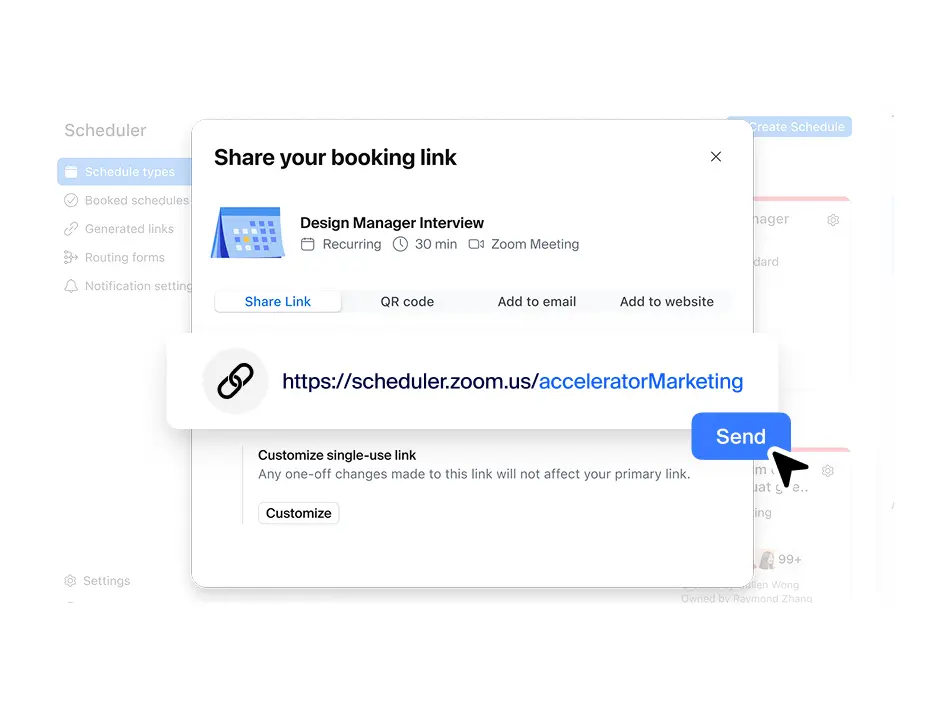
Zoom 的安排程序应用可简化用户与组织外部人员预订会议的流程,助您创建并分享自定义链接,以便查看您的可预约时段。用户只需点击您的链接,即可查看您的空闲时间,并预订适合双方的时间。此应用会自动发送日历邀请和提醒,以减少缺席情况。它还能与多个日历同步,以免重复预订,确保日程安排准确无误。
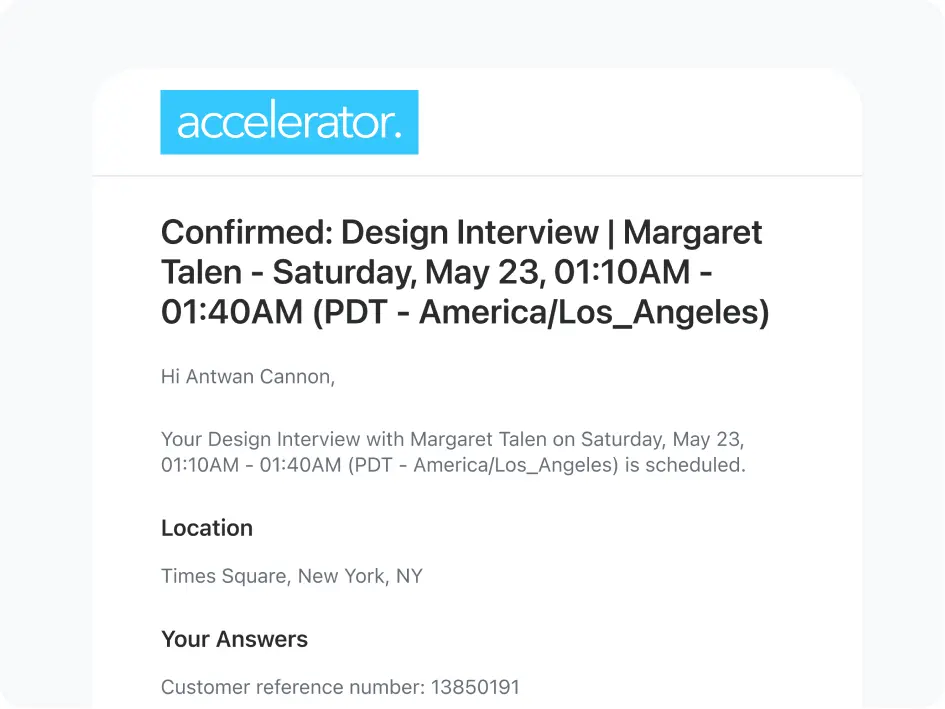
是的,Zoom Scheduler 包含内置提醒和客户通知功能,可有效减少缺席情况并确保全员信息同步。观众在预订会议时会收到系统自动发送的确认电子邮件,在会议前还会收到自定义提醒。您可以根据个人偏好和客户需求,选择短信或电子邮件通知。两种通知类型均可进行个性化设置:您可以定制会议前和会议后沟通模板,以契合您的品牌语调,并针对所选的预约类型添加相关细节。
能,Zoom Scheduler 可与热门日历工具无缝协作,包括 Google 日历、Microsoft 365/Outlook 和 Apple iCloud。您可以连接主日历,并关联最多五个来自此类提供商的日历,Scheduler 能够自动规避日程冲突,仅向潜在的会议观众显示您的真实可预约时段。
如果您正在评估日程安排软件,那么您很有可能已接触过 Calendly。让我们来看看 Zoom Scheduler 与 Calendly 的对比情况,了解 Zoom 的预约安排程序应用如何以优惠价格为您创造更多价值。
Yes — Zoom Scheduler's free plan (Scheduler Basic) is a fully functional free appointment scheduler with no credit card required and no expiring trial. The free plan includes one personal booking page, one calendar connection, unlimited meeting polls, one-off booking links, automatic confirmations, and Zoom/Google Meet/Microsoft Teams video links on every booking. The free appointment scheduler is ideal for individuals, solopreneurs, and anyone getting started with online booking. Zoom Scheduler is available with a 14-day free trial. Paid plans start at $4.99/user/month.
If your team requires an automated scheduling system for high-volume growth, Zoom offers professional tiers. These plans unlock premium services scheduling software capabilities such as:
An appointment scheduler is a tool that lets people book time with you based on your real-time availability, without the back-and-forth of email or phone. You set your available hours, share a link, and clients pick a slot directly. The scheduler automatically confirms the booking, updates both calendars, creates a meeting link, and sends reminders before the appointment. Zoom Scheduler is an appointment scheduler built natively into the Zoom platform — every booking auto-generates a Zoom meeting link, so the meeting is ready the moment it's confirmed.
Setting up Zoom Scheduler takes about five minutes. Create a free account, connect your calendar, set your available hours and preferred meeting duration, and add a custom URL to your booking page. Share the link in your email signature, on your website, or anywhere you interact with clients. Bookings come in automatically from that point.
The terms are often used interchangeably. In practice, an appointment scheduler typically refers to external scheduling — clients or customers booking time with you. A meeting scheduler is more often used internally to find a time for colleagues. Zoom Scheduler covers both: booking pages for external appointments, and meeting polls for internal group coordination.