Zoom Clips와 Loom 비교

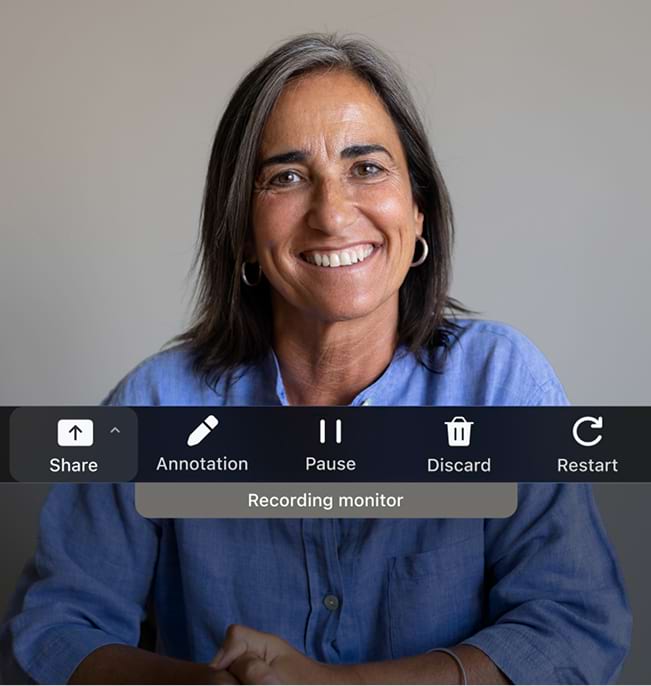
Zoom Clips Plus를 사용하면 안전한 프로급 화면 녹화기와 AI 비디오 제작 기술을 이용할 수 있습니다.

매일 사용하는 Zoom Workplace 플랫폼에 원활하게 통합되어 있습니다.
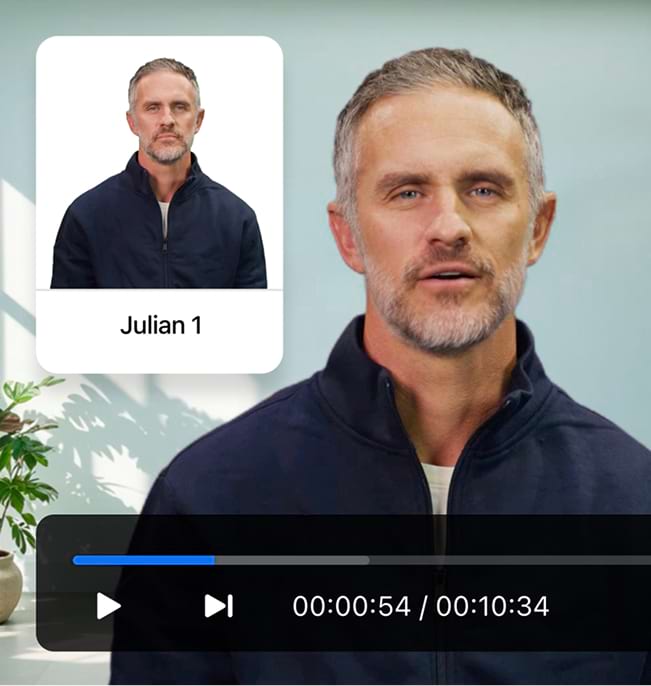
  • 아바타가 포함된 AI 생성 비디오

    스크립트를 업로드하고 AI 아바타를 화면에 표시해 발표를 진행하세요. 카메라도, 끝없는 재촬영도 필요 없습니다.*

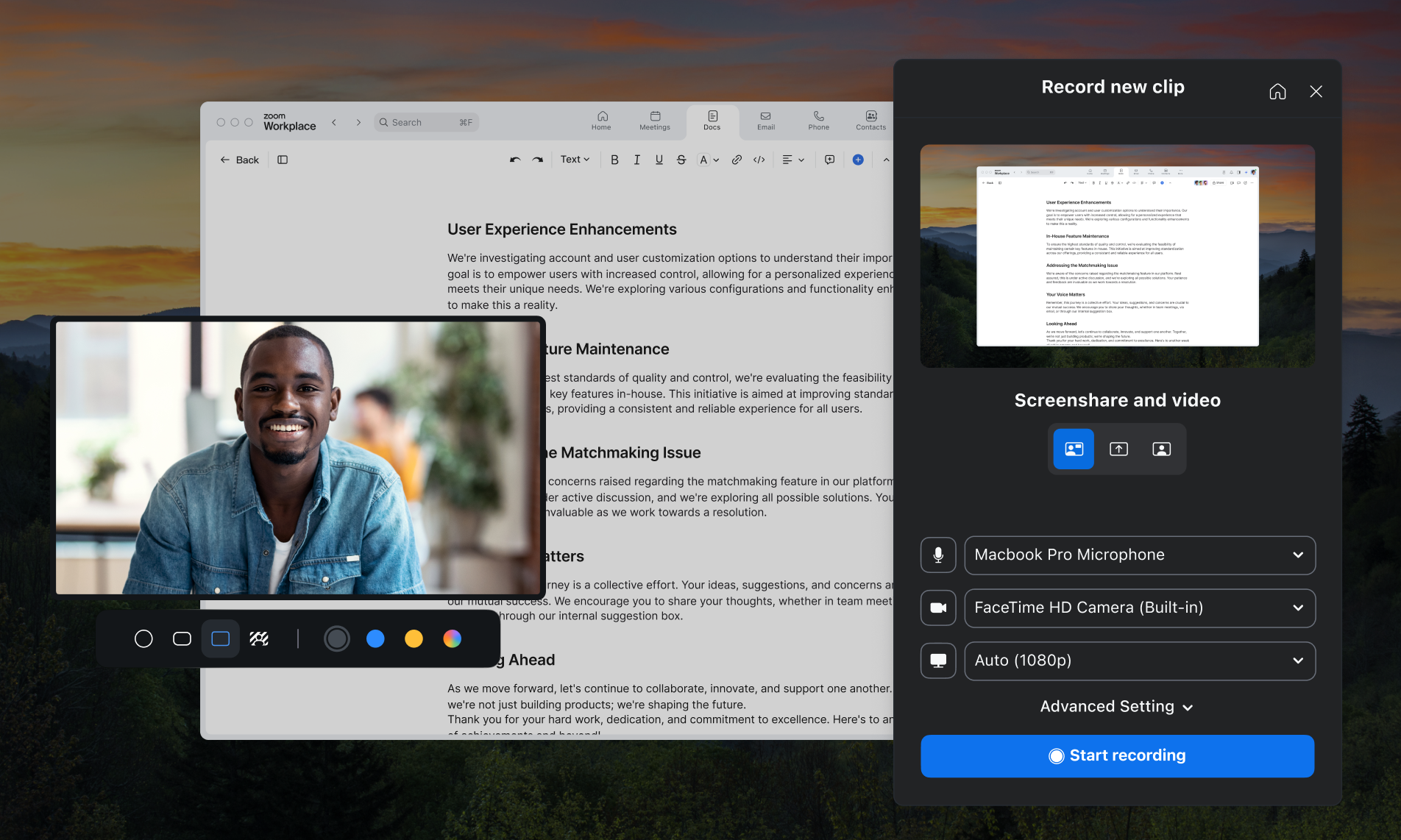
  • 세련된 고품질 비디오

    내장 도구와 브랜딩 옵션, 그리고 동급 최고 수준인 Zoom의 비디오 기술을 이용할 수 있습니다.

  • 올인원 플랫폼

    Zoom Meetings,** Team Chat,
    Docs, Mail,Whiteboard에서
    원활하게 녹화하고 공유하세요.

앞면

"저희가 Loom에서 Zoom Clips로 전환하는 이유는 Clips를 통해 비디오 녹화 및 공유를 협업에 자유롭게 활용할 수 있을 뿐만 아니라, Clips가 Zoom 플랫폼에 이미 통합되어 있고 저희가 보유 중인 라이선스로 이를 이용할 수 있다는 이점도 있기 때문입니다."

Greg Karp-Nuefeld

Front 기업 IT 책임자

Zoom과 Loom 비교
Zoom과 Loom 비교

고객이 Loom보다 Zoom을 선택하는 이유

Zoom Clips Zoom Clips

무료 +

유료 요금제에 AI Companion 포함

Loom Loom

월 $15~$24/사용자

(월간 또는 연간 청구)

Zoom Clips Plus vs Loom Business

$5 - $7 per user/month
(billed monthly or annually)

$15 - $18 per creator/month
(billed monthly or annually)

With AI included

$13 - $17 per user/month
(billed monthly or annually)

$20 - $24 per creator/month
(billed monthly or annually)

Title and description generation with AI

Business + AI and Enterprise plans only

Auto chaptering with AI

Business + AI and Enterprise plans only

Add embedded links to videos

Business and up

Download videos

Business and up

Password protected videos

Business and up

Share clip from a meeting

Coming soon

Custom video thumbnails

Business and up

Custom branding with ability to add custom logo

Business and up

Customize colors of video player

Business and up

Custom recording dimensions

Business and up

Add external videos in multiple formats

Business and up

Engagement Insights

Business and up

SSO (SAML)

Enterprise

Directory & provisioning (SCIM)

Enterprise (Okta only)

User roles and management

Enterprise

Custom data retention policies

Enterprise

*2025년 4월 기준 공개적으로 사용 가능한 정보를 기반으로 한 기능 비교입니다.

가격
가격

Clips 요금제 및 가격 알아보기

Zoom Workplace 번들로 더 많은 혜택을 누리는 방법을 알아보세요.

요금제 살펴보기 요금제 살펴보기 ?? "";
연간 요금제
Workplace 기본 사용자 1명
무료

무료 체험하기

포함된 기능
  • Clips 기본

    2분 길이 동영상 5개

  • Docs 기본

    최대 10개 문서 공유

  • Meetings

    회의당 최대 40분

    회의당 참가자 최대 100명

  • Mail
  • Calendar
  • Team Chat
  • Tasks 기본

    수동 입력

  • Notes
  • Whiteboard 기본

    편집 가능한 보드 3개

  • Zoom Hub 기본
Workplace 프로 사용자 1명
 

양식을 제출함으로써 본인은 개인정보 처리방침에 동의합니다.

첫 번째 클립을 녹화할 준비가 되셨나요?

*Zoom AI Companion은 적격한 유료 Zoom Workplace 요금제를 통해 사용할 수 있습니다. 일부 지역 또는 업종에서는 제공되지 않을 수 있습니다. 자세히 알아보세요.